MetaDefender Drive with Smart Touch v2.1.0 expands connectivity options by supporting enterprise Wi-Fi networks and enabling direct date and time configuration from the MetaDefender Drive with Smart Touch interface. Wi-Fi network connection can be enabled using enterprise authentication and, when required, CA certificates. Devices’ date, time, and time zone can also be set manually or automatically via NTP (Network Time Protocol).
Configure Connect to Enterprise Wi-Fi Networks
With this release, MetaDefender Drive with Smart Touch can connect directly to networks that require extra authentication beyond the standard Wi-Fi credentials .
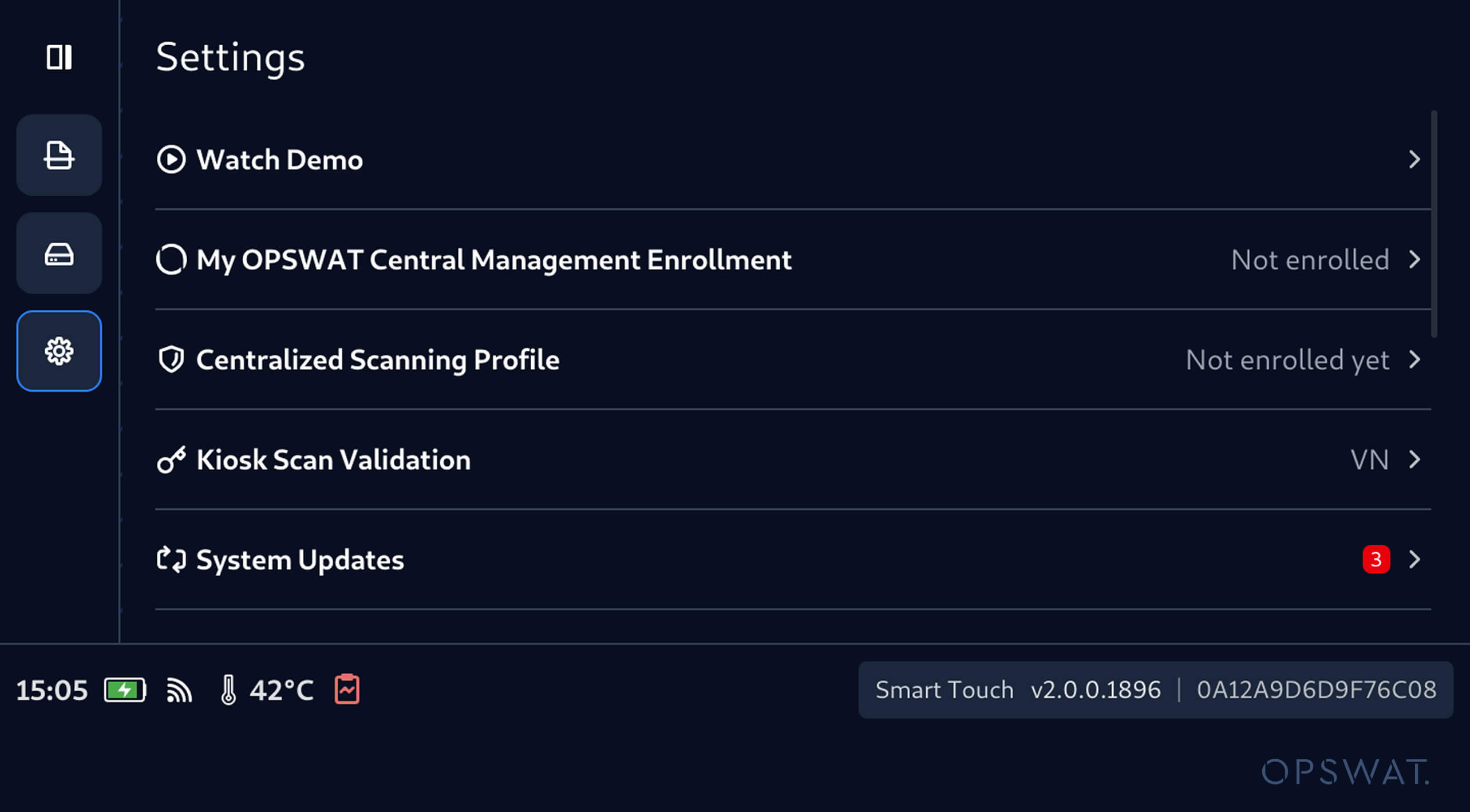
1. Navigate to Network Settings under the Settings menu to view the available networks and select the network to connect to.
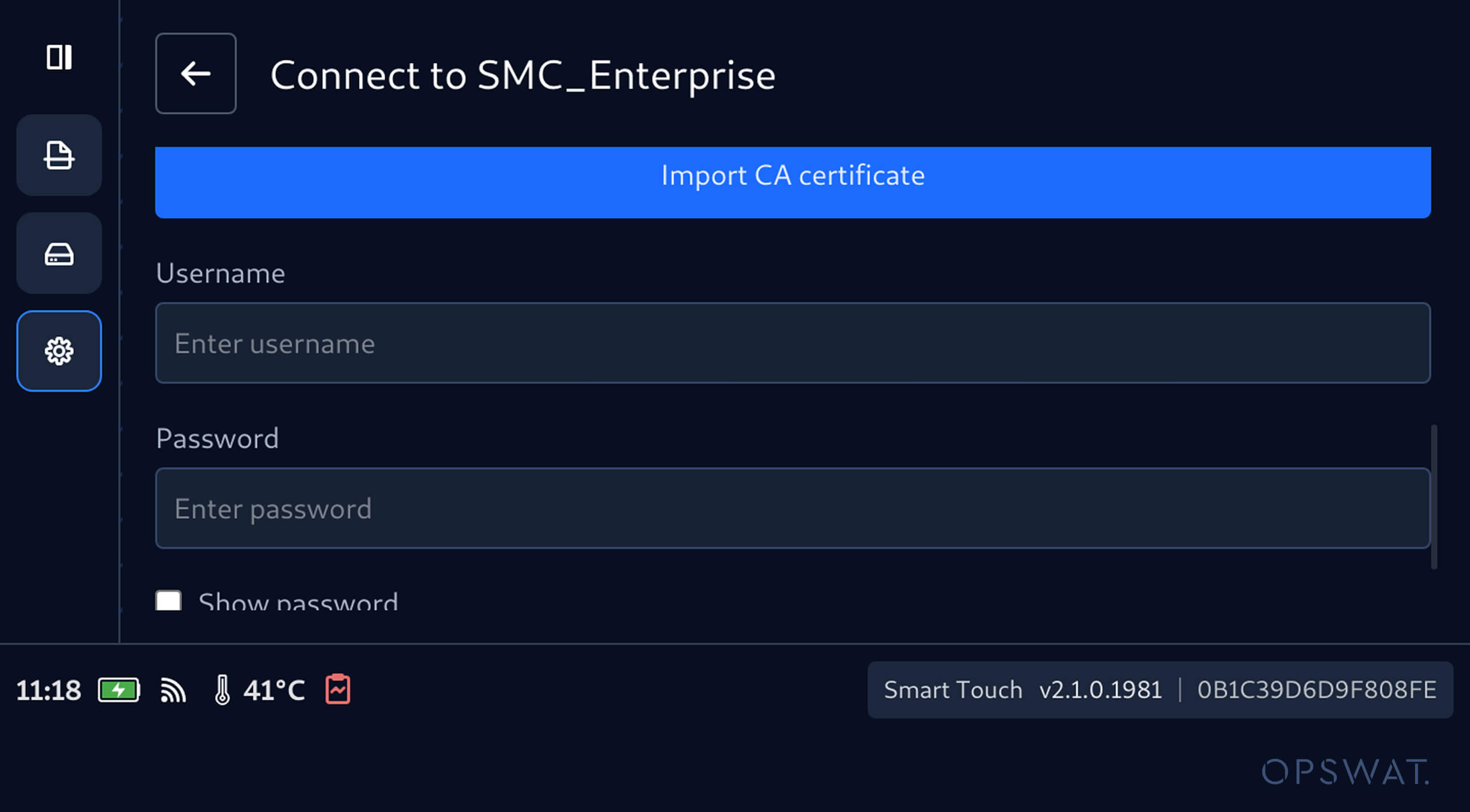
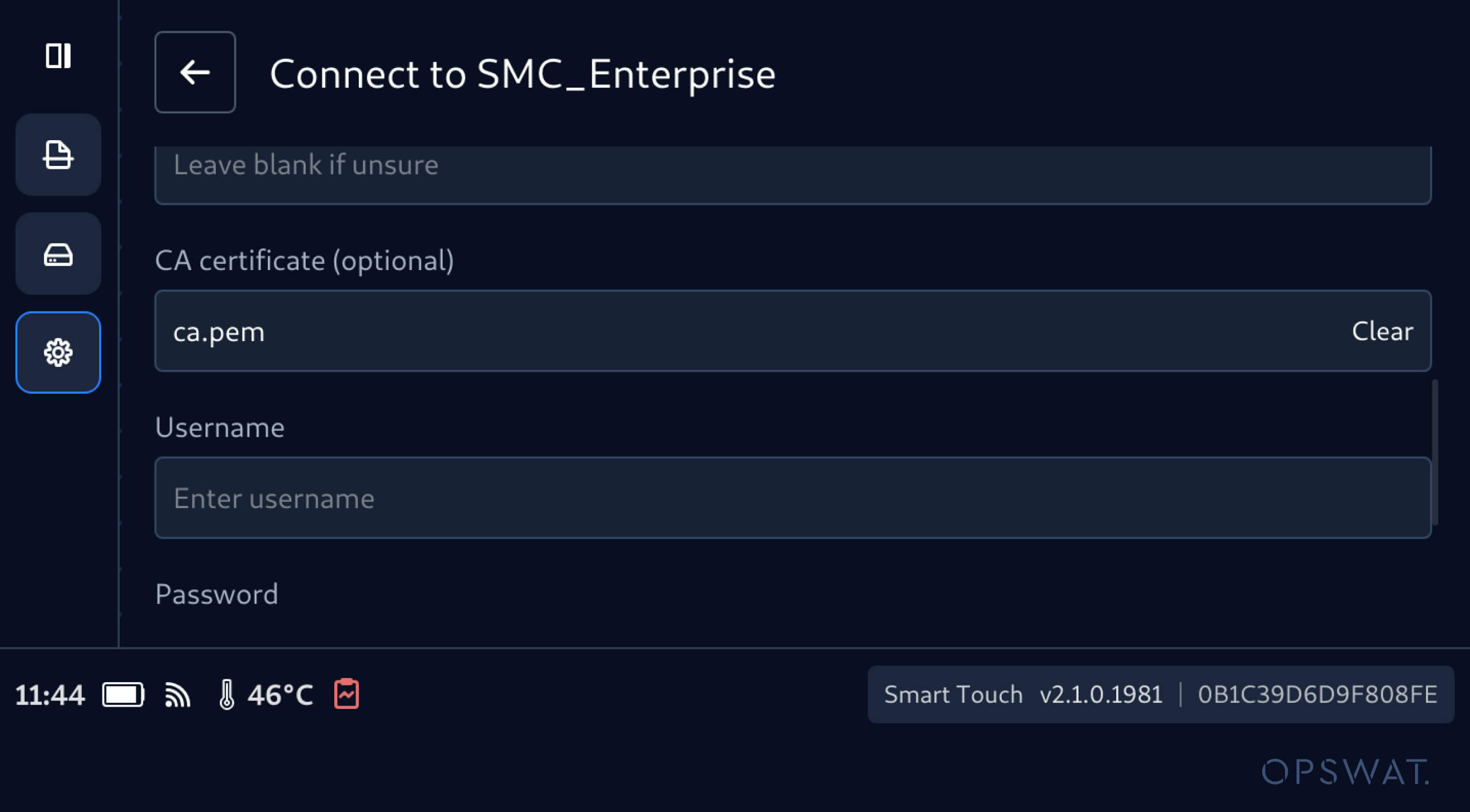
2. For WPA2-Enterprise networks, you can enter the required username and password. If required by the network, you can import a CA certificate for authentication.
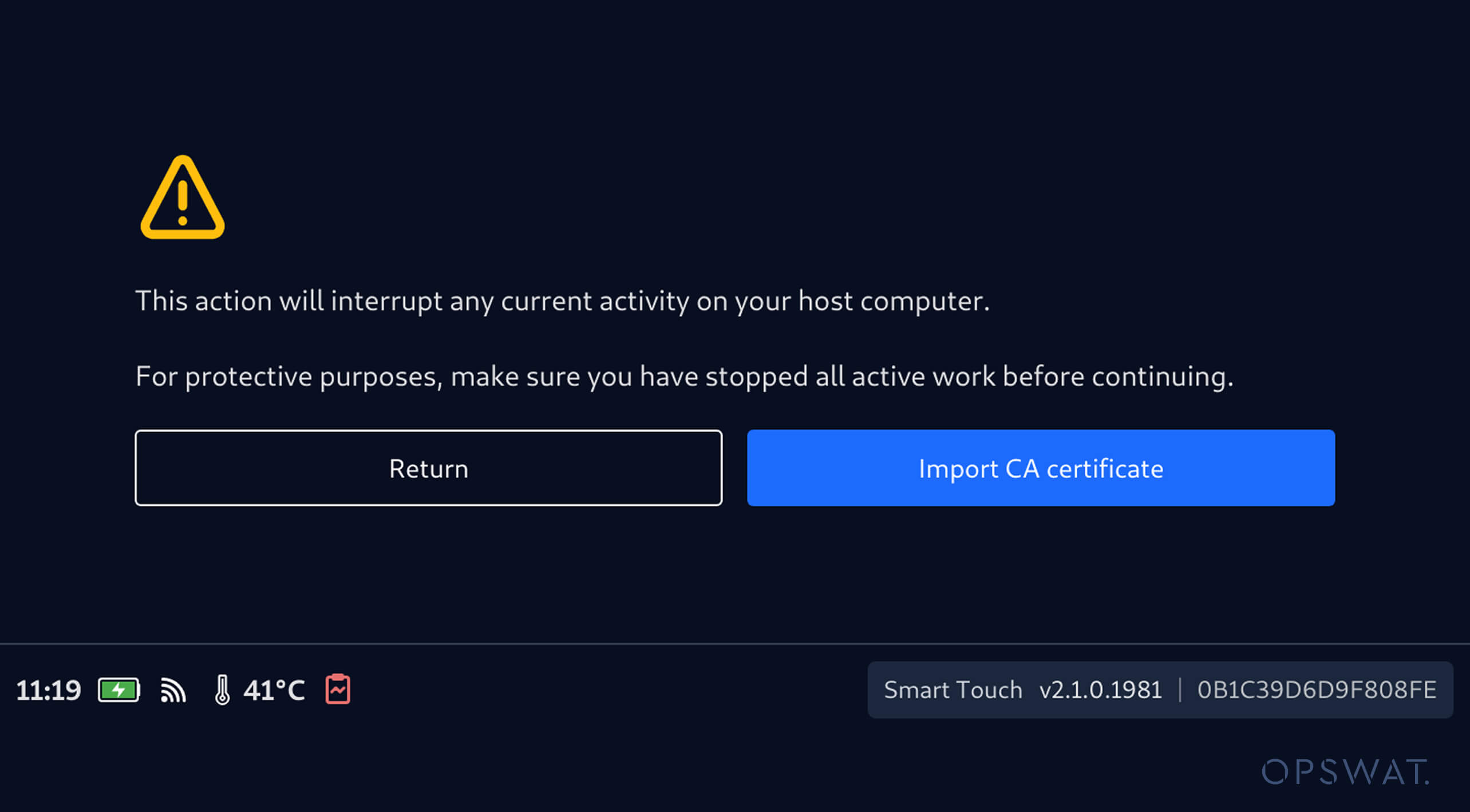
3. When a CA certificate is required, tap Import CA certificate and follow the import process. Since the process requires connecting to a computer, ensure that any scanning and Secure File Storage operations are stopped before importing the certificate.
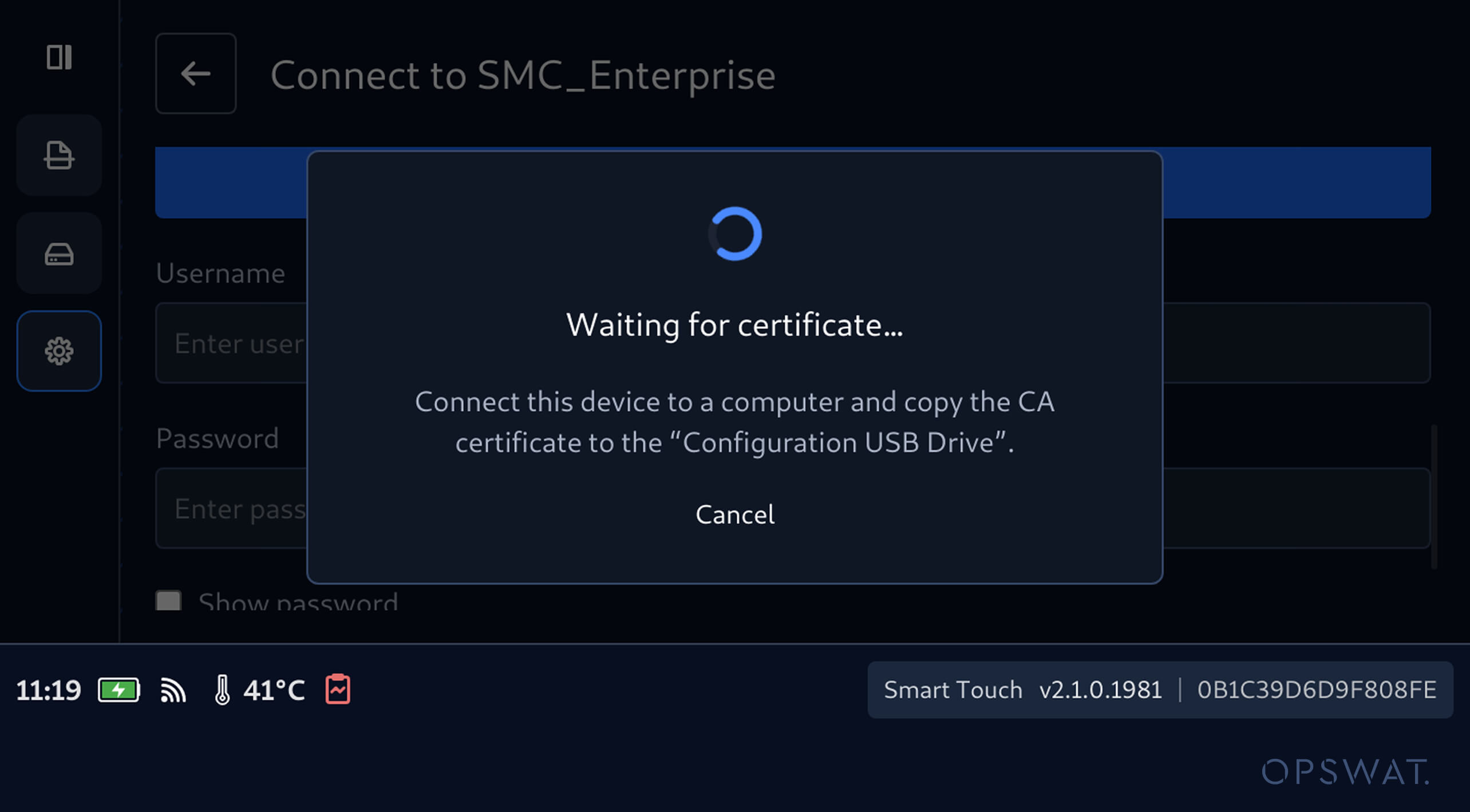
4. You can then connect Smart Touch to a computer and copy the required CA certificate to a Configuration USB Drive.
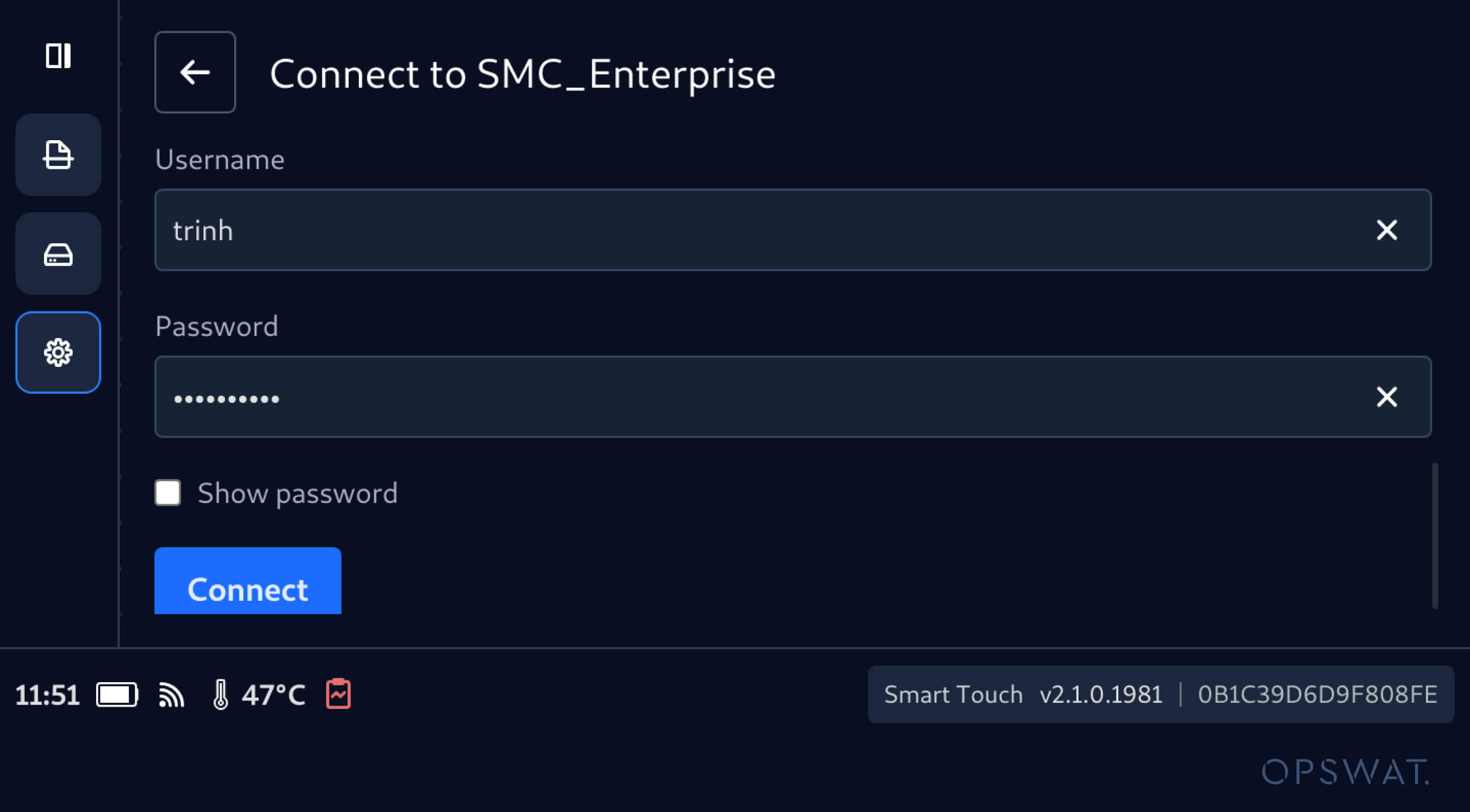
5. Once the certificate is successfully imported, it will be displayed on the enterprise network configuration screen. Then, you can enter the required username and password and connect to the network.
6. Enter Username and Password, then tap Connect
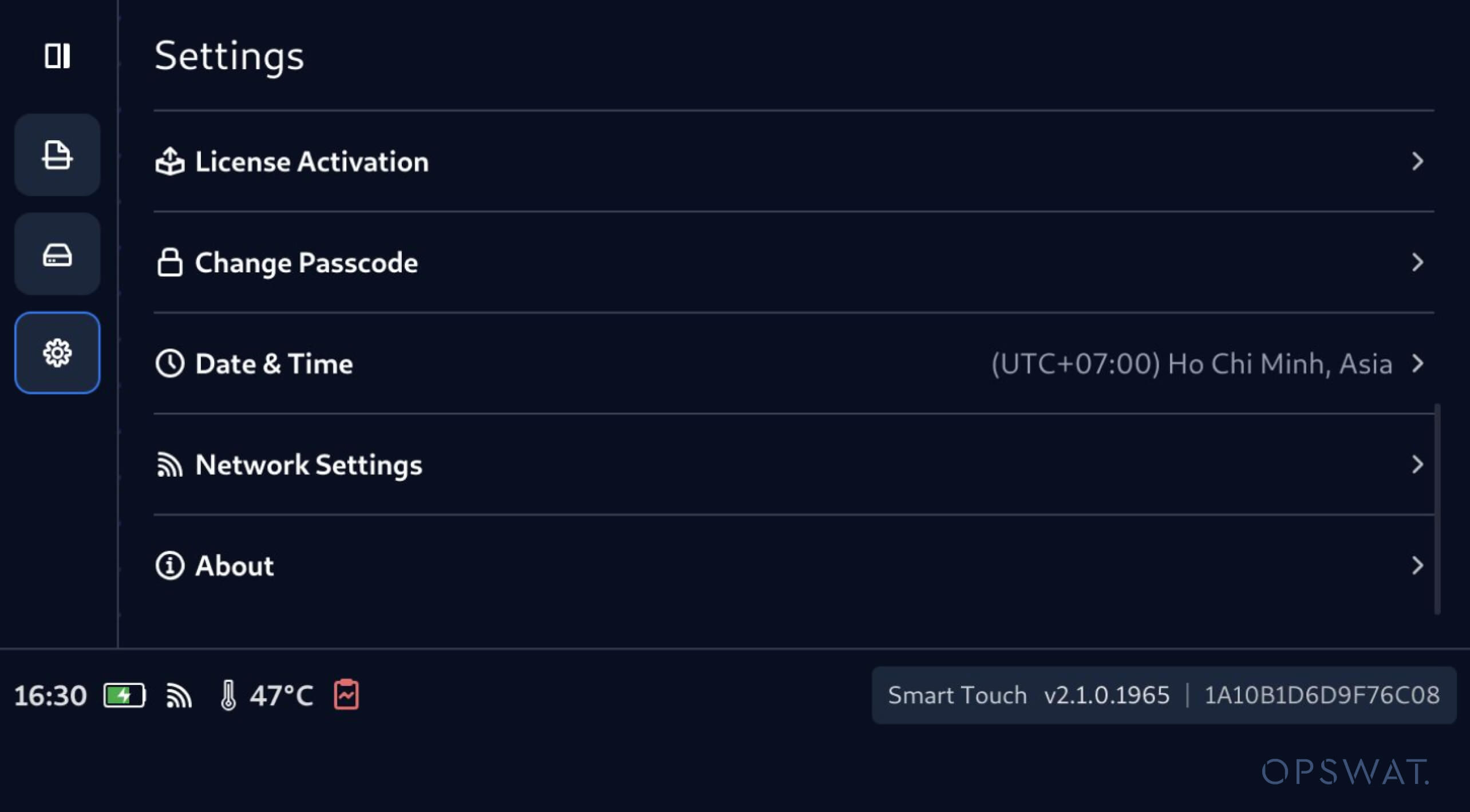
Configure Local Date, Time, and Time Zone
This release of MetaDefender Drive with Smart Touch also brings date and time configuration directly into the Smart Touch interface, eliminating the need to configure these settings through the host device interface.
By navigating to Date & Time under the Settings menu, operators can configure the device's:
- Date
- Time
- Time zone
- Automatic or manual time setting
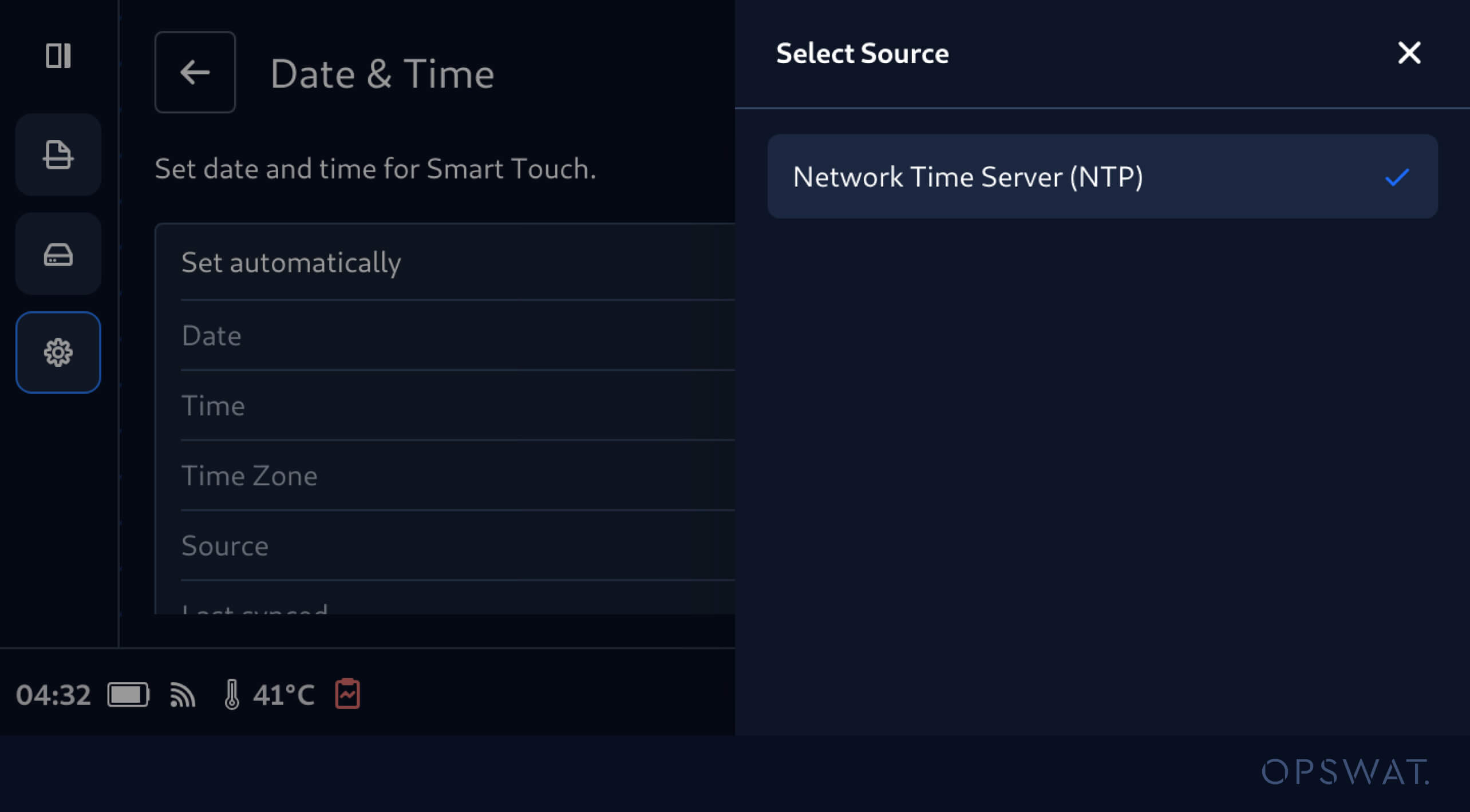
Synchronize Date and Time Using Network Time Protocol
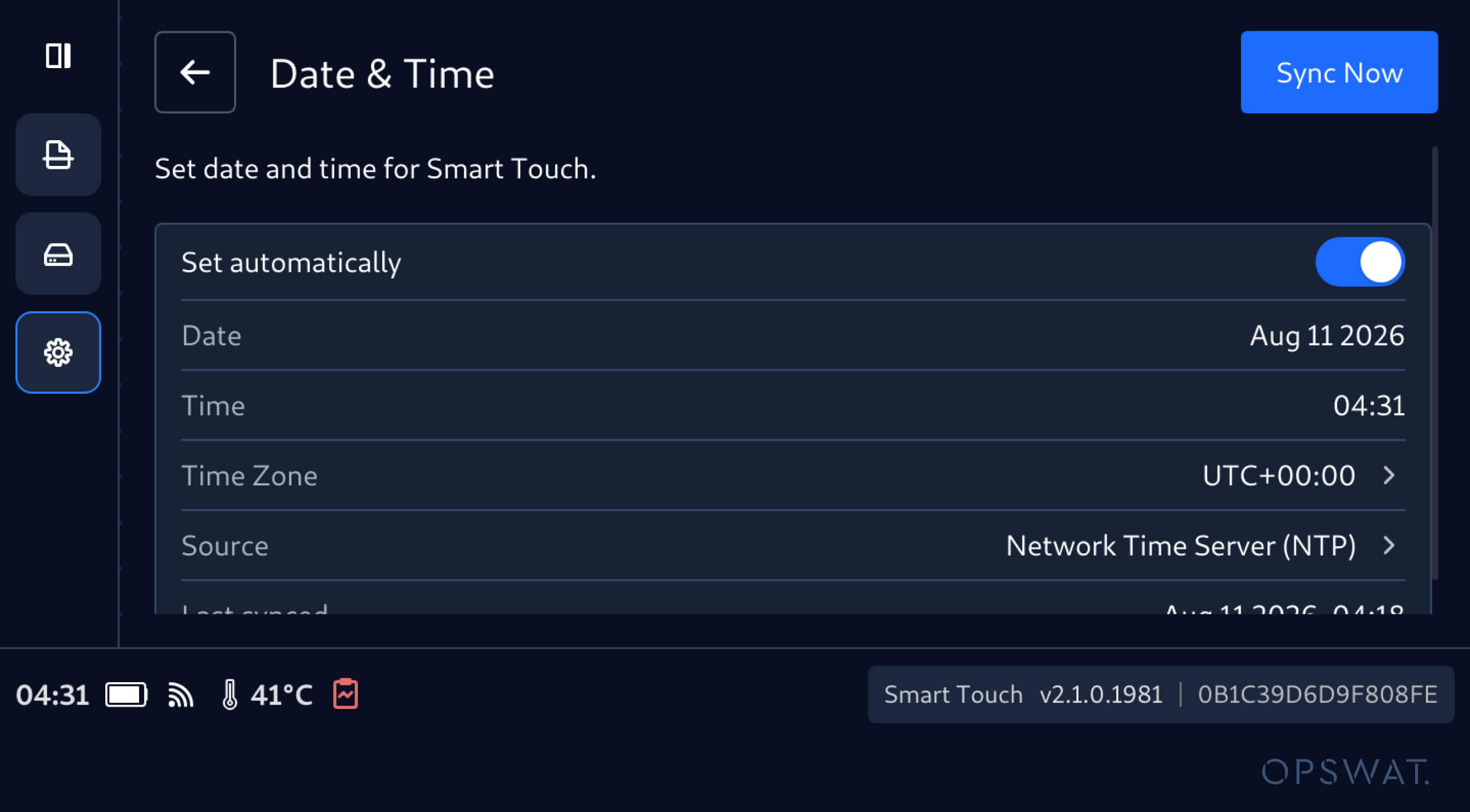
Now it is easier to keep MetaDefender Drive with Smart Touch aligned with the network-provided time. When Set automatically is enabled, and Smart Touch is connected to the internet, the date and time are retrieved from an NTP server. Operators can also select Sync Now to synchronize the device time.
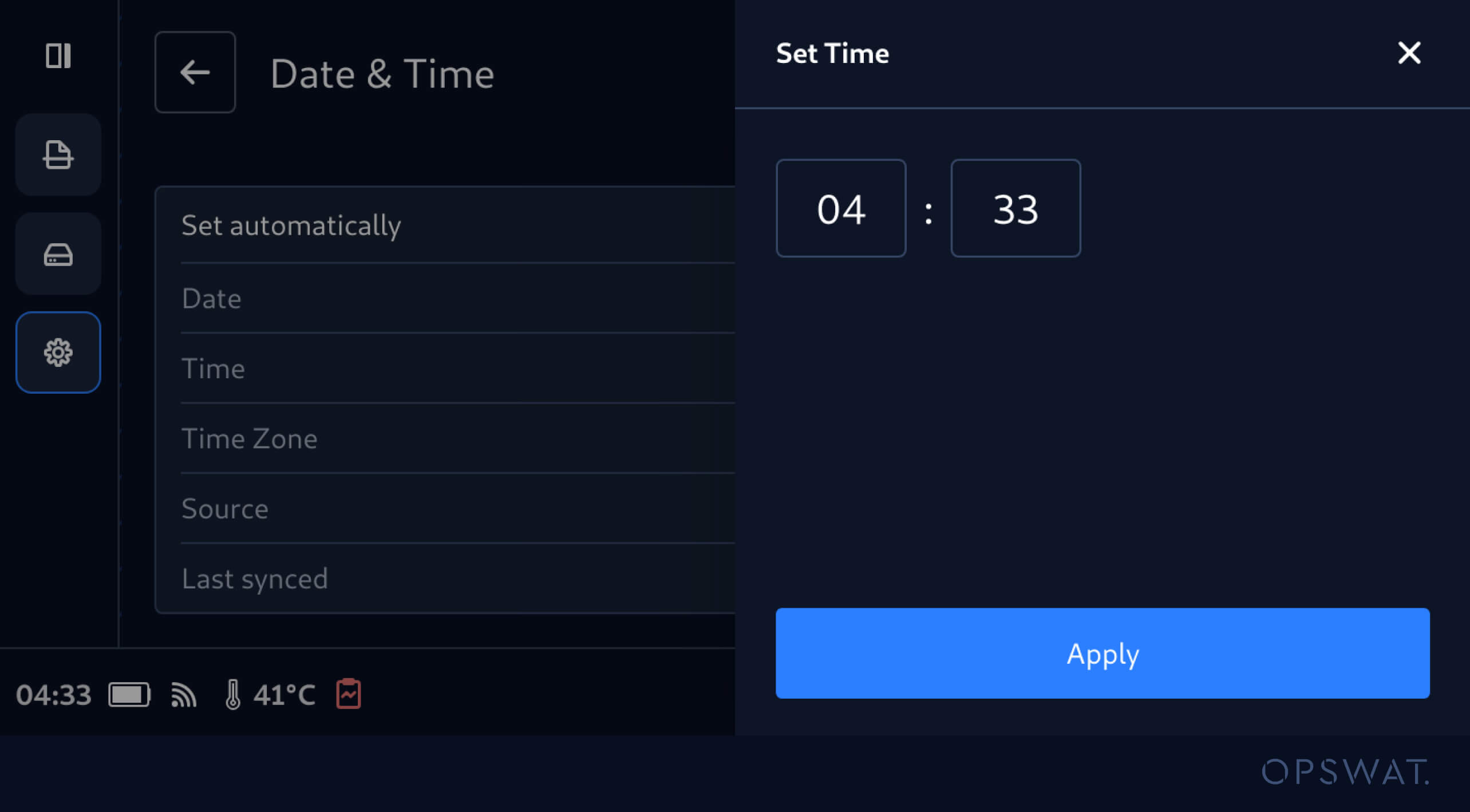
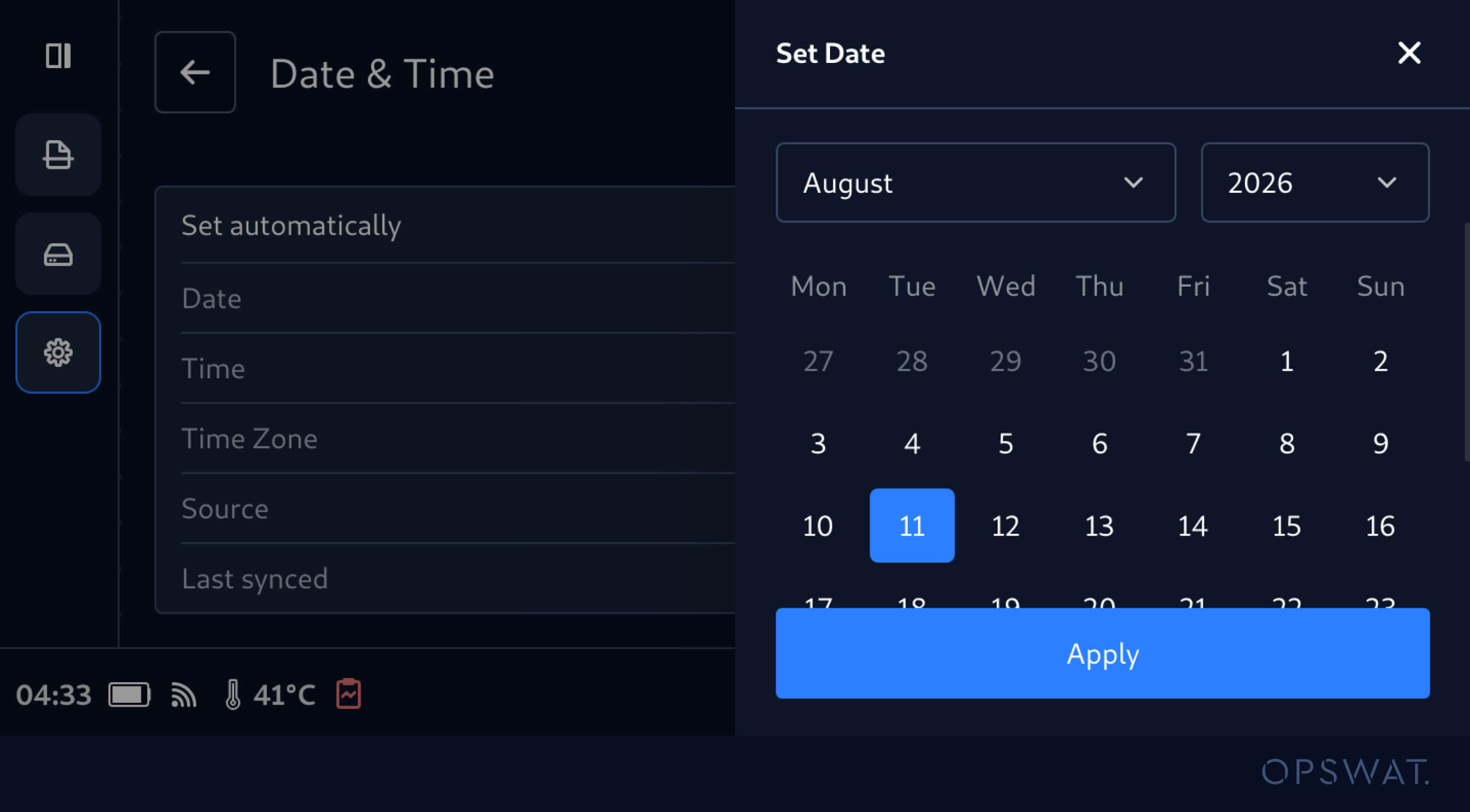
Configure Date and Time Manually
Operators can also disable the Set Automatically option and configure the date, time, and time zone directly. The configured date and time are synchronized to the underlying Smart Touch device, keeping the application and device time aligned.
Maintain Consistent Local Timestamps Across Reports, Settings, and Scan Logs
After configuring the local date, time, and time zone, MetaDefender Drive with Smart Touch applies the configured local time across reports, settings, and scan logs. This addition ensures applying consistent timestamps across distributed portable malware scanning operations and helps teams review scan activity in the device's local time.
Release Details
Product: MetaDefender Drive with Smart Touch
Release Date: August 09, 2026
Release Notes: Learn more here
To update MetaDefender Drive with Smart Touch, tap System Update on the home screen to access the centralized update view.