Managed File Transfer (MFT) for Secure IT & OT Environments
MetaDefender Managed File Transfer™ is OPSWAT’s managed file transfer (MFT) solution for secure, policy-enforced file exchange across IT and OT environments. It uses AI-powered malware analysis combining pre-execution prediction to identify threats early and adaptive sandbox inspection for deeper analysis of evasive threats before transfer while supporting compliance and centralized visibility.
- Security-First MFT
- Policy-Driven Automation
- Centralized Visibility
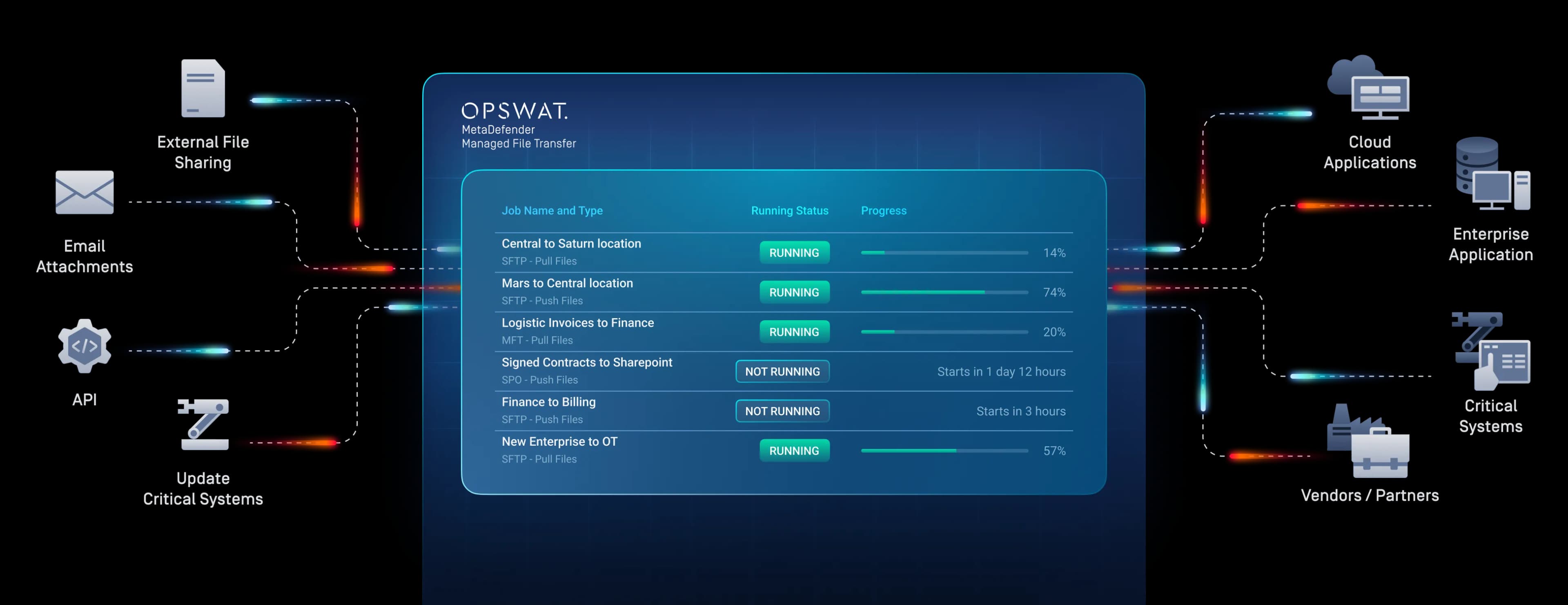



















How Secure Managed File Transfer Works
MetaDefender Managed File Transfer (MFT) embeds advanced file security, encryption, and policy enforcement directly into automated file transfer workflows across IT and OT environments, including AI-powered malware detection using Predictive Alin AI for pre-execution zero-day detection of known and zero-day threats.
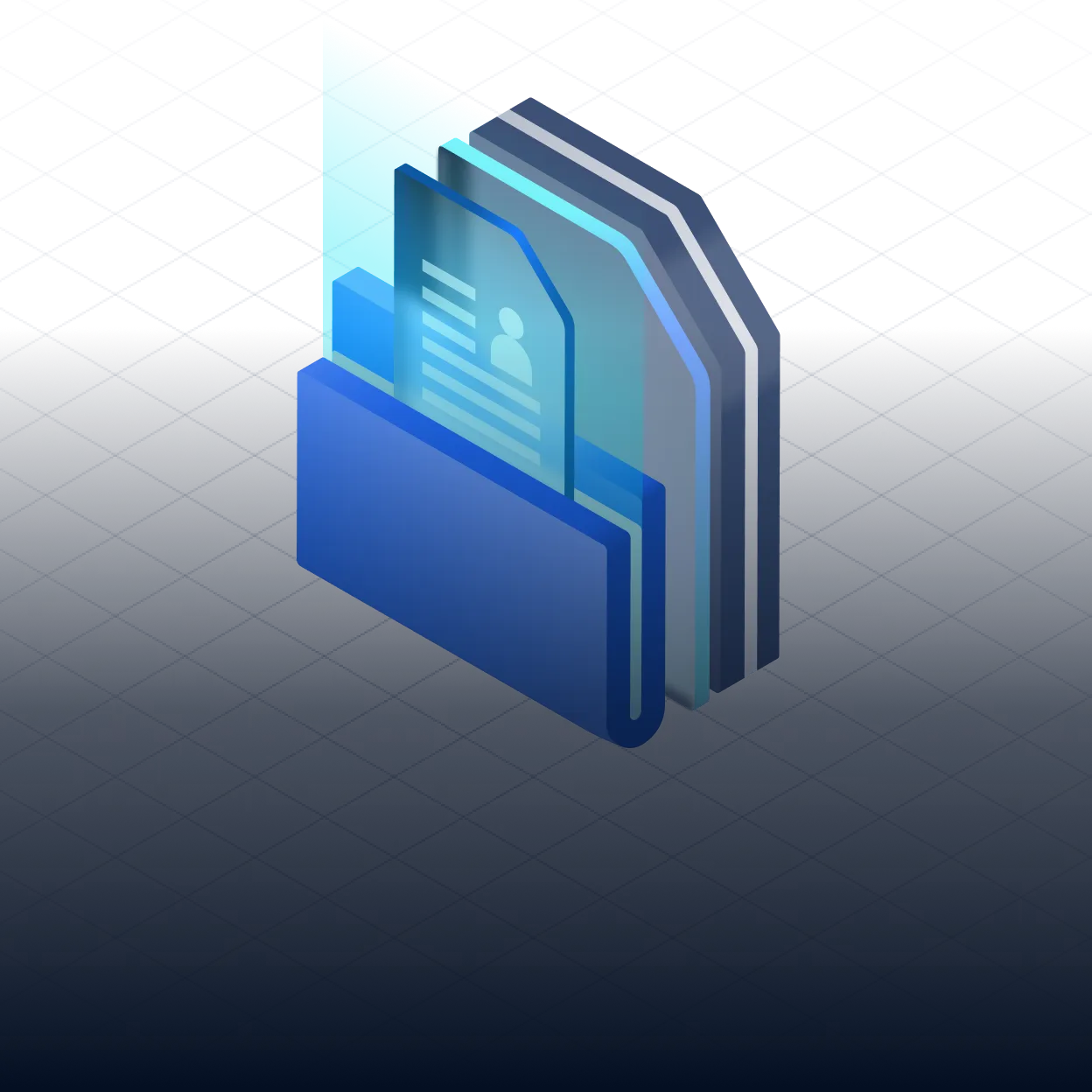
Multi-Layered File Security
Inspects every transferred file using advanced, integrated threat prevention technologies.
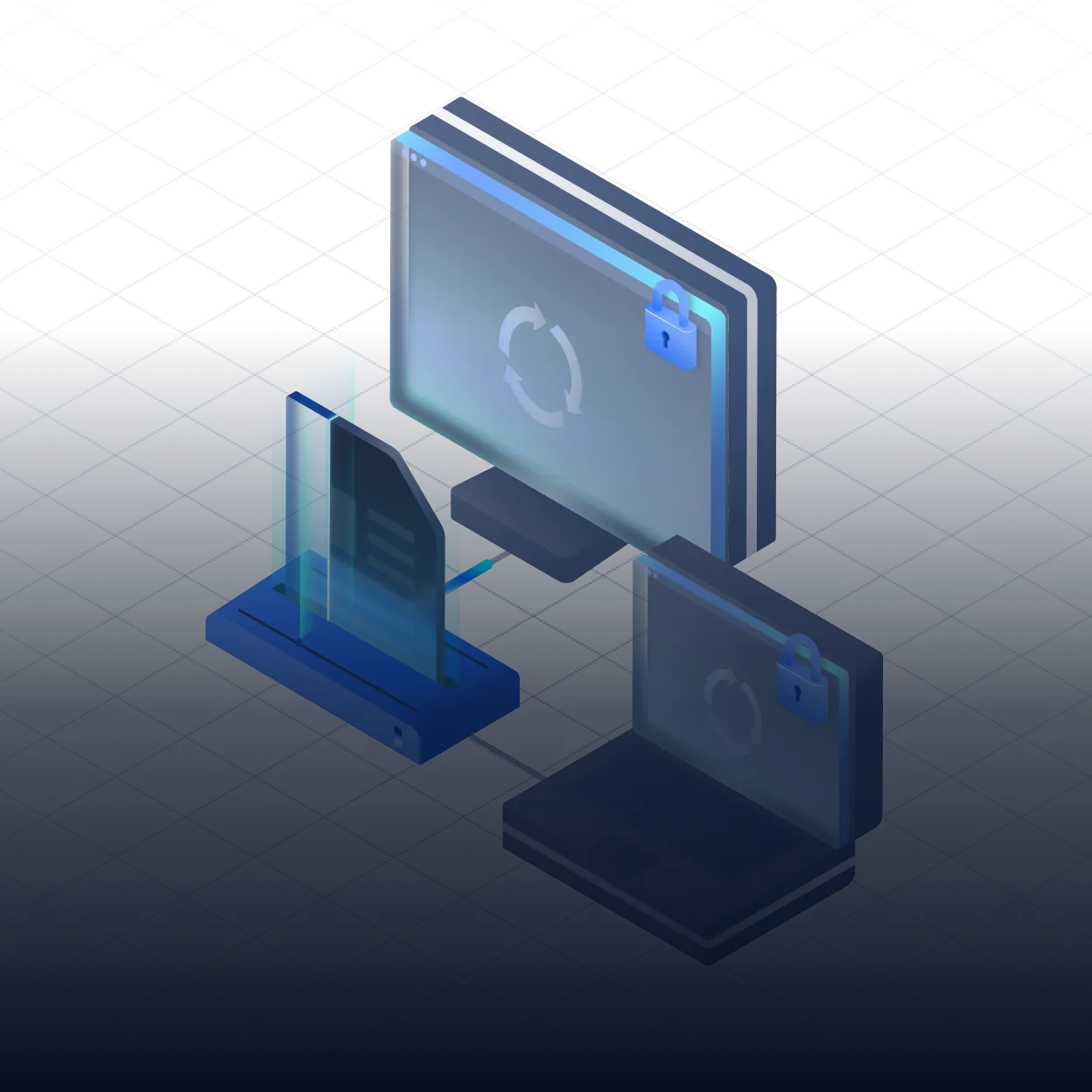
Policy-Driven Automation
Automates rules-based file transfer across segmented and regulated networks.
Centralized Governance & Visibility
Provides real-time monitoring, role-based access, and audit-ready reporting.
Product Overview
Learn how MetaDefender MFT enables secure, compliant file exchange by enforcing Deep CDR™ Technology, data loss prevention,
approval workflows, and full auditability across transfers.
See MetaDefender Managed File Transfer in Action
Watch how MetaDefender Managed File Transfer (MFT) secures file exchange with embedded threat prevention, policy enforcement, workflow automation, and centralized visibility across IT and OT environments.
Playlist
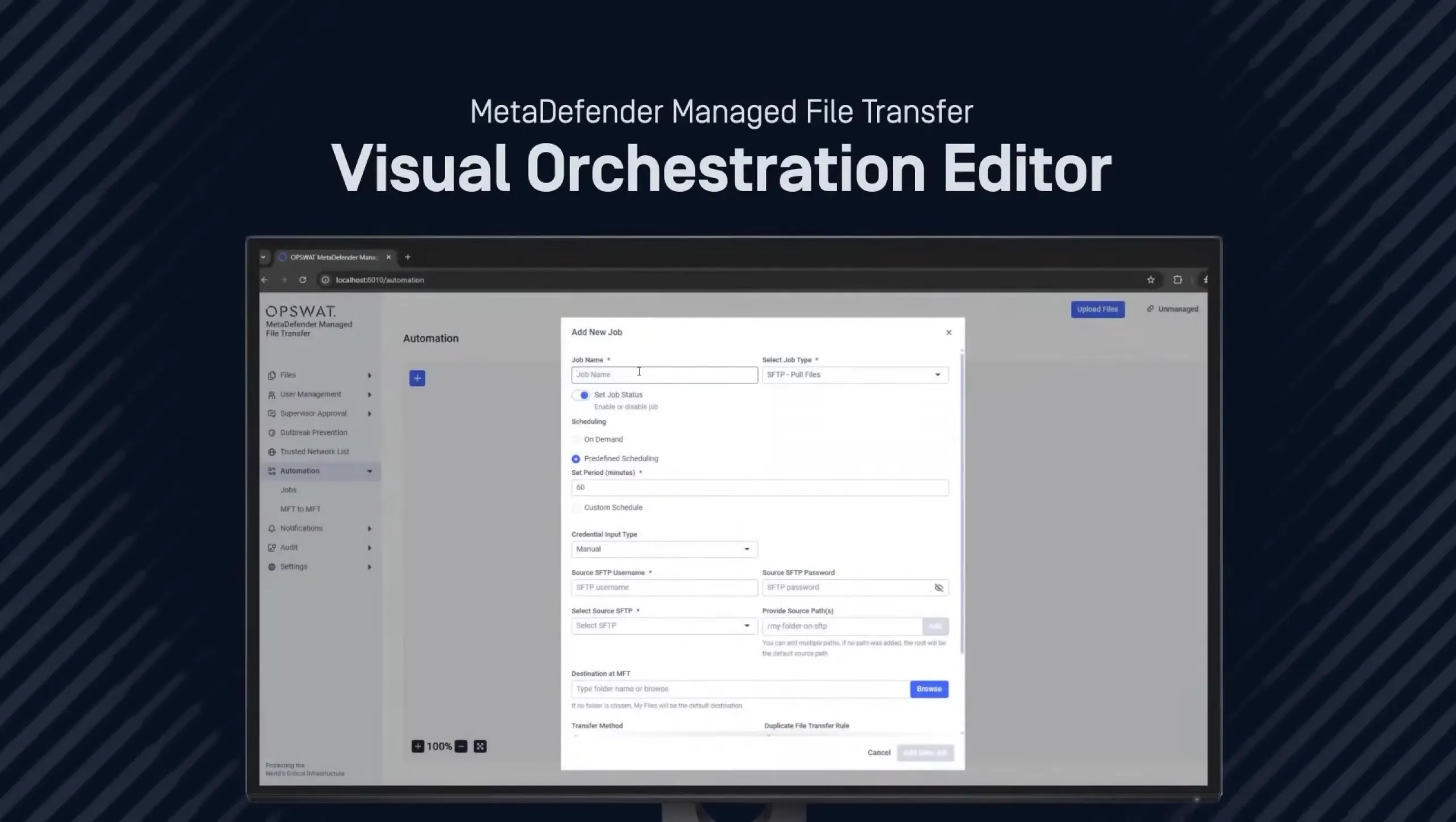
4 videos- Simplify Secure File Transfers with the New Visual Orchestration Editor | MetaDefender MFT
 Live Demo: See How OPSWAT Managed File Transfer Stops Live Malware in Information Technology
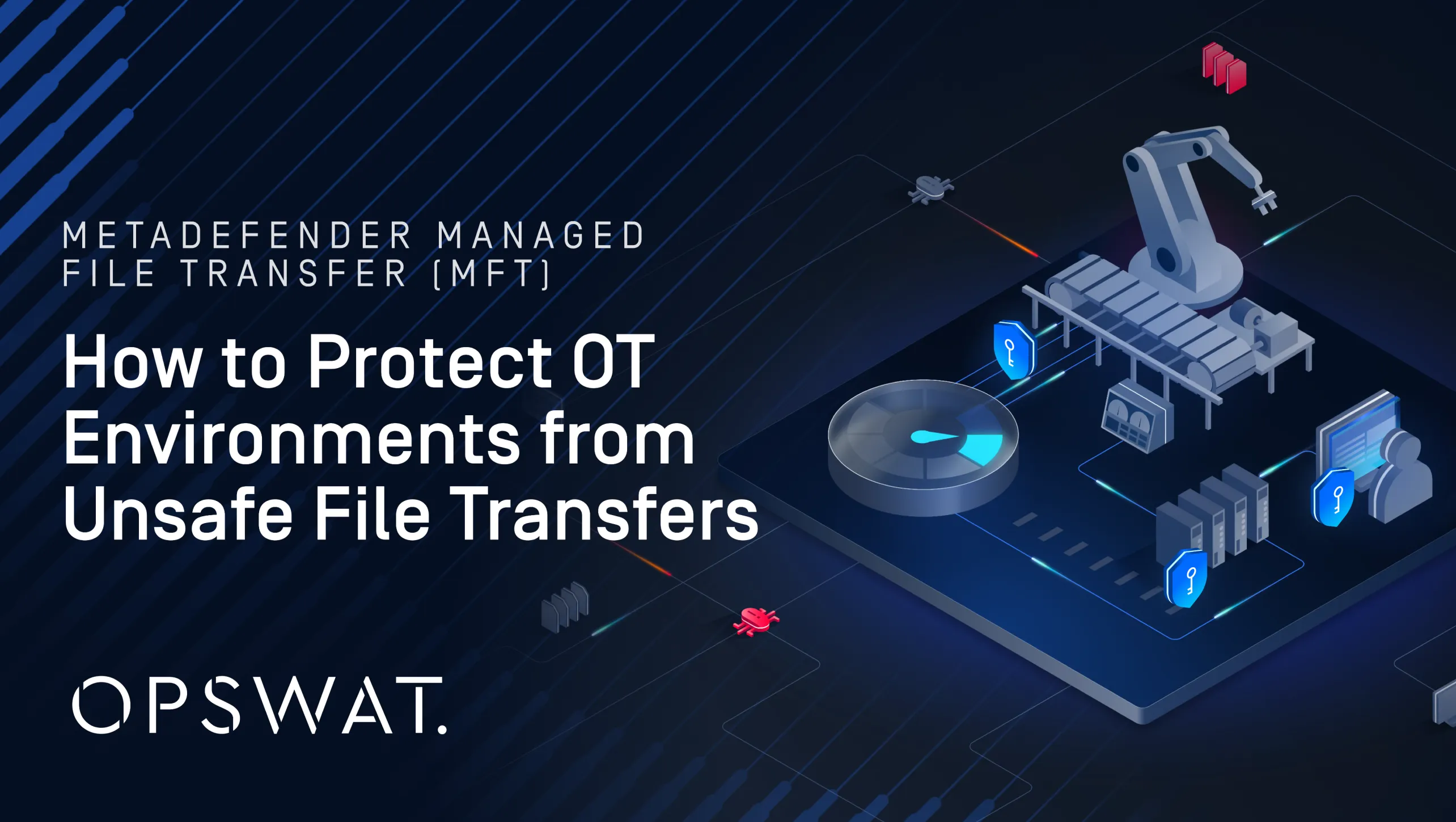 How to Protect OT Environments from Unsafe File Transfers
 How to Enable Supervisor Approval in MetaDefender Managed File Transfer
Key Features
Built-In Advanced Threat Prevention
Every file is inspected before delivery, not after. Metascan™ Multiscanning runs 30+ anti-malware engines at once, and Deep CDR™ Technology rebuilds safe, usable files across 200+ formats, including multi-level nested archives. Predictive Alin AI and MetaDefender Aether™ sandbox catch zero-day and evasive threats. Stored files are periodically rescanned with updated engines.
- Threat Prevention
Threat Prevention
Metascan Multiscanning, Deep CDR™ Technology, Predictive Alin AI, MetaDefender Aether
Data & Content Checks
Proactive DLP™ (PII, PHI, PCI, OCR), File-Based Vulnerability Assessment, AI Content Inspector
Outbreak Prevention
Periodic rescanning of stored files
- MetaDefender Managed File Transfer
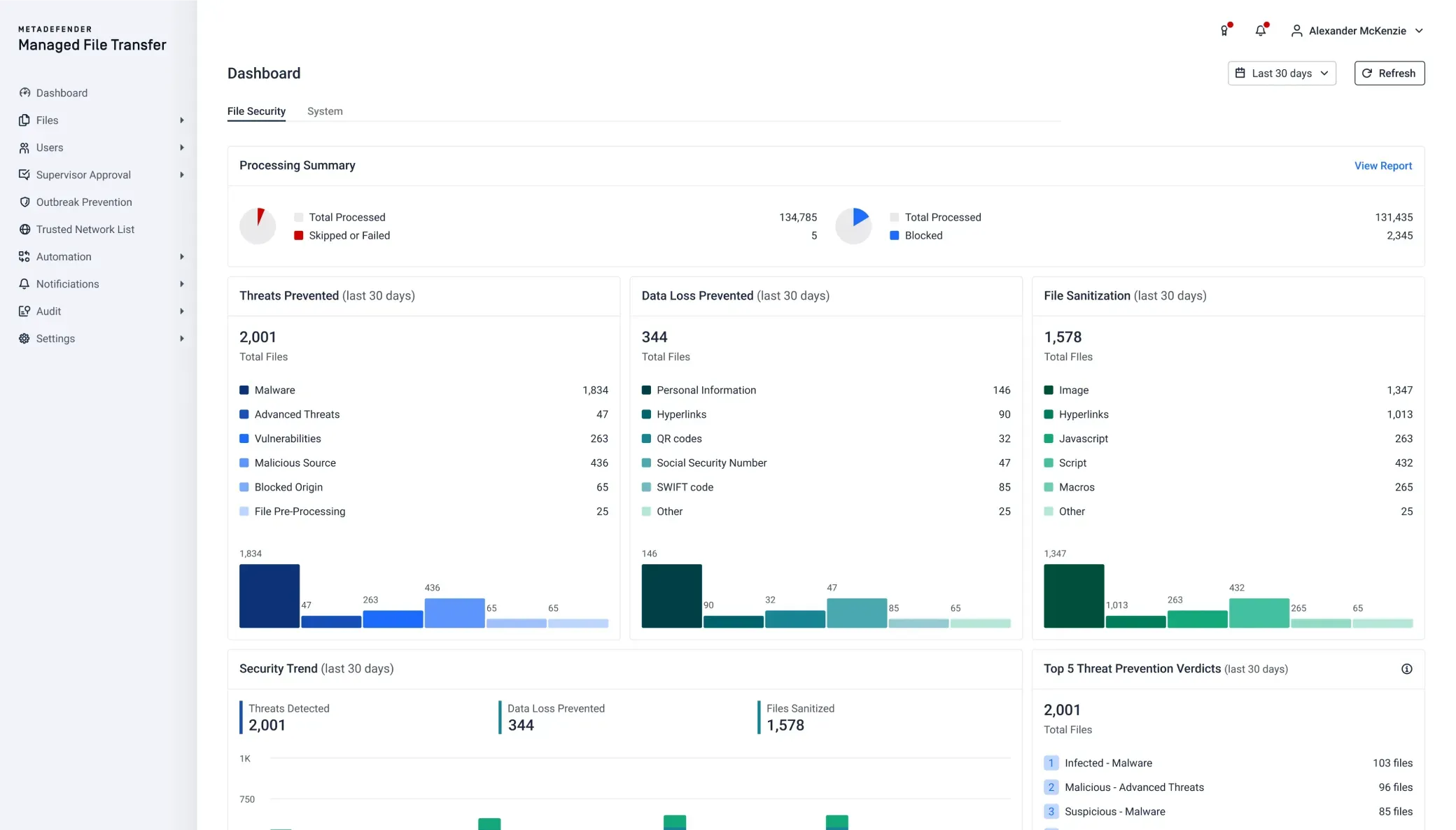
Secure External File Sharing
Users send files directly to internal or external recipients. Guest access lets partners, vendors and customers exchange files without full user accounts. Every file is inspected and checked against policy before the recipient can access it.
- Secure Send & Guest Access
Secure Send & Guest Access
Direct transfers to internal and external recipients, including guests without full user accounts
Secure Link Controls
Password protection, download limits, link expiration and sender recall, with a notice when a file is accessed or downloaded
Secure Web Forms
Branded upload forms for partners and customers
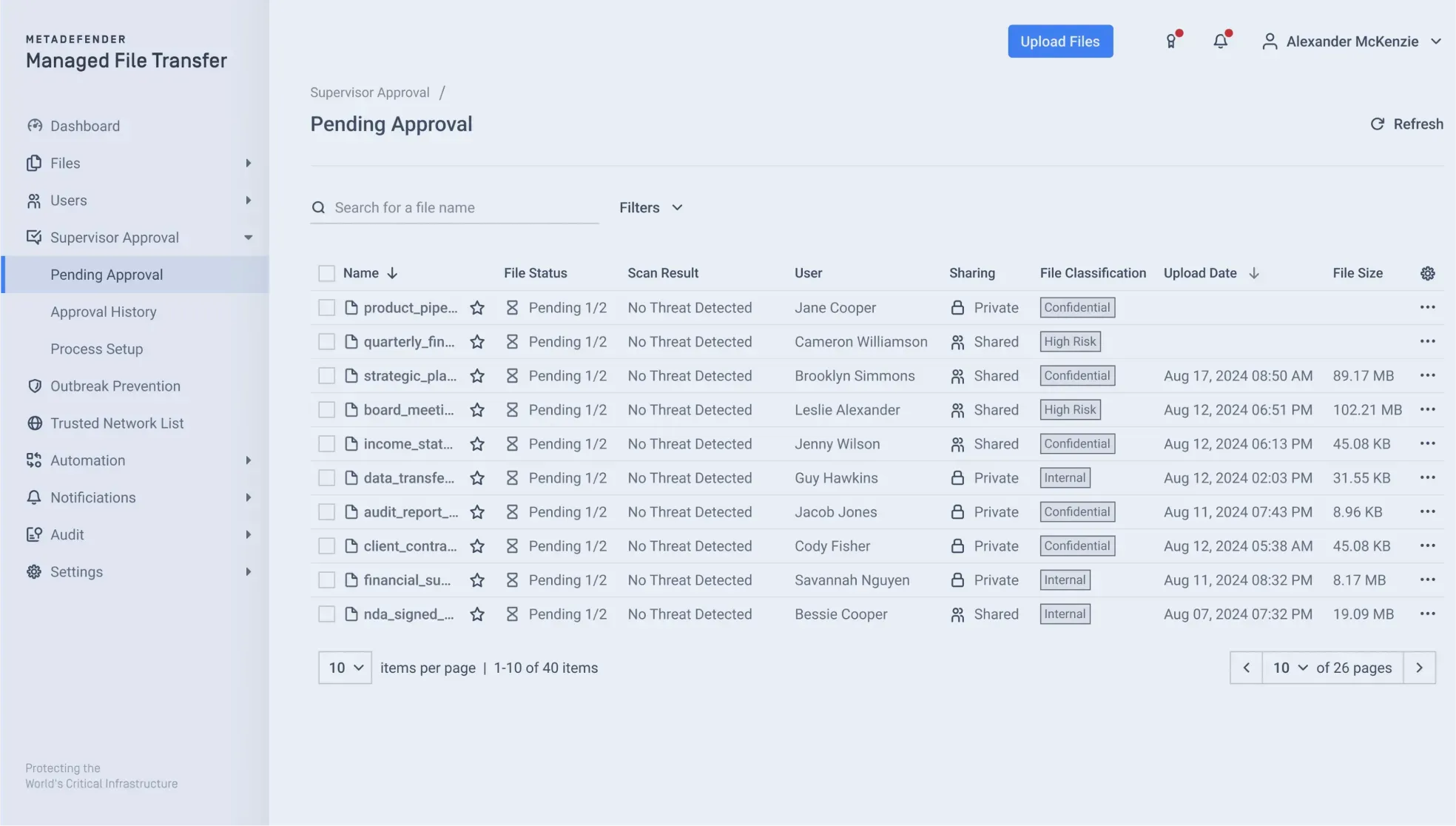
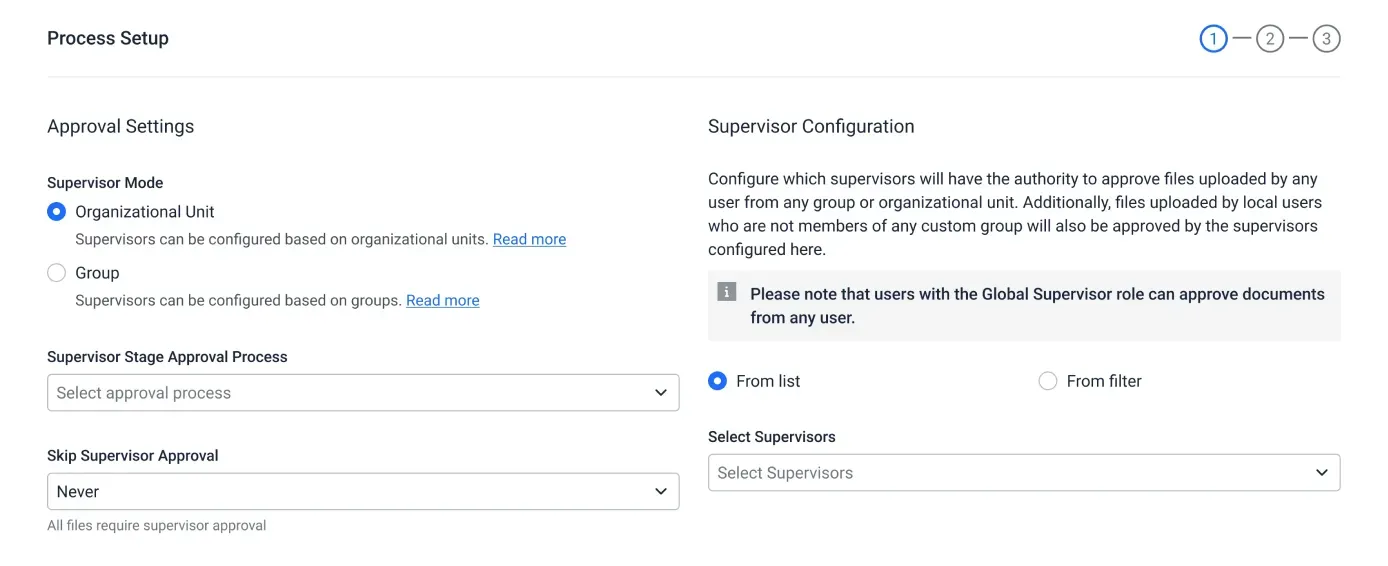
Supervisor Approval Workflows
Single or multi-stage approval before release
Desktop, Mobile & Outlook
Desktop client with the same policies and inspection as the web interface, iOS and Android apps, and an Outlook add-in
- MetaDefender Managed File Transfer
End-to-End Encryption
Data is encrypted in transit and at rest using industry-standard encryption, which protects confidentiality across the full transfer workflow.
- Encryption in Transit
Encryption in Transit
Files protected while they move between users, systems and networks
Encryption at Rest
Stored files protected on-premises and in the cloud
FIPS 140-3 Validated Cryptography
Cryptographic module validated under NIST CMVP
- MetaDefender Managed File Transfer
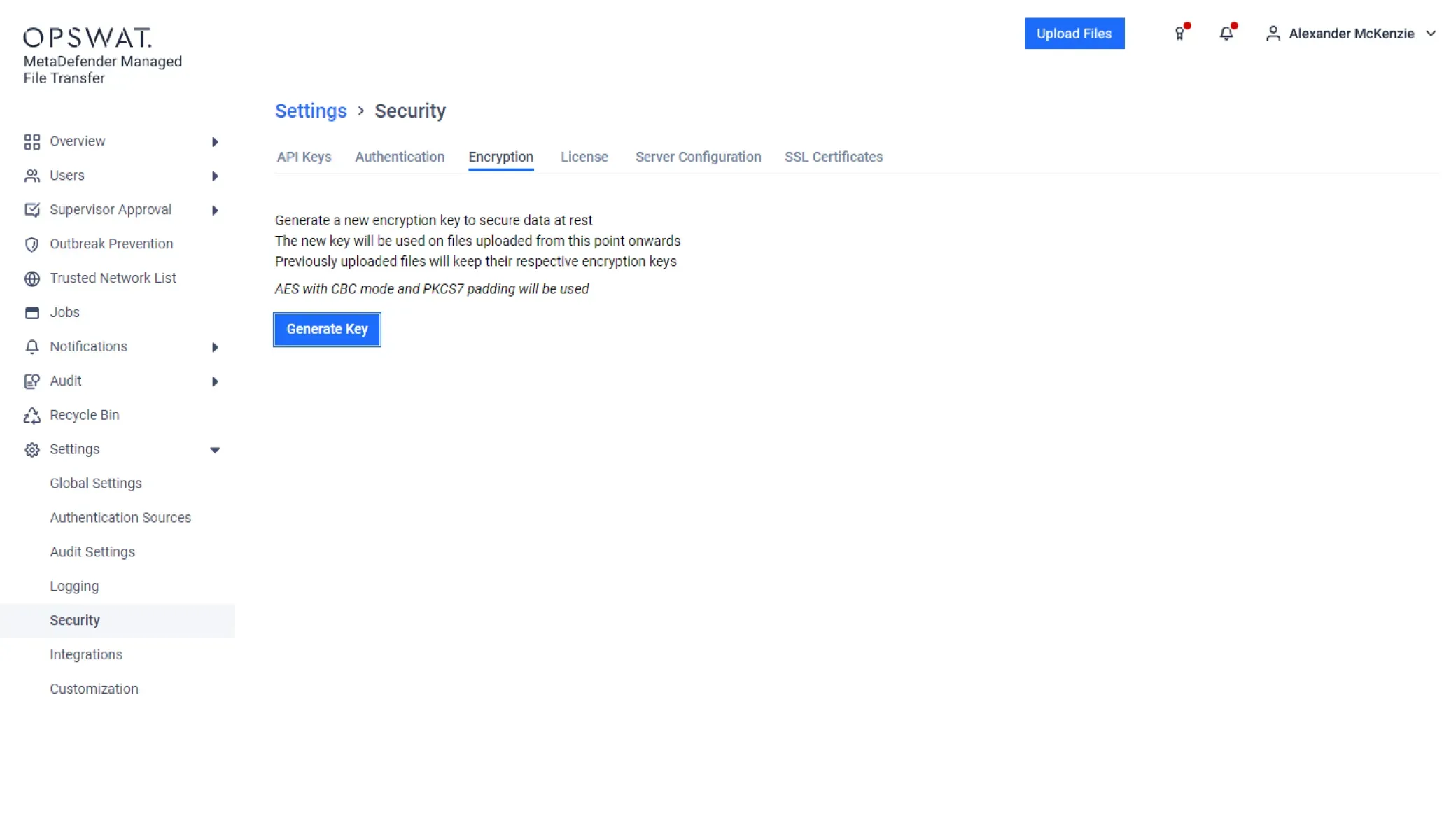
Workflow Orchestration & Automation
Jobs run on a schedule, in near real time or on demand. Files are routed by attributes, metadata, user roles and inspection results. A visual orchestration editor builds workflows without scripting.
- Scheduled Automated Jobs
Scheduled Automated Jobs
Scheduled, near-real-time and on-demand runs
Workflow Orchestration
Visual editor, one-to-many distribution
Integrations
HTTP/S, SFTP server (inbound), SFTP client jobs, SMB/CIFS shares, SharePoint Online, cloud storage, Application / ERP connectors, REST API
Post-Transfer Processing
Built-in steps that run after a transfer completes
File Renaming & Naming Conventions
Files renamed to set conventions during routing and delivery
Remote Agents
Agents installed on remote servers run transfers
- MetaDefender Managed File Transfer
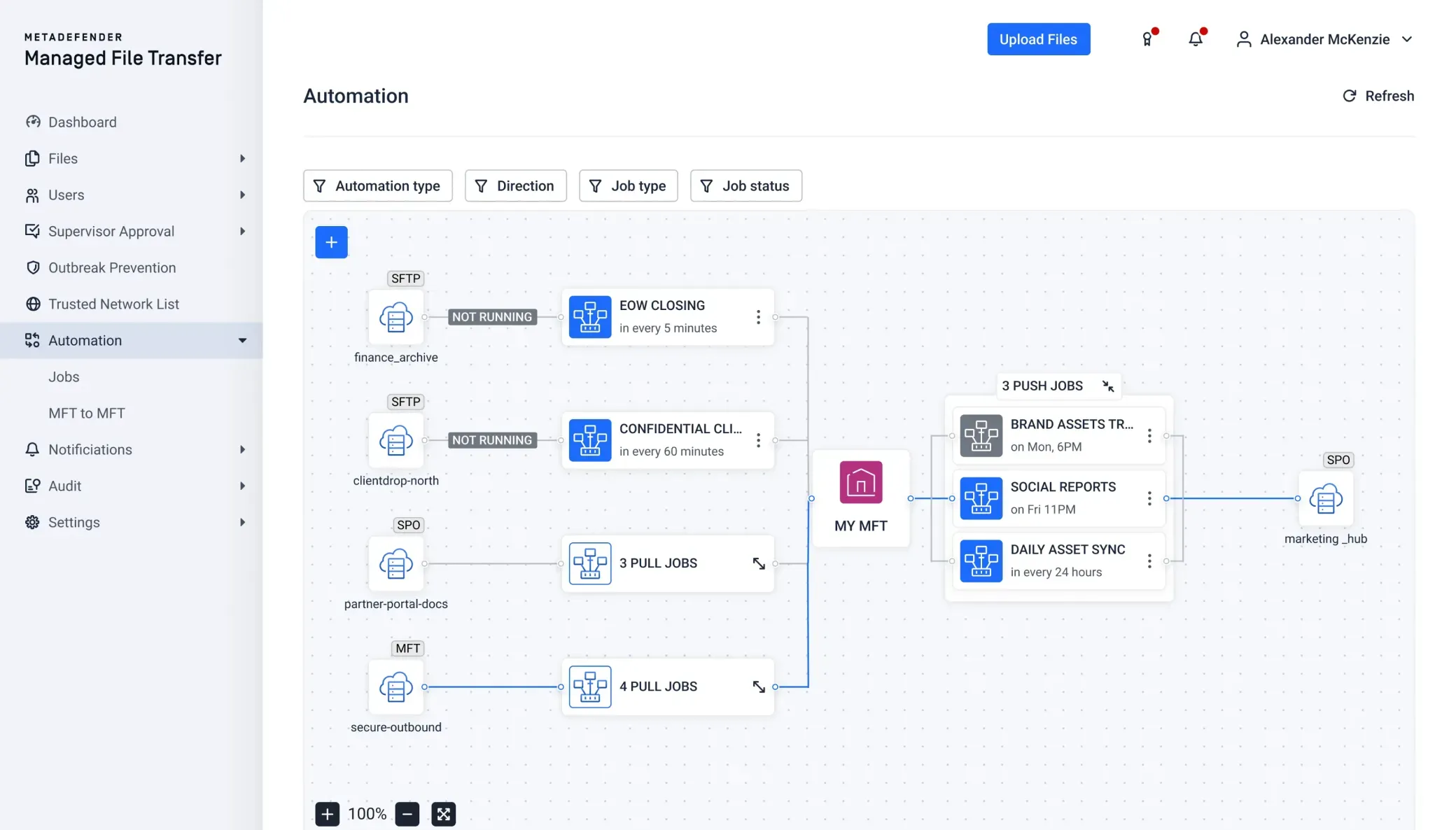
Centralized Audit & Reporting
Every file action is logged with user, timestamp and outcome, creating a chain of custody from entry to delivery. SHA-256 checks confirm each file arrived complete and unaltered, and each result is written to a tamper-evident audit trail.
- Audit Trail
Audit Trail
Every upload, download, transfer, approval, deletion and inspection result, with client IP and locationFile Integrity & Non-Repudiation
SHA-256 check and a recorded delivery receiptReports, Retention & SIEM
Compliance reports, automatic file deletion, configurable audit-log retention, and export to SIEM or archiveUnified Management Console
Operational dashboard with real-time upload and download trends, recent job runs, and email alerts
- MetaDefender Managed File Transfer
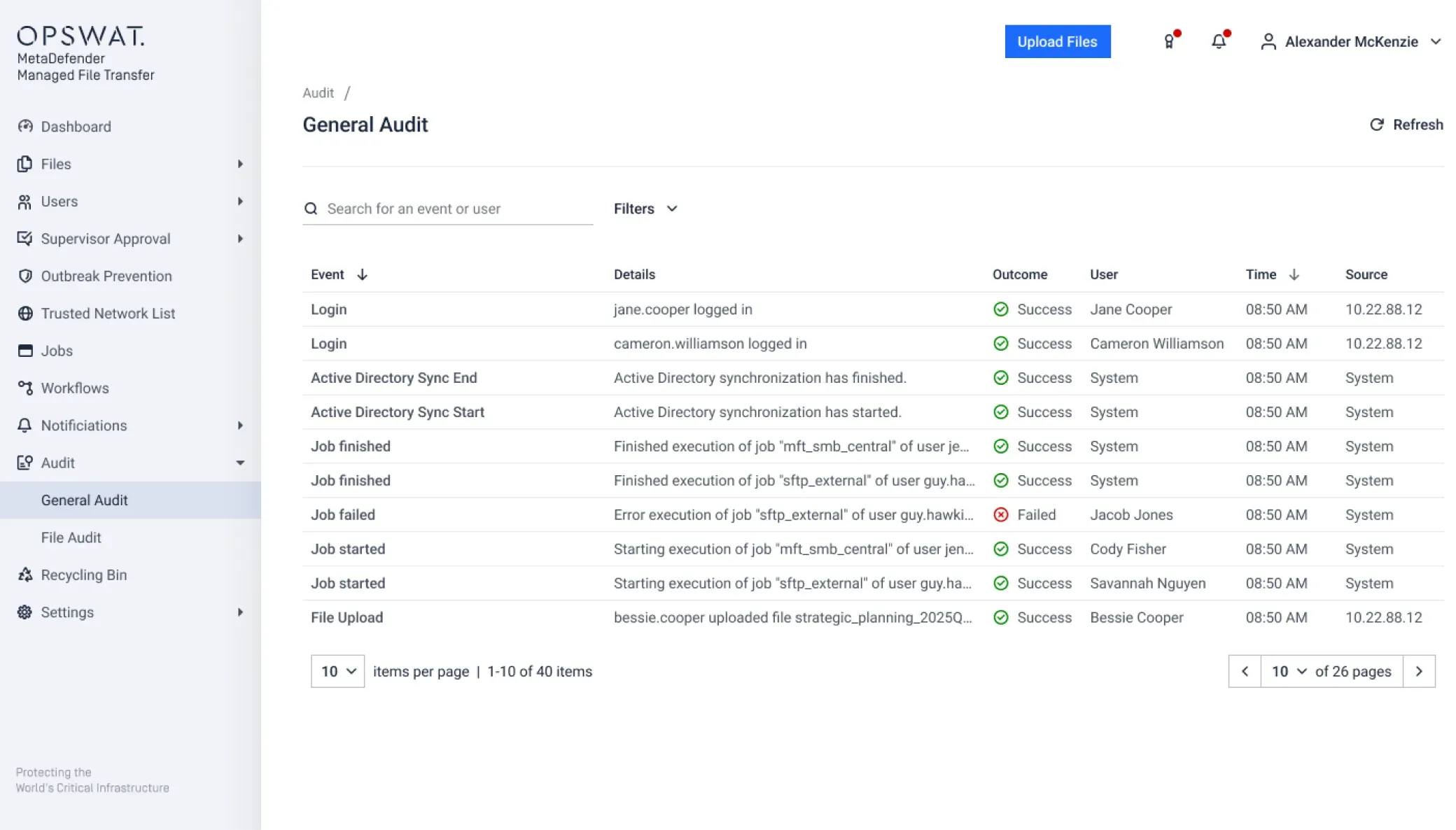
Identity & Access Control
Granular permissions by user, group and policy. Service accounts run system-to-system transfers without tying jobs to individual users.
Role-Based Access Control
User, group and policy permissions, service accounts
Identity & Access Management
SAML 2.0 SSO, OIDC SSO, Active Directory / LDAP, RADIUS, Multi-factor authentication
Password Policies & Account Lockout
Password length and strength rules, with lockout after repeated failed sign-ins
Session Controls
Timeouts and concurrent-session limits
IT & OT Network Isolation
Moves files securely between segmented IT and OT networks, including air-gapped and critical infrastructure systems. Files are inspected and checked against policy before they cross boundaries.
Network Isolation
IT/OT, air-gapped and critical infrastructure transfers
MFT-to-MFT Native Transfer
Transfers between MFT instances across network boundaries, releasing only allowed or supervisor-approved files
OPSWAT Ecosystem
MetaDefender Kiosk, NetWall data diodes, Email Gateway Security, Storage Security, OT Access
- Threat Prevention
Built-In Advanced Threat Prevention
Every file is inspected before delivery, not after. Metascan™ Multiscanning runs 30+ anti-malware engines at once, and Deep CDR™ Technology rebuilds safe, usable files across 200+ formats, including multi-level nested archives. Predictive Alin AI and MetaDefender Aether™ sandbox catch zero-day and evasive threats. Stored files are periodically rescanned with updated engines.
- Threat Prevention
Threat Prevention
Metascan Multiscanning, Deep CDR™ Technology, Predictive Alin AI, MetaDefender Aether
Data & Content Checks
Proactive DLP™ (PII, PHI, PCI, OCR), File-Based Vulnerability Assessment, AI Content Inspector
Outbreak Prevention
Periodic rescanning of stored files
- MetaDefender Managed File Transfer
- File Sharing
Secure External File Sharing
Users send files directly to internal or external recipients. Guest access lets partners, vendors and customers exchange files without full user accounts. Every file is inspected and checked against policy before the recipient can access it.
- Secure Send & Guest Access
Secure Send & Guest Access
Direct transfers to internal and external recipients, including guests without full user accounts
Secure Link Controls
Password protection, download limits, link expiration and sender recall, with a notice when a file is accessed or downloaded
Secure Web Forms
Branded upload forms for partners and customers
Supervisor Approval Workflows
Single or multi-stage approval before release
Desktop, Mobile & Outlook
Desktop client with the same policies and inspection as the web interface, iOS and Android apps, and an Outlook add-in
- MetaDefender Managed File Transfer
- Encryption
End-to-End Encryption
Data is encrypted in transit and at rest using industry-standard encryption, which protects confidentiality across the full transfer workflow.
- Encryption in Transit
Encryption in Transit
Files protected while they move between users, systems and networks
Encryption at Rest
Stored files protected on-premises and in the cloud
FIPS 140-3 Validated Cryptography
Cryptographic module validated under NIST CMVP
- MetaDefender Managed File Transfer
- Workflow Orchestration
Workflow Orchestration & Automation
Jobs run on a schedule, in near real time or on demand. Files are routed by attributes, metadata, user roles and inspection results. A visual orchestration editor builds workflows without scripting.
- Scheduled Automated Jobs
Scheduled Automated Jobs
Scheduled, near-real-time and on-demand runs
Workflow Orchestration
Visual editor, one-to-many distribution
Integrations
HTTP/S, SFTP server (inbound), SFTP client jobs, SMB/CIFS shares, SharePoint Online, cloud storage, Application / ERP connectors, REST API
Post-Transfer Processing
Built-in steps that run after a transfer completes
File Renaming & Naming Conventions
Files renamed to set conventions during routing and delivery
Remote Agents
Agents installed on remote servers run transfers
- MetaDefender Managed File Transfer
- Centralized Reporting
Centralized Audit & Reporting
Every file action is logged with user, timestamp and outcome, creating a chain of custody from entry to delivery. SHA-256 checks confirm each file arrived complete and unaltered, and each result is written to a tamper-evident audit trail.
- Audit Trail
Audit Trail
Every upload, download, transfer, approval, deletion and inspection result, with client IP and locationFile Integrity & Non-Repudiation
SHA-256 check and a recorded delivery receiptReports, Retention & SIEM
Compliance reports, automatic file deletion, configurable audit-log retention, and export to SIEM or archiveUnified Management Console
Operational dashboard with real-time upload and download trends, recent job runs, and email alerts
- MetaDefender Managed File Transfer
Recognized as a Leader in MFT by G2











Why Choose OPSWAT for Managed File Transfer?
MetaDefender Managed File Transfer combines full-featured MFT automation with built-in advanced file security technologies, designed for enterprise IT and regulated OT environments.
| Capability | MetaDefender Managed File Transfer (MFT) | Traditional MFT Solutions |
|---|---|---|
| Core Managed File Transfer (MFT) |
|
|
| Built-In Multiscanning |
Native Metascan™ Multiscanning
|
Limited or External
|
| CDR (Content Disarm & Reconstruction) |
Native Deep CDR™ Technology
|
Rare
|
| Integrated DLP (Data Loss Prevention) |
Built-in Proactive DLP™
|
Limited
|
| AI-Powered Malware Detection |
Integrated
|
Add-on
|
| Policy-Driven Automation |
|
|
| IT & OT Segmented Environment Support |
Designed for IT and OT
|
Limited
|
| Supervisor Approval Workflows |
Single & Multi-Stage Approvals
|
Varies
|
| Centralized Governance & Visibility |
Unified Console & Reporting
|
Varies
|
| Ecosystem Integration |
Native OPSWAT Ecosystem Integration
|
Limited
|
Stopping Threats Starts with Market-Leading Technology
OPSWAT’s proven, globally trusted, award-winning, and market-leading technology prevents file-borne malware from entering and propagating into your critical environments.
AI-Powered Zero-Day Prediction at the Perimeter
- Pre-Execution Detection & Deflection
- ML-Model trained on Enterprise File Workflows
More Engines Are Better Than One
- Detect nearly 100% of malware
- Scan simultaneously with 30+ leading AV engines
Stop Threats That Others Miss
- Supports 200+ file formats
- Recursively sanitize multi-level nested archives
- Regenerate safe and usable files
Prevent Sensitive Data Loss
- Utilize AI-powered models to locate and classify unstructured text into predefined categories
- Automatically redact identified sensitive information like PII, PHI, PCI in 125+ file types
- Support for Optical Character Recognition (OCR) in images
Detect Application Vulnerabilities Before They Are Installed
- Check software for known vulnerabilities before installation
- Scan systems for known vulnerabilities when devices are at rest
- Quickly examine running applications and their libraries for vulnerabilities
Deploy Anywhere, Integrate Everywhere
Scalable, comprehensive managed file transfer solution that integrates seamlessly and follows your files wherever they go.
On-Premises
Secure internal and air-gapped file exchange within regulated and industrial networks.

Cloud
Enable secure file transfer in cloud-based environments.
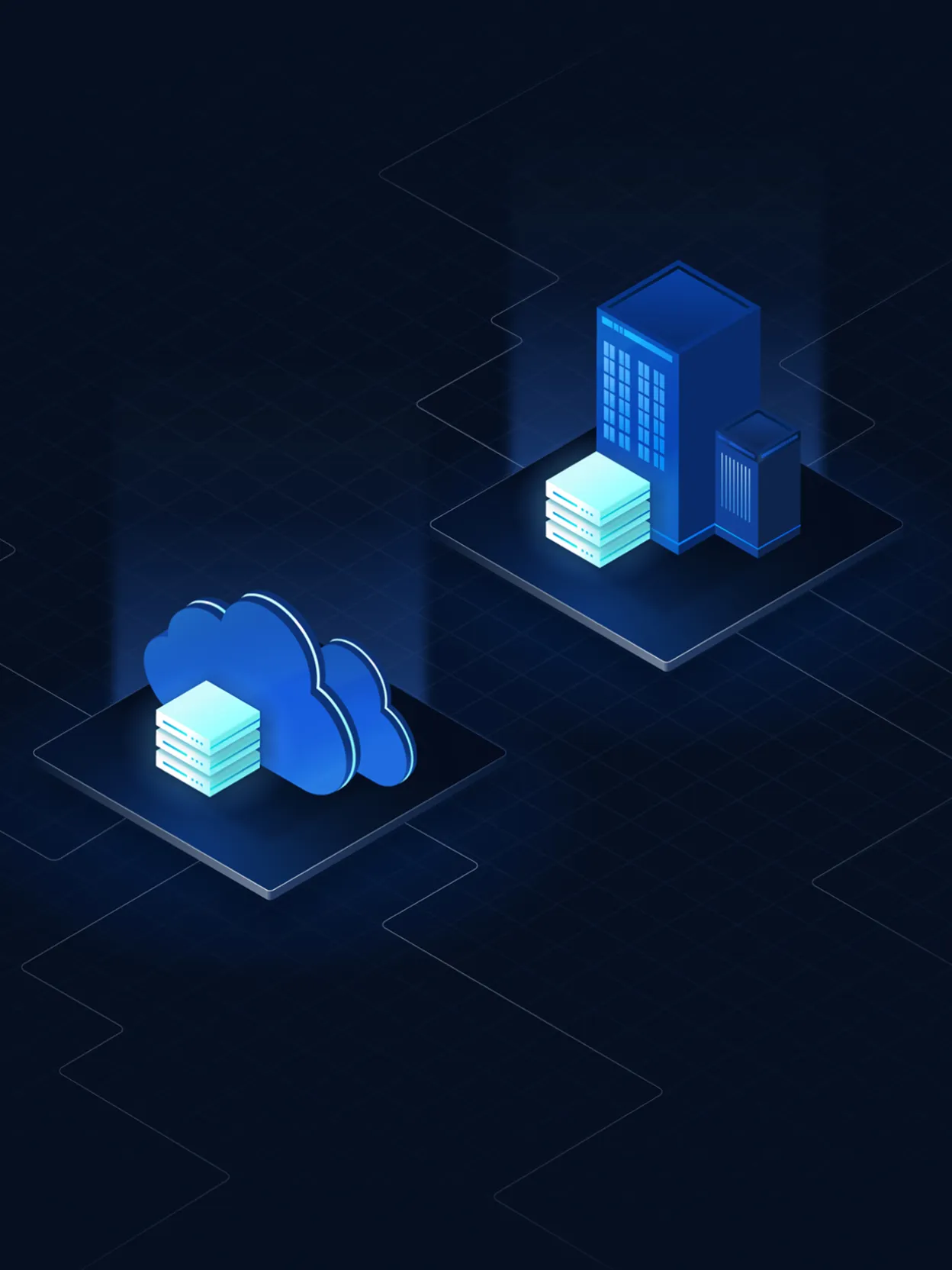
Hybrid
Bridge on-premises and cloud environments securely.

Integrations
Secure file workflows integrate with enterprise storage systems, SFTP services, collaboration platforms, and SIEM environments to align inspection, policy enforcement, and monitoring across the organization.
For advanced embedded inspection technologies, including AI-powered malware detection, and detailed integration capabilities:
Customer Success

“OPSWAT’s Managed File Transfer allows us to process large volumes of files... without worrying about hidden threats slipping through.”

“There is a barrier in place that allows us to confidently pass or share or receive or give information... OPSWAT has become a really credible solution.”

“It [MetaDefender Managed File Transfer (MFT)] was everything we needed in order to mitigate the risk, moving from a dirty system to a clean system.”
Compliance-Ready Managed File Transfer
MetaDefender Managed File Transfer supports compliance with frameworks such as GDPR, HIPAA, NIS2, PCI DSS, FISMA, and NIST by applying encryption, role-based access control, detailed audit trails, and policy enforcement across enterprise file transfer workflows.



How It Works in Three Simple Steps



Technical Documentation
Getting Started
Deployment & Usage
Support
Unlock the Full Potential of Our Products

Resources
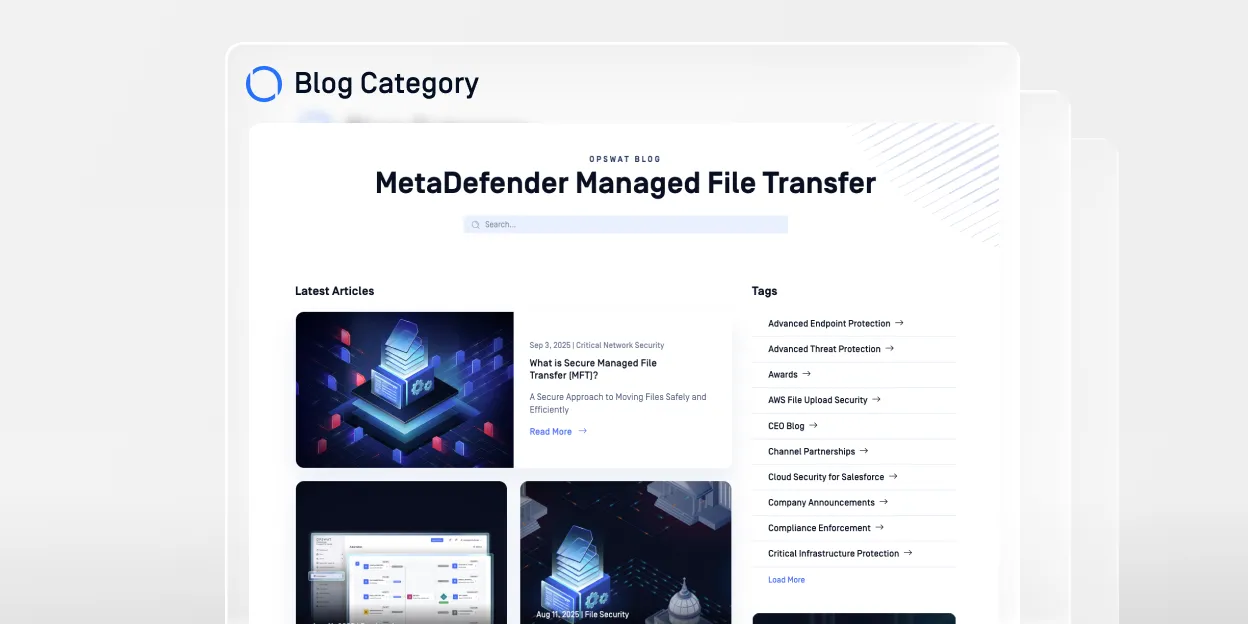
MetaDefender Managed File Transfer (MFT) Blog
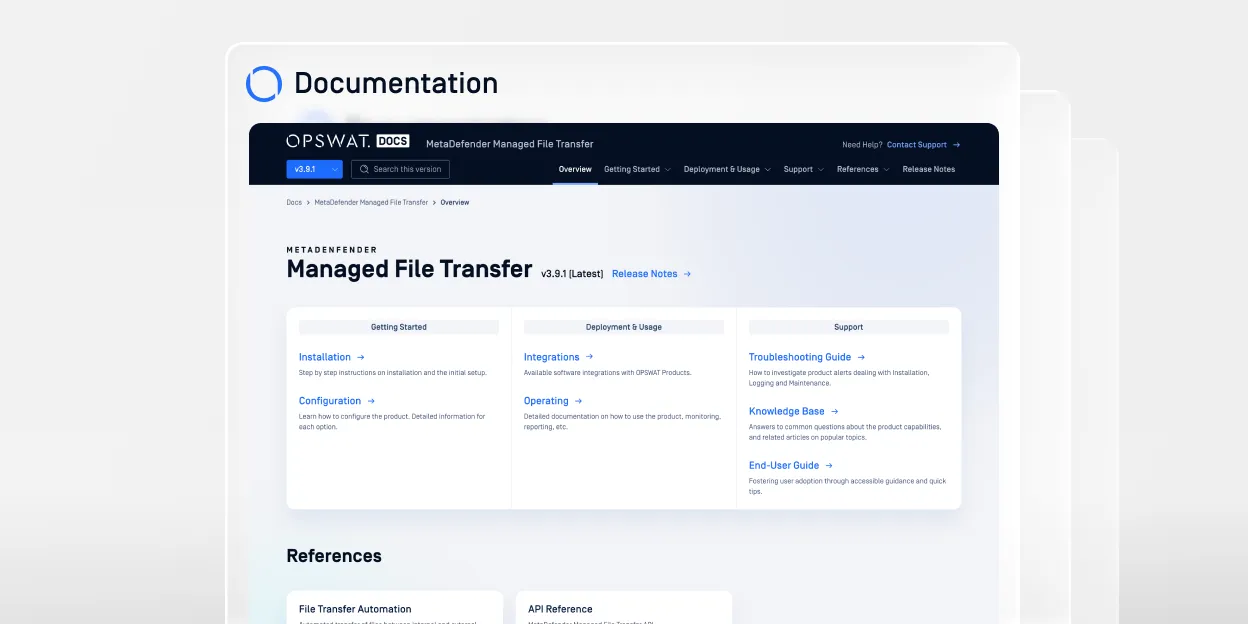
MetaDefender Managed File Transfer (MFT) Documentation
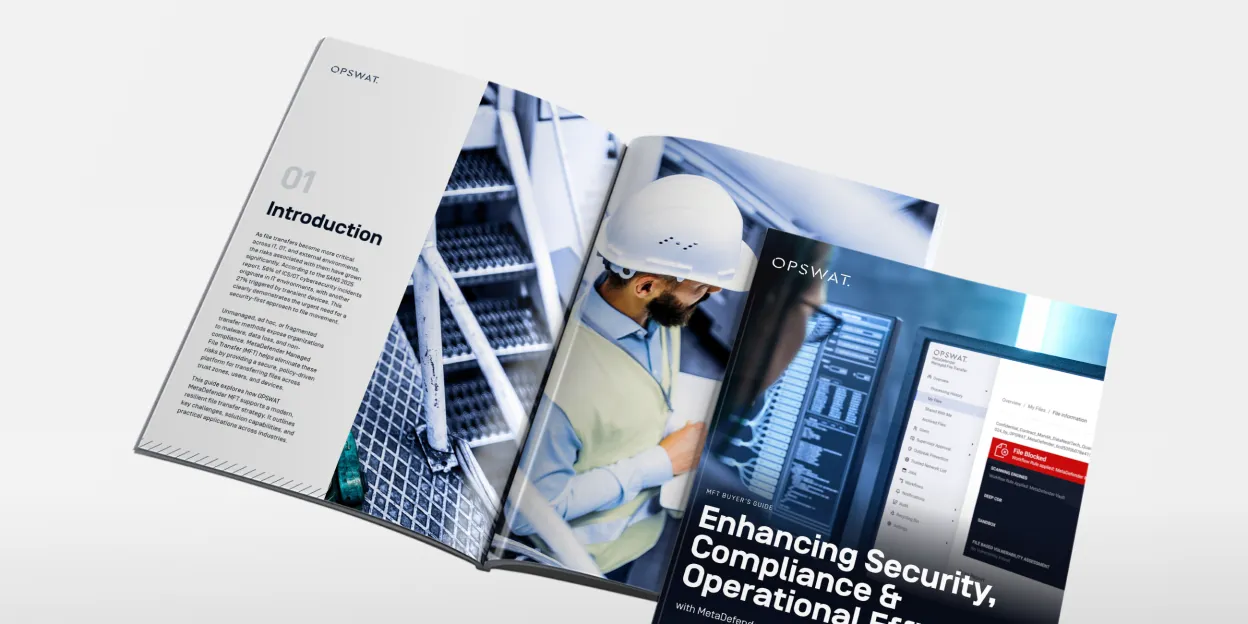
The Ultimate Guide to Secure Managed File Transfer
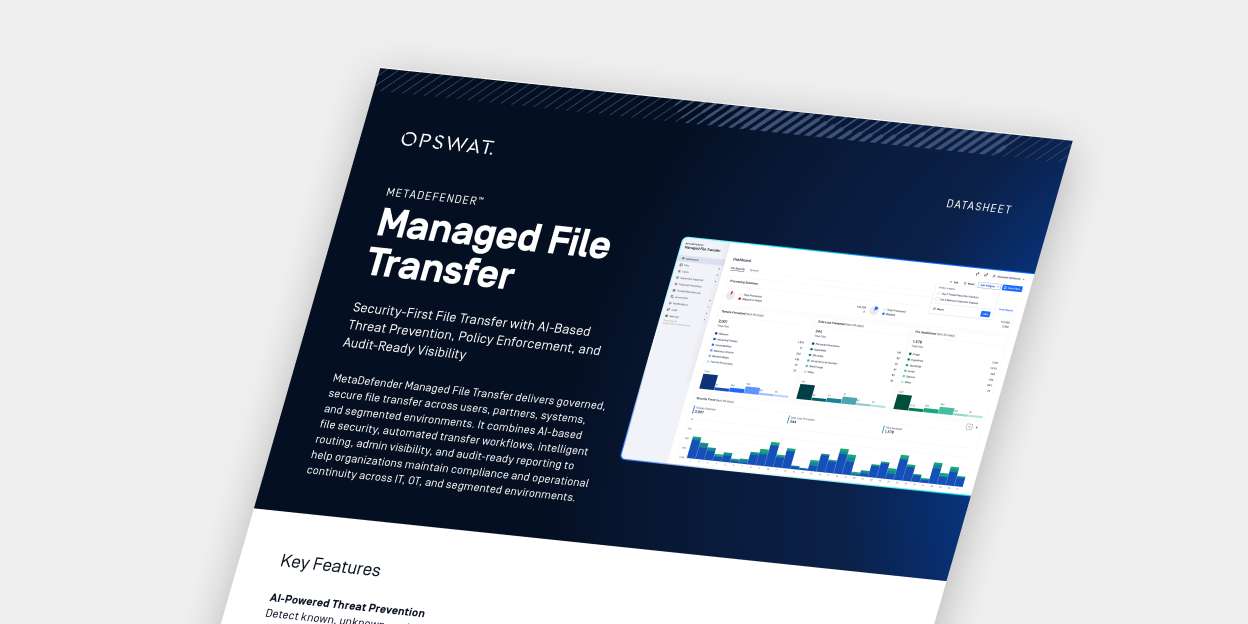
MetaDefender Managed File Transfer (MFT) Datasheet
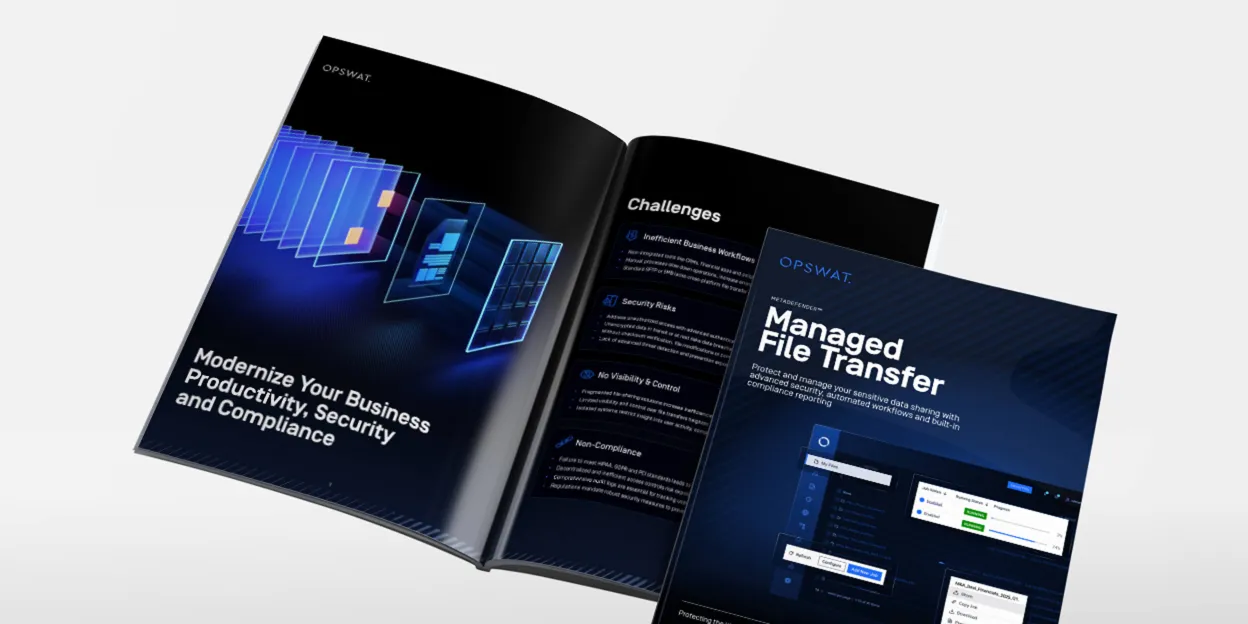
MetaDefender Managed File Transfer (MFT) Solution Brief
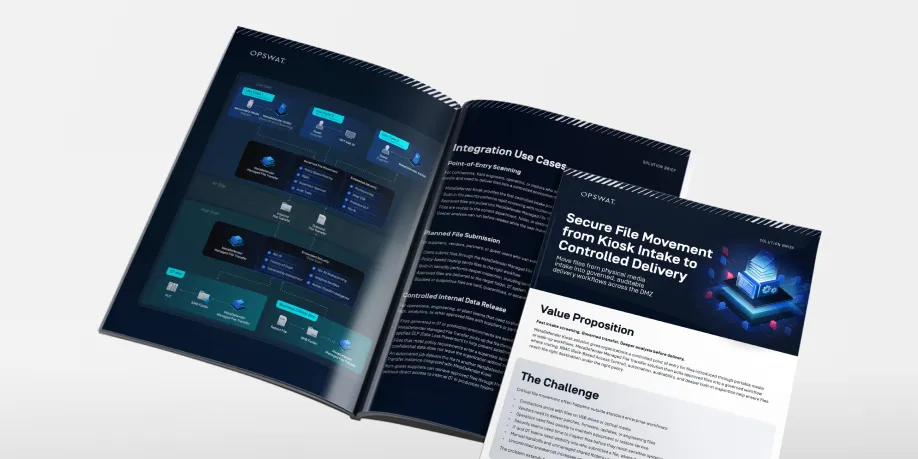
Secure File Movement from Kiosk Intake to Controlled Delivery
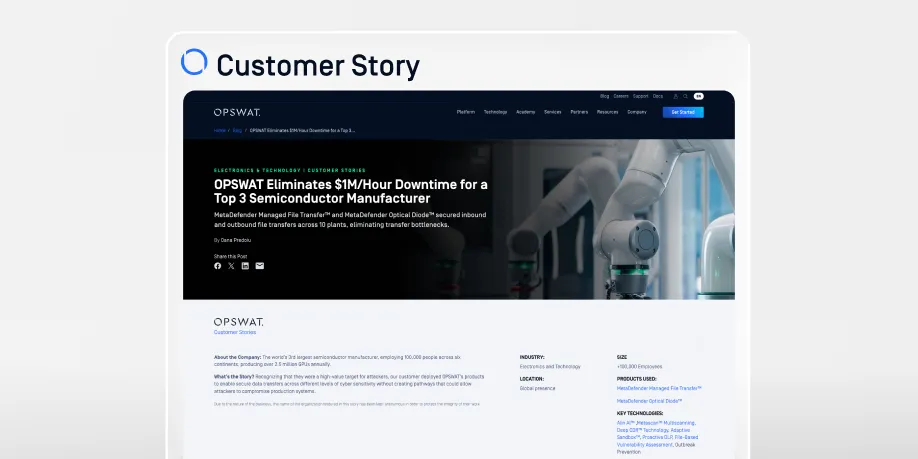
OPSWAT Eliminates $1M/Hour Downtime for a Top 3 Semiconductor Manufacturer
Managed File Transfer FAQ’s
Managed file transfer (MFT) is a platform that enables secure, automated, and policy-enforced file exchange between users, systems, and networks. An MFT solution provides encryption, audit trails, workflow automation, and centralized control to ensure files are transferred securely and in compliance with regulatory requirements.
MetaDefender Managed File Transfer (MFT) is OPSWAT’s security-first MFT solution, embedding advanced file inspection and policy enforcement directly into file transfer workflows across enterprise IT and OT environments.
Traditional managed file transfer solutions primarily focus on secure transport and automation. MetaDefender Managed File Transfer (MFT) goes further by embedding advanced file security directly into every transfer.
MetaDefender MFT integrates multiscanning with up to 30 anti-malware engines, Deep CDR™ Technology file sanitization, Proactive DLP™, AI-powered malware detection using Predictive Alin AI for pre-execution zero-day detection and file-based vulnerability assessment within file transfer workflows—helping organizations prevent malware propagation and data loss while maintaining full MFT automation capabilities.
MetaDefender Managed File Transfer (MFT) improves security by inspecting every transferred file before it reaches its destination. Files are analyzed using Metascan™ Multiscanning, Deep CDR™ Technology, Proactive DLP™, and AI-powered malware detection using Predictive Alin AI for pre-execution zero-day detection.
By combining advanced threat prevention with encryption, role-based access control, and supervisor approval workflows, MetaDefender MFT helps prevent malware outbreaks, data leakage, and unauthorized file movement across enterprise and critical infrastructure environments.
Yes. MetaDefender Managed File Transfer (MFT) supports scheduled jobs, logic-based routing, metadata-driven transfers, and visual workflow orchestration.
Organizations can define file movement rules based on file attributes, user roles, security inspection results, and network segmentation policies. This enables automated, policy-driven file transfer across IT, OT, cloud, and on-premises environments while maintaining centralized governance and visibility.
Yes. MetaDefender Managed File Transfer (MFT) is designed to support organizations operating in regulated and compliance-driven environments.
It supports frameworks such as GDPR, HIPAA, NIS2, PCI, FISMA, and NIST by applying encryption, granular role-based access control, supervisor approval workflows, detailed audit logging, and centralized reporting across file transfer operations.
Yes. MetaDefender Managed File Transfer (MFT) is designed to support secure, policy-driven file transfer across segmented IT and OT networks.
It enables secure data movement between low-security and high-security environments, including air-gapped and critical infrastructure systems, while applying advanced threat inspection and policy enforcement before files are transferred.
MetaDefender Managed File Transfer (MFT) supports on-premises, cloud, and hybrid deployments.
Organizations can deploy the solution within enterprise IT networks, industrial OT environments, or cloud-based infrastructures while applying consistent file security policies, encryption standards, and centralized governance across all environments.
Available as a BYOL image on AWS Marketplace.
No. While MetaDefender Managed File Transfer (MFT) is trusted by large enterprises and critical infrastructure operators, it is also suitable for mid-sized organizations that require secure and automated file exchange.
With flexible deployment options, centralized management, and a streamlined setup process, MetaDefender MFT supports organizations of varying sizes seeking advanced file security, compliance readiness, and workflow automation without excessive operational complexity.
Yes. MetaDefender Managed File Transfer (MFT) integrates with HTTP/S, SFTP, SMB, SharePoint Online, cloud storage platforms, SIEM systems, and REST APIs.
It also interoperates with other OPSWAT solutions—including MetaDefender Kiosk, NetWall data diode, Email Security, Storage Security, and OT Access—to orchestrate secure, policy-driven file movement across segmented and regulated environments.
A desktop client lets users browse, upload, download and organize files directly from their workstation.
Yes. Outbreak Prevention periodically rescans stored files with updated engines, which catches threats that were unknown when the file was first uploaded.
AI Content Inspector determines whether documents and images were AI-generated and flags potential fraud, such as fabricated records, before files enter downstream systems.
Every transfer gets a SHA-256 check that confirms the file arrived complete and unaltered. Each result is written to a tamper-evident audit trail.
A redundant deployment keeps file transfers and scheduled jobs running, which reduces downtime for business-critical workflows.
Yes. Service accounts handle system-to-system transfers, so jobs don't depend on any one person's account.
Retention policies set how long files are stored. Files are removed automatically when the retention period ends, which supports compliance requirements and reduces exposure from data kept longer than needed.
Yes. A reverse proxy in the DMZ brokers inbound connections, so no inbound ports open to the internal network. An outbound forward proxy handles connections to external partners.
Multi-gigabyte files are supported. Interrupted transfers resume where they stopped. Bandwidth can be throttled by user, job or schedule, and job queues prioritize concurrent transfers.