OPSWAT Bill of Materials
Identify software packages and known vulnerabilities, assess cryptographic risk, and review AI model provenance and declared licenses.
- Software Component Visibility
- Post-Quantum Migration Planning
- AI Model Provenance
OPSWAT is Trusted by




















Automated SBOM,
CBOM & AIBOM
Generation
CycloneDX & SPDX For SBOM
8.7M+
Third-Party Open-Source
Software Components
CI/CD Pipeline
Integration
Software & AI License Information
Known Vulnerability & Cryptographic Risk Visibility
Inventory Blind Spots Create Risk
Incomplete inventories leave teams reconstructing evidence for vulnerability response, cryptographic migration, and AI model reviews.


Files Arrive Without Component Details
Supplier software and AI model files can arrive without usable inventories, leaving teams to establish package versions, cryptographic dependencies, model provenance, and declared licenses before review.

Growing Compliance and Documentation Requirements


New CVEs Trigger Manual Component Checks
When a new CVE is disclosed, missing package names and versions delay the initial task: identifying which software artifacts need investigation.
Analyze, Inventory, Export
 STEP 1
Scan Supported Files and Artifacts
Scan source files, binaries, certificates, container content, and AI model files. Analysis coverage depends on the file type and enabled BOM modules.
- STEP 2
Run the Enabled BOM Modules
Enabled modules generate up to three inventories within one scan result, depending on the submitted file and supported analysis.
- STEP 3
Export Individual or Combined Reports
Generate separate SBOMs in SPDX or CycloneDX, or together with CBOM and AIBOM in JSON or PDF, giving AppSec, PQC, AI governance, Legal, and GRC teams the formats relevant to their work.
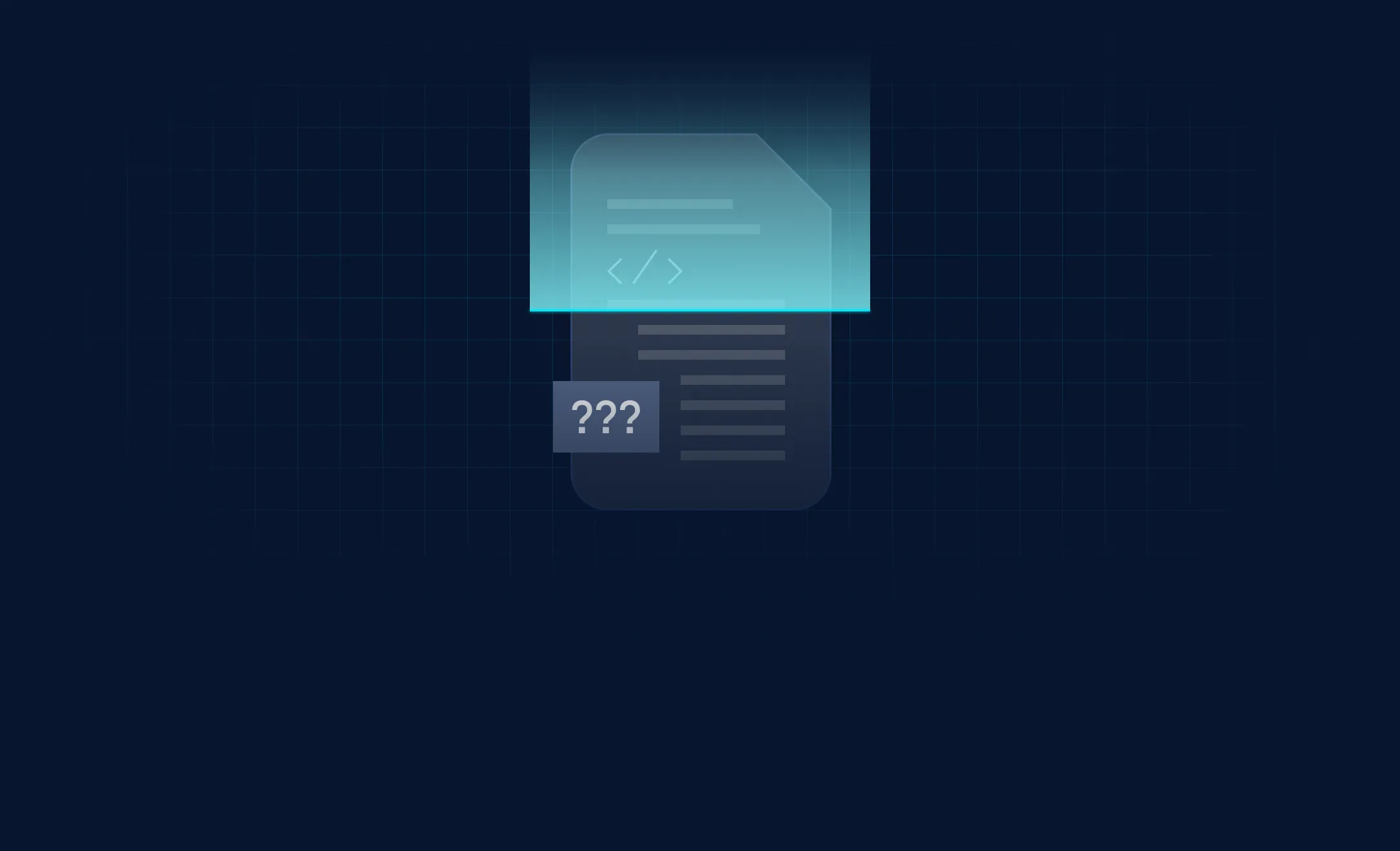
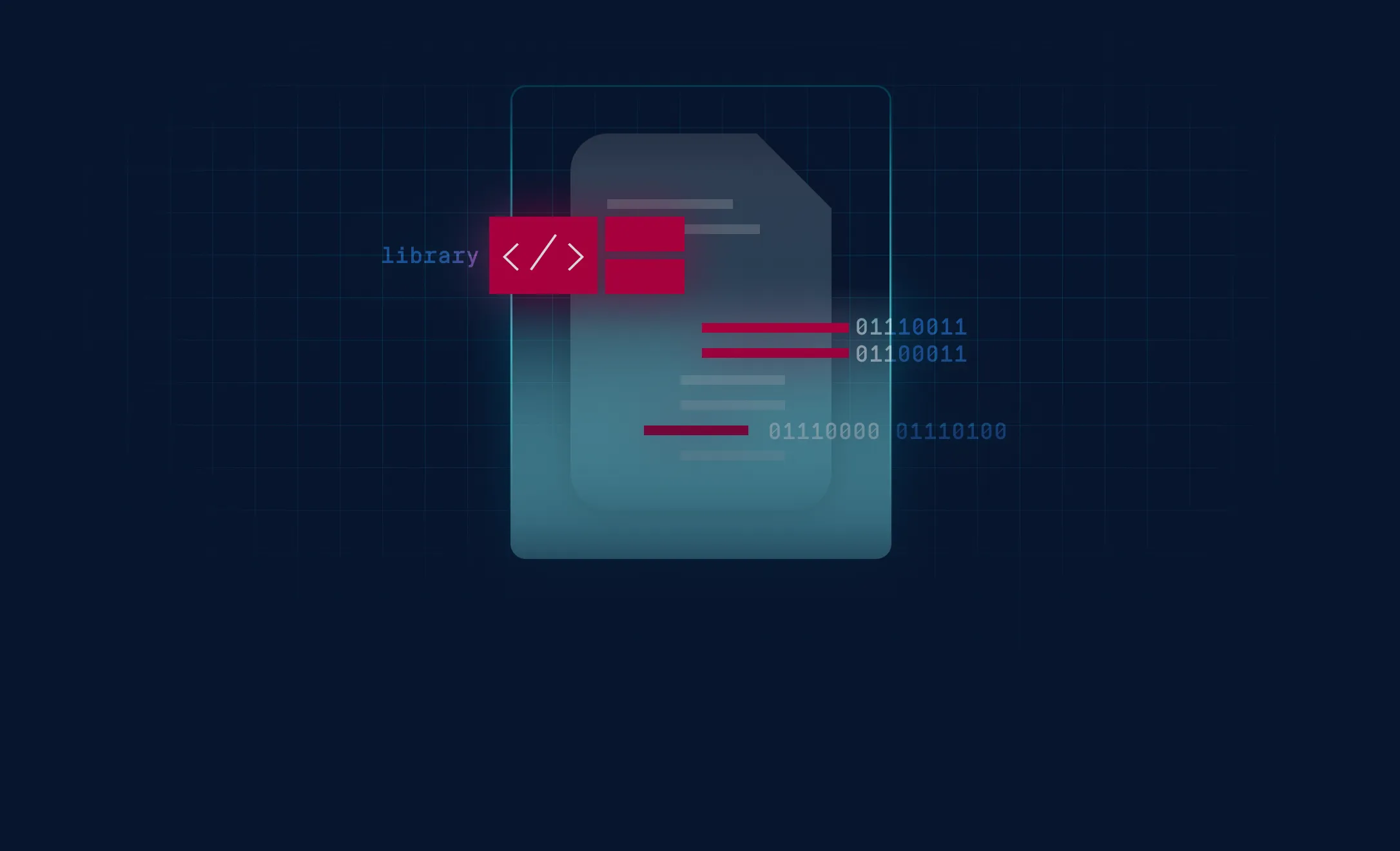
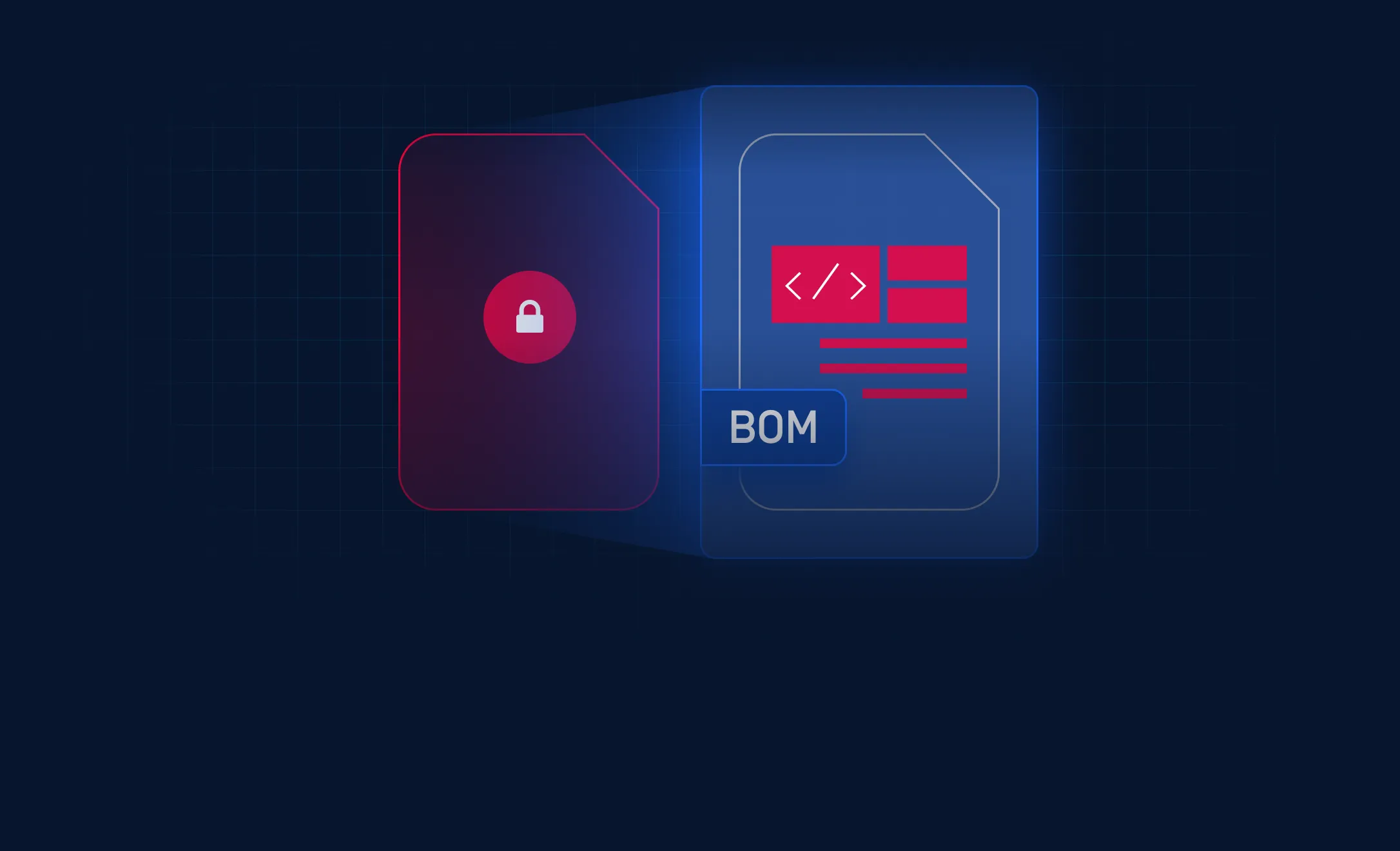
Three Inventories. Broader Risk Visibility.
Identify Packages and
Known Vulnerabilities
List package names, versions, license information, critical software updates and known vulnerabilities from 8.7 million third-party libraries.
Assess Cryptographic Risk
Inspect algorithms, libraries, certificates, protocols, and related cryptographic material. Review classical and quantum risks, with recommended replacements where available, to inform migration decisions.
Match AI Models to
Published Repositories
Match model files to repositories known to publish the same bytes and report available declared licenses, giving reviewers concrete references for provenance and licensing checks.
Analyze Files in Air-
Gapped Environments
Analyze supported files inside isolated networks. With the required databases installed locally, teams can perform BOM reviews without cloud connectivity during scanning.
Consolidate BOM Analysis
Generate software, cryptographic, and AI inventories through one engine, reducing the need to configure separate scanning workflows for each inventory type.
Configure BOM-Based
Blocking Policies
Set software vulnerability thresholds and package license restrictions. Separately enable blocking for cryptographic risk and selected AI model licenses, according to your workflow requirements.
Explore a Unified BOM Scan Result
Inspect the scan summary, switch between SBOM, CBOM, and AIBOM findings, and export the report you need.
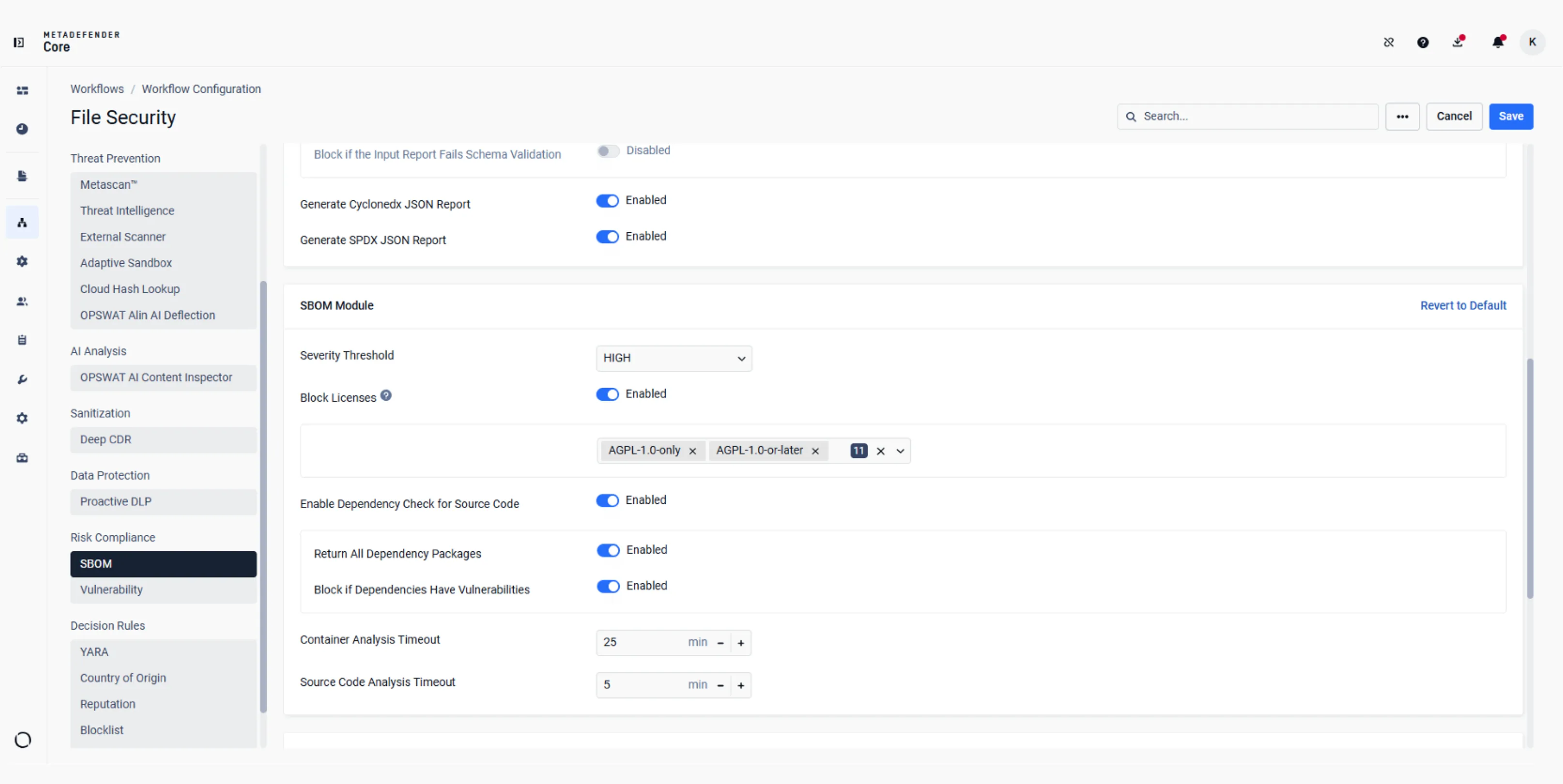
Set vulnerability severity thresholds, select package licenses to block, and enable dependency checks for source code.
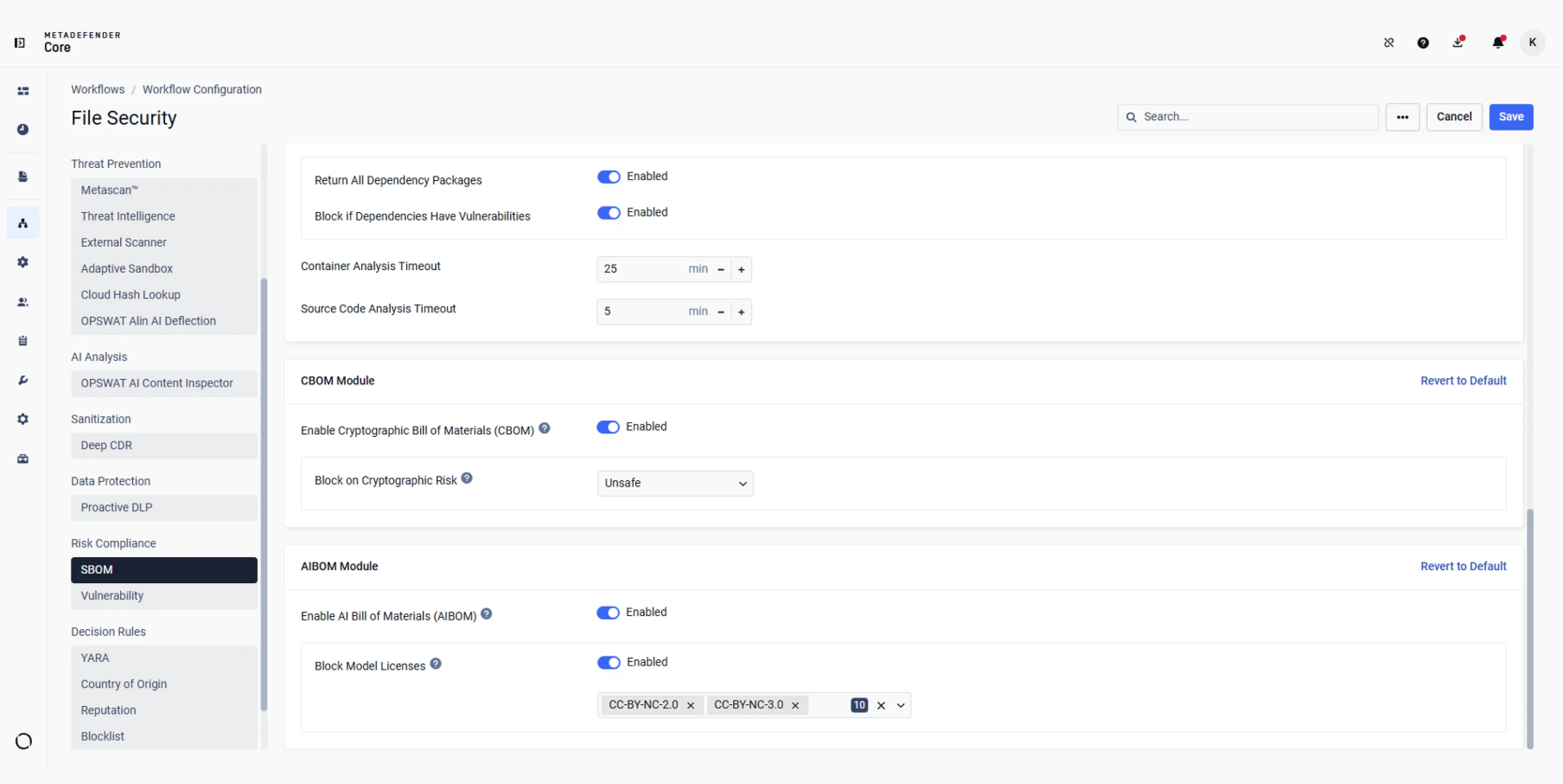
Choose whether to block on cryptographic risk or which AI model licenses to restrict.
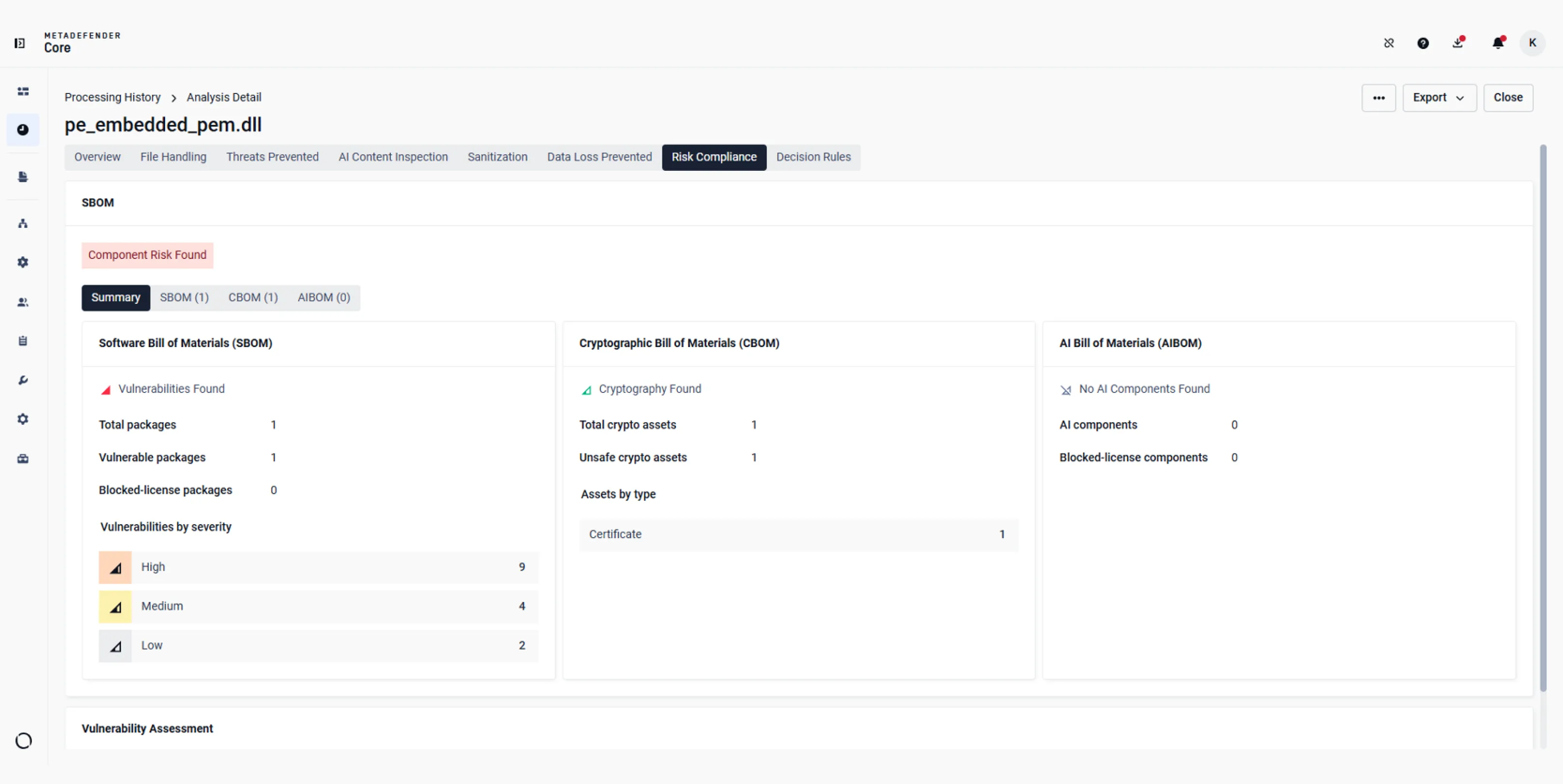
Compare software, cryptographic, or AI findings for the scanned file, then open each module for details.
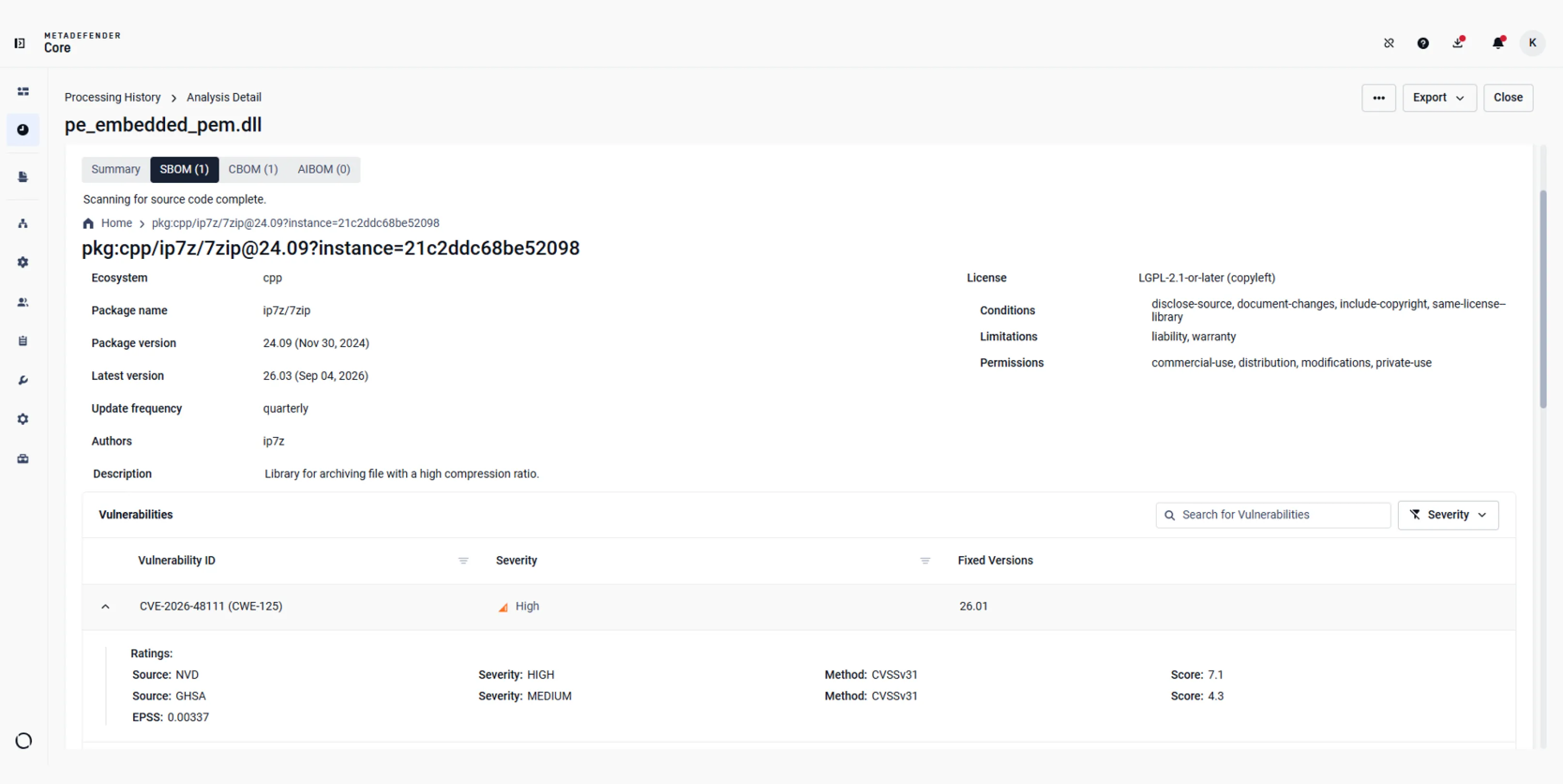
Review package version, reported license, associated CVEs, and severity ratings.
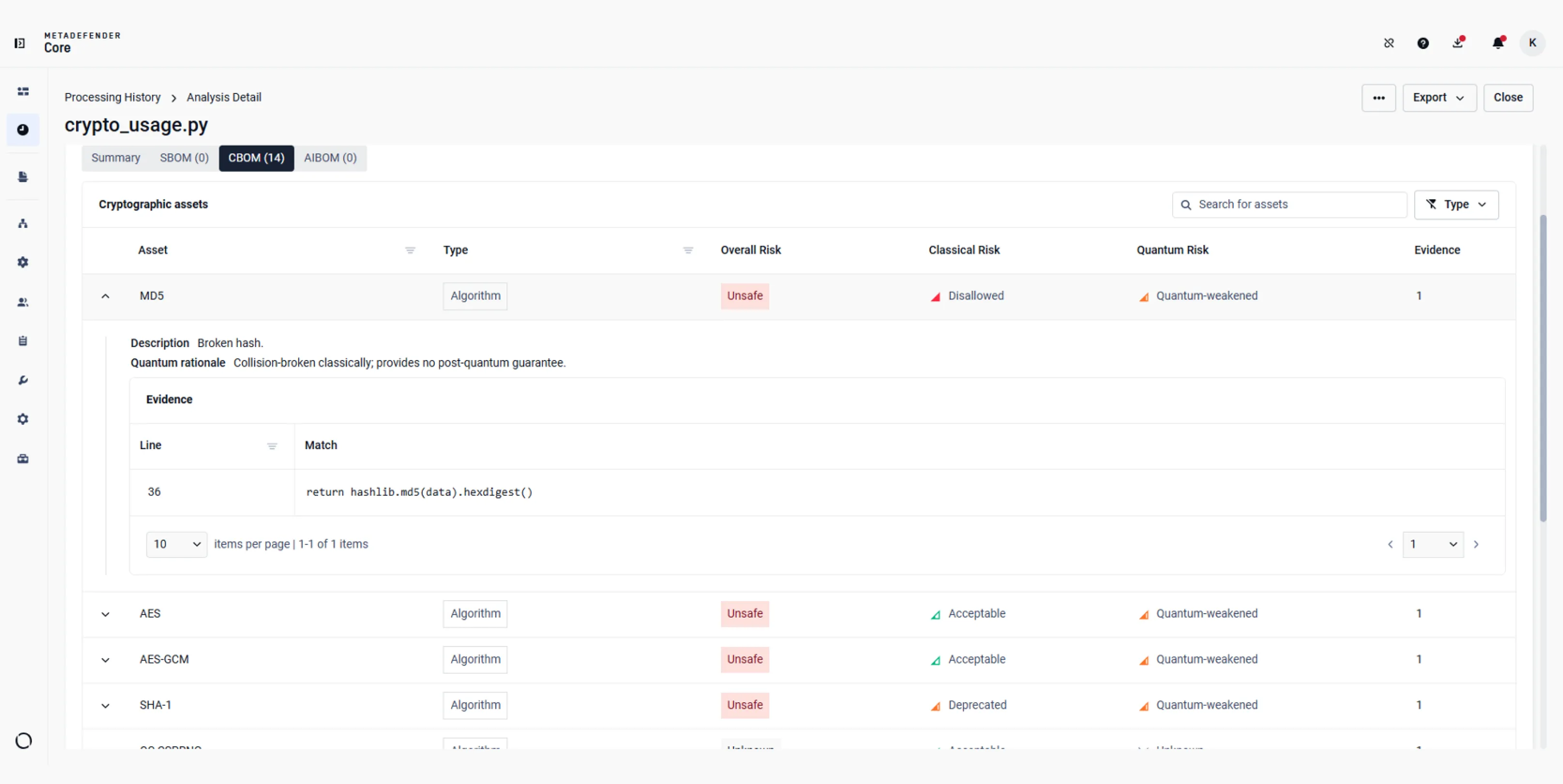
Review classical and quantum risk classifications alongside source evidence showing where cryptographic assets were found.
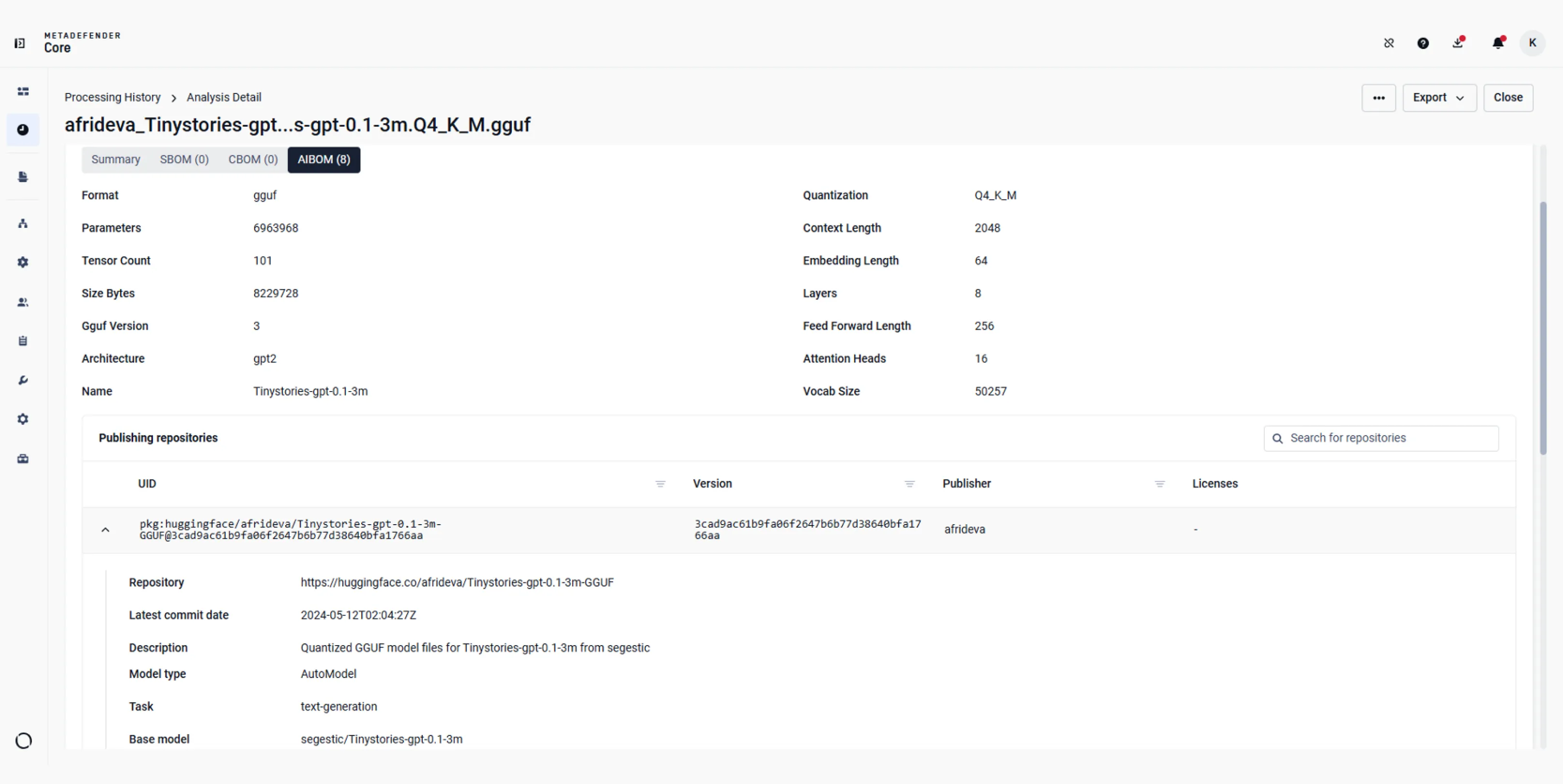
Inspect the model format and architecture, then review repositories known to publish the same file.
 Configure SBOM Policies
Set vulnerability severity thresholds, select package licenses to block, and enable dependency checks for source code.
- Configure CBOM and AIBOM Policies
Choose whether to block on cryptographic risk or which AI model licenses to restrict.
- Review Unified BOM Summary
Compare software, cryptographic, or AI findings for the scanned file, then open each module for details.
- Inspect Software Vulnerabilities
Review package version, reported license, associated CVEs, and severity ratings.
- Inspect Cryptographic Risk and Evidence
Review classical and quantum risk classifications alongside source evidence showing where cryptographic assets were found.
- Inspect AI Model Provenance
Inspect the model format and architecture, then review repositories known to publish the same file.
Integrations & Supported Languages
Use Cases
Investigate a Newly Disclosed CVE
Plan Post-Quantum Migration
Use cryptographic findings and recommended replacements to identify assets needing specialist review before migration planning.

Review an AI Model Before Deployment
Review known publishing repositories and available declared licenses before approving a model for application use.
Resources

SBOM Use-case Focused

SBOM Guide for 2026: Turn Compliance into a Security Asset
From Dune to npm: Shai-Hulud Worm Redefines Supply Chain Risk
Shai-Hulud 2.0: How to Secure Your Software Supply Chain Against the Second Wave
Recent ESLint Hack Raises Software Supply Chain Concerns to the Next Level
2 Billion npm Downloads at Risk From Crypto Malware: A Wake-Up Call for Open-Source Supply Chain Security
Software Bill of Materials (SBOM) Explained
Software Supply Chain Security: What It Is and Why It's Critical
0 results. Please try again.
