MetaDefender Drive with
Smart Touch
MetaDefender Drive with Smart Touch is OPSWAT’s transient cyber asset protection solution designed to inspect and validate laptops, desktops, and other transient devices before they connect to critical IT and OT environments. It performs portable malware and compliance scanning in isolated or air-gapped environments, helping organizations reduce supply chain risk and support regulatory requirements.
- Built-In Touchscreen Control
- Automated Wireless Reporting
- Fully Standalone Operation
OPSWAT is Trusted by























Verify Servers, Desktops, and Laptops Before They Power On
MetaDefender Drive with Smart Touch verifies servers, laptops, and desktops before they boot, ensuring no unverified device enters your secure environment.
For devices that cannot be powered down, MetaDefender Drive with Smart Touch also supports in-session malware scanning, to perform comprehensive scans during live operations.
- Fully Standalone Operation: Update applications, reports, and engines directly using Wi-Fi or cellular, no workstation required.
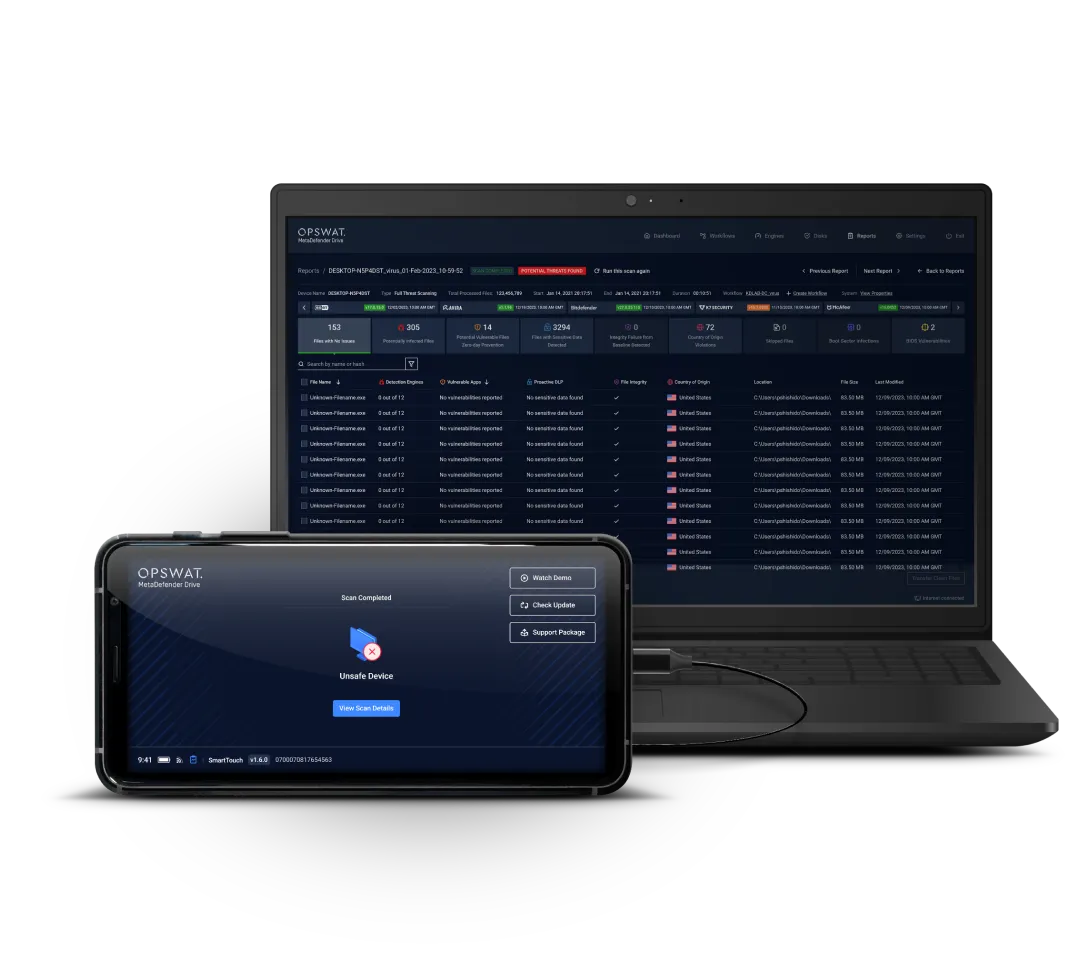
- Actionable Data: The 5.7” built-in touchscreen enables reviewing scan results and fast decision-making.
- Secure Networking: Physical kill switches to ensure total control in air-gapped environments.
- Secure File Storage: Supports storing files, like a standard thumb drive, and keeping them hidden until they are scanned and verified.
Touchscreen Display
Multiscanning with Up to 8 Engines
Fully Standalone Operation
Physical Network Kill Switches
Transient and Critical Device Scanning
Scan and Verify Devices
Before They Deployed in
Your Environment
No Software
Installation Required
Enterprise Central Management
Made In the U.S.A.
Scan and Verify Laptops Before They Power On
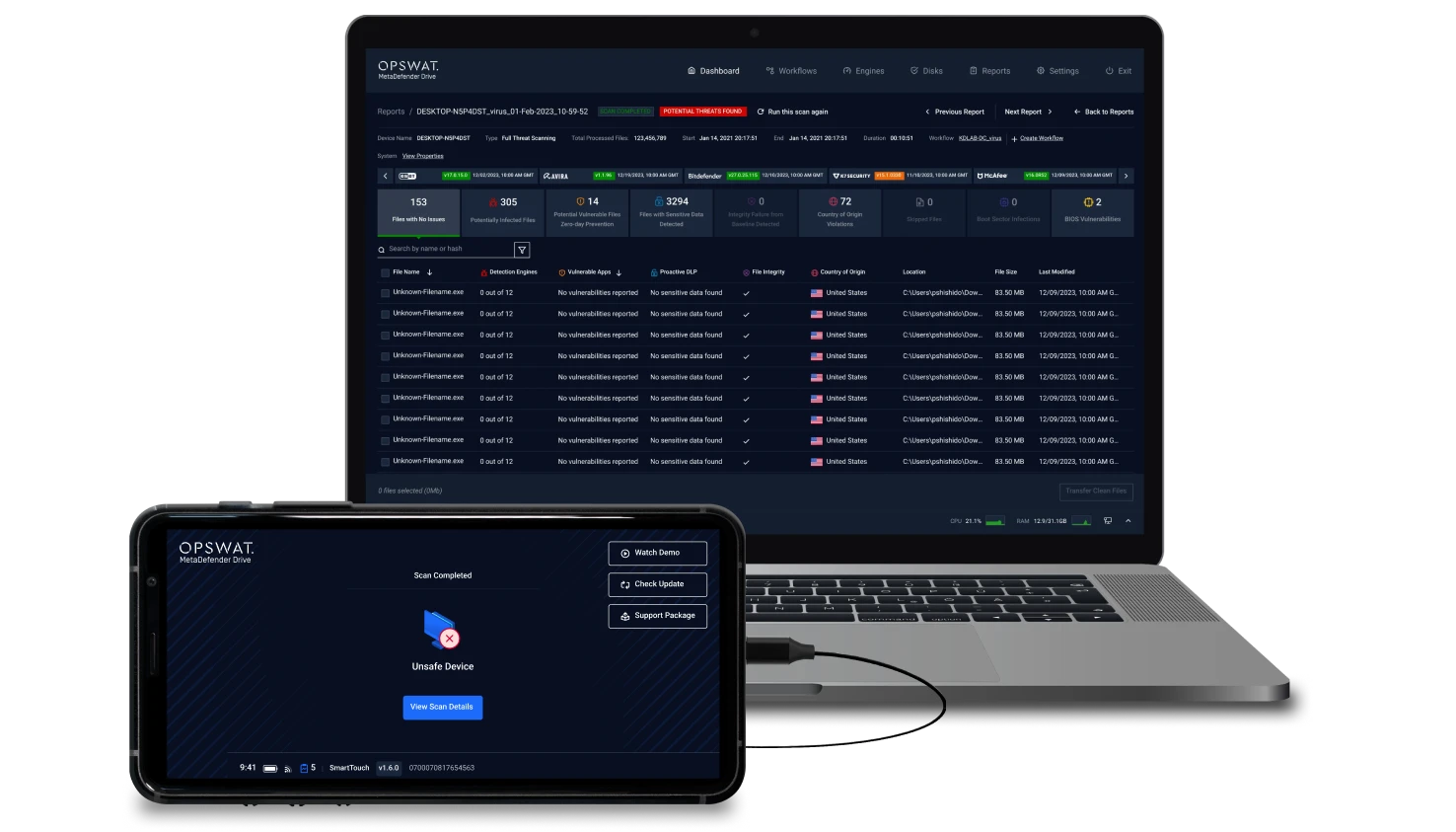
Powered by OPSWAT’s industry-leading technologies, MetaDefender Drive with Smart Touch performs comprehensive device scans across kernel, firmware and hardware components, ensuring devices are safe to use before they operate.
Multiscanning With up to 8 Trusted Engines
Origin and Integrity Verification
Data Loss Prevention
File-Based Vulnerability Assessment
Connect and Boot
Use Wi-Fi or cellular to update engines and security on MetaDefender Drive with Smart Touch, then connect to the target device and securely boot from the Drive.
Run Scan
With physical kill switches for air-gapped environments, securely boot your device directly from the MetaDefender Drive with Smart Touch for a full bare metal multiscanning with up to 8 engines. Includes 1TB of Storage for large archive scanning.








View Reports
- 5.7” screen to view the results of scans, directly on the MetaDefender Drive with Smart Touch interface.
- Streamlined, automated report syncing with My OPSWAT Central Management.
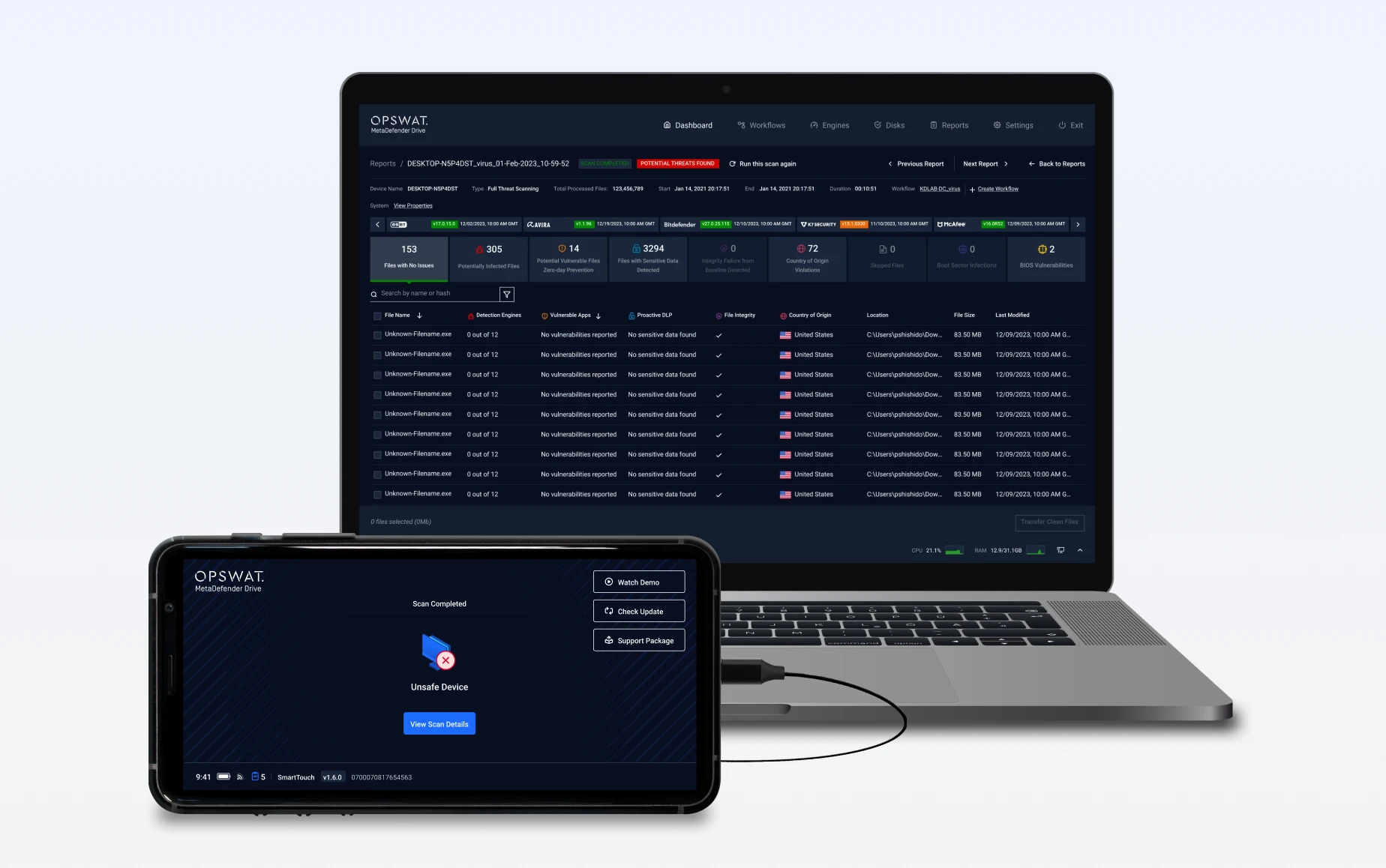
In-Session Scanning for Uninterrupted Device Inspection Without Downtime*
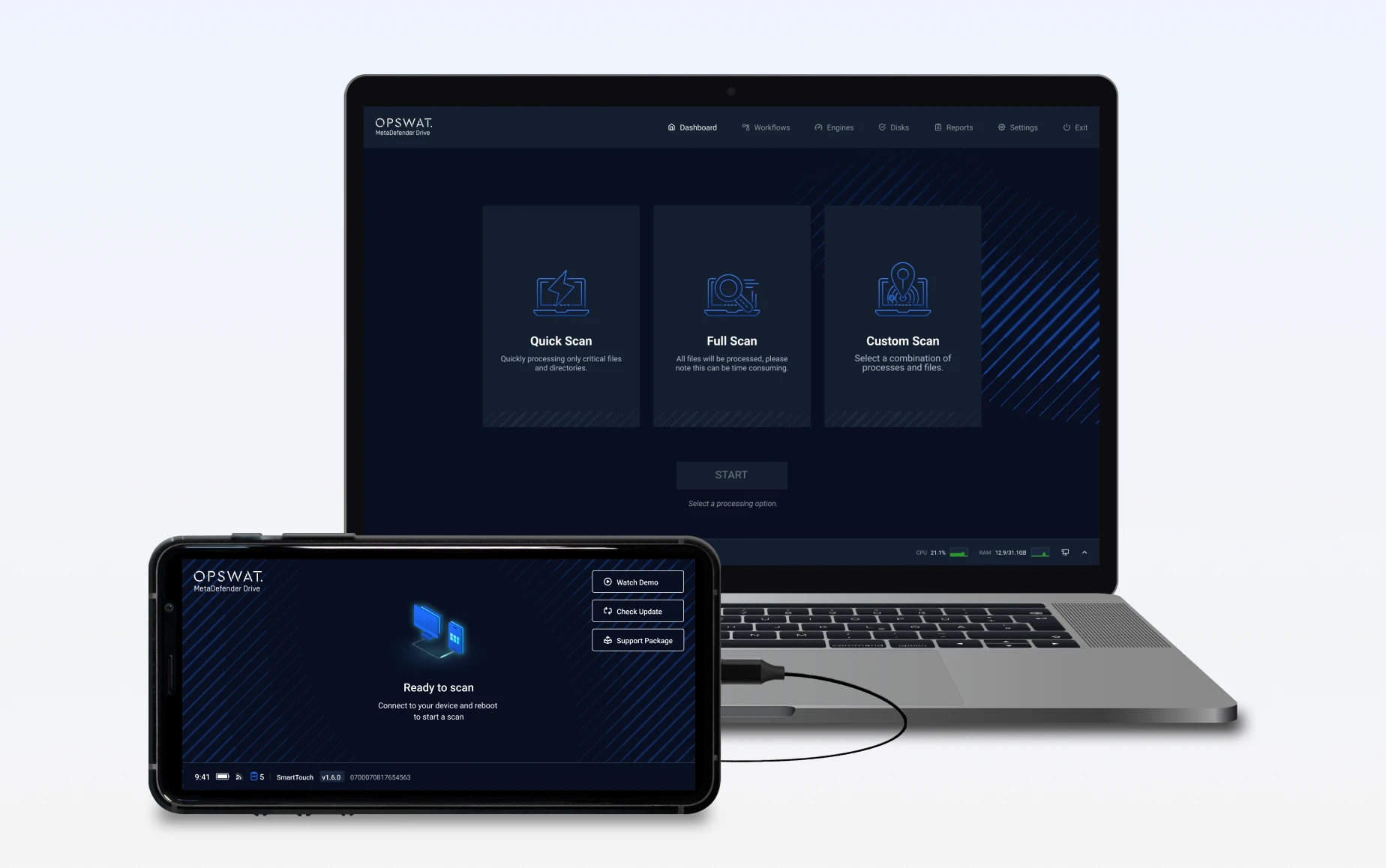
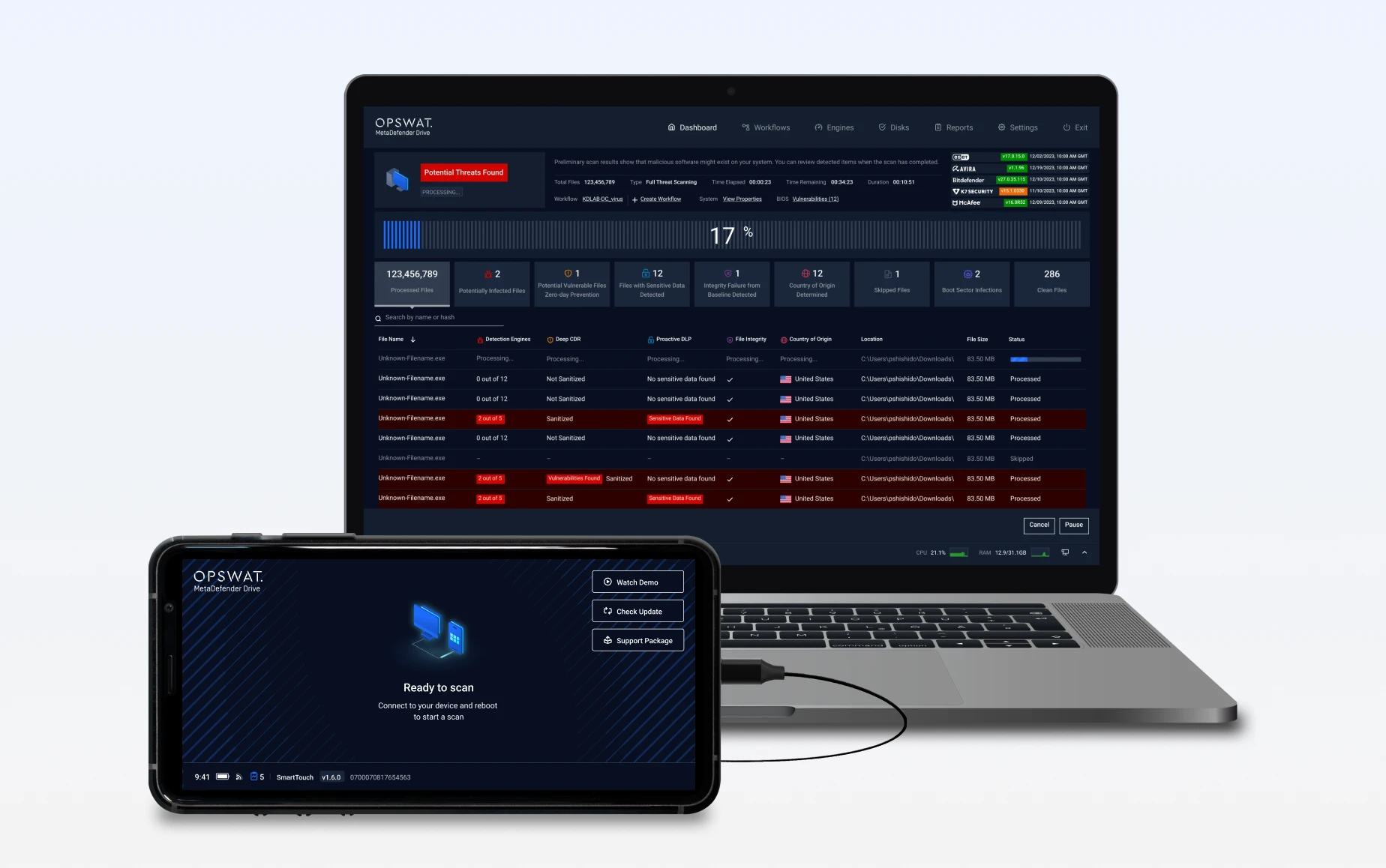
In-Session Scanning enables inspecting running processes and libraries in memory, local disks, boot sectors, and selected files or folders based on operational needs.
Multiscanning With up to 3 Trusted Engines
BitLocker Accessibility
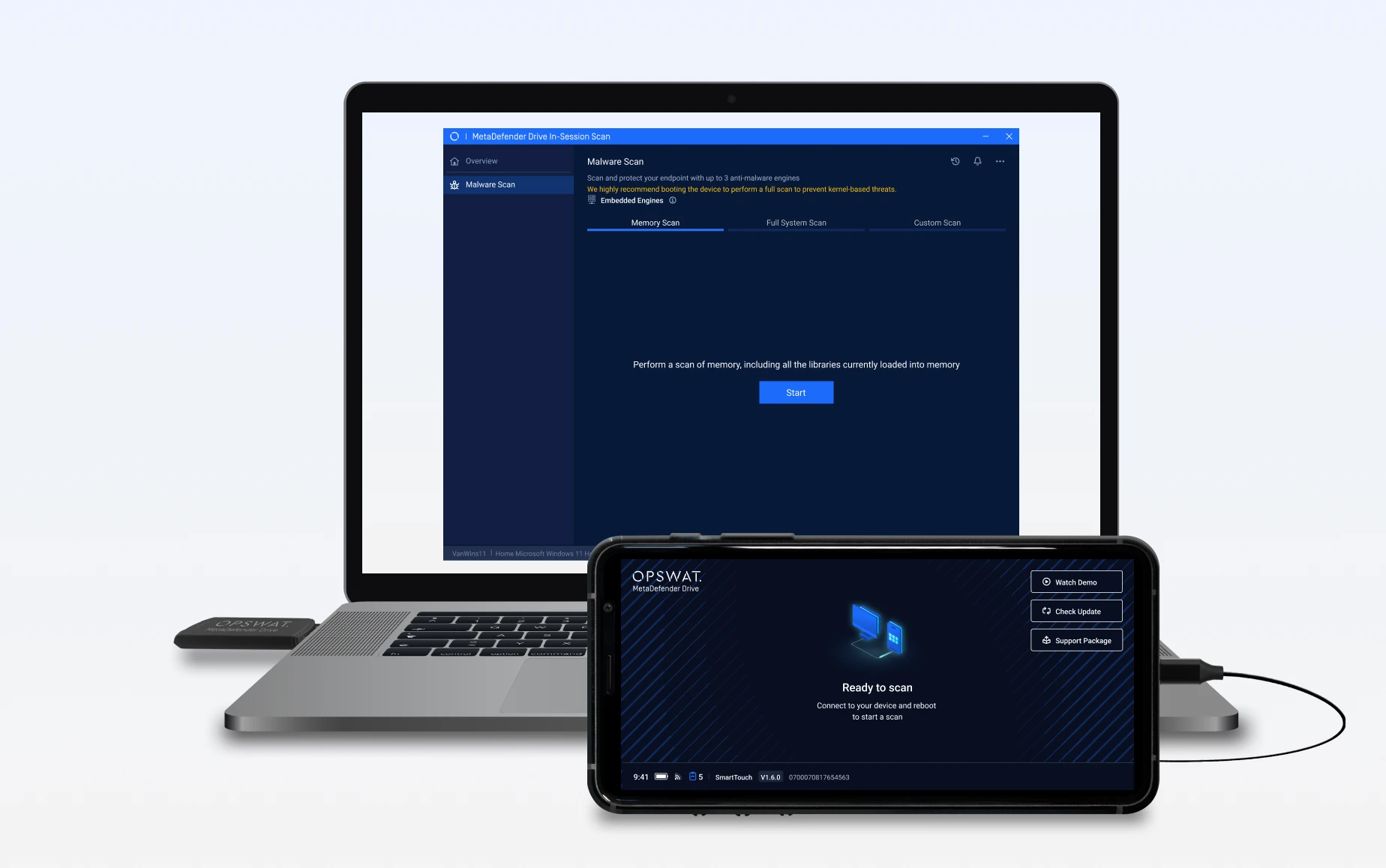
Connect
MetaDefender Drive connects to the target device while the operating system is running, with no software installation or system restart required.
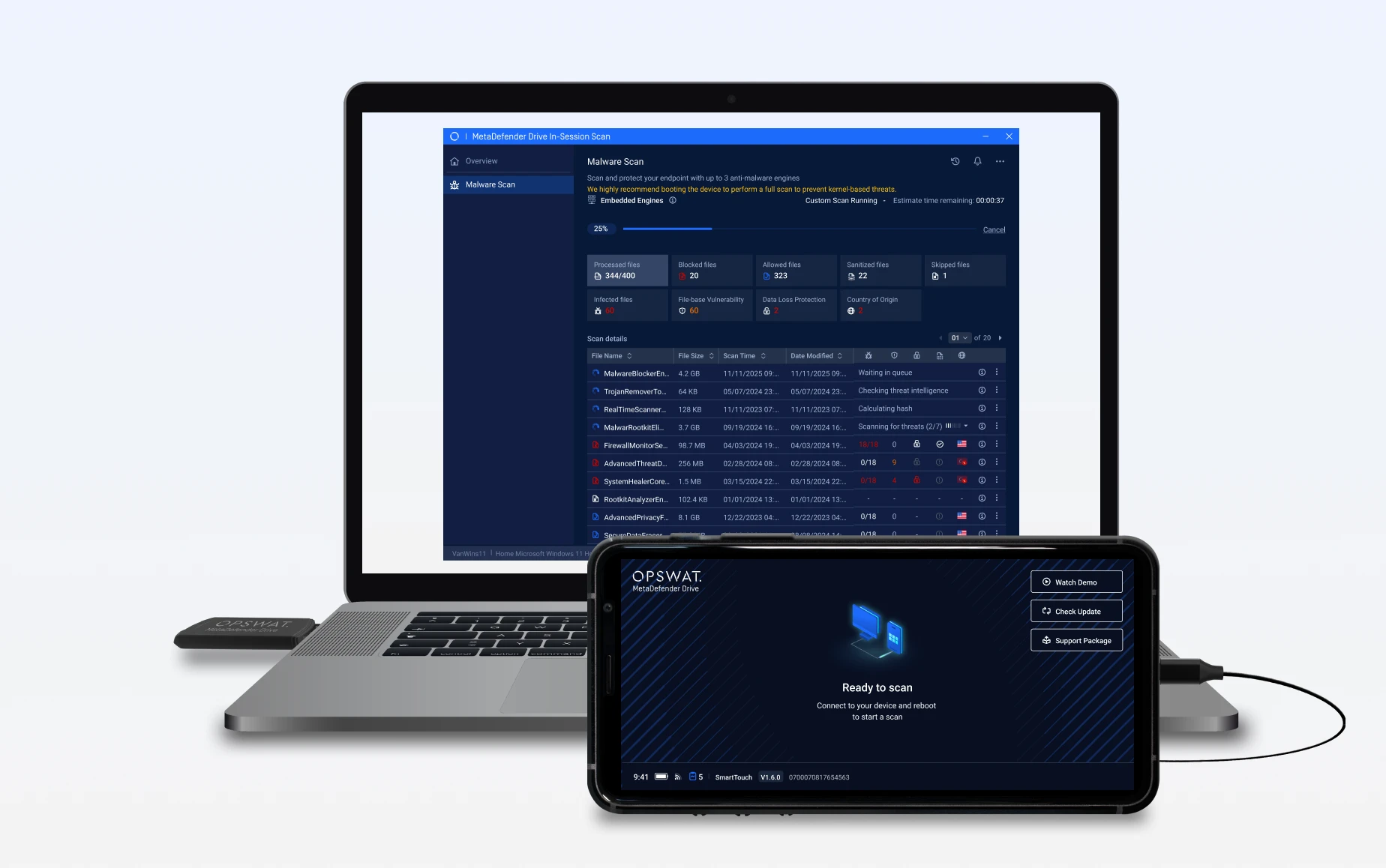
Scan During Live Operations
MetaDefender Drive performs in-session scanning on the system memory and local drives using up to 3 engines, enabling threat detection without interrupting operations.
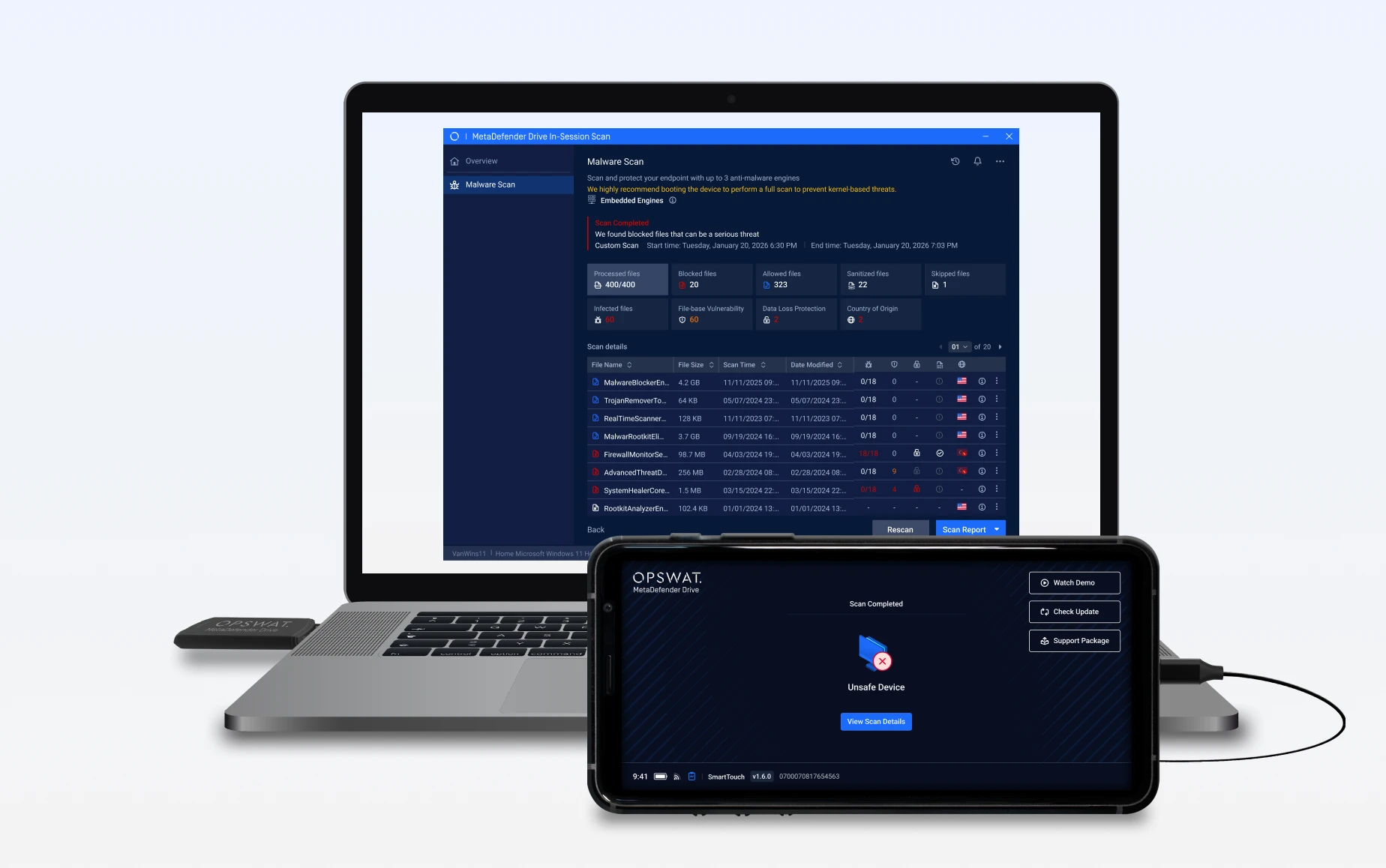
View Reports
Scan results clearly identify threats and system risks to support fast and informed remediation decisions.
Secure File Storage with Controlled Visibility
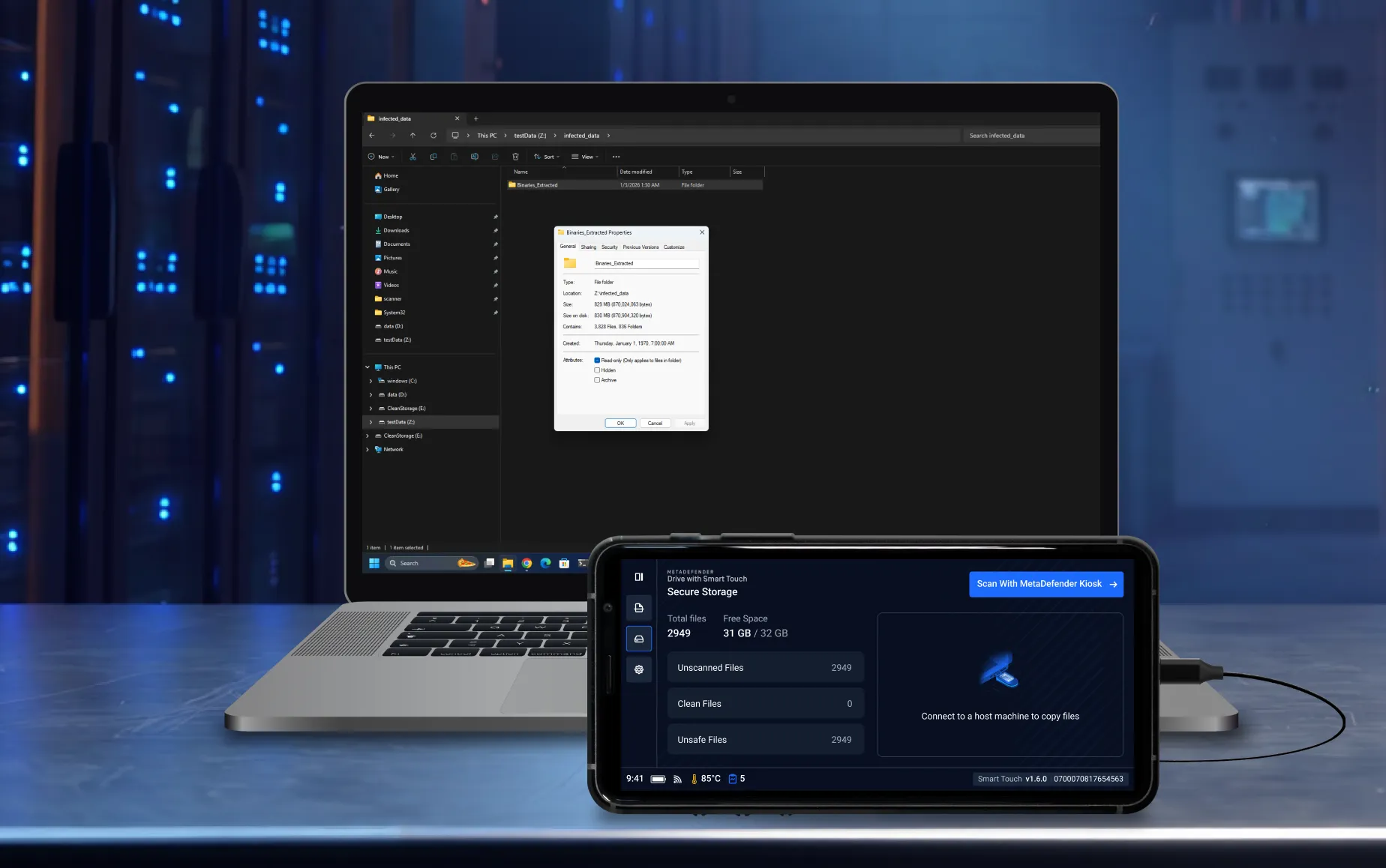
Files transferred to MetaDefender Drive with Smart Touch remain hidden by default and cannot be shared or distributed until they are scanned and approved, eliminating the risk of accidental exposure.
Transfer Files Securely
Transfer files from a transient device to MetaDefender Drive with Smart Touch just like a standard USB drive. The newly transferred files remain hidden by default.
Scan and Verify Files with MetaDefender Kiosk
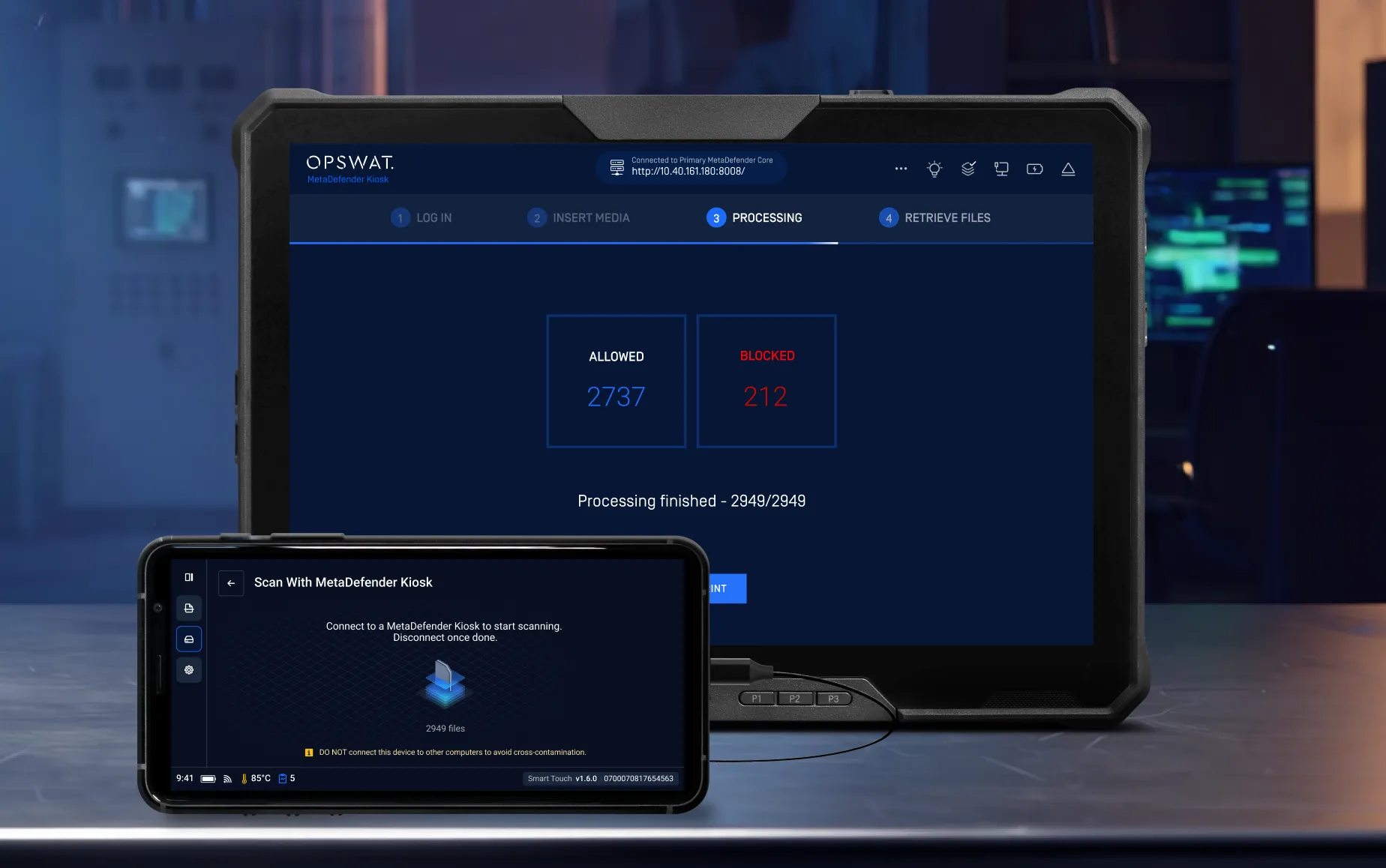
Connect MetaDefender Drive with Smart Touch to a MetaDefender Kiosk to scan the securely stored files using OPSWAT’s industry-leading technology.
Transfer Only Verified File to Critical System
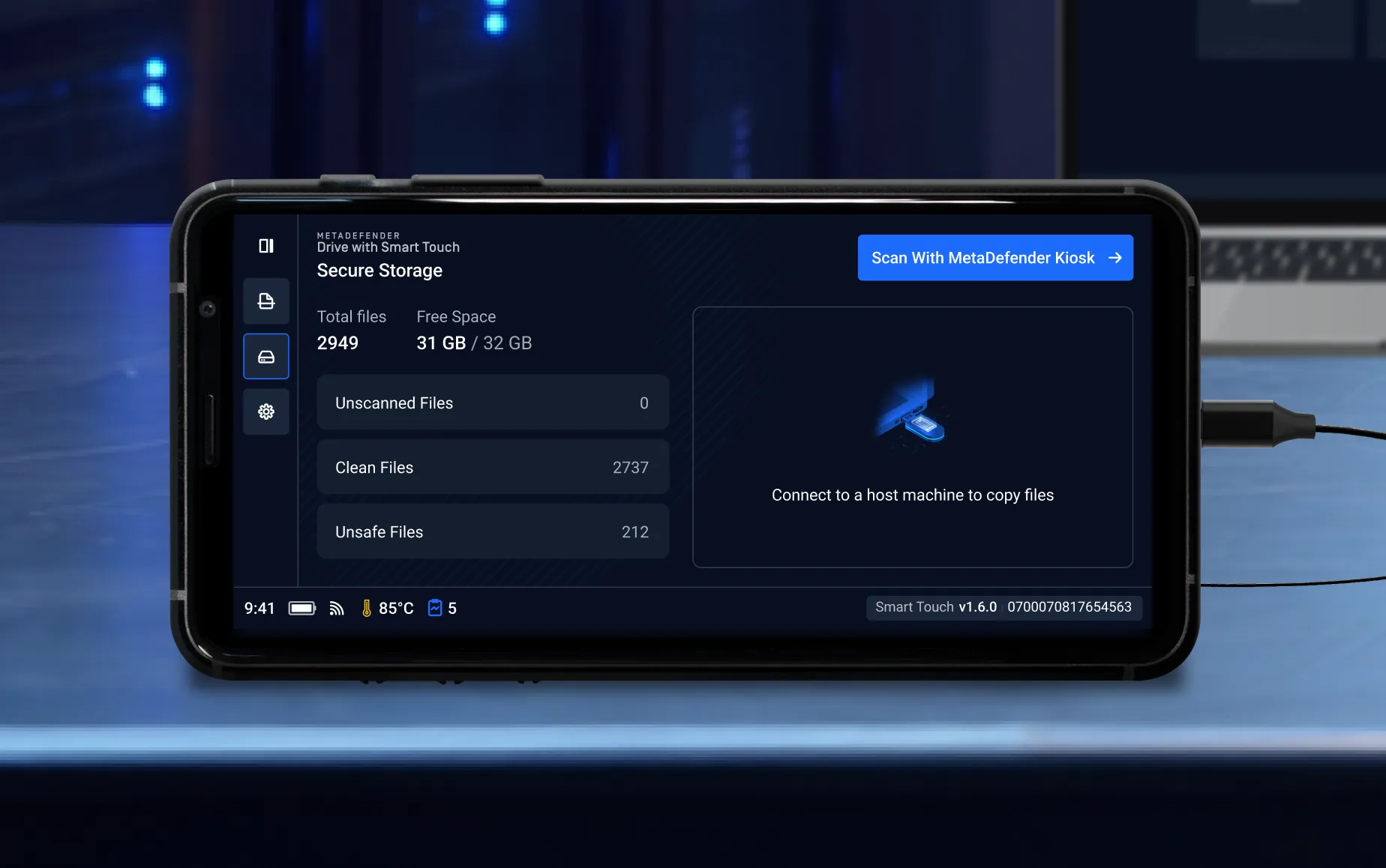
MetaDefender Drive with Smart Touch provides clear visibility into clean, unsafe and unscanned files. Clean files are explicitly marked as safe and are made available for sharing.
Stay Updated Anywhere with
Wireless Connectivity
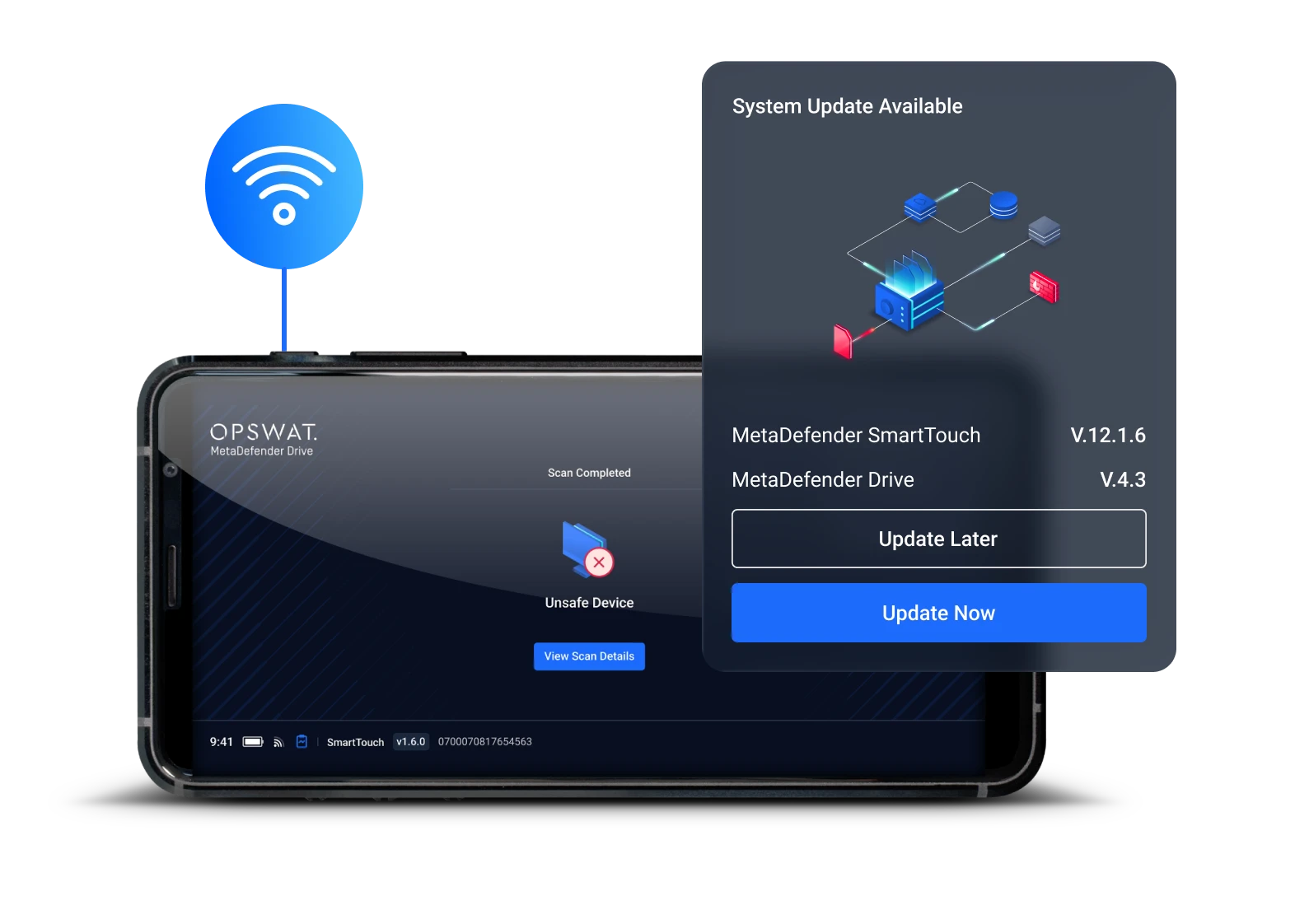
No more hassle to update latest technology. With MetaDefender Drive with Smart Touch:
- Update Anywhere: Engines, applications, and reports syncing updated instantly over Wi-Fi or cellular.
- Stronger Security: Always scan with the latest threat technology.
- Efficient Operations: Save time and keep protection seamless, even on the move.
Deliver Scan Results Directly to
My OPSWAT Central Management
Scan Report
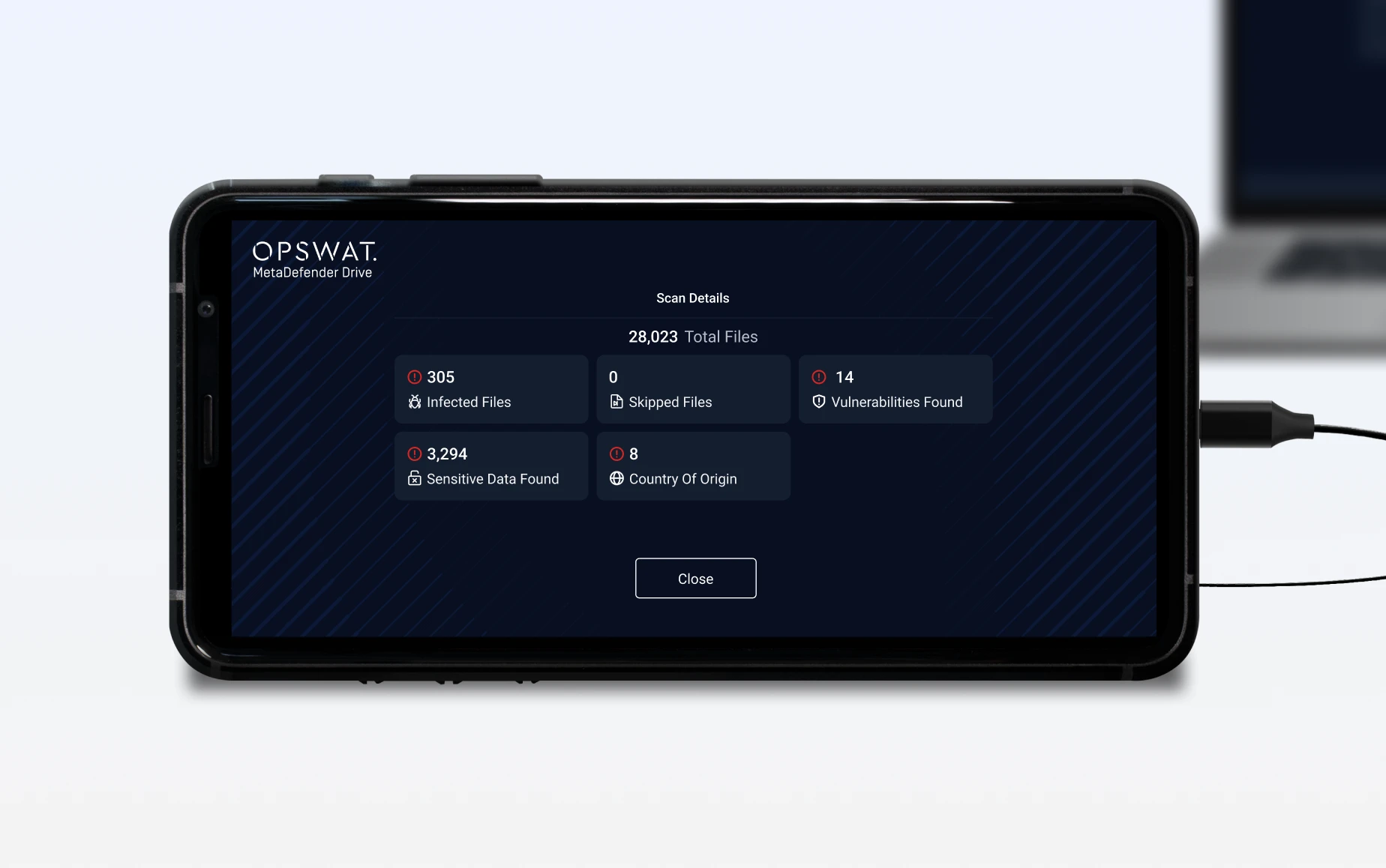
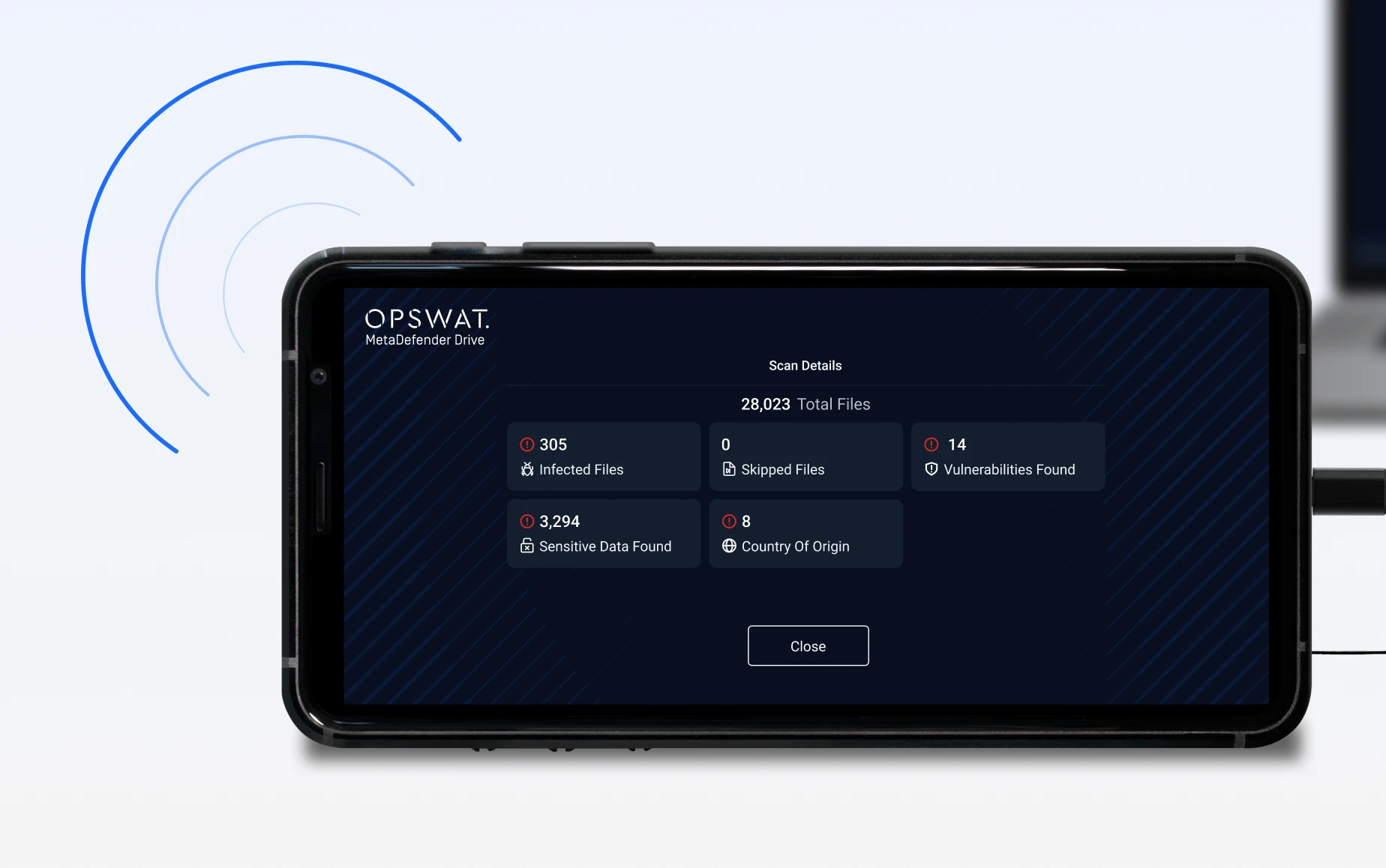
After a scan is completed, MetaDefender Drive with Smart Touch displays the results directly on its built-in screen.
Auto Sync Report
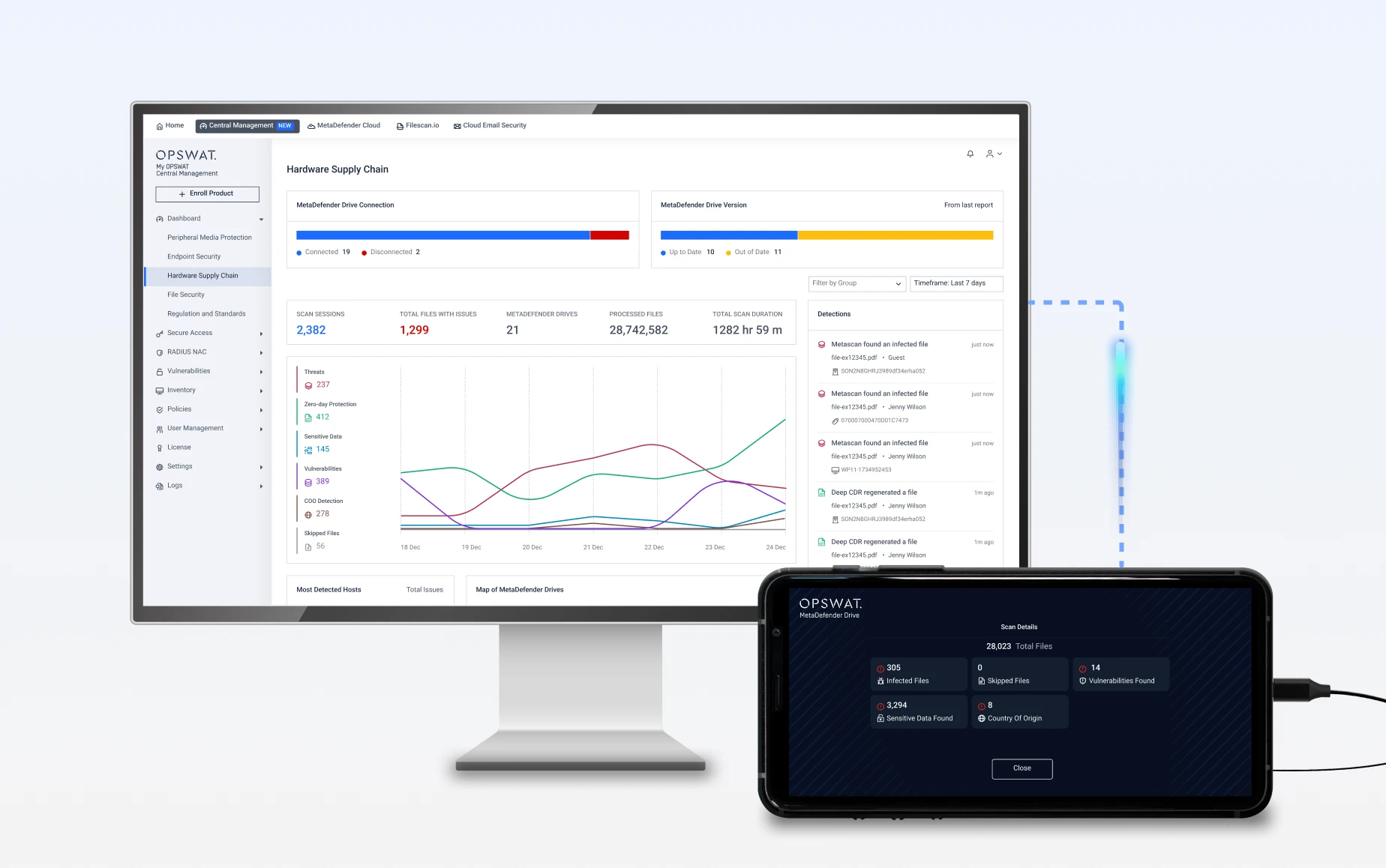
When Wi-Fi or cellular connectivity is available, MetaDefender Drive with Smart Touch automatically syncs the scan report to My OPSWAT Central Management.
View Reports
Once scan results are synced, you can access reports in two ways:
- On the MetaDefender with Smart Touch device
- On any device logged into My OPSWAT Central Management with your credentials*
Report access via My OPSWAT Central Management requires Wi-Fi or a cellular data plan (not included) and prior integration of MetaDefender Drive with Smart Touch into My OPSWAT Central Management.
Enterprise Central Management at Scale
MetaDefender Drive with Smart Touch securely integrates with My OPSWAT™ Central Management so every scan result is instantly documented, every risk is tracked, and compliance reporting is effortless — even from remote or isolated environments.
- Automated Report Syncing
- Real-Time Monitoring
- Easy Workflow Integration
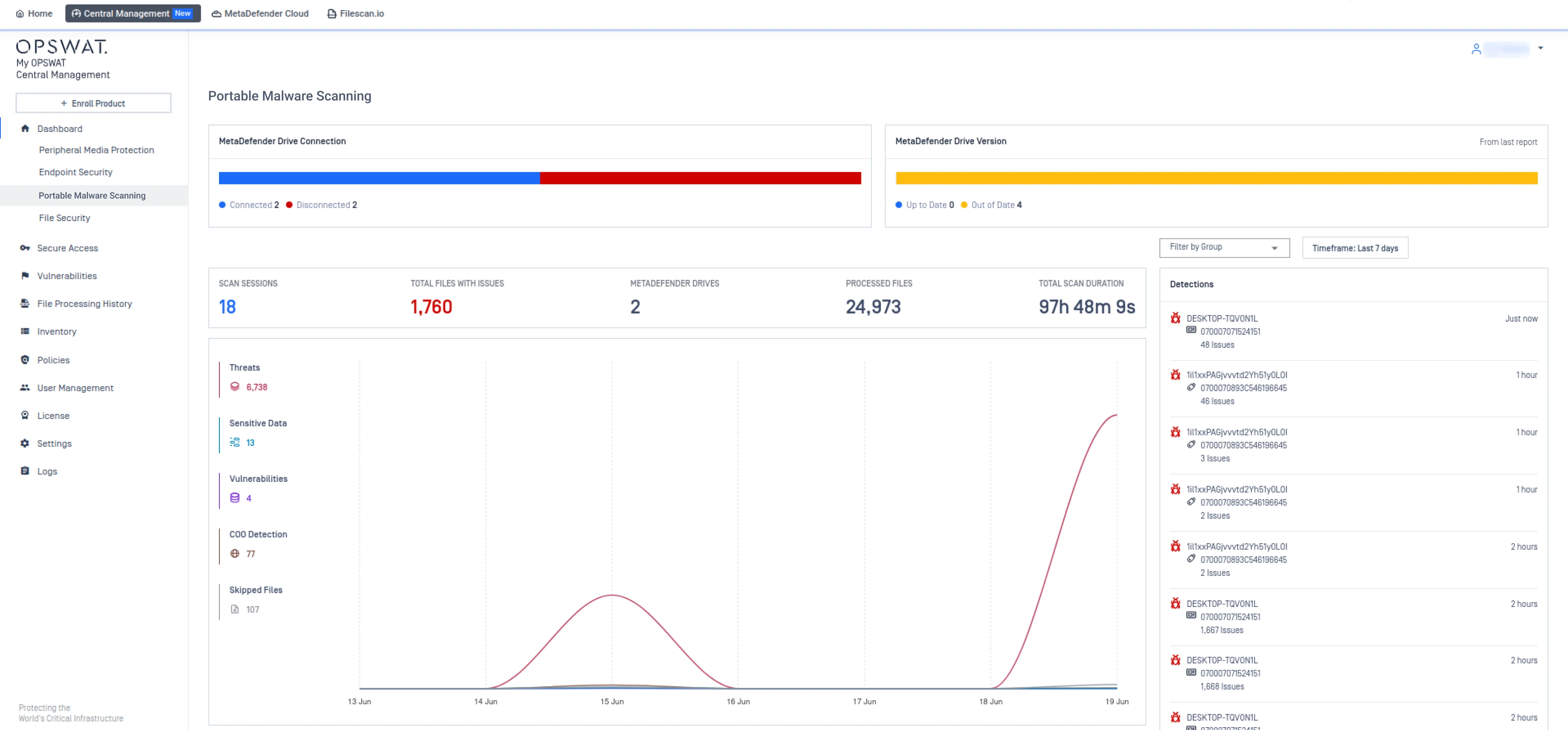
See how MetaDefender Drive scan results are synced into My OPSWAT™ Central Management. Gain visibility into your operations and overall scan duration to make informed security decisions.
View the version status of all enrolled MetaDefender Drives to ensure they run the latest software release for maximum protection.
View the total scan activity of all enrolled MetaDefender Drives across sites within a selected date range for deep visibility of security posture.
Monitor the most recent scan activity from each enrolled MetaDefender Drive, including the Drive’s serial number, the target device scanned, issues detected, and the time the report was synced, ensuring precise traceability and faster response to threats.
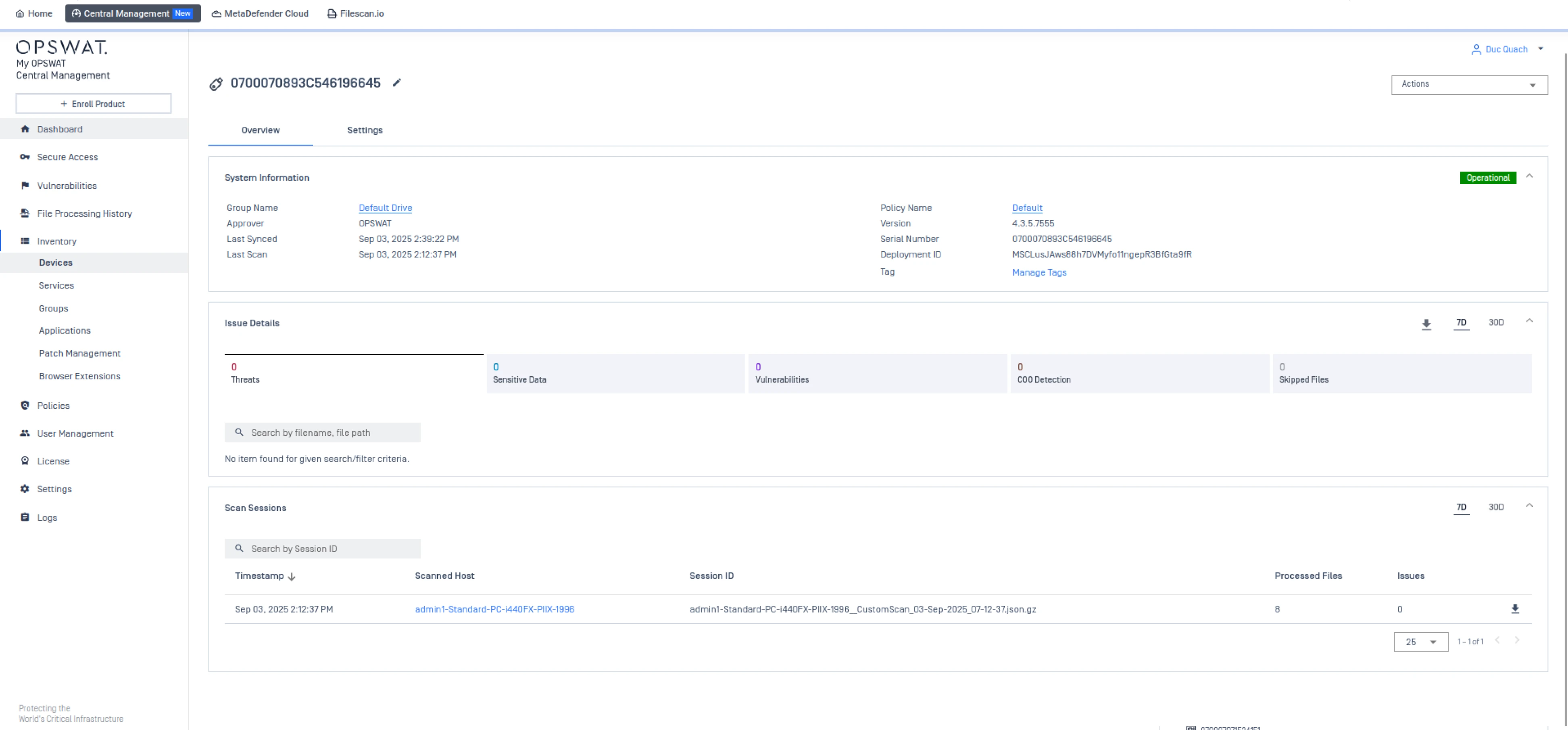
View the operational state, connection status, and software version of all enrolled MetaDefender Drives across sites to ensure devices remain updated and secure.
 Report Overview
See how MetaDefender Drive scan results are synced into My OPSWAT™ Central Management. Gain visibility into your operations and overall scan duration to make informed security decisions.
- Version Status
View the version status of all enrolled MetaDefender Drives to ensure they run the latest software release for maximum protection.
- Scan History Overview
View the total scan activity of all enrolled MetaDefender Drives across sites within a selected date range for deep visibility of security posture.
- Scan Activity
Monitor the most recent scan activity from each enrolled MetaDefender Drive, including the Drive’s serial number, the target device scanned, issues detected, and the time the report was synced, ensuring precise traceability and faster response to threats.
- Health & Status Overview
View the operational state, connection status, and software version of all enrolled MetaDefender Drives across sites to ensure devices remain updated and secure.
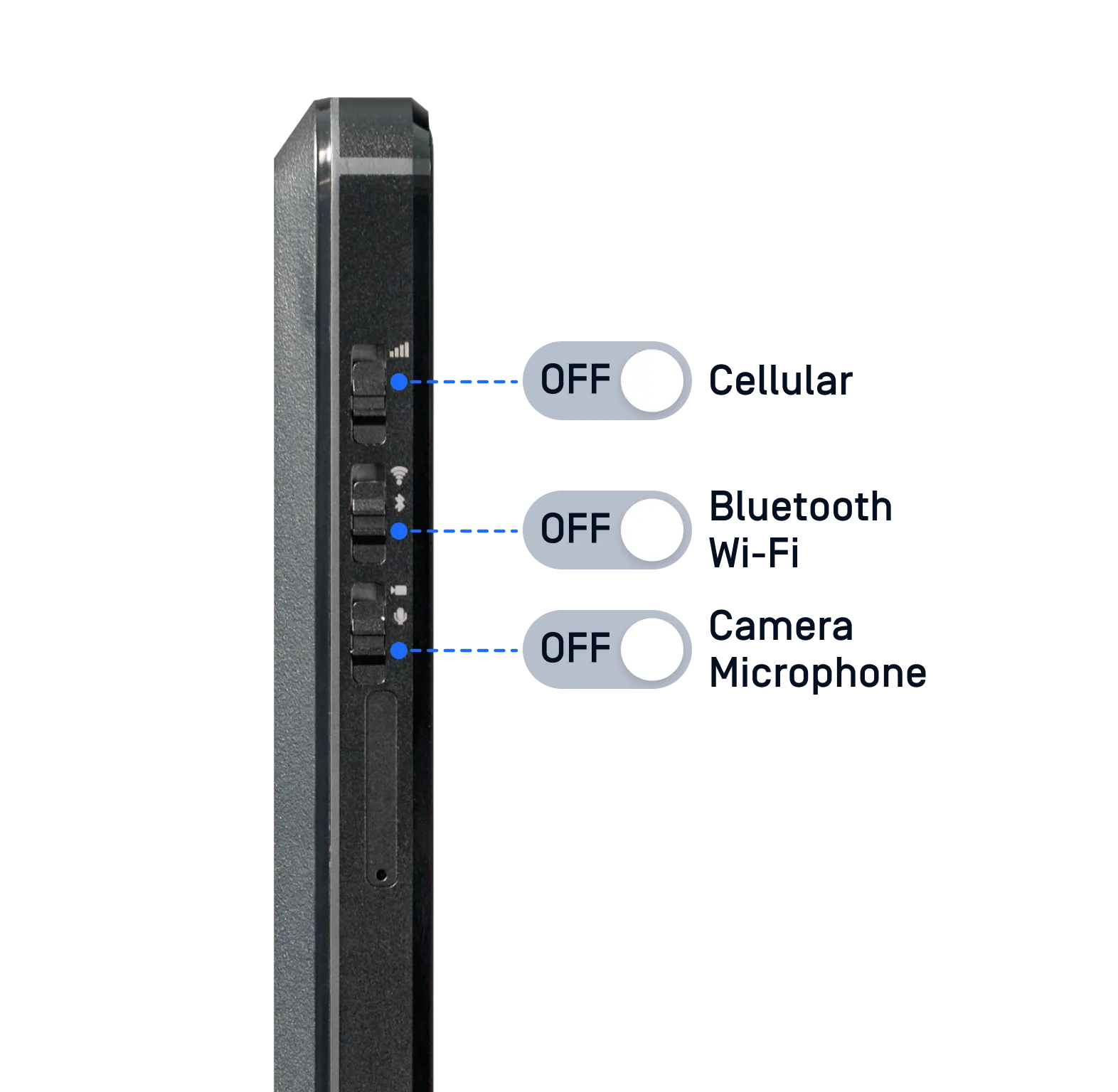
Purpose-Built, Mobile Form Factor, Physical Control
- Compact, Handheld Design: Easy to carry and use in any environment
- Air-Gap Safe: Physical kill switches ensure zero risk of network compromise during scans
- Proof of Protection: Deliver trusted, verifiable scan results every time
- Compliance Ready: Supports regulatory requirements for critical industries
- Made in the USA: Select models manufactured domestically for added assurance
Which Drive Is Right For You?
Configuration | Professional | Enterprise | Advanced |
|---|---|---|---|
Metascan™ Multiscanning | 3 Engines Ahnlab, Avira, Predictive Alin AI | 6 Engines Avira, BitDefender, ESET, K7, Ahnlab, Predictive Alin AI or K7, Quick Heal, Ahnlab, Avira, BitDefender, Predictive Alin AI* | 8 Engines
Avira, BitDefender, ESET, K7, Trellix, CrowdStrike, Ahnlab, Predictive Alin AI
|
Detection Rate** | 94% | 98.7% | 99.8% |
Proactive Data Loss Prevention | |||
File-Based Vulnerability Assessment | |||
Country of Origin Check |
**Detection rates are based on OPSWAT internal testing using a malware test dataset.
Technical Specifications
| Hardware | |
|---|---|
| Hardware | |
| Screen | 5.7" IPS TFT screen, 720x1440 resolution |
| Dimensions | 152 mm (5.98 in) x 74 mm (2.91 in) x 15 mm (0.59 in) |
| USB | USB-C: USB 3.0 data, PowerDelivery (Dual-Role Port) |
| Storage Capacity | 1 TB |
| Weight | 262 g (0.58 lb) |
| Hardware Warranty | 1 year |
| Wi-Fi | 802.11a/b/g/n/ac/ax, 2.4GHz/5GHz |
| Cellular | 4G/LTE |
| Country of Origin |
United States of America (select model); Global model |
| Regulatory | |
| Regulatory | |
| Hardware Certificate | CE Mark; FCC, Part 15, Class B |
| Compliance |
NERC CIP 003-7; NIST 80053; NIST 80053; Executive Order 14028; ANSSI; ISO/IEC 27001 |
| System Requirements * | |
| System Requirements * | |
| Minimum |
Intel i3 or equivalent dual-core 64-bit processor, HDD or SSD [PATA/IDE, SATA, NVMe, SCSI, USB] 1024x768 display |
| For Full Engine Scan | 4 GB RAM or higher; USB 2.0 port or higher |
| For Engine & Software Updates | 8 GB RAM or higher; USB 3.0 port or higher |
| Compatibility | |
| Compatibility | |
| Platform | x86 or x64, Intel or AMD-based |
| Windows |
XP, 7, 8, 8.1, 10, 11, Server 2012, Server 2016, Server 2019, Server 2022, Server 2025 FAT16, FAT32, NTFS, exFAT; BitLocker (user password and recovery key) ** |
| Windows Embedded | XP, 7 |
| Mac |
Intel-based from 2006-2017 HFS, HFS+, APFS; FileVault for APFS |
| Linux |
Debian 5-based or newer, RHEL 6-based or newer EXT2, EXT3, EXT4, XFS, BTRFS, ReiserFS, JFS 3, ZFS (non-encrypted) LUKS/LVM2 |

“The capabilities that OPSWAT and the kiosks brought to our sites has extended beyond our OT environments”.

“We've gone from blocking removable media to a fully integrated solution that can deal with scanning and securing removable media.”
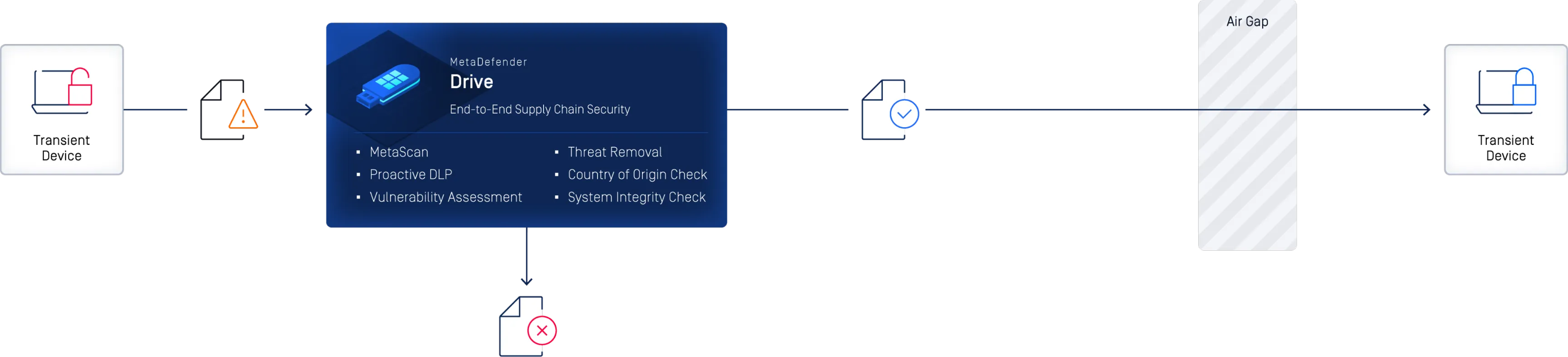
MetaDefender Drive Deployment Options
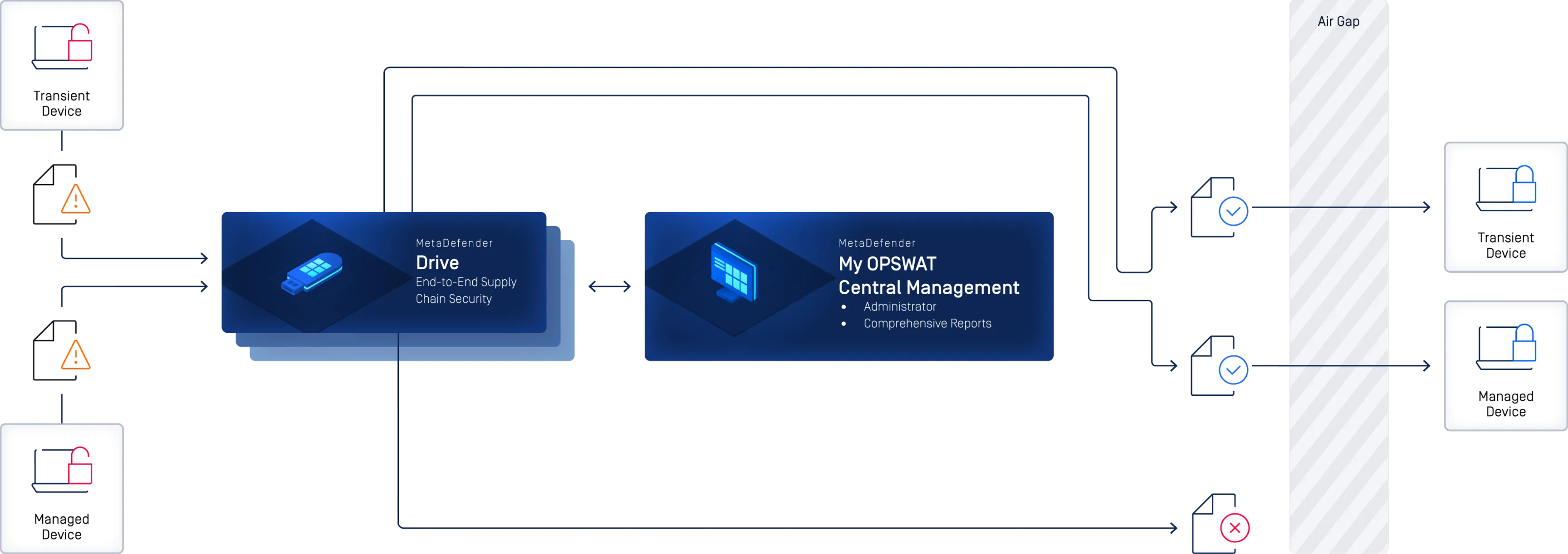
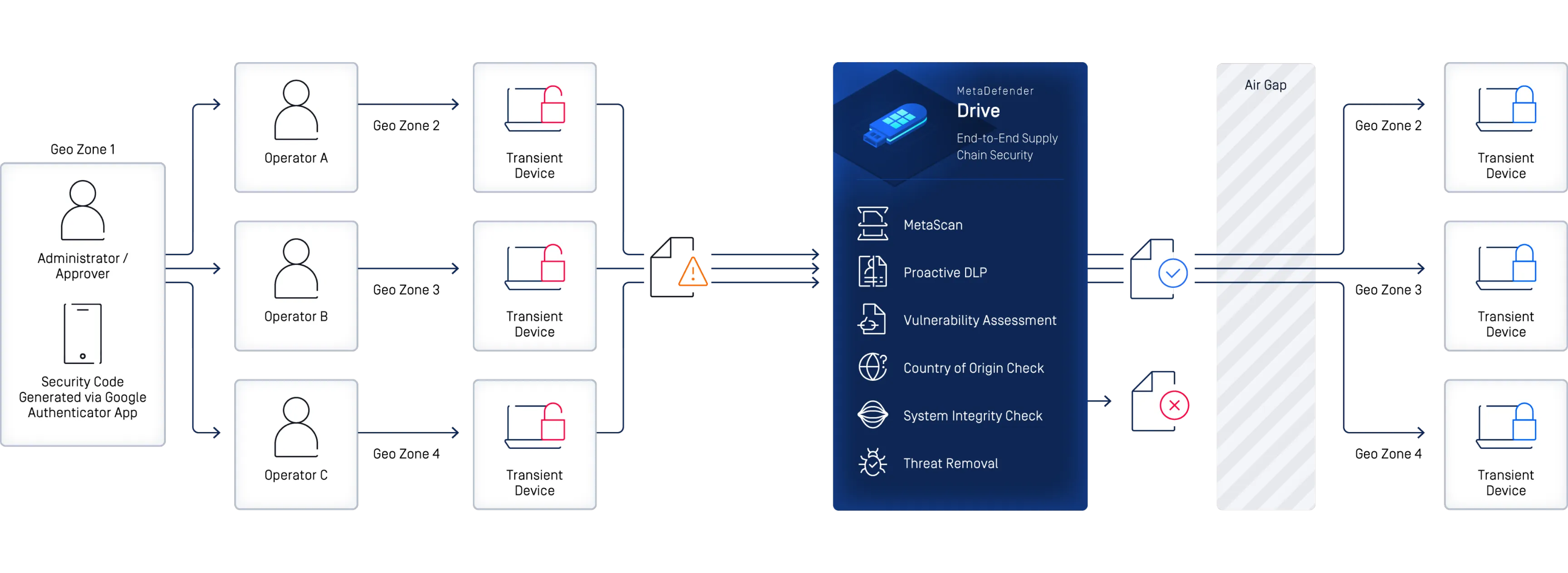
Learn More About MetaDefender Drive
with Smart Touch
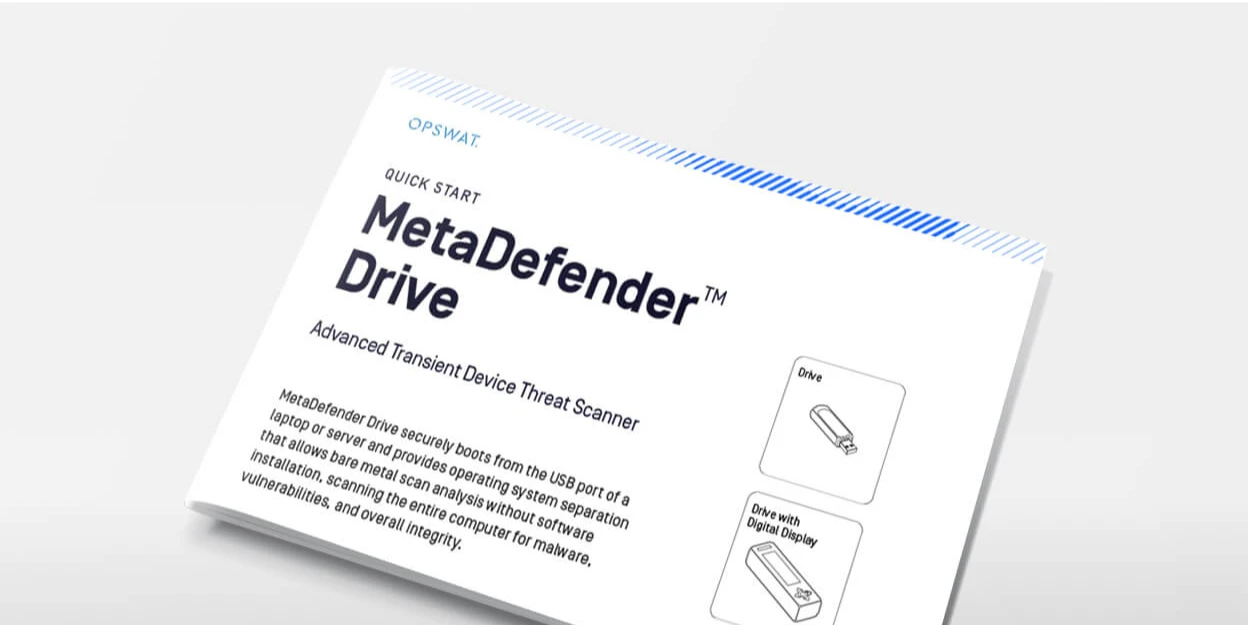
MetaDefender Drive Quick Start Guide
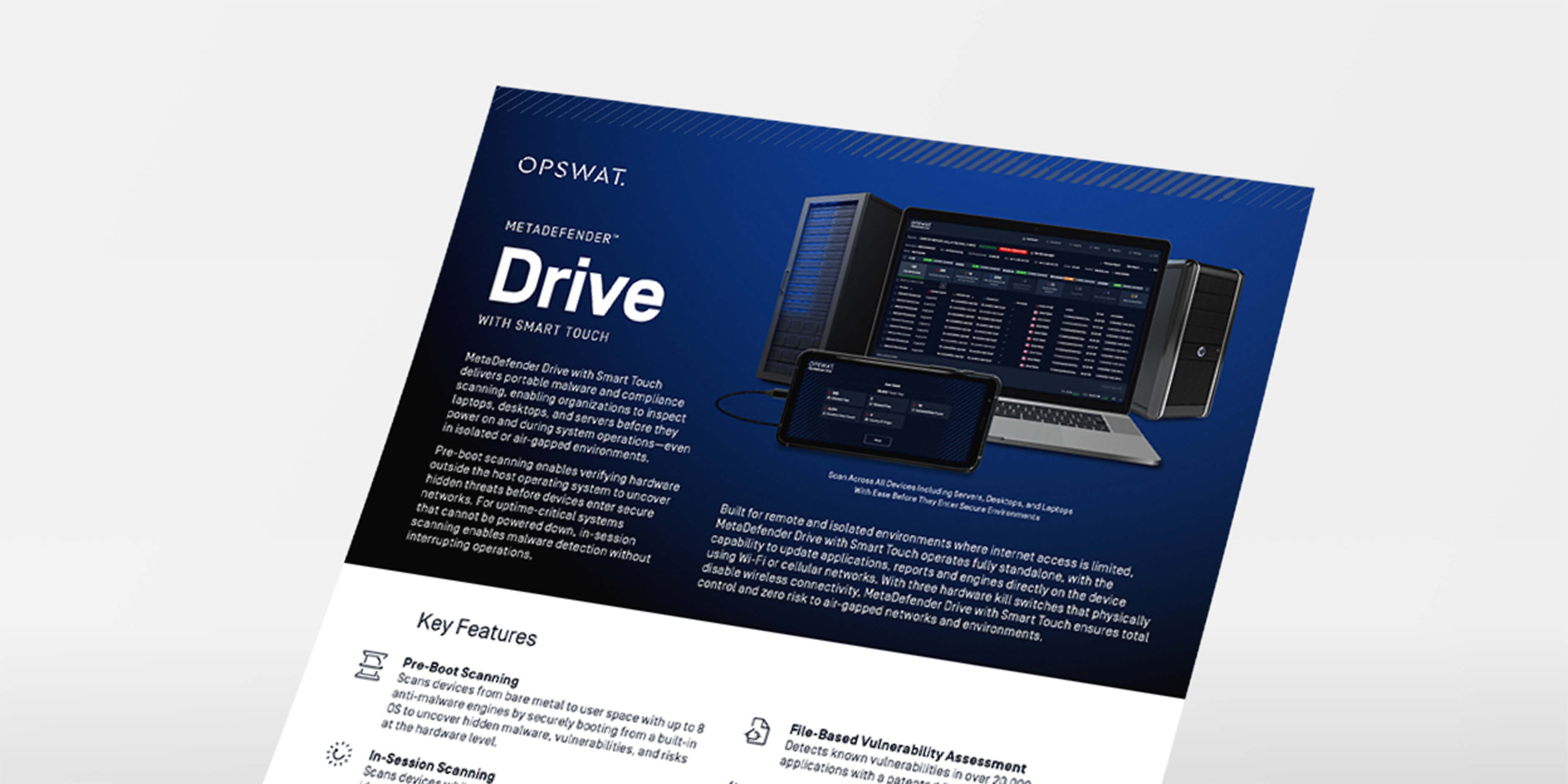
MetaDefender Drive with Smart Touch Datasheet
MetaDefender Drive Toolkit
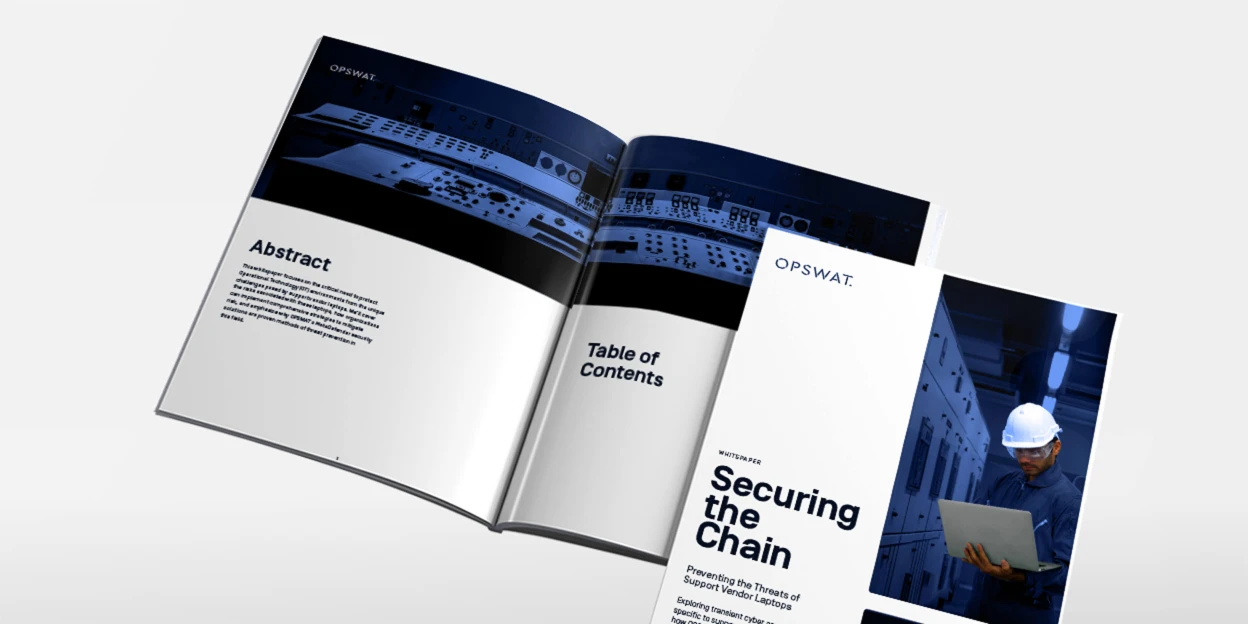
Strengthening Vendor Laptop Security
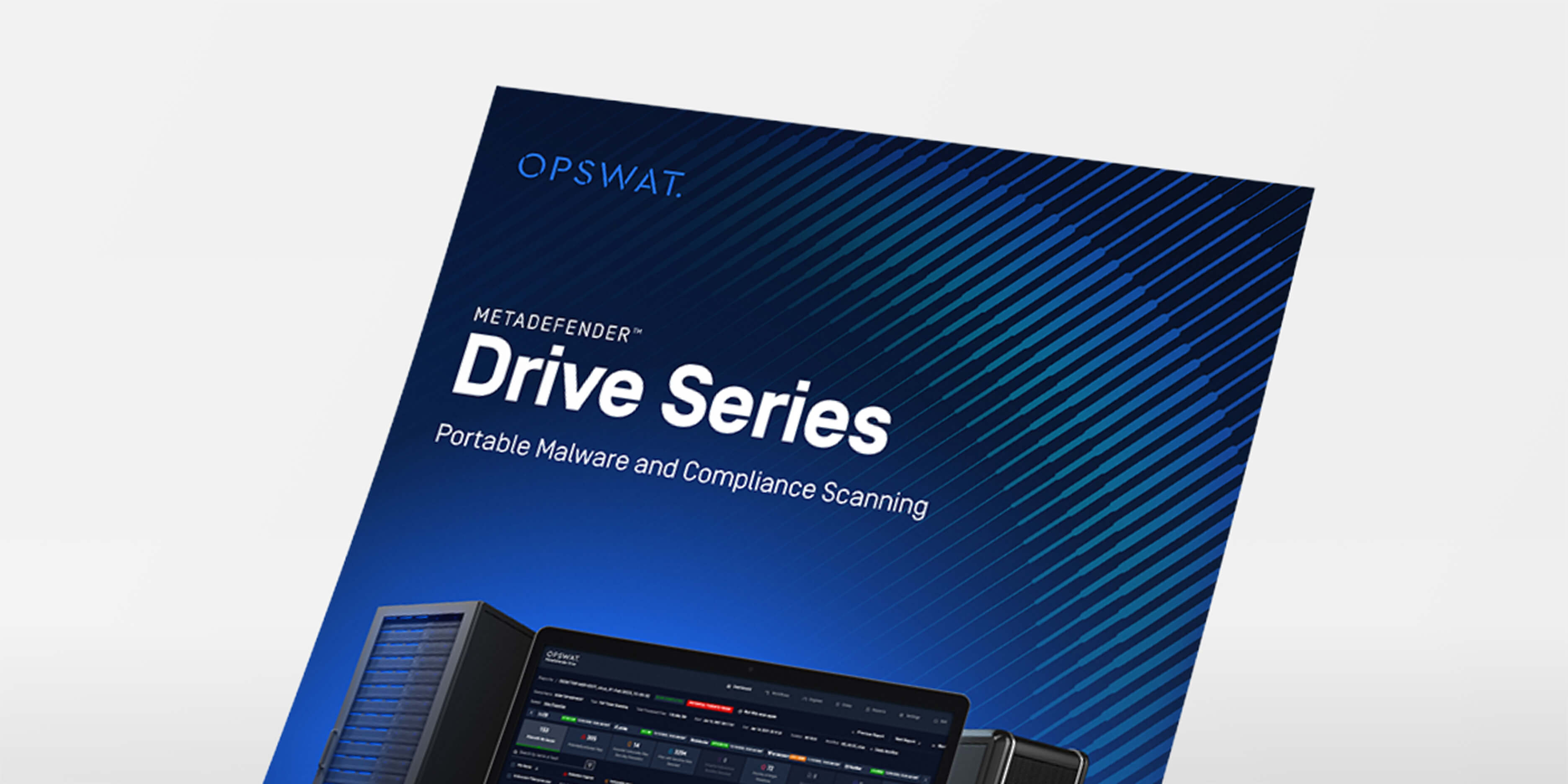
MetaDefender Drive Brochure
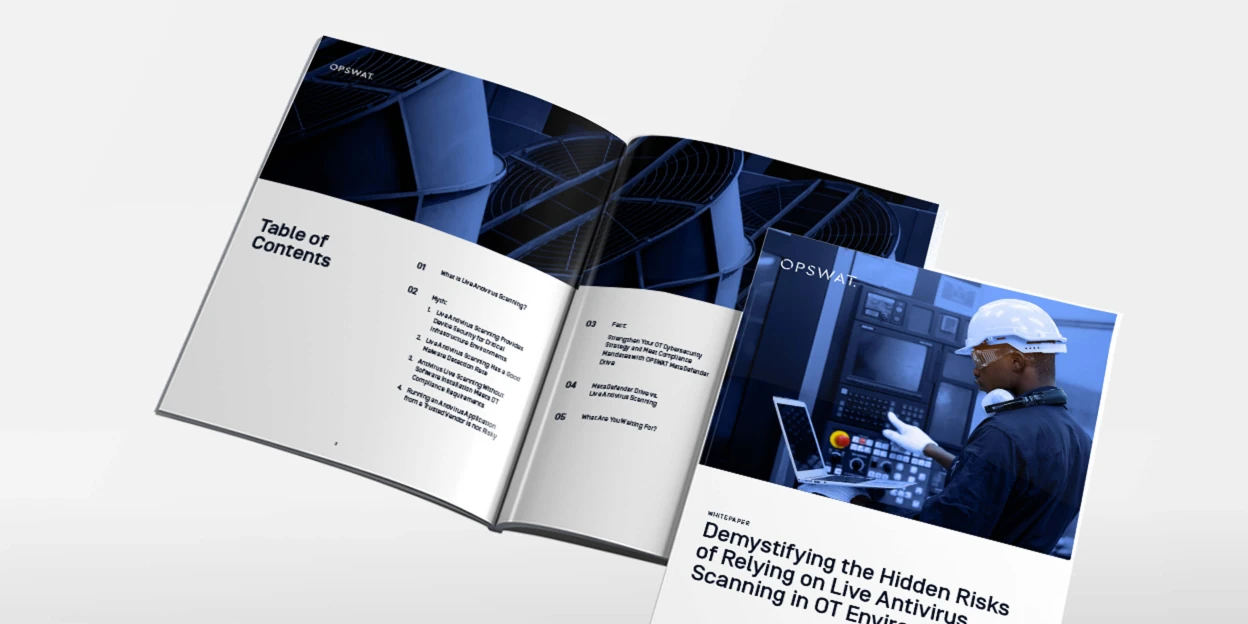
Demystifying the Hidden Risks of Relying on Live Antivirus Scanning in OT Environments
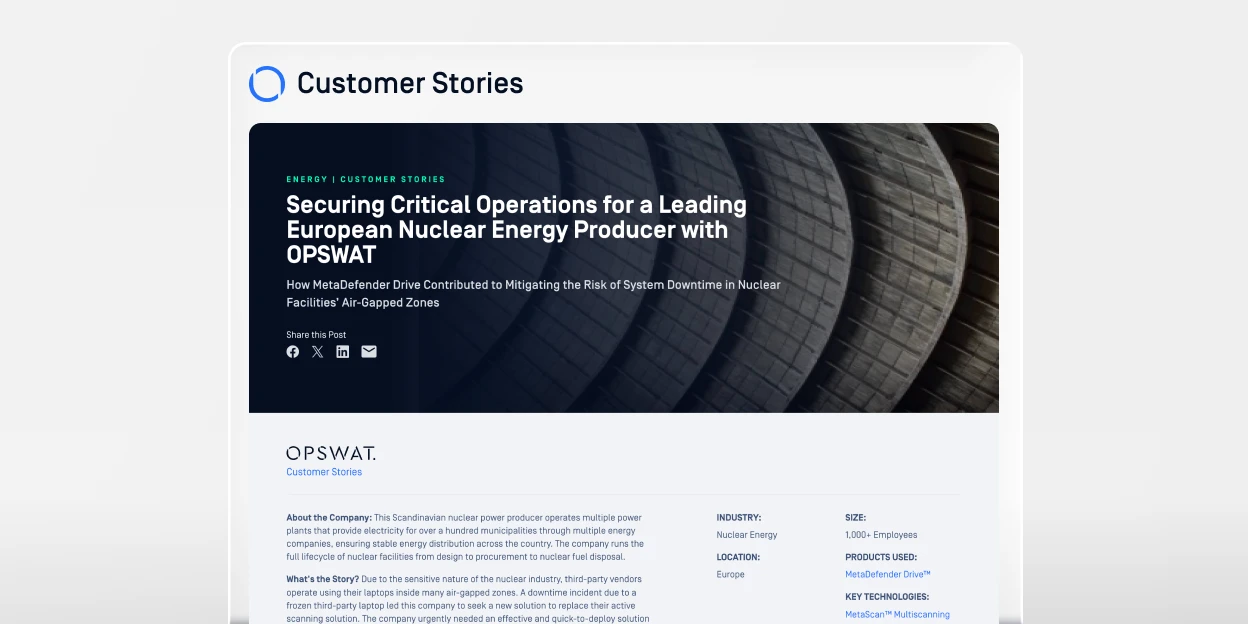
Securing Critical Operations for a Leading European Nuclear Energy Producer with OPSWAT

Proven Deployments in Energy and Utilities

Proven Deployments in Manufacturing
0 results. Please try again.
“The number of sensitive data leakage and malware threat detection we have addressed after using MetaDefender Drive was beyond the capabilities of any scanning software we used in the past.”
