MetaDefender Drive 2
Portable Malware Scanner for Transient Devices
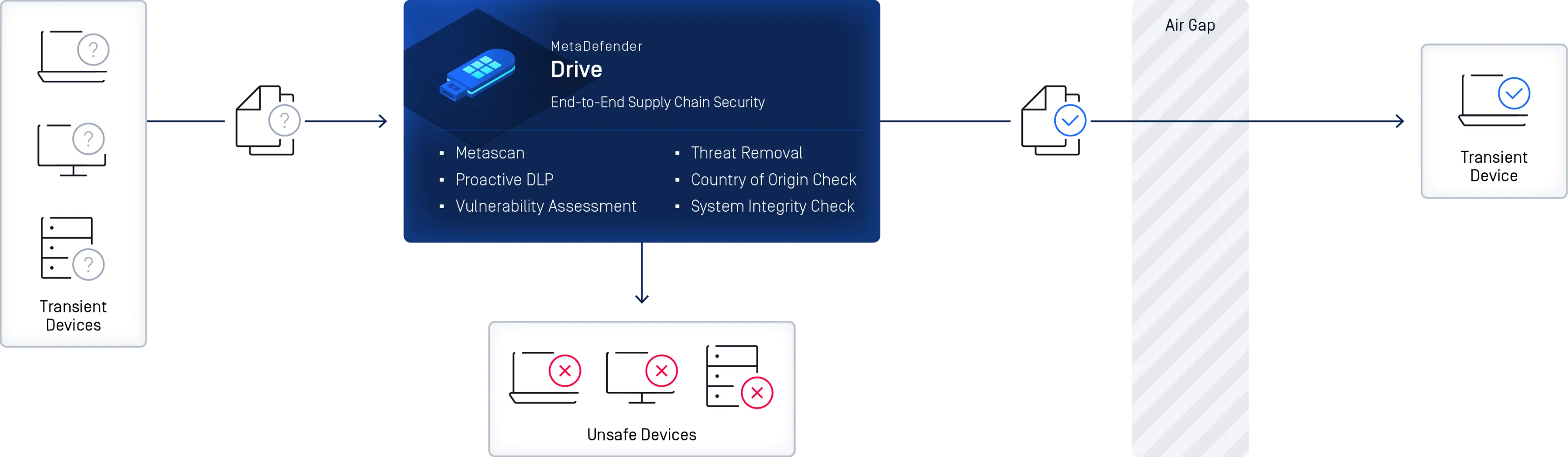
MetaDefender Drive is OPSWAT’s portable malware scanning solution designed to protect supply chain security from transient device threats. It ensures that devices such as vendor laptops and new workstations are scanned and verified before connecting to critical networks, helping organizations reduce risk, support compliance, and protect OT environments.
- Pre-Boot and In-Session Threat Scanning
- No Software Installation
- Compliance Ready Security
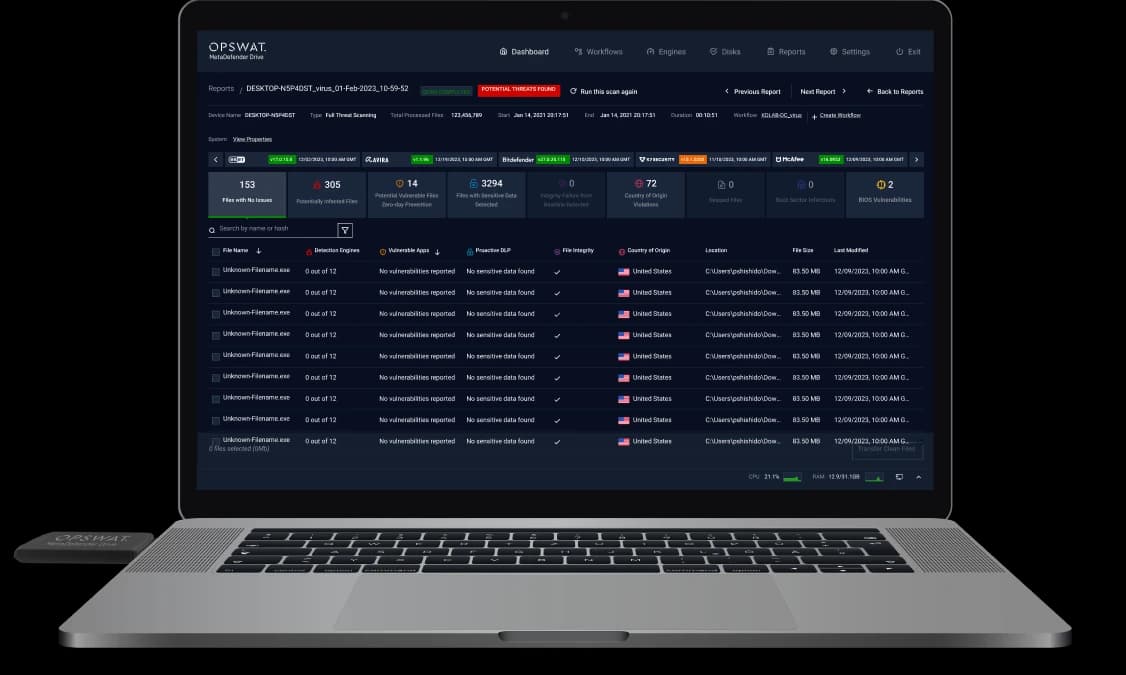
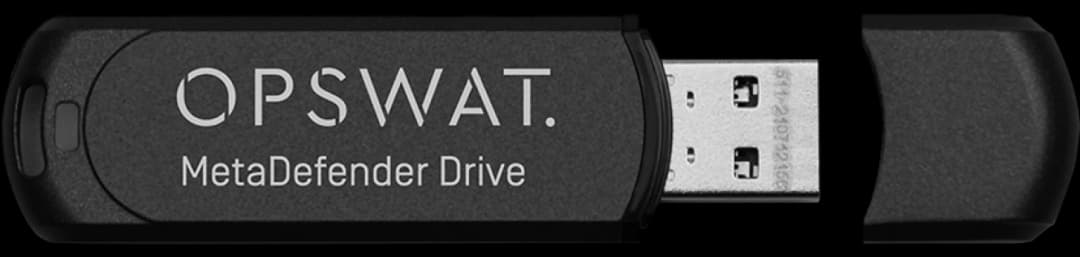


























Pre-Boot and In-Session Threat Scanning for Laptops and Desktops
MetaDefender Drive scans and verifies devices before the operating system boots and during live system operation. With pre-boot scanning, MetaDefender Drive securely boots from a built-in OS to perform a comprehensive bare-metal scan to uncover hidden malware, vulnerabilities, risks at the hardware level, and system risks outside beyond the host OS.
For systems that cannot be powered down, in-session scanning enables portable malware detection while the operating system remains operational, using multiple anti-malware engines without requiring software installation or system restart.
Bare Metal
Multiscanning with
Up to 8 Engines
Plug and Scan Solution
Pre-Boot and In-Session
Threat Scanning

Scan Stationary and
Transient Devices
Advanced
Threat Removal
Technology
Compliant with FIPS 140-2 & TAA
Security Compliance Ready
No Software
Installation Required
Product Overview
Learn how MetaDefender Drive performs pre-boot and in-session threat scanning for laptops, desktops, and servers in air-gapped and high-security environments.
Playlist
2 videos- MetaDefender Drive Overview
- Unboxing MetaDefender Drive
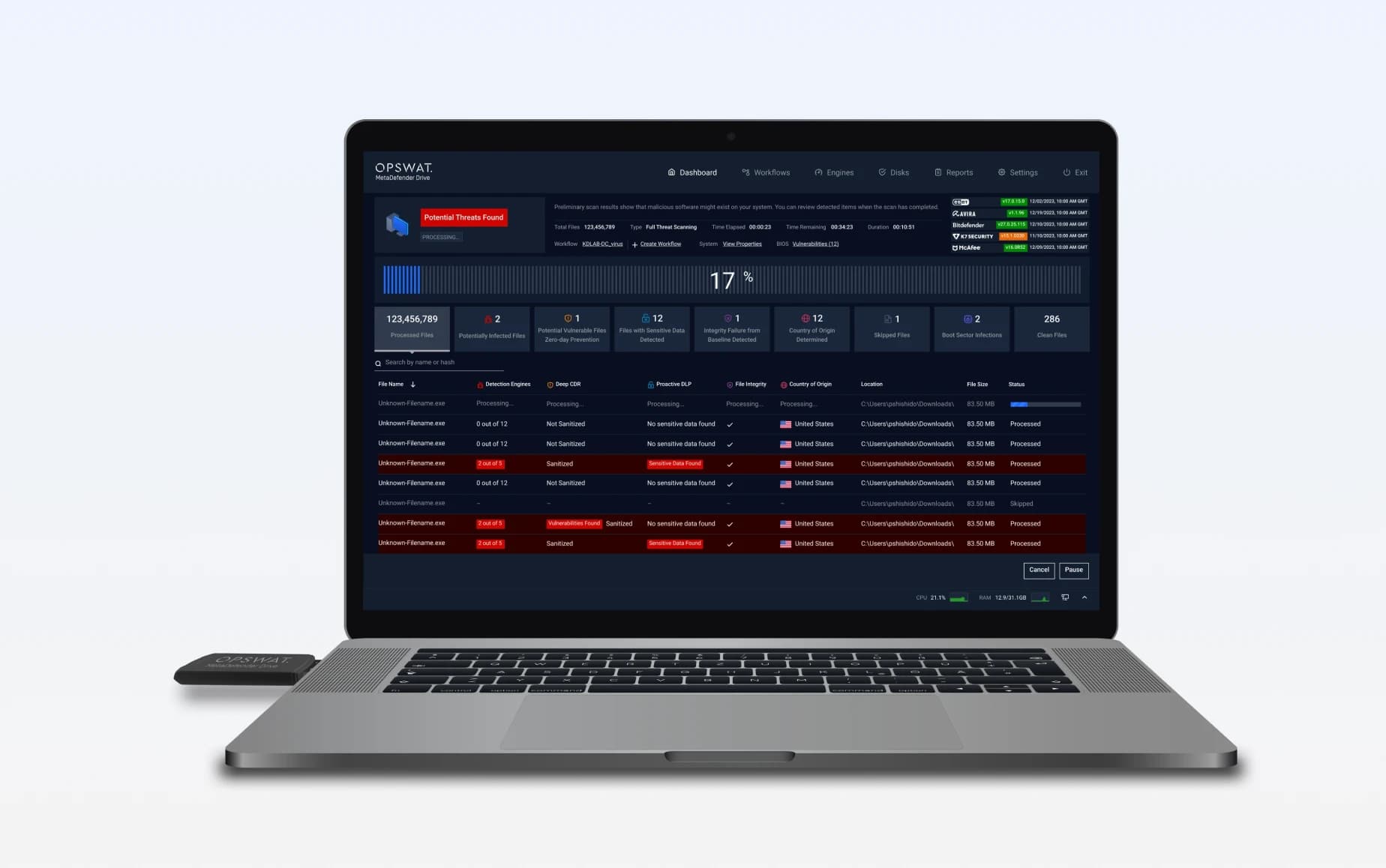
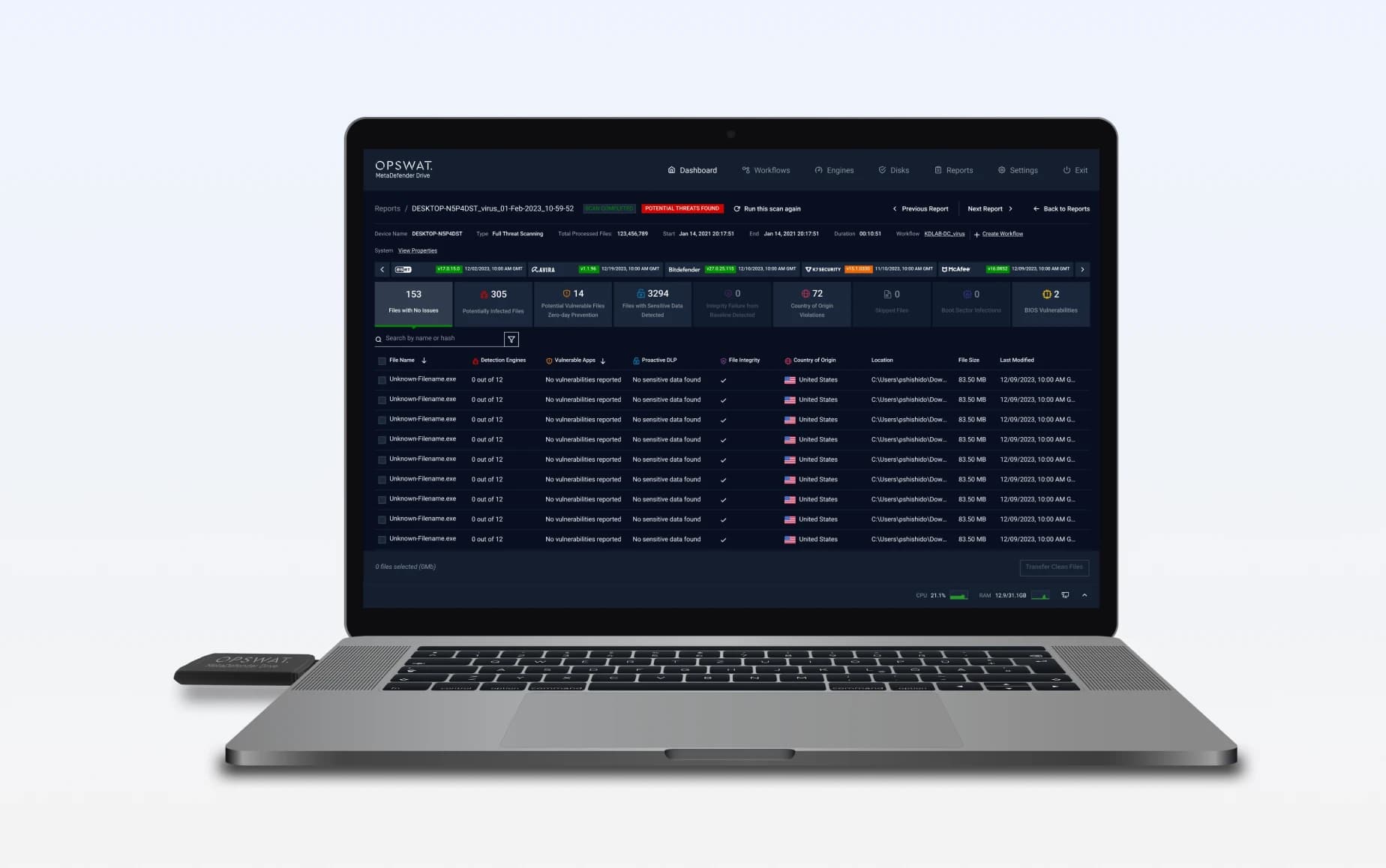
Scan and Verify Laptops Before They Power On
MetaDefender Drive scans and verifies devices using a built-in OS and multiscanning with up to 8 trusted engines to perform a
deep inspection across kernel, firmware, and hardware components, ensuring devices are safe to use before they operate.
It also strengthens supply chain compliance by flagging firmware and software from restricted jurisdictions before they reach
critical systems with Country of Origin detection.
Secure boot target device directly from MetaDefender Drive
MetaDefender Drive performs bare metal Multiscanning with up to 8 engines

Review scan results to identify exactly what requires remediation

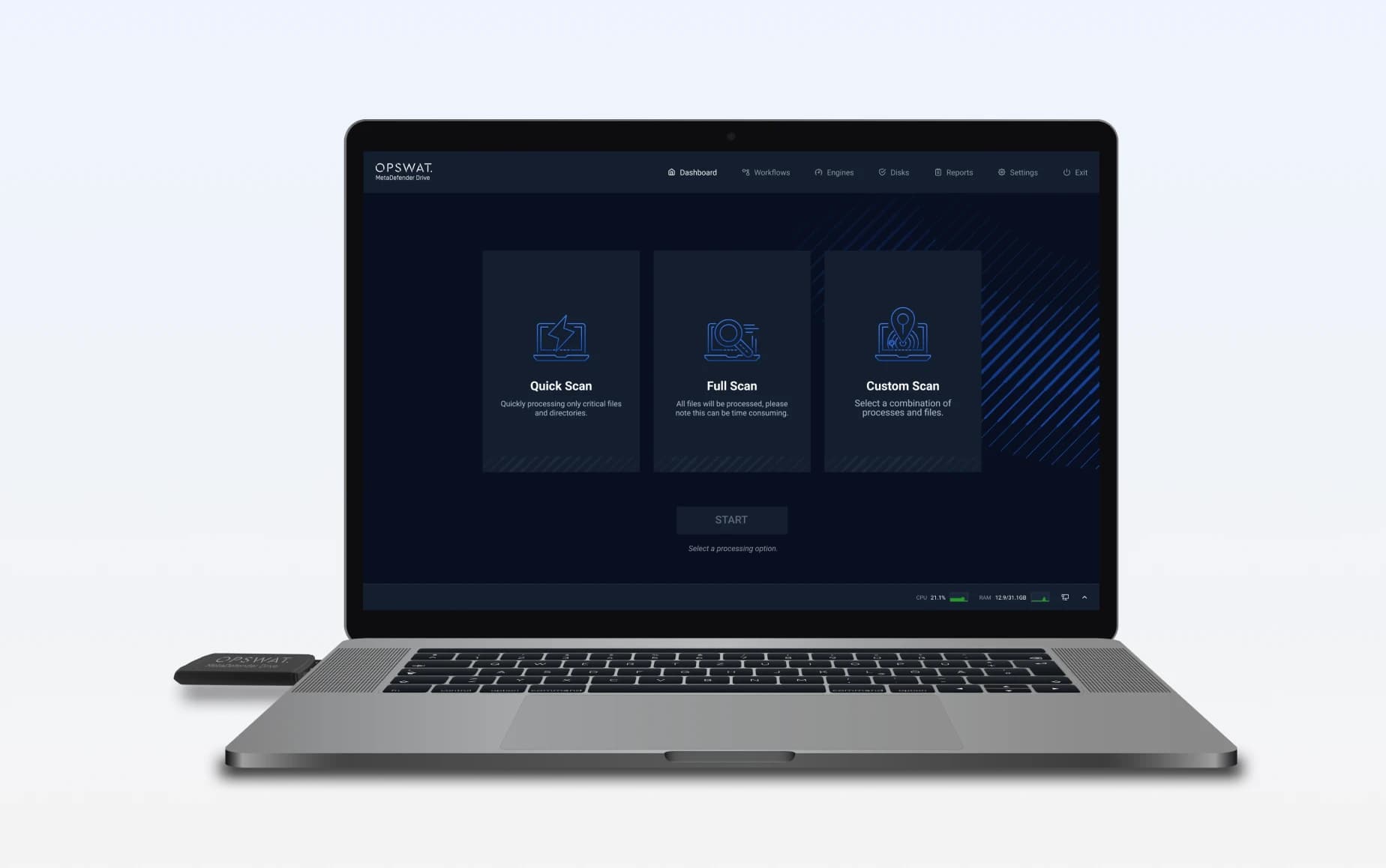
In-Session Scanning for Uninterrupted Device Inspection
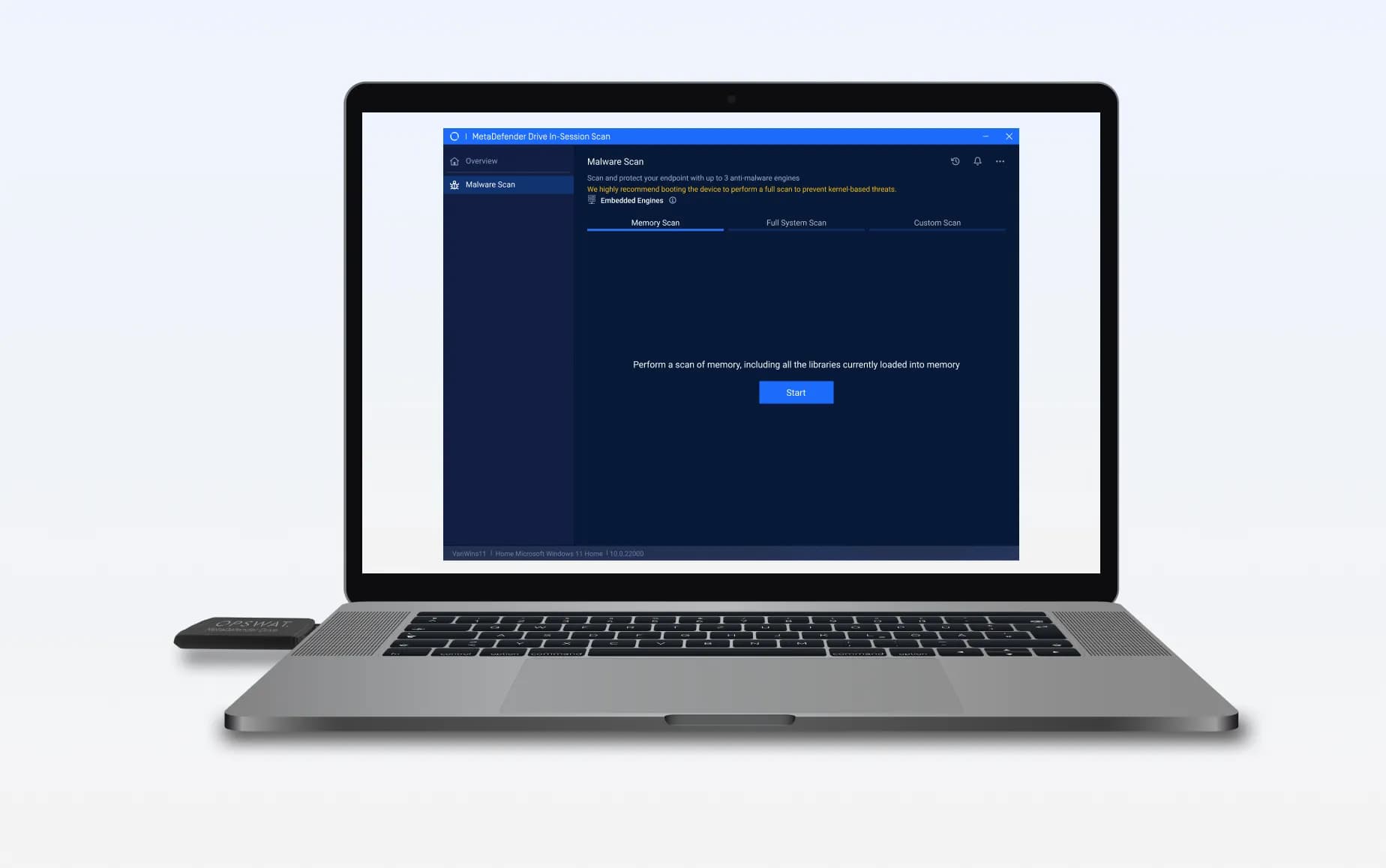
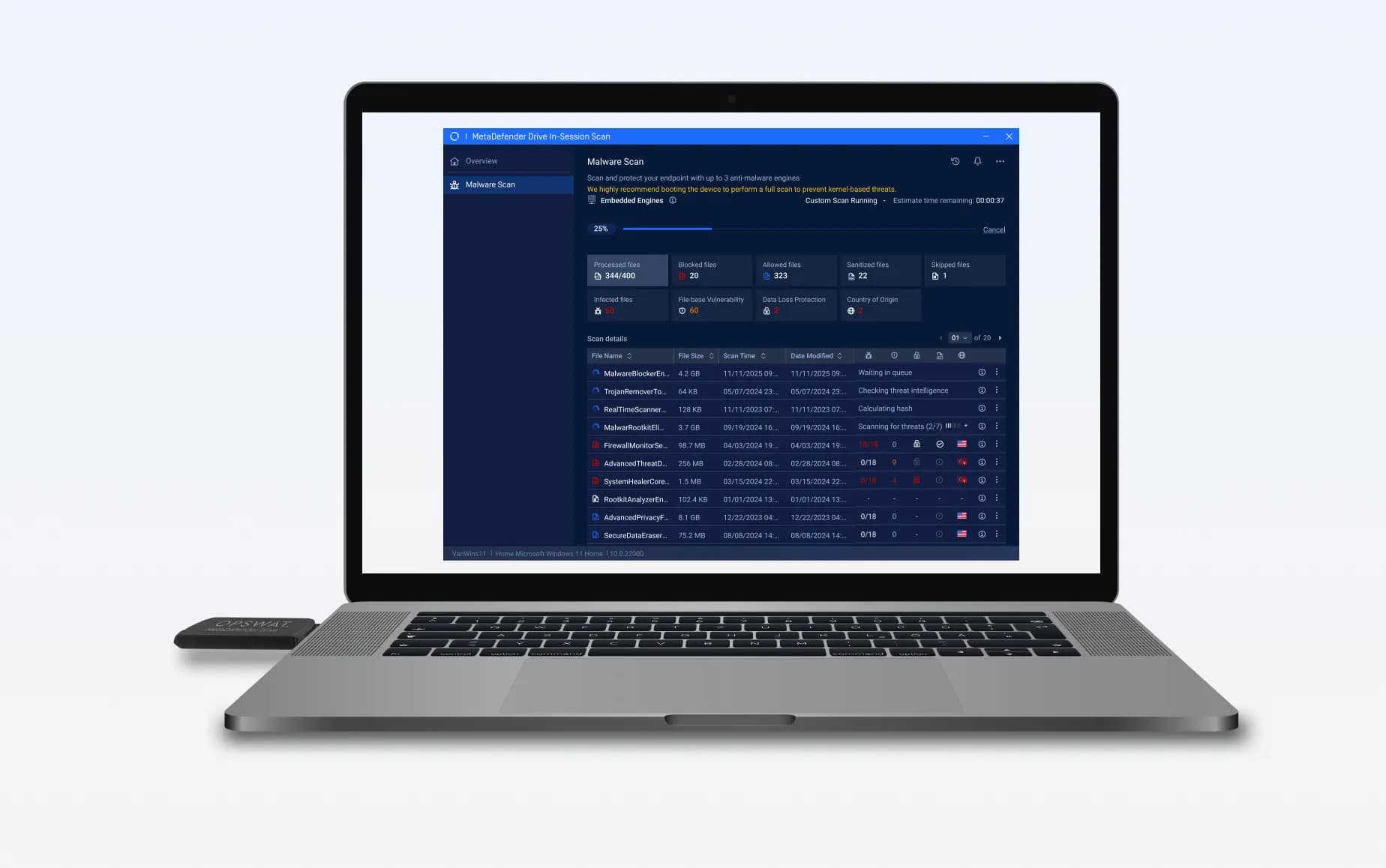
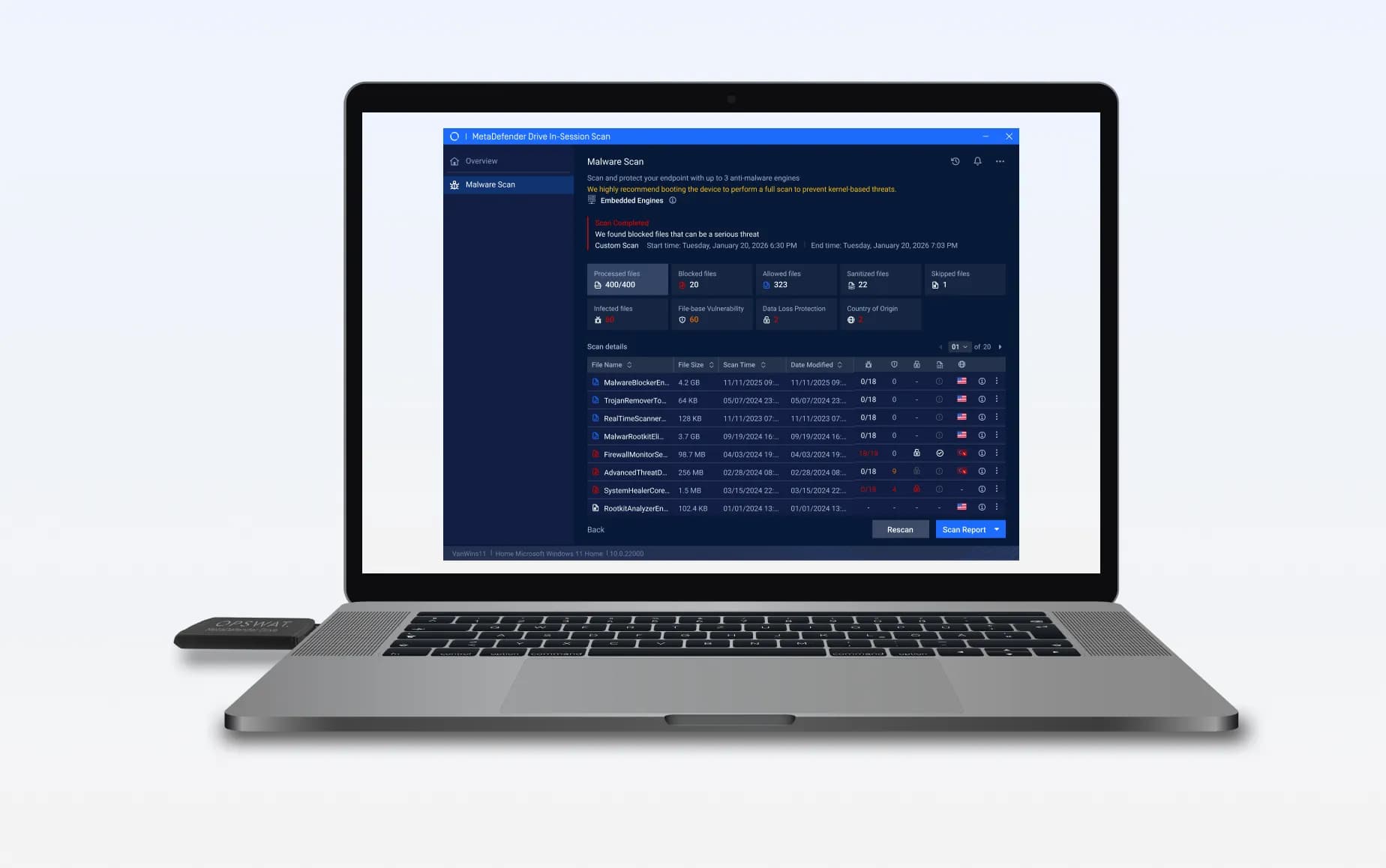
MetaDefender Drive connects to the target device while the operating system is running, with no software installation or system restart required.
MetaDefender Drive performs in-session scanning on the system memory and local drives using up to 3 engines, enabling threat detection without interrupting operations.

Scan results clearly identify threats and system risks to support fast and informed remediation decisions.

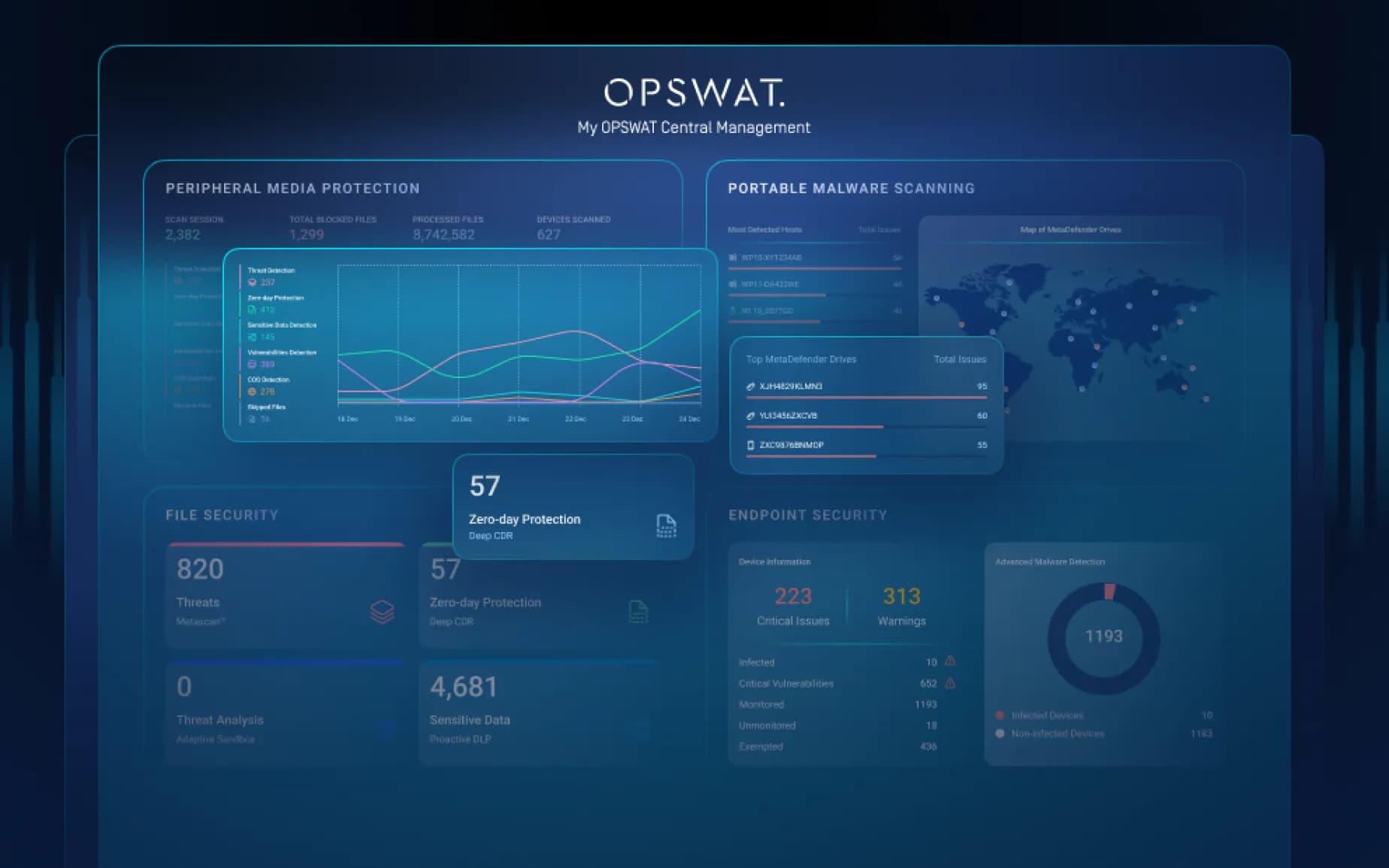
Enterprise Central Management
MetaDefender Drive can optionally connect to My OPSWAT™ Central Management for centralized visibility, reporting, and health monitoring of multiple MetaDefender Drives across deployment sites, simplifying operations and aiding compliance at scale.
- Automated Report Syncing
- Real-Time Monitoring
- Easy Workflow Integration
Which Drive Is Right For You?
What Drive Package Is Right for You?
Configuration | Professional | Enterprise | Advanced |
|---|---|---|---|
Metascan™ Multiscanning | 3 Engines
Avira, Ahnlab, Predictive Alin AI | 6 Engines
Avira, BitDefender, ESET, K7, Ahnlab, Predictive Alin AI or K7, Quick Heal, Ahnlab, Avira, BitDefender, Predictive Alin AI* | 8 Engines
Avira, BitDefender, ESET, K7, Trellix, CrowdStrike, Ahnlab, Predictive Alin AI |
Detection Rate**
| 94% | 98.7% | 99.8% |
Proactive Data Loss Prevention | |||
File-Based Vulnerability Assessment | |||
Country of Origin Check |
*Made in India engine package
**Detection rates are based on OPSWAT internal testing using a malware test dataset.
Technical Specifications

| Hardware | ||
|---|---|---|
| Hardware | Storage temperature | -25°C to +80°C |
| Operating temperature | 0°C to 70°C | |
| Operating humidity | 10% to 90% | |
| Shock resistance | 1000G max. | |
| Vibration resistance | 15G peak-to-peak max. | |
| Hardware warranty | 1 year | |
| Storage Capacity | 1TB | |
| Country of origin | United States of America | |
| Regulatory | ||
| Regulatory | Compliance |
|
| Cryptography Compliance | FIPS 140-2 (MetaDefender Drive only) | |
| Compatibility | ||
| Compatibility | Platform | x86 or x64, Intel- or AMD-based |
| Windows | XP, 7, 8, 8.1, 10, 11 Server 2012, Server 2016, Server 2019, Server 2022, Server 2025 FAT16, FAT32, NTFS, exFAT BitLocker (user password and recovery key)* | |
| Windows Embedded | XP, 7 | |
| Mac | Intel-based from 2006-2017 HFS, HFS+, APFS FileVault for APFS | |
| Linux | Debian 5-based or newer, RHEL 6-based or newer EXT2, EXT3, EXT4, XFS, BTRFS, ReiserFS, JFS, ZFS (non-encrypted) LUKS/LVM2 | |
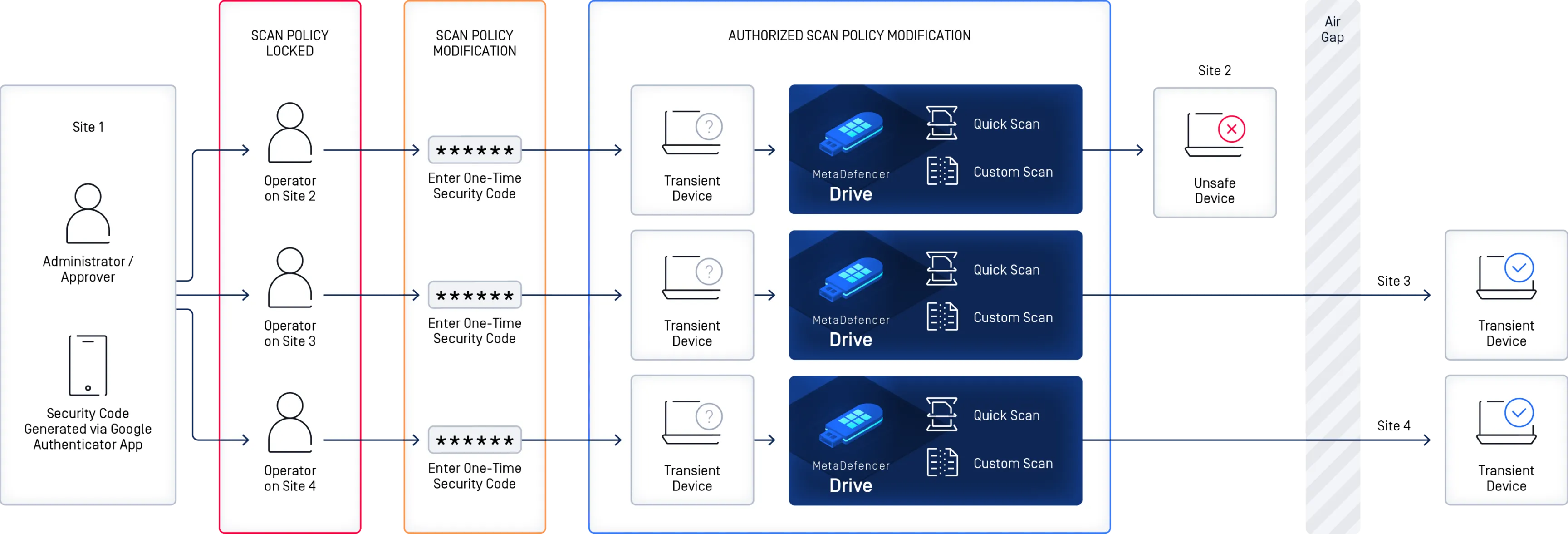
MetaDefender Drive Deployment Options

Technical Documentation
Getting Started
Deployment & Usage
Support
Unlock the Full Potential of Our Products

Learn More About MetaDefender Drive
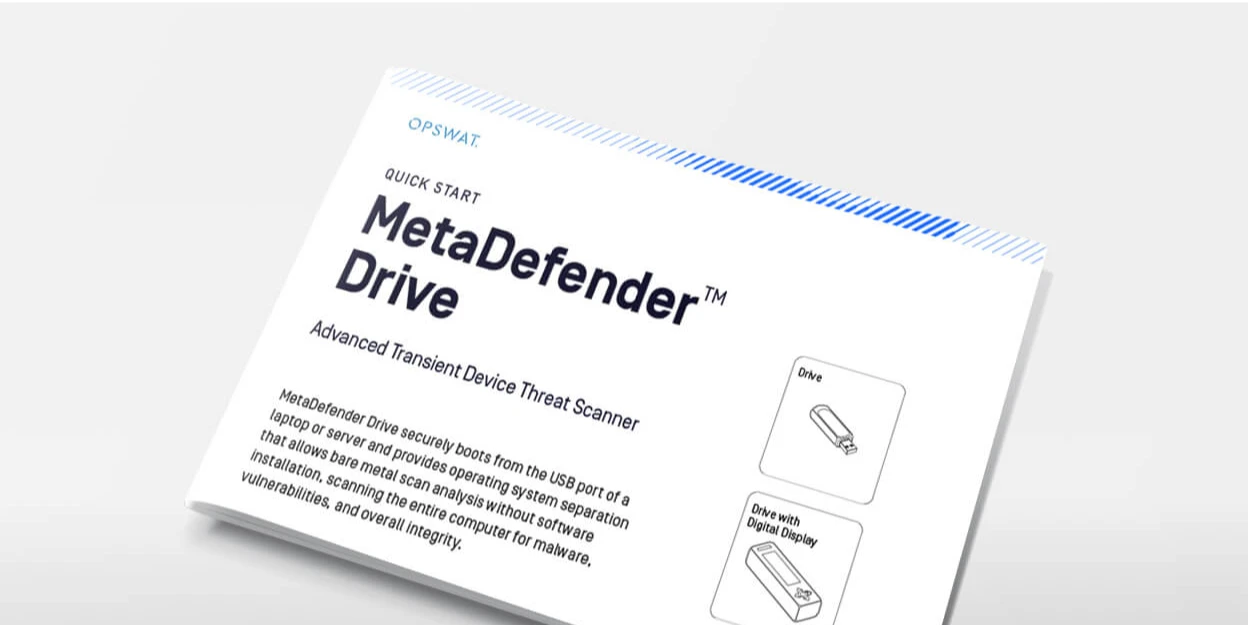
MetaDefender Drive Quick Start Guide
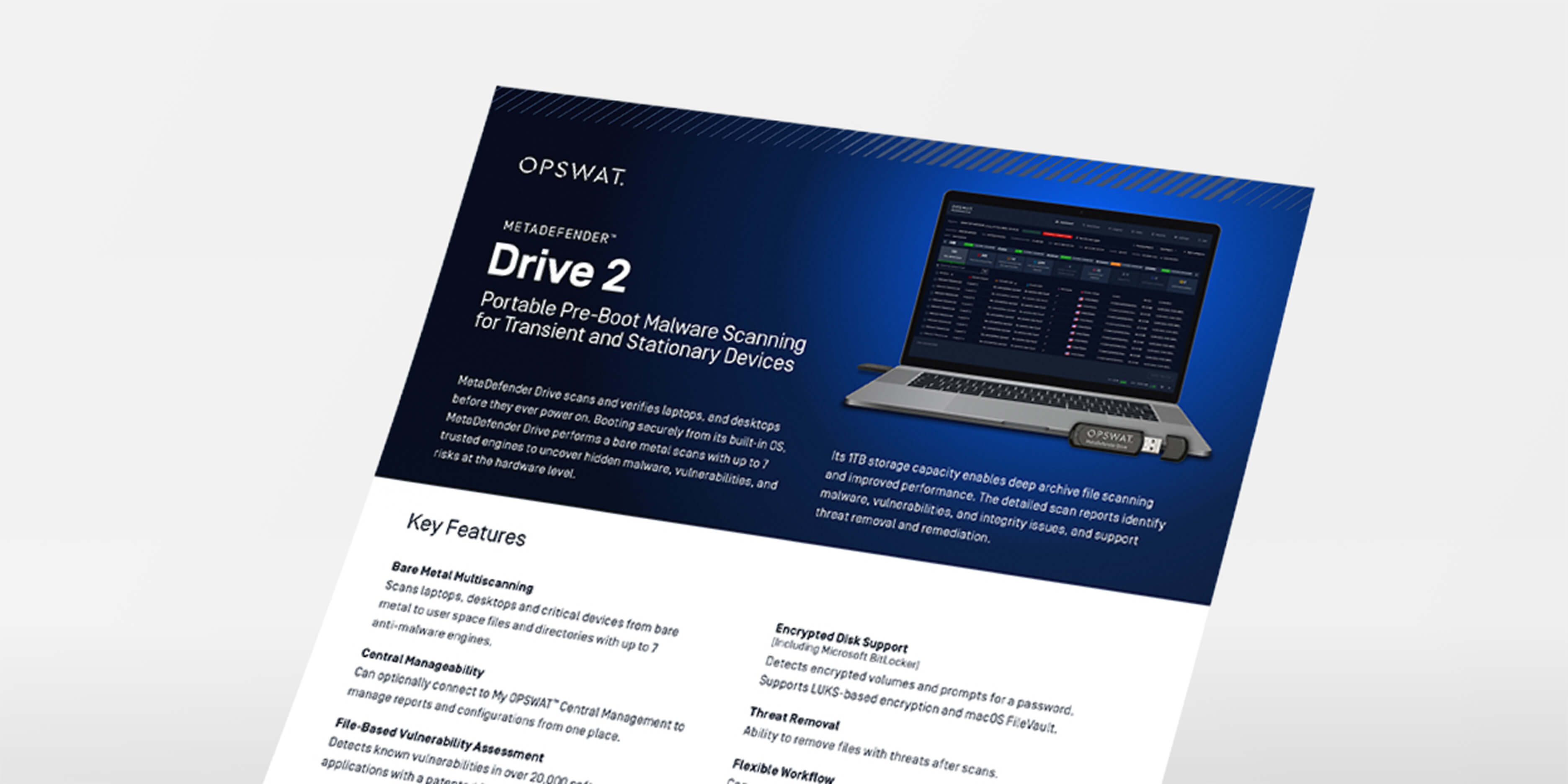
MetaDefender Drive Datasheet
MetaDefender Drive Toolkit
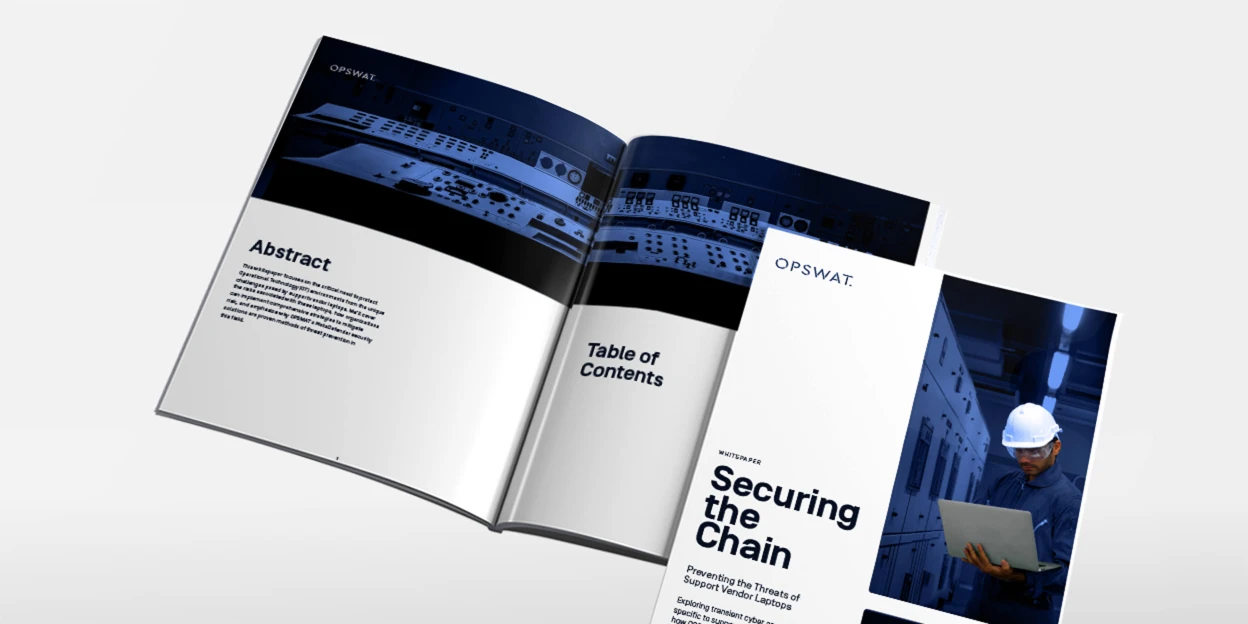
Strengthening Vendor Laptop Security
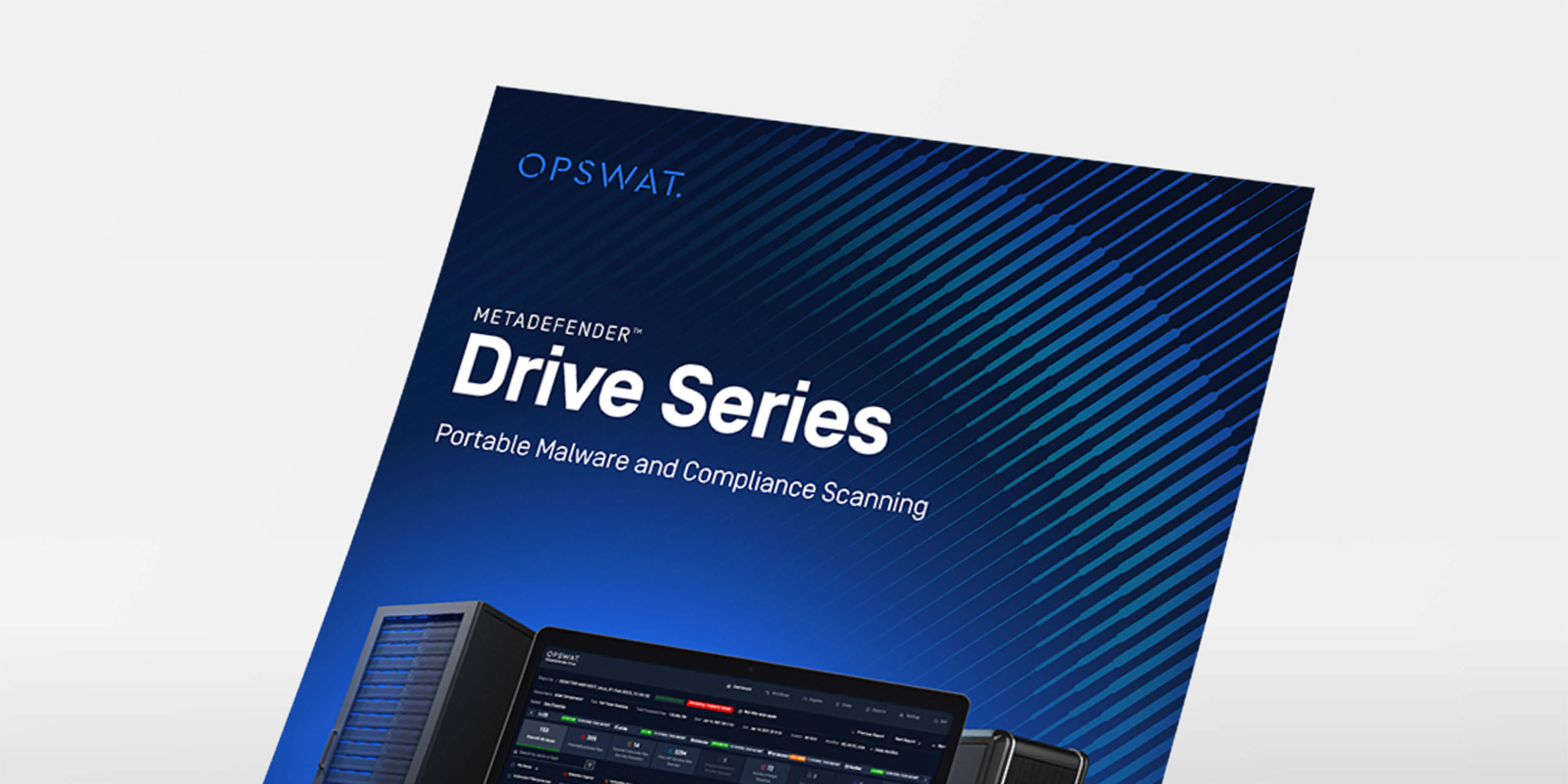
MetaDefender Drive Brochure
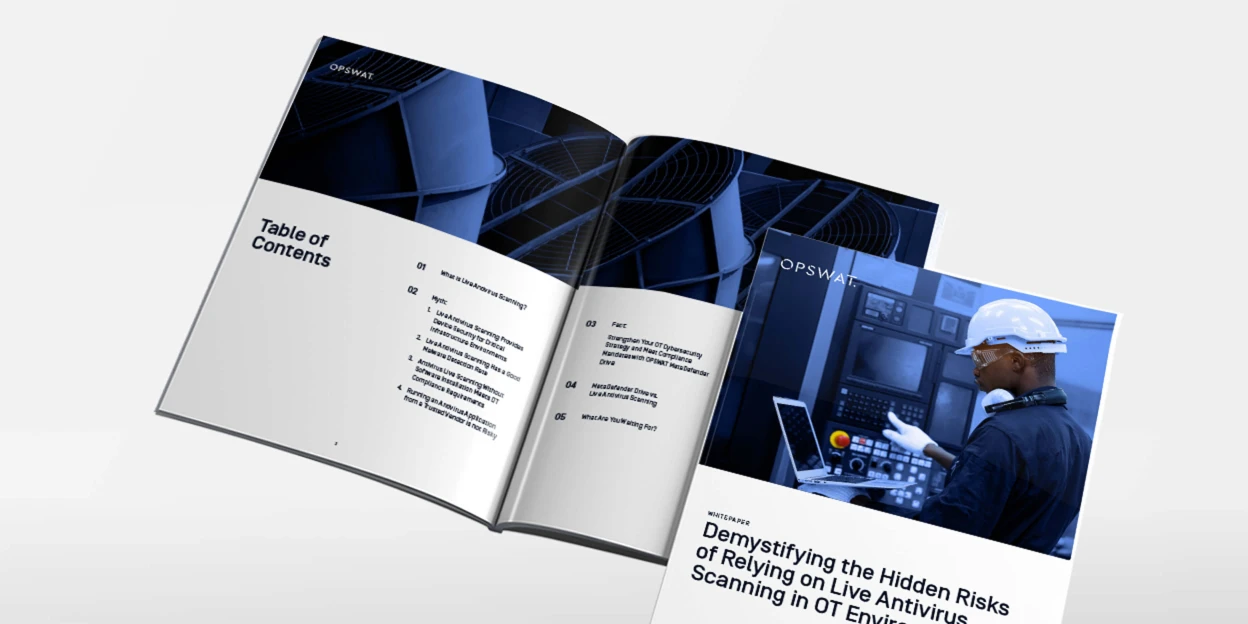
Demystifying the Hidden Risks of Relying on Live Antivirus Scanning in OT Environments
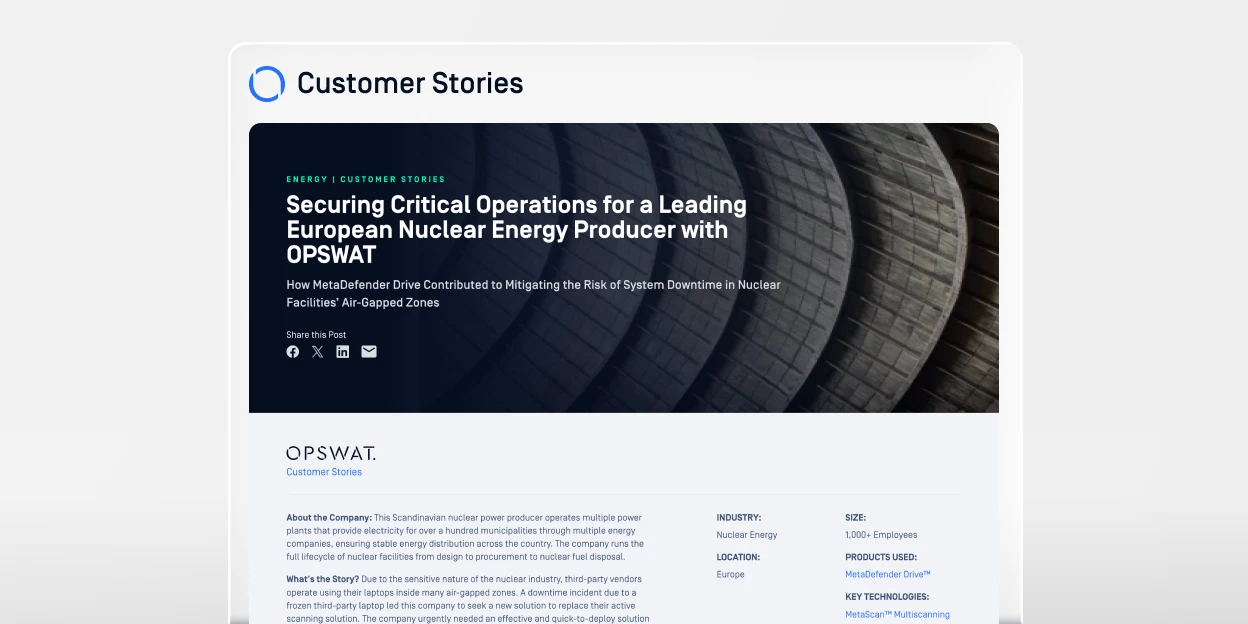
Securing Critical Operations for a Leading European Nuclear Energy Producer with OPSWAT
“The number of sensitive data leakage and malware threat detection we have addressed after using MetaDefender Drive was beyond the capabilities of any scanning software we used in the past.”