You’ve invested in a high-volume network-attached storage platform that will help you scale-out seamlessly, allow your users to collaborate and work together on the same files at the same time, and even expand to the Cloud.
Now how do you keep your storage, applications, systems, networks, users, and clients secure?
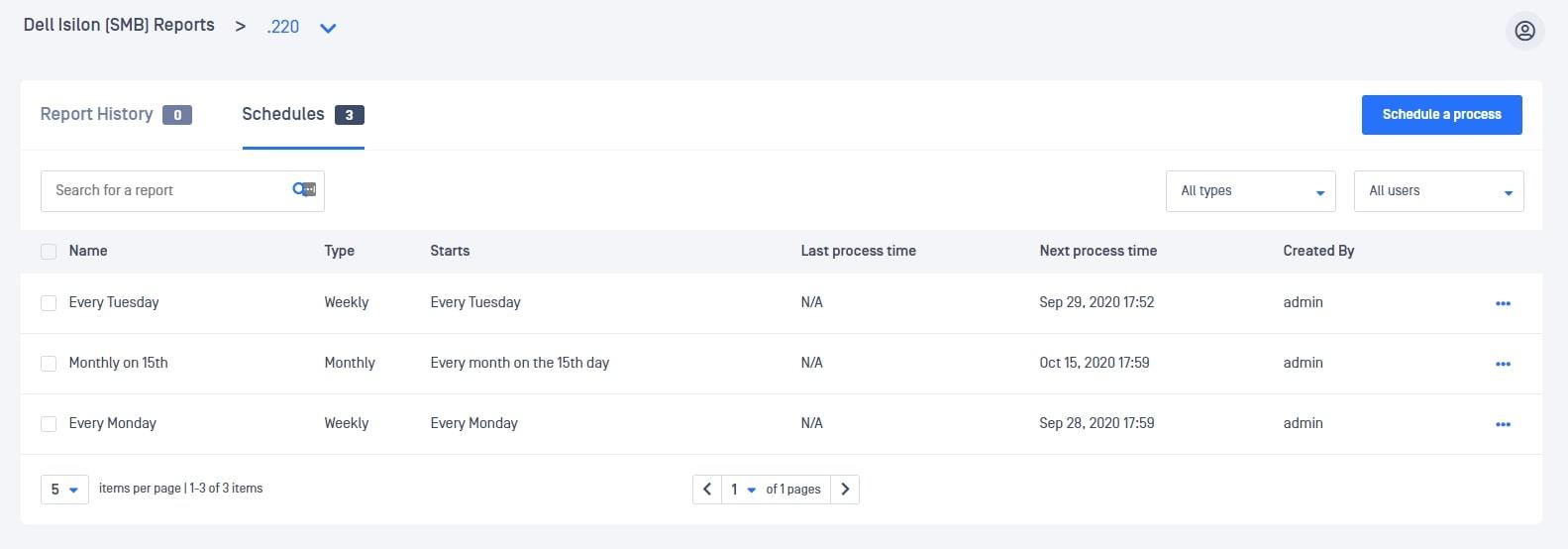
1. Run periodic scans on your entire storage by scheduling automated processes.
It takes 6-9 months for organizations to even detect a data breach [1].
Hackers do not make their presence known right away. Once they find a loophole to bypass your security perimeter, they try to infiltrate further and gain more privileged access to collect more data and information.
Malicious code is often introduced via legitimate scripts (for example in Office Documents or productivity files) that reach out later to Command & Control servers to download malware.
Malware that employs timing-based evasive tactics bypasses even the most sophisticated sandboxes.
By periodically processing your entire storage, you can catch any latent outbreaks early and limit damage.
2. Instant Scan for suspected infections.
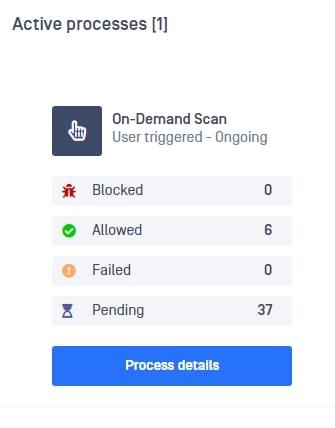
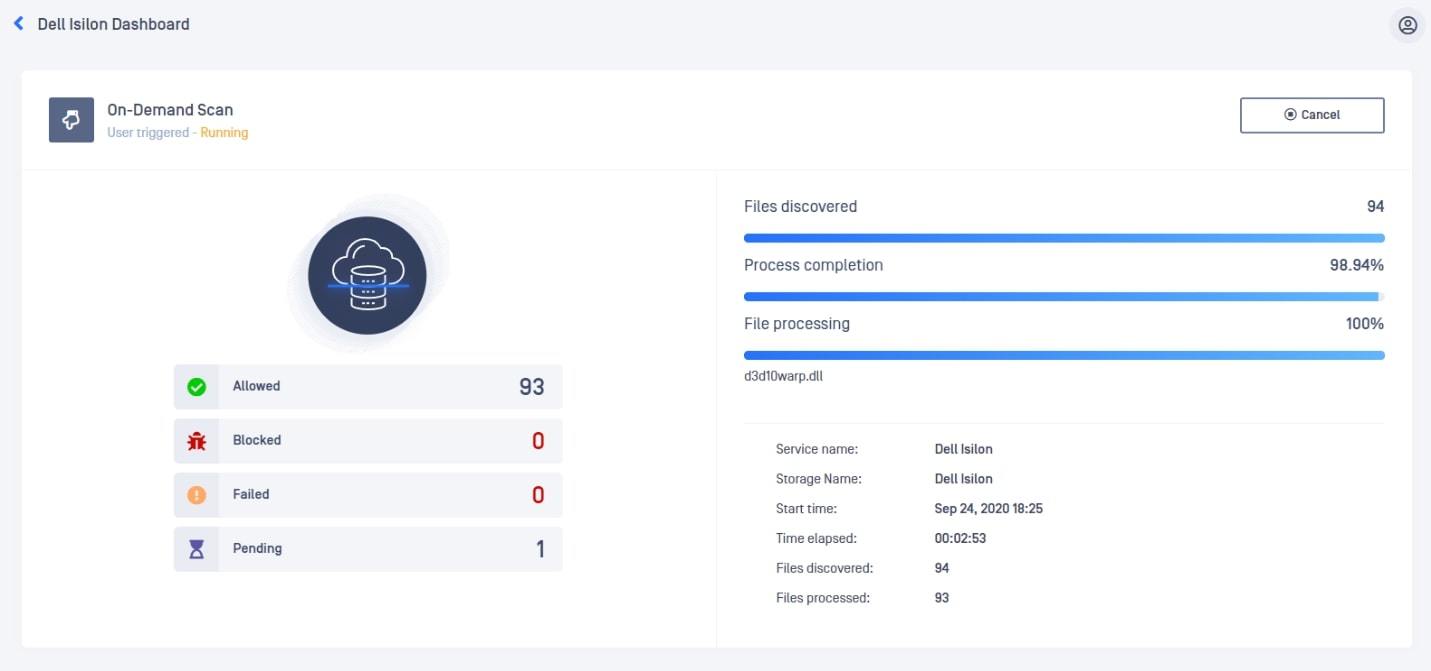
If you suspect your storage might have been compromised, kick off instant processing right away. In case there was a breach - the sooner you respond, the more money you can save [2]. In case there wasn’t – the sooner you know, the sooner you can go back to normal operations and minimize productivity loss for your workforce.
3. Scan real-time for new and modified files.
Users uploading files could have been hacked or might be using a system that is compromised. Often, attackers maintain persistence on machines with the intent to use them to come back to networks [3].
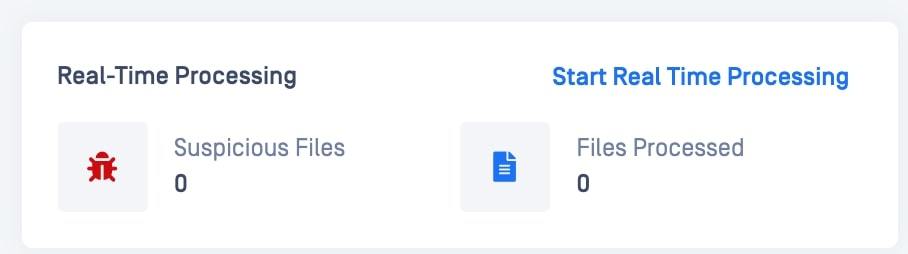
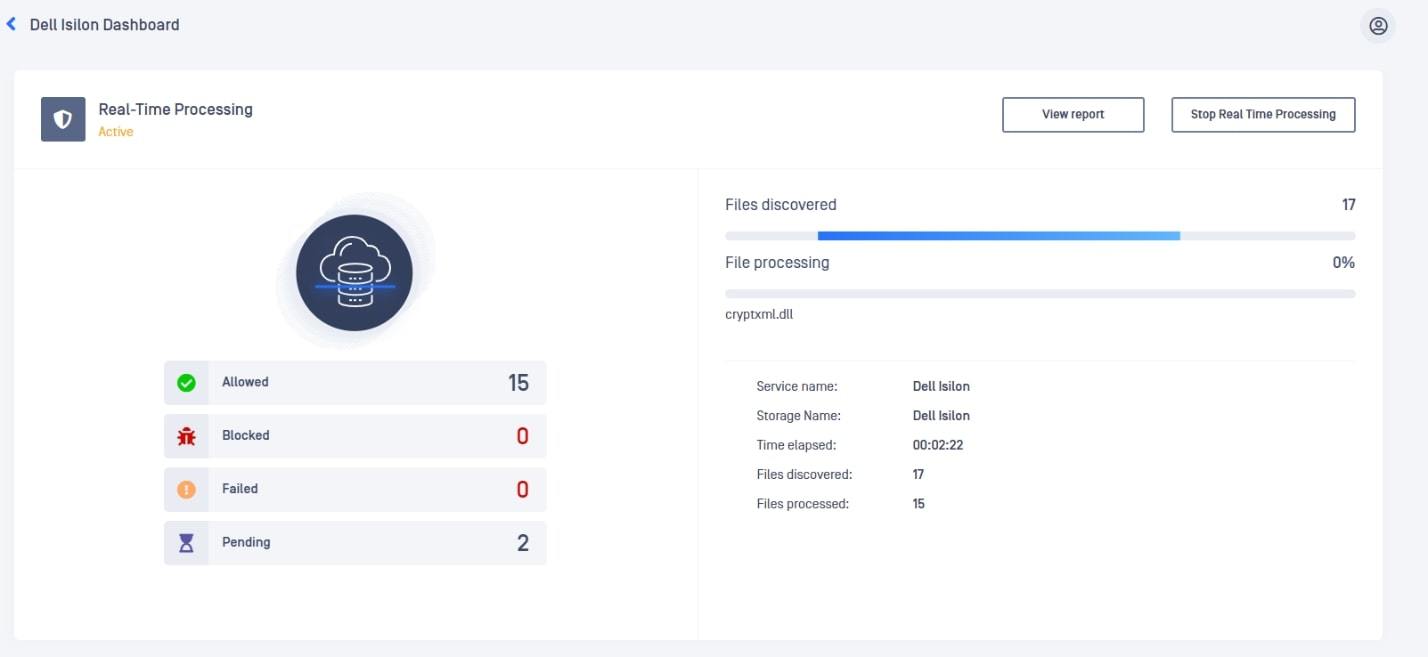
To ensure newly uploaded files do not introduce a threat inside your secured storage, make sure you process any new file as soon as it is uploaded by enabling real time processing.
4. Scan a single file.
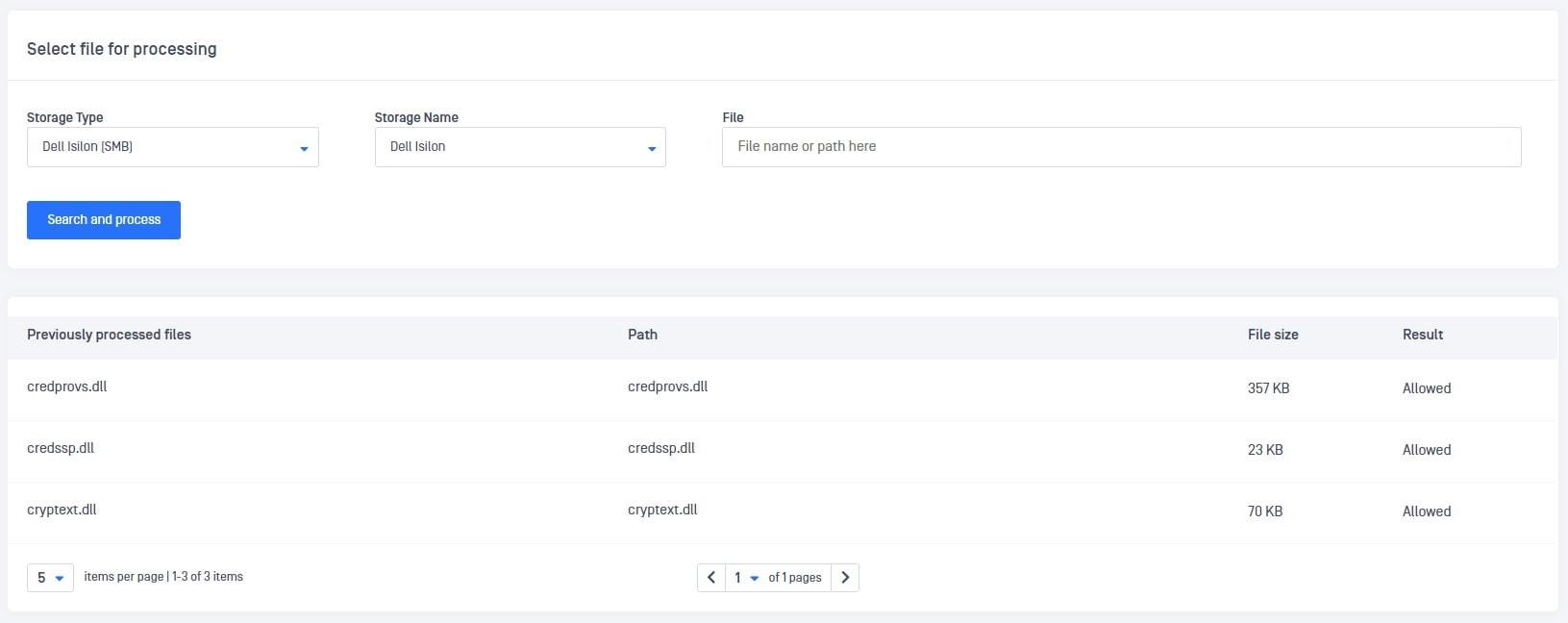
If you suspect a single file, instantly process that file alone to verify if it was infected and take appropriate remediation actions right away.
All 4 of these protective actions can be scheduled or triggered with 1 click making it easy for you to secure your Storage.
It is equally easy to integrate your Dell EMC PowerScale (Isilon) Storage with MetaDefender for Secure Storage where you can monitor and manage all your Storage instances and units (regardless of vendor) - whether in the cloud or on-premises.
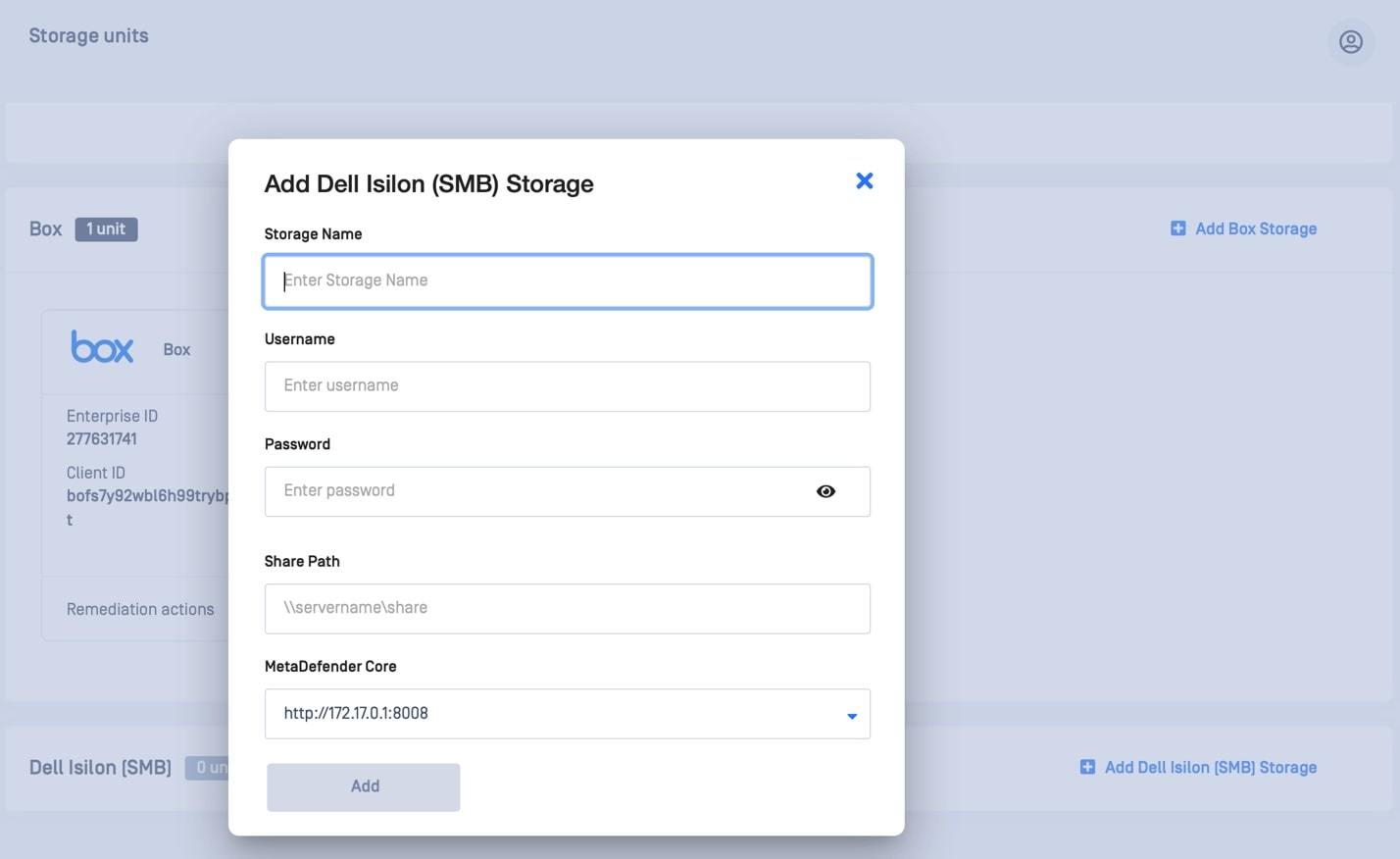
MetaDefender Storage Security is a plug-and-play solution that gives you actionable intelligence on the risks and potential threats your enterprise data storage faces. It ensures data storage security for your entire organization.
Next Month: We’ll look into data sanitization and remediation options for files stored in Dell EMC Isilon Storage.