Stop File-Based Threats in
NetApp Storage
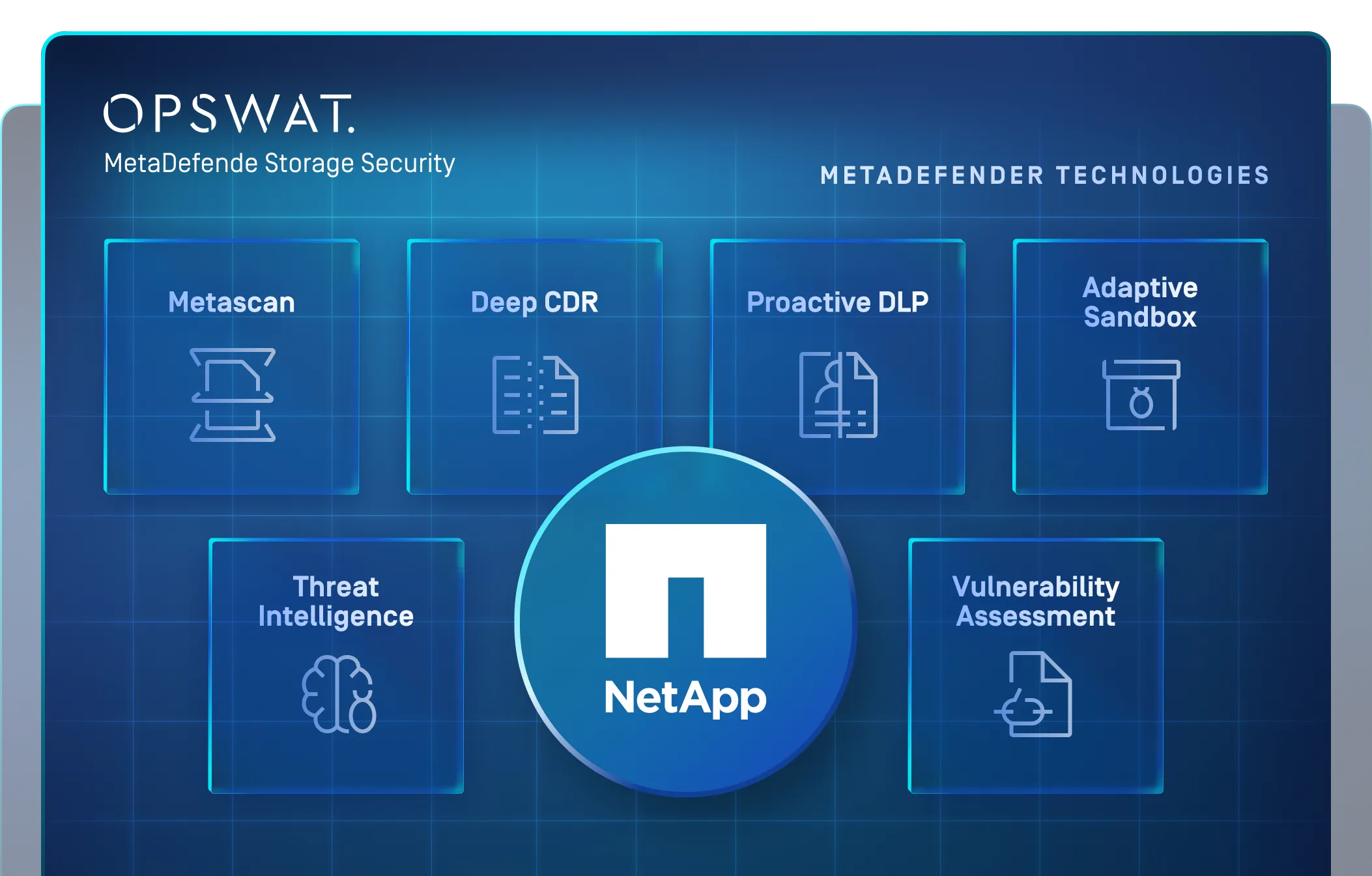
MetaDefender Storage Security integrates natively with NetApp ONTAP to inspect, sanitize, and remediate files in real time, without disrupting operations.
- Real-Time Inspection
- Automated Remediation
- Scalable Deployment
OPSWAT is Trusted by
























MetaDefender Storage Security for NetApp
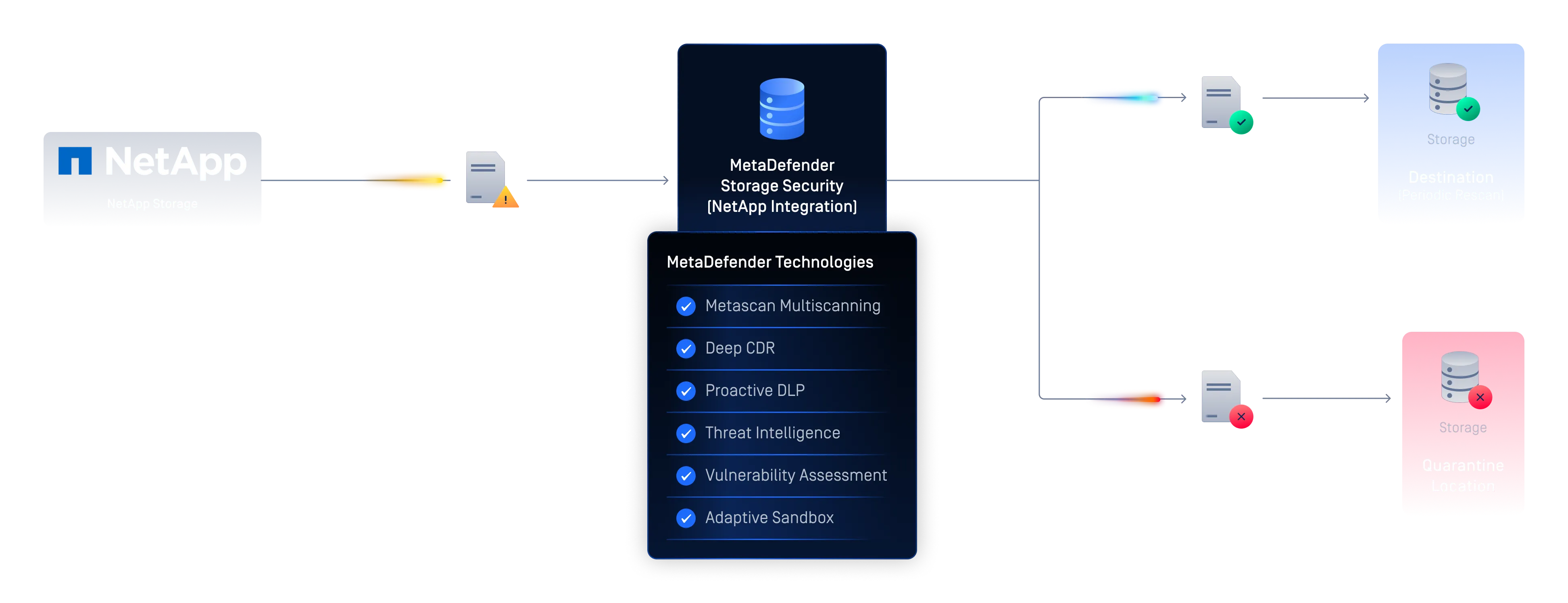
MetaDefender Storage Security integrates with NetApp ONTAP to inspect files in enterprise storage for malware, zero-day threats, sensitive data, and vulnerabilities. The integration supports real-time, on-demand, and scheduled scanning, with remediation based on your organization’s policies.
The Hidden Risk in Your NetApp Storage
Stored Files Can Carry Hidden Malware
Productivity files, with embedded macros, nested archives, images, and hyperlinks, offer a wide attack surface. File-borne malware and ransomware can enter storage undetected and spread across the organization.
Data Breaches Trigger Serious Consequences
A single breach can result in financial losses, reputational damage, and regulatory penalties. Frameworks including GDPR or HIPAA require strict data protection controls that traditional storage solutions often cannot provide.
Security That Can't Keep Pace with Storage Growth
Enterprise file storage must scale to accommodate large datasets and sudden usage spikes. Without elastic security architecture, organizations risk violating SLAs (Service Level Agreements) and degrading system performance.



Automated File Security for NetApp ONTAP
MetaDefender Storage Security connects to NetApp ONTAP and automatically inspects, sanitizes, and remediates files, at scale, without manual effort.

Multi-Layer Malware Detection and Sanitization
Scan every file with 30+ antivirus engines simultaneously and apply Deep CDR™ Technology to disarm embedded threats and reconstruct files, stopping both known and zero-day malware.
Automated Compliance and Sensitive Data Protection
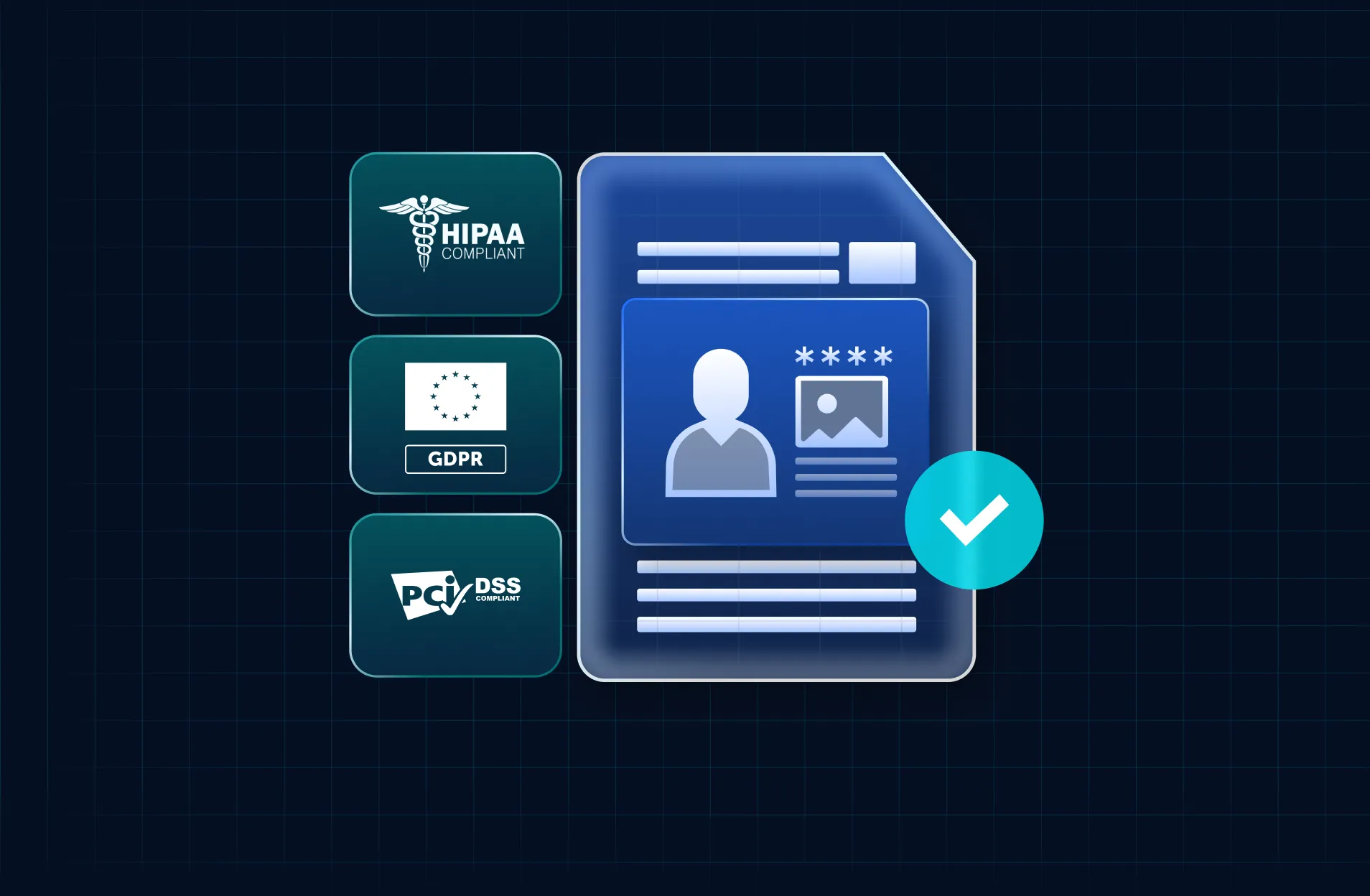
Proactive DLP™ technology detects sensitive data in stored files, identifying which files hold payment card, health, or personal data and what was found in each, to support compliance with PCI, HIPAA, and GDPR requirements.

Deployment That Scales with Your Storage
MetaDefender Storage Security scales up or down to meet your SLA requirements, maintaining security and operational resilience as storage demands grow or fluctuate.
How the Integration Works
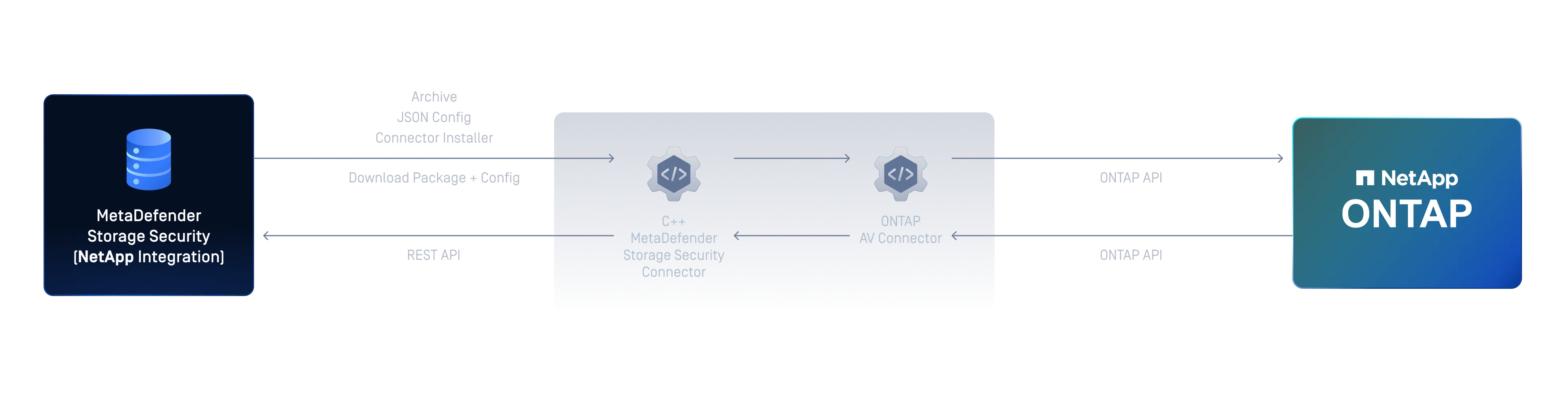
MetaDefender Storage Security connects to NetApp ONTAP via SMB and processes files through an automated pipeline for threat detection, vulnerability assessment, sanitization, and tagging. Setup is completed in the MetaDefender Storage Security portal, with full steps in the official documentation.
 step 1
Add NetApp ONTAP as a Storage Unit
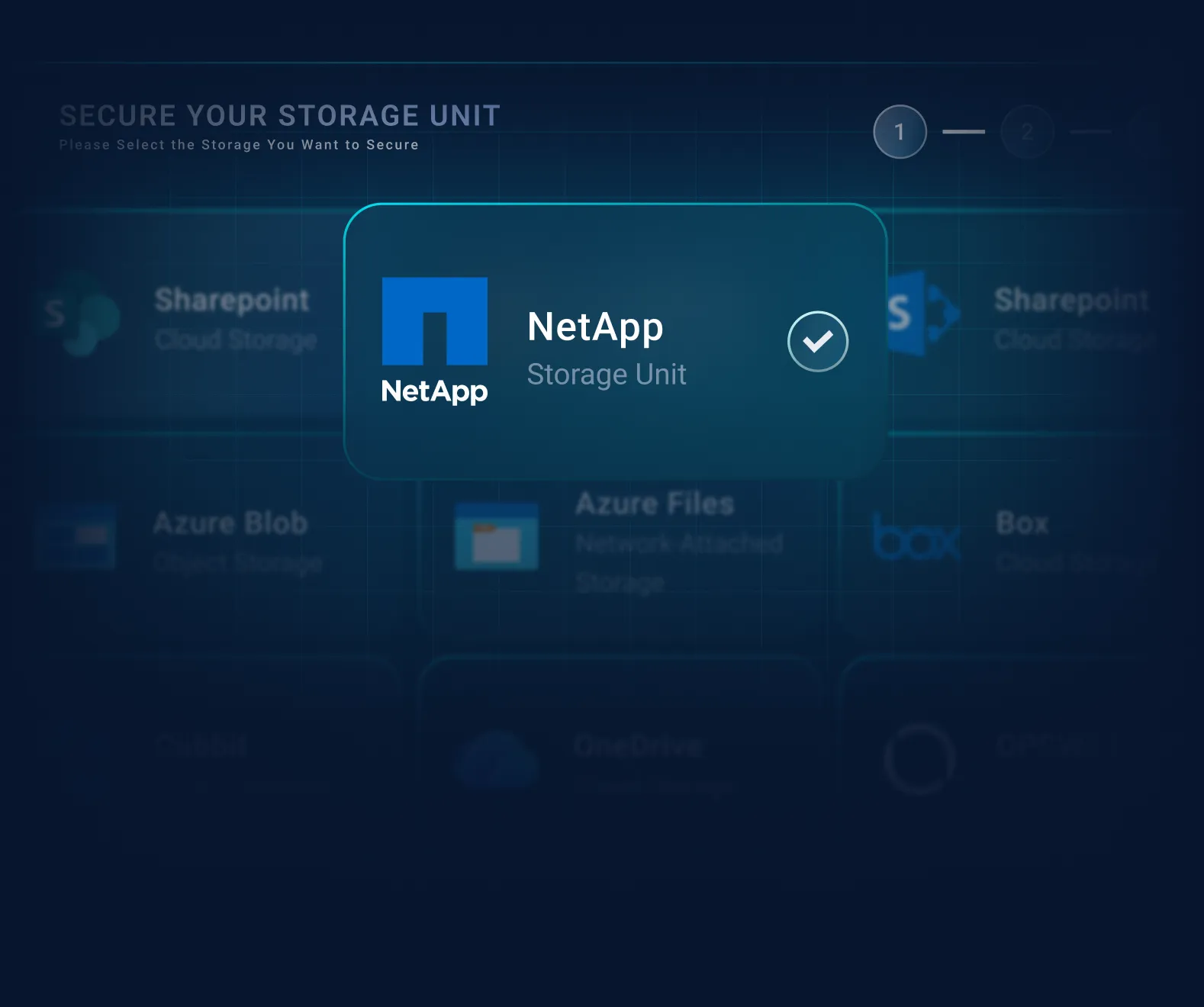
In the portal, open Inventory. First create the account, providing the account name and user credentials. Then create the storage unit for NetApp ONTAP, providing the storage name and the share path.
- step 2
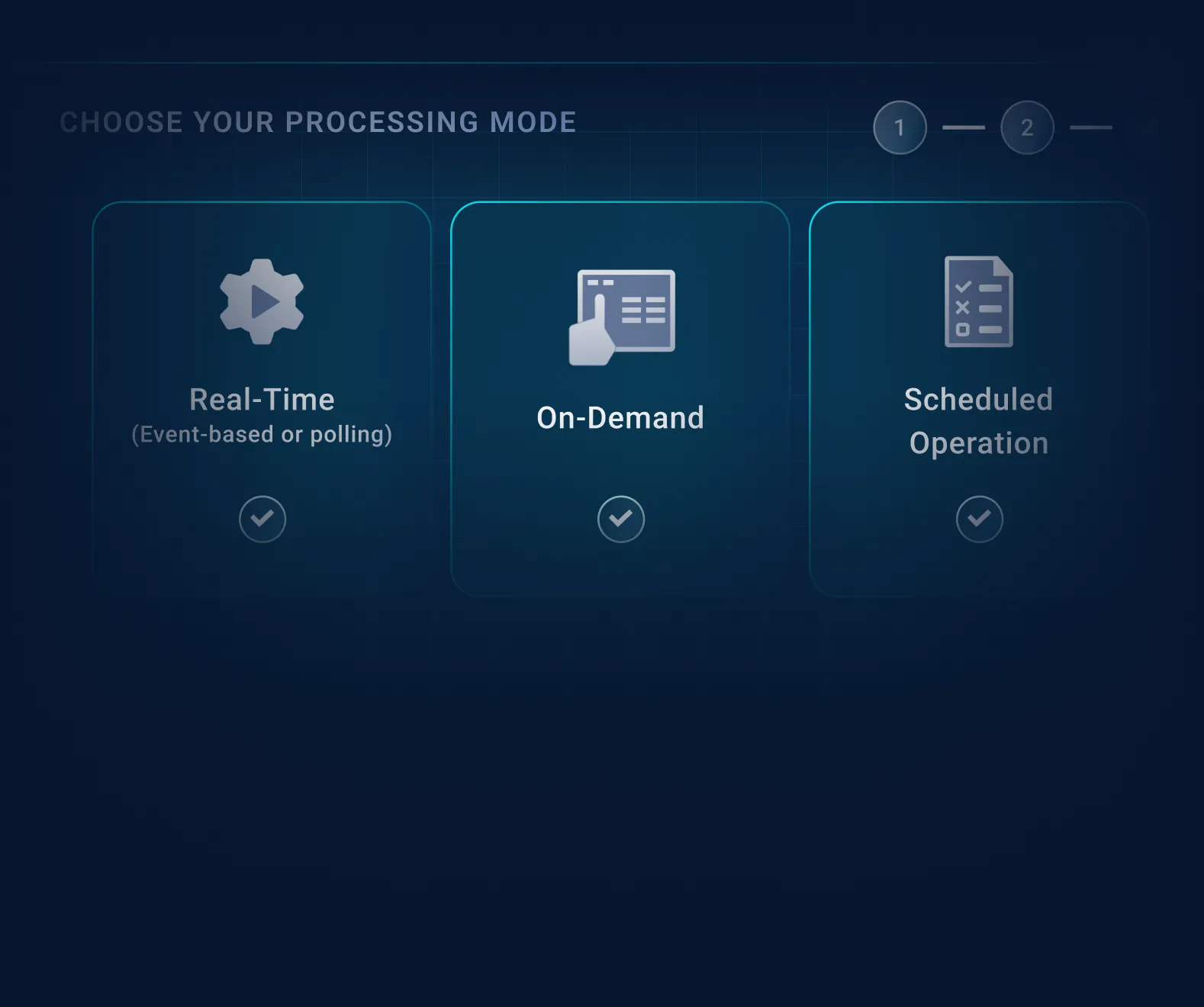
Choose Your Processing Mode
Select real-time (event-based or polling), on-demand, or scheduled operation. Set priority to balance thoroughness against available resources.
- step 3
Run the Security Pipeline
Files are processed through multiscanning, vulnerability assessment, and Deep CDR™ Technology, with adaptive sandbox analysis available for deeper inspection, applied automatically per policy as files arrive or reside in storage.
- step 4
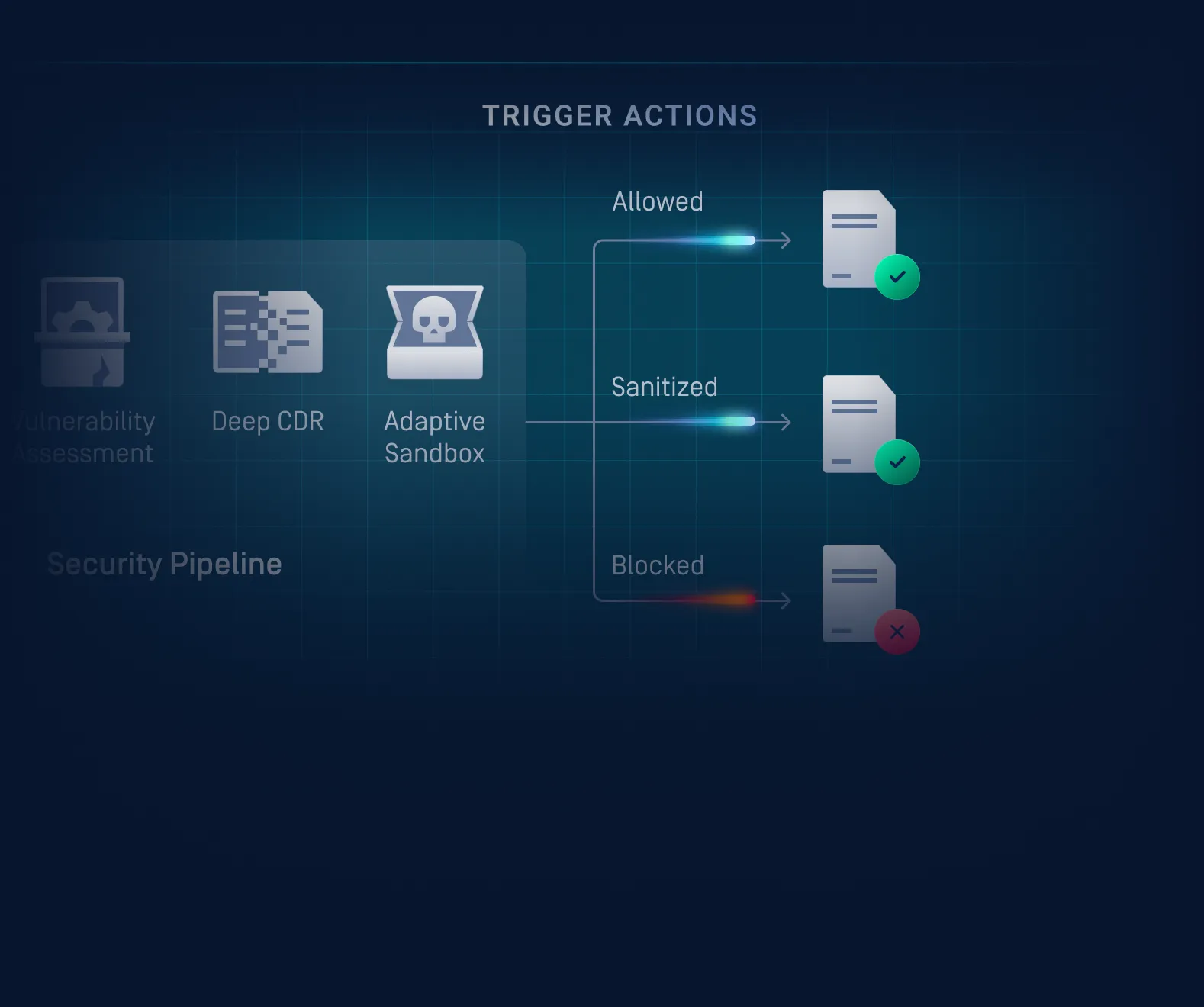
Assign Verdicts and Trigger Actions
Files exit the pipeline with an Allowed, Sanitized, or Blocked verdict. Copy, move, or delete actions execute automatically per policy. Designated personnel receive notifications for key events.
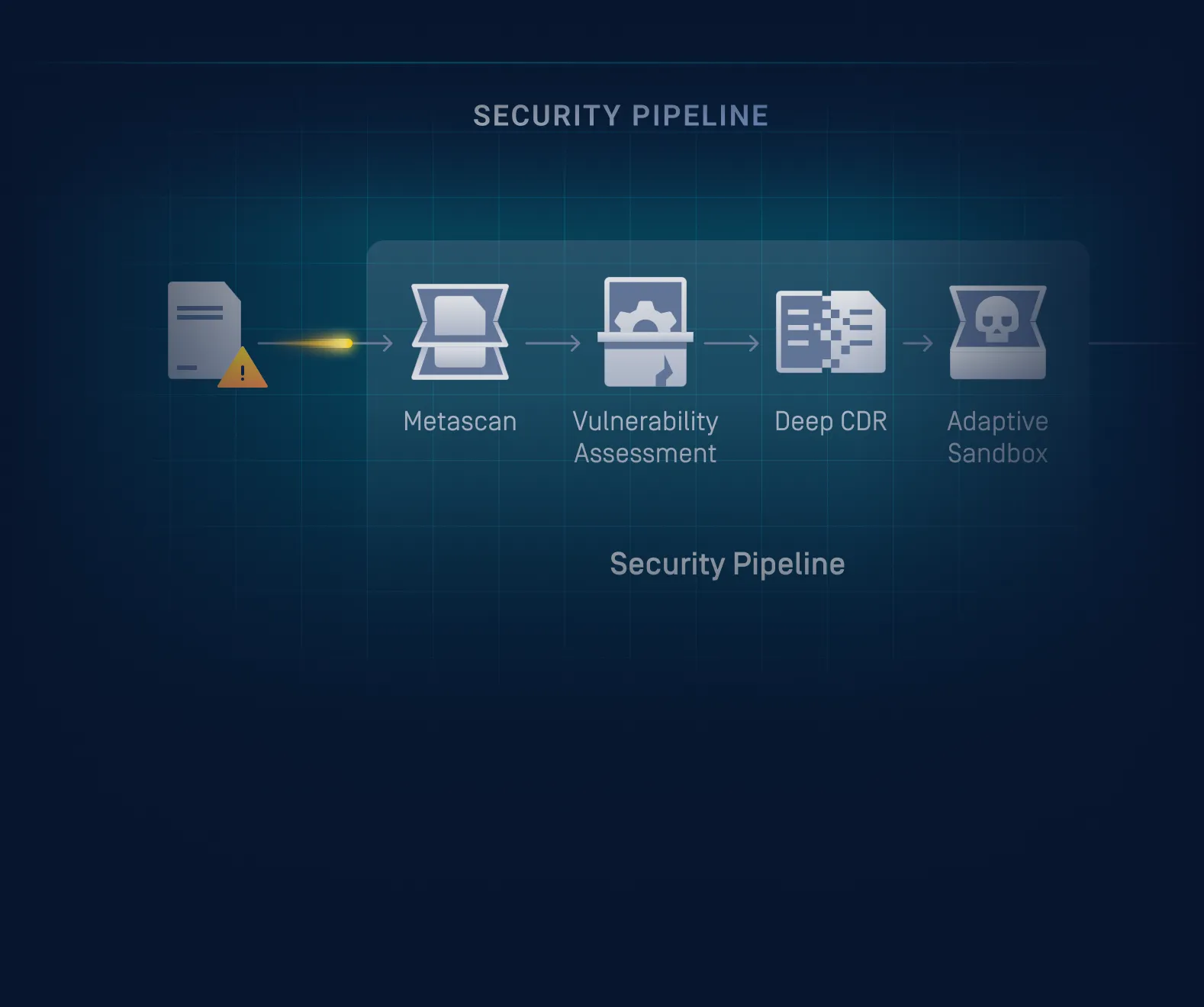
Storage Security performs file analysis through MetaDefender™ Core. The specific technologies available depend on the MetaDefender Core engine package the customer has licensed.
Key Features & Benefits
Inspect Files on Your Schedule
Choose how and when files are processed. In real time as they arrive, on demand, or on a schedule. Scan priority is configurable to balance thoroughness against available resources.
Act on Results Automatically
Files are handled and remediated based on scan results without manual steps. Define whether files are allowed, sanitized, or blocked, and automate copy, move, or delete actions accordingly.
Stay Informed When It Matters
Automated notifications alert designated personnel when key events occur, such as blocked files, generated reports, or user registrations. MetaDefender Storage Security also supports SIEM integration through its GUI and RESTful API.
Fits into Your Existing Security Infrastructure
MetaDefender Storage Security integrates with NetApp ONTAP to support real-time or on-demand scanning within existing workflows, with configuration managed through the MetaDefender Storage Security interface.
Keep Sensitive Data out of the Wrong Hands
Stored files are inspected for sensitive content, with detailed reporting on which files contain regulated data such as payment card, health, or personal information, helping organizations stay aligned with PCI, HIPAA, and GDPR requirements.
Scale Security Alongside Your Workloads
Deployment scales to match changing storage demands, helping teams maintain consistent protection as data volumes grow. Kubernetes and cloud models scale automatically up or down with load, while standard and advanced deployments are sized manually to fit the workload.
Connectivity and Setup Requirements
MetaDefender Storage Security connects to NetApp ONTAP storage using the SMB (Server Message Block) protocol for standard storage unit setup, requiring SMB 3.1.1 (or SMB3). Alternatively, you can enable NetApp ONTAP's built-in Vscan feature for native, protocol-level real-time scanning; this requires the Vscan Server, the machine that hosts the NetApp and OPSWAT connectors, to run on Windows Server. Storage Security itself can run on Windows or Linux. Confirm SMB is enabled on the storage system, and that the configured account has the required permissions, before adding the storage unit.
SMB-Based Storage Unit
Requires SMB 3.1.1 (or SMB3). Supports file://, \\servername\pathToShare, //servername/pathToShare, and smb:// path formats.
The configured account needs at least read and write permissions to the target share; modify permissions are required to use Deep CDR™ Technology and file remediation actions.
Native NetApp Vscan Integration
Uses NetApp ONTAP’s built-in Vscan feature for real-time, protocol-level scanning without relying on SMB polling.
Vscan must be enabled on the NetApp ONTAP system before setup, and the Vscan Server that hosts the NetApp and OPSWAT connectors must run on Windows Server. Storage Security itself can run on Windows or Linux. See the Vscan enablement documentation for configuration steps.
What the NetApp ONTAP Integration Delivers
Real-Time File Processing
Files are processed immediately on upload via event-based handling, or detected through regular polling intervals for new arrivals.
On-Demand and Scheduled Jobs
Jobs can be triggered immediately after configuration or set to run at predetermined times for ongoing, policy-driven coverage.
File-Based Vulnerability Assessment
Binaries and installers are analyzed to identify known application vulnerabilities before they execute on endpoint devices.
Policy-Based Verdicts and Actions
Files exit the pipeline with an Allowed, Sanitized, or Blocked verdict. Copy, move, or delete actions execute automatically per predefined conditions.
Native NetApp Vscan Integration
NetApp ONTAP's built-in Vscan feature can be enabled for real-time, protocol-level scanning as an alternative to SMB-based connectivity. This requires the Vscan Server, the machine that hosts the NetApp and OPSWAT connectors, to run on Windows Server; Storage Security itself can run on Windows or Linux.
Support Your Compliance Requirements
with Confidence
MetaDefender Storage Security helps organizations meet a wide range of regulatory requirements by scanning stored files for malware, sensitive data, and vulnerabilities, support compliance initiatives for regulations such as HIPAA, GDPR, PCI-DSS.


FAQs
MetaDefender Storage Security connects to NetApp ONTAP and processes files for malware, zero-day threats, sensitive data, and known vulnerabilities, applying remediation automatically based on your organization's policies. Modes include real-time, on-demand, and scheduled.
The integration uses the SMB protocol, specifically SMB 3.1.1 (or SMB3). SMB must be enabled on the NetApp system before setup. Configuration is completed in the MetaDefender Storage Security portal under Storage Units.
Two mechanisms are supported: event-based handling, where a job is triggered by a specific file event, and polling, where the system checks for new files at regular intervals. On-demand and scheduled jobs are also available.
Available technologies include Metascan™ Multiscanning (30+ antivirus engines), Deep CDR™ Technology (200+ file types), Proactive DLP™ (sensitive data enforcement), Adaptive Sandbox (zero-day analysis), and File-Based Vulnerability Assessment.
Yes. Vscan, NetApp ONTAP's built-in virus scanning capability, is supported. It requires the Vscan Server that hosts the NetApp and OPSWAT connectors to run on Windows Server; MetaDefender Storage Security itself can run on either Windows or Linux. Setup instructions are in the official documentation.
Files receive an Allowed, Sanitized, or Blocked verdict. Copy, move, or delete actions execute automatically based on predefined conditions. Deep CDR™ Technology can sanitize flagged files where applicable.
Yes. Alongside NetApp, MetaDefender Storage Security connects to a wide range of storage: SMB shares, NFS, and SFTP; Amazon S3 and S3-compatible storage; Azure Blob and Azure Files; Google Cloud; Box, OneDrive, and SharePoint (Online and on-premises); Microsoft Teams; and others.
It depends on the deployment model. On Kubernetes and cloud deployments, scaling is automatic, adjusting up or down to meet SLA requirements as workloads fluctuate. Standard single-instance and advanced deployments scale through manual sizing, provisioned to fit expected load. Either way, the goal is consistent protection and operational resilience as workloads grow.
Recommended Resources

MetaDefender Storage Security & NetApp Brochure
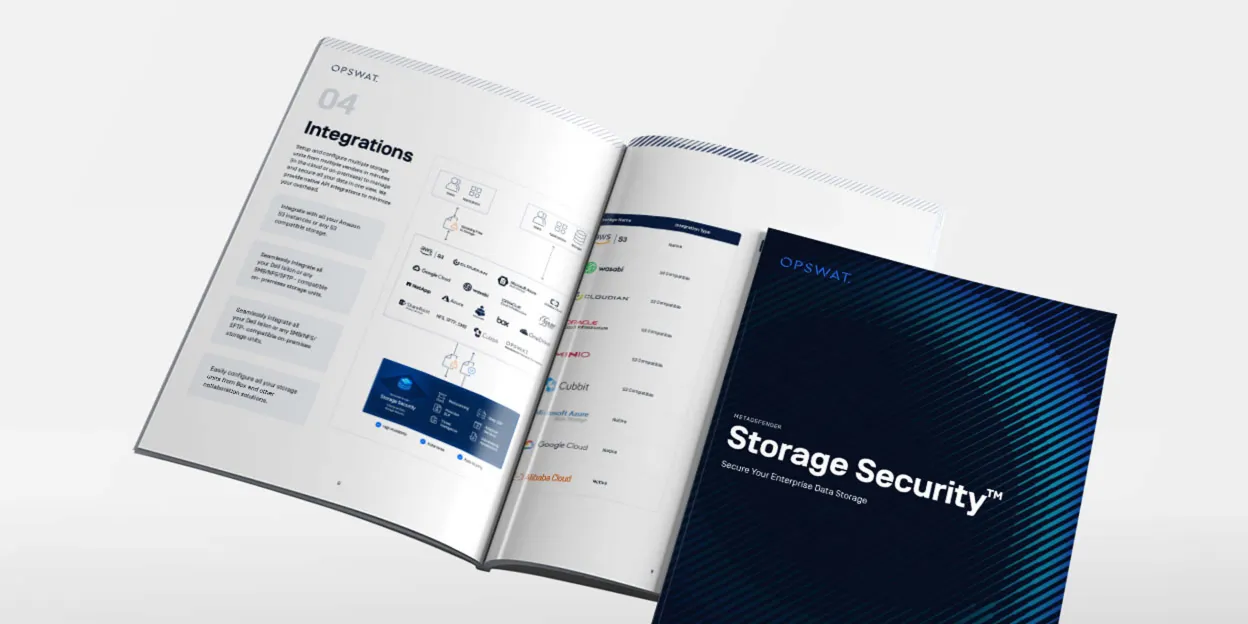
MetaDefender Storage Security Brochure

Add a NetApp ONTAP Storage

Vscan | How to enable
0 results. Please try again.
