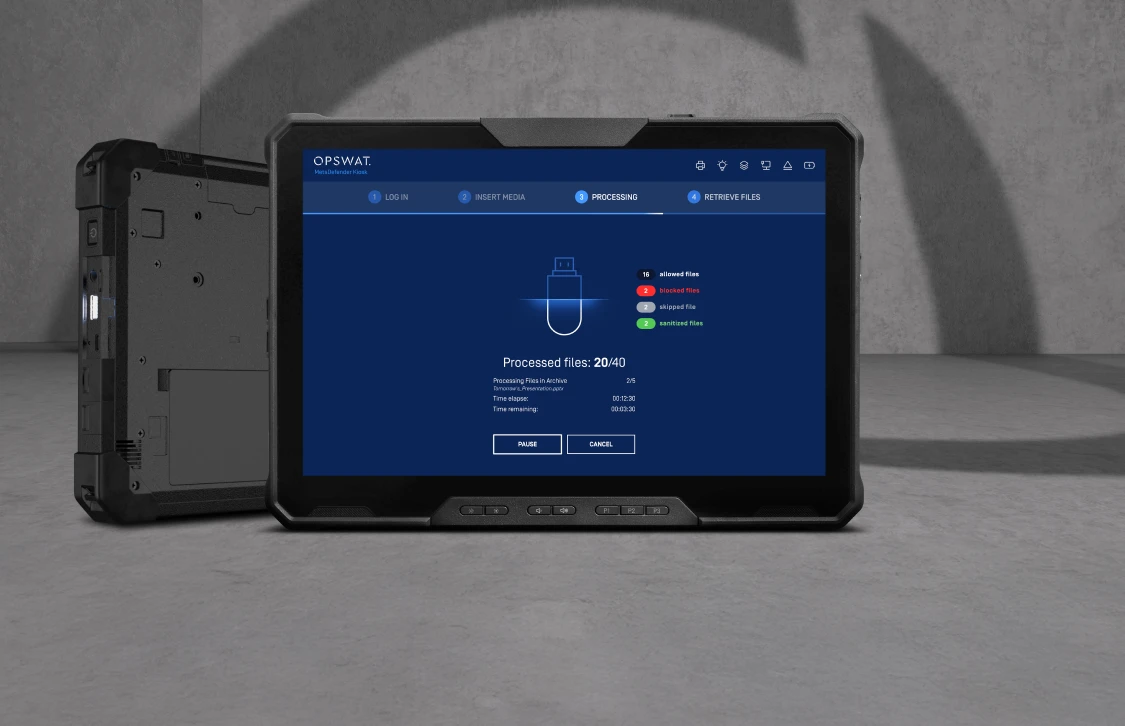
MetaDefender Kiosk Mobile 4
OPSWAT MetaDefender Kiosk Mobile is a portable, powerful, and ruggedized solution for protecting critical systems against uncontrolled removable media and malware.
- Glove-capable Touchscreen Display
- Process 10,500+ files Per Minute
- Extreme Operating Thermal Range
OPSWAT is Trusted by






















Rugged and Ready
Built for use in the harshest environments, the Kiosk Mobile is ruggedized to military standards allowing the secure use of portable and removable media in all conditions and environments.
- Process 10,500+ files per minute
- Hardened OS and designed for ease-of-use
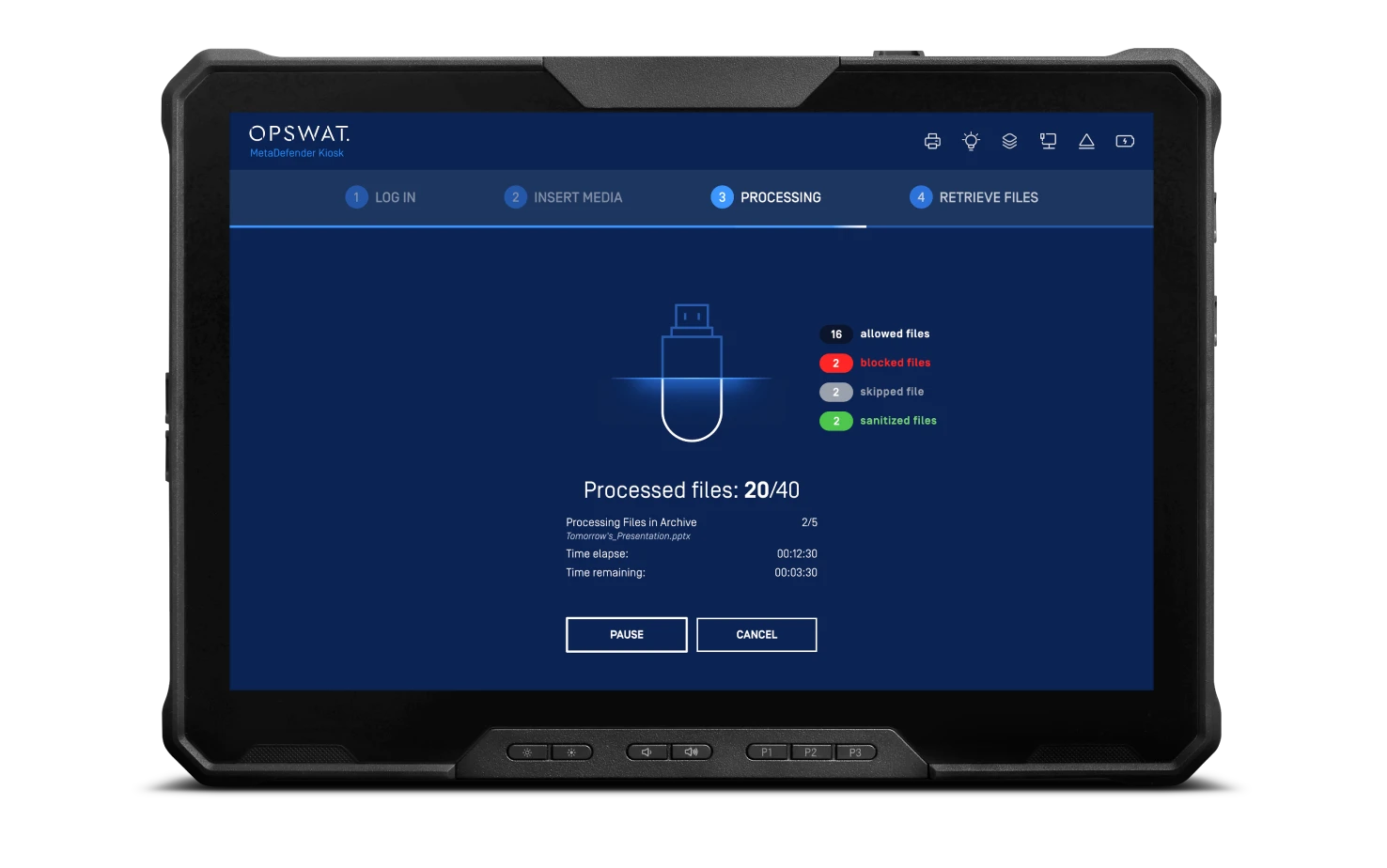
- Glove-capable and anti-glare 11.6” touchscreen
- W 11.85” x H 1.17” x D 7.99”
- Weight 2.89 lbs. [1.31kg]
- Wide range of portable media: USB A, USB C, and MicroSD
Portable 11.6” Touchscreen
High Performance Mobile Processor
Military-Grade Durability
Gorilla Glass
Glove-Enabled
Touch Screen
IP65 Dust and Water Resistant
Wi-Fi & Ethernet Connectivity
Removable Media Security Where You Need It
Ready to Deploy
Each MetaDefender Kiosk is pre-configured for your deployment with a pre-hardened operating system, pre-installed MetaDefender Kiosk software, Ethernet, Wi-Fi, and any necessary accessories.
Scan What You Need
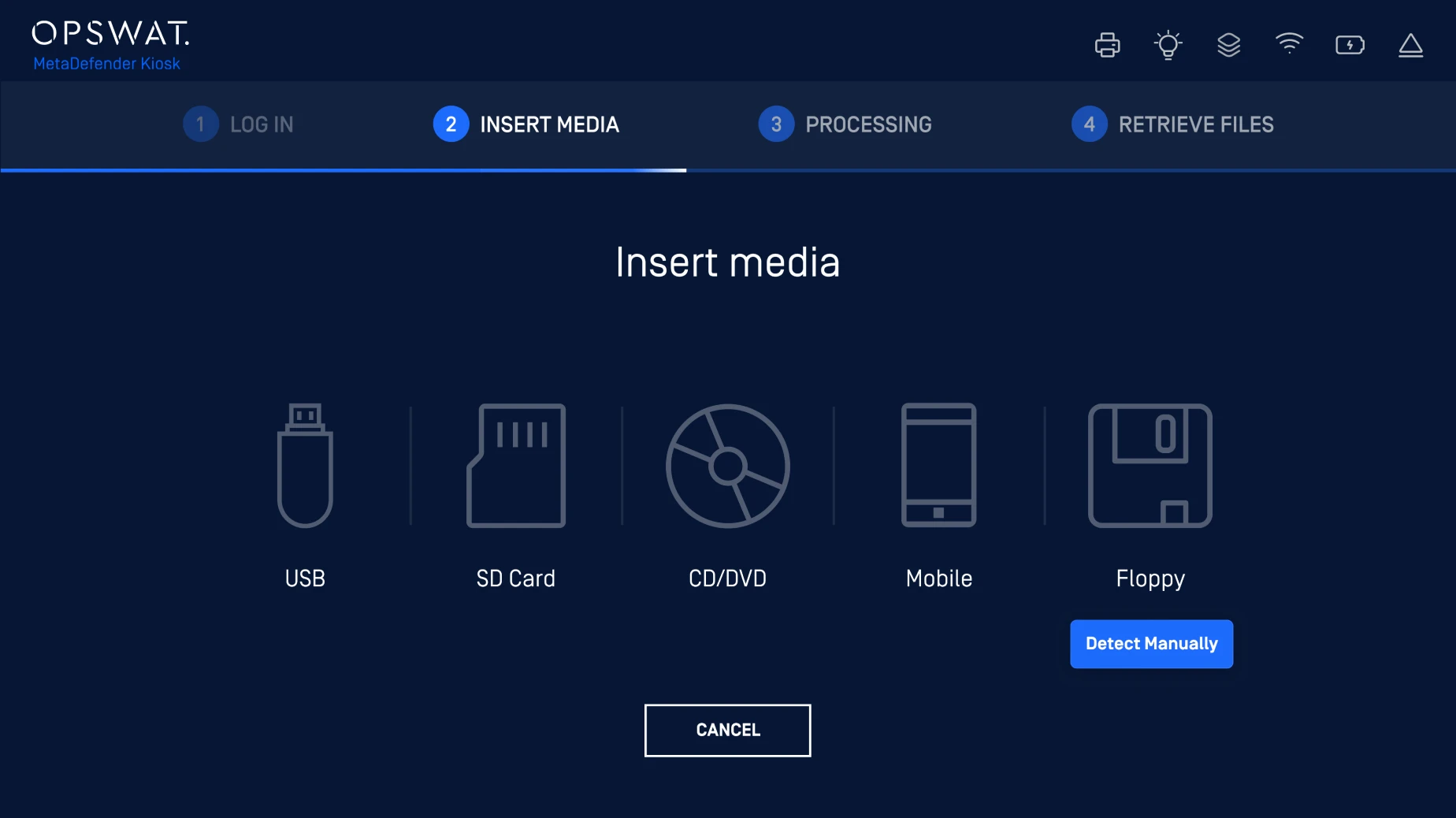
MetaDefender Kiosk supports most common portable media types, including floppy drives, with a variety of built-in media readers on the front of the kiosk.
Advanced Threat Protection
With our multiscanning technology powered by up to 30+ anti-malware engines, threat detection levels can exceed 99%. MetaDefender Kiosk leverages this to improve detection rates, reduce outbreak exposure times, and avoid exposures caused by the potential limitations of a single vendor from any attack that can originate via weaponized removable media.
Clean & Reconstruct Suspicious Files
Deep Content Disarm & Reconstruction (Deep CDR™ Technology) capabilities actively remove suspect and superfluous data from 200+ common file types—including .doc and pdf—outputting clean, usable files.
MetaDefender Kiosk applies OPSWAT’s Deep CDR™ Technology (ranked # 1 in the industry) to secure the data workflow in/out of your organization for preventing zero-day targeted attacks and unknown threats that are equipped with malware evasion technology such as fully undetectable malware, VMware detection, obfuscation and many others.
Secured Data Transfer
MetaDefender Kiosk can be integrated seamlessly with MetaDefender Managed File Transfer (MFT) for storing, tracking, and auditing files into a secure network. MetaDefender Kiosk to Managed File Transfer workflow creates a seamless process that simplifies the user experience in transmitting files across sensitive networks while maintaining high standards of security.
Zero Trust,
Even at Below Zero.
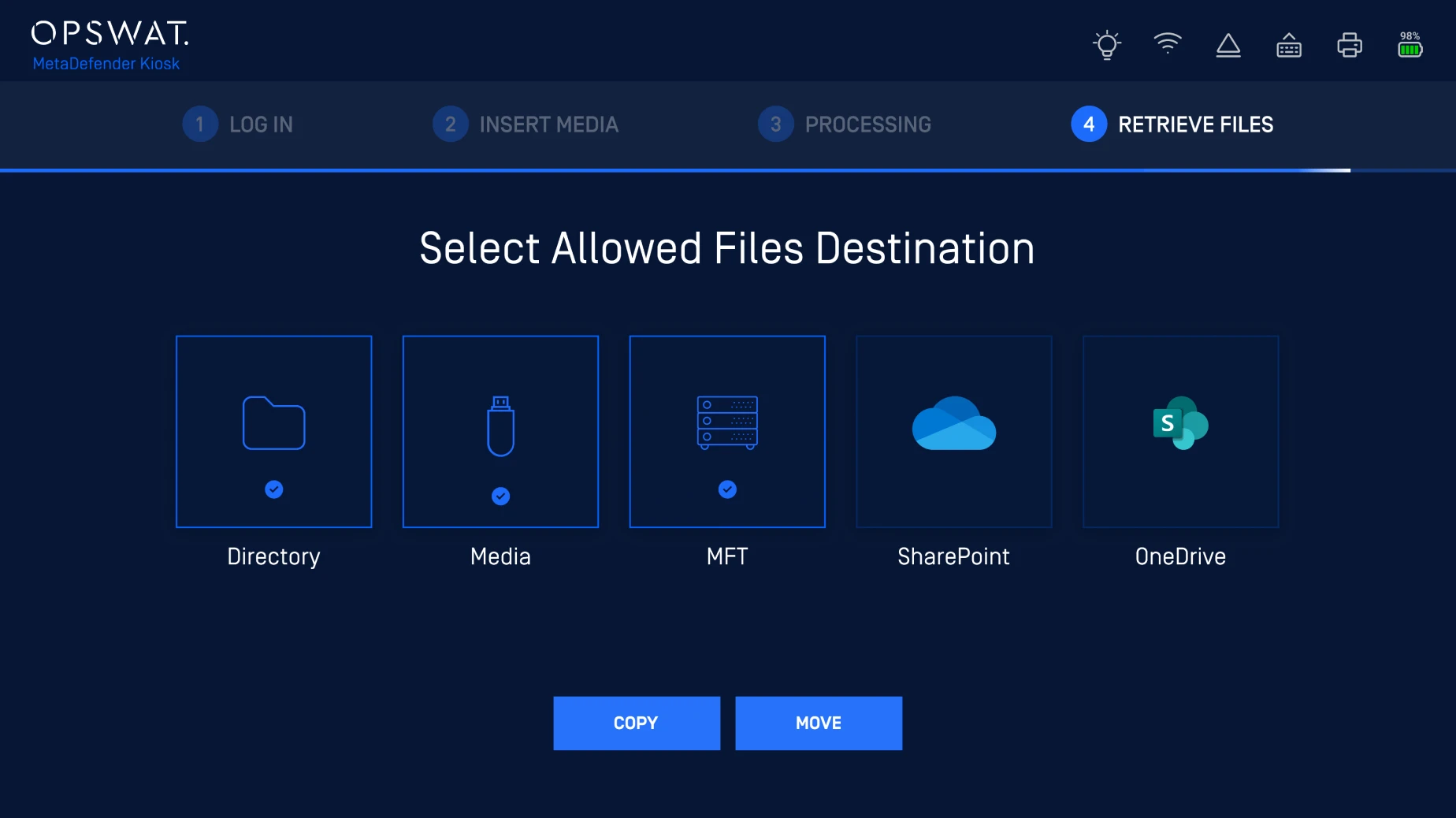
The Kiosk Mobile offers comprehensive security, regulatory compliance, and data protection, ensuring your critical infrastructure stays secure and compliant while preventing data breaches through advanced technology.
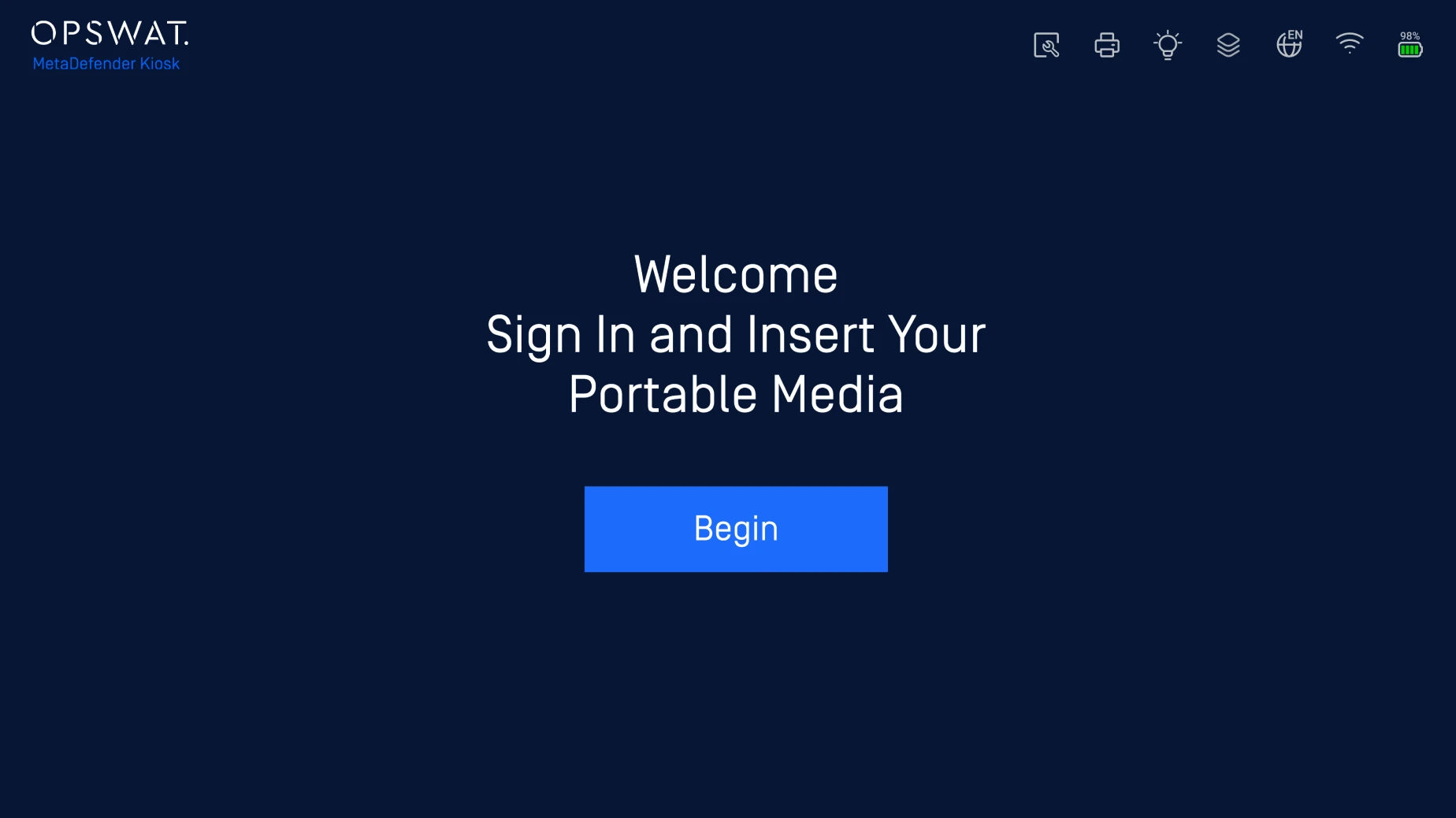
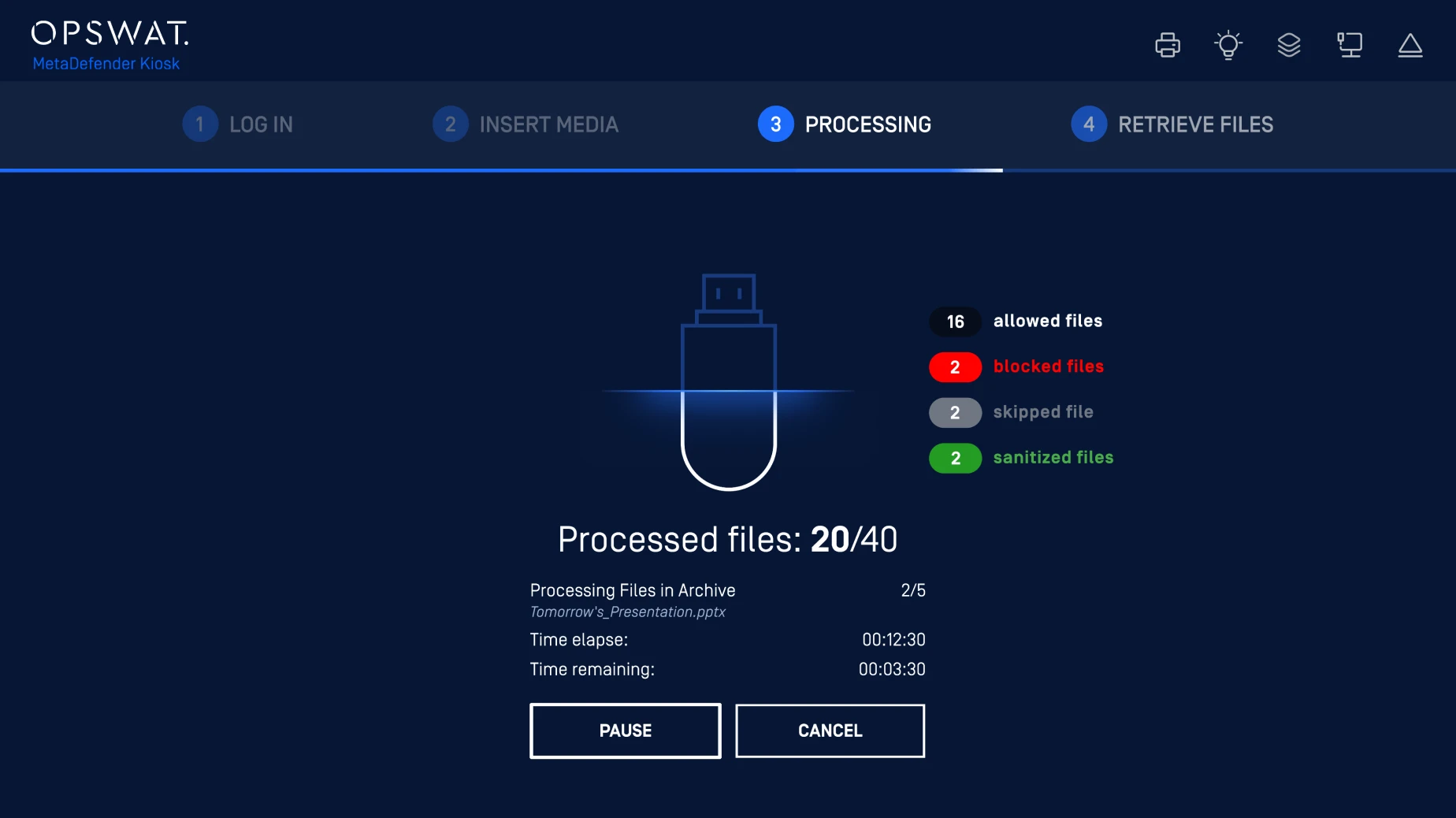
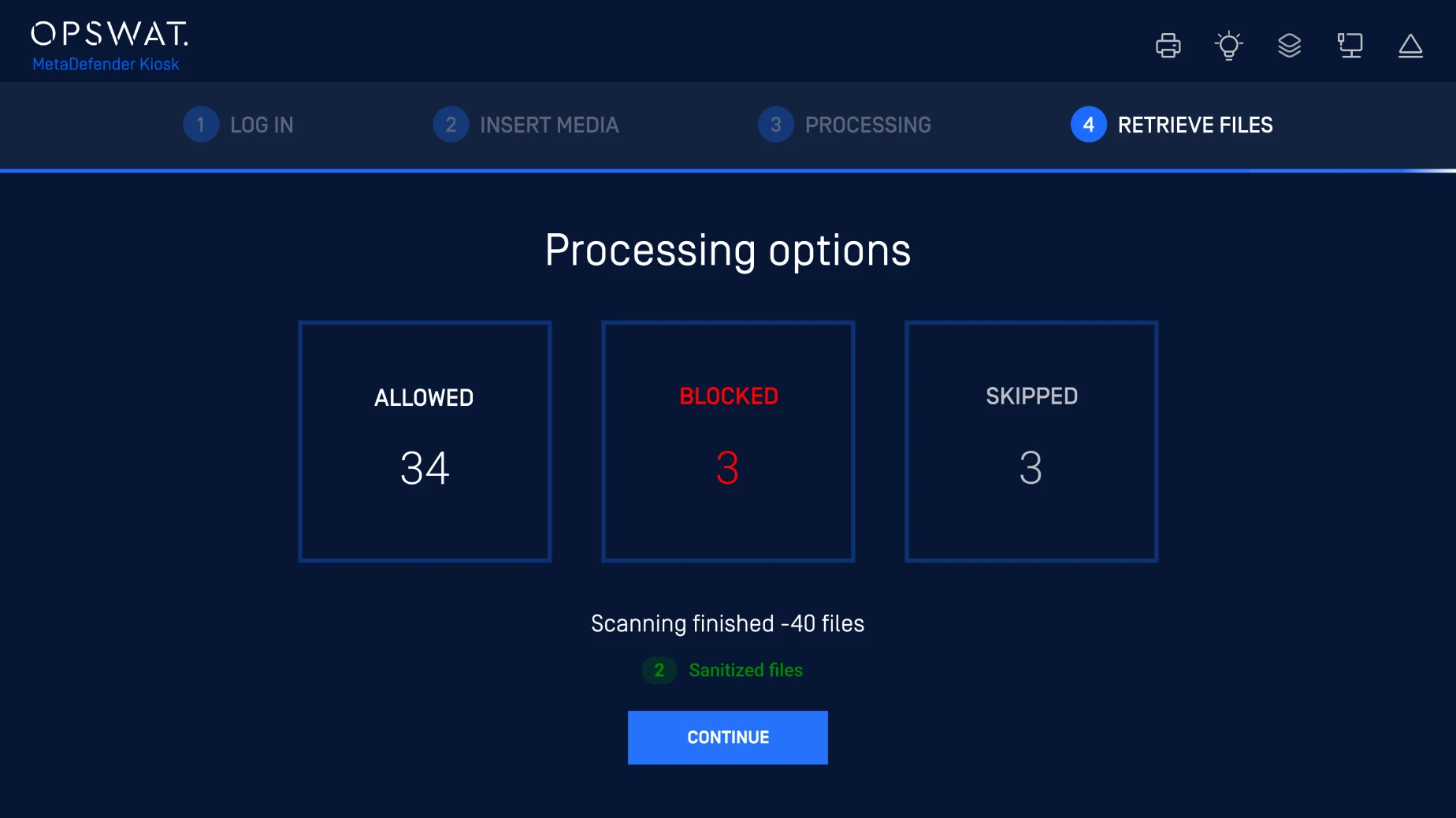
Insert. Process. Access. Comply.
Threats Prevention On the Go
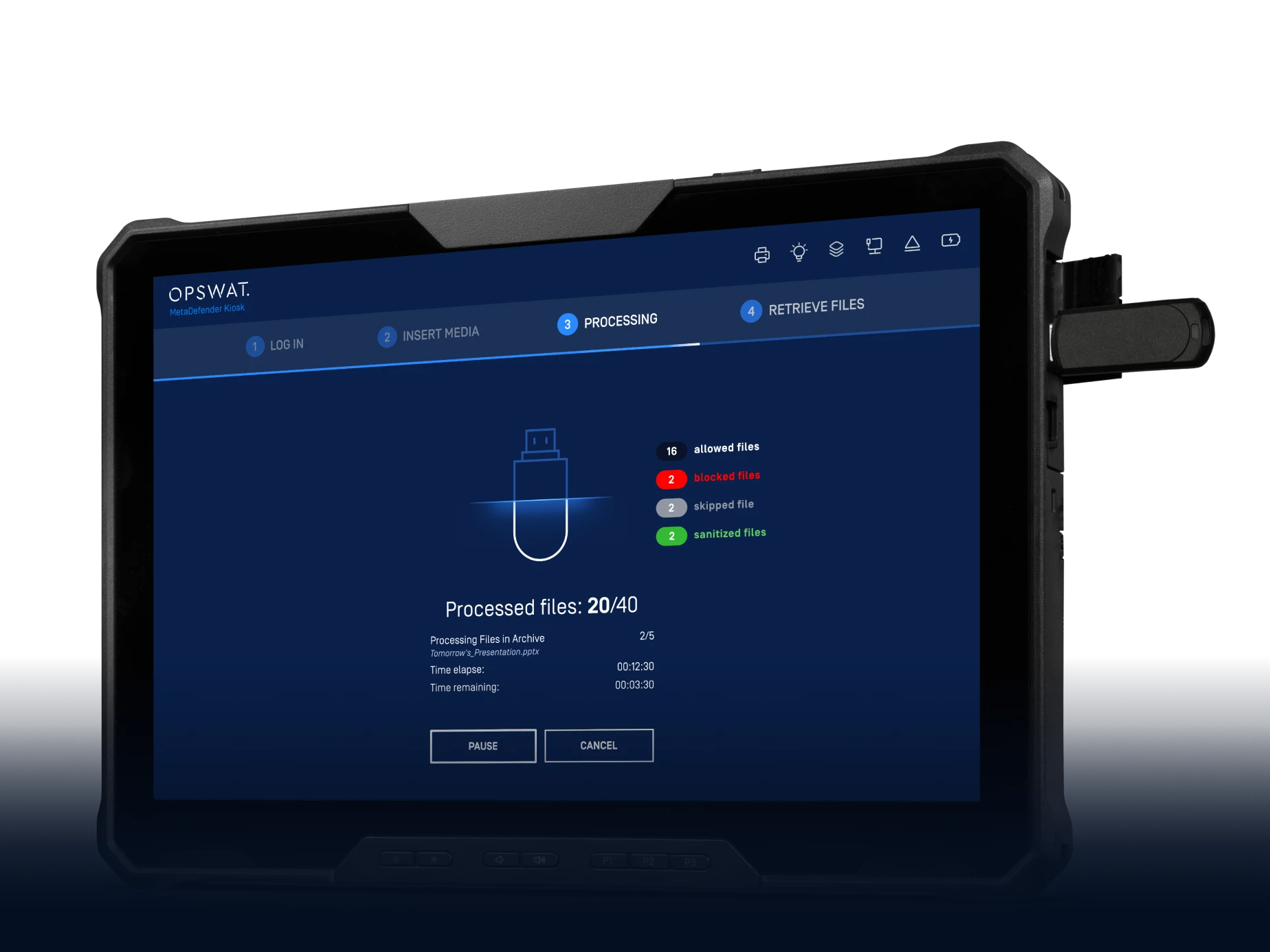
Designed for exceptional portability and durability, Kiosk Mobile provides a simple entry point for wide range of portable media, protecting you against threats wherever you go.
Regulatory Compliance
The Kiosk Mobile enables secure, auditable data transfers to maintain compliance with evolving cybersecurity regulations like NERC CIP 003-7, NEI 08-09, NIST 800-53, PCI DSS, and GDPR.
Purpose-Built for Extreme Environments
The Kiosk Mobile’s rugged design ensures even the most extreme environments remain secure from removable media-borne threats with a glove-enabled Gorilla Glass touchscreen, hardened enclosure, and IP65 dust and water resistance rating.
Technical Specifications
| Hardware | ||
|---|---|---|
| Hardware | CPU | Intel® Core™ Ultra 7 268V vPro® Enterprise (8 cores, 8 threads) |
| RAM | 32GB | |
| Storage | 1TB SSD TLC | |
| Security Options | NFC Contactless Smartcard | |
| Performance | ||
| Performance | Scanning Speed | 10,500+ files/minute |
| Connectivity | ||
| Connectivity | Ports |
|
| Physical | ||
| Physical | Dimensions [W x H x D] | 11.65” x 0.94” x 7.99” |
| Weight | 2.78 lbs. (1.26kg) | |
| MTBF | 58,700 hours | |
| Country of Origin | Taiwan | |
| Environmental | ||
| Environmental | Operating Thermal Range | -20°F to 145°F (-29°C to 63°C) |
| Non-operating Range | -60°F to 160°F (-51°C to 71°C) | |
| Regulatory | ||
| Regulatory | Certification & Compliance | MIL-STD-810H Testing, IEC 60529, IP-65, MIL-STD461G, ANSI/ISA.12.12.0, CE Mark, FCC Class A, UKCA, UL, WEEE, RoHS, Common Criterial EAL4+ |
Kiosk Deployment Options
Independent Deployment
In this deployment, removable media are permitted but must be processed by the Kiosk, which blocks/removes malicious files, redacts sensitive data, and allows only verified files into secure areas.
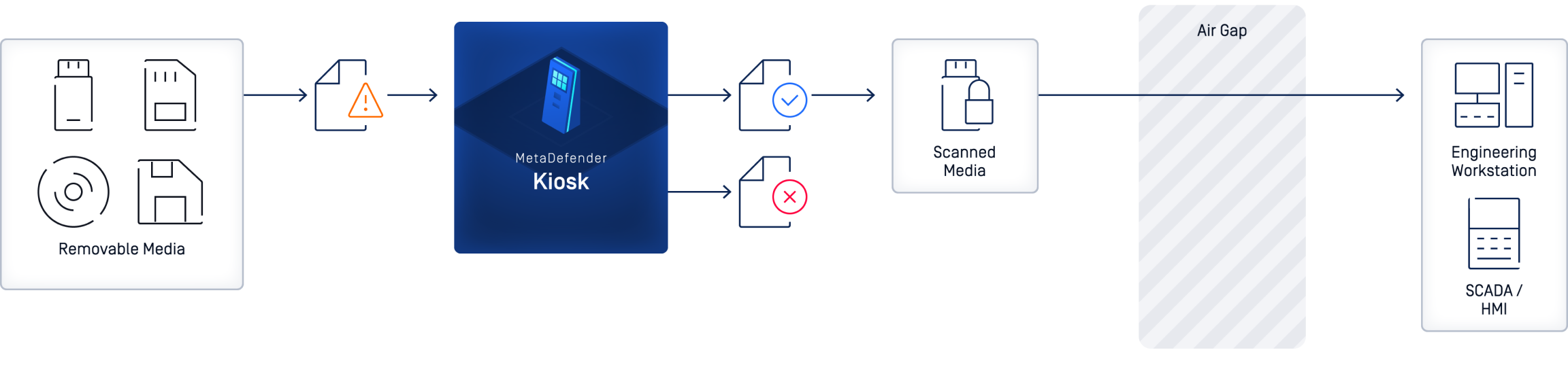
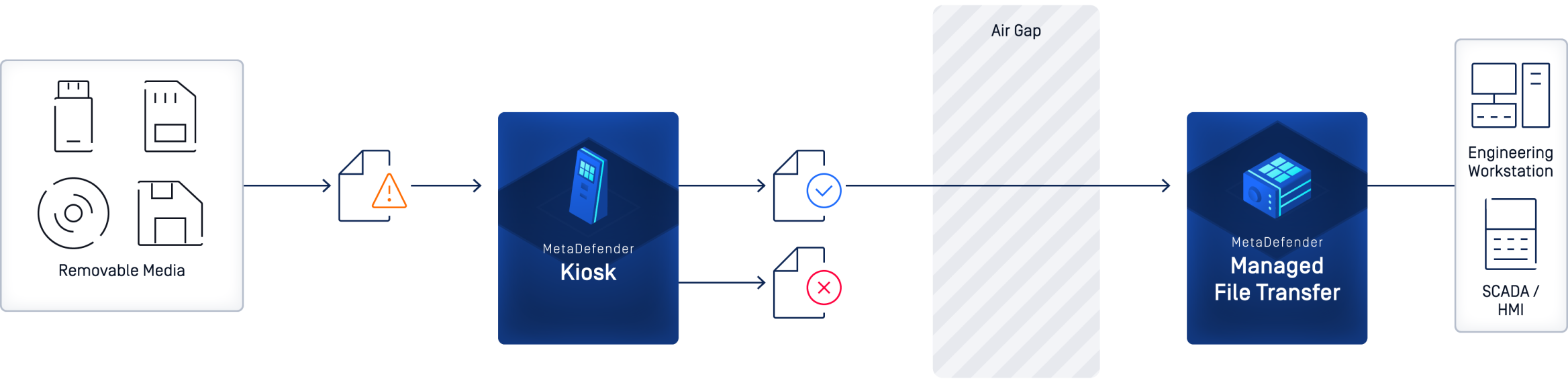
Deployed with MetaDefender Managed File Transfer (MFT) - Secure File Retrieval
The Kiosk, deployed on the low-security side, scans media content to block malicious files, redact sensitive data, and transfer verified files with supervisory approval to MetaDefender Managed File Transfer (MFT). Optionally, a data diode ensures one-way transfer, and users can retrieve approved files from MetaDefender Managed File Transfer (MFT) to maintain a media-less high-security network.
Prevent Unscanned Media Usage
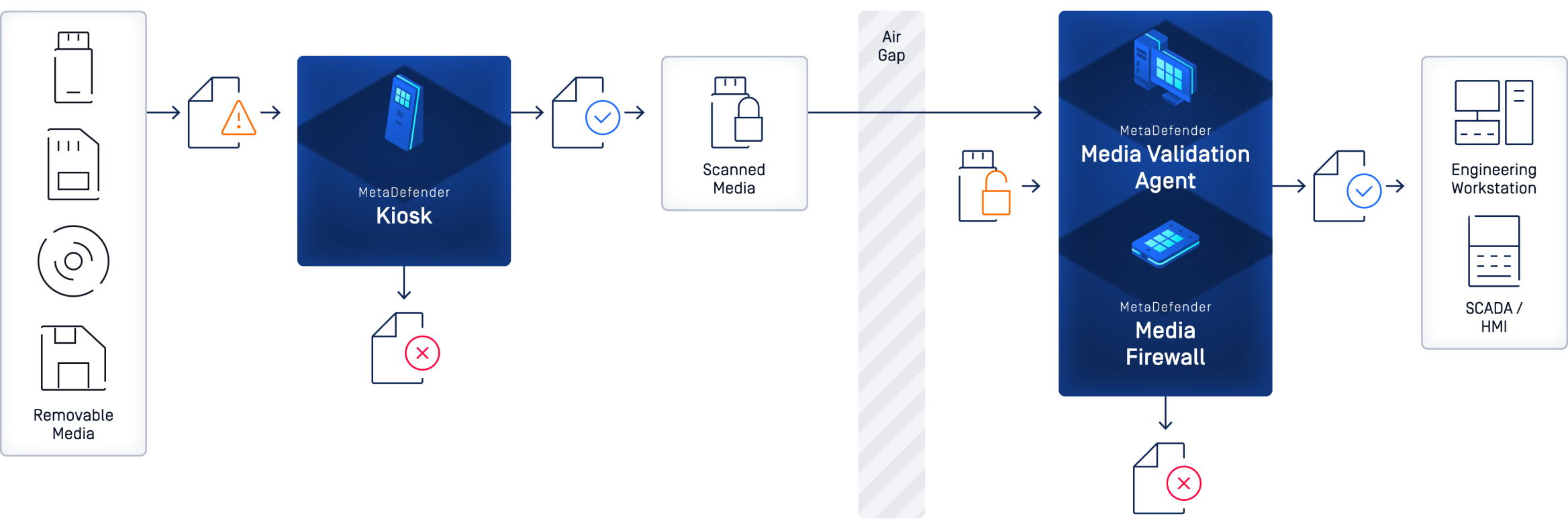
Removable media is allowed but must be processed by the Kiosk and enforced via software-based MetaDefender Media Validation Agent or hardware-based MetaDefender Media Firewall appliance. Malicious files are blocked/removed, sensitive data redacted, and only verified files can be used; unauthorized media will be entirely blocked.
Strengthen Cybersecurity Posture
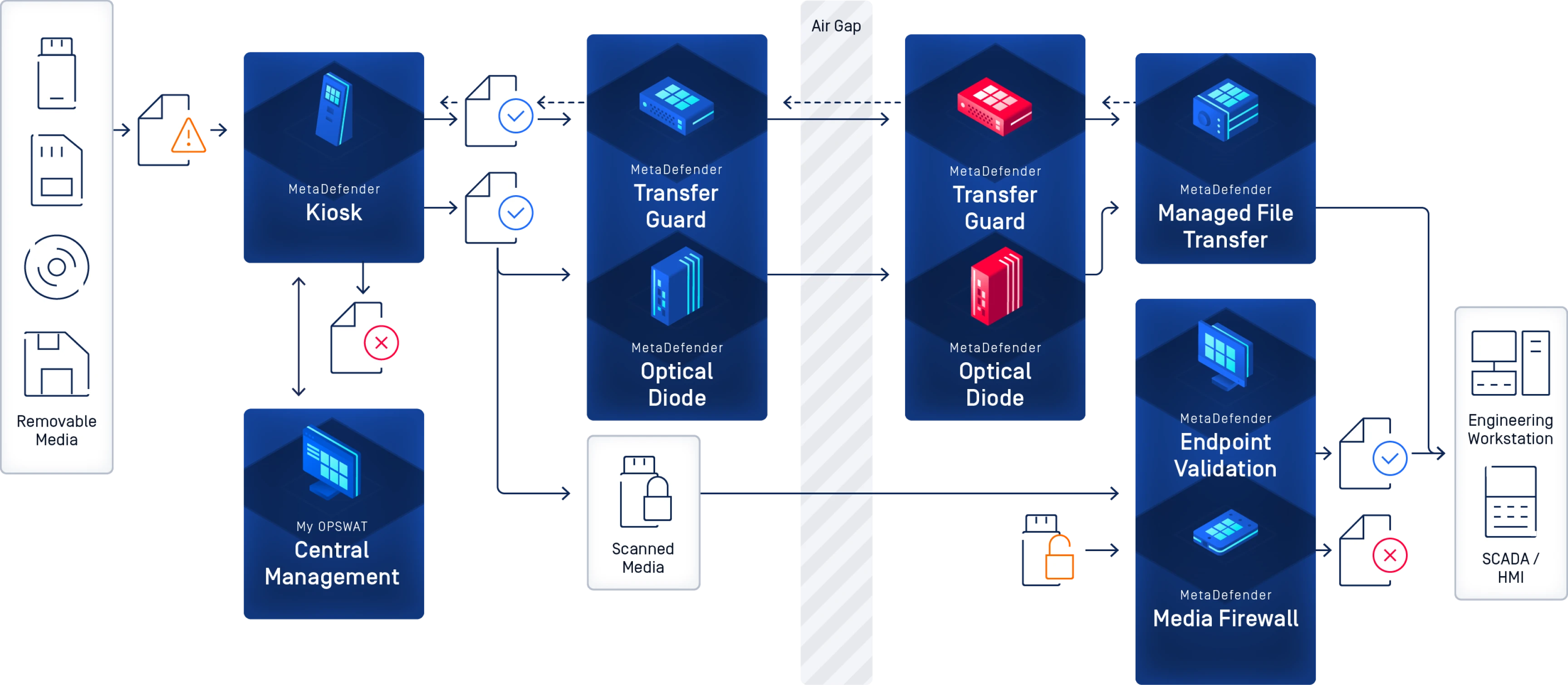
The best form of protection against any cyberthreat vector is a multi-layered, defense-in-depth approach. Deploy our kiosks with purpose-built technology to create an end-to-end, enforceable solution that bolsters your cybersecurity posture.
- Independent

Independent Deployment
In this deployment, removable media are permitted but must be processed by the Kiosk, which blocks/removes malicious files, redacts sensitive data, and allows only verified files into secure areas.
- Managed File Transfer

Deployed with MetaDefender Managed File Transfer (MFT) - Secure File Retrieval
The Kiosk, deployed on the low-security side, scans media content to block malicious files, redact sensitive data, and transfer verified files with supervisory approval to MetaDefender Managed File Transfer (MFT). Optionally, a data diode ensures one-way transfer, and users can retrieve approved files from MetaDefender Managed File Transfer (MFT) to maintain a media-less high-security network.
- Prevent Unscanned Media Usage

Prevent Unscanned Media Usage
Removable media is allowed but must be processed by the Kiosk and enforced via software-based MetaDefender Media Validation Agent or hardware-based MetaDefender Media Firewall appliance. Malicious files are blocked/removed, sensitive data redacted, and only verified files can be used; unauthorized media will be entirely blocked.
- Strengthen Cybersecurity Posture

Strengthen Cybersecurity Posture
The best form of protection against any cyberthreat vector is a multi-layered, defense-in-depth approach. Deploy our kiosks with purpose-built technology to create an end-to-end, enforceable solution that bolsters your cybersecurity posture.
Critical Expertise for Critical Environments
Built with OPSWAT’s #1
Market-Leading Technology
OPSWAT’s proven, globally trusted, and award-winning technology prevents removable and peripheral media-borne threats from entering critical IT and OT environments.
Stop Threats That Others Miss
- Supports 200+ file formats
- Recursively sanitize multi-level nested archives
- Regenerate safe and usable files
More Engines Are Better Than One
- Detect nearly 100% of malware
- Scan simultaneously with 30+ leading AV engines
Detect Evasive Malware with Advanced Emulation-Based Sandboxing
- Analyze files in a high-speed
- Anti-evasion sandbox engine extracts IOCs
- Identify zero-day threats
- Enable deep malware classification via API or local integration
Prevent Sensitive Data Loss
- Utilize AI-powered models to locate and classify unstructured text into predefined categories
- Automatically redact identified sensitive information like PII, PHI, PCI in 125+ file types
- Support for Optical Character Recognition (OCR) in images
Enable Instant Detection of a File’s Geographic Source
- Detect the geographic source of uploaded files, including PE, MSI, and SFX (self-extracting archives)
- Automatically analyze digital fingerprints and metadata to identify restricted locations and vendors
Detect Application Vulnerabilities Before They Are Installed
- Check software for known vulnerabilities before installation
- Scan systems for known vulnerabilities when devices are at rest
- Quickly examine running applications and their libraries for vulnerabilities
Encrypted USB Device Compatibility
MetaDefender Kiosk offers sophisticated decryption with provided password and content processing for encrypted USB drives.
It's important to note that not all USB devices are universally supported, and for specific devices not listed, users are encouraged to contact OPSWAT support.

“We've gone from blocking removable media to a fully integrated solution that can deal with scanning and securing removable media.”

“We’re using MetaDefender there to scan everything as we build it, to make sure we’re not becoming that supply chain risk.”

“The [bank] wanted to deploy a kiosk at every branch…
in the first phase, they installed the kiosks at their headquarters.”
Technical Documentation
Getting Started
Deployment & Usage
Support
Getting Started
Deployment & Usage
Support
Unlock the Full Potential of Our Products

Looking To Learn More About MetaDefender
Kiosk Mobile?
Explore documentation, articles, and blogs for more information about the MetaDefender Kiosk Mobile.
Learn more about OPSWAT’s Peripheral Media Protection solutions in their resource library.
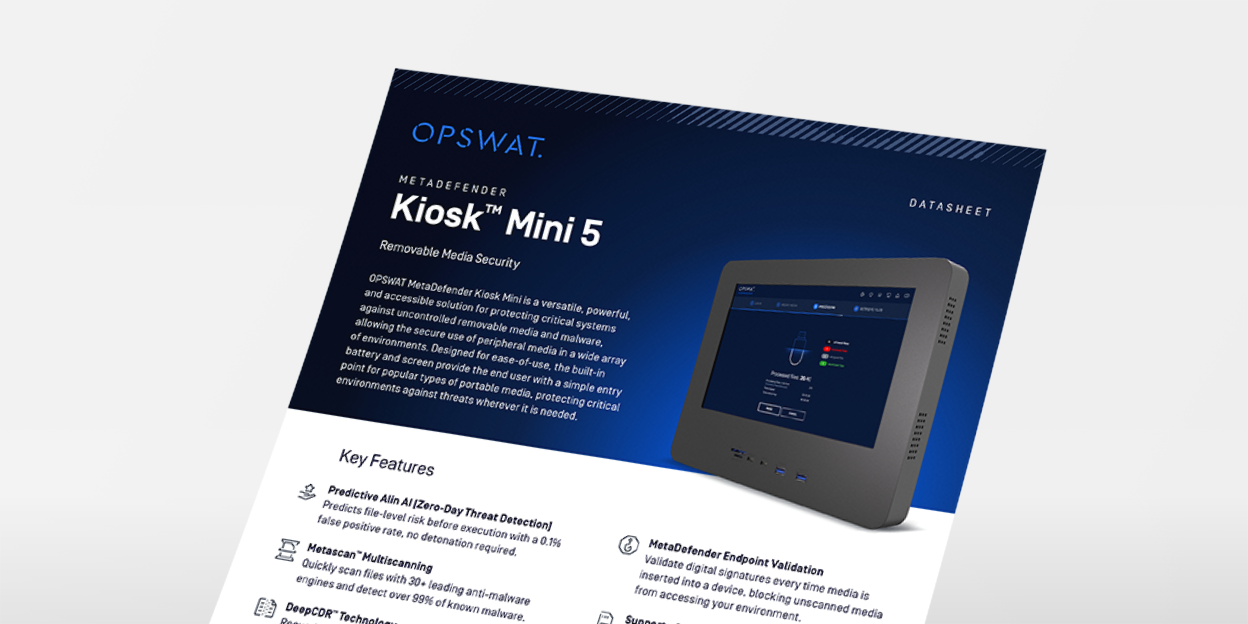
MetaDefender Kiosk Mini Datasheet
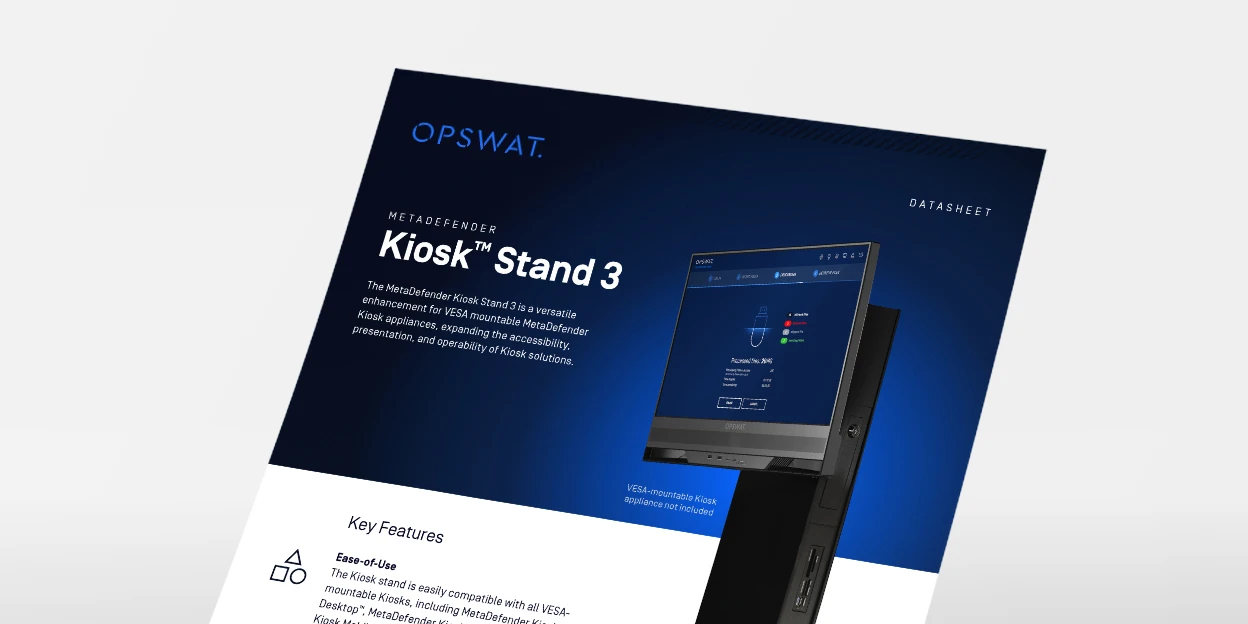
MetaDefender Kiosk Stand Datasheet
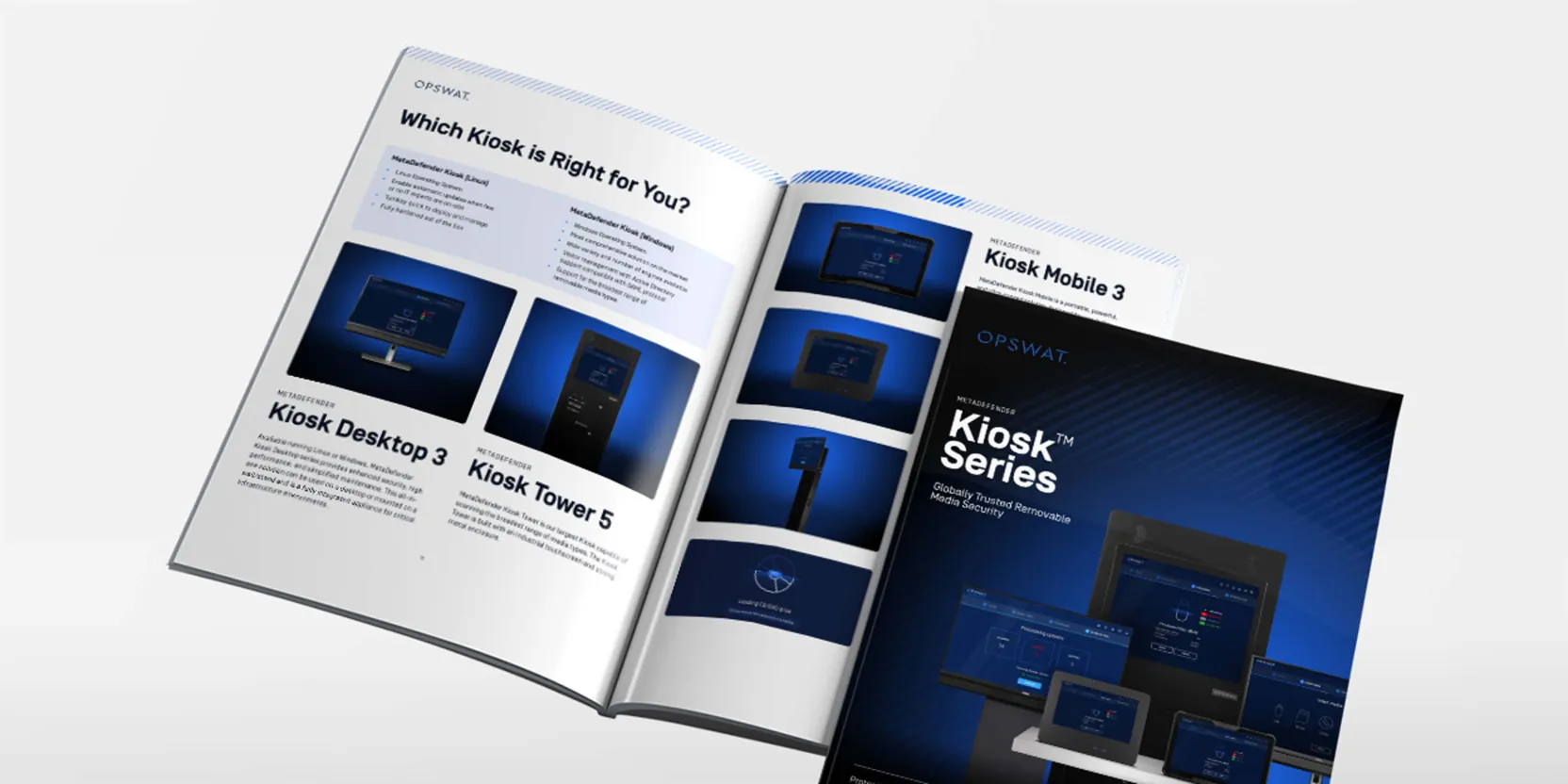
MetaDefender Kiosk Brochure
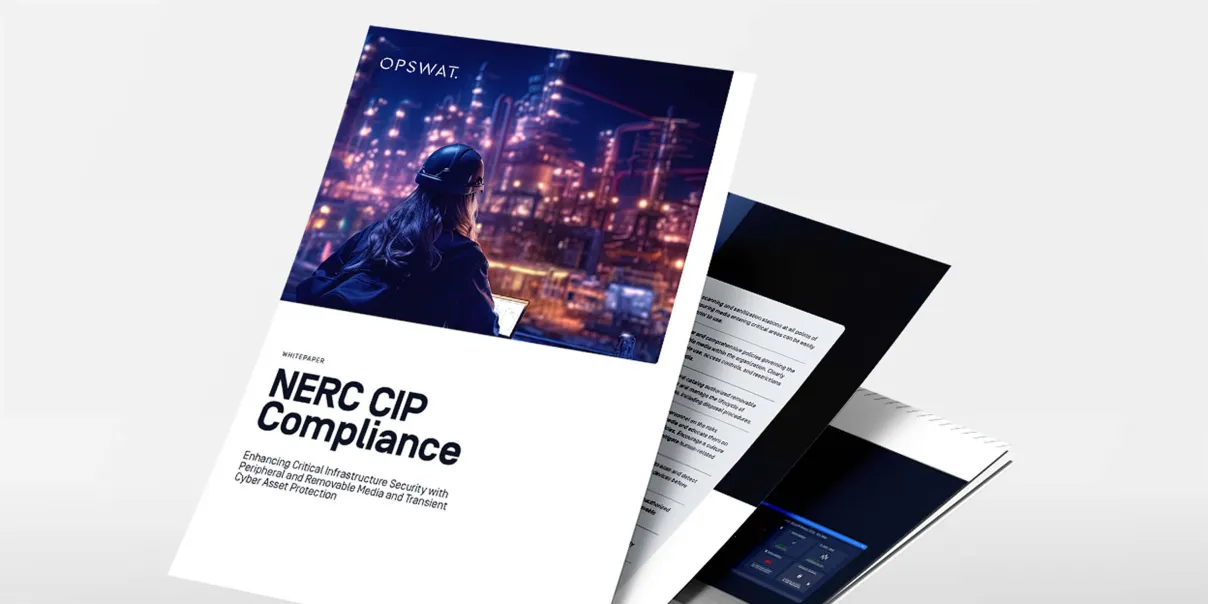
NERC CIP Compliance
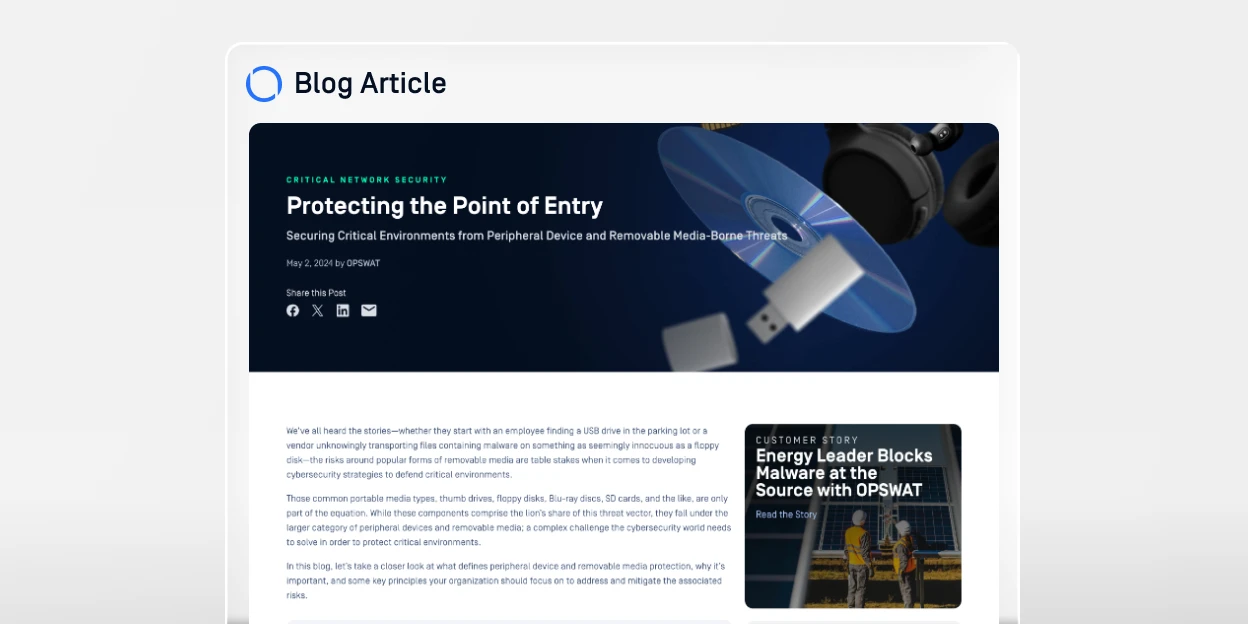
Protecting the Point of Entry

Proven Deployments in Energy and Utilities

Proven Deployments in Manufacturing

Practitioner’s Guide to Cybersecurity in the Nuclear Sector

The Ultimate Guide to Peripheral Media Protection
SANS State of ICS/OT Security 2025
0 results. Please try again.
