Two Lists Inside Every ZIP
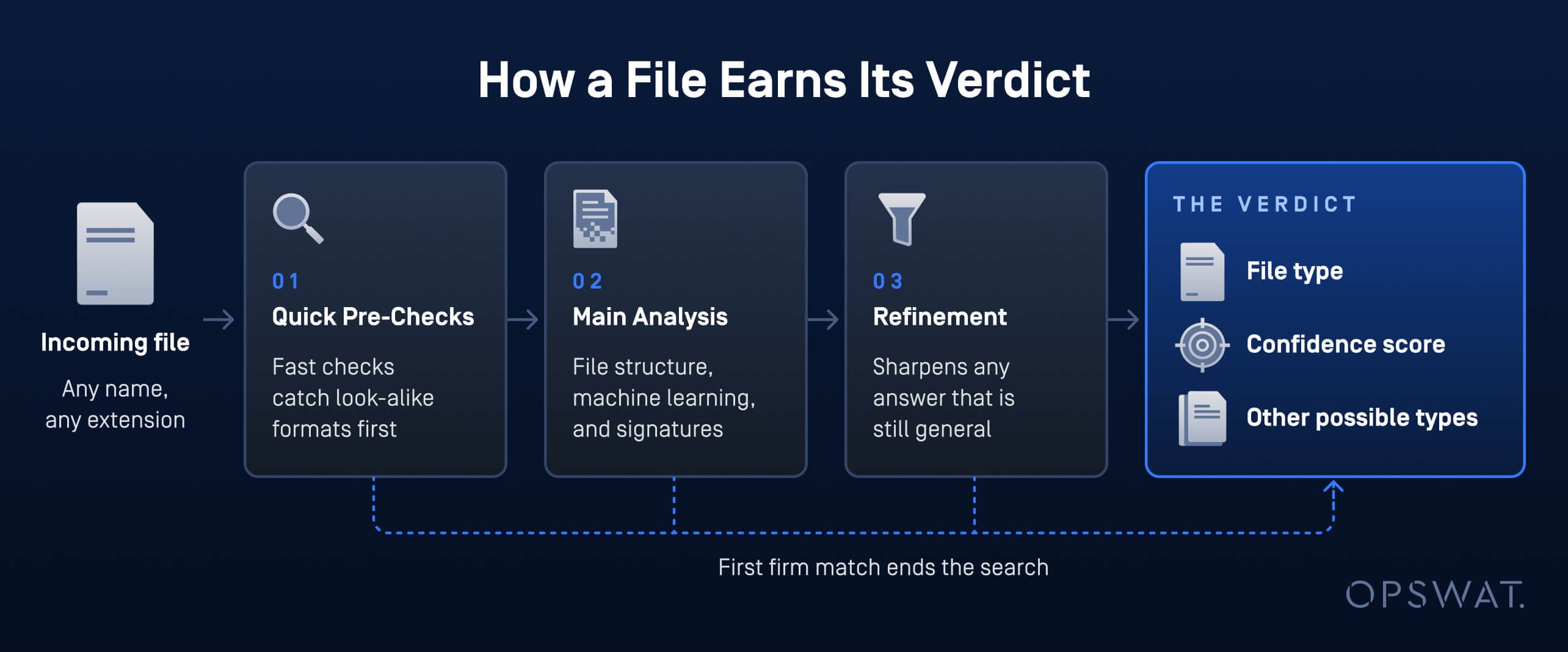
A ZIP archive describes each file it holds in two places. Before each file's data sits a small local header with the file's name and size. At the end of the archive sits the central directory. It is an index that lists every file and points to where each one starts.
The two lists should always agree. Nothing in the format forces them to. A file can be stored in the archive with its own valid local header and still be left out of the index. We call it an unlisted entry.
Most readers trust the index because it is fast. They read the end of the file, get the full list, and jump straight to each entry. A scanner that works this way checks the listed files and never visits the bytes between them. The scanner never sees the unlisted file, so it has nothing to flag.
A Customer Archive With a Missing Entry
The problem reached us as a real case. A customer sent us an archive that physically held two files. The central directory listed only the benign one. The malicious file sat at an offset that no index entry pointed to. Every check that started from the index passed the archive, because the index described a clean archive.
This works as an attack because ZIP readers do not all agree. Readers that stream an archive from the first byte follow the local headers, not the index. So the same archive can show one file to the scanner and two files to the program that finally opens it. The attack depends on this difference between the two readers.
Read Both Lists, Then Compare
File Structure Validation Technology checks ZIP archives for this problem. The check has three steps.
- Read every local header. The engine walks the archive from the first byte and lists every local header. It compares that list with the central directory. A file missing from the central directory is an unlisted entry.
- Block the archive. The engine reports each unlisted entry by name and blocks the archive. No anti-malware signature is needed.
- Return hidden files for scanning. When this option is on, the engine extracts only the unlisted entries. MetaDefender™ Core scans each one as a separate object.
Two Settings Control the Check
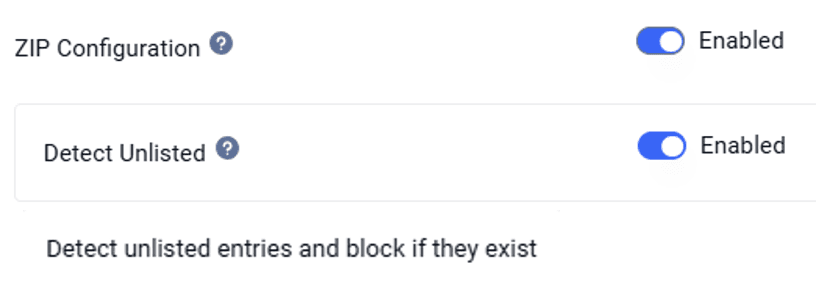
Both behaviors are policy switches. "Detect unlisted", under ZIP Configuration, turns on the check and blocks archives that fail it. It is on by default.
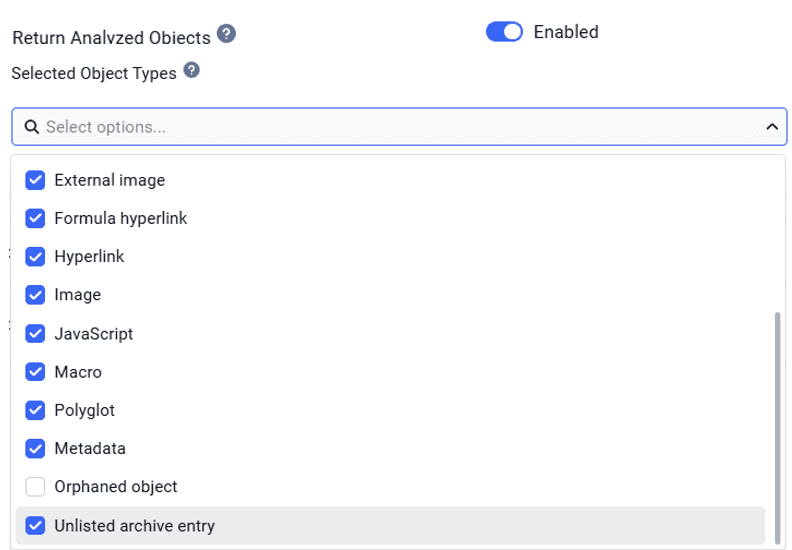
"Unlisted archive entry", under Return Analyzed Objects, hands the hidden files back to MetaDefender Core. It is off by default, and it works only when "Detect unlisted" is on.
Reading every local header costs more than trusting the index, because the engine must read the whole archive. The check runs in the File Structure Validation engine, so archive extraction elsewhere in the product keeps its current speed and behavior.
Proven on a Hidden-Entry Archive
We built a test archive the way an attacker would. It holds two files: readme.txt and eicar.com, a real malware sample. The central directory lists only readme.txt. In its normal mode, 7-Zip lists one file in this archive: readme.txt.
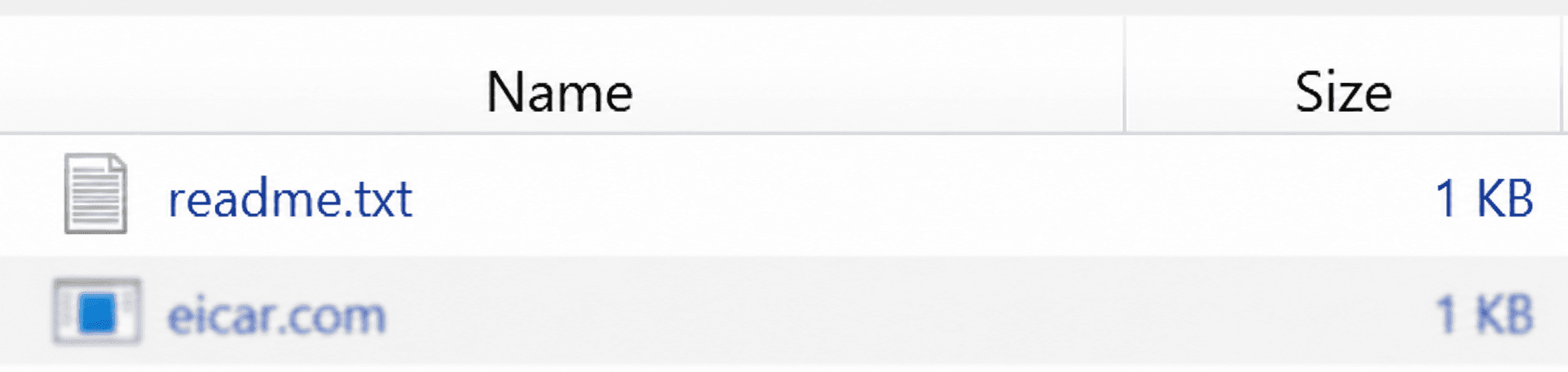
First, we scanned the archive with 12 anti-malware engines and File Structure Validation is disabled. None of the 12 engines detected the malware. They saw the file the index listed, and that file is clean.
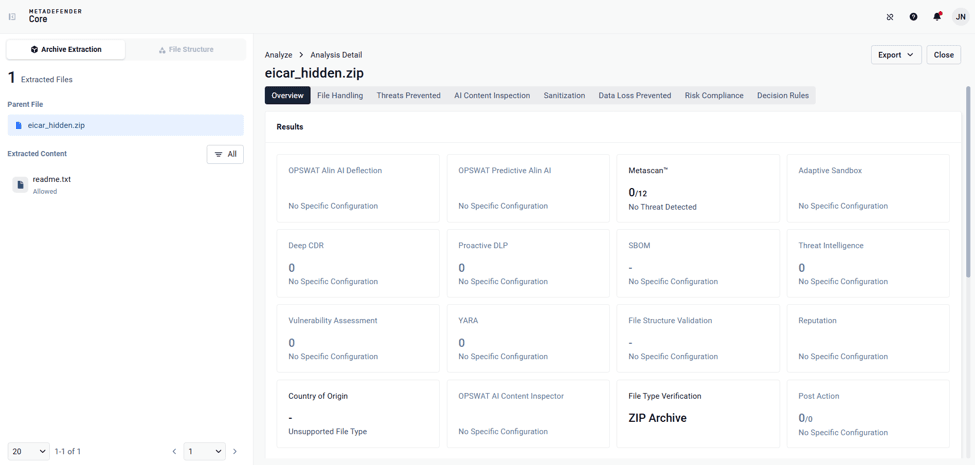
We then ran the same archive through the File Structure Validation engine, using a build of the new feature.
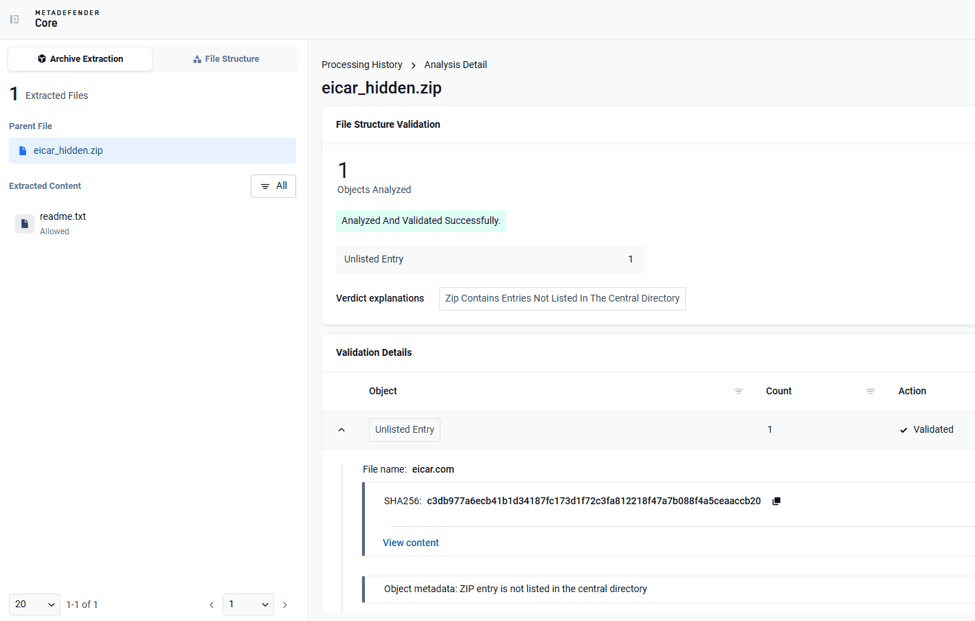
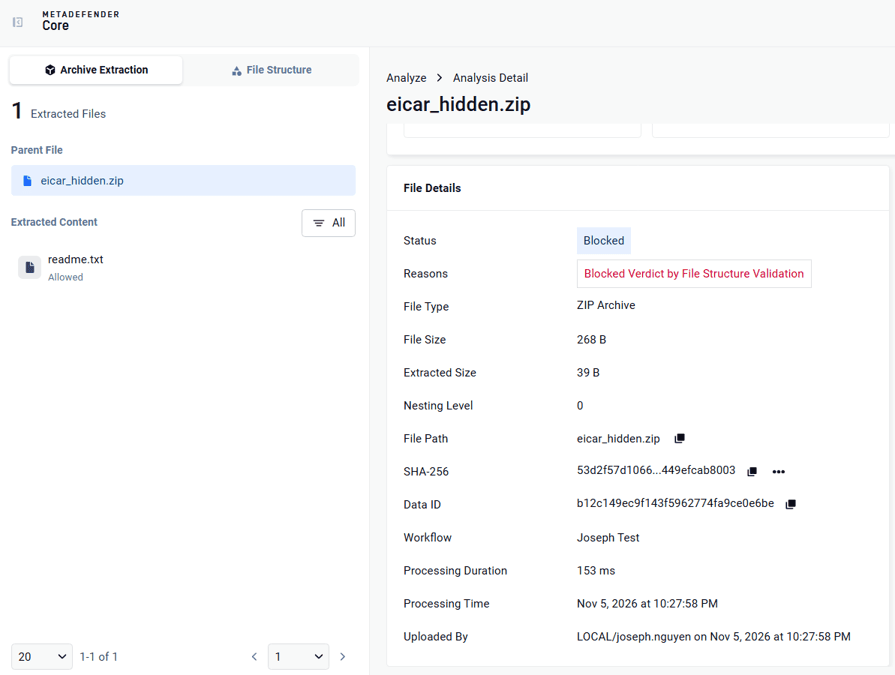
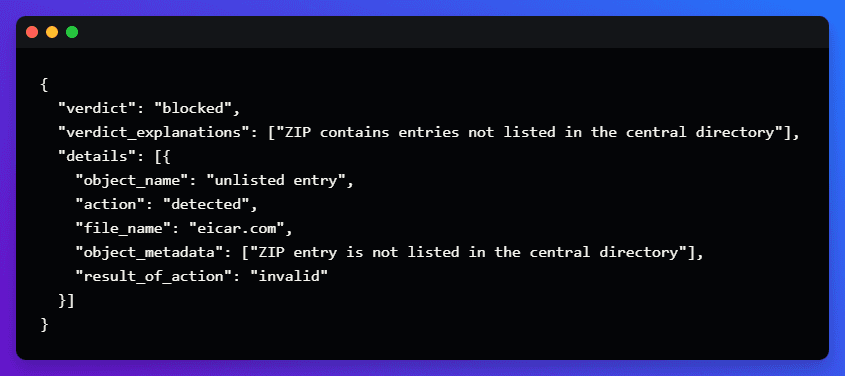
The engine named the file that 7-Zip did not show. The engine output for the hidden-entry archive (abridged):
With "Unlisted archive entry" selected, the engine handed the hidden file back to MetaDefender Core as a separate object.
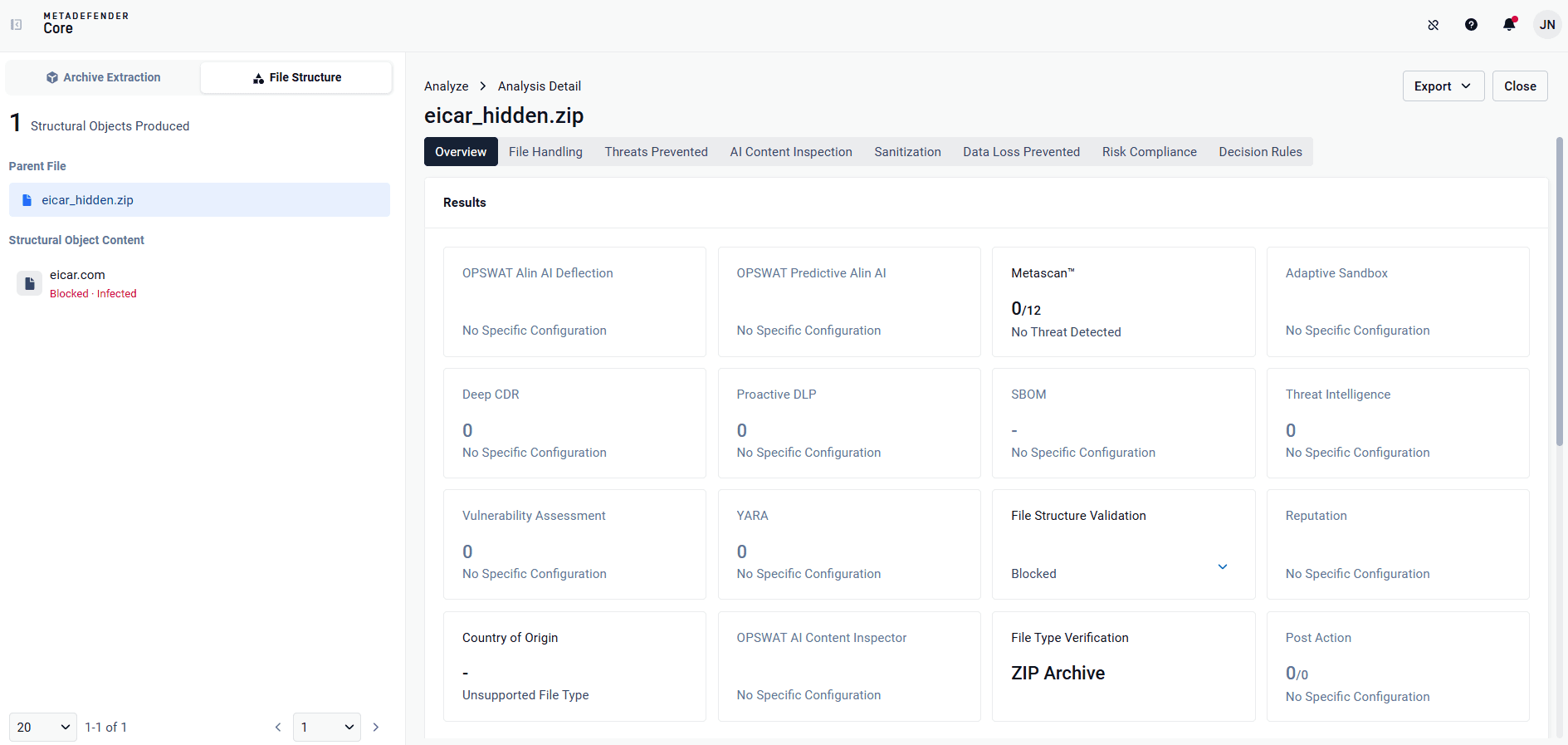
The same 12 engines that missed it inside the archive now scanned it directly, and 12 of 12 detected it.
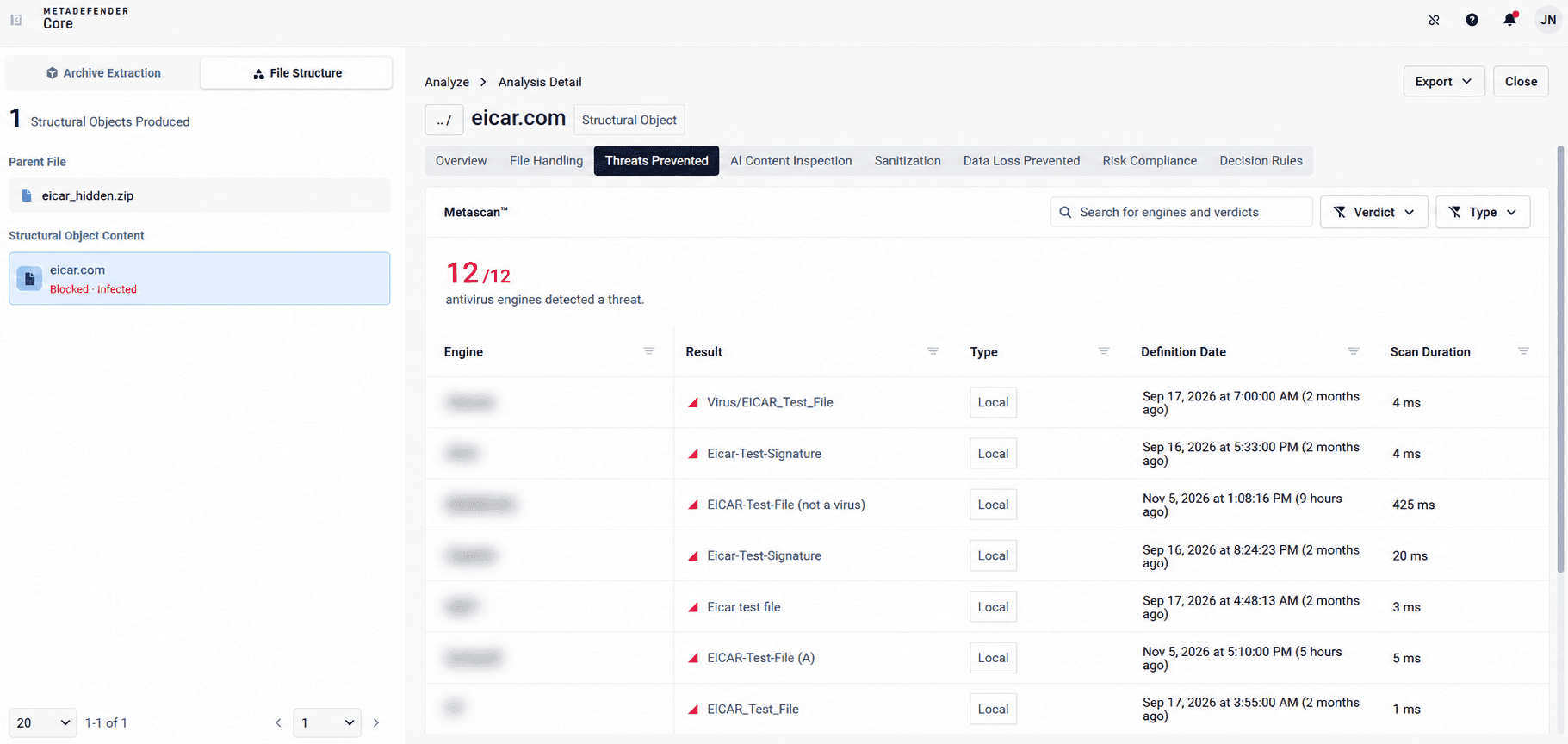
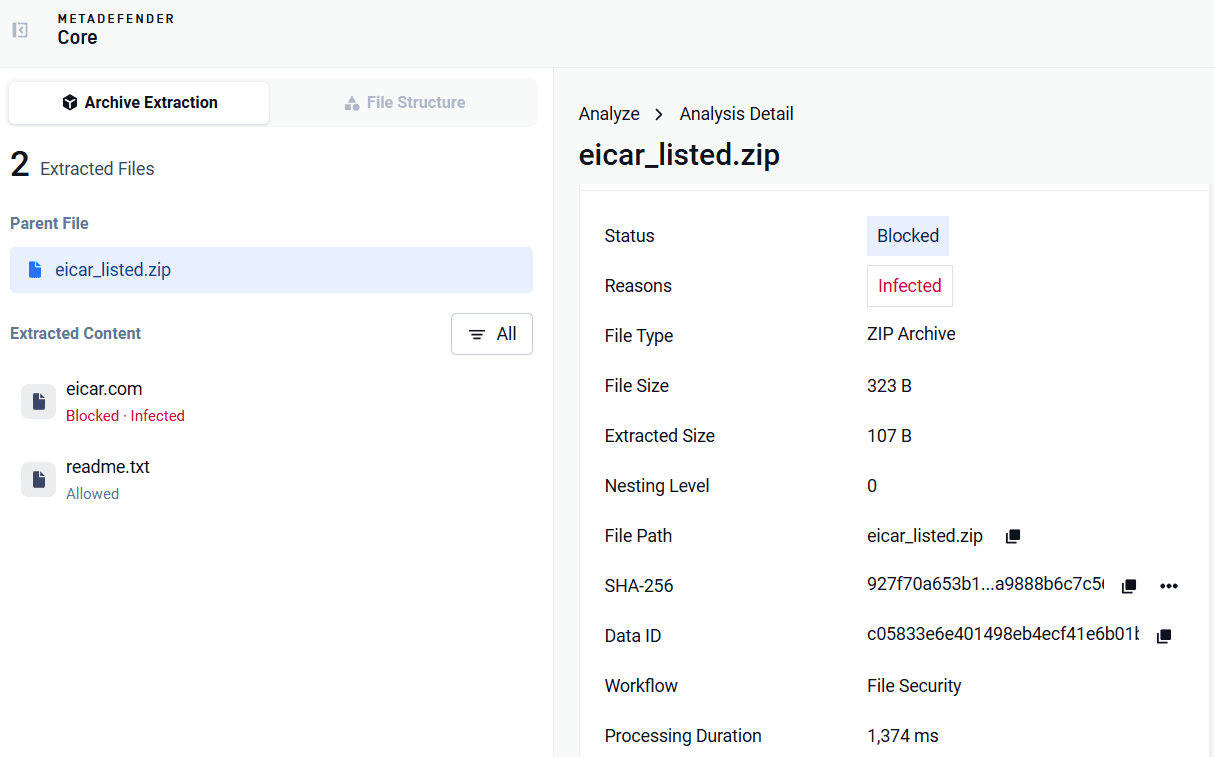
Because a file inside the archive is infected, MetaDefender Core reported the whole archive as infected.
The table summarizes each test scenario.
Settings | Archive | Result |
|---|---|---|
Default | Clean, both files listed | No finding |
12 anti-malware engines, no File Structure Validation | Hidden entry | No detection; 0 of 12 engines flag the archive |
Default | Hidden entry | Blocked; |
"Unlisted archive entry" selected | Hidden entry | Blocked; |
"Detect unlisted" turned off | Hidden entry | No finding; the check is skipped |
Ordinary Archives Pass
A structure check is useful only if ordinary archives pass it. In our QA runs, archives written by common tools passed without a finding: 7-Zip, .NET, PowerShell, and Python. Each hidden entry is reported by name, so an analyst sees exactly what the index left out. The check looks at structure only, so it works the same way whether the hidden file is a script, a program, or a document.
Same Rule as Polyglot Detection
This feature follows the same rule as our polyglot detection: judge the file by its structure. A polyglot file is one byte stream that two parsers read as two different formats. A ZIP with an unlisted entry is one byte stream that two ZIP readers read as two different file lists. In both cases each reader is satisfied and sees nothing wrong. Only a check that reads the file both ways finds the second view.
The Bottom Line
A ZIP archive that hides a file from its own index can pass every scanner that trusts the index.
File Structure Validation reads every local header, compares the result with the index, and blocks the archive. It can also hand the hidden file back to MetaDefender Core for a full scan. In our test, that scan caught malware that 12 anti-malware engines missed while it sat inside the archive.

Nhut Ngo is Director of Software Engineering at OPSWAT, where he leads the engineering teams behind Deep CDR™ Technology and other file-processing technologies in MetaDefender Core™. With more than a decade of experience in software engineering and cybersecurity, he focuses on making file sanitization fast, accurate, and ready for critical infrastructure. Nhut earned his PhD in Information Science in 2015.