This MetaDefender Kiosk 4.8.0 release [Windows] includes new functionalities and enhancements to strengthen peripheral and removable media protection for critical infrastructure organizations. This release enables secure, offline deployment in air-gapped environments, automatic updates at scale, and BadUSB protection against malicious devices at the entry points.
Threat Detection with Predictive Alin AI Support
MetaDefender Kiosk now supports the integration with Predictive Alin AI engine, OPSWAT’s next-generation static AI engine to detect and prevent threats before execution.


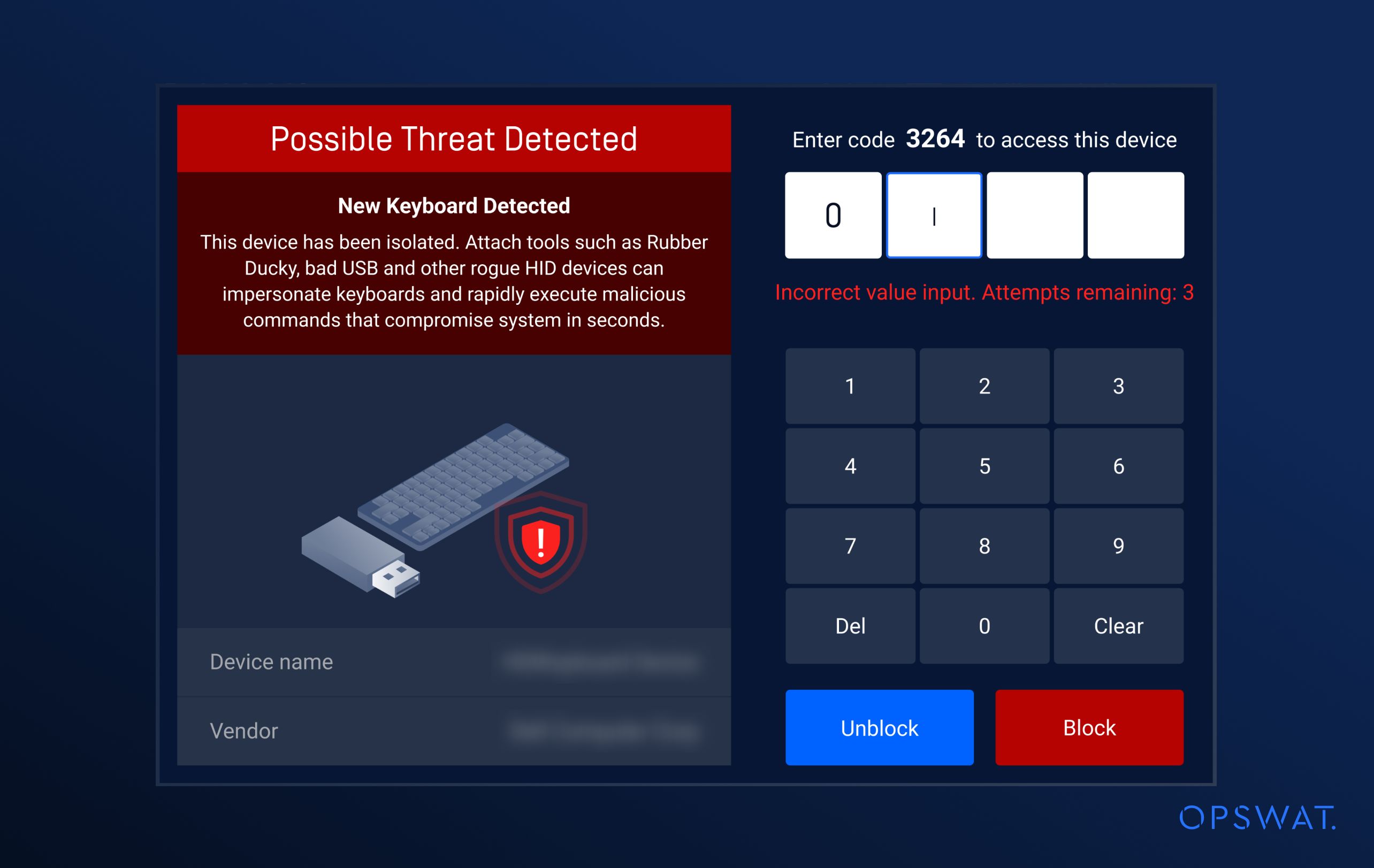
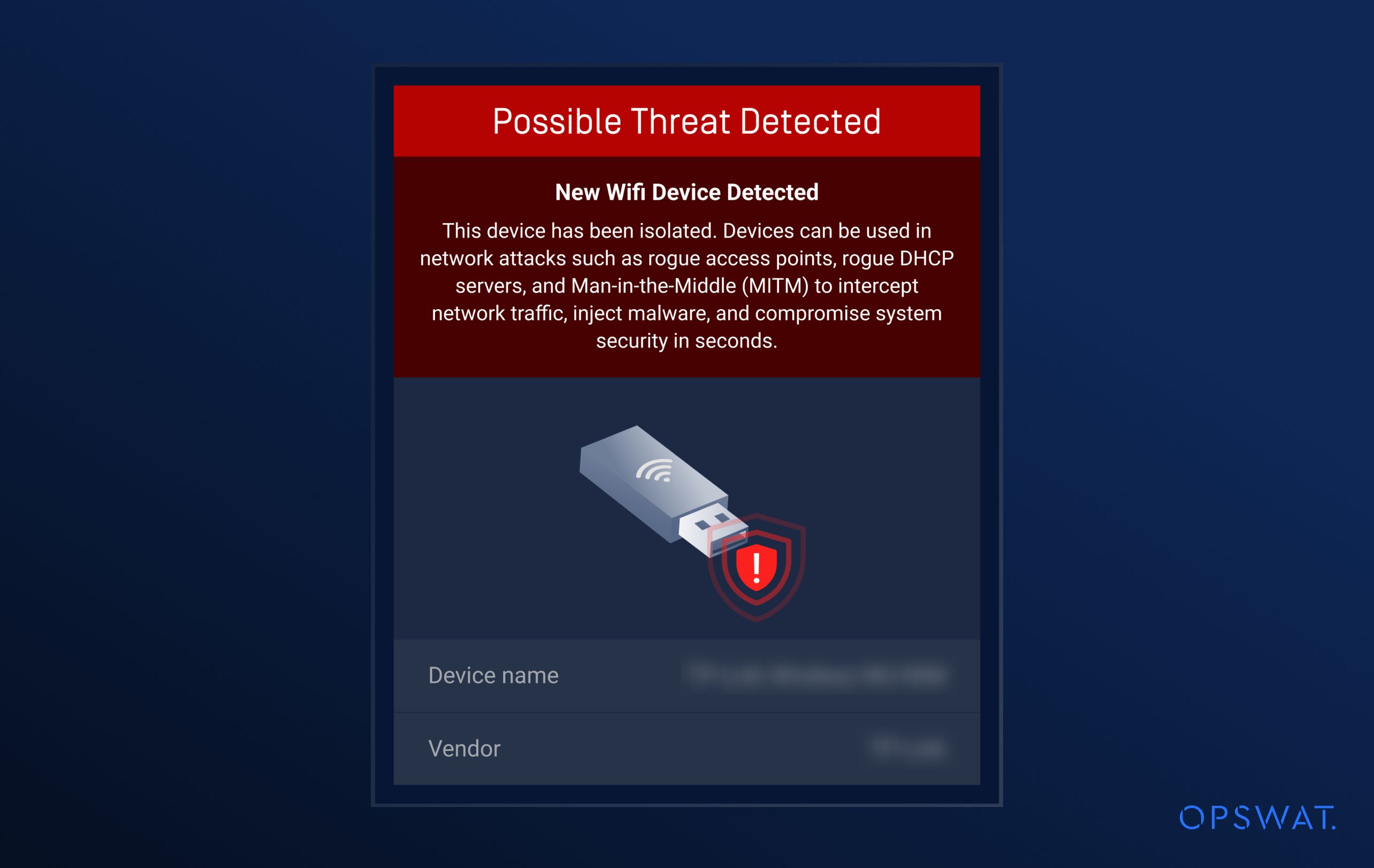
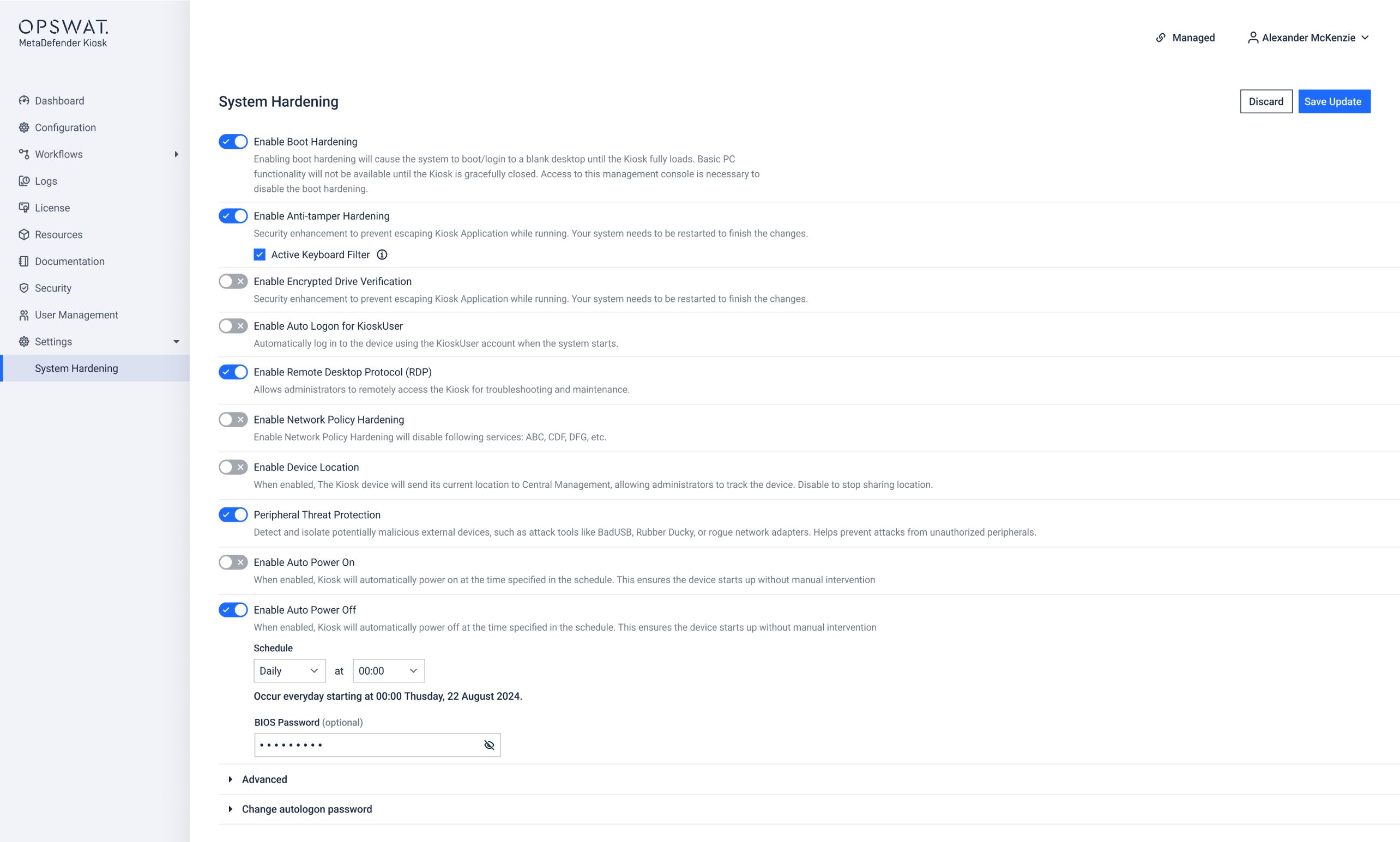
BadUSB Protection
Improved alerts and authorization requirements when potentially malicious USB devices are detected, such as those used for Rubber Ducky attacks.
Application Auto-Upgrade
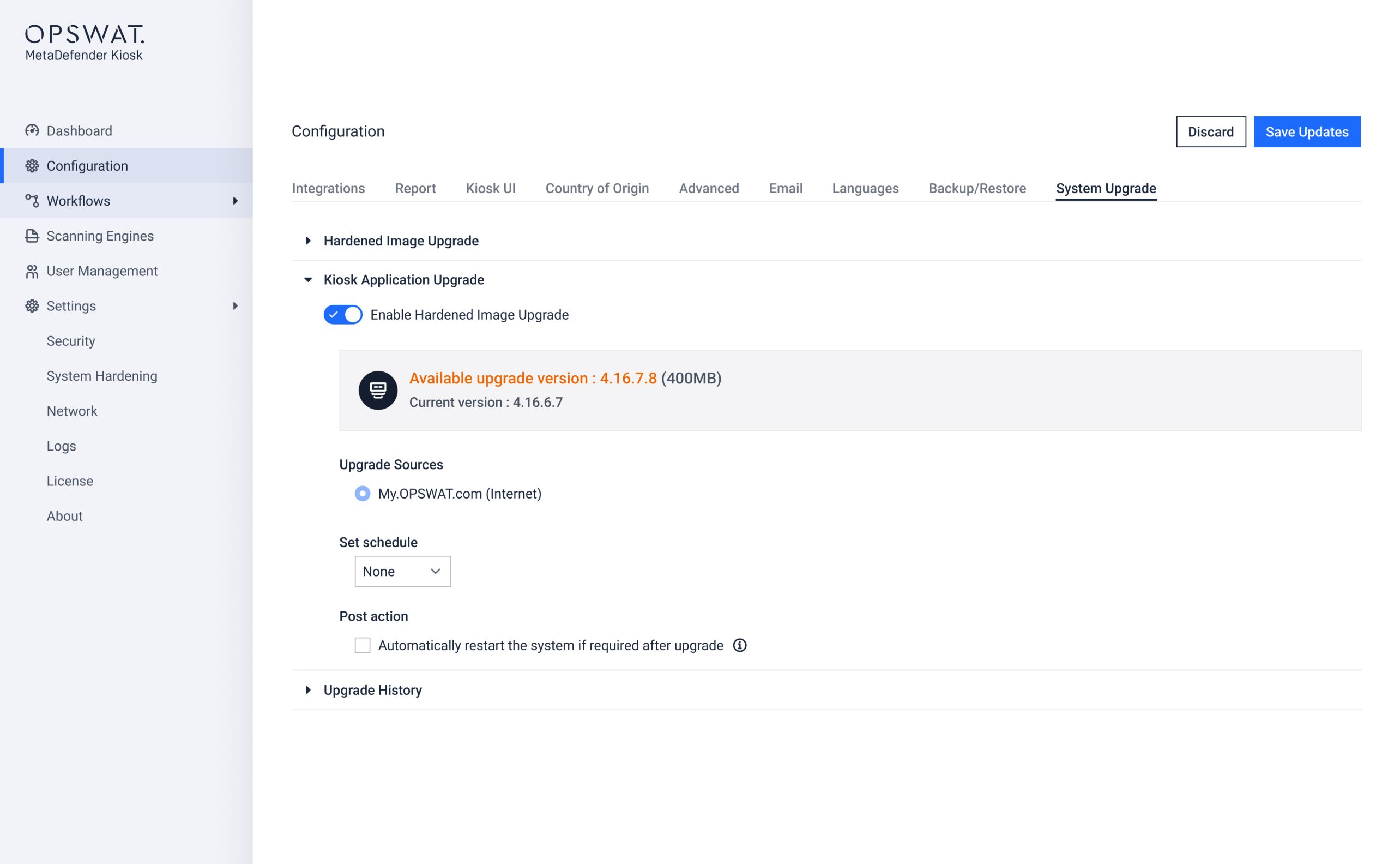
MetaDefender Kiosk and MetaDefender Core™ applications can be configured to perform automatic upgrades via My OPSWAT Central Management directly or Kiosk Management Console, minimizing manual routine MetaDefender Kiosk maintenance. This functionality supports safe upgrades and provides the ability to roll back to previous Kiosk versions when required.
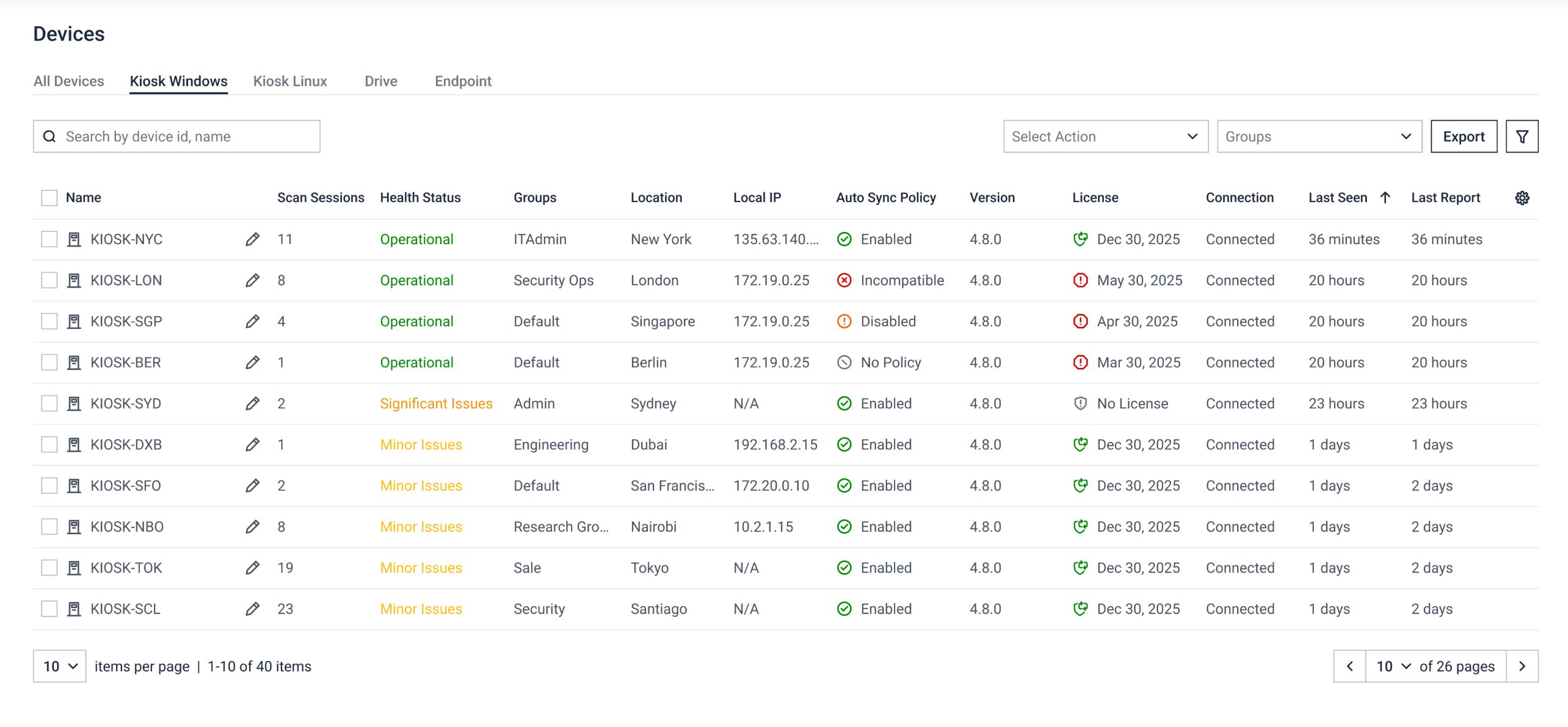
OneDrive and SharePoint File Retrieval
This release enables secure browsing and retrieving existing files directly from Microsoft OneDrive and SharePoint, all from the MetaDefender Kiosk User Interface. This approach is equally applicable to organizations running SharePoint on-premises, enabling stronger compliance and policy alignment.
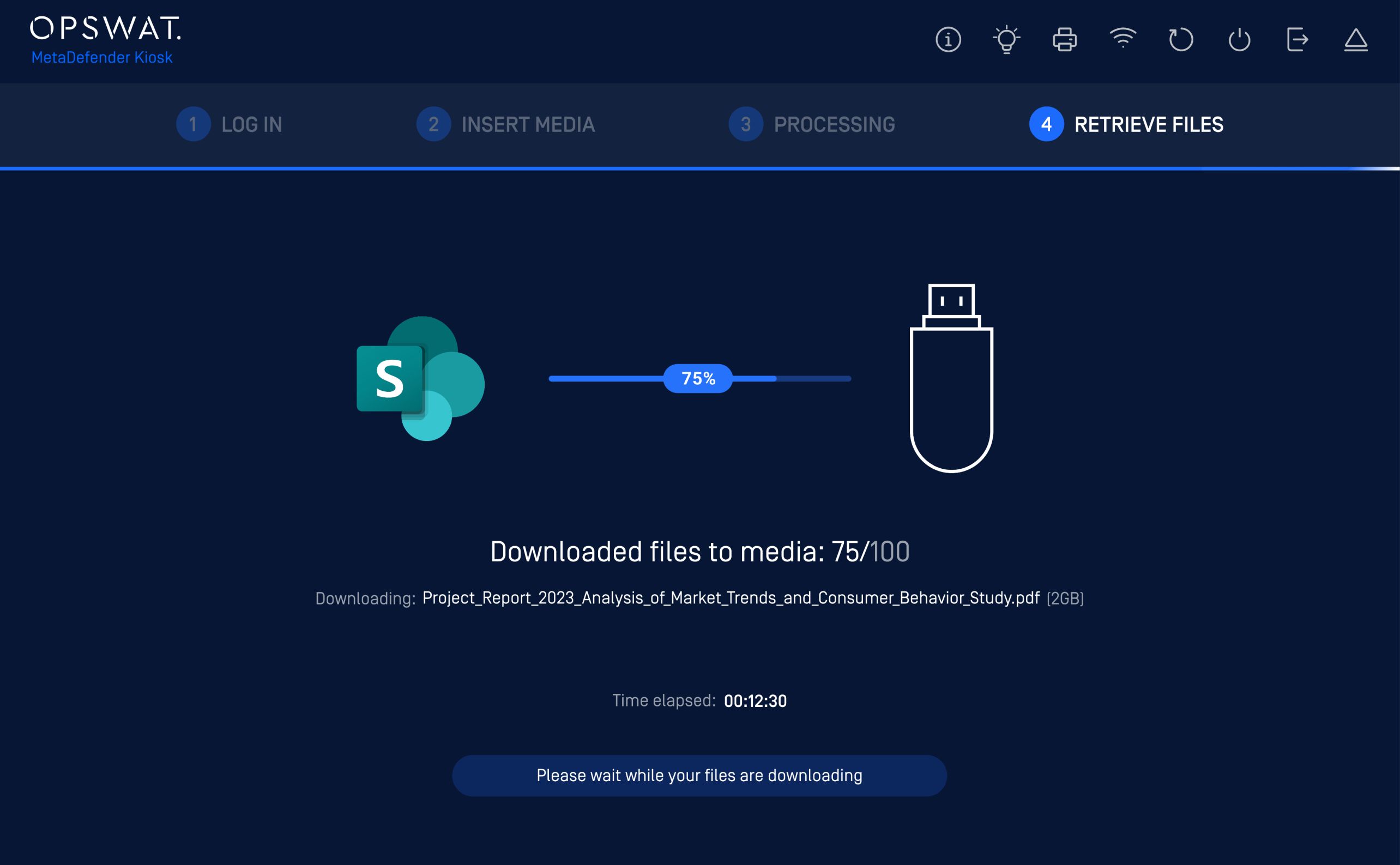
OOBE Offline Deployments
OOBE (Out-of-Box Experience) now supports air-gapped and offline environments, enhancing secure deployments in regulated, high-security industries and isolated infrastructure facilities. This expanded support enables MetaDefender Kiosk users to complete device setup, license activation, and engine installation without requiring a network connection.
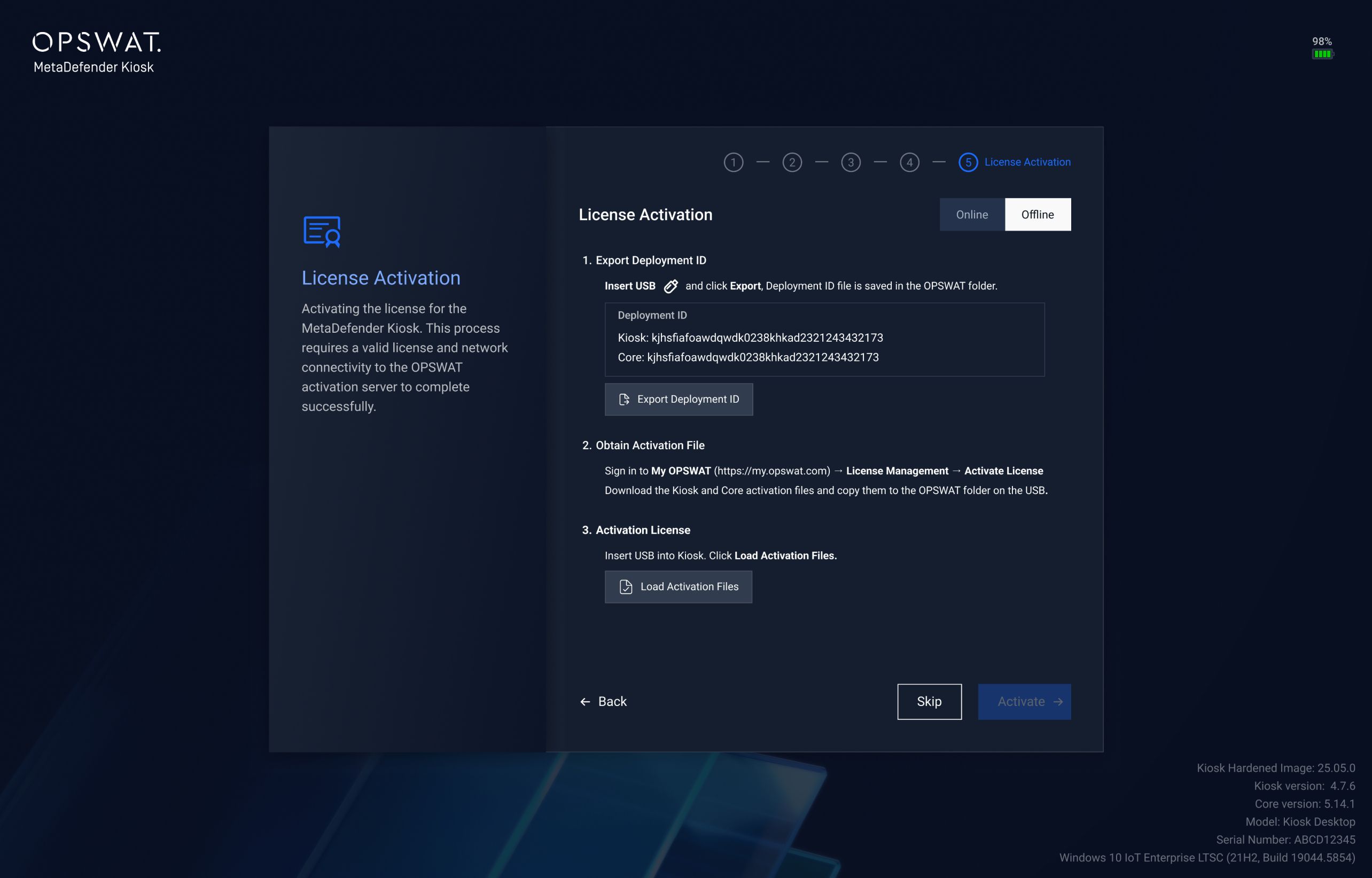
MetaDefender Drive Engine Updates via Kiosk User Interface
MetaDefender Kiosk now supports installing MetaDefender Drive engine updates directly from its user interface. This includes pulling engine packages from My OPSWAT Central Management, whether online or on-premises, without requiring Active Directory.
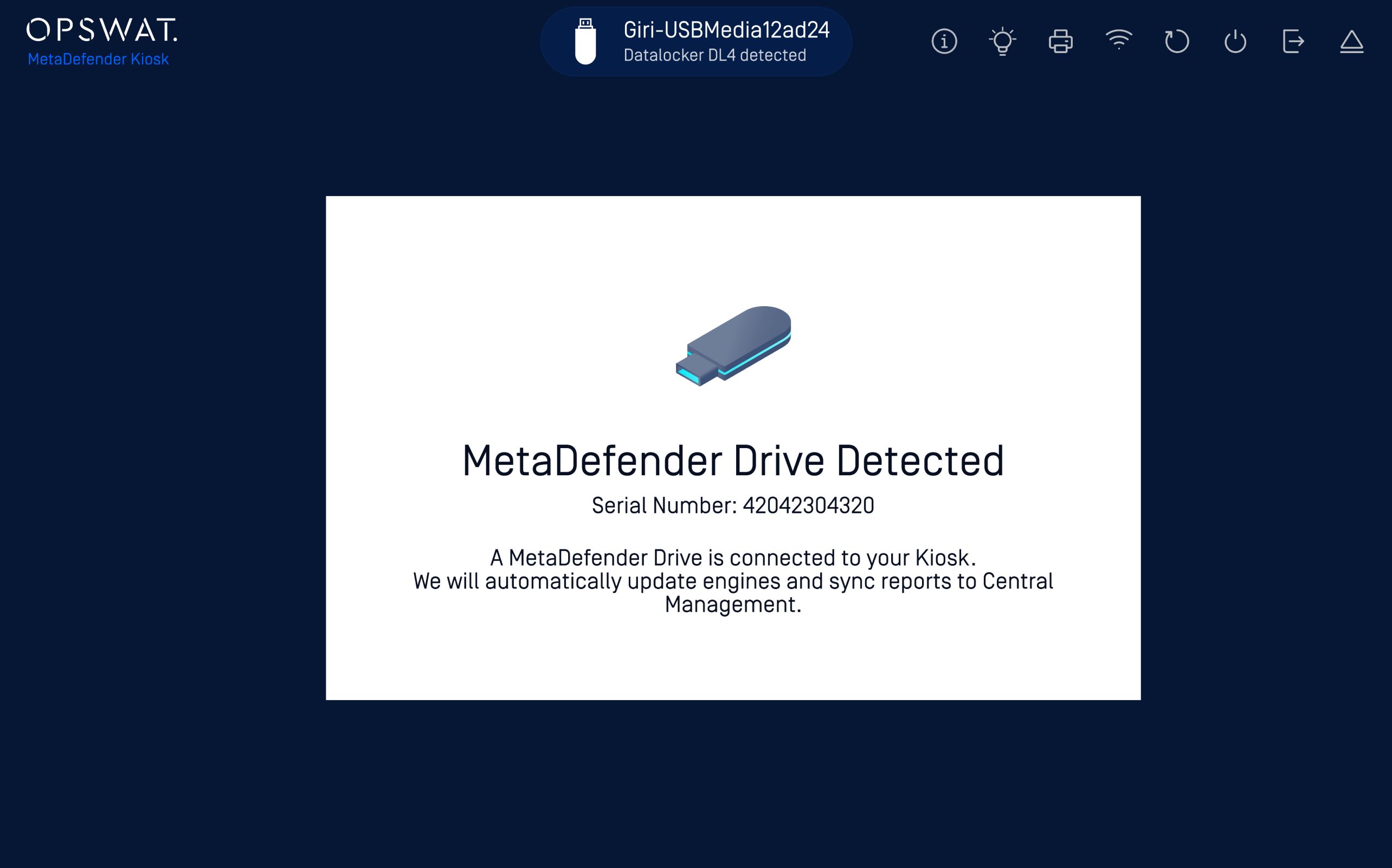
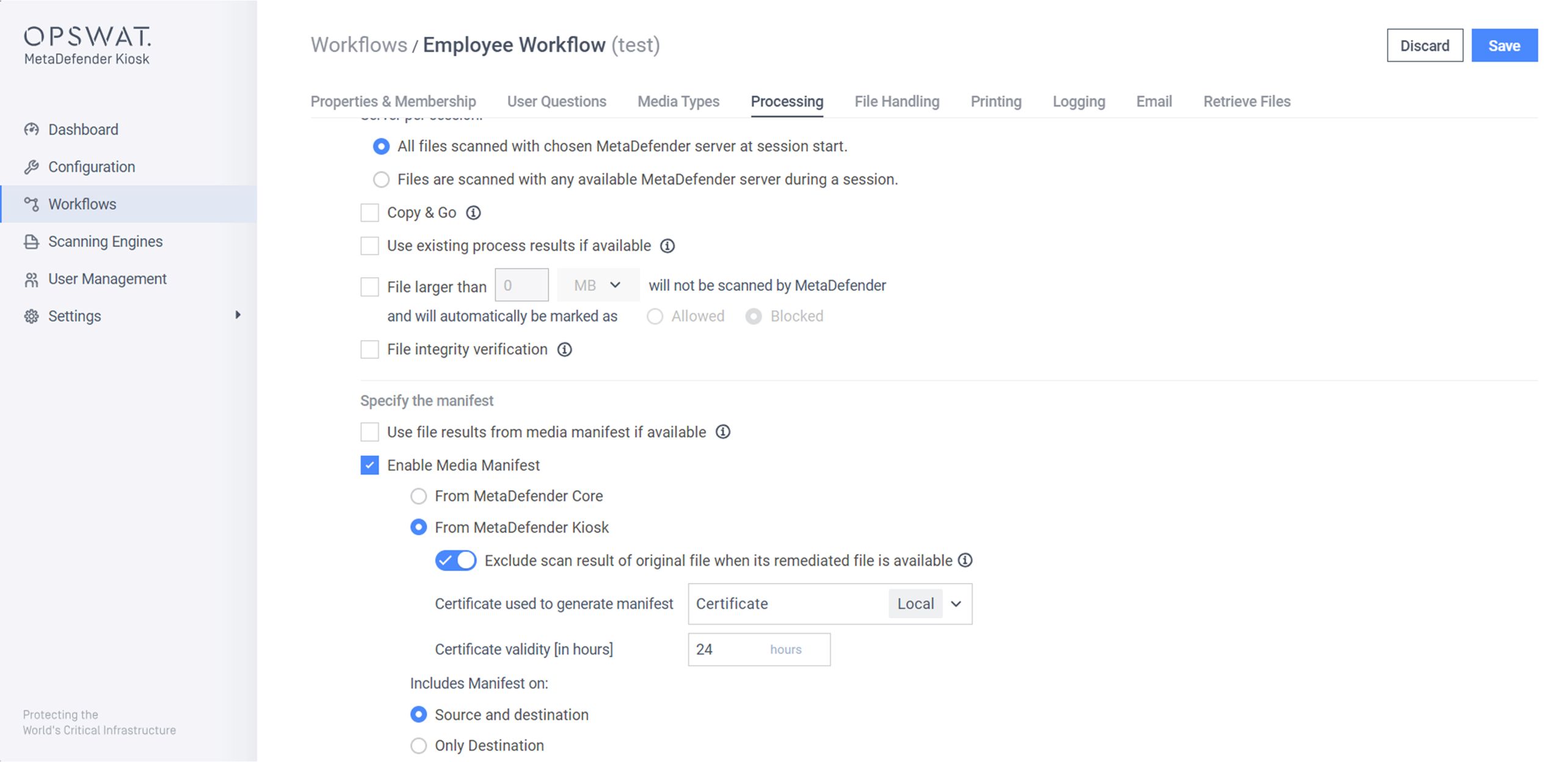
Sanitized-Only File Access
To enforce access to only clean files and prevent exposure to untrusted content, users can now access sanitized files only, while original files are automatically restricted, after file processing via MetaDefender Core™.
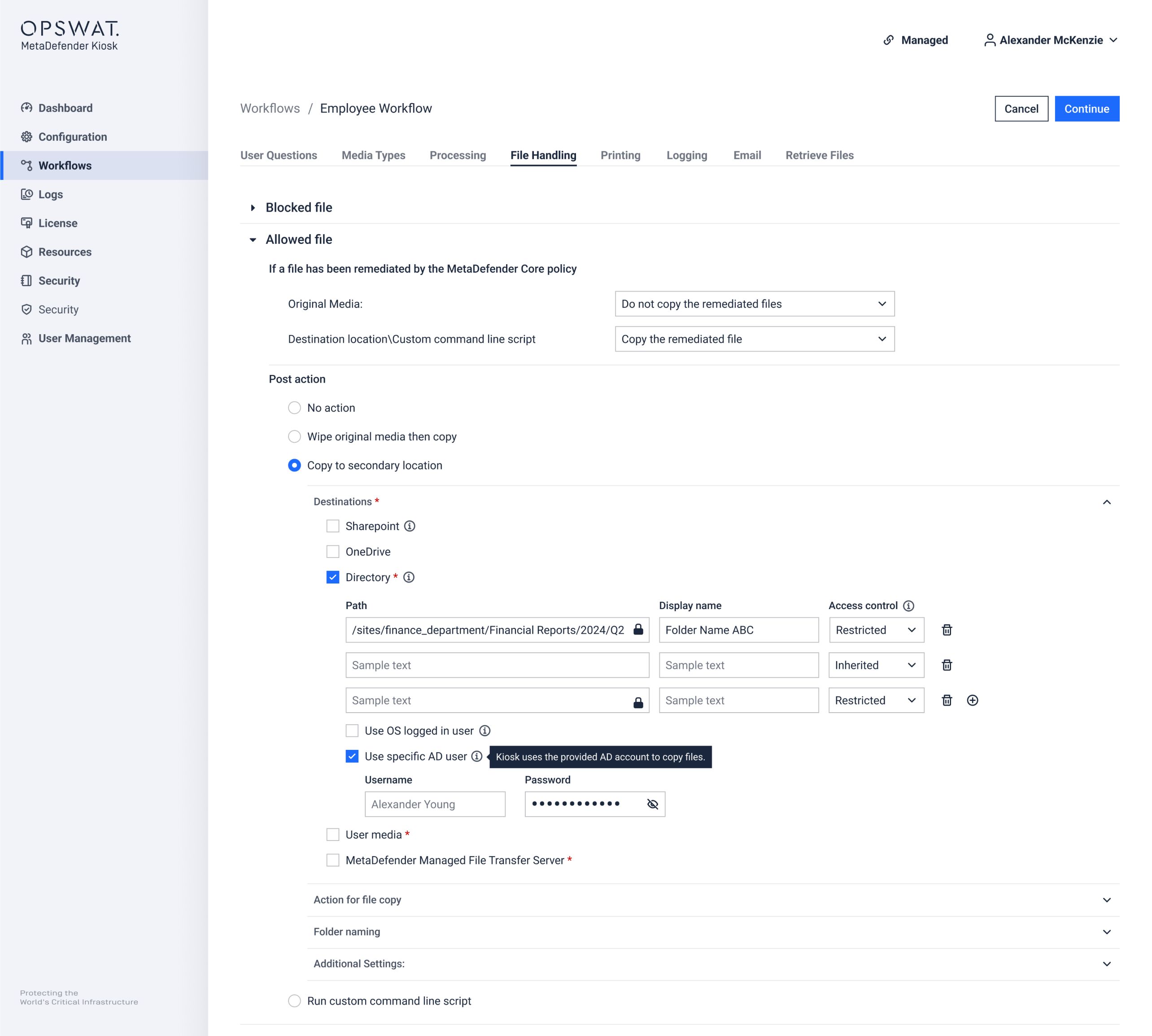
Dedicated Credentials for File Copy
MetaDefender Kiosk now supports a dedicated service account for copying files to network sharing over the SMB protocol, eliminating reliance on the OS user and enabling consistent, secure access control.
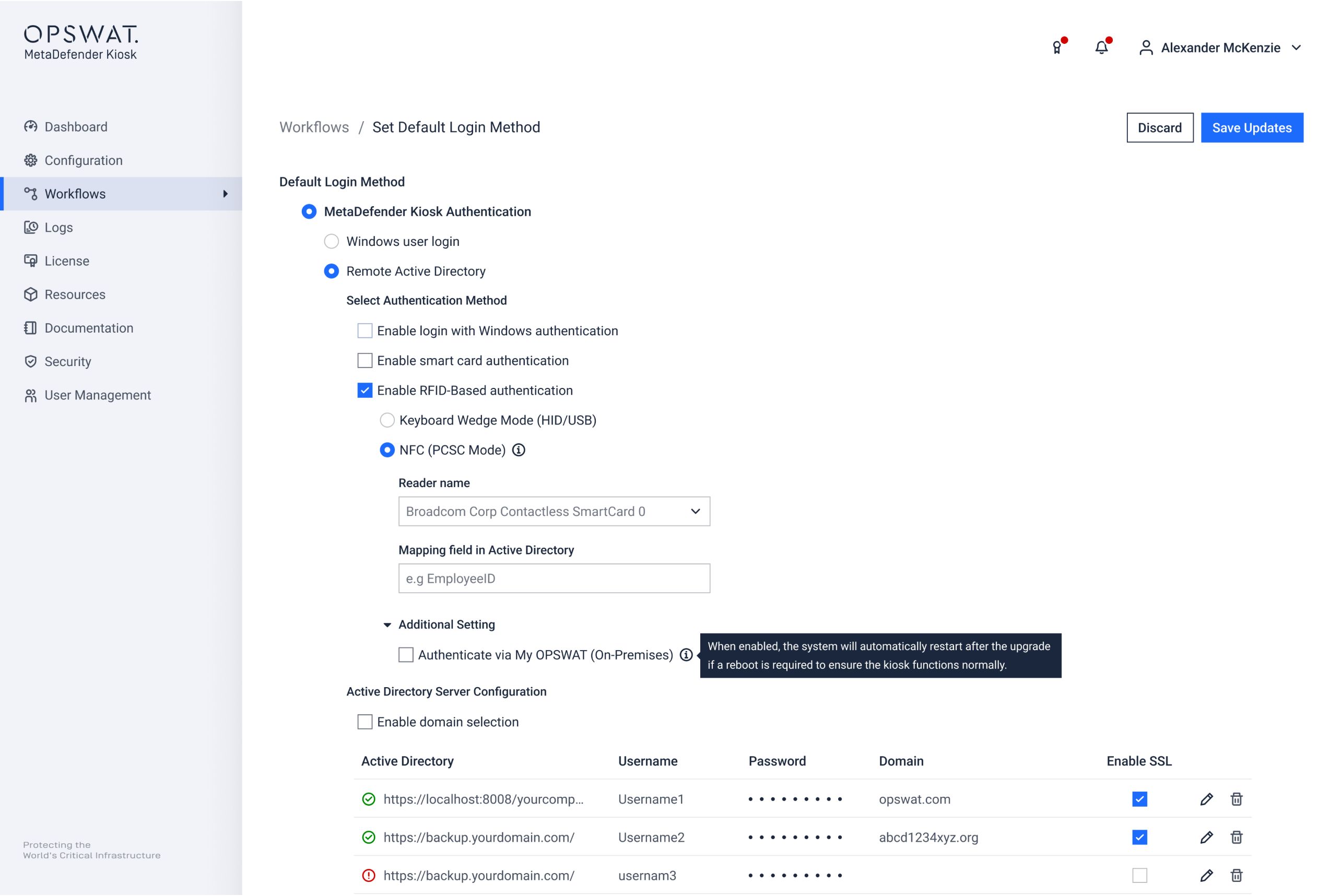
My OPSWAT Central Management as an Identity Provider
The RFID authentication for MetaDefender Kiosk can now use My OPSWAT Central Management as an on-premises identity provider, synchronized with a custom authentication database.
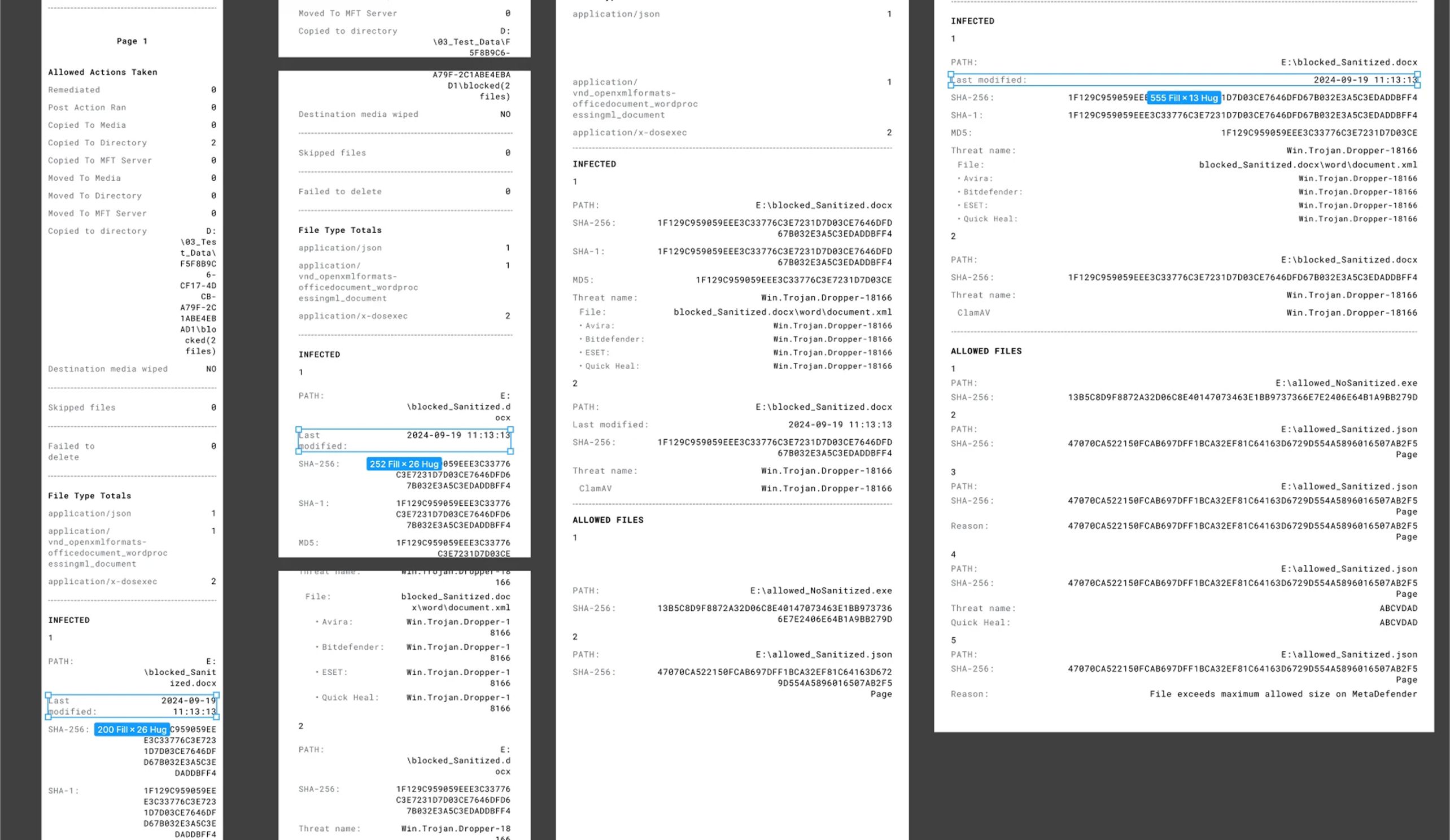
Customizable Print Layouts for Scan Report
Administrators can now customize the print layout of the MetaDefender Kiosk to scan reports to match operational and compliance needs. In addition to the default Receipt format, MetaDefender Kiosk now supports A5 and A4 layouts.
Print layouts can be configured from the MetaDefender Kiosk Web Management Console or My OPSWAT Central Management, with all outputs strictly adhering to approved design specifications for consistent, professional reporting across deployments.
Auto Power On/Off Capabilities
With automated power on/off controls in the Kiosk Management Console, administrators can schedule kiosk shutdowns and startups by day, week, month, or custom timers, or perform a streamlined manual shutdown when needed. This reduces operational friction, eliminates reliance on exit passwords, and enables more reliable, centralized kiosk management.
Advanced Peripheral and Removable Media Protection
Discover why MetaDefender Kiosk is trusted globally to protect critical environments from Peripheral and Removable Media threats. Talk to an expert today to schedule a demo.
Release Details
- Product: MetaDefender Kiosk
- Release Date: January 27, 2026
- Release Notes
- Download on My OPSWAT Business Portal