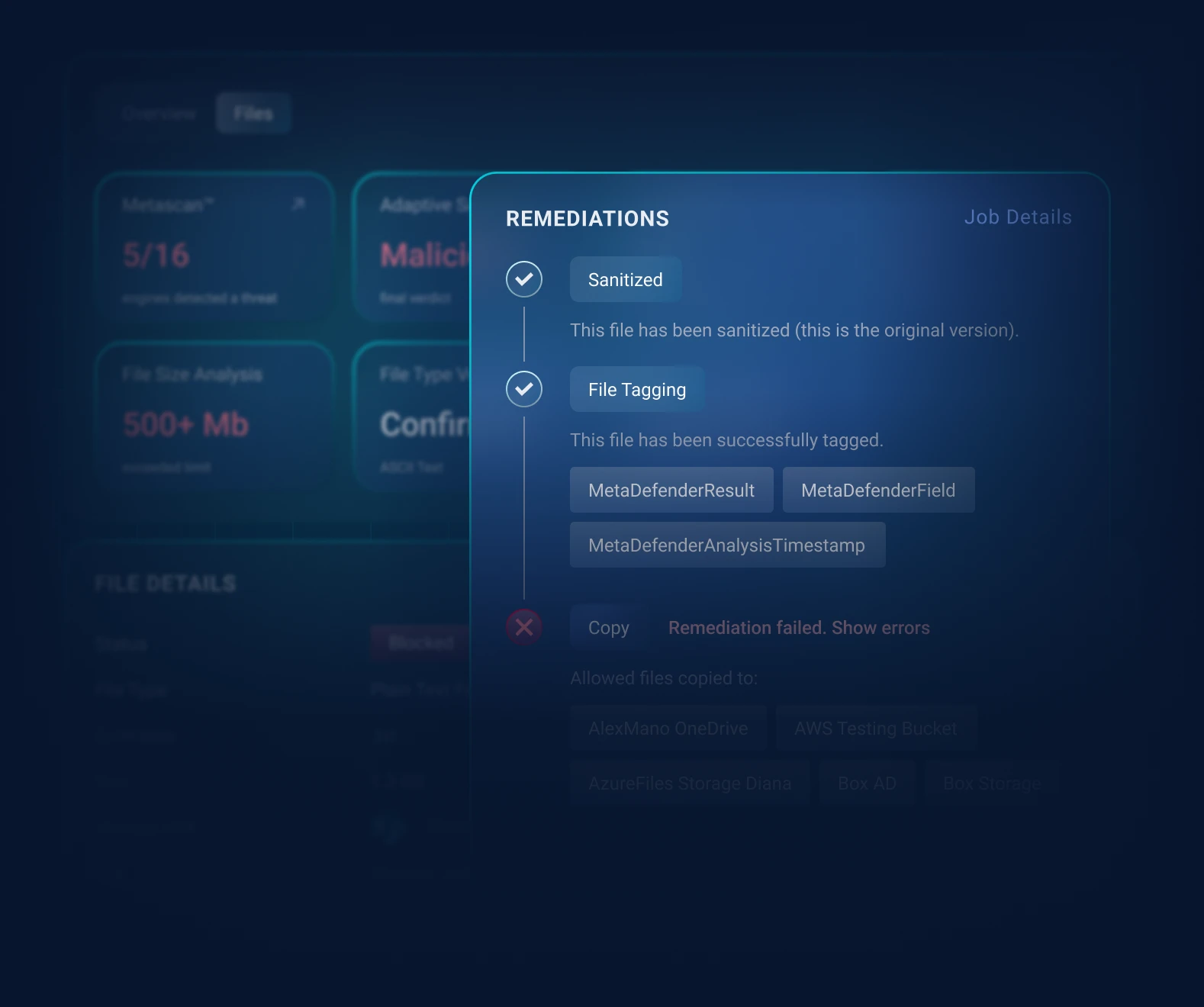
Stop File-Based Threats in SharePoint
MetaDefender™ Storage Security discovers, processes, and remediates files across SharePoint Online and SharePoint On-Premises, with minimal disruption.
- Automated File Remediation
- Hybrid Deployment Support
- Minimal Workflow Disruption
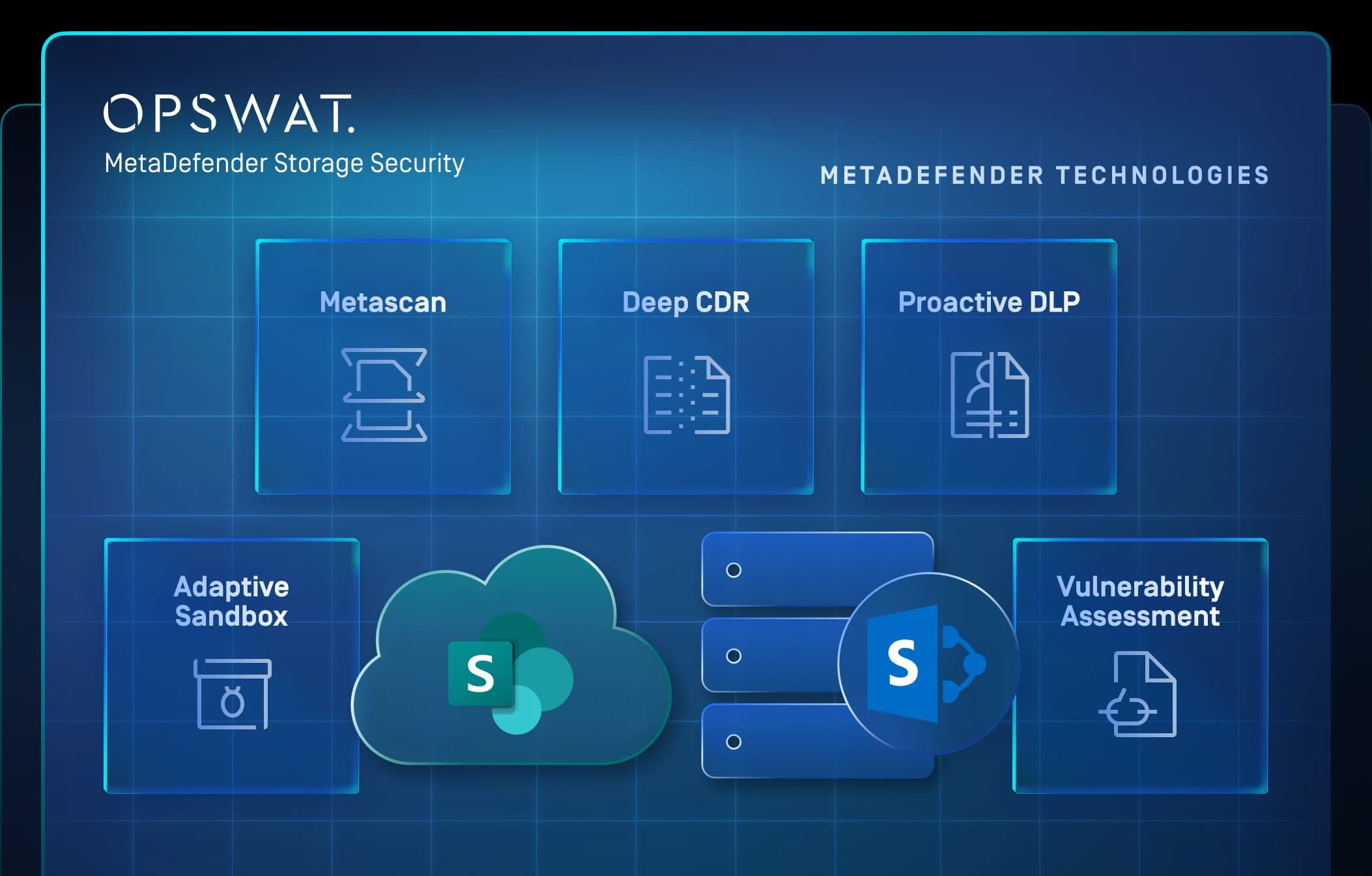
























MetaDefender Storage Security for SharePoint
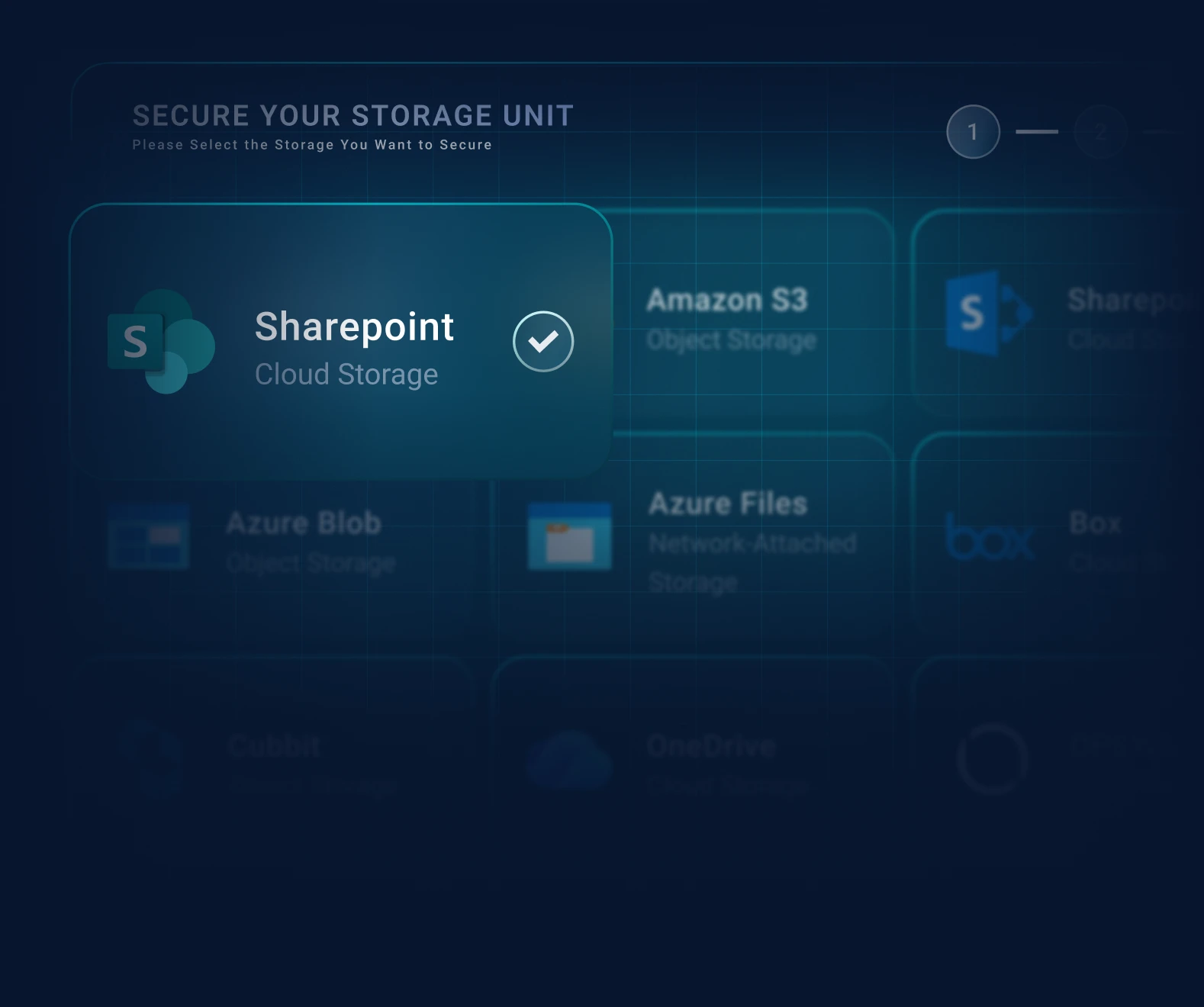
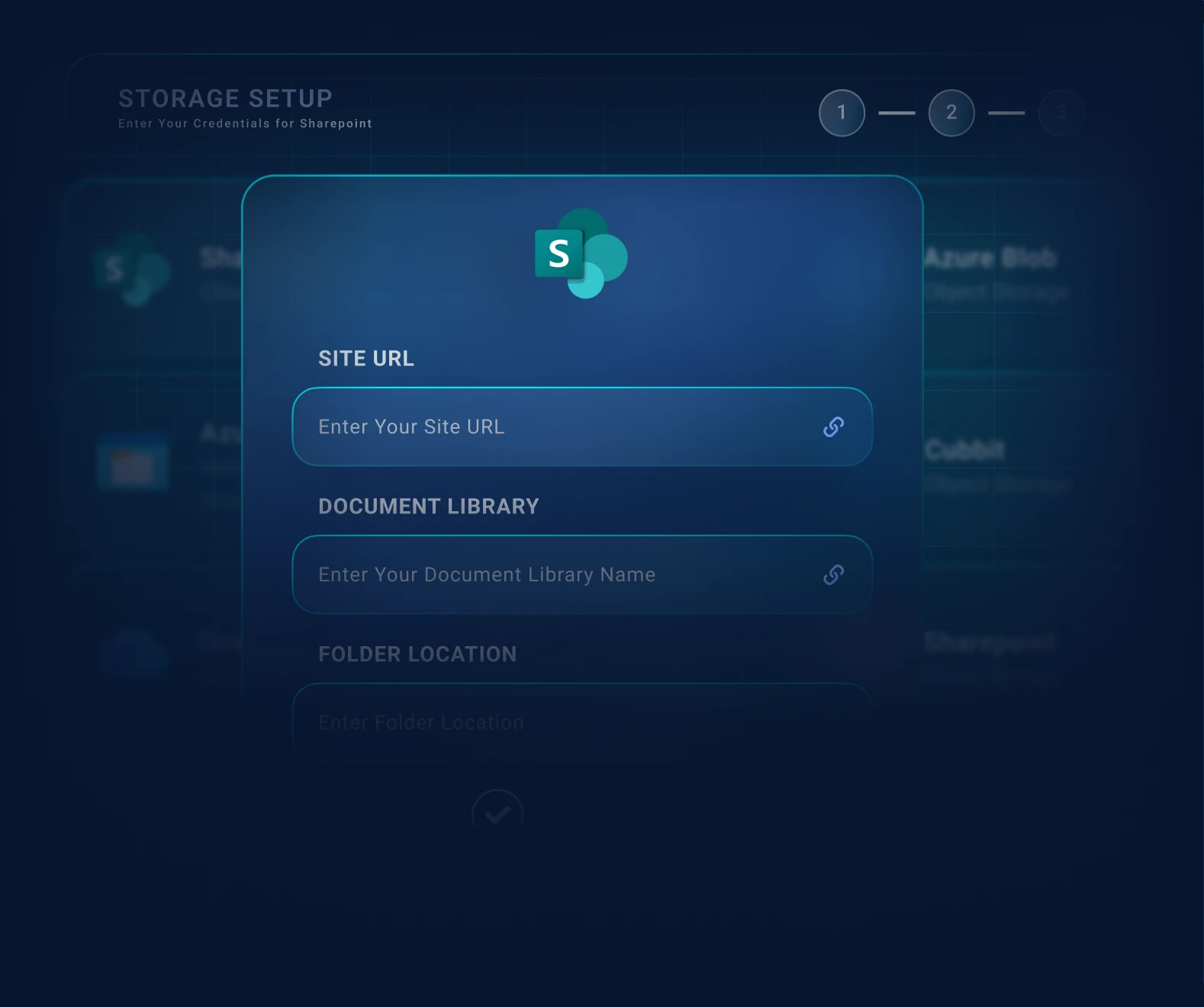
Connected as a storage unit, MetaDefender Storage Security discovers and processes files held in your SharePoint sites and document libraries, across both SharePoint Online and on-premises SharePoint Server. Target an entire site, a specific document library, or a single folder inside that library.
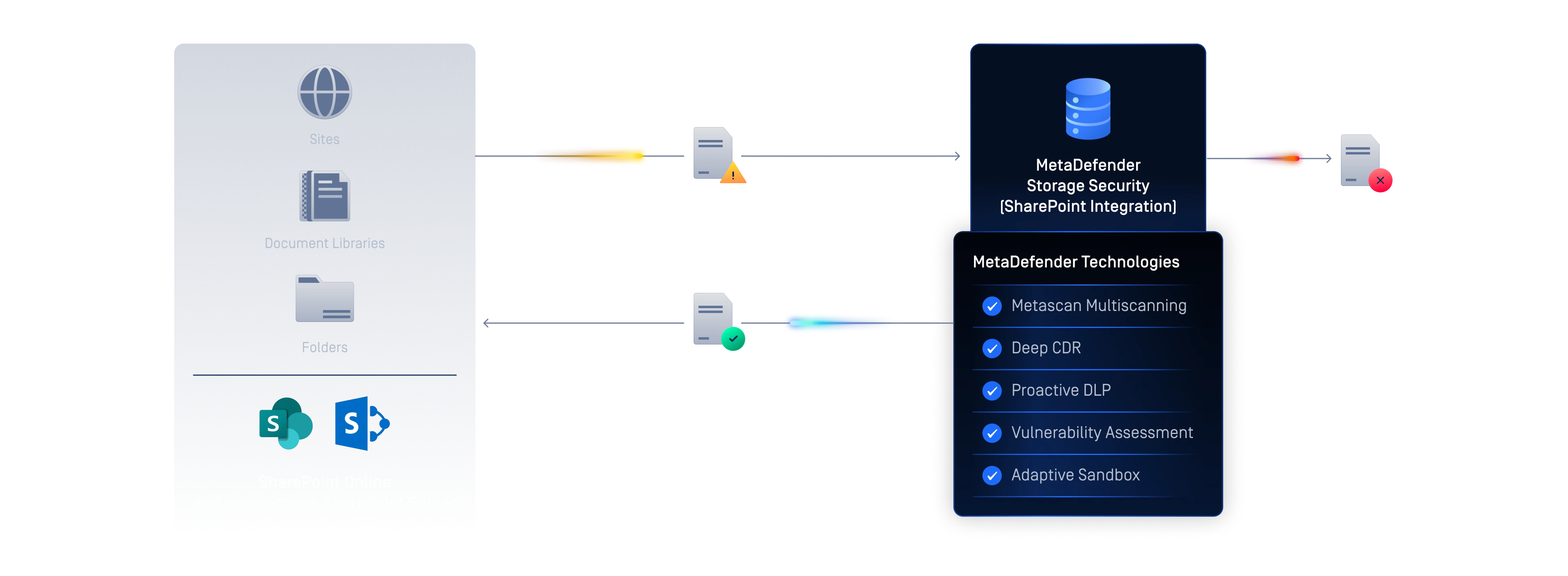
File inspection post upload helps reduce the risk of malware propagation and unsafe content being shared across teams relying on SharePoint for collaboration and document storage.
The Hidden Risk in Your SharePoint Content
When files move freely between users, malicious or unsafe files can enter document libraries and spread across teams.
Organizations store content across many sites, document libraries, folders, and subsites. Inspecting files consistently across all of them, without manual effort, is both difficult to achieve and difficult to scale.
Many organizations run SharePoint Online and on-premises SharePoint Server side by side. Applying consistent file security across both often requires separate, fragmented approaches.



Consistent File Security Across SharePoint
MetaDefender Storage Security connects to SharePoint as a storage unit, automatically processing and remediating files wherever your content lives.
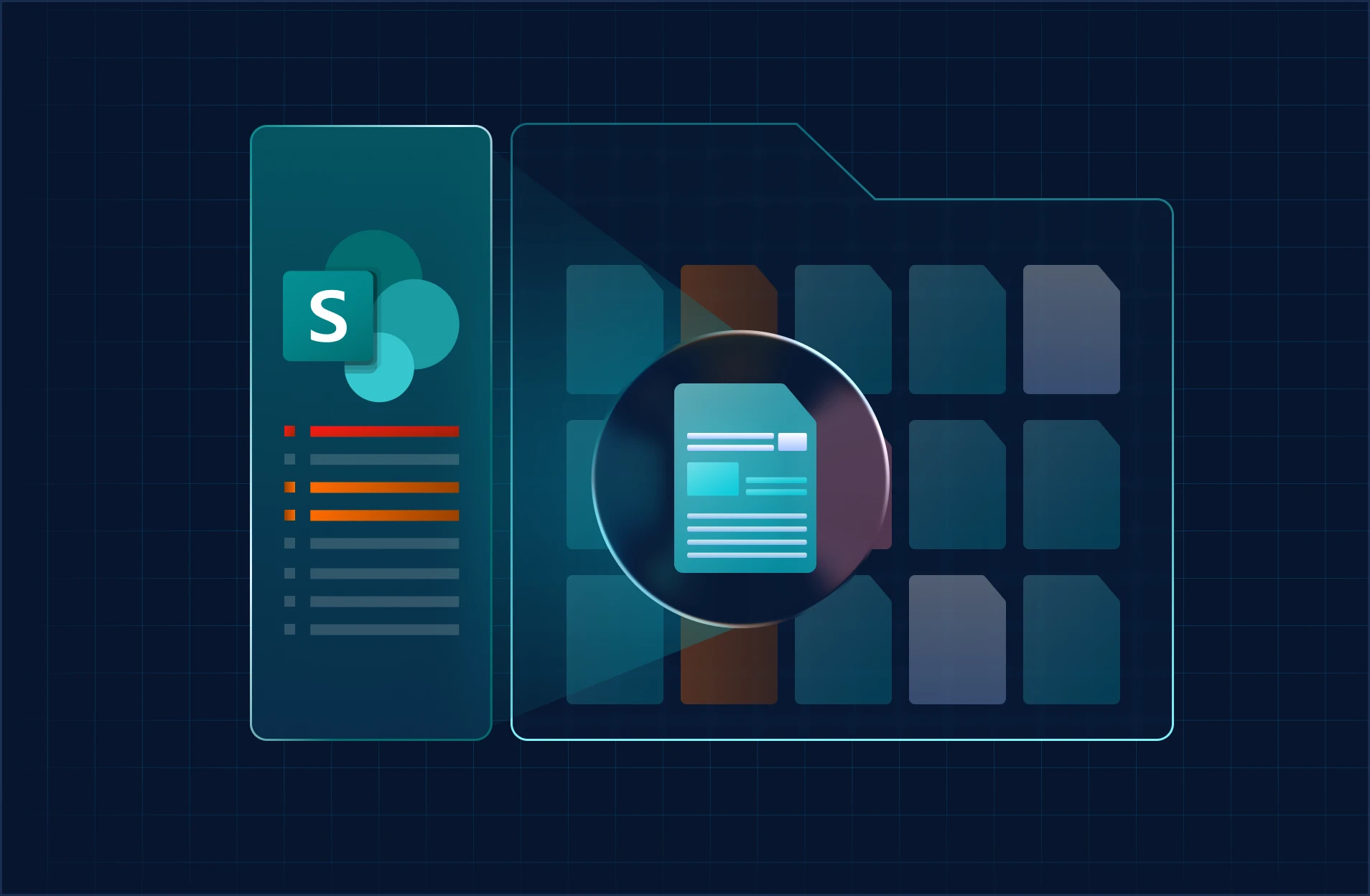
Automated File Processing and Remediation
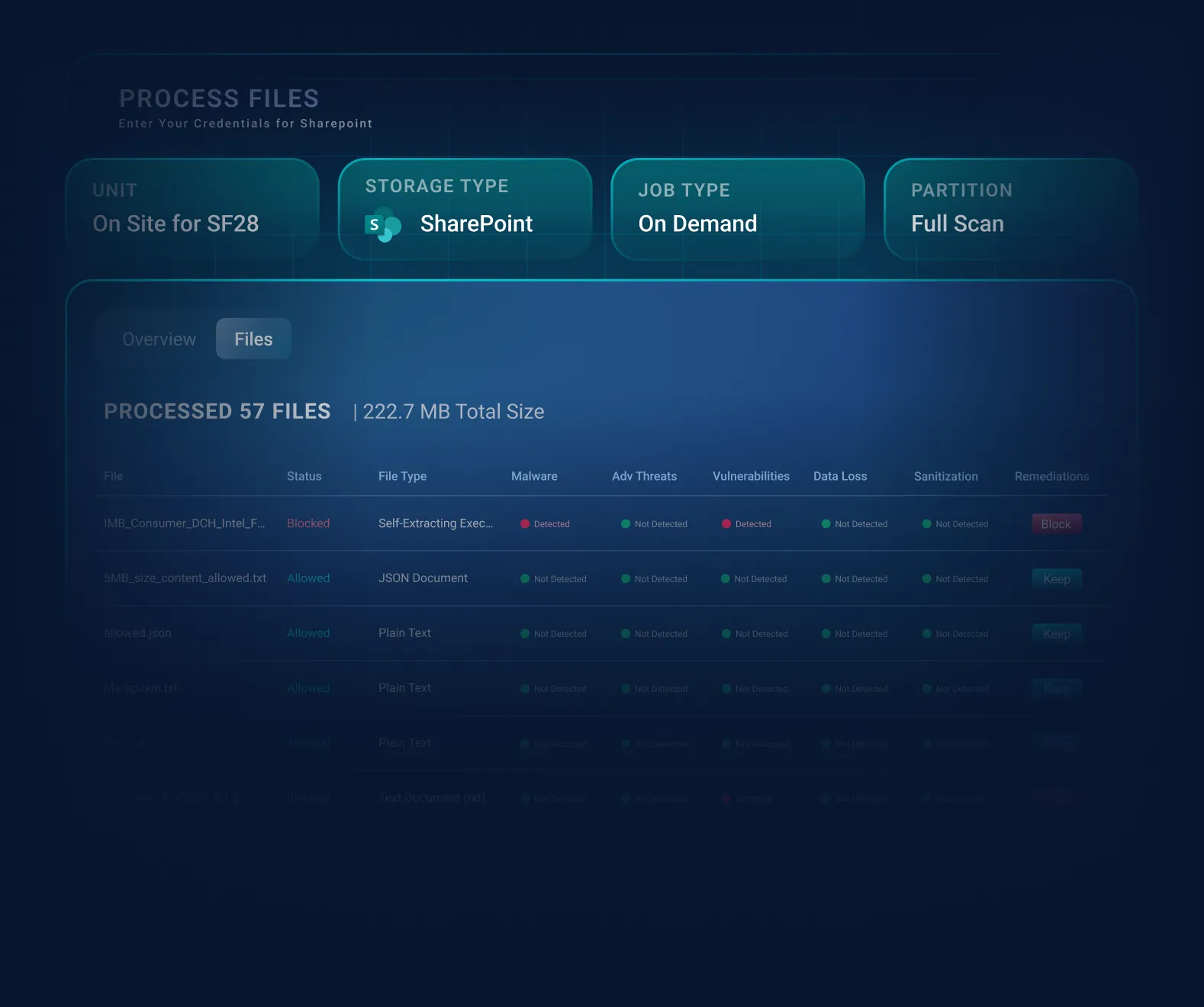
MetaDefender Storage Security discovers and processes files in your SharePoint storage and can take remediation action on flagged files, helping keep shared content safe.

Targeted, Flexible Scanning Scope
Choose what to protect: an entire site's public document libraries, a single document library, or a specific folder; coverage matches how your organization uses SharePoint.

Both Cloud and On-Premises Deployment Paths
Secure SharePoint Online or on-premises SharePoint Server with the same product, giving hybrid organizations a seamless way to protect files across both environments.
From Connection to Remediation
MetaDefender Storage Security connects to SharePoint as a storage unit, then discovers and processes files within your chosen scope. Setup differs slightly between cloud and on-premises, but the high-level flow is the same: connect, define scope, process, and remediate. Detailed setup is covered in the official documentation linked under Resources.
Key Features & Benefits
Targeted Scanning Scope
Process an entire site, a specific document library, or a single folder within the library; coverage matches your SharePoint structure. Preserve resources and remove unnecessary scanning workflows.
Subsite Scanning for On-Premises
For SharePoint On-Premises, you can optionally scan all subsites of a site to extend protection across the full hierarchy. This option is only available when a site URL is provided without specifying a Document Library.
Government Environment Support
SharePoint Online integration supports Microsoft 365 GCC High and DoD (Azure Government) environments for stricter deployment needs.
Hybrid Deployment Flexibility
Use the same integration approach across SharePoint Online and on-premises environments for more consistent file protection.
Support Your Compliance Initiatives
MetaDefender Storage Security supports compliance by helping identify malware, sensitive data, and vulnerabilities in stored files, while providing visibility that help organizations document their security efforts.



SharePoint Integration Capabilities
Site, Document Library, and Folder Targeting
Process files from an entire site's public document libraries, a specific document library, or a single folder within a library.
Public Document Library Processing
Files in public document libraries are processed; private document libraries are not scanned.
Subsite Scanning
(On-Premises)
Optionally scan all subsites of a site to process files across the subsite hierarchy (applies when no specific document library is selected).
GCC High / DoD Support (Online)
SharePoint Online integration can be enabled for Microsoft 365 GCC High and DoD (Azure Government) environments.
Historical Version Scanning (On-Premises)
MetaDefender Storage Security can scan historical versions of files in SharePoint environments, preventing threat actors from exploiting file versioning to bypass security controls or maintain persistent access through restored infected versions.
Choose Your Deployment Option
SharePoint Online
Try the integration directly. No local deployment required.
SharePoint On-Premises
Runs on Windows MDSS deployments. Contact Sales to discuss requirements and licensing.
FAQ’s
Both SharePoint Online (cloud) and on-premises SharePoint Server. The on-premises integration is available only on Windows MetaDefender Storage Security deployments.
No. Files in public document libraries are processed; private document libraries are not scanned.
Yes. You can target an entire site, a specific document library, or an individual folder within that library.
For on-premises SharePoint, you can optionally scan all subsites of a site (when no specific document library is selected).
SharePoint Online uses a Microsoft Entra ID app with Microsoft Graph permissions Files.ReadWrite.All and Sites.Read.All (with admin consent). On-premises requires a domain account with at least Contribute permissions on the site.
SharePoint Online can be tried directly through MetaDefender Cloud. For on-premises SharePoint, contact Sales to discuss deployment requirements and licensing.
SharePoint Server limits concurrent requests, so large remediation jobs can be throttled. Configurable error handling and retry mechanisms help manage this.
Recommended Resources
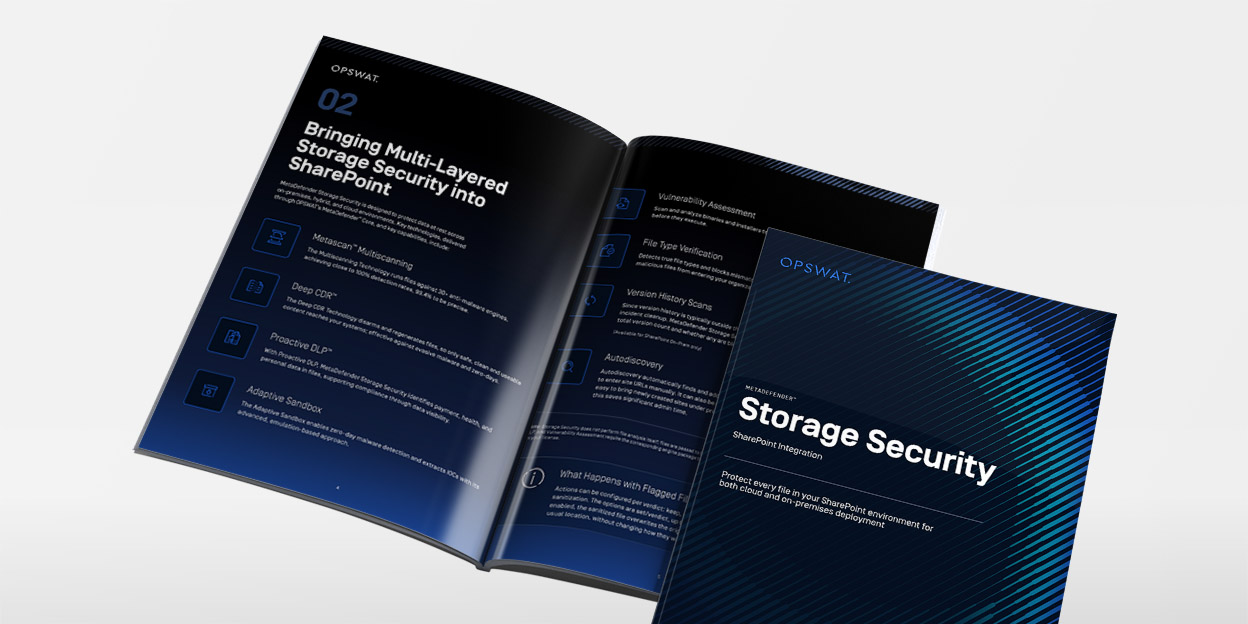
MetaDefender Storage Security Brochure
MetaDefender Storage Security Datasheet
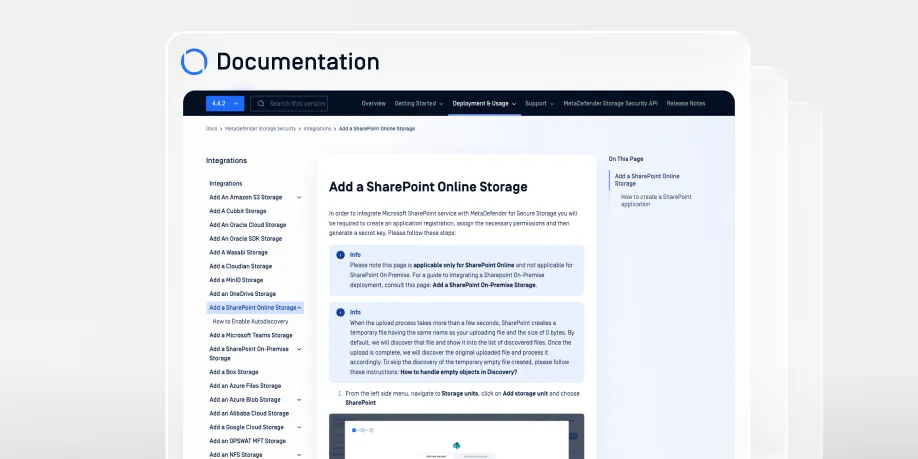
Add a SharePoint Online Storage
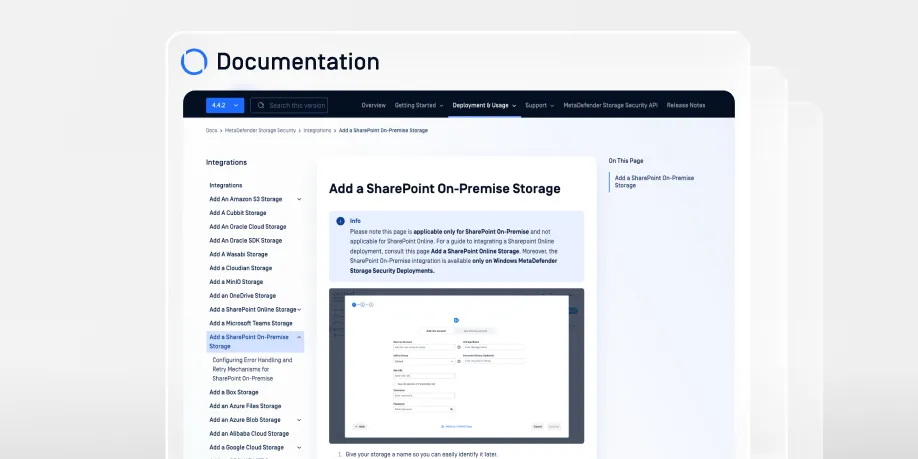
Add a SharePoint On-Premise Storage
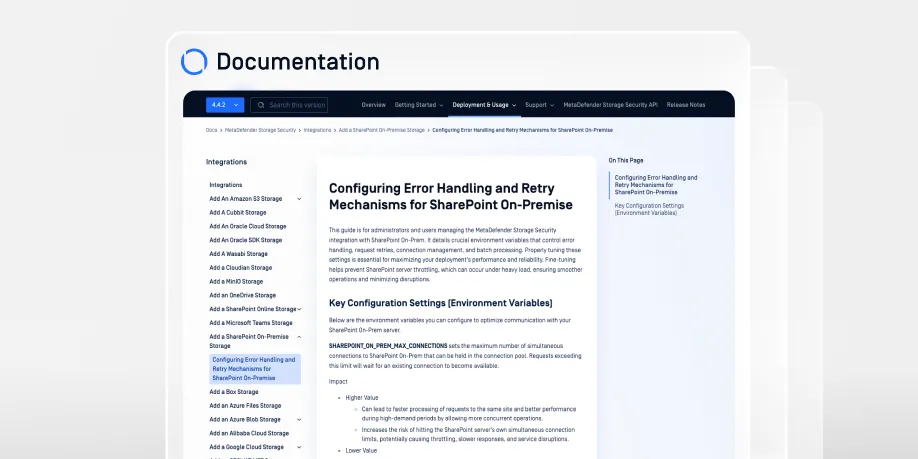
Configuring Error Handling and Retry Mechanisms for SharePoint On-Premises