
Every MetaDefender Software Supply Chain account has one of two roles. An administrator assigns the role when approving a pending account, when adding a user, or later by editing the user on the Users page.
Role | What it can do |
|---|---|
Administrator | Full access. Can view all information and perform every action in the application, including managing users, integrations, policies and settings. |
Read-Only User | Can view all information throughout the application, but cannot perform actions such as creating, editing, deleting, scanning or changing settings. The only exception is approving or rejecting pending accounts, and only with the Read-Only User role. |
What a Read-Only User sees
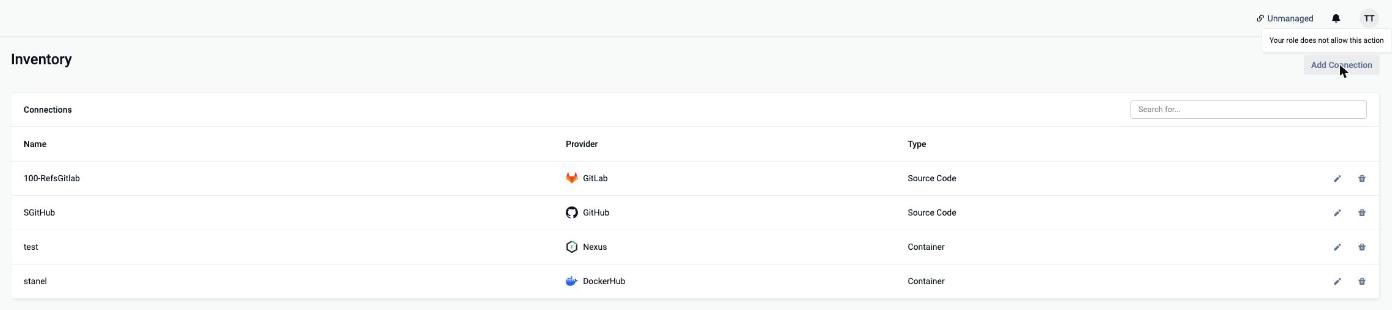
A Read-Only User can open every page and see the same information as an administrator. Buttons for actions the role does not allow are disabled. On pages such as Inventory and Users, hovering over a disabled button shows the tooltip Your role does not allow this action:
Approving pending accounts
A Read-Only User can approve or reject accounts in the Pending Users table, but can only grant the Read-Only User role. The Administrator option is disabled, as are Add User and the actions for active users:
