
Accounts created through self-registration are not active right away - an administrator has to approve them first. Pending accounts are managed on the Users page.
Go to Users in the left-side menu. Active accounts are listed in the Active Users table:
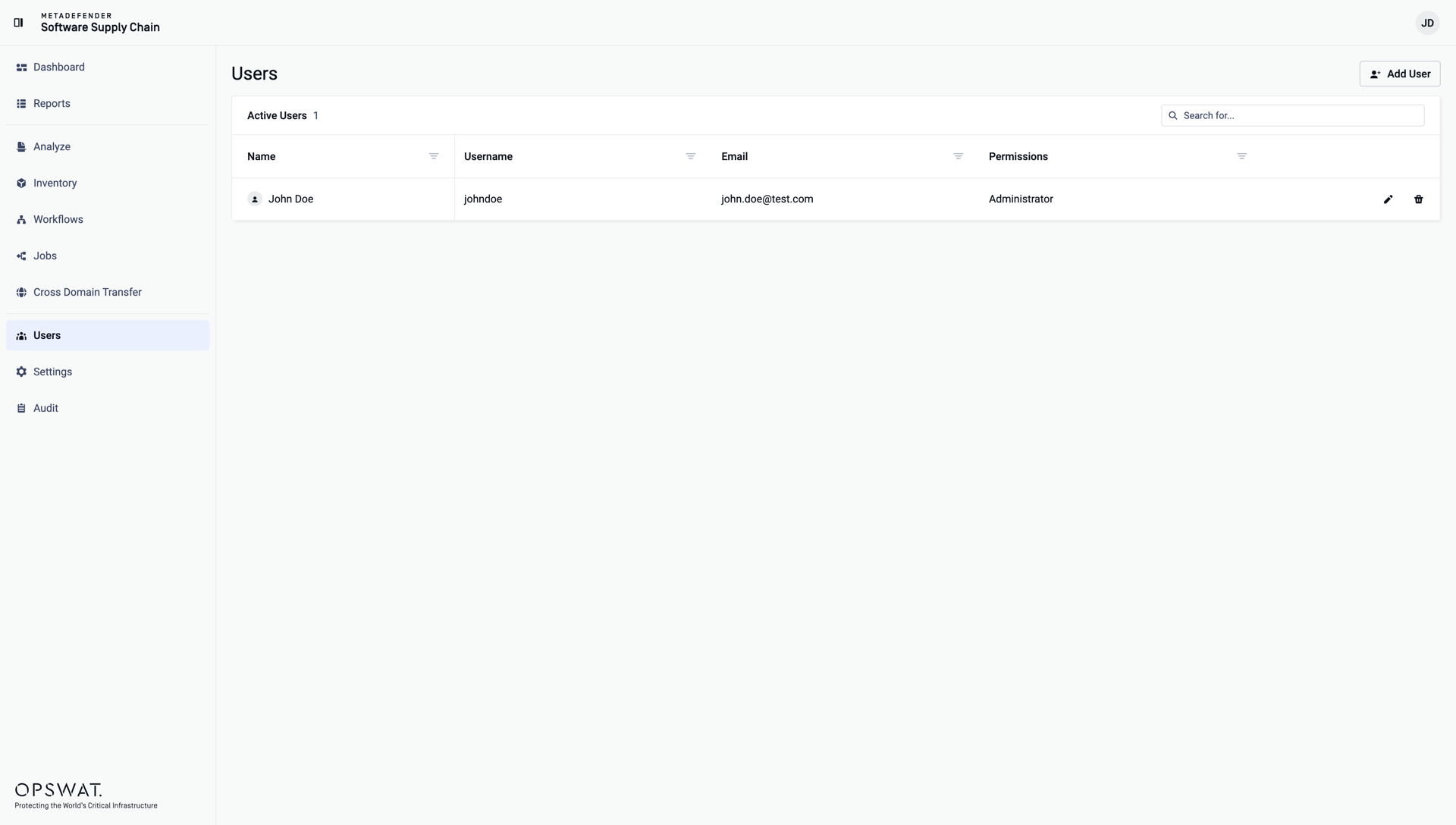
When there are accounts waiting for approval, a Pending Users table is displayed above the active users. Each pending account shows its name, username, email, and the permissions it will receive:

Use the actions at the end of the row to Approve (check mark) or Reject (cross) the account.
Approved users are moved to the Active Users table and can sign in immediately. Rejected accounts are removed. Until a decision is made, the user attempting to sign in sees the message Account is not active.
Was this page helpful?
Configuration