
New users get access to MetaDefender Software Supply Chain by creating an account, which an administrator then approves and assigns a role. Administrators manage all accounts on the Users page. For what each role can do, see User roles.
Creating an account
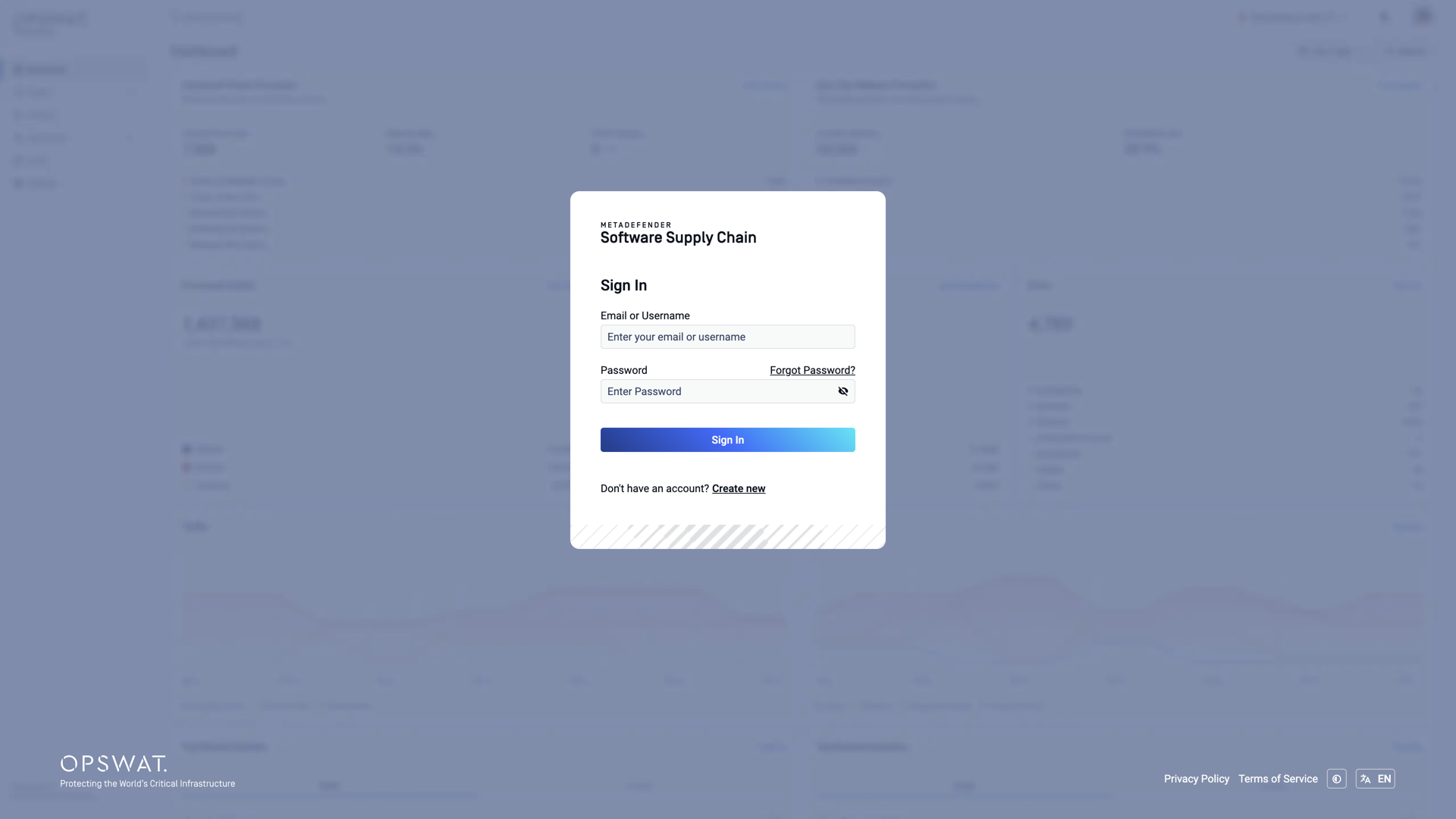
At the login page, click the Create new link:
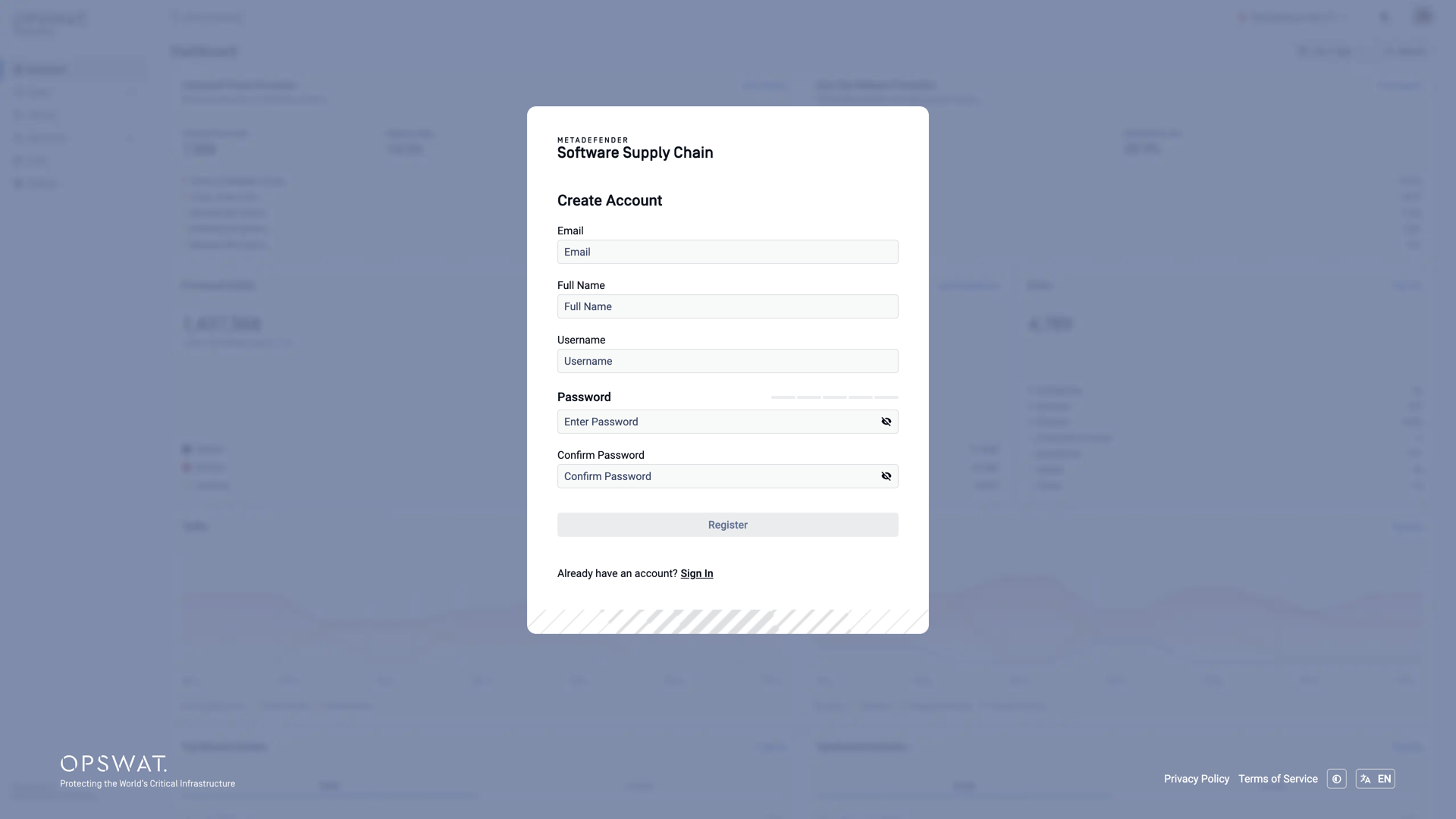
Fill in the registration form: Email, Full Name, Username, and a Password (the strength indicator shows how strong it is), then confirm the password:
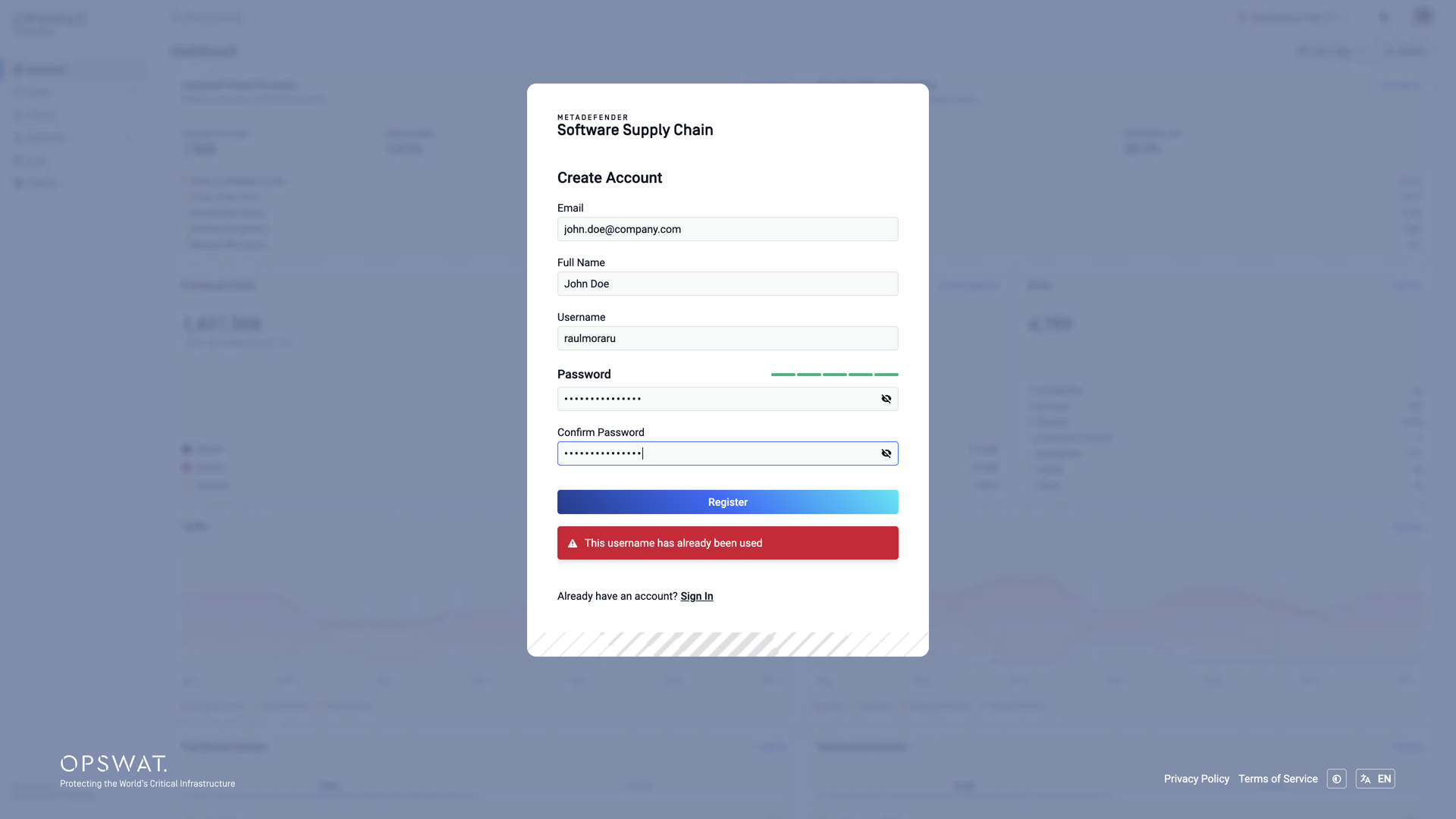
The email address and the username must be unique - otherwise registration fails with an error:
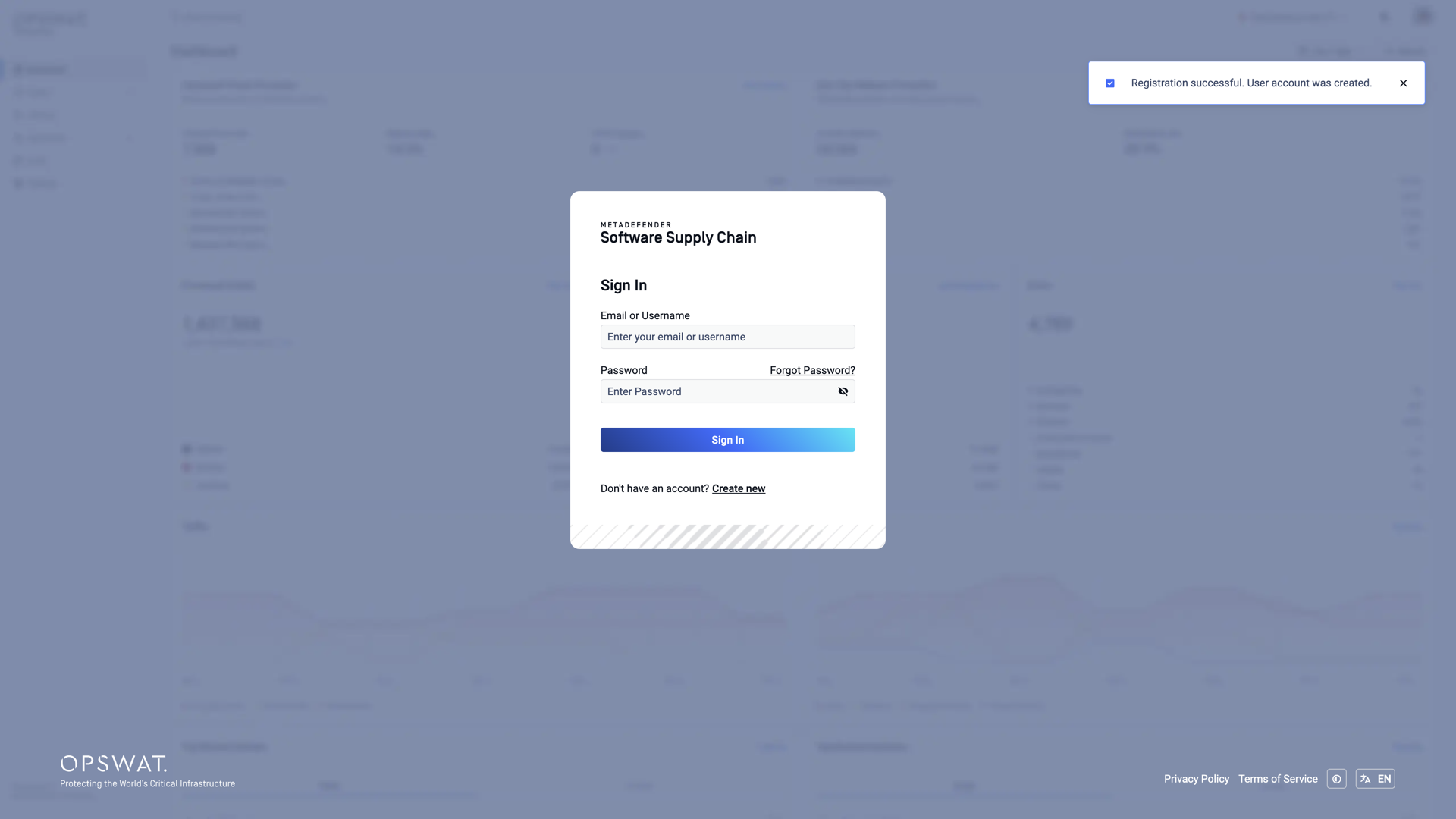
Click Register. A confirmation is displayed and the account is created:
Waiting for approval
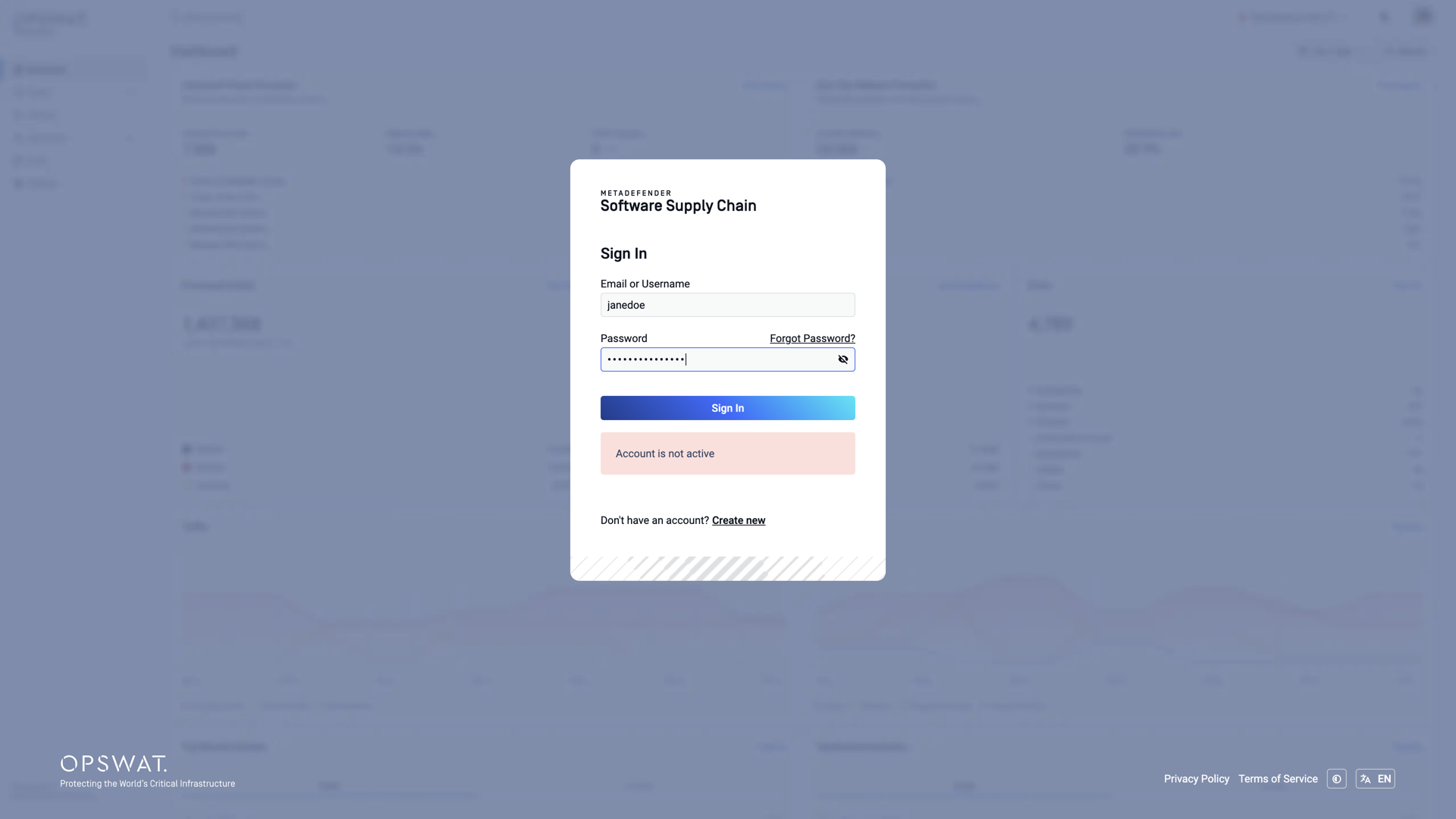
A newly registered account must be approved by an administrator before it can be used - see the Pending Invitation page. When approving the account, the administrator selects its role (Administrator or Read-Only User). Until then, signing in shows Account is not active:
Managing users
Administrators manage the accounts on the Users page: the Active Users table lists every active account with its name, username, email, and role (shown under Permissions). From here you can add a user directly with Add User and choose their role, edit a user's details and role, or delete an account. Newly registered accounts waiting for approval are listed in the Pending Users table on the same page, where you choose each account's role before approving it.