
The license of your MetaDefender Software Supply Chain deployment is managed in Settings → License.
Activating a license
When no license has been added yet, the License tab shows No license added yet. Click Add License to open the Activate New License dialog and choose one of the two activation methods:
Online Activation: enter your License Key and click Activate. The deployment activates directly against the OPSWAT licensing service.
Offline Activation: for air-gapped deployments - use your license key and deployment ID to generate and download a license file from the OPSWAT portal on a machine with internet access, then upload the license file in the dialog.
Activating a new license while one is already active replaces the current license.
Active License
Once activated, the Active License card shows the details of your license: the deployment ID, the product ID and name, the expiration date, the masked activation key, and the maximum number of developers covered:
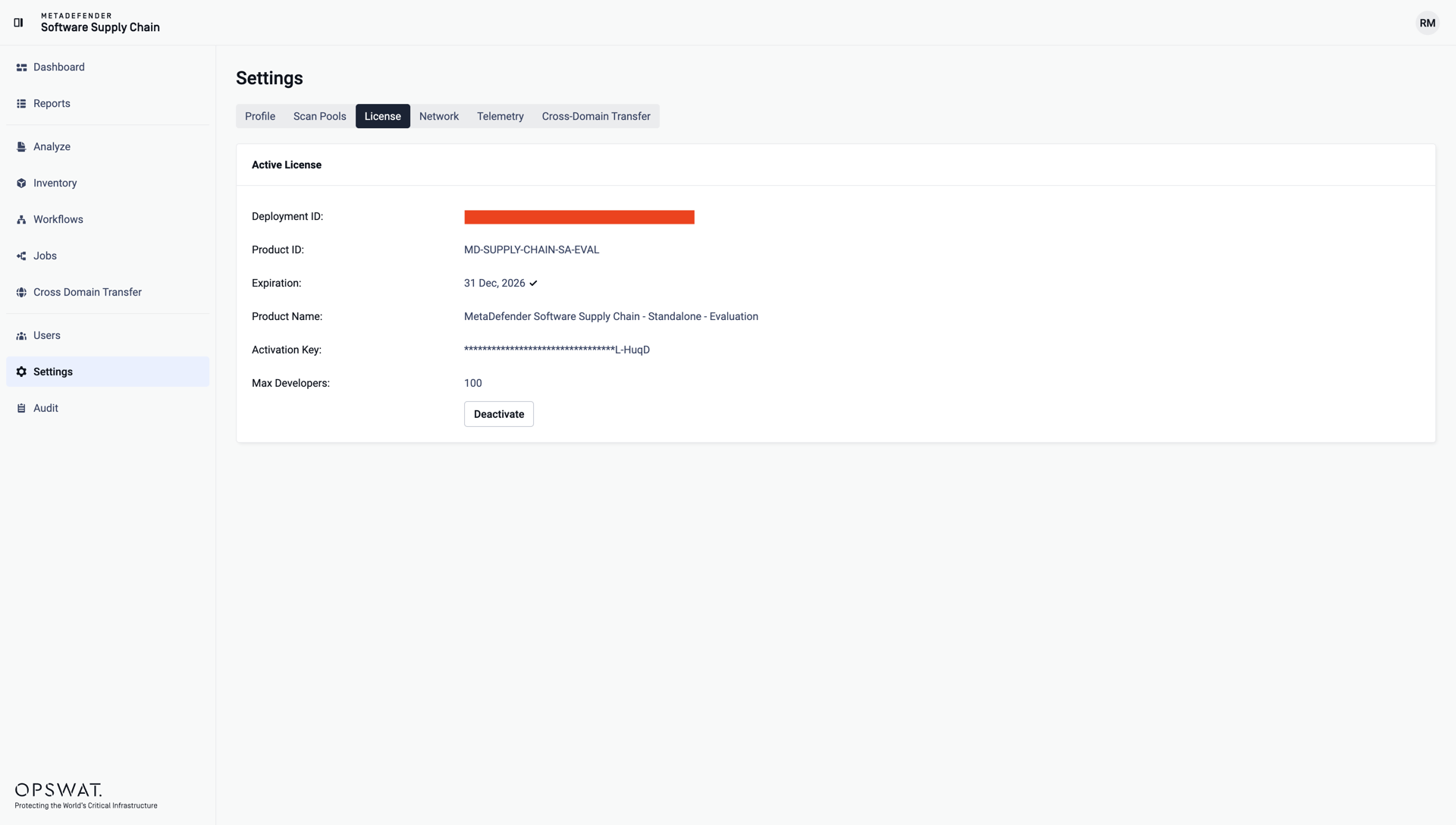
Use Deactivate to release the license from this deployment - for example before moving it to another instance. You will be asked to confirm the deactivation.
License expiration
When the license expires or no active license is present, a banner is displayed and license-gated actions - such as creating jobs or adding users - are disabled with the message This action is restricted due to license limitations. Reactivate a valid license to restore full functionality.