End-User Guide
v3.9.4
Search this version
End-User Guide
End-User Guide
Title
Message
Create new category
What is the title of your new category?
Edit page index title
What is the title of the page index?
Edit category
What is the new title of your category?
Edit link
What is the new title and URL of your link?
Changing Your Password
Copy Markdown
Open in ChatGPT
Open in Claude
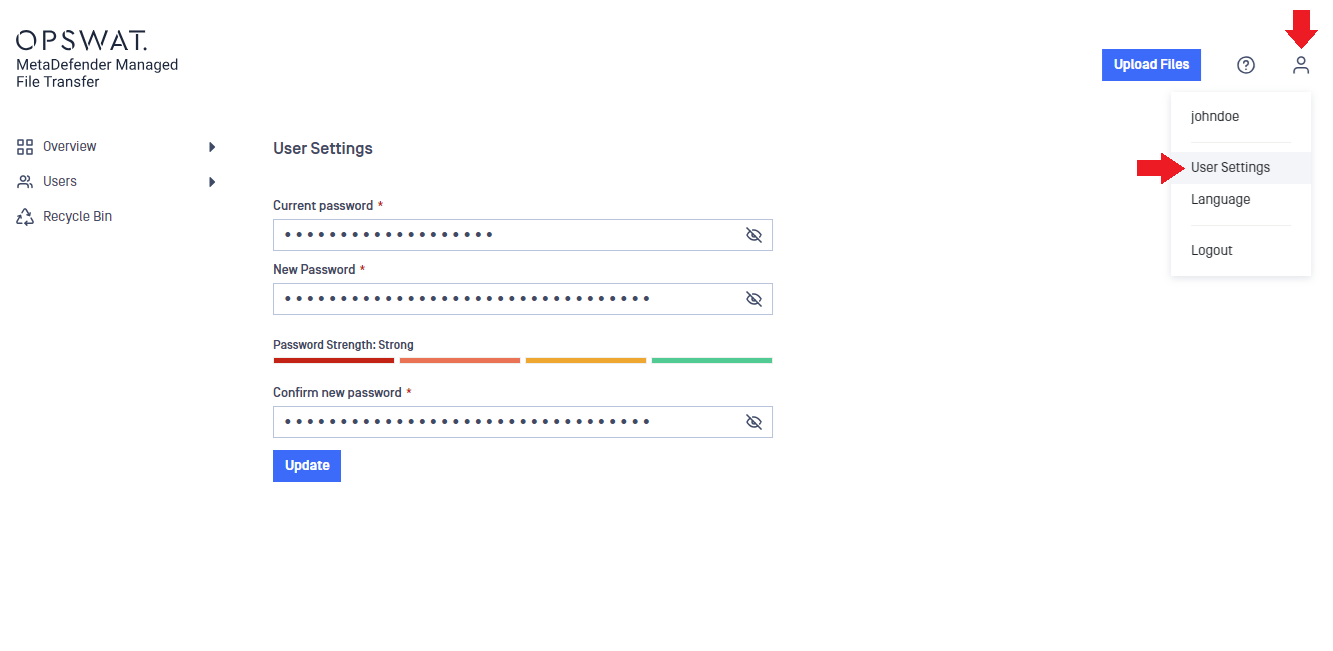
You can change your password anytime by clicking the "User" icon in the top-right corner of the application and selecting "User Settings." Pay attention to the password strength indicator for extra security.
Type to search, ESC to discard
Last updated on
Was this page helpful?
Next to read:
Forgotten PasswordsDiscard Changes
Do you want to discard your current changes and overwrite with the template?
Archive Synced Block
Message
Create new Template
What is this template's title?
Delete Template
Message
