
Knowledge Base
v5.16.0
Search this version
Can I view configuration changes on the Core side (audit)?
Check Your Version:
This article applies to all MetaDefender Core V4 and V5 releases deployed on Windows and Linux systems.
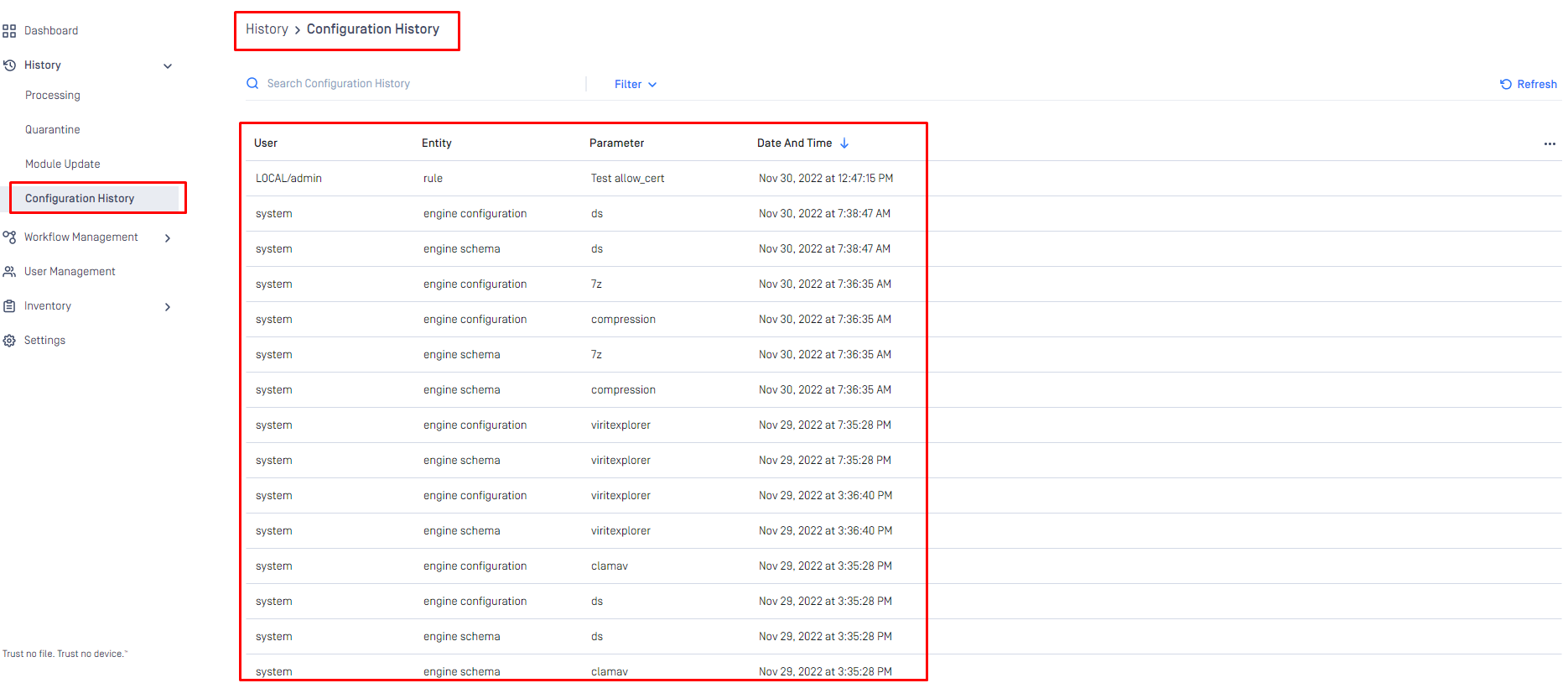
Admin users are able to view all configurations that have taken place on the core side via the History\Configuration History tab, this can be found on the Core console.
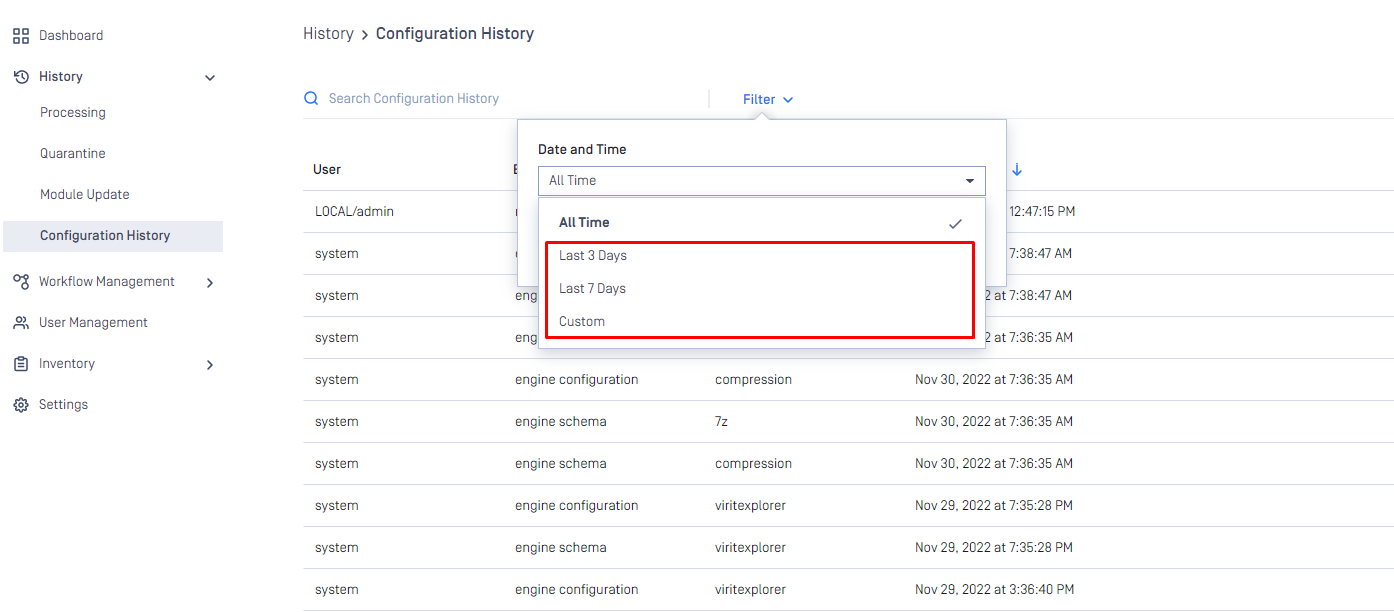
There is also a filter option on the configuration page to allow for a more granular search regarding the time frame.
Support:
If Further Assistance is required, please follow the instructions on How to Create Support Package With Web Console, then proceed to create a support case or chat with our support engineer.
Last updated on
Was this page helpful?
Next to read:
How can I add a mail server to the Core deployment?Knowledge Base
Knowledge Base
Configuration and Settings
Errors and Troubleshooting
Features and Functionality
Licensing, Setup and Deployment
Updates, Patches and Bug Fixes
Version Upgrades