Deployment
10.6.26061
Search this version
Deployment
Deployment
On-Premises
Title
Message
Create new category
What is the title of your new category?
Edit page index title
What is the title of the page index?
Edit category
What is the new title of your category?
Edit link
What is the new title and URL of your link?
Upgrade
Summarize Page
Copy Markdown
Open in ChatGPT
Open in Claude
Note that due to to how we structure the ova’s cm10 app, bootc upgrade will only apply OS updates and /opt/mocm template folder changes, not the working folder /var/opt/mocm
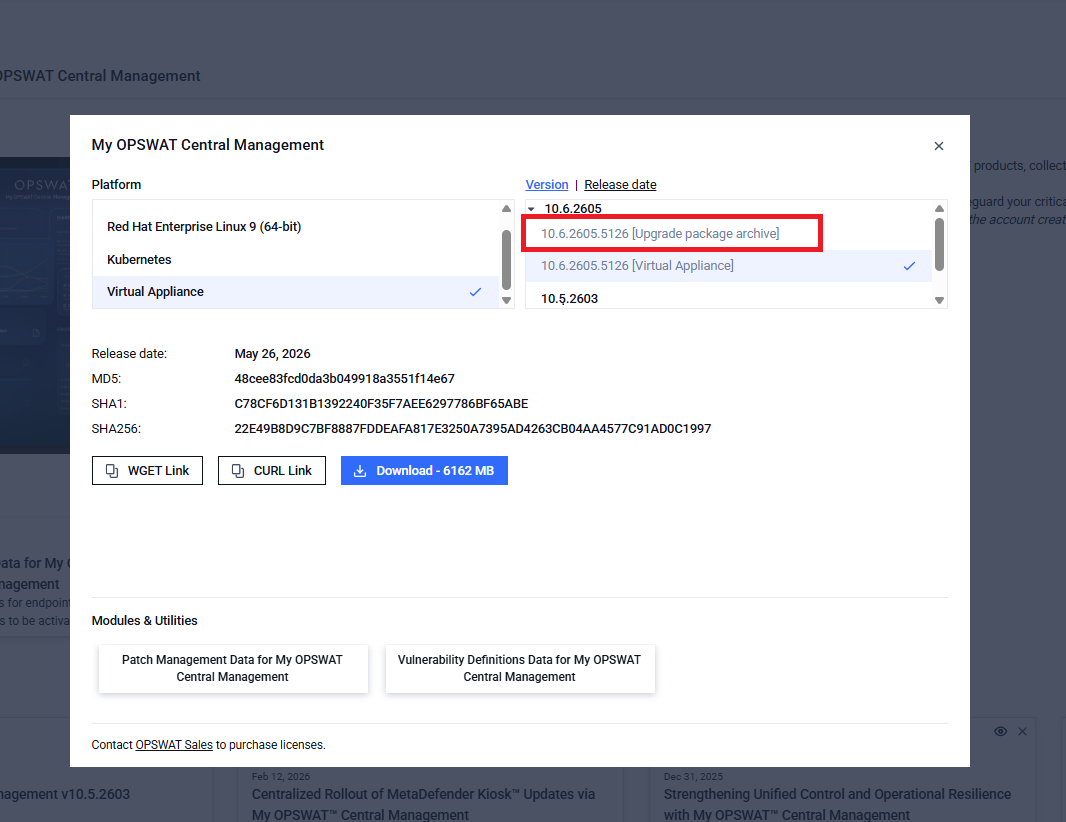
- Download new bootc image archive mocm.tar.zst from bootc image build
- Run as root
Typescript
xxxxxxxxxxsudo -s- In the VM, run bootc switch --transport oci-archive <full path to mocm.tar.zst> An error “unsupported transport oci-archive for looking up local images” may appear, this is normal. bootc seems to check if the target path is an image first before parsing the --transport parameter
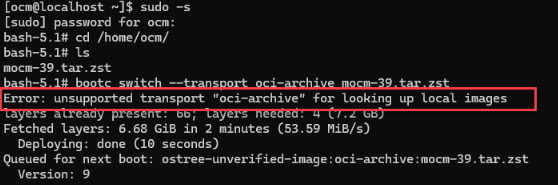
- As long as the archive image is queued for the next boot, it should be okay to proceed.
- Restart machine
Typescript
xxxxxxxxxxreboot- On next boot, updates are applied to the OS and the /opt/mocm folder
- Stop and disable mocm services
Typescript
xxxxxxxxxxsystemctl stop redis nginx rabbitmq-server mocm-all.targetsystemctl disable mocm-all.target- Rerun /opt/mocm/lib/init-filesystem.sh to apply the new changes Currently, may remove some user-applied changes (anything that is not written in template .tpl format setting files or not located in /etc/opt/mocm/, which is the designated folder for user-specific setting files)
- Reboot after applying the relabel changes.
Typescript
xxxxxxxxxxreboot- Start mocm services
Typescript
xxxxxxxxxxsystemctl start mocm-all.target#Enable mocm-all.target to auto-start on bootsystemctl enable mocm-all.targetVariableType to search · ESC to discard
GlossaryType to search · ESC to discard
InsertType to search · ESC to discard
No matches
Last updated on
Was this page helpful?
Next to read:
Setup wizardnull
Discard Changes
Do you want to discard your current changes and overwrite with the template?
Archive Synced Block
Message
Create new Template
What is this template's title?
Delete Template
Message