
You can deploy My OPSWAT Central Management by using the marketplace image, available on the AWS Marketplace.
Prerequisites and Requirements
AWS knowledge: This guide assumes familiarity with EC2 and Amazon Machine Images.
AWS account: needs permission to create EC2 instances and edit/create security groups.
DNS: My OPSWAT Central Management uses the internal routing of the host instance and does not require any special routing.
Launch Instance
Navigate to the EC2 Management Console in AWS and select Launch Instance $plugin[2eb3tik3j5a]
Select Browse more AMIs > AWS Marketplace AMIs (tab) > search "My OPSWAT Central Management"
Select the My OPSWAT Central Management AMI
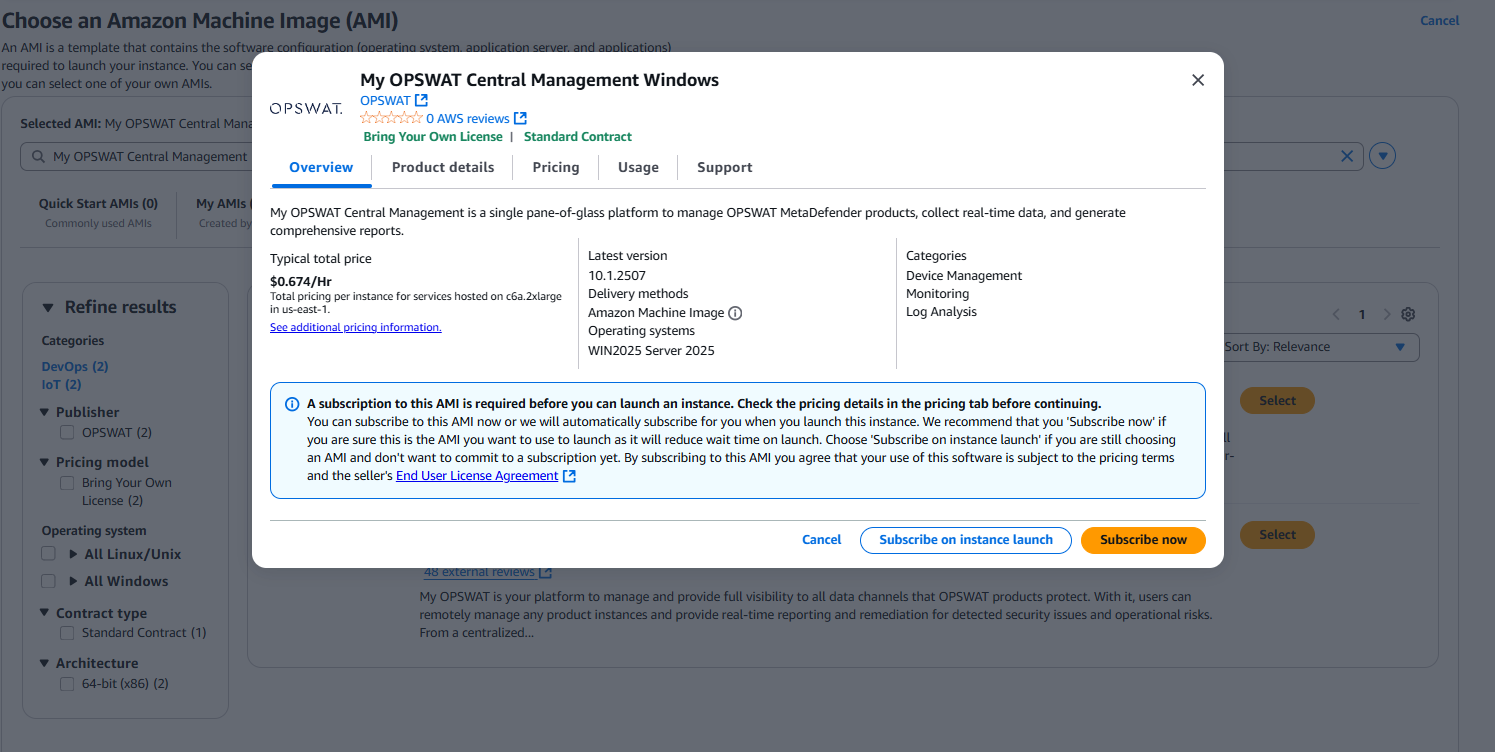
c6a.2xlarge instance type meets the minimum requirements to run My OPSWAT Central Management
Configure Network Settings
Select the desired VPC and subnet you would like to deploy My OPSWAT Central Management in. My OPSWAT Central Management requires connections to the servers it manages.
Security groups should follow your organizations best practices and recommendations. My OPSWAT can be used on 9000 or 443 and can be changed to fit security requirements.
Configure Storage
My OPSWAT Central Management comes with 100gb gp2 root volume storage
Launch Instance
Approximate time to initialize after launching: **~**5 minutes
Setup Wizard
Navigate to the <IPv4 address>:9000 or DNS of the instance you just provisioned. You should be redirected to the setup wizard to help set up My OPSWAT for the first time.
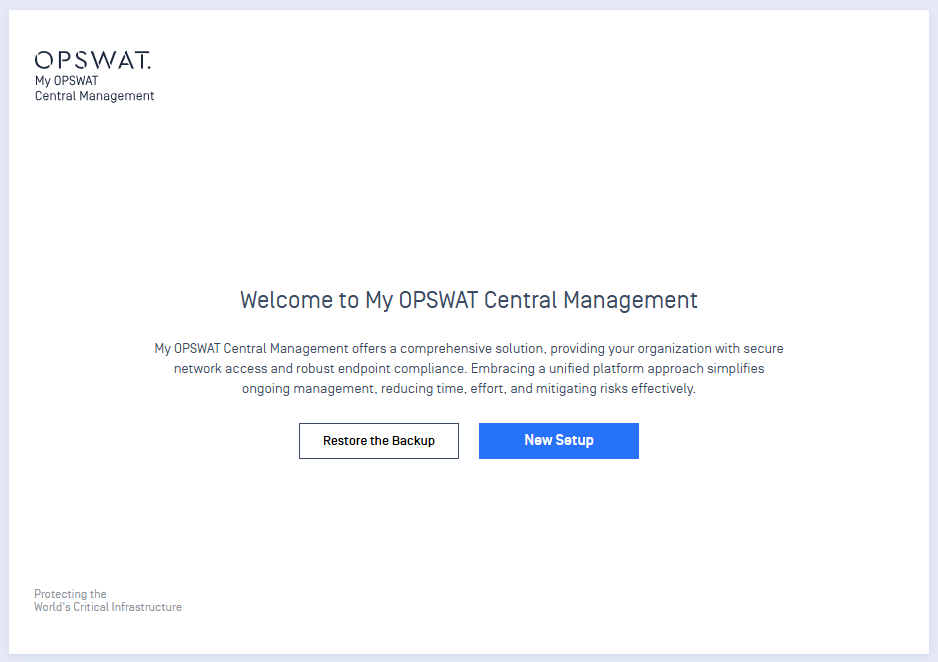
Create your first administrator and database user.
After user creation, you should now be redirected to the sign in page.
Sign In to My OPSWAT Central Management
Use the administrator credential that was created previously to login to the instance.