
Installation
Before starting My OPSWAT Central Management On-premise installation, please make sure your server meets the System Requirements
Note Root access is restricted in OVA-based deployments. For enhanced administrative control and customization, use the MSI installer for Windows Server MSI Installation - Standalone mode.
Installation steps
Download Installation Package
Once your server is ready, the next step is to obtain the My OPSWAT Central Management installation files.
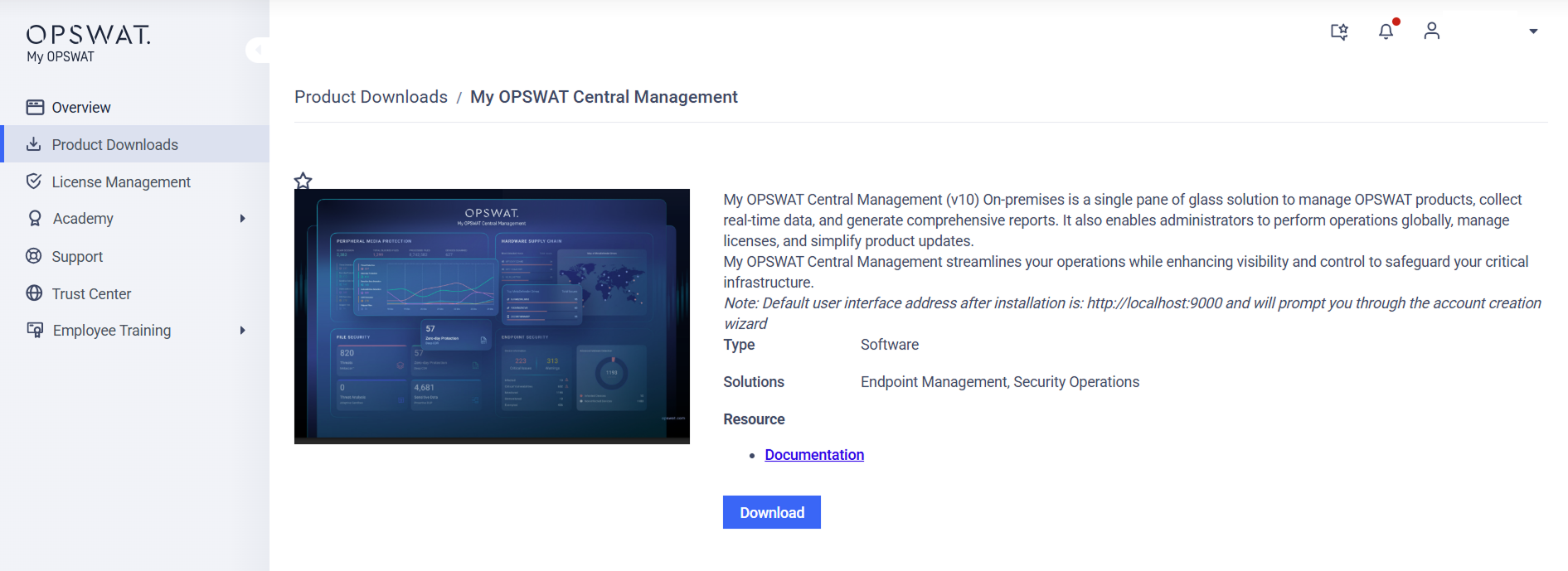
Log into the My OPSWAT Portal.
In the left-side menu, click Product Downloads.
Search or scroll for My OPSWAT Central Management to open the product details page.
Click Download, then select the specific system and version you need.
Install My OPSWAT Central Management
Choose the procedure that matches your infrastructure:
For Windows: Follow MSI Installation - Standalone mode guideline for detailed instructions.
For Linux: Follow RPM Installation guideline for detailed instructions.
For OVA: Follow Virtual Appliance Deployment guideline for detailed instruction.
For AWS: Follow Deployment with AWS guideline for detailed instruction.
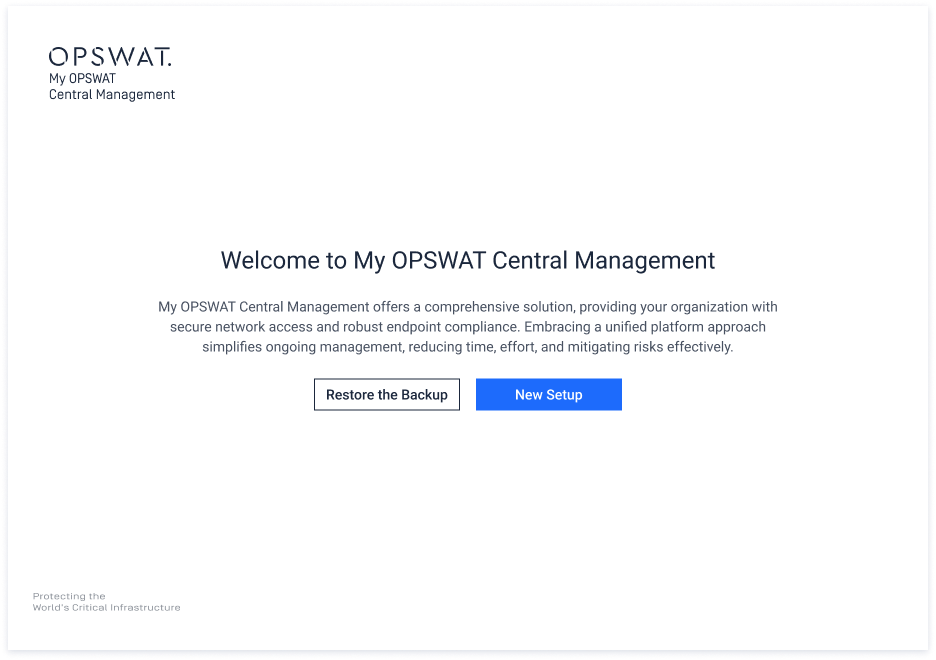
Setup Wizard
Once the installation is finished, the Setup Wizard will walk you through the final configuration steps to register your account and get your console live. Please follow the Setup Wizard guideline to complete the process.
Refer to Getting Started guide for detailed instruction once your environment is ready and your console is active.