
This article applies to MetaDefender Core V4 and V5 deployed on Windows and Linux.
Issue: Authentication failure when logging into MetaDefender Core via the SAML SSO authentication method.
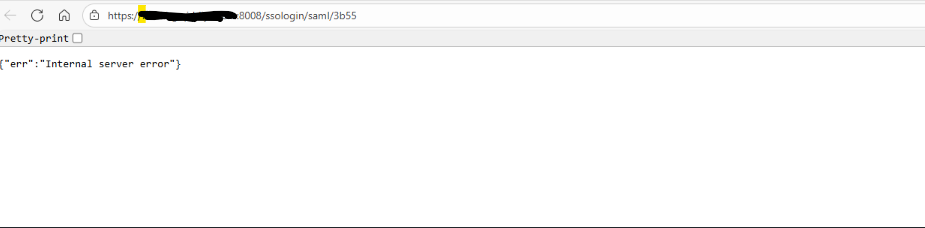
Error Details: Error: "Internal server error"
This error occurs while signing into MetaDefender Core using SSO method.
Reason: This error occurred due to an incorrect system time on the MetaDefender Core machine, which caused the session to expire before the validity period.
Resolution:
Method 1: If the machine is connected to the internet.
Right-click the clock on the Windows taskbar and select Adjust date and time.
In Date & time, turn On the Set time automatically toggle.
If needed, turn On Set time zone automatically (or choose the correct time zone from the Time zone dropdown).
Scroll down and click Sync now under Additional settings → Sync your clock to force a manual sync.
Method 2: If the machine is not connected to the internet.
Right-click the clock on the taskbar → Adjust date and time.
Turn Off Set time automatically.
Click Change under Set the date and time manually.
Enter the correct Date and Time, then click Change.
Then go to MetaDefender Core and restart the service.
If Further Assistance is required, please proceed to log a support case or chatting with our support engineer.