
When you first install MetaDefender Core on Rocky Linux 9 and successfully complete the installation, some engines may fail to install after activation due to missing dependency packages, as shown below:
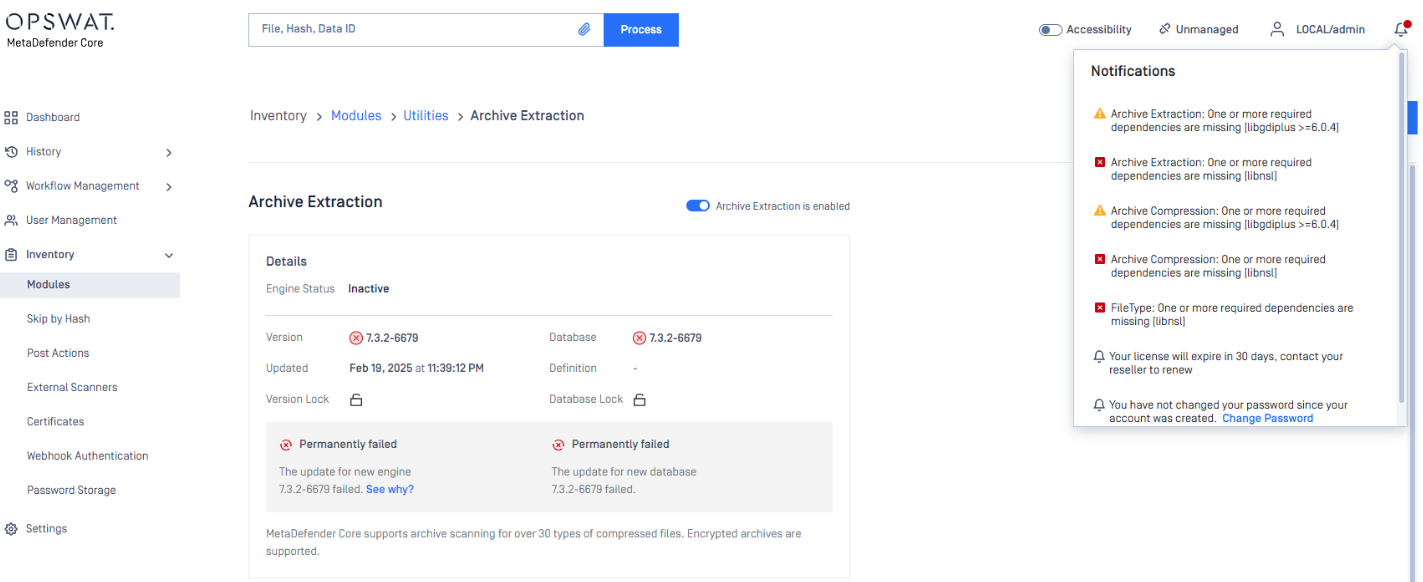
The screenshot shows that the Extract Archive Engine failed to install due to missing libraries: libgdiplus and libnsl. (these dependency packages are requested)
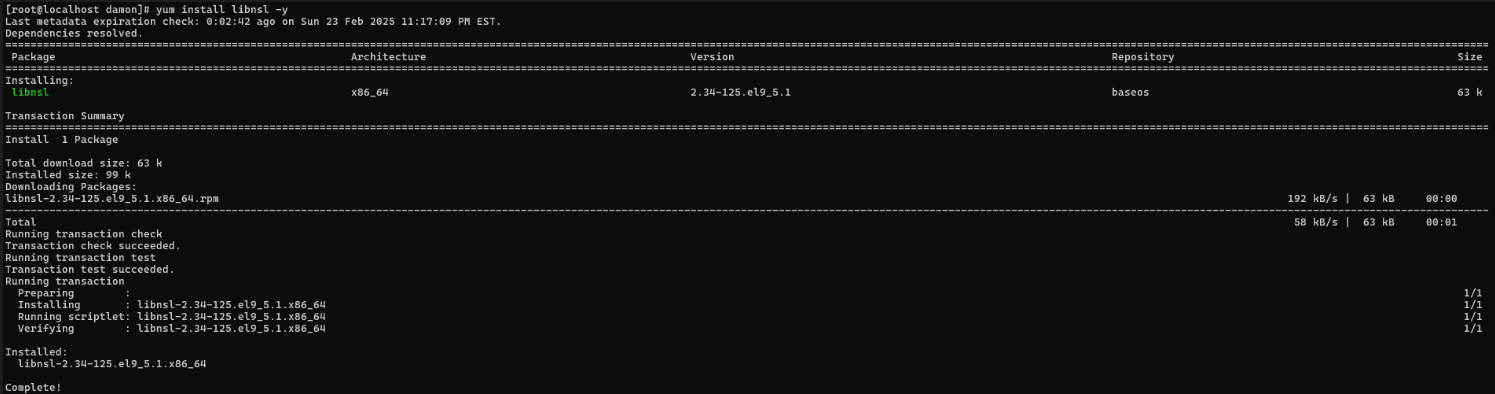
You can install them using the following command:
Libnsl is also a dependency for Deep CDR and other engines. After installing the library, the output should match the screenshot below:
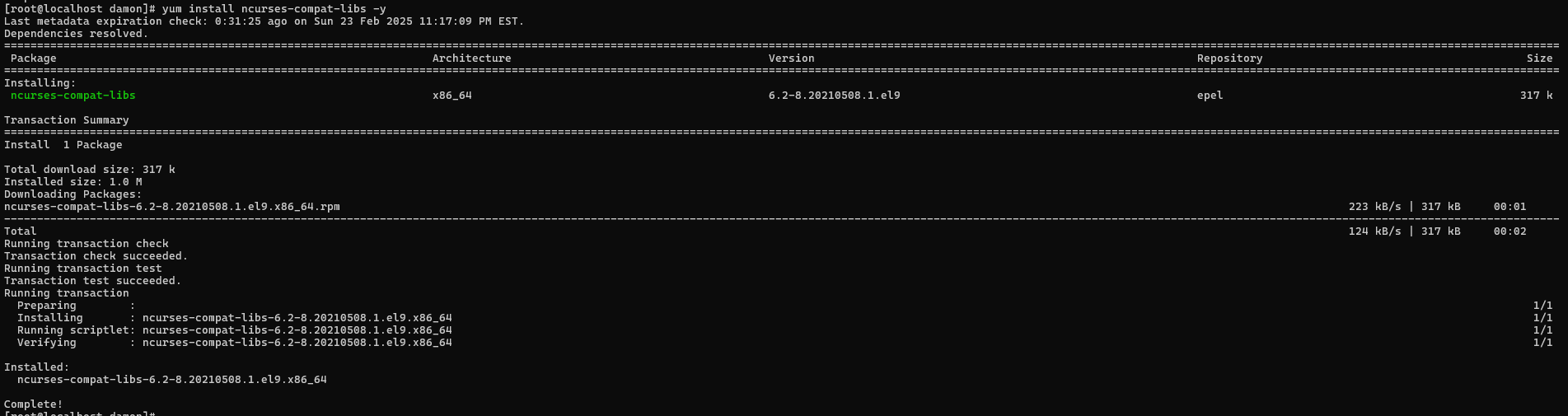
Besides that, the Deep CDR engine requires additional dependency packages (libgomp, ncurses-compat-libs), which can be installed using the command below:
The output should be as the image below:
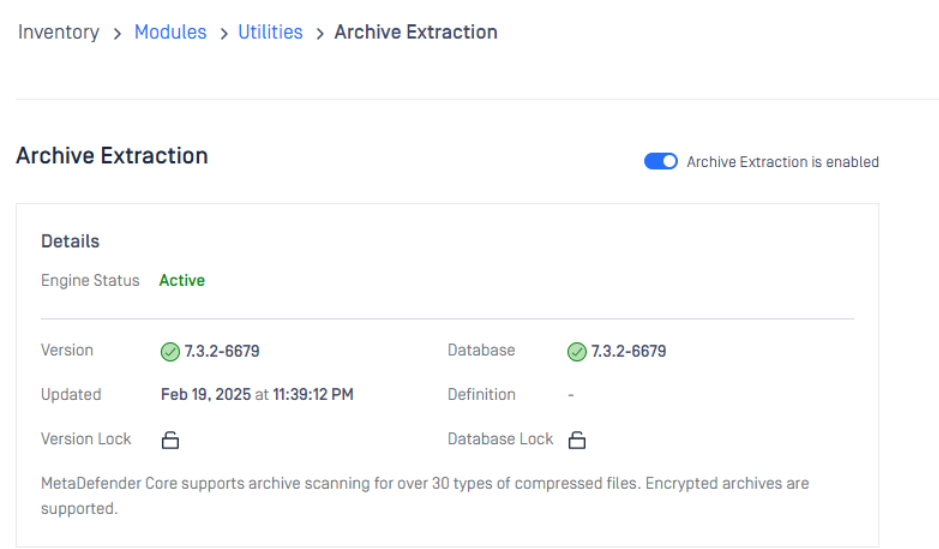
Next, you need to disable and then re-enable the Archive Engine to prompt MetaDefender Core to reinstall it. After doing this, the Archive Engine should install successfully.
If Further Assistance is required, please proceed to log a support case or chatting with our support engineer.