
After a scan completes, MetaDefender Software Supply Chain generates a report. Reports help you review the scan results at a glance and drill into the details of every analyzed package and file.
View reports
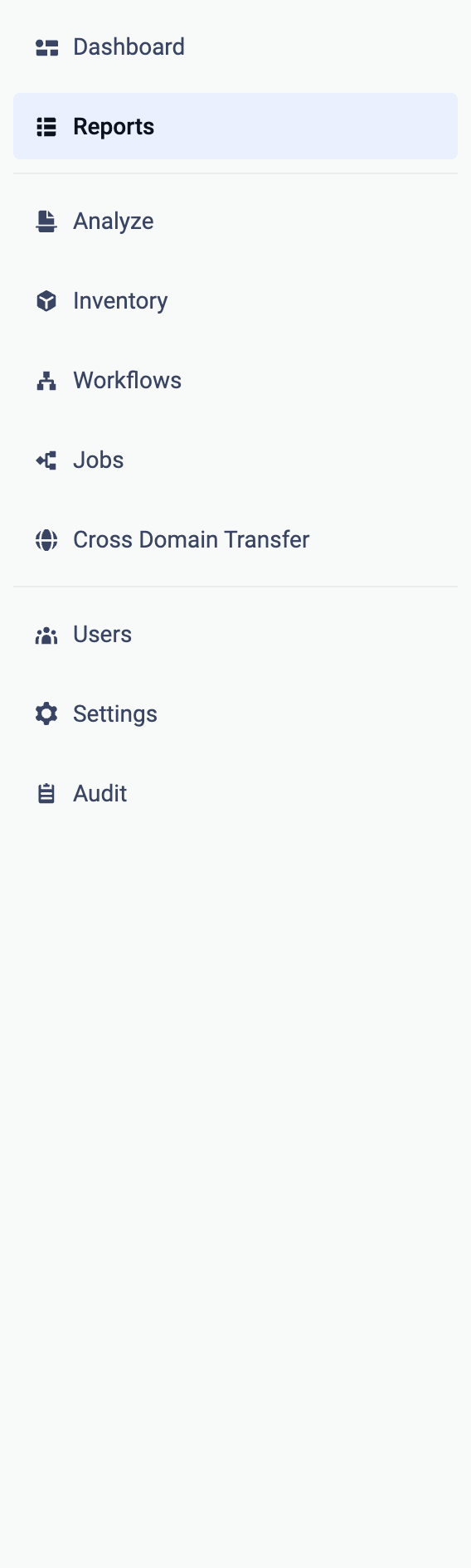
To view all reports, open Reports from the left-hand menu:
The Reports page is organized into two tabs:
Reports: one report for every scanned repository and reference, with its status, job type, and the number of threats, secrets, vulnerabilities, and license risks that were found. Use the search field and the filter button to narrow down the list.
Packages: all packages discovered across your scans, aggregated, with their vulnerabilities and license risks.
Actions
Export: download the results as PDF - All Scans or CSV - All CVEs (and CSV - All Packages on the Packages tab). See the Exports page for all export options.
Delete Reports: clean up old reports by time frame.
Scan Now: rescan a repository directly from its row in the table.
Next steps
See Repositories for the repository scan results and the report details page.
See Packages for the package-centric view.
See Exports for all available export formats.