Exports

Export Types

This page provides an overview of the export capabilities available in MetaDefender Software Supply Chain and how to use them to extract analysis results and related data.

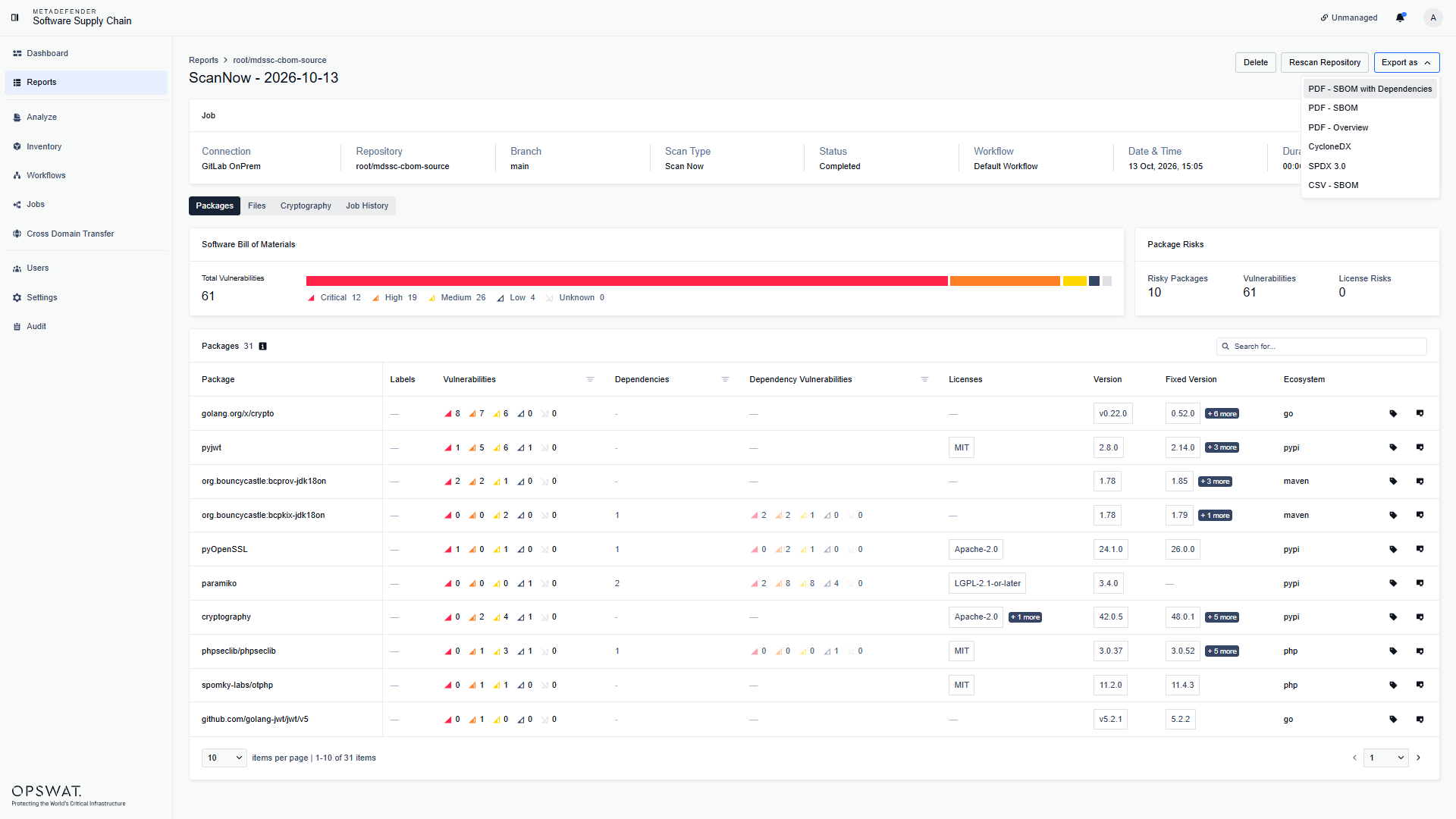
The following export types are available:

  • PDF exports. Generate and download reports in PDF format, including:

    • All scans report for a consolidated view across multiple scans.
    • Scan overview report with detailed results for a specific scan.
    • Scan SBOM report containing package and dependency information for a scan.
  • CSV exports. Generate and download reports in CSV format, including:

    • All CVEs report for a consolidated view of vulnerabilities across scans.
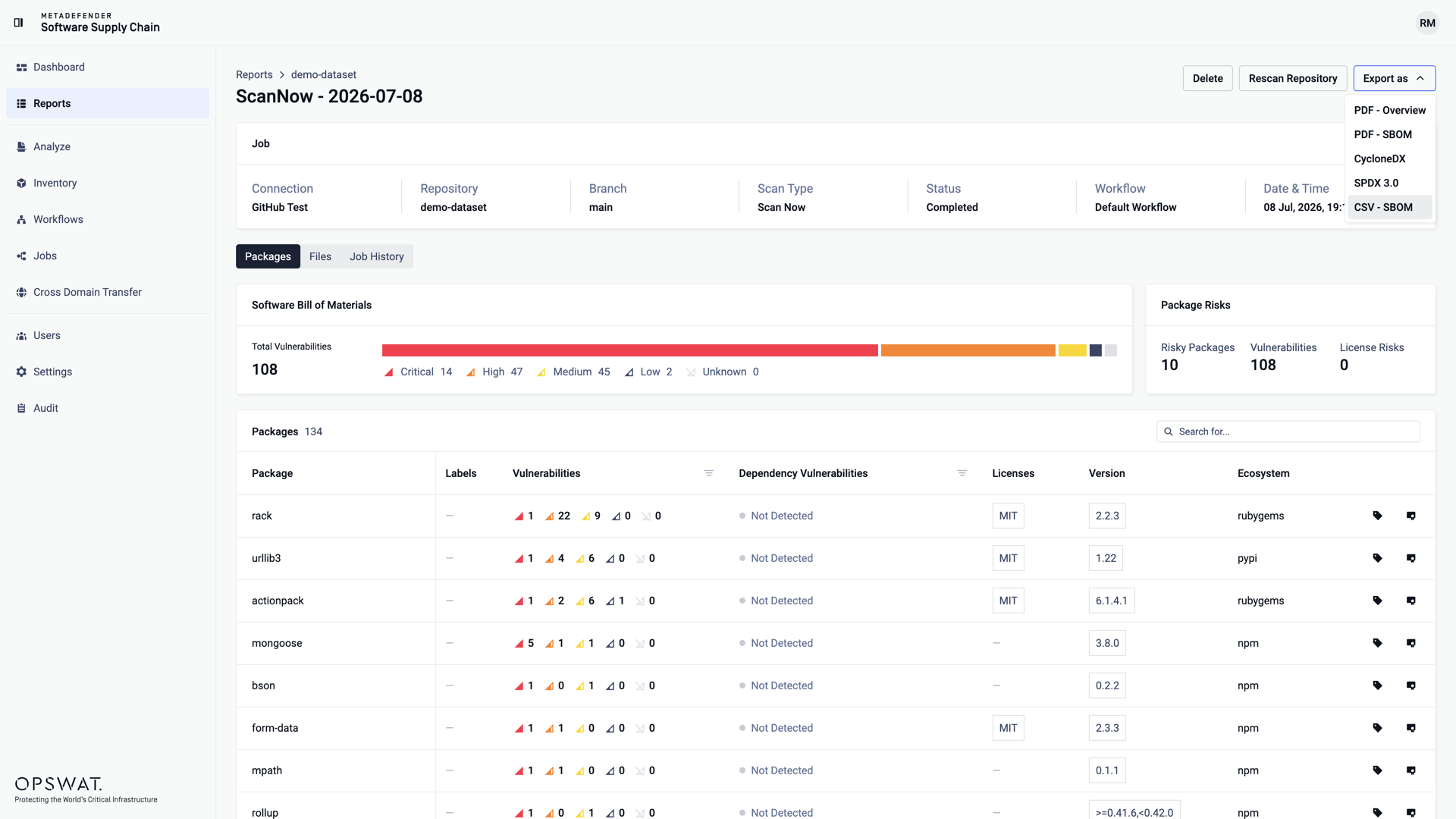
    • Scan SBOM data with detailed package, vulnerability, and license information for a specific scan.
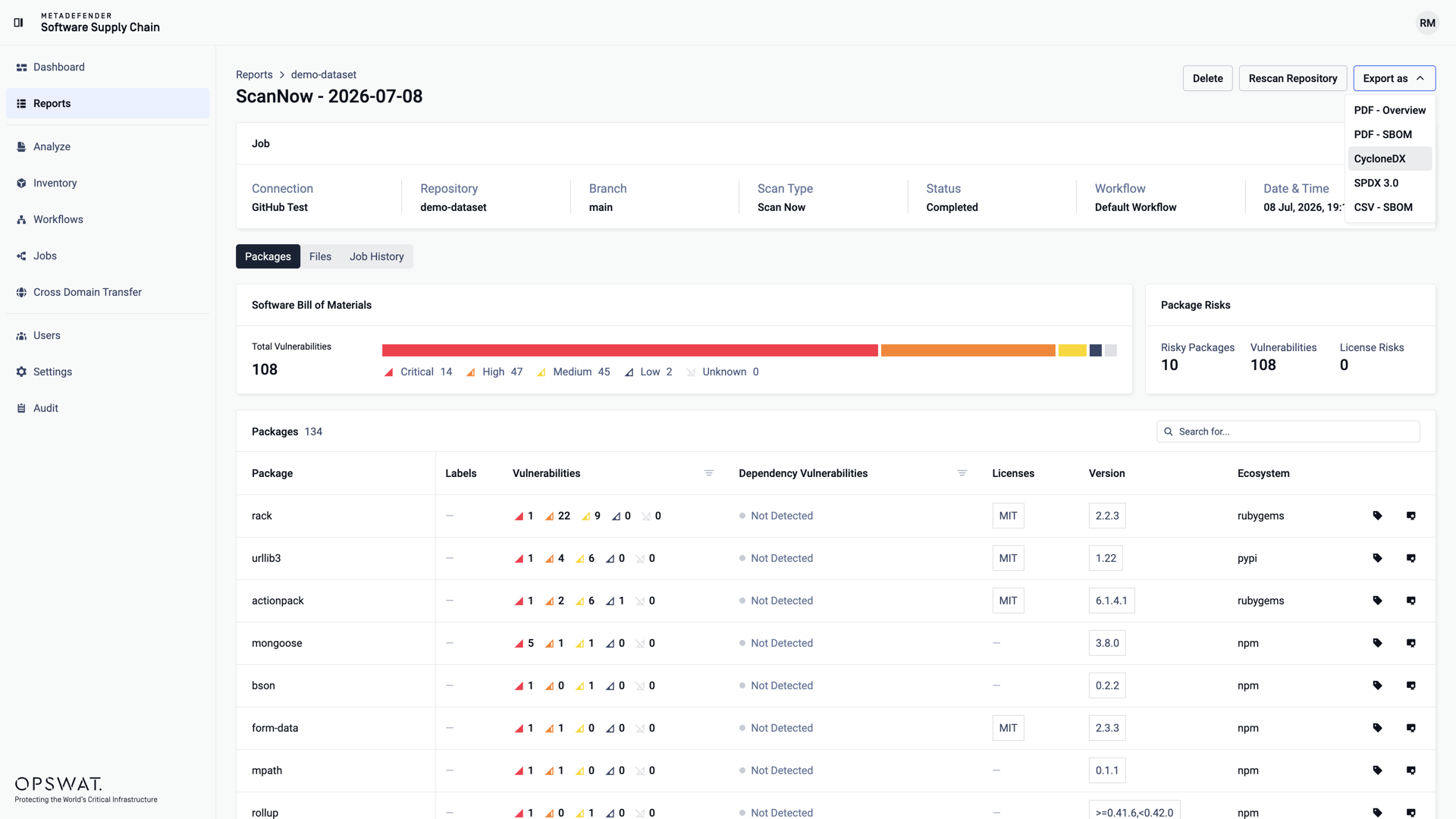
  • CycloneDX exports: Export Software Bill of Materials (SBOM) data in CycloneDX format for integration with other tools and systems.

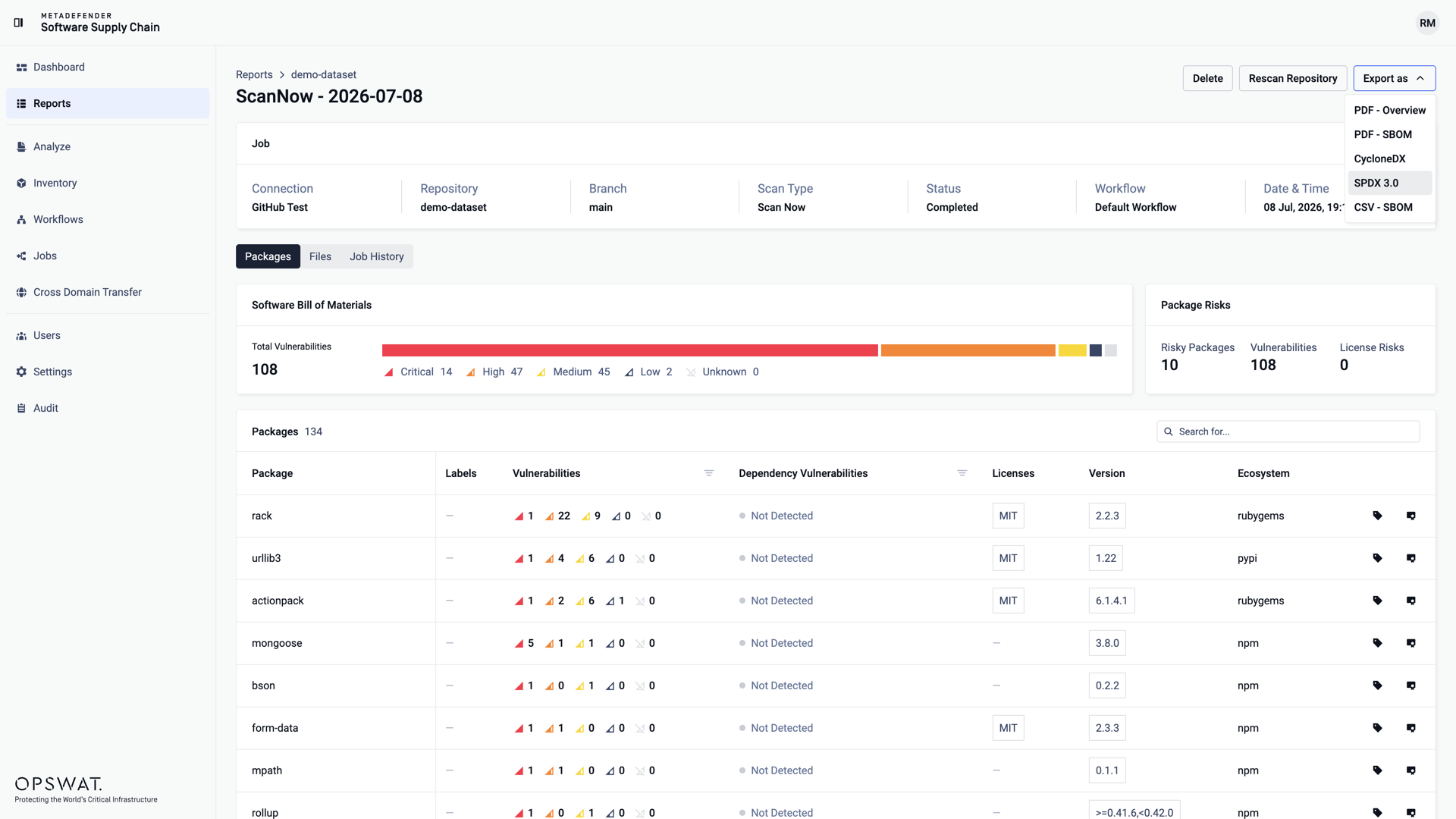
  • SPDX exports: Export SBOM data in SPDX format to support standard compliance and interoperability use cases.

PDF - All Scans

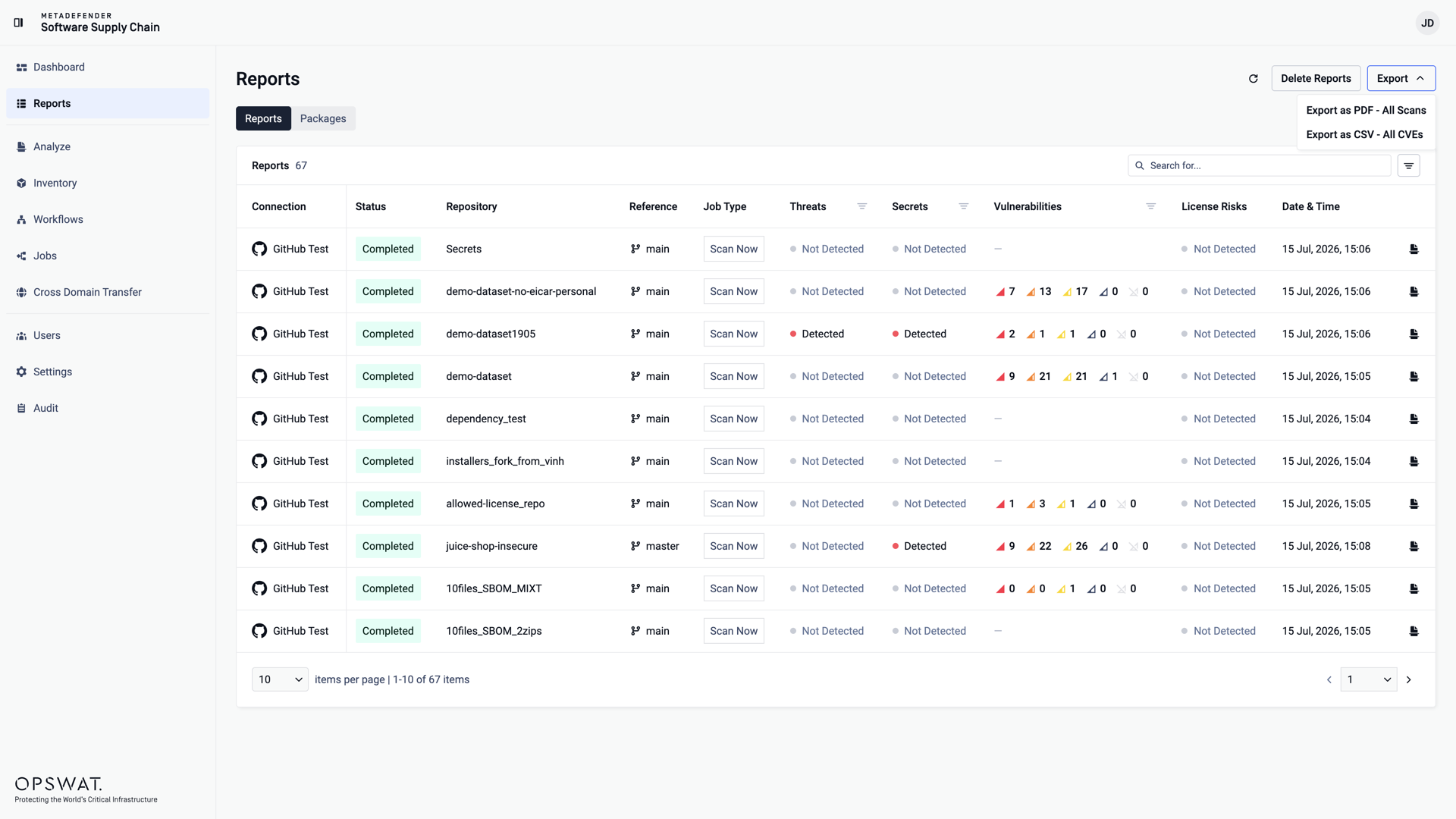
You can export a PDF containing information on all scans, from the Reports page.

The exported PDF has information on each scan, stating:

  • The repository and reference used for scanning
  • Workflow used
  • Threat, Secret and Vulnerability Status
  • License Risk
  • Remediation used
  • The date of the scan

CSV - All CVEs

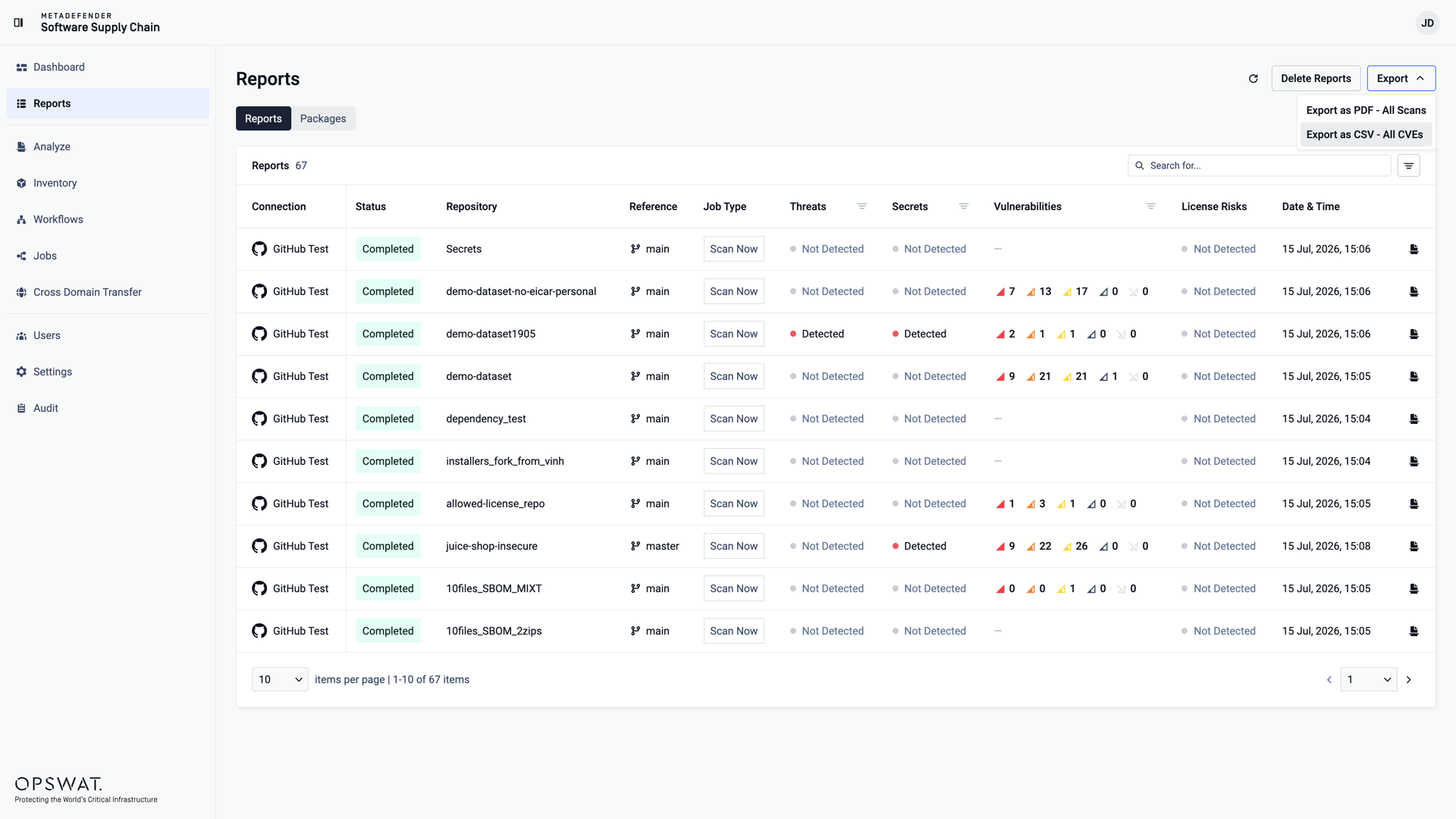
You can export a CSV containing information about all CVEs, from the Reports page.

The exported CSV has information on the specific scan, stating:

  • CVE Id and Severity
  • Each package's Name, Version, Vulnerability (Id, Severity, Fixed Version, CWEs) and Licenses
  • Name of the repository and reference used for scanning

PDF - Overview

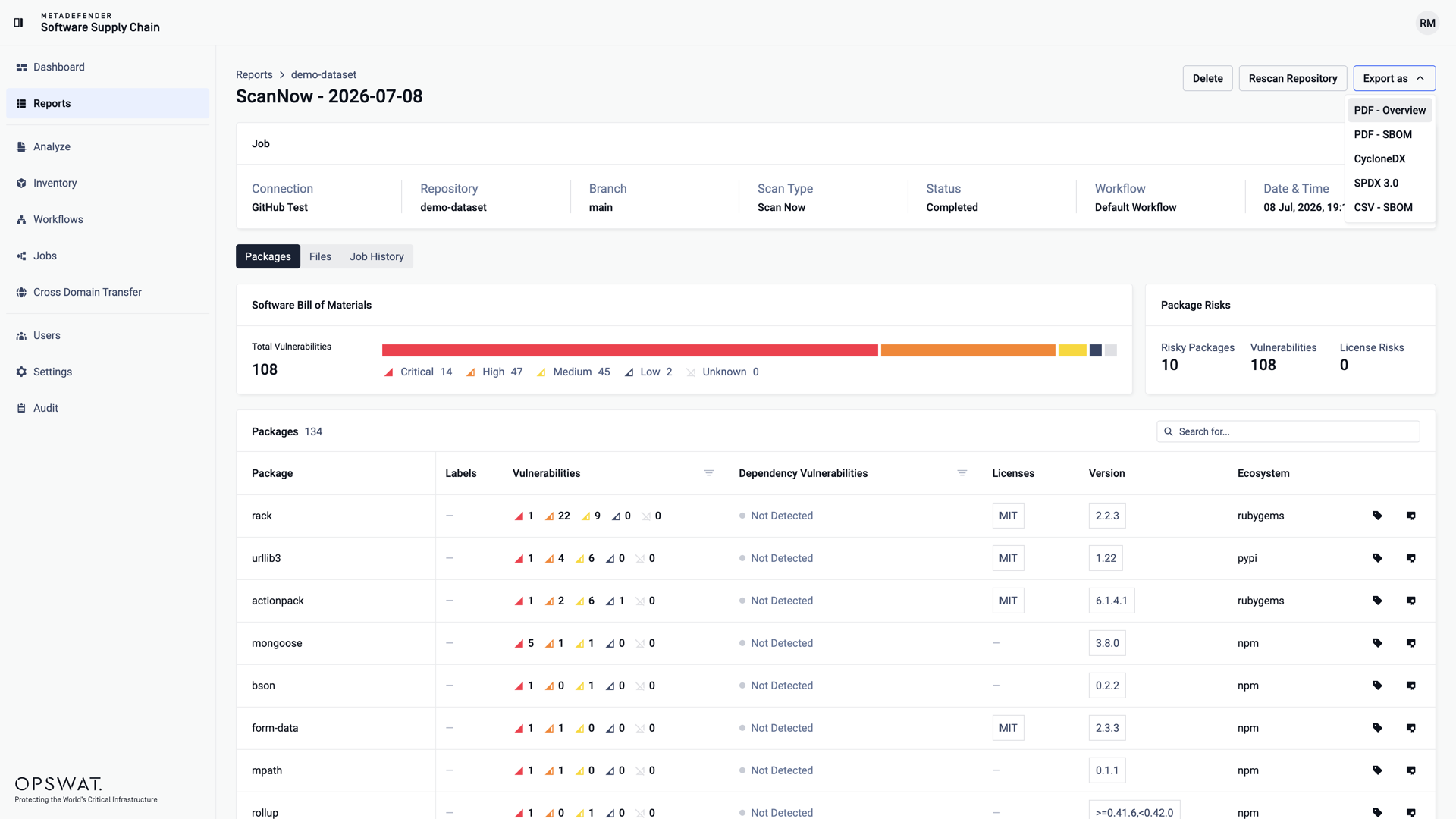
You can export a PDF containing the overview of a specific scan, from the scan's report page.

The exported PDF has information on the specific scan, stating:

  • Name of the connection, repository and reference used for scanning
  • The scan's Threat, Secret and Vulnerability Status
  • Trigger event
  • Workflow used
  • Remediation used
  • Total file count
  • Files with issues count
  • Each file's Name and its Threat, Secret and Vulnerability Status, Hash and License Risk

PDF - SBOM

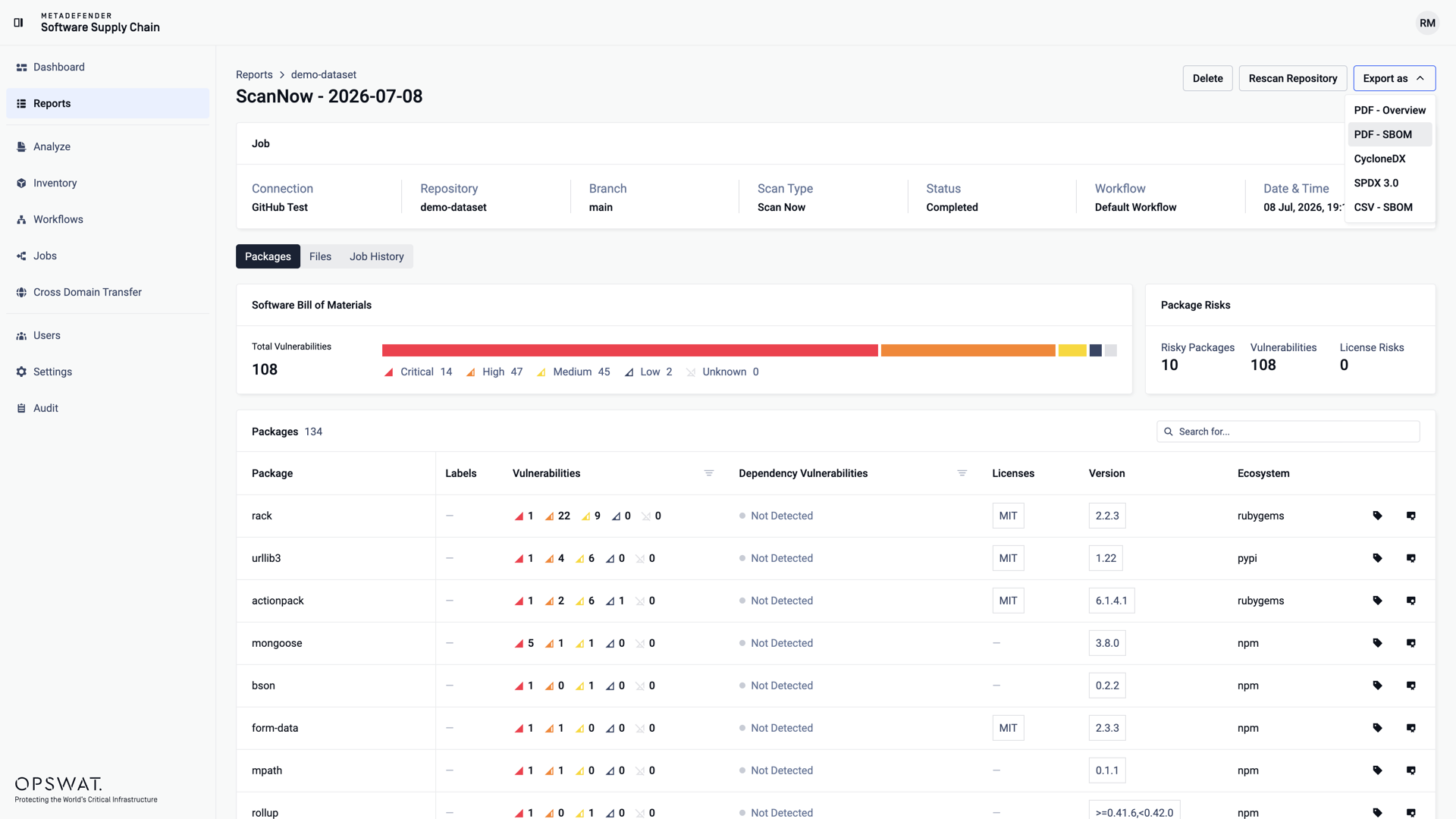
You can export a PDF containing the SBOM information of a specific scan, from the scan's report page.

The exported PDF has information on the specific scan, stating:

  • Name of the connection, repository and reference used for scanning
  • The scan's Threat, Secret and Vulnerability Status
  • Trigger event
  • Workflow used
  • Remediation used
  • Total package count
  • Vulnerable package count
  • Each package's Name, Version, Vulnerability (Id, Severity, Fixed Version, CWEs) and Licenses

CycloneDX

The exported file is in JSON format and adheres to the guidelines set by the official CycloneDX documentation. MDSSC uses the bom-1.6 schema and contains the following fields:

  • $schema
  • bomFormat
  • specVersion
  • version
  • metadata
  • tools
  • components
  • dependencies
  • vulnerabilities

SPDX

The exported file is in JSON-LD format and adheres to the SPDX 3.0.1 specification. It utilizes the software, security, and lite profiles to describe the components, their vulnerabilities, and associated licensing information.

Key fields in the document include:

  • @context: Specifies the JSON-LD context, pointing to the official SPDX 3.0 vocabulary.
  • @graph: An array that contains all the individual elements of the SBOM, such as packages, files, and vulnerabilities.
  • spdxId: A unique identifier for each element within the SBOM.
  • type: Defines the type of an element (e.g., SpdxDocument, software_Package, security_Vulnerability).
  • element: An array listing the spdxId of all elements that are part of a larger element, like an SpdxDocument.
  • externalIdentifier: Provides external references for an element, such as a CVE or CWE for a vulnerability.

CSV

The exported CSV has information on the specific scan, stating:

  • Name of the connection, repository and reference used for scanning
  • The scan's Threat, Secret and Vulnerability Status
  • Trigger event
  • Workflow used
  • Remediation used
  • Total package count
  • Vulnerable package count
  • Each package's Name, Version, Vulnerability (Id, Severity, Fixed Version, CWEs) and Licenses
Type to search, ESC to discard