
Besides on-demand scans, MetaDefender Software Supply Chain can scan your repositories automatically on a recurring schedule. Scheduled jobs are listed in the Upcoming Jobs table on the Jobs page until they run.
Schedule a scan
Open the New Job panel, either with Start Job on a connection's Inventory page or with Create Job on the Jobs page.
Select the repositories, references, workflow, priority, and an optional scan name, as for any other job.
Switch to the Schedule Scan tab:
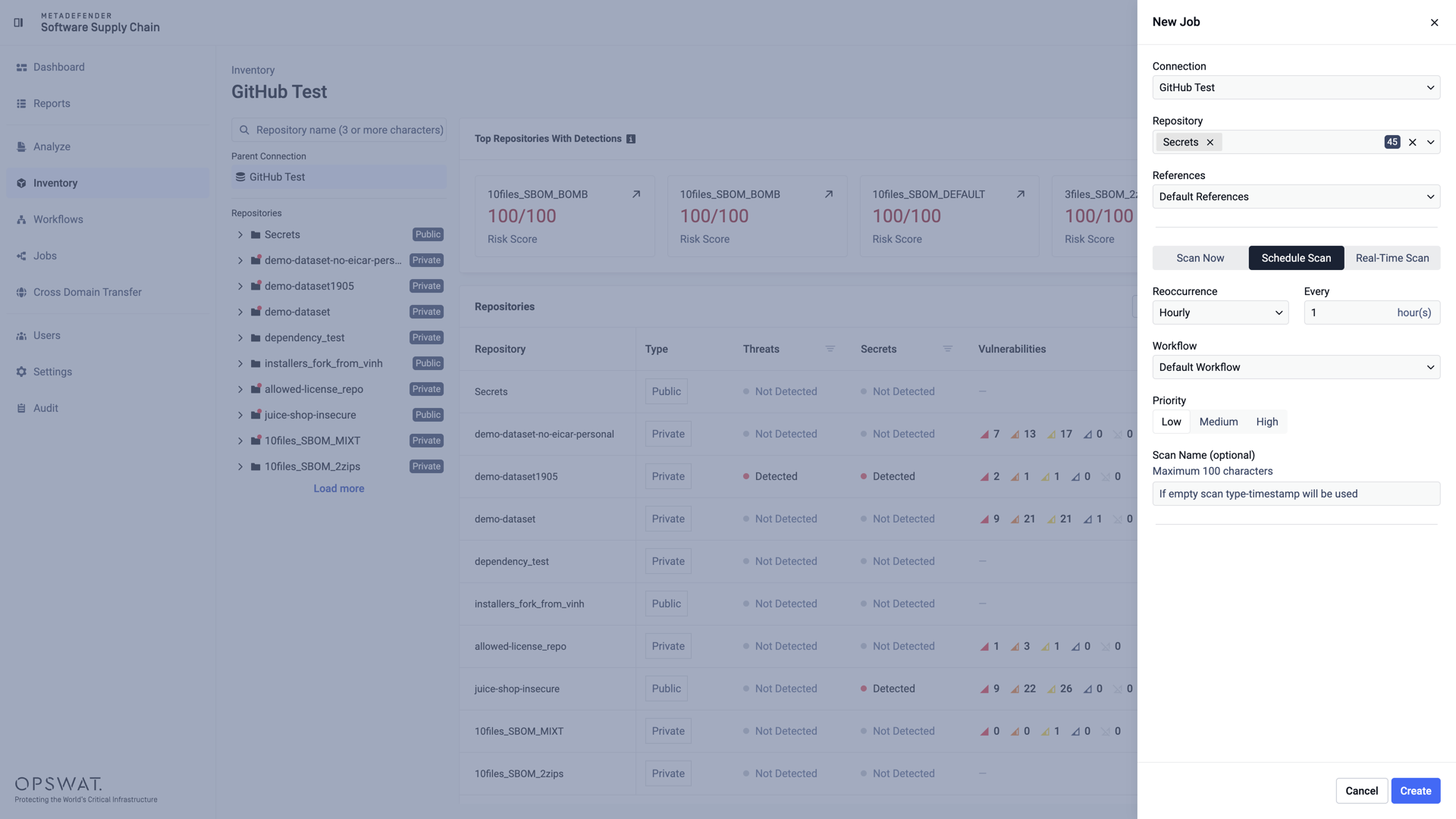
Choose the Reoccurrence of the scan - Hourly, Daily, Weekly, or Monthly:
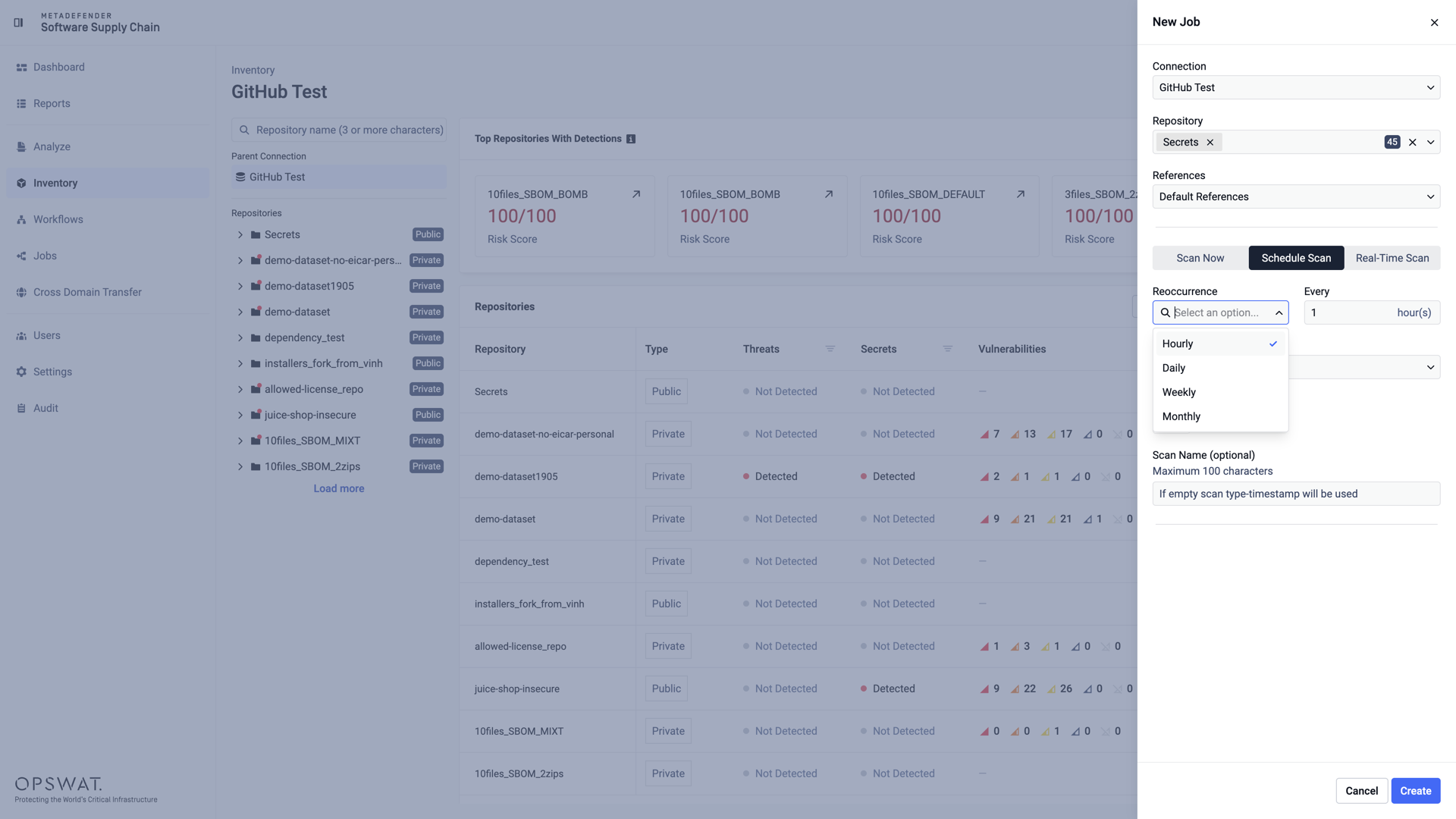
Reoccurrence options
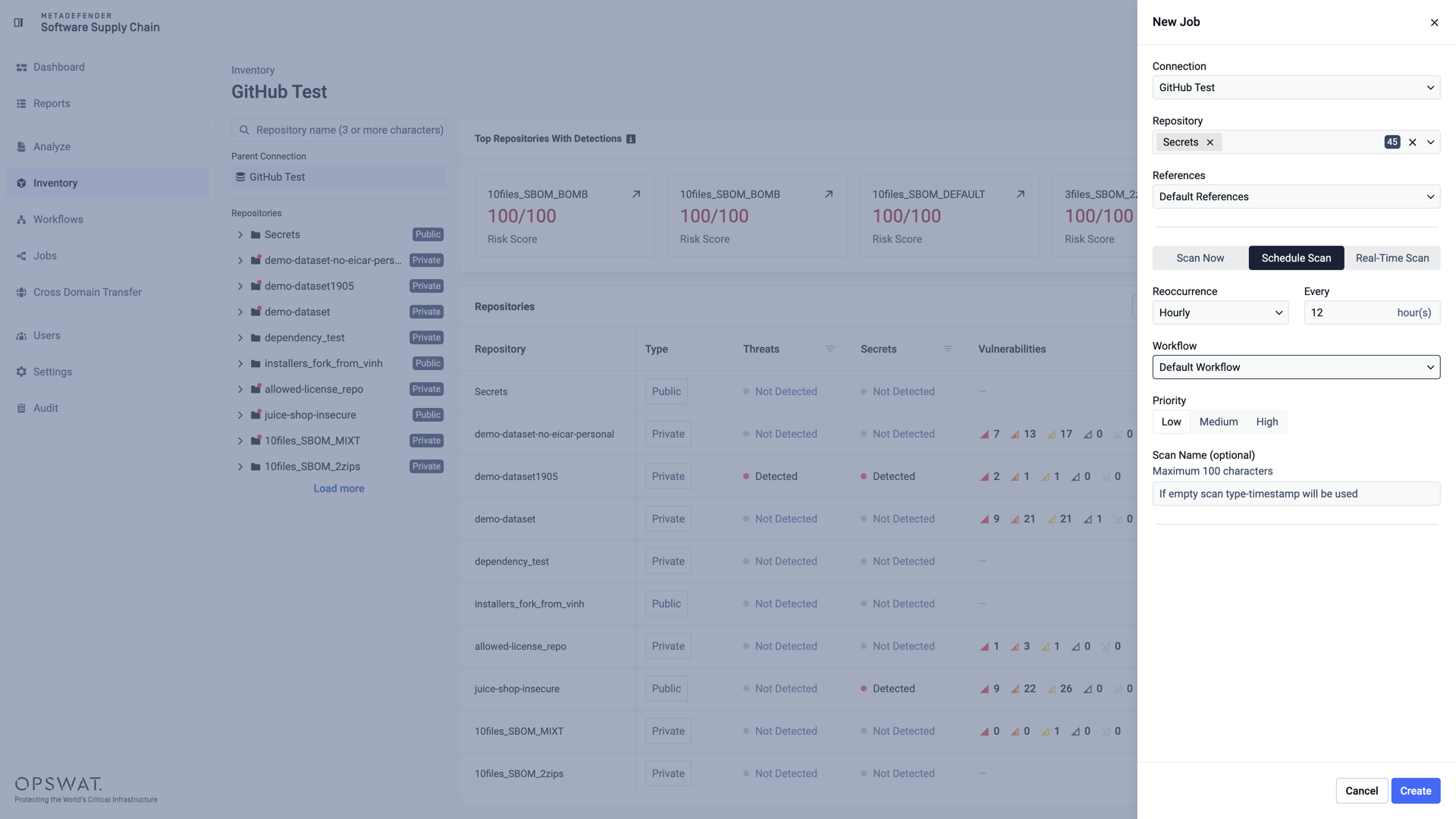
Hourly: the scan runs every N hours:
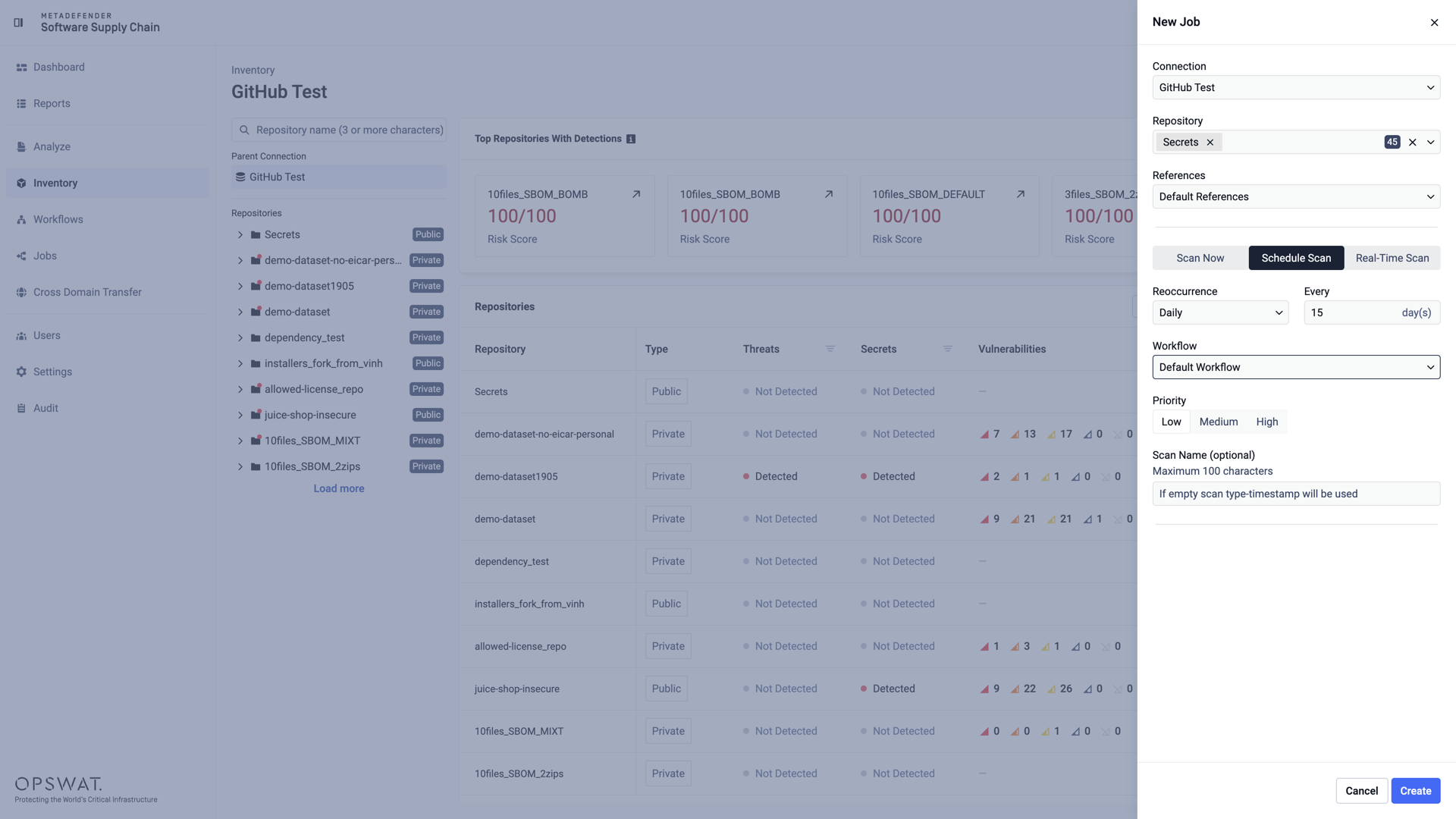
Daily: the scan runs every N days:
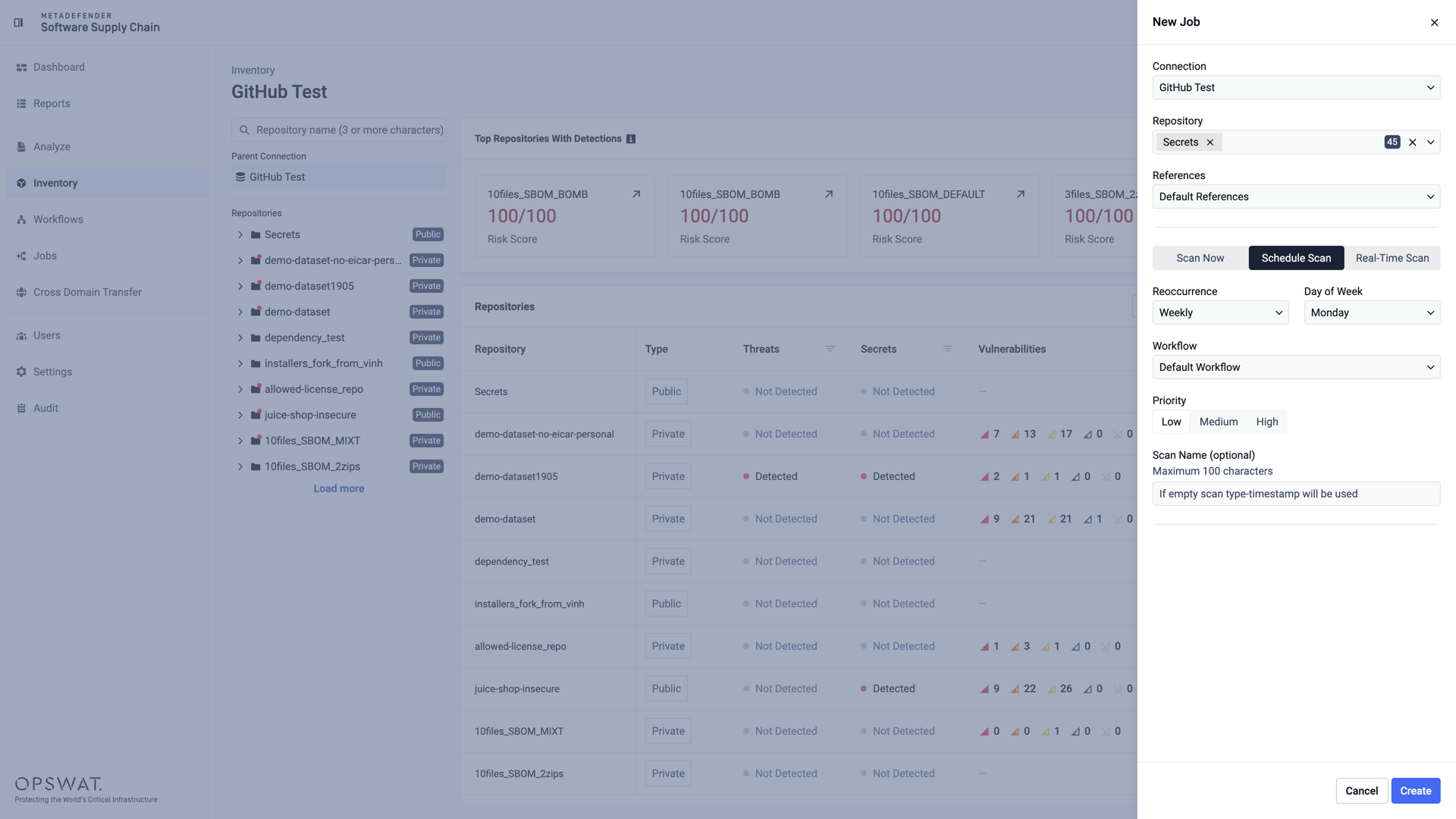
Weekly: the scan runs weekly on the selected day of the week:
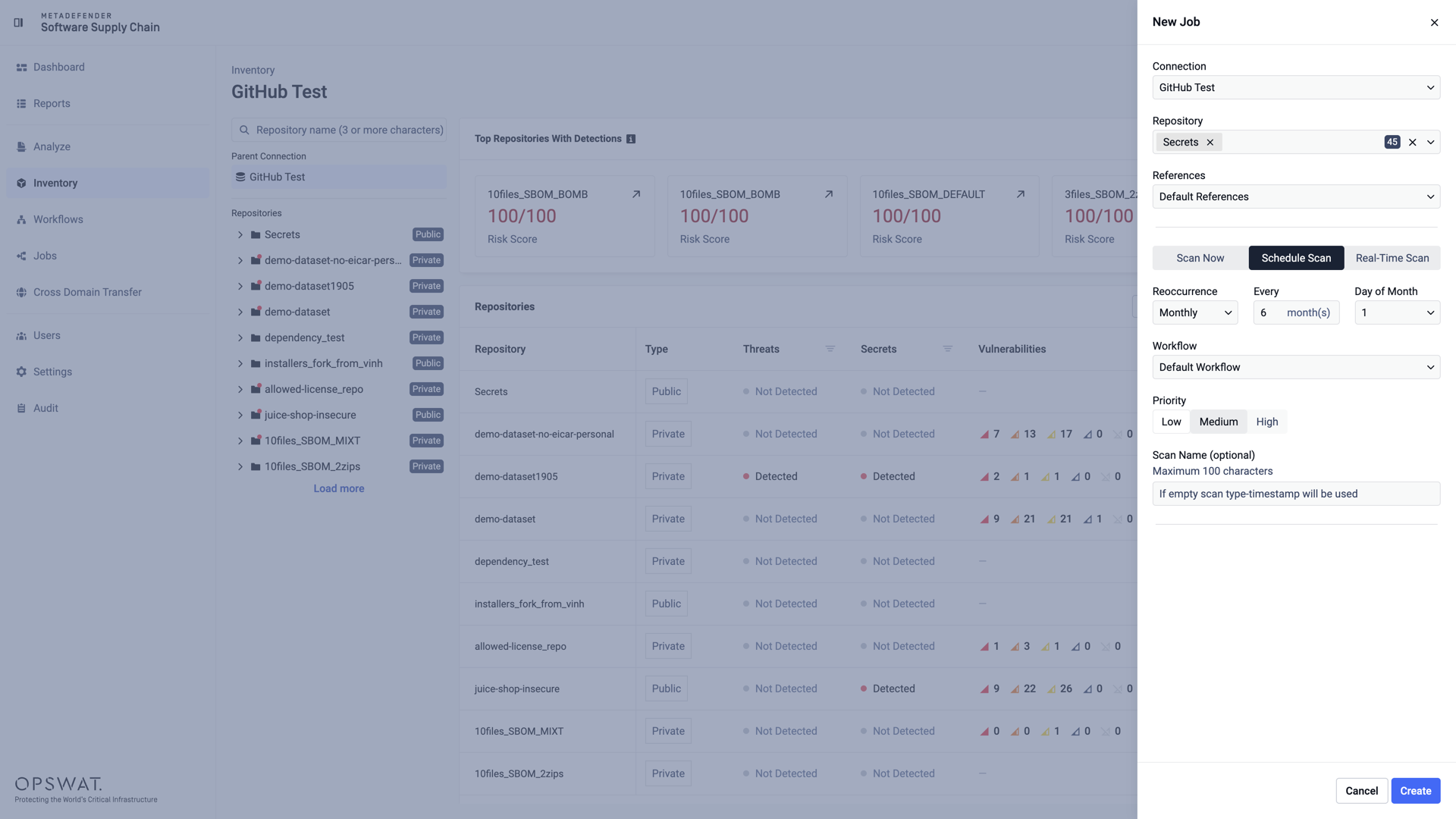
Monthly: the scan runs every N months on the selected day of the month:
Manage scheduled scans
Click Create to save the schedule. The job appears in the Upcoming Jobs table on the Jobs page, showing its frequency, the time remaining until the next run (Starts In), and the exact Scheduled Date & Time.
To remove a scheduled scan, click the delete button at the end of its row and confirm your choice in the Delete Job dialog.