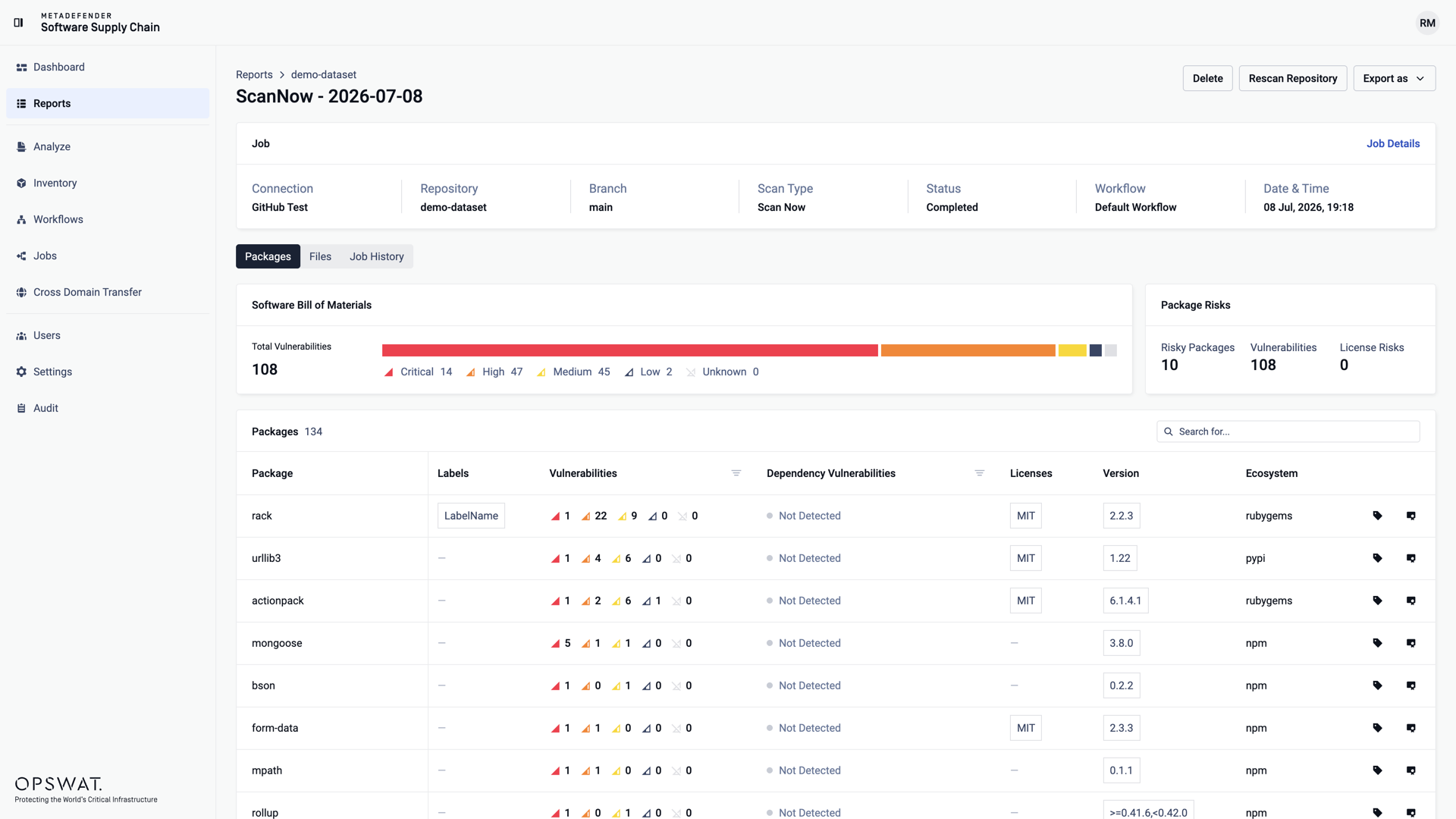
The Packages tab of the Reports page is the package-centric view of your scan results: every package discovered across your scans, aggregated into a single Software Bill of Materials. The severity summary at the top shows the total number of vulnerabilities across all packages.
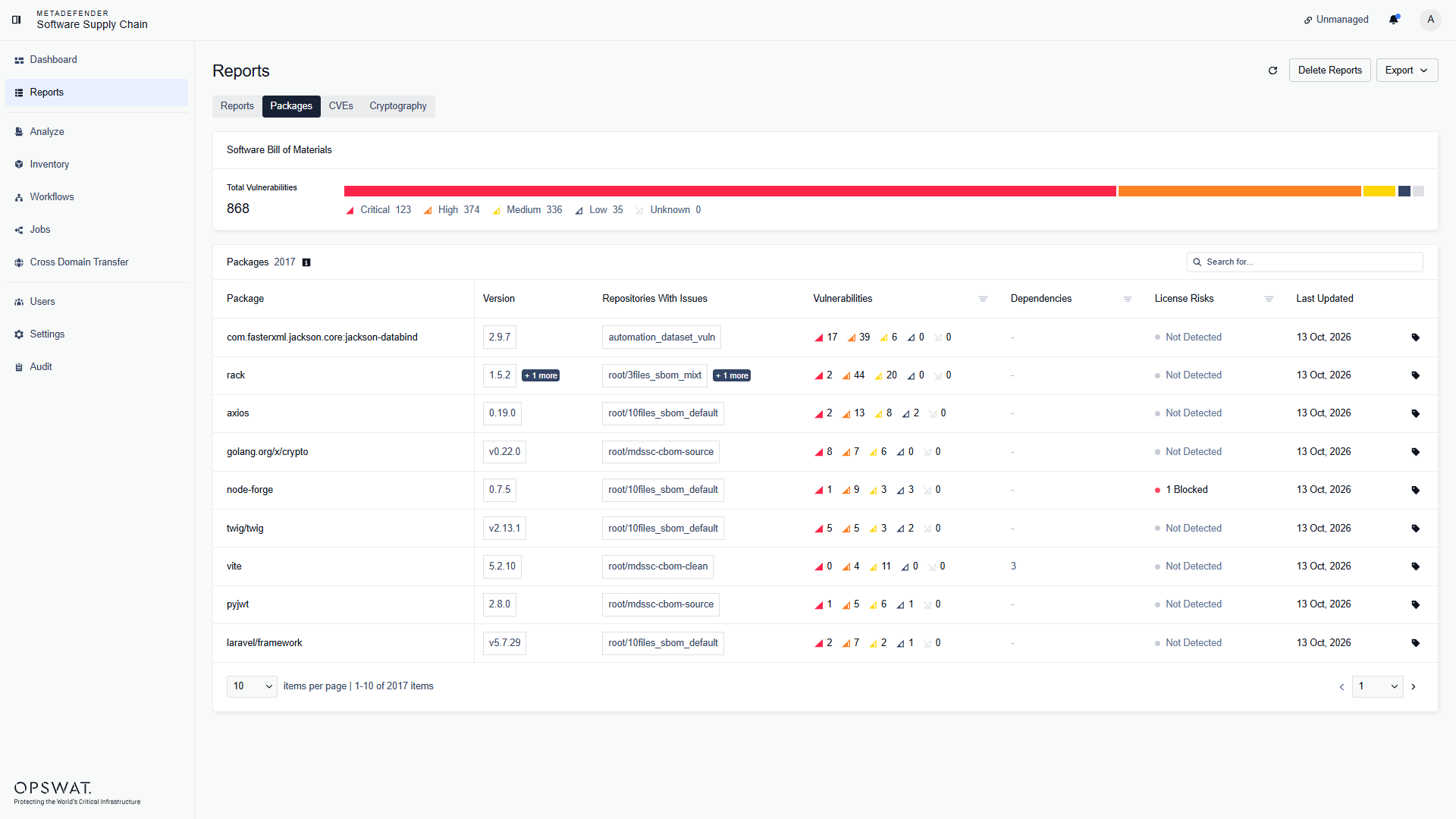
For each package you can see its version, the repositories where issues were found, the number of vulnerabilities by severity, its dependencies, the license risks, and when it was last updated. Use the search field to find a package by name, and the severity summary to filter by severity. Click a package to open its details.
Package details
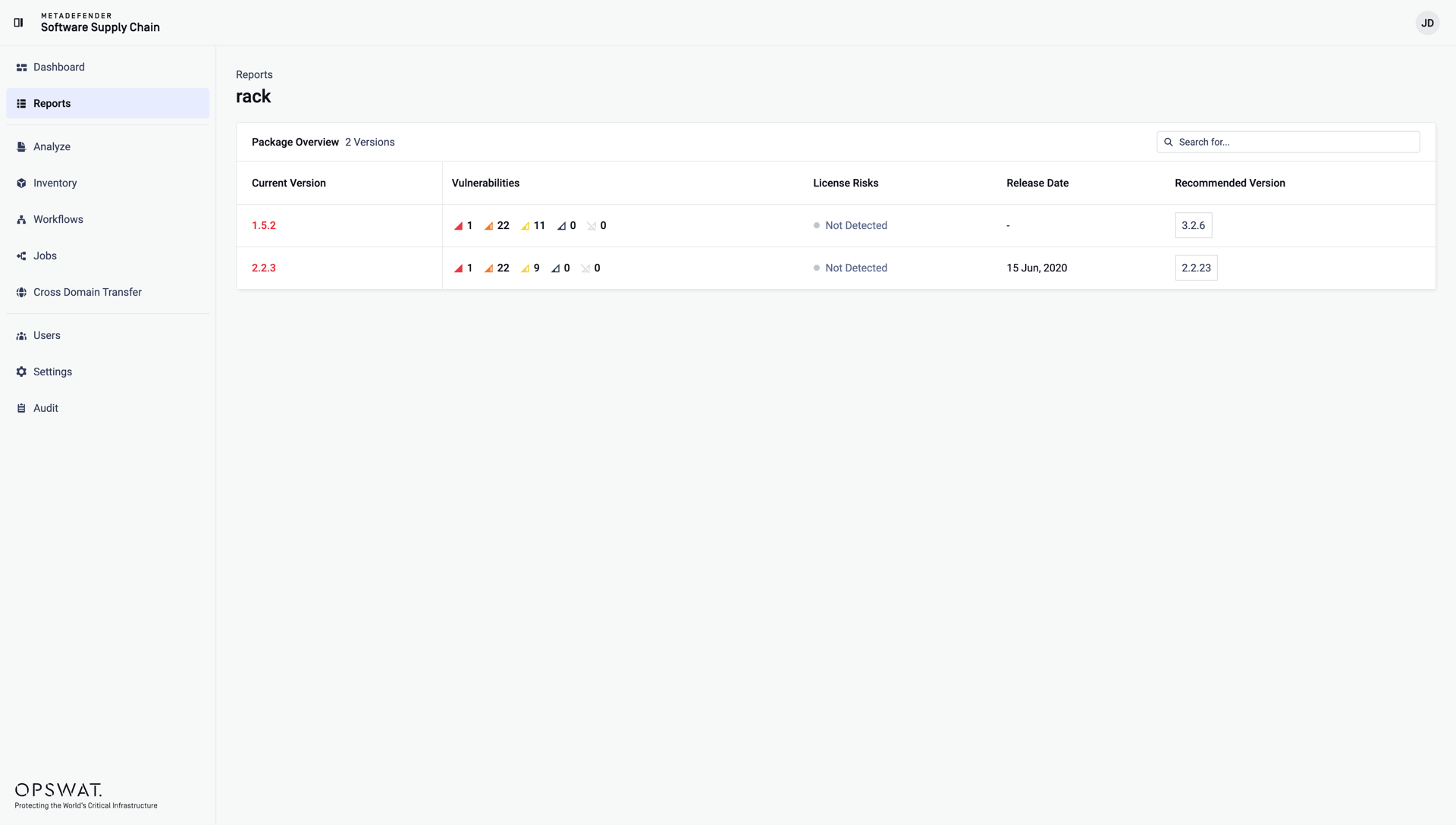
Click a package in the Packages tab to open its Package Overview - the list of all scanned versions of that package, each with its vulnerabilities, dependencies, license risks, release date, and the recommended version to upgrade to:
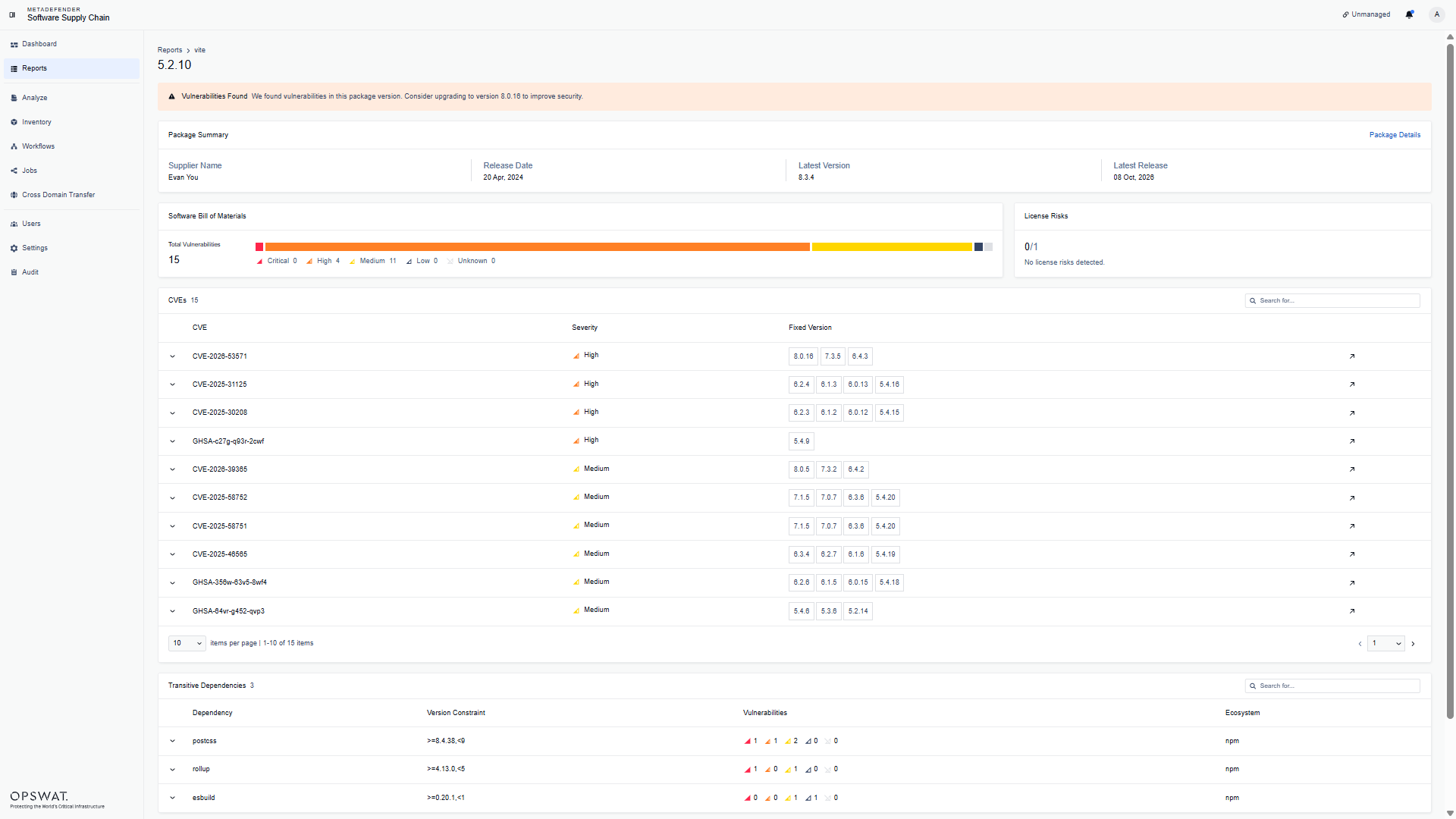
Click a version to open the package version details. You can also land here directly from the Packages tab of a report or from the Security Suggestions table on the dashboard. The page shows:
a warning banner with the recommended upgrade, when vulnerabilities were found in this version;
Package Summary: the supplier, the release date, and the latest available version and release;
Software Bill of Materials: the vulnerability totals by severity - click a severity to filter the CVE list below;
License Risks: the number of blocked licenses, with the details of each license;
CVEs: every vulnerability found in this version, with its severity and the versions that fix it. Expand a row for the description, the CVSS score, and the references, or use the arrow at the end of the row to open the reference in a new tab;
Transitive Dependencies: the dependencies of this version, with their version constraint, vulnerabilities, and ecosystem;
Connections: where the package was found - the connection, repository, reference, and scan date.
Package labels
You can attach labels to packages to categorize them - for example, to mark a finding as a false positive. Labels are managed from the Packages tab of a report:
Click the label icon at the end of a package row. The Labels panel opens, showing the labels already attached to the package:
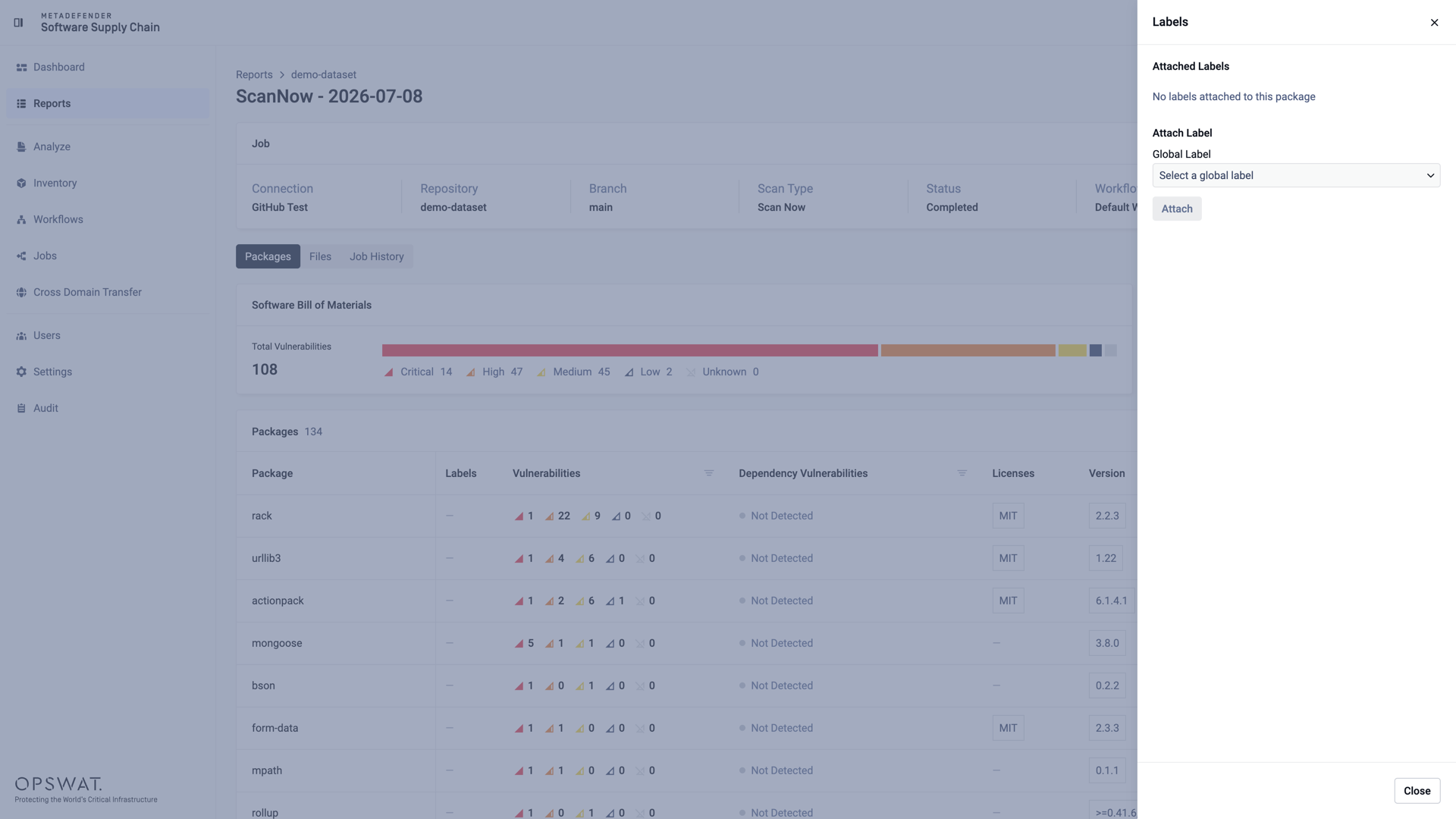
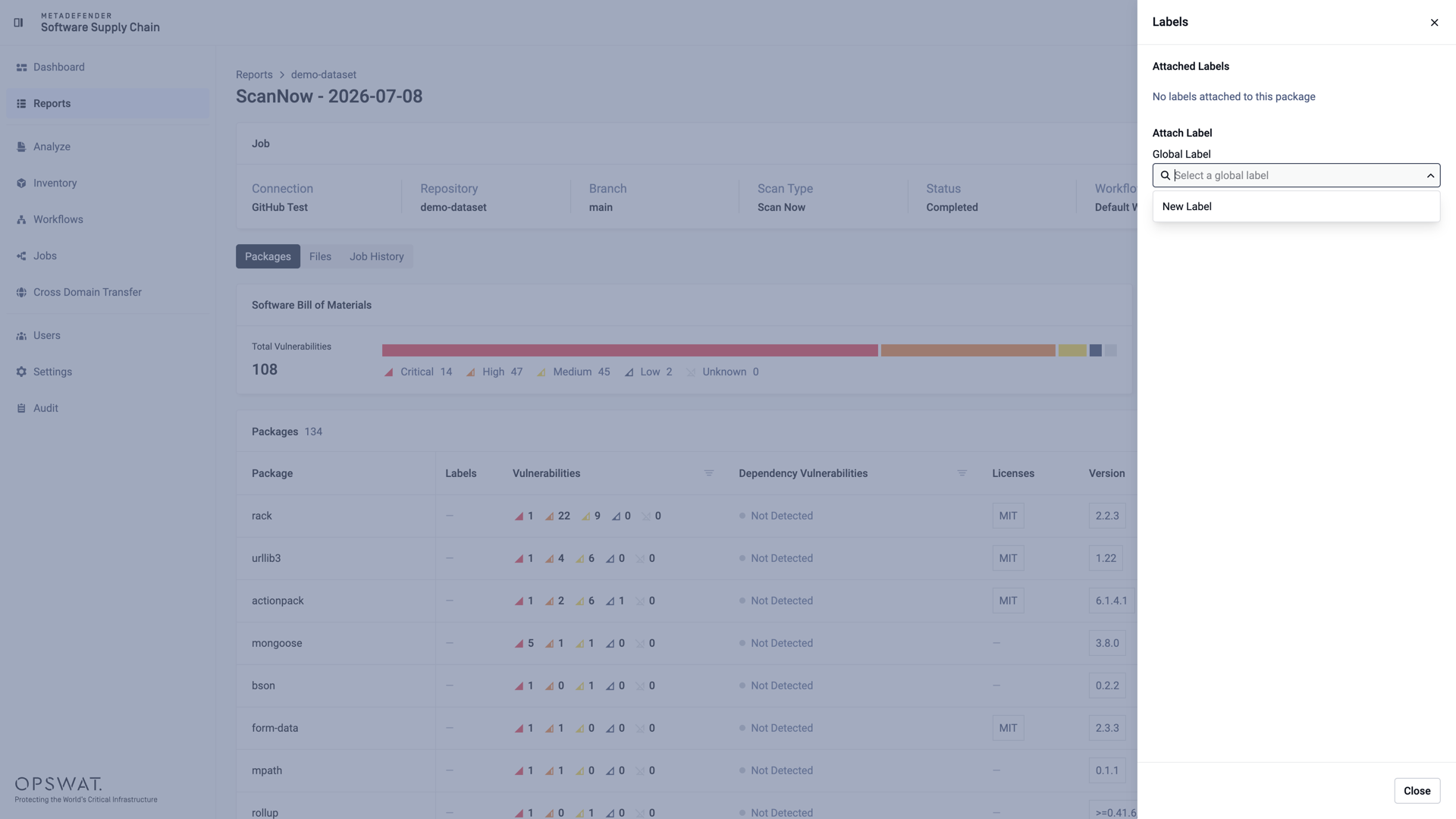
Select an existing global label, or choose New Label to create one:
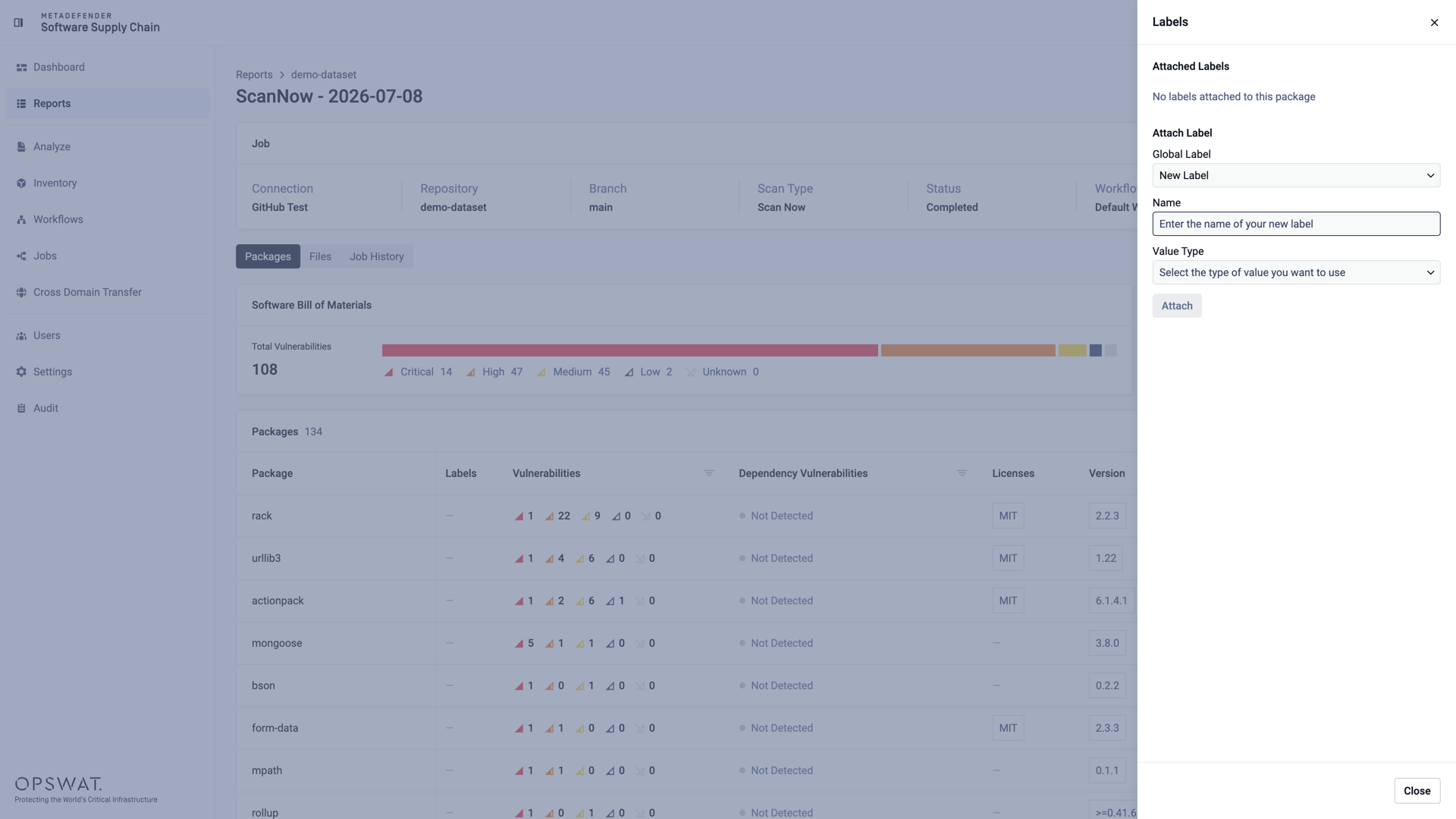
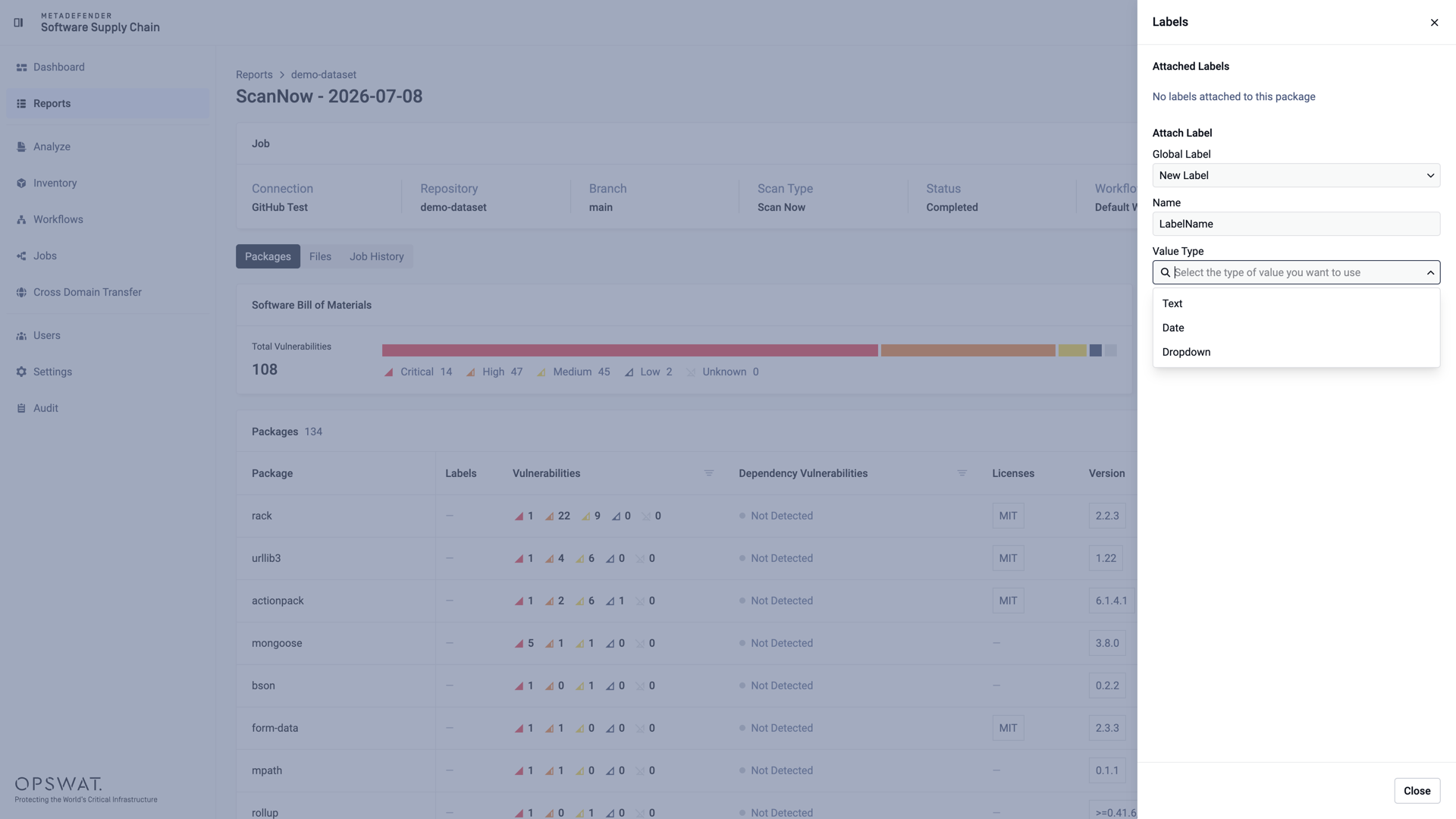
Give the new label a Name and select its Value Type:
The value can be a free Text, a Date, or a Dropdown with predefined options:
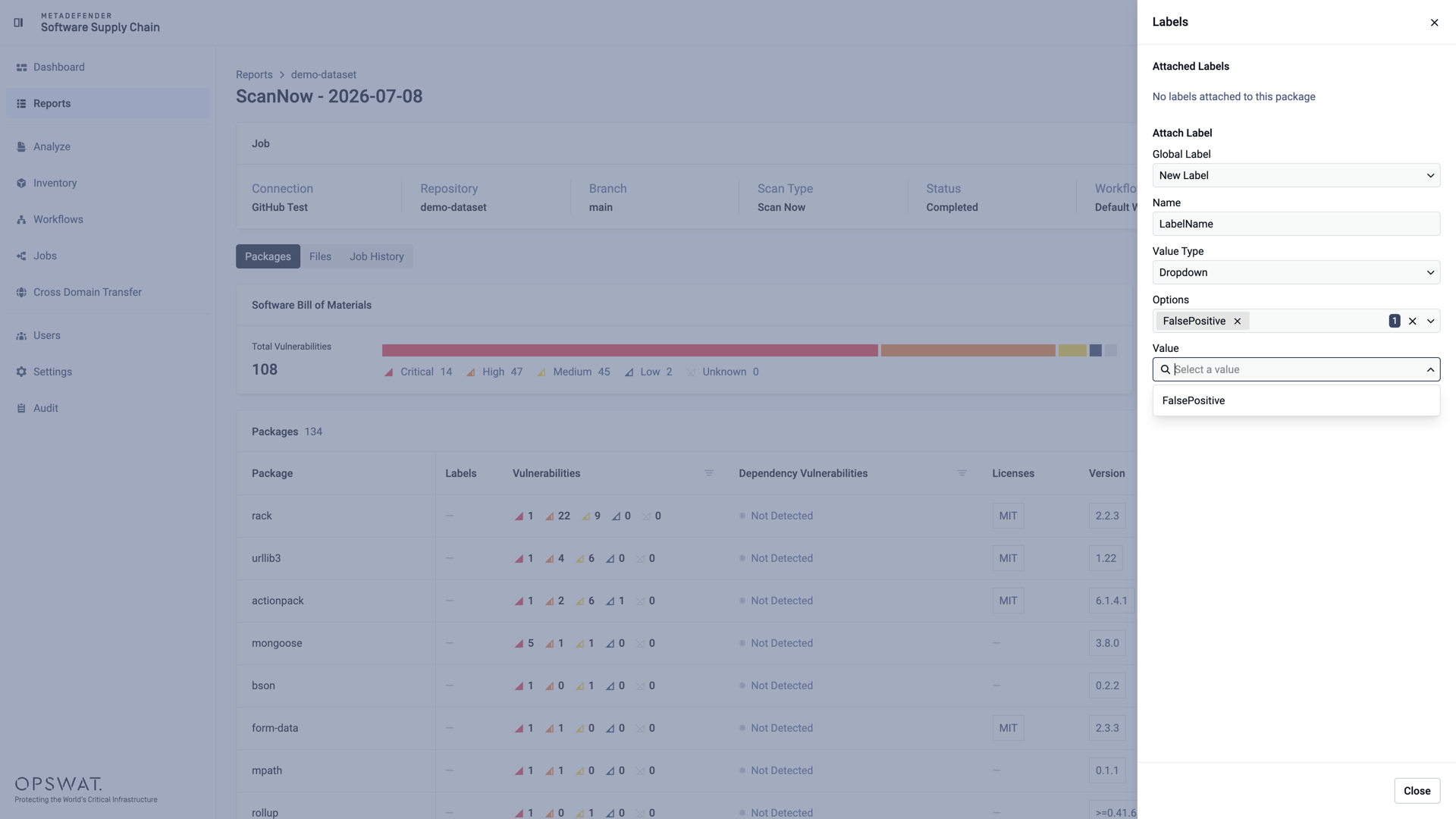
For dropdown labels, define the available options and select the value to apply:
Click Attach. The label is displayed in the Labels column of the package: