
User type: Organization user
Organization type: Partner Organization having assigned customer’s organizations.
Role: View Only/Full Access on License Management - Customer Organizations
The Customer Contracts tab gives Partner organizations (Distributors and Resellers) a consolidated view of all contract details related to their assigned customers. You can instantly see contract data such as: Associated Reseller (if applicable), contract number and value, start/end dates, invoice numbers, and product lists with quantities—directly in the Portal.
To access this page, navigate to License Management > Customer Contracts. You can only access this tab if the following conditions are met:
You must belong to a Partner organization with assigned customers.
You must have View Only or Full Access permission on the License Management - Customer Organizations role object. (Refer to Roles for details)
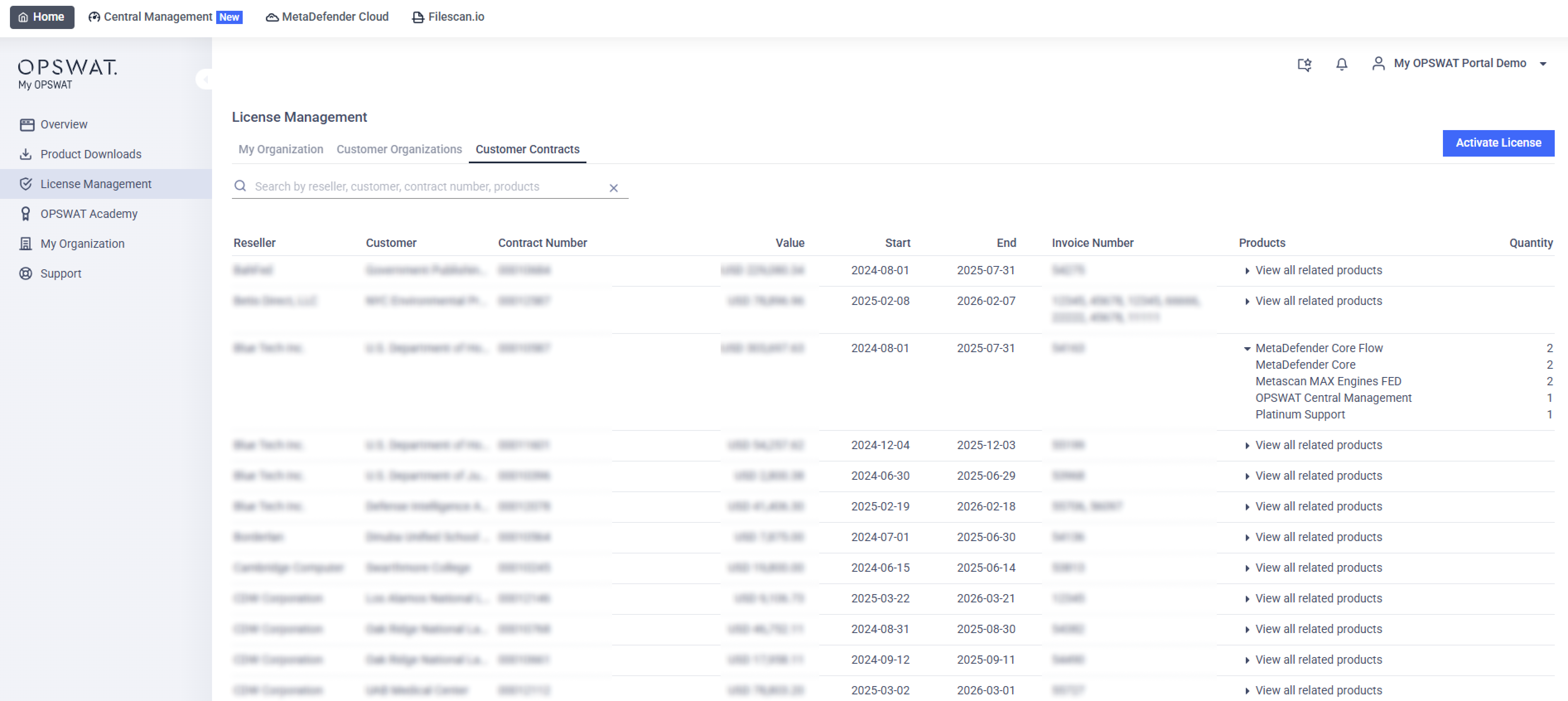
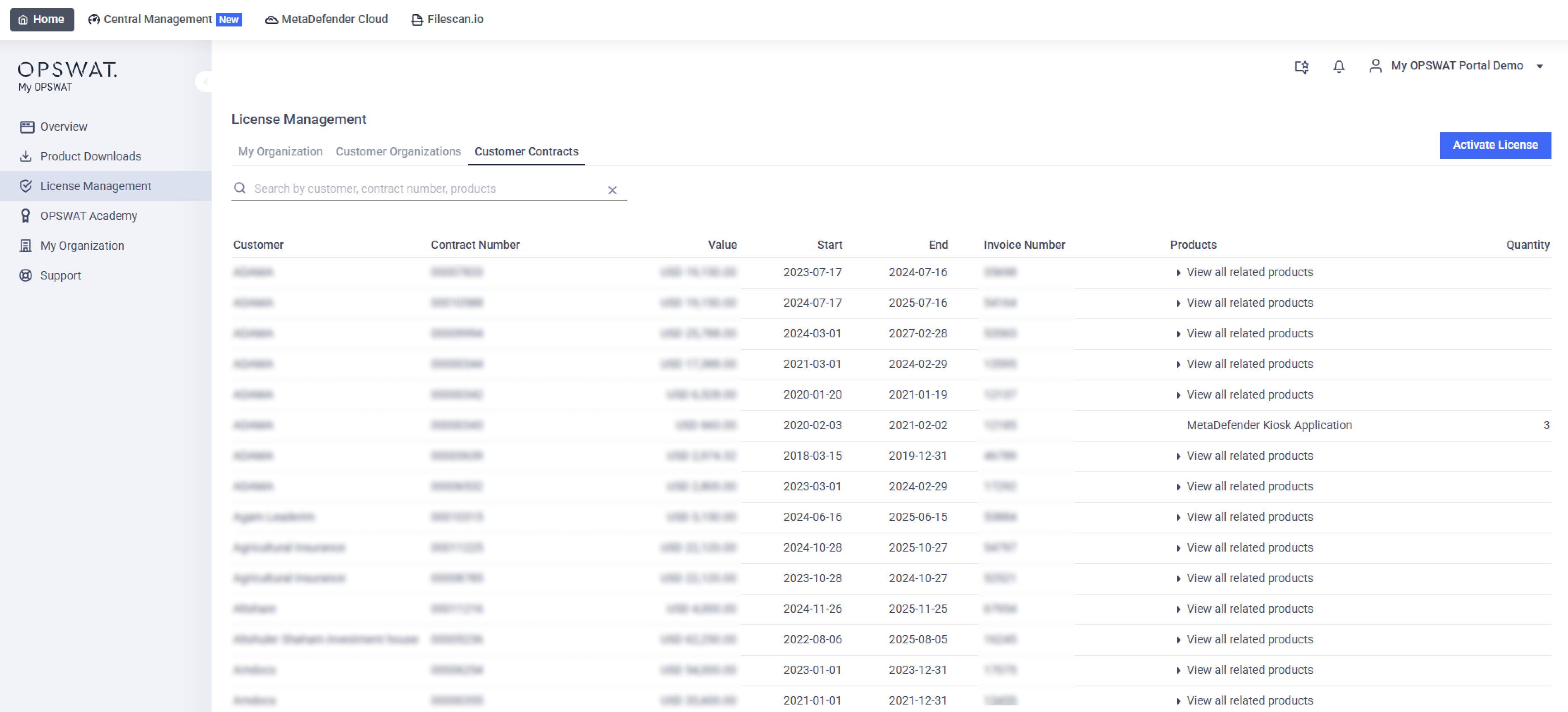
The Customer Contracts tab presents a table with the following columns:
Column | Description |
|---|---|
Reseller | Distributors only Name of the Reseller associated with each contract. |
Customer | Main organization name |
Contract Number | Unique ID for each opportunity's contract |
Value | Contract value |
Start | Contract effective date |
End | Contract expiration date. |
Invoice Number | List of all invoice number associated with the contract |
Product Certificates | List of products included in the contract |
Quantity | Quantity of each product listed in the Product Certificates column |
Available Actions
Sort: Click any header to reorder the list
Search: Use the search box to filter by Reseller, Customer, Contract Number, Invoice Number, or Product
Default Sorting Order
The table is sorted by default as follows:
Reseller – A to Z
Customer – A to Z
Start Date – Newest first