
User type: Organization user
The My Organization module enables administrators to manage users, roles, and configure security settings, organizational information, and more.
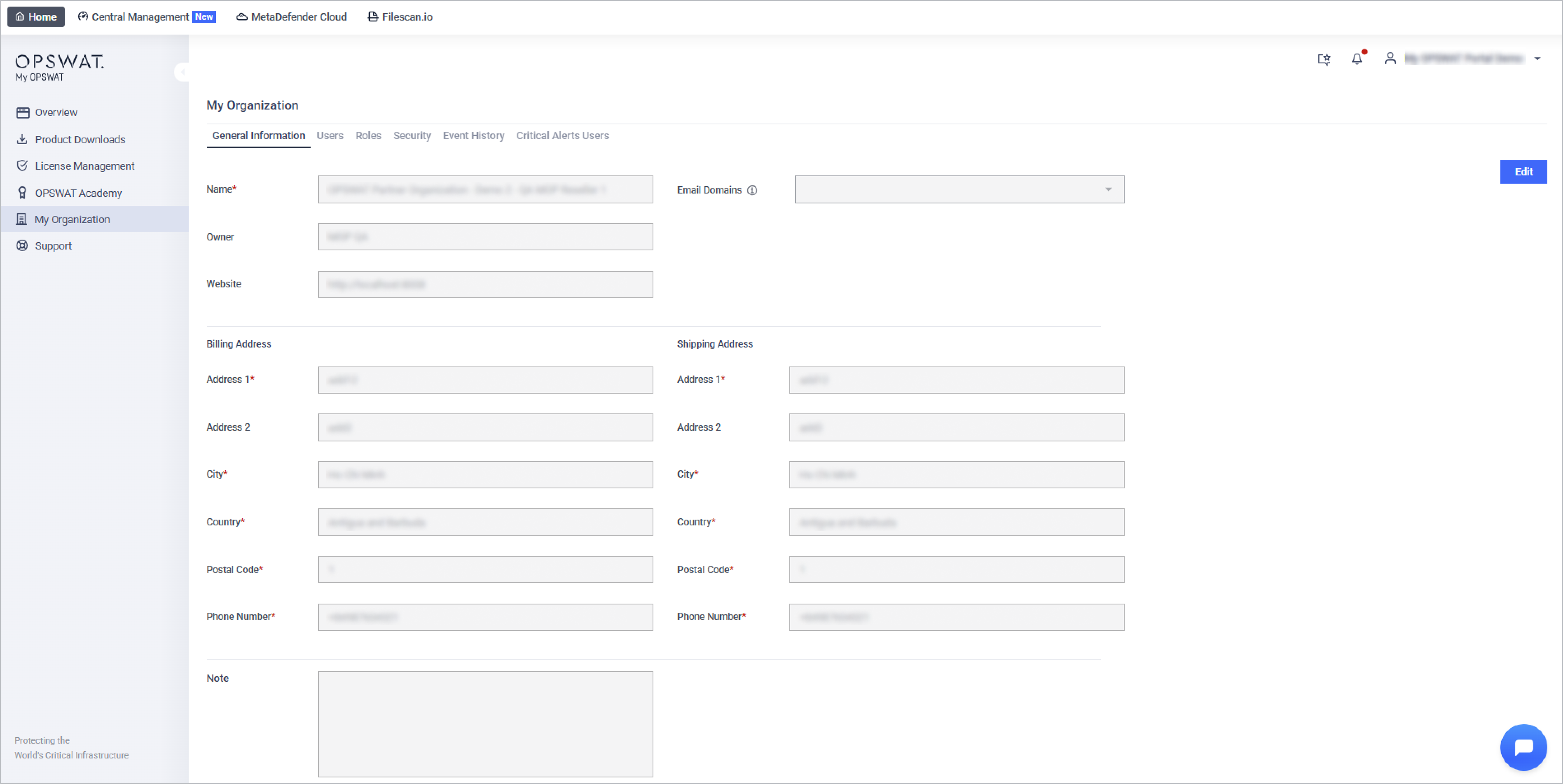
Key Components
1. General Information
Access and update your organization's details, including name, contact information, and other essential settings.
👉 Learn more about General Information
2. Users and Roles
Manage user access and permissions using Role-Based Access Control (RBAC). Invite new users, assign roles, and oversee user activities within your organization.
👉 Explore Users and Roles Management
3. Settings
Configure your organization's settings, including Multi-Factor Authentication, data retention, AI Assistance and Unassigned license keys visible. This tab was previously named Security.
4. Critical Alert Users
Designate users to receive important email alerts, including license expirations and urgent announcements from OPSWAT.
5. Event History
Track and review a log of significant events within your organization, such as user invitations, role changes, and security updates.
6. Organization List
Easily view and switch between all organizations you're joining.
7. Notifications
Keep a list of default support case watchers, who are added to every new support case of your organization submitted in My OPSWAT Portal.