
User type: Organization User
Role: Full Access on Critical Alert Users
As an organization admin or a user with Full Access on Critical Alert Users role object, you can add email addresses to a notification list called Critical Alerts Users by navigating to My Organization > Critical Alerts Users.
You can add any email address to the Critical Alerts Users list, regardless of whether the individual has a My OPSWAT account.
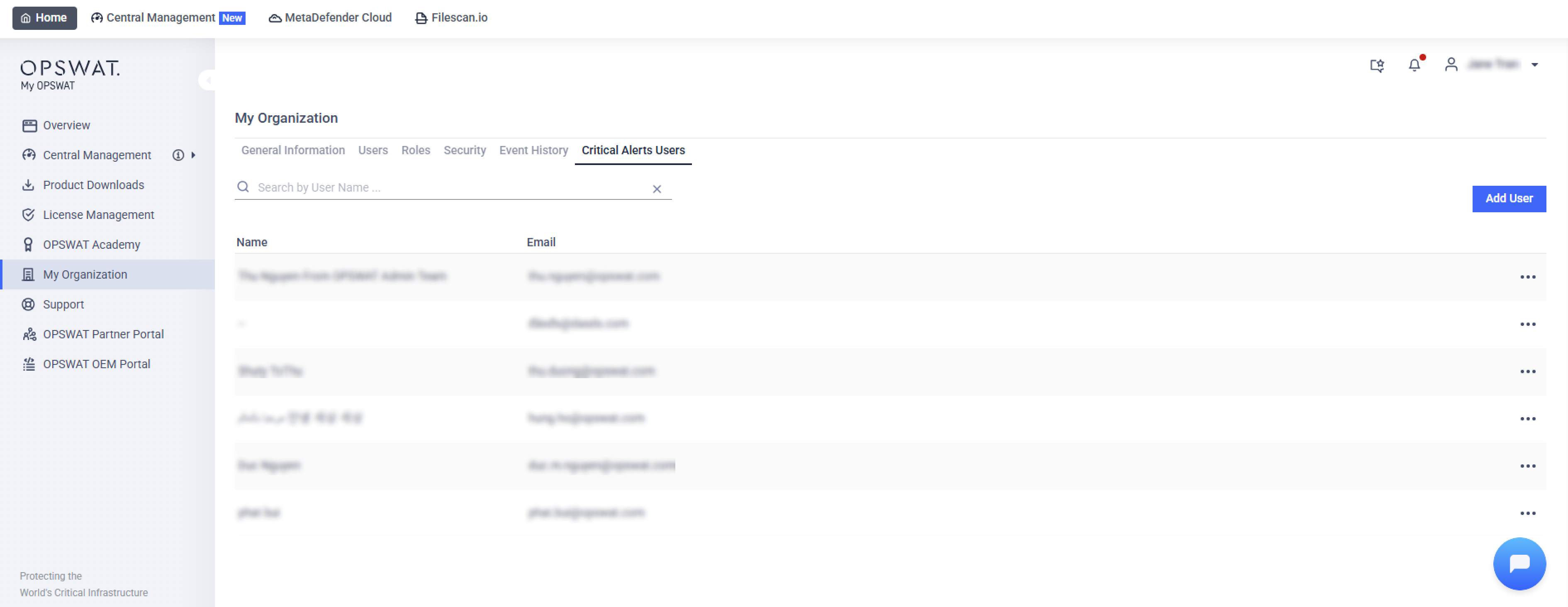
Individuals on this list receive important email alerts about:
License Expirations: Notifications are sent when on-premises product licenses are approaching their expiration dates, specifically at 60 days and 30 days prior to expiration. If your organization has sub-organizations and the recipient has View Only or Full Access on the License Management - Sub Organizations role object, this notification covers the main organization and each sub-organization in one email. Addresses that do not belong to a My OPSWAT account always receive the single-organization version. See Organization Licenses.
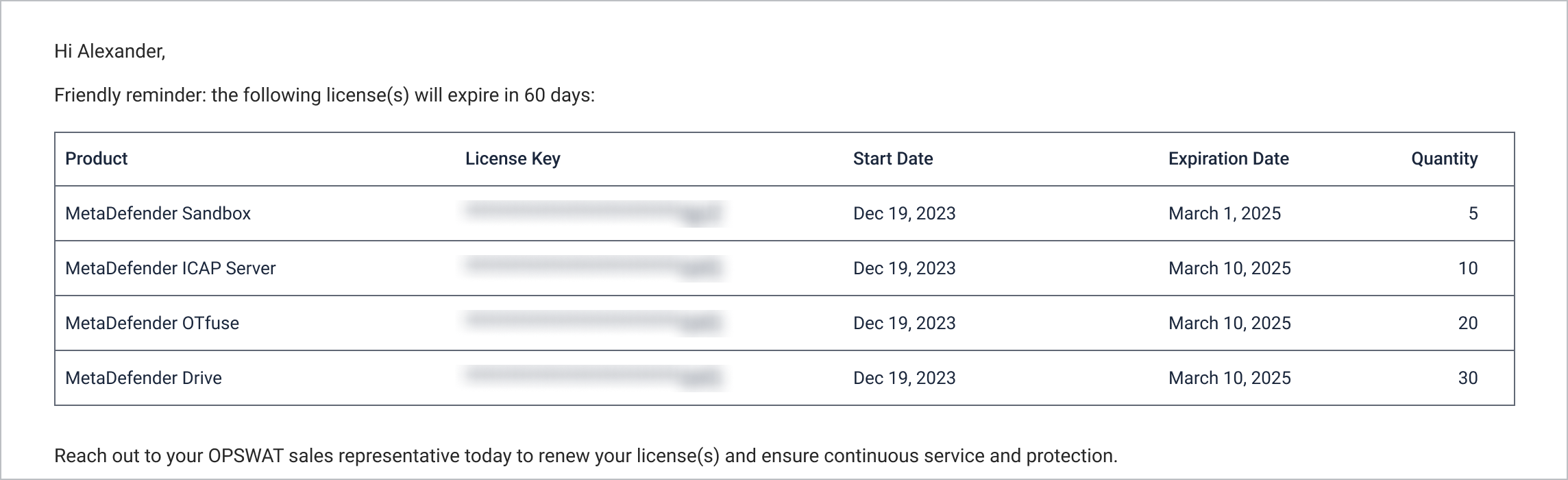
Urgent Issues from OPSWAT: Immediate updates about critical problems or important announcements from OPSWAT.
Members of your organization can subscribe or unsubscribe to critical alert notification under Support > Subscribe to Critical Alerts