
Who can use this feature?
User type: Organization user
Role: View Only/ Full Access on Organization General Information
As an organization admin or user with Full Access on Organization General Information, you can view and update your organization's basic details.
To access this tab:
Go to My Organization in the left navigation menu.
Select General Information.
To edit information:
Click Edit to update your organization's details.
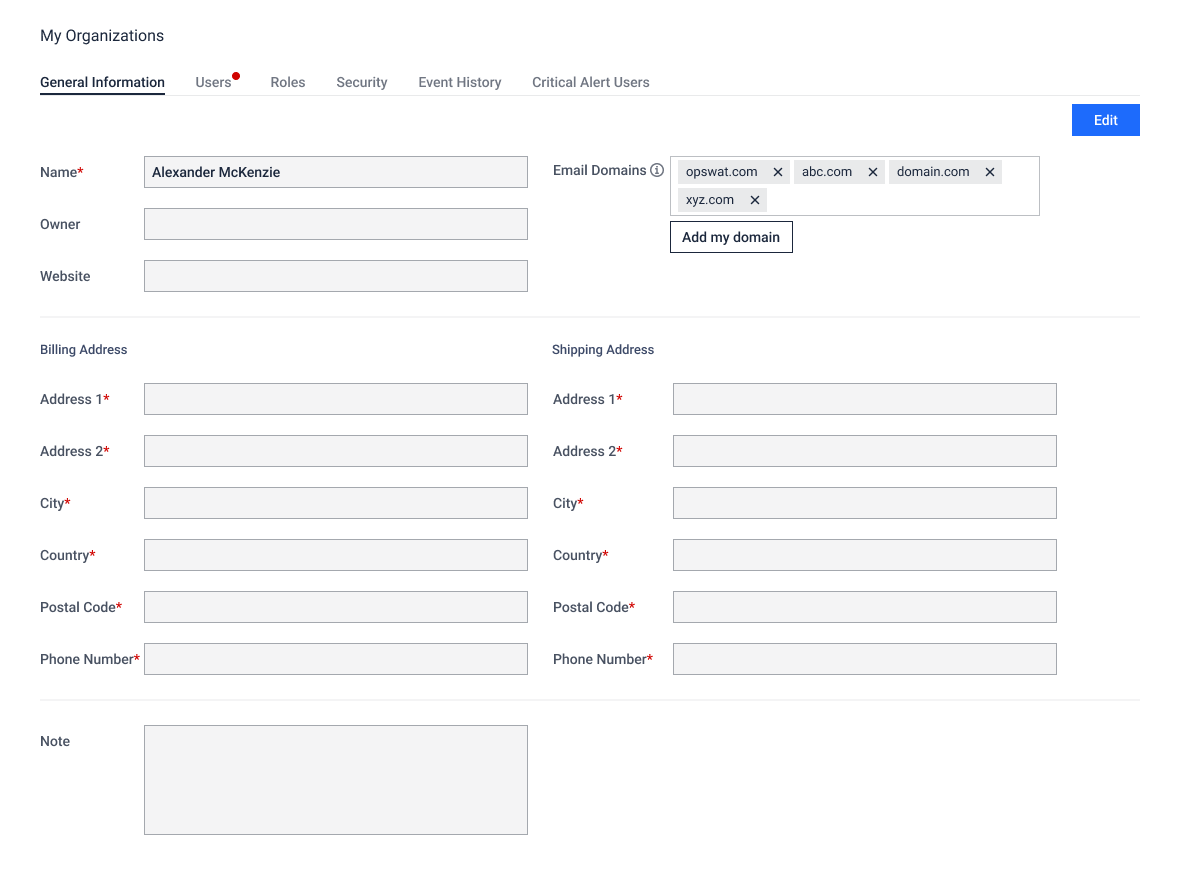
To allow users who share the same email domain(s)—such as your organization's domain(s)—to find and request to join your organization, you can set up approved Email Domains. For full guidelines, please see Enable email domain-based join requests for my organization.
Was this page helpful?
My Organization