
Knowledge Base
v4.7.10
Search this version
How do I create a support package for MetaDefender Kiosk?
Check Your Version:
This article applies to all MetaDefender Kiosk releases after version 4.7.0, deployed on both Windows and Linux systems.
To create a MetaDefender Kiosk support package, open the Kiosk console (e.g., http://localhost:8009), go to the Settings tab, and under Session History, click “Download Support Package” in the top right corner.
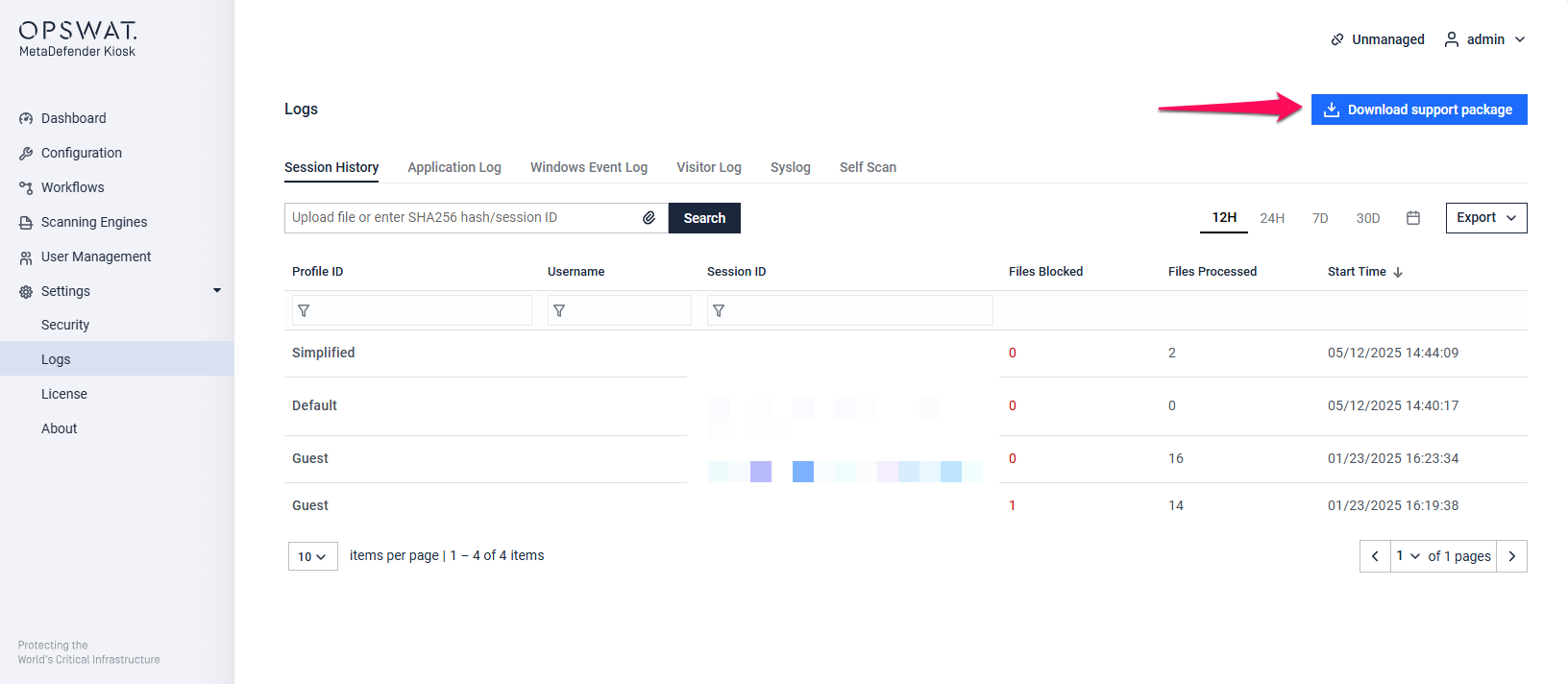
Once the process is finished, it will result in the creation of a zip archive containing the necessary support logs.
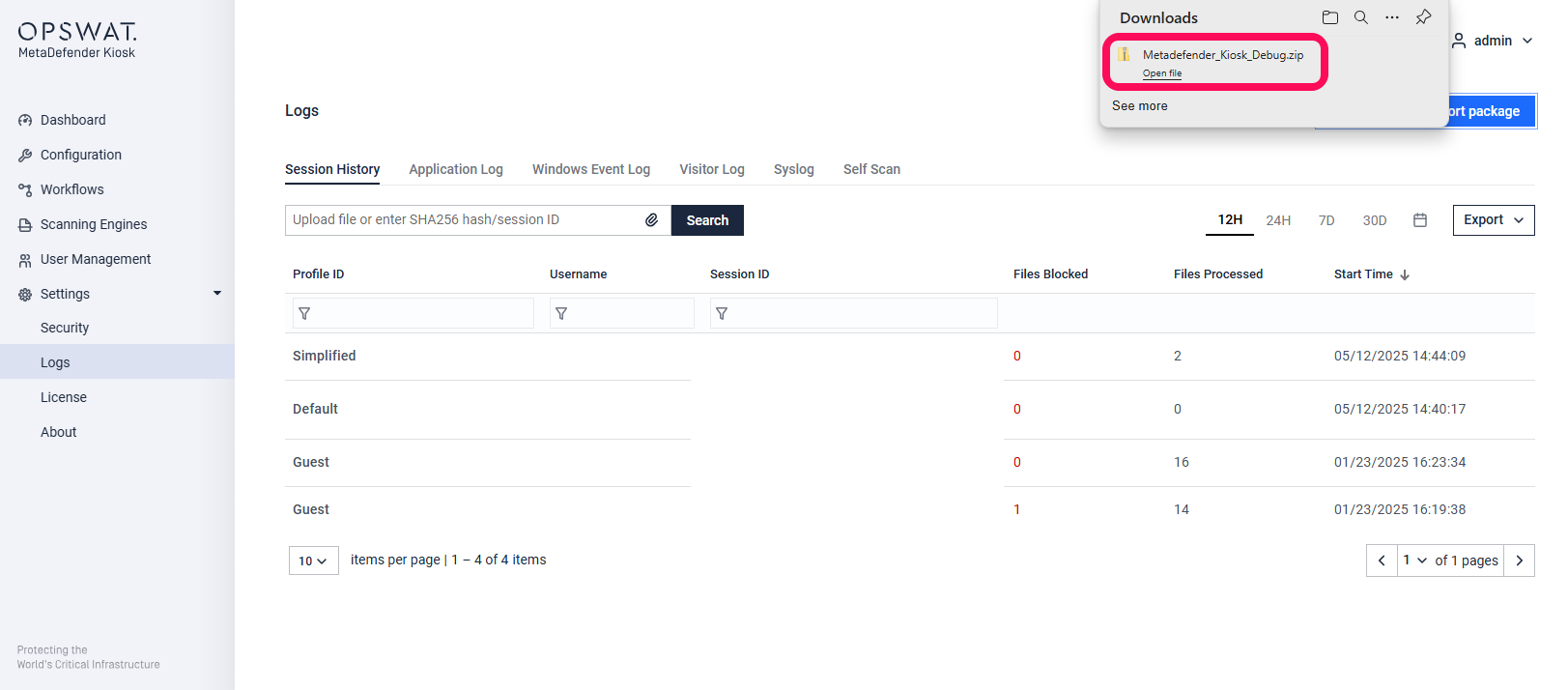
The support package contains the following elements:
Configuration files.
Log files.
System information
Directory and files information.
Registry key configuration
Support:
If Further Assistance is required, please proceed to log a support case or chat with our support engineer.
Last updated on
Was this page helpful?
Next to read:
How do I exit the MetaDefender Kiosk user interface?Knowledge Base
Knowledge Base
Configuration & Setup
Error & Troubleshooting