
Can I have a backup (Core) server integrated with Kiosk?
This article applies to all MetaDefender Kiosk releases after version 4.7.0, deployed on both Windows and Linux systems.
In order to set up a back-up Core server from the Kiosk side you will have to take the following steps:
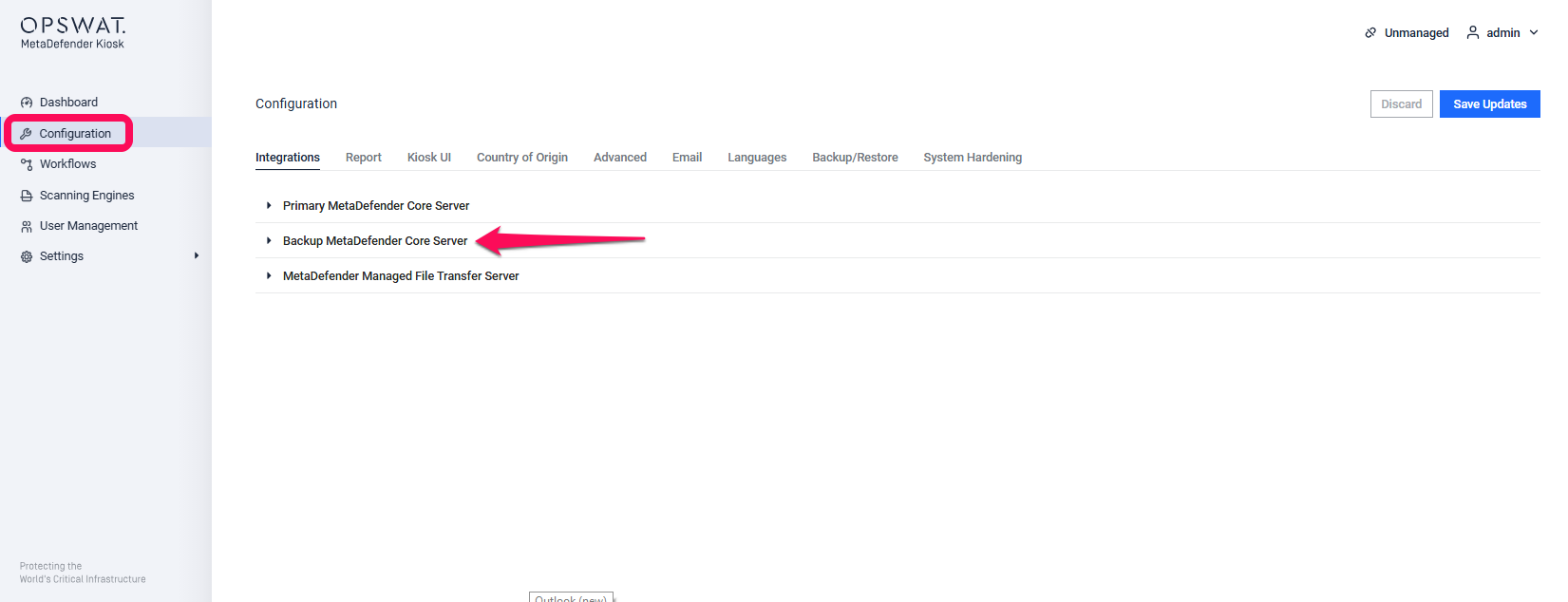
In the Kiosk console, go to the Configuration section from the sidebar. Then, under the Integration tab, click on "Backup MetaDefender Core Server."
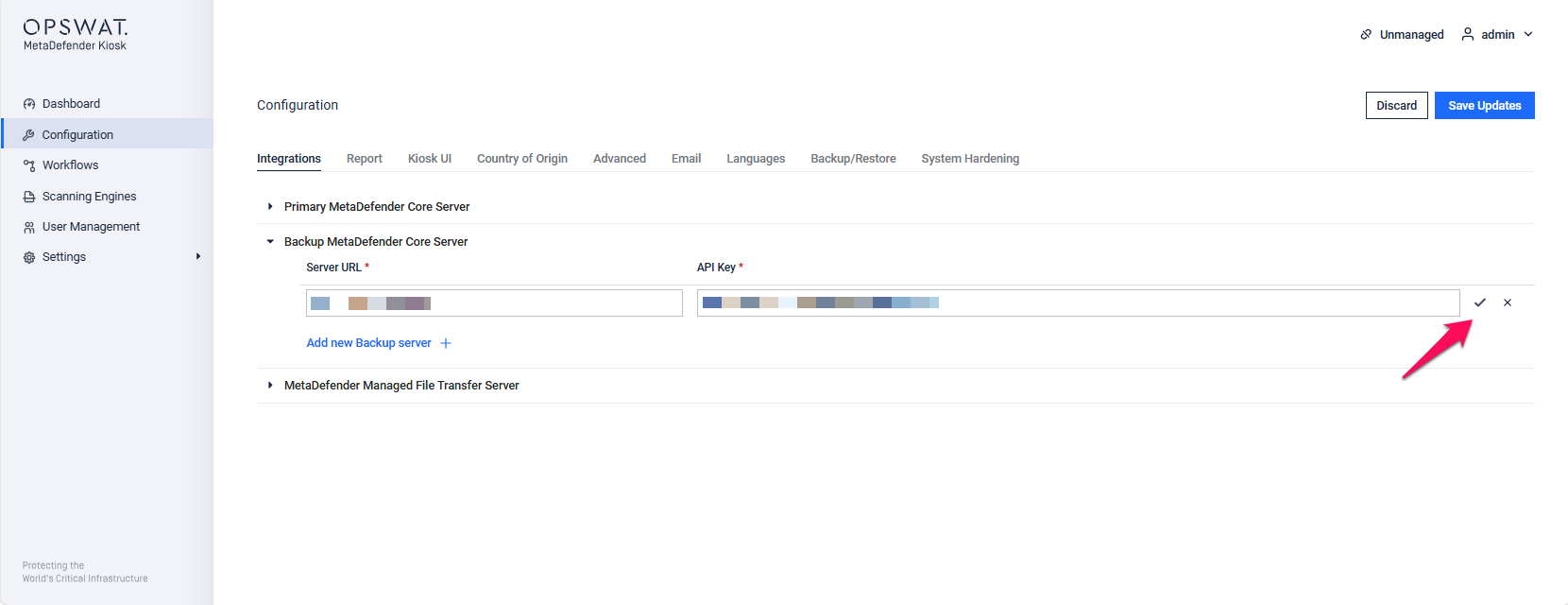
Click “Add New Backup Server”, then enter the required information: the Server URL and API key from your MetaDefender Core deployment. After that, click the check icon to verify the server connection.
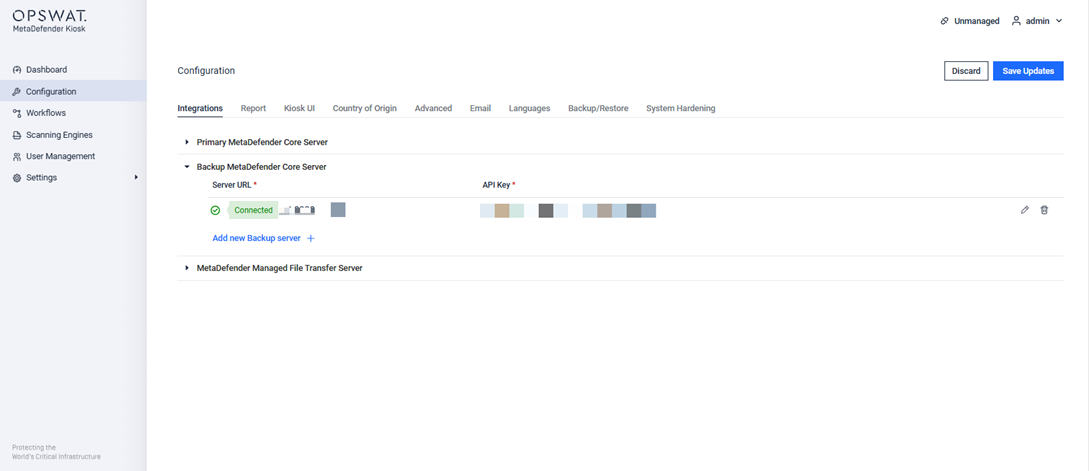
You’ll see a “Connected” notification, indicating that the backup server has been successfully set up.
If Further Assistance is required, please proceed to create a support case or chat with our support engineer.