
Ping Federate Info:
Ping version: 12.20:
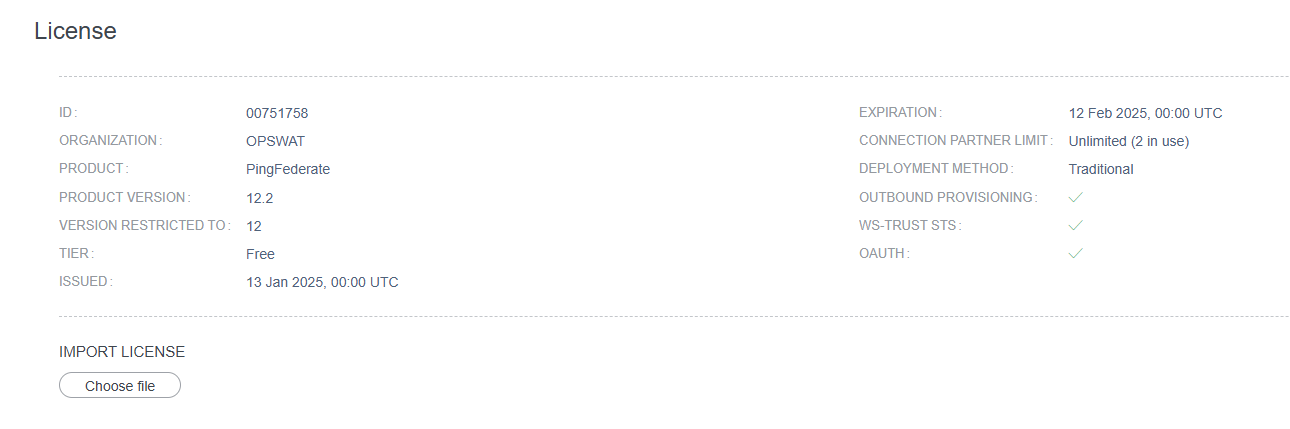
Ping Federate Console Page:
https://ma-portal-stg.opswat.com:9999/ Credential: ping @Trung Dang Duc for the access
Ping Federate Pre-configuration
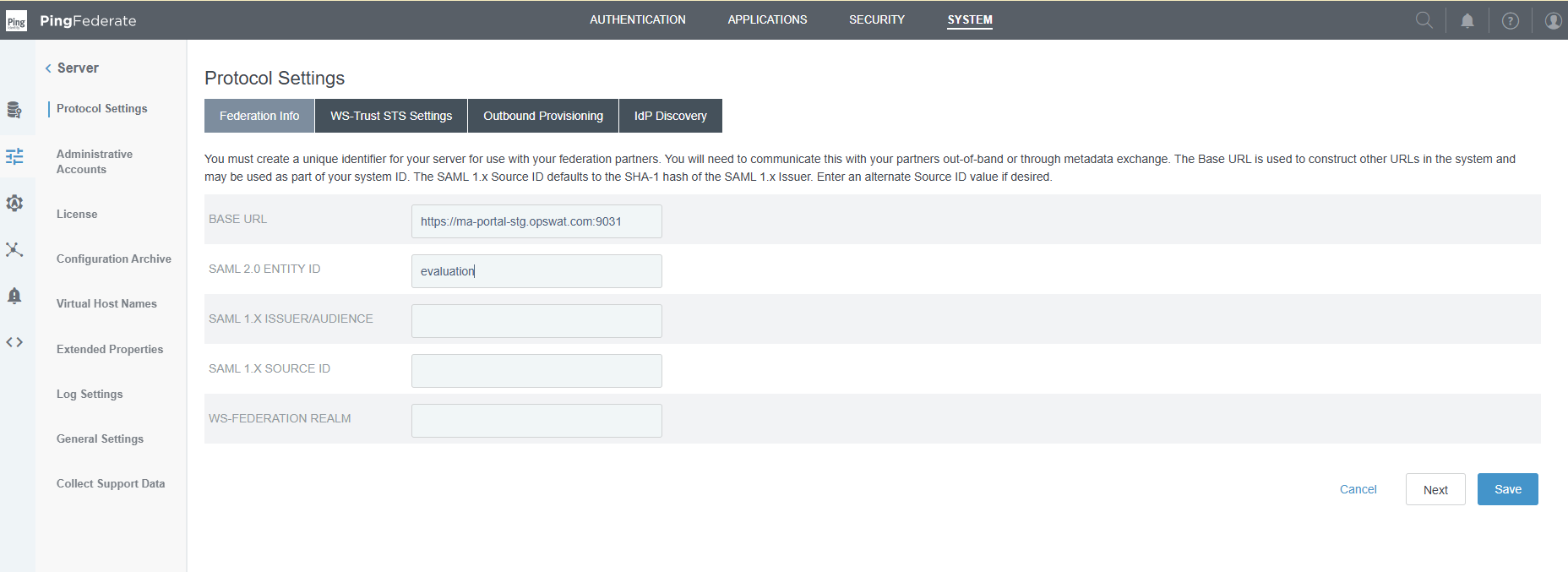
If advanced customization option is not displayed, please follow this doc from Ping to enable the option:
Configuring request parameters and SSO URLs | PingFederate Server
Below is document from Ping to setup Ping Federation to include ACS url inside saml request in IDP Connection:
Specifying SSO service URLs (SAML) | PingFederate Server
Setup Signing Certificate
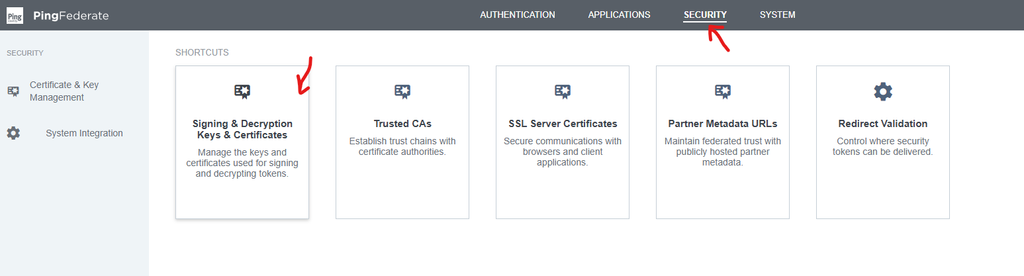
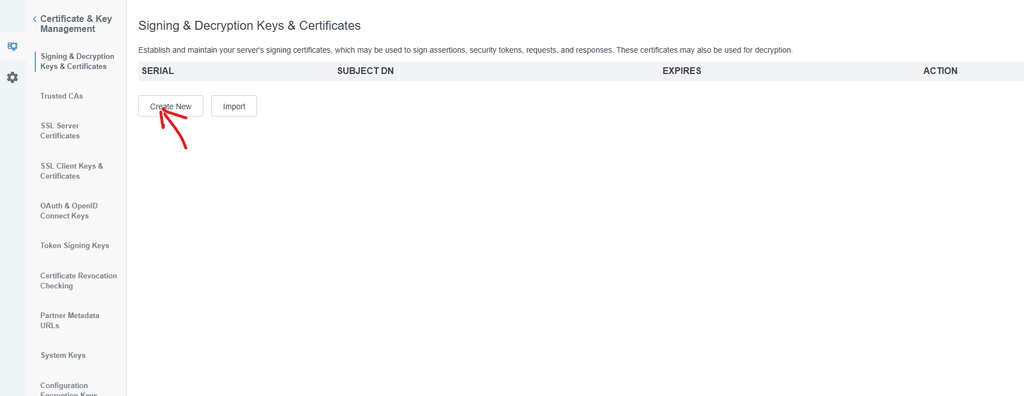
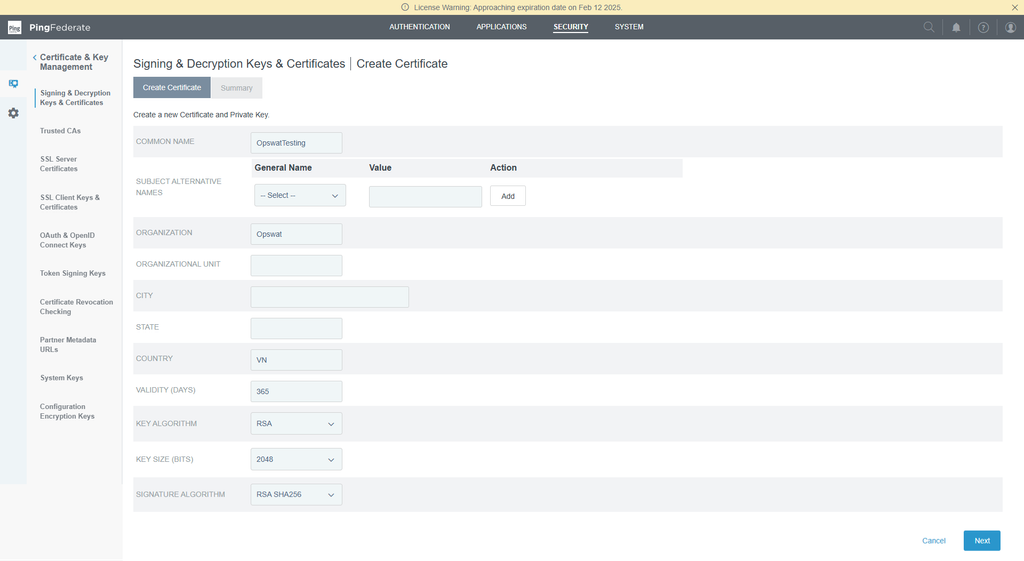
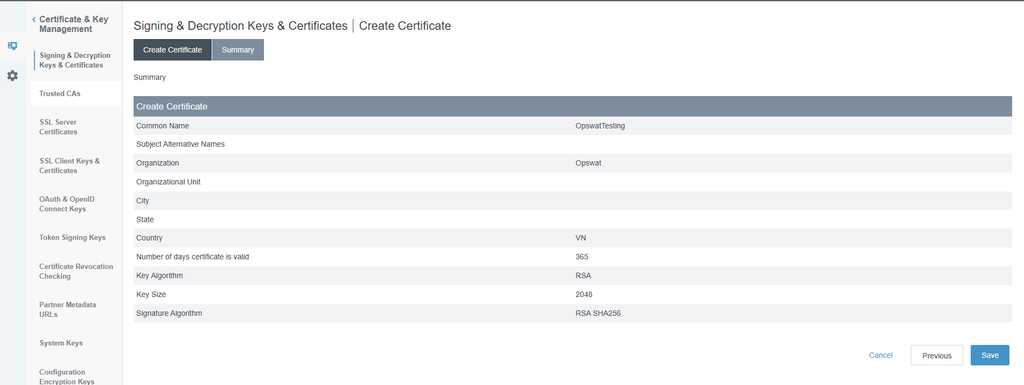
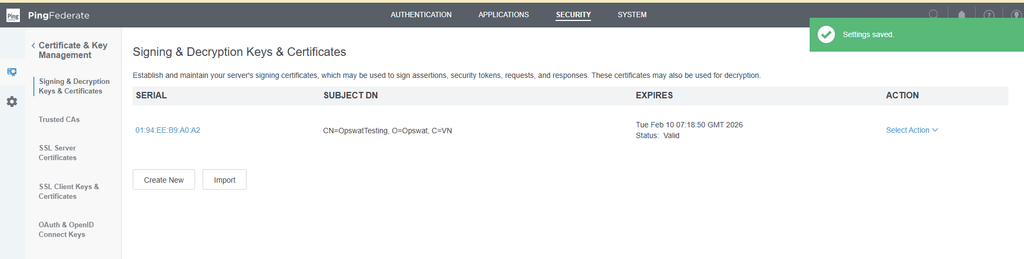
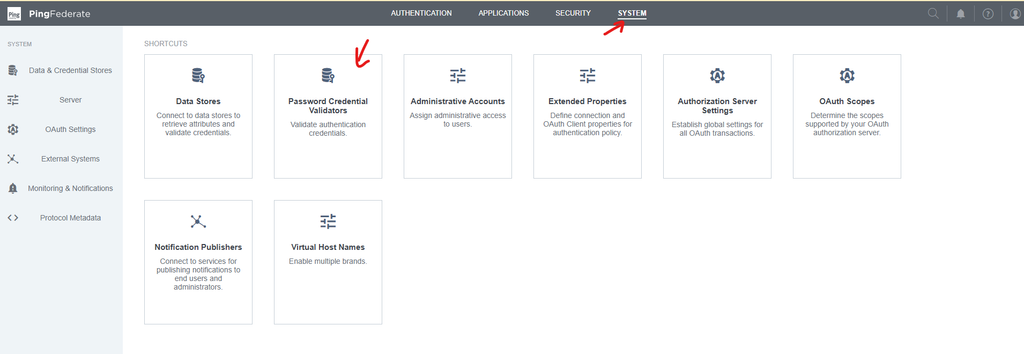
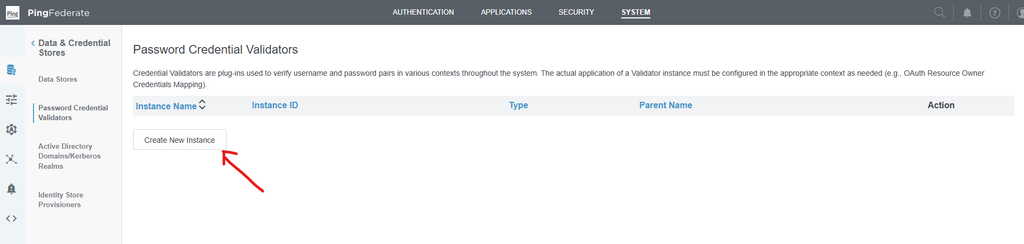
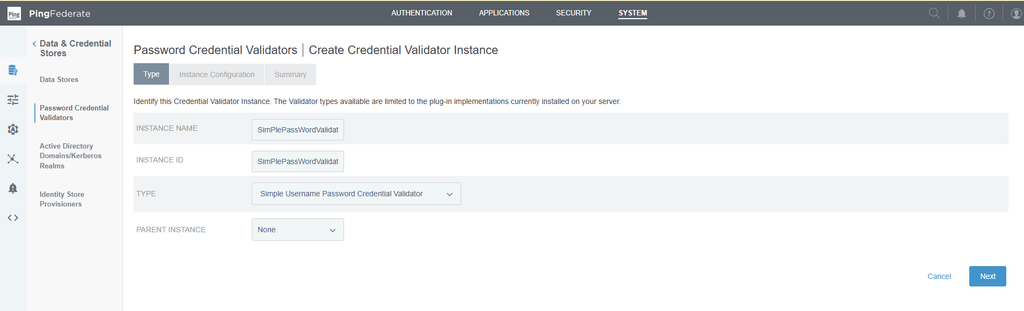
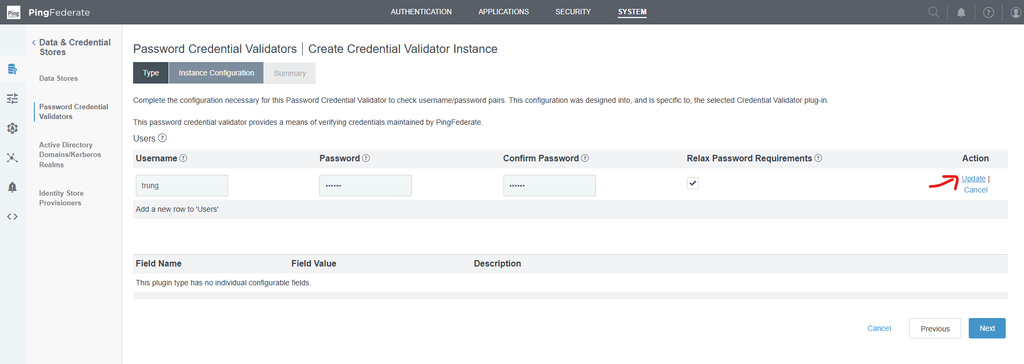
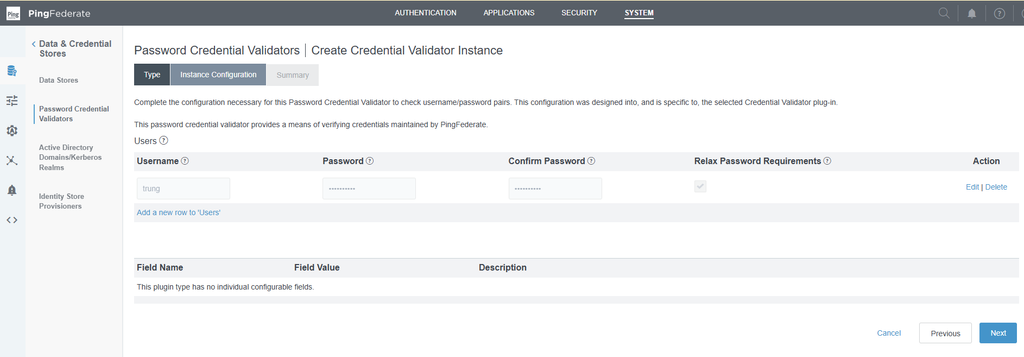
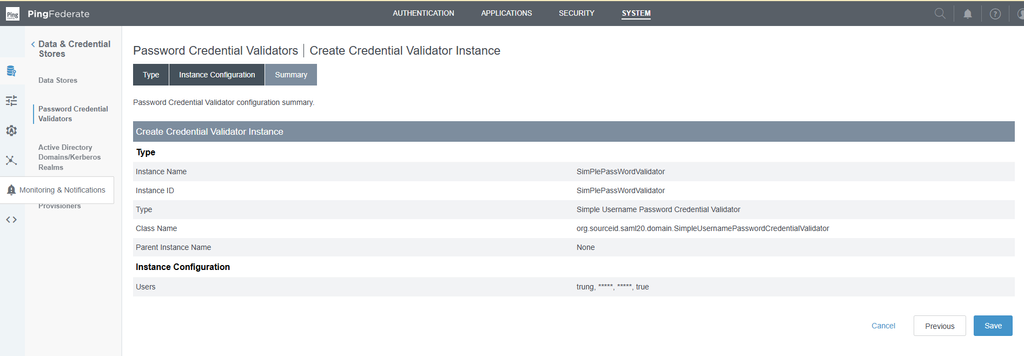
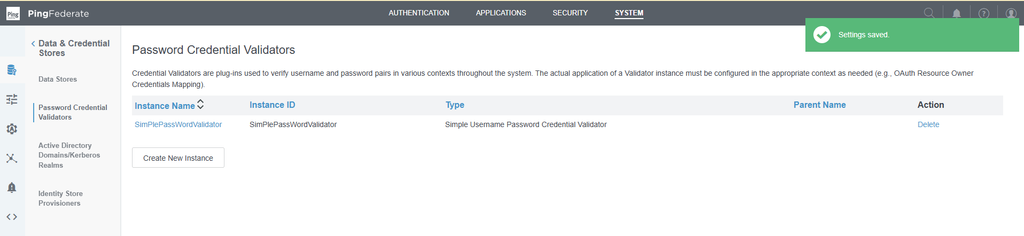
Setup simple password validator
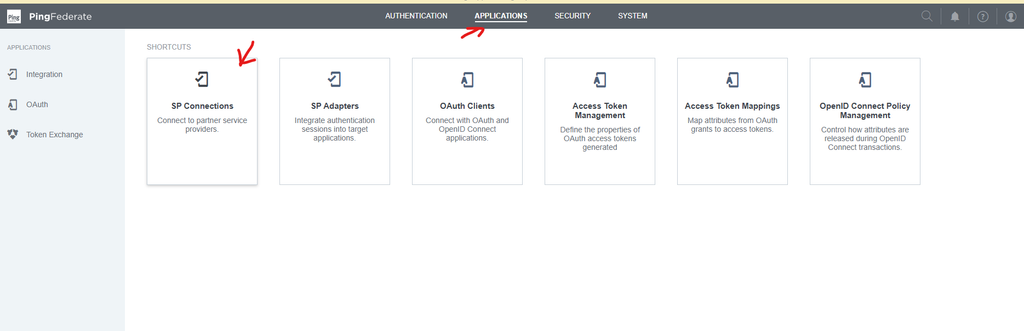
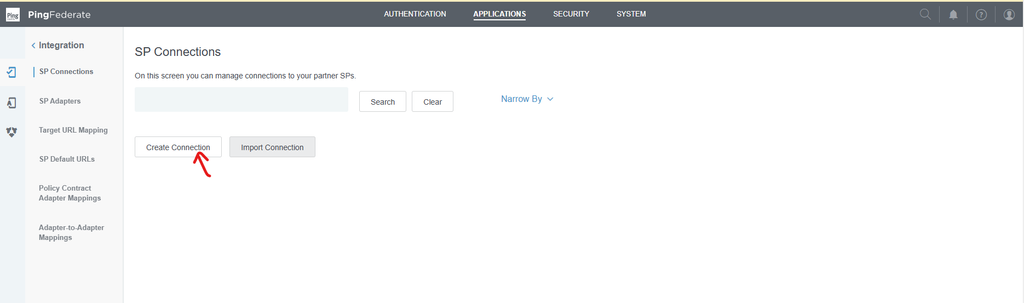
Create SP Connection
Select Application → SP Connections
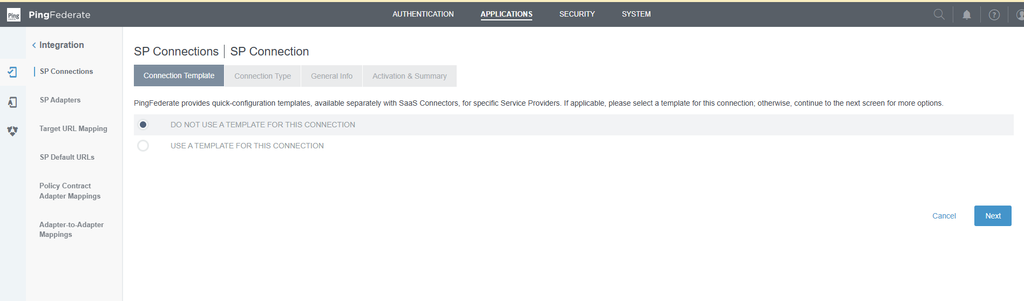
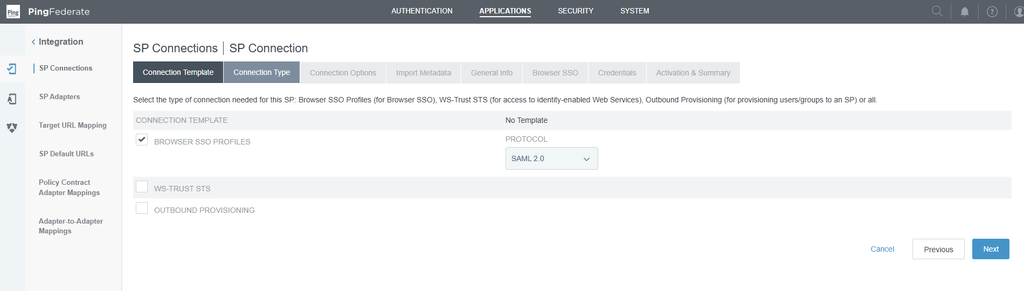
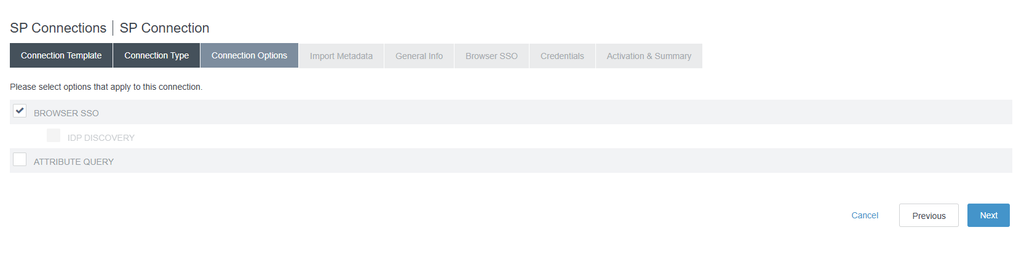
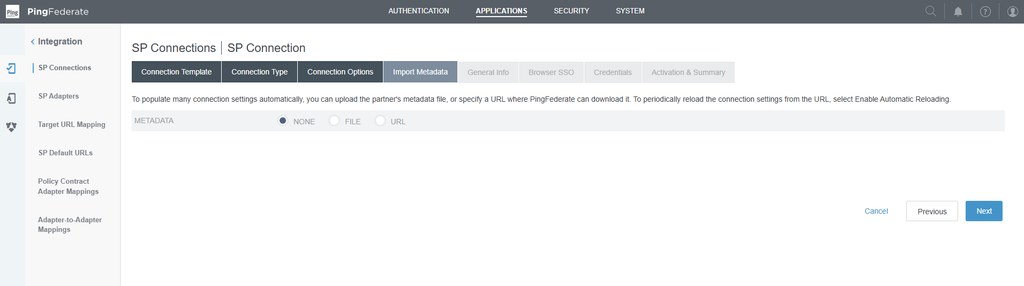
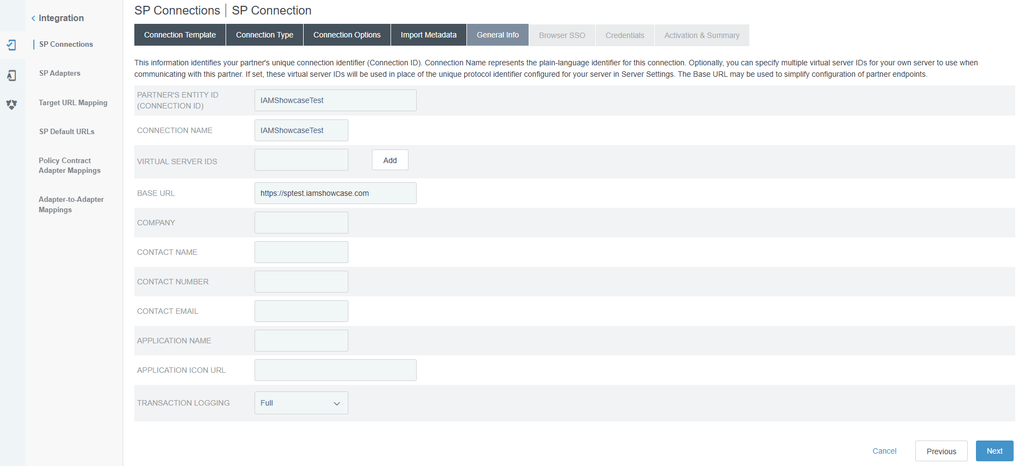
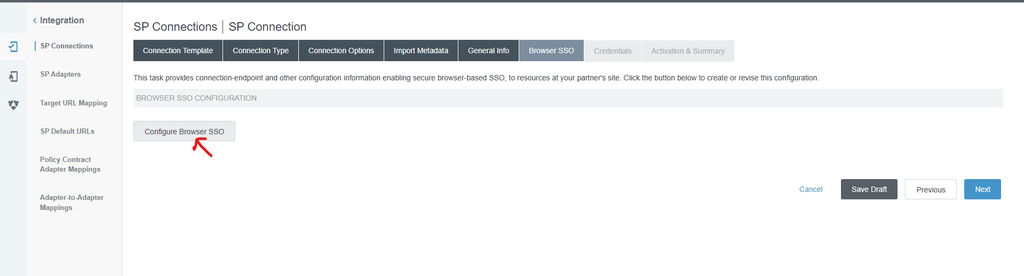
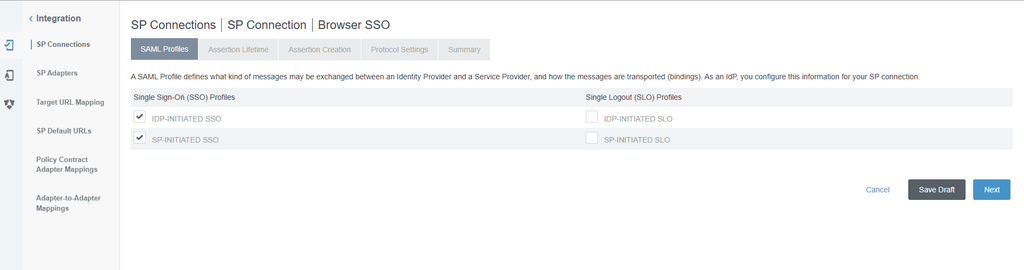
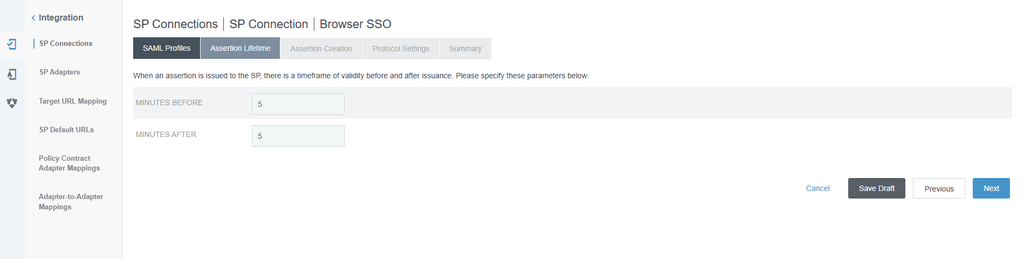
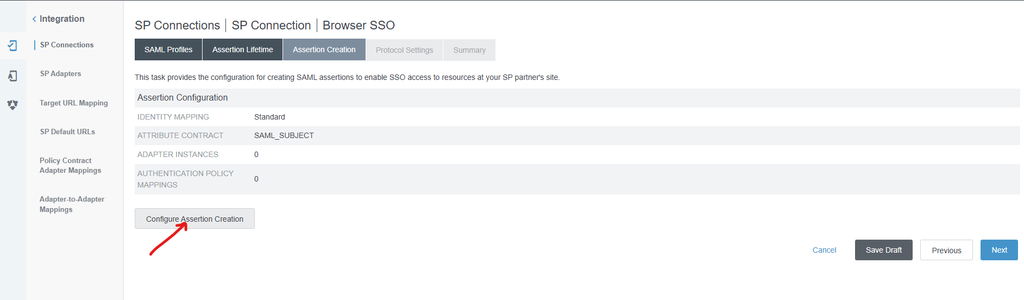
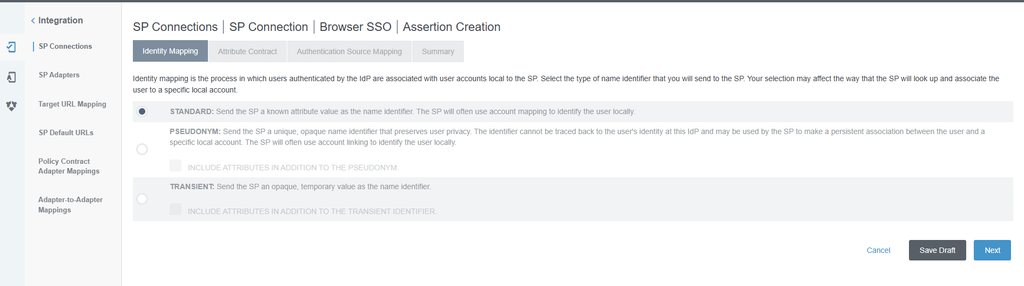
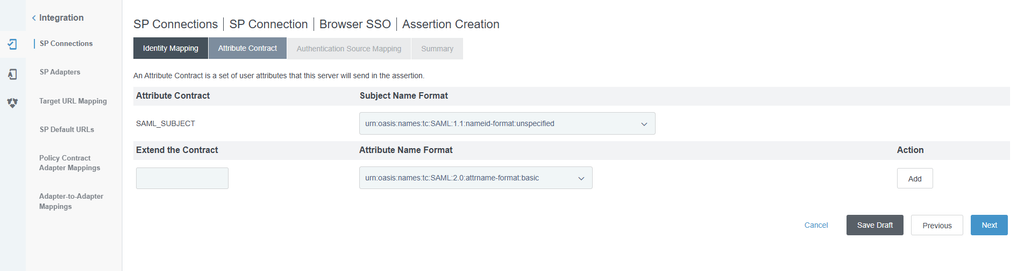
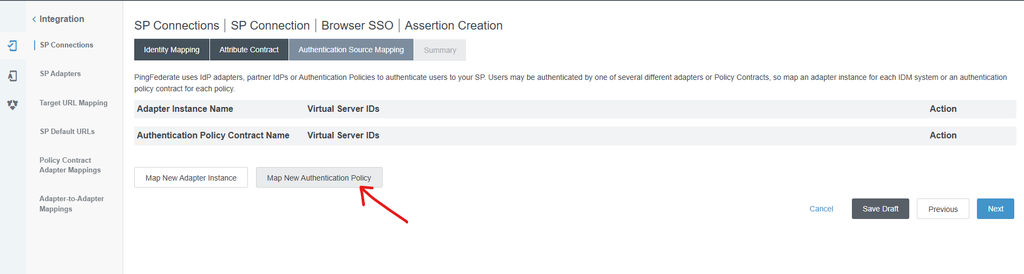
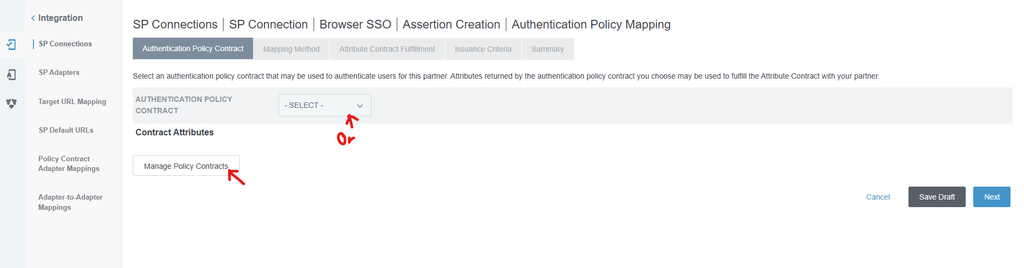
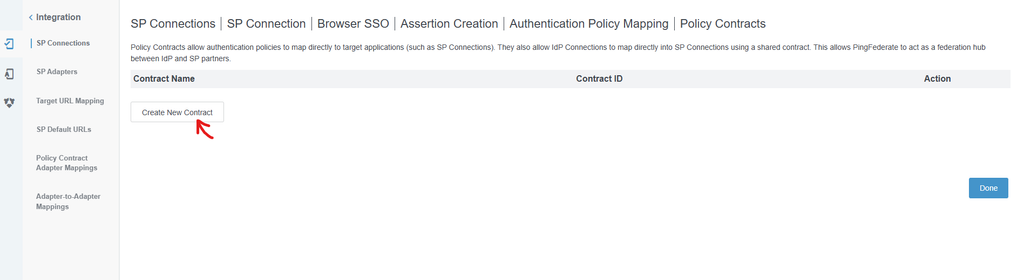
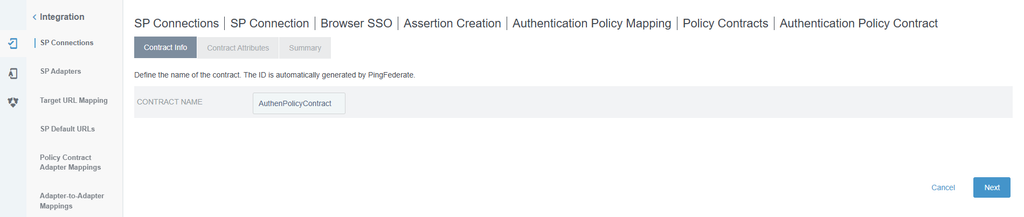
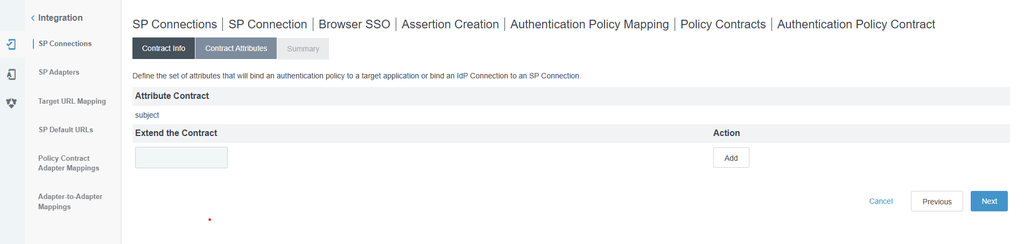
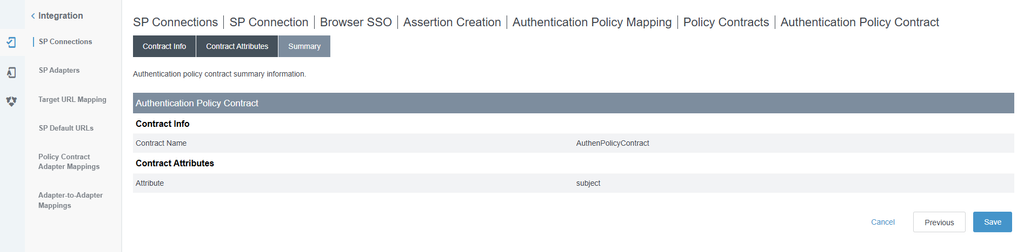
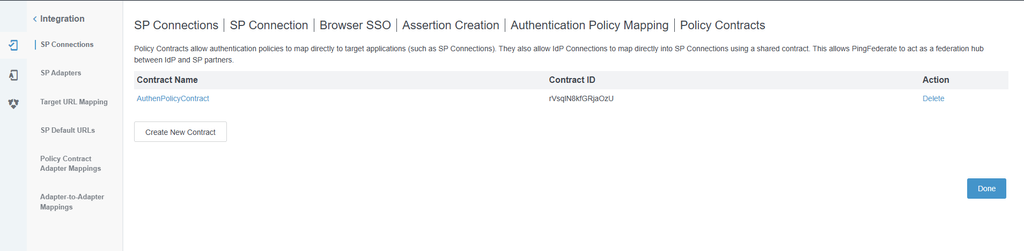
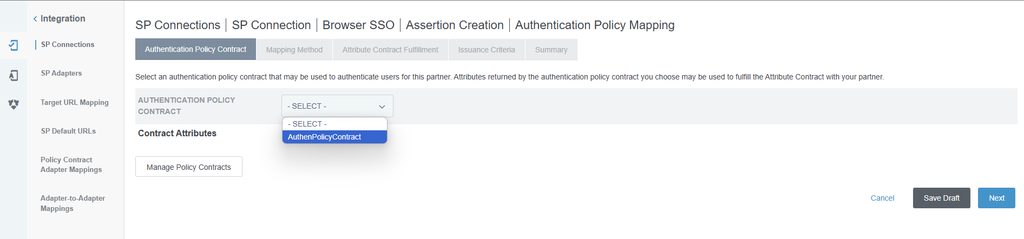
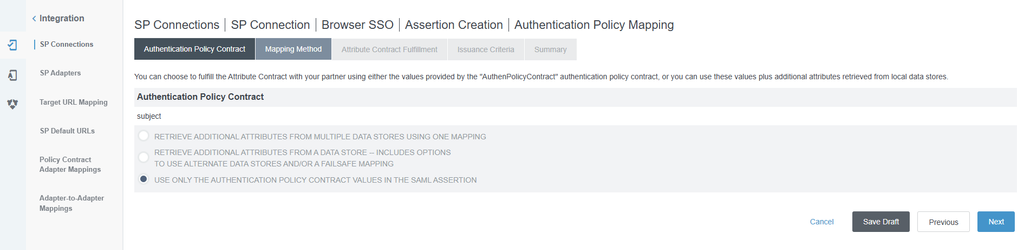
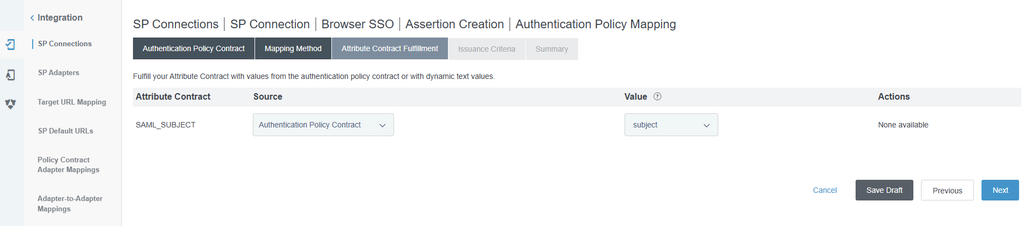
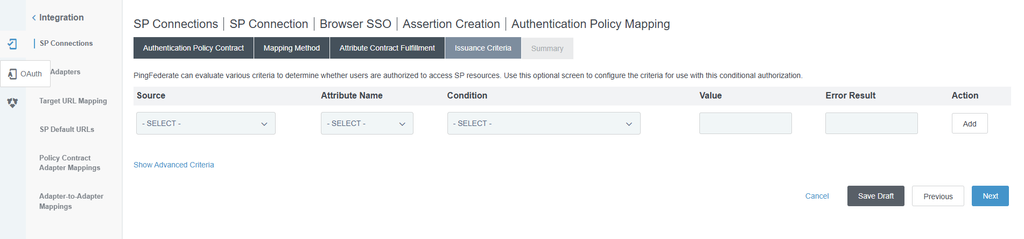
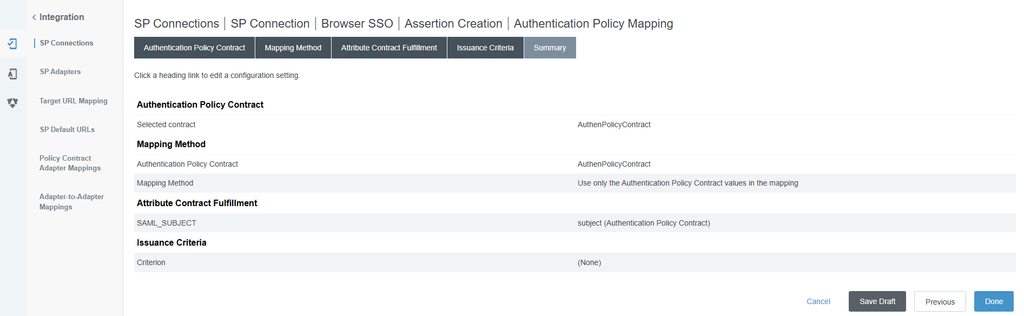
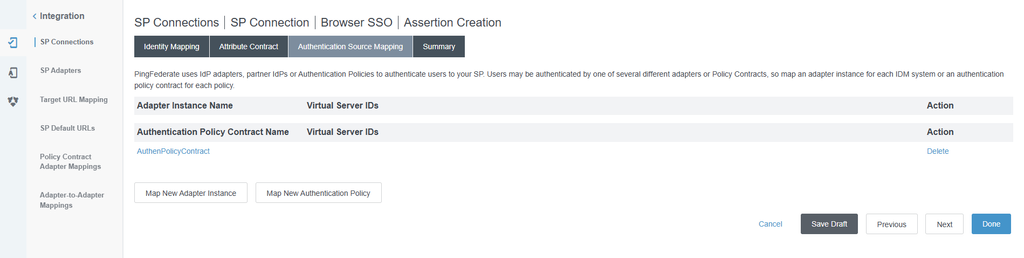
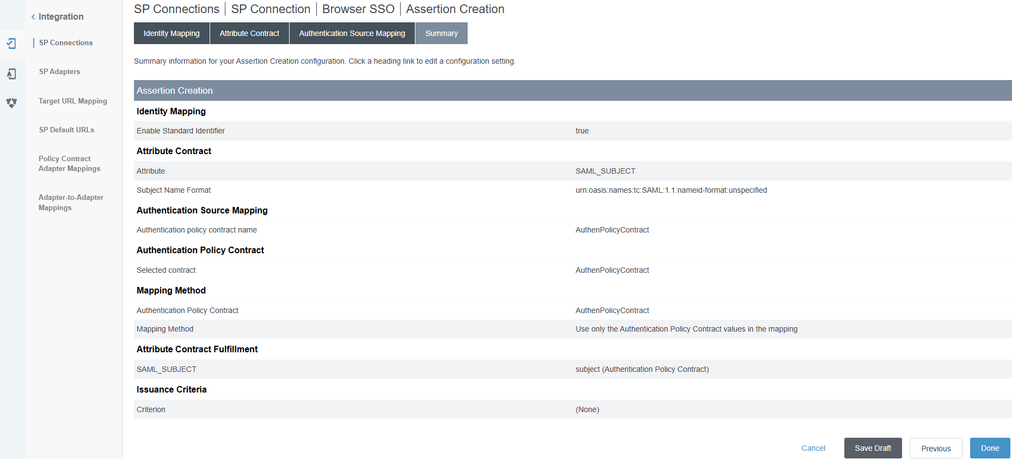
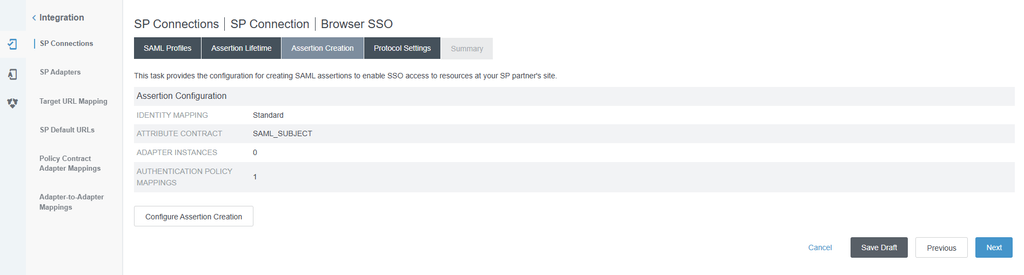
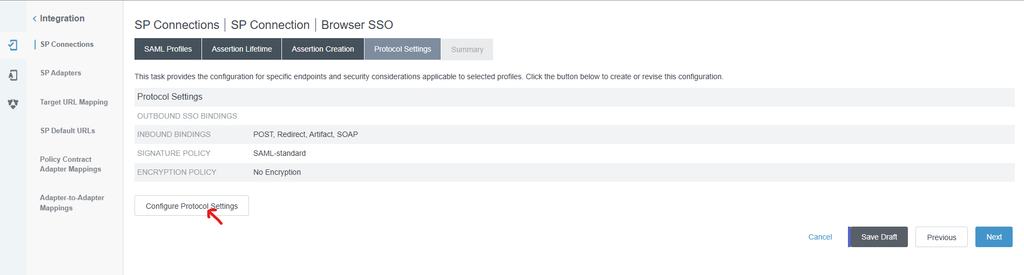
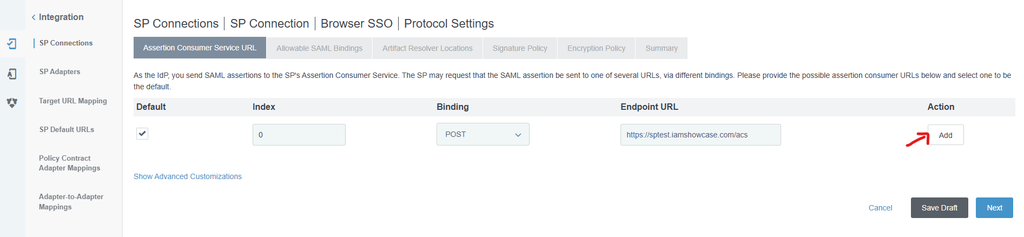
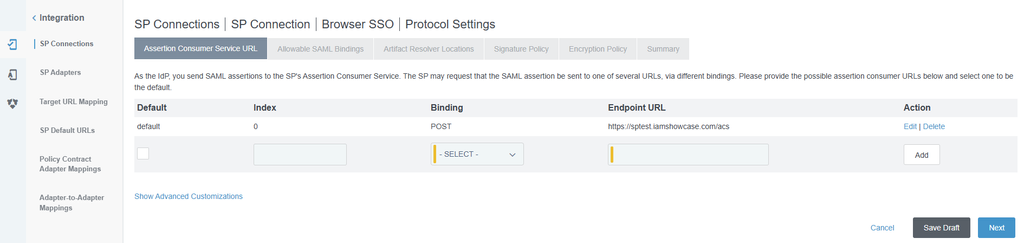
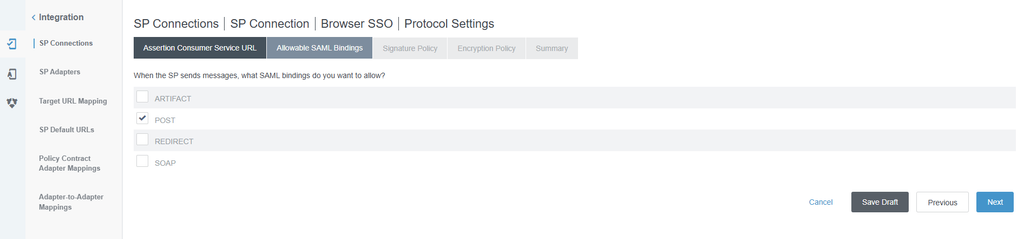
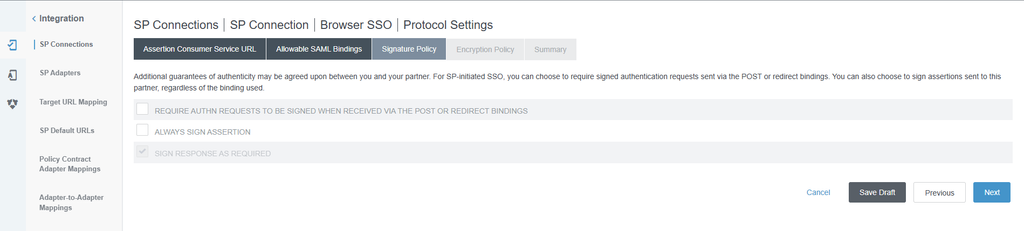
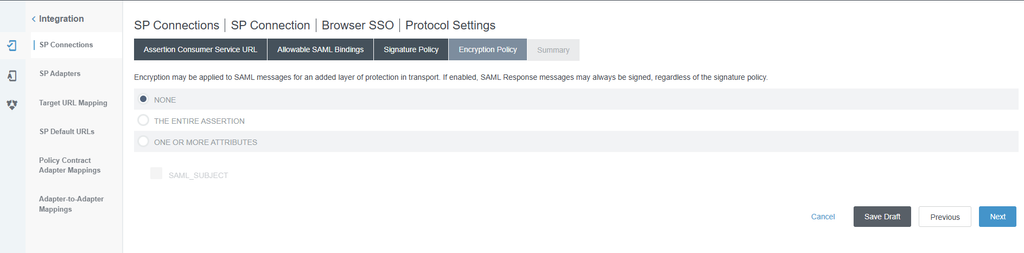
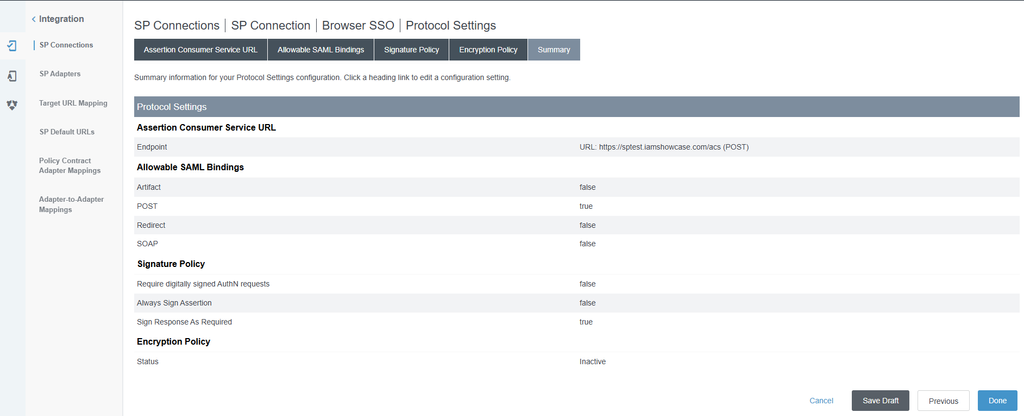
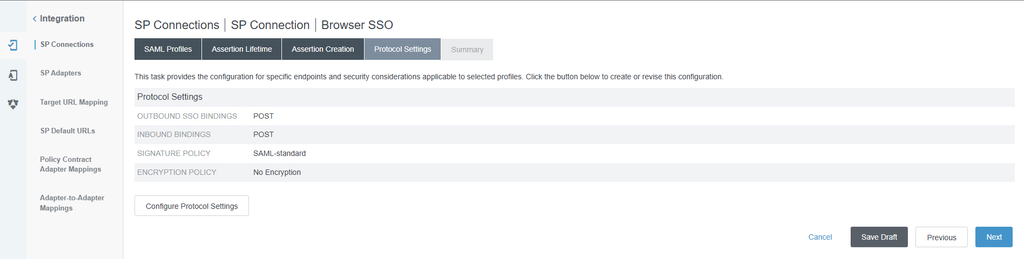
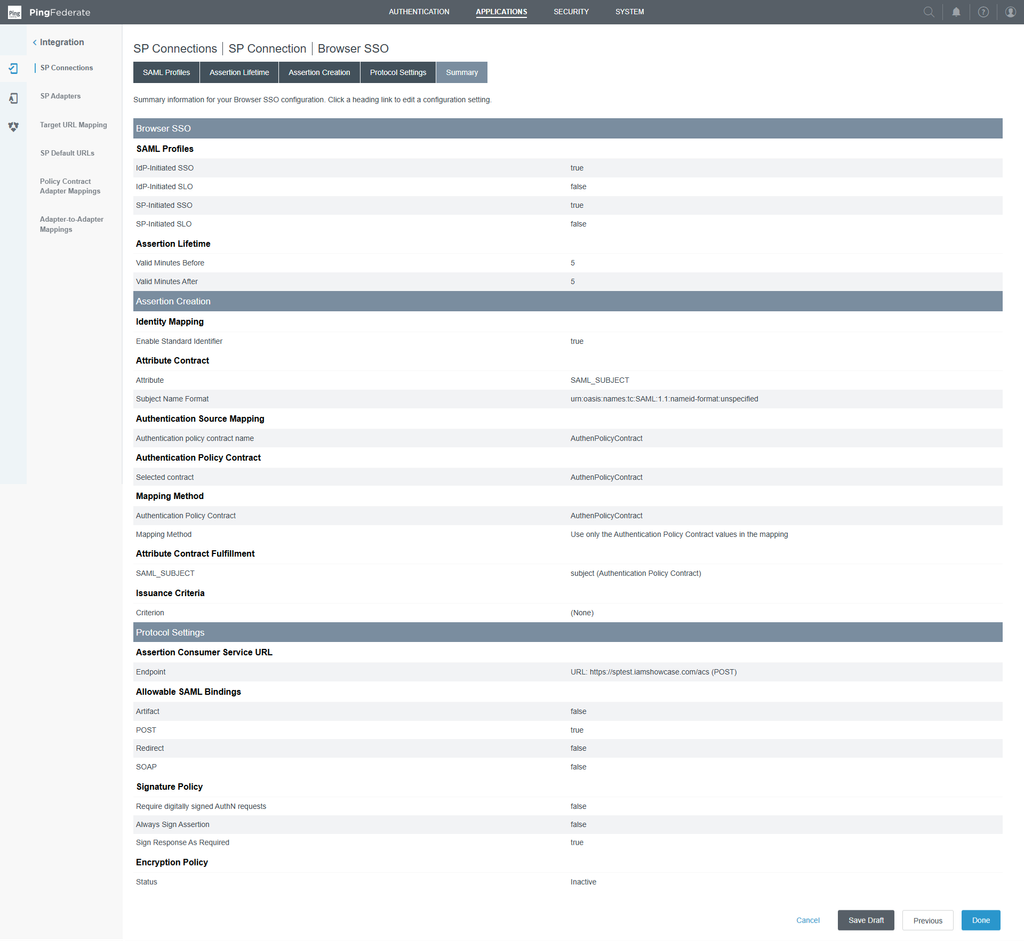
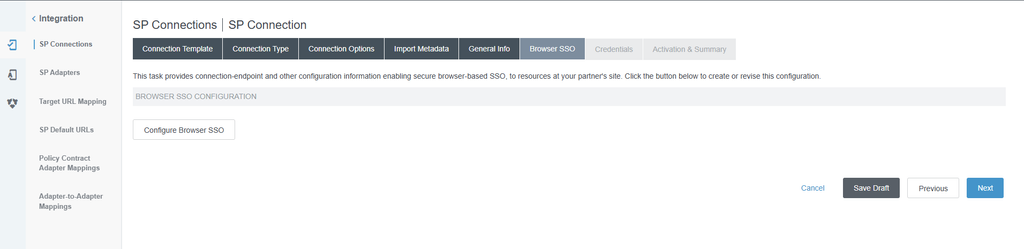
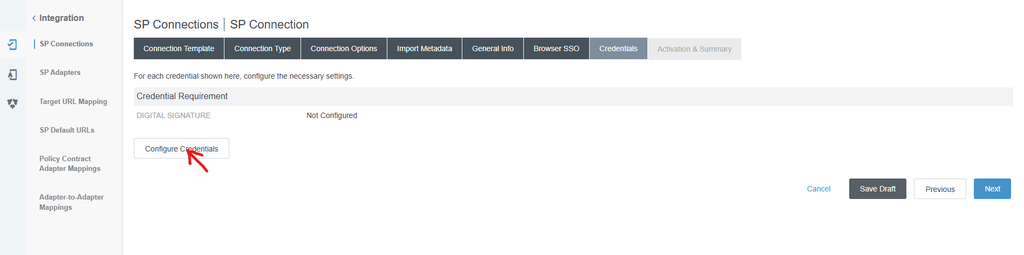
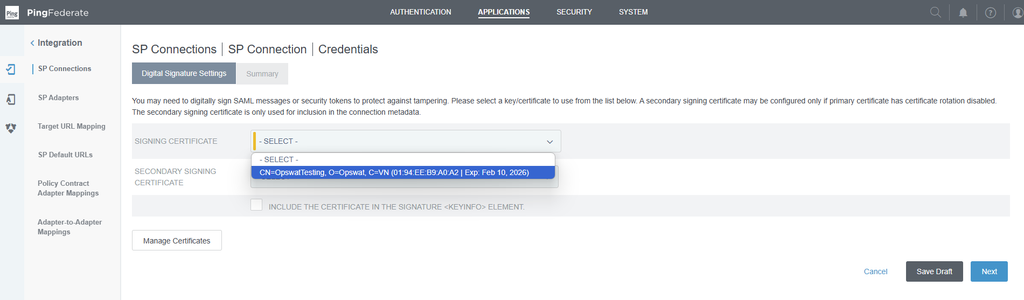
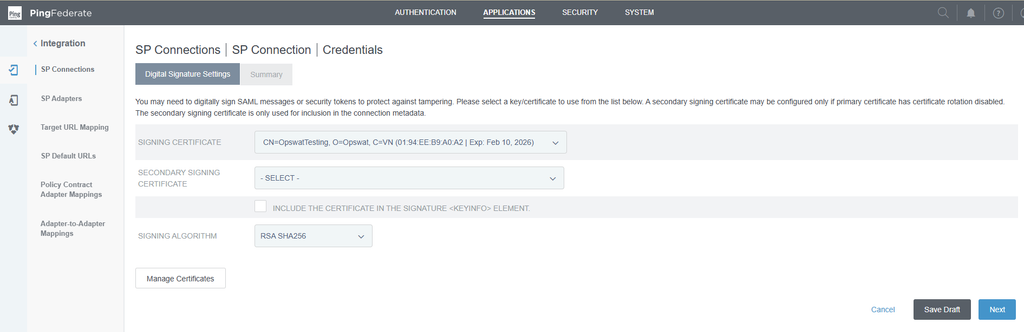
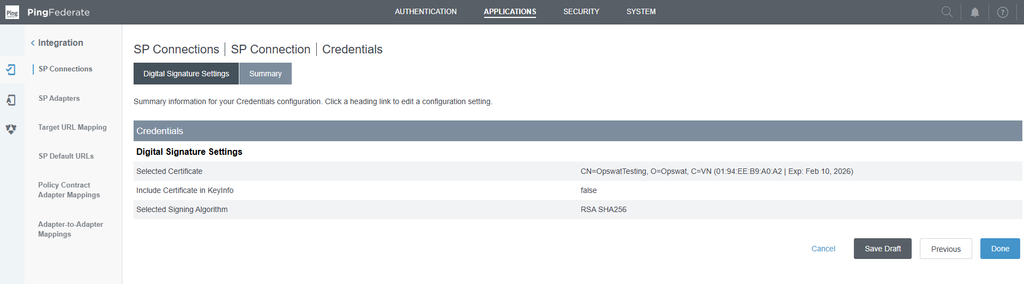
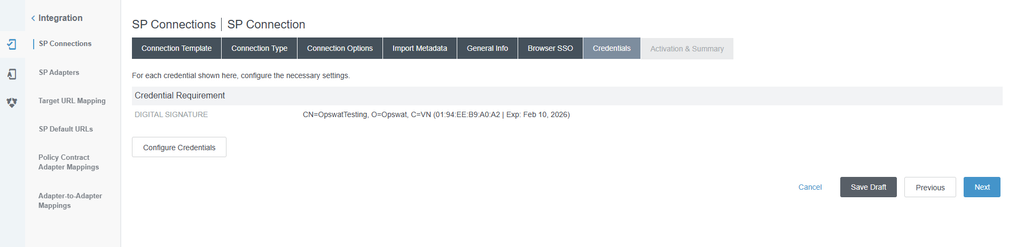
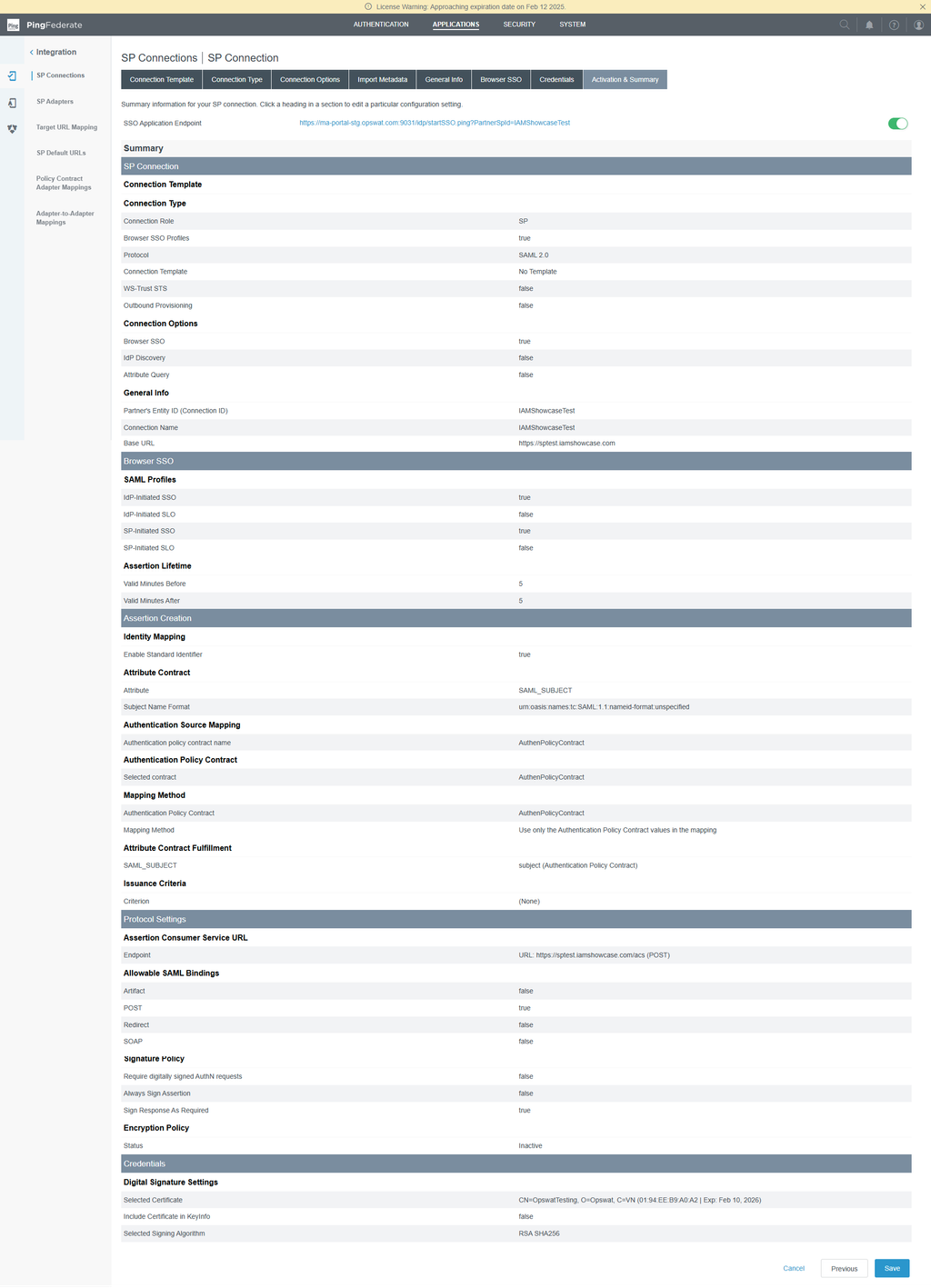
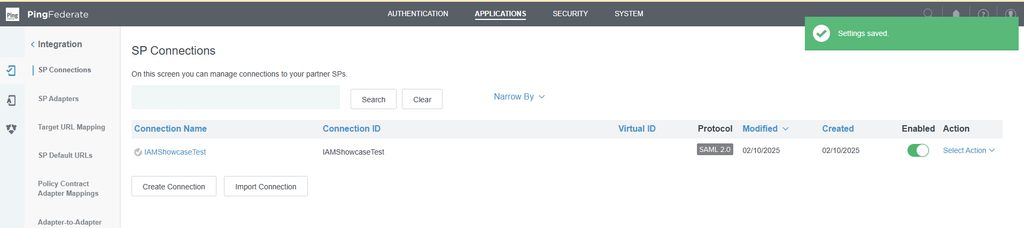
Create IdP Adapter for Ping Internal authentication (simple password html authentication)
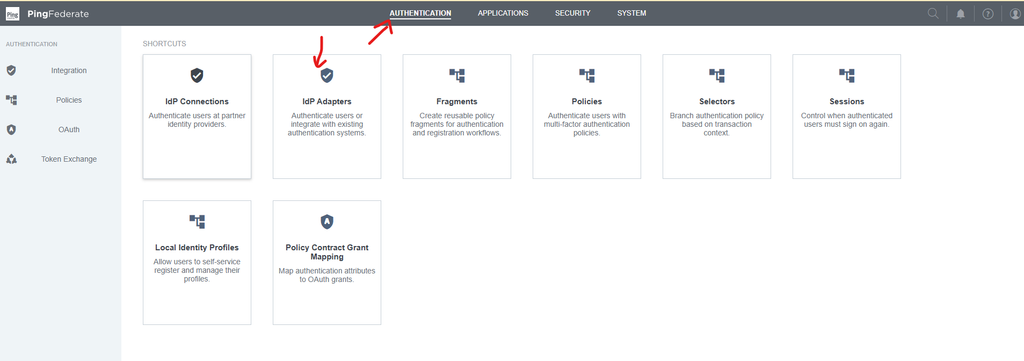

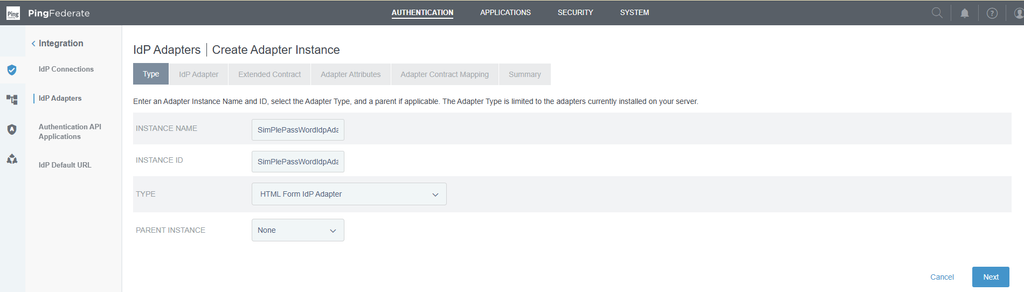
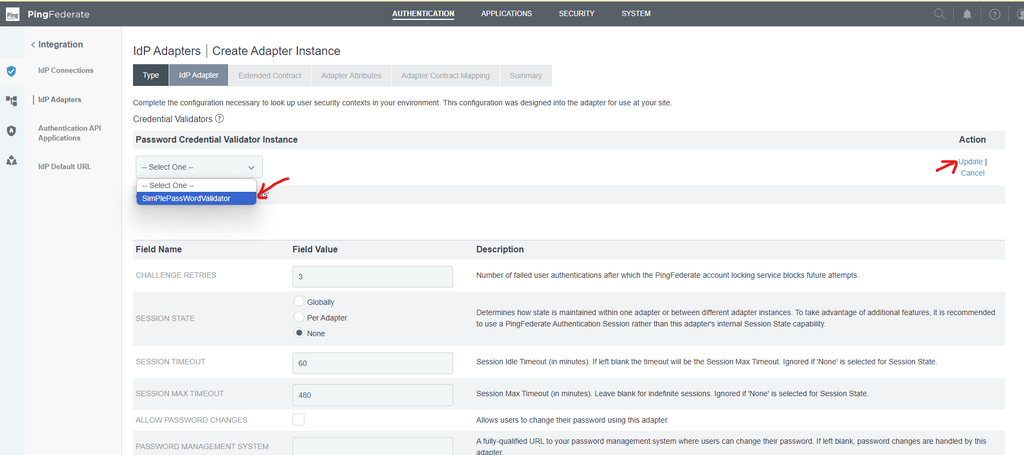
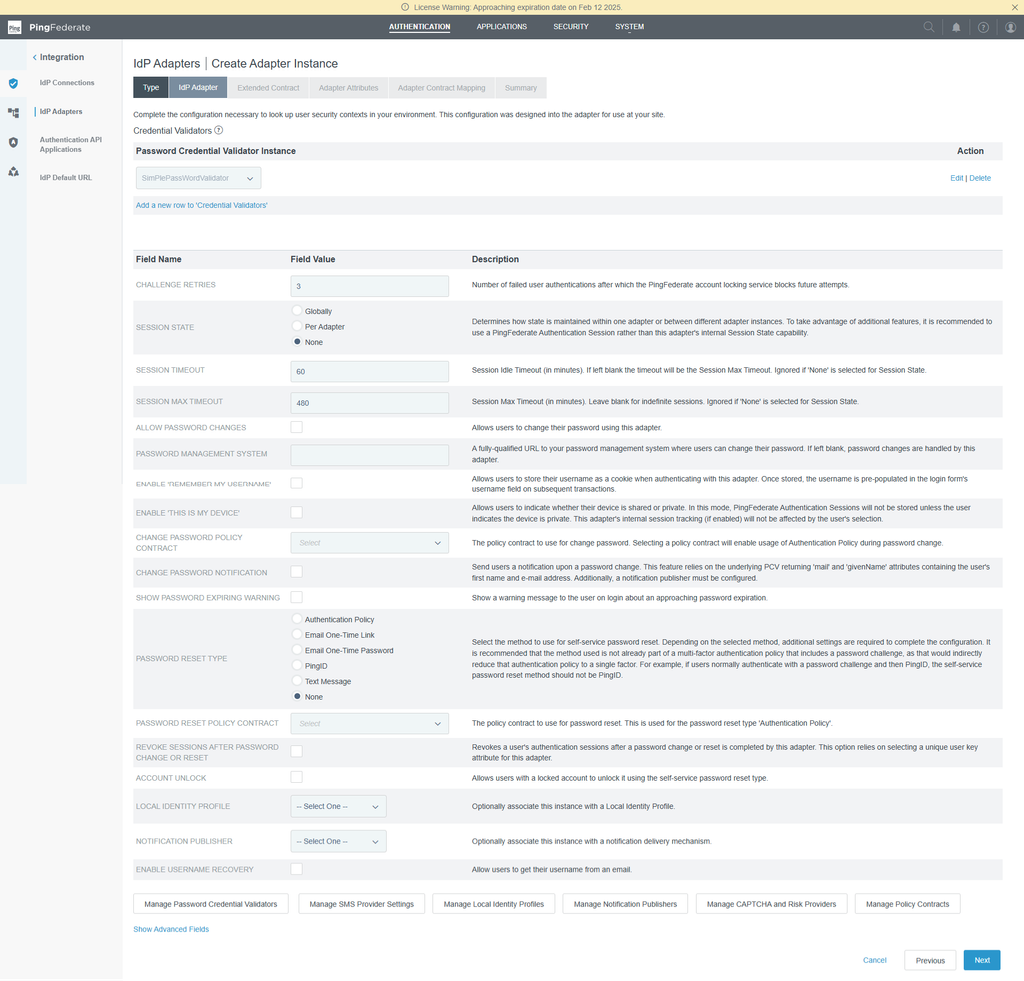
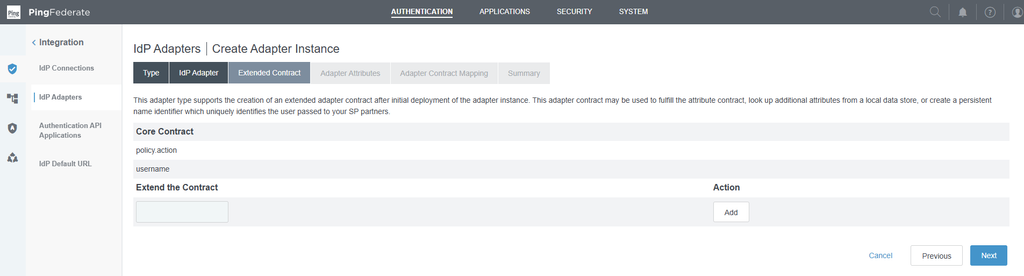
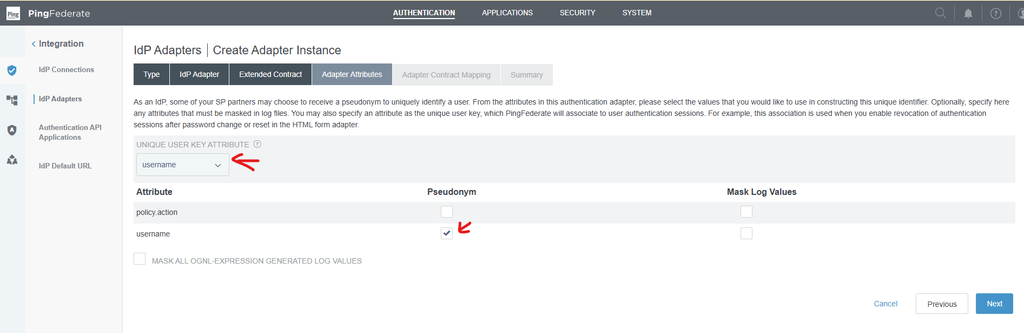
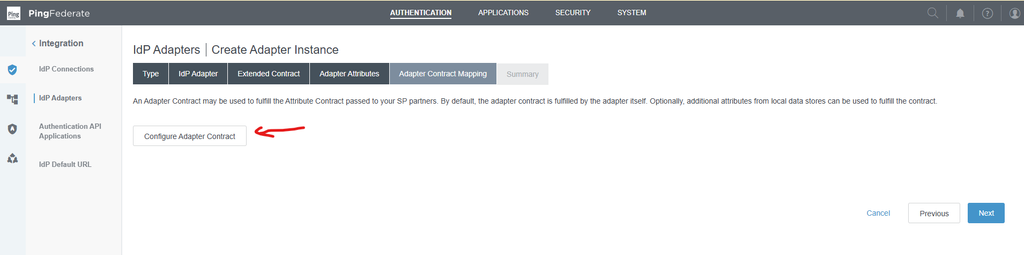
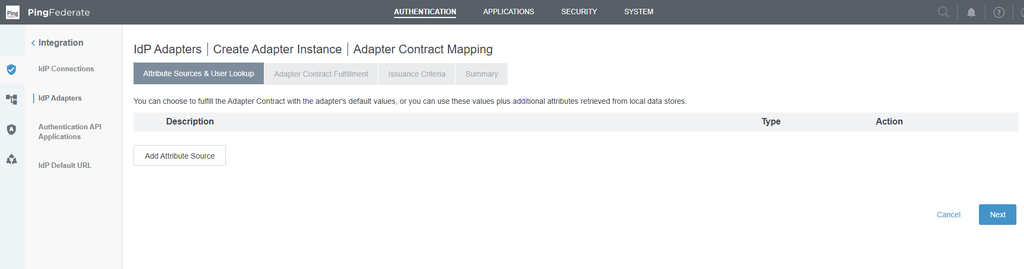
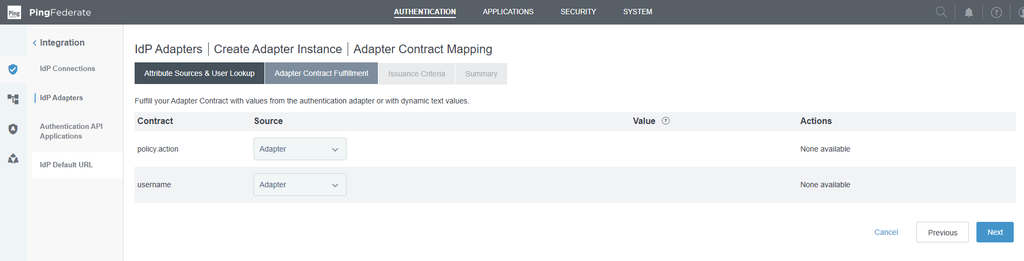
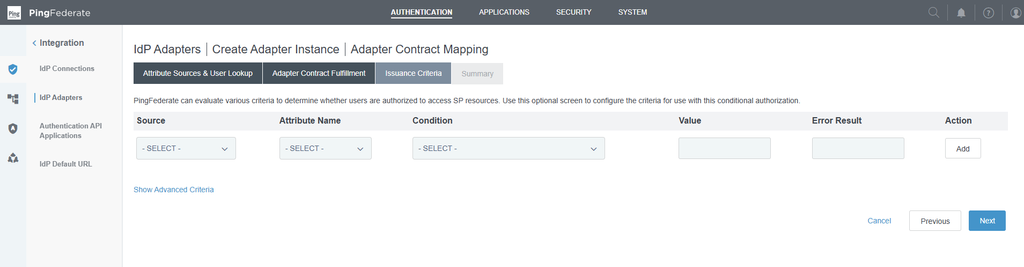
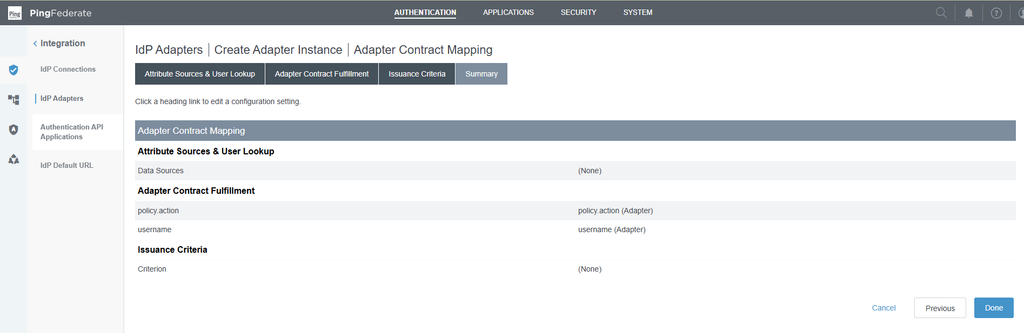
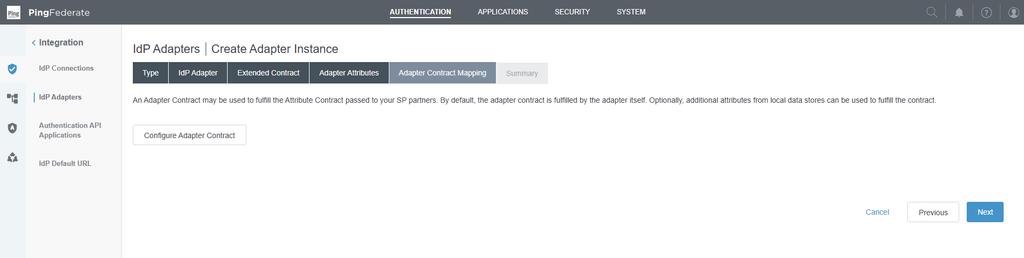
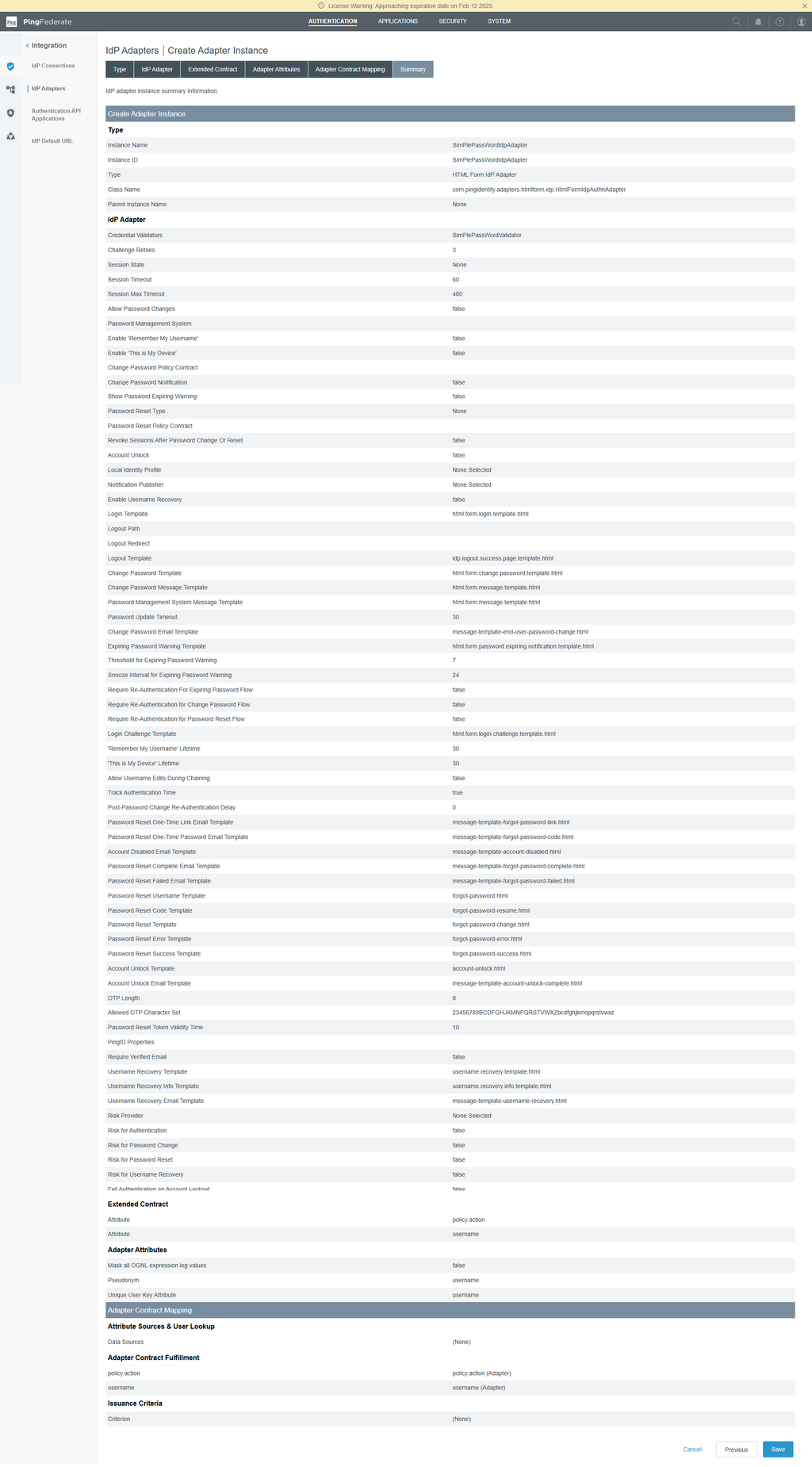

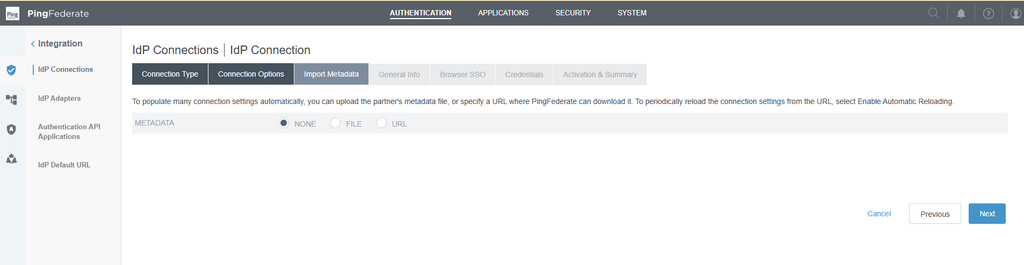
Create IdP connection to connect to OPSWAT IdP MFA service
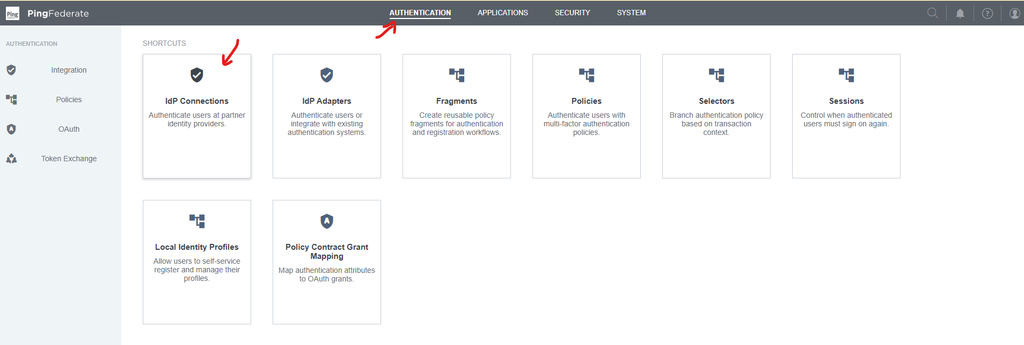
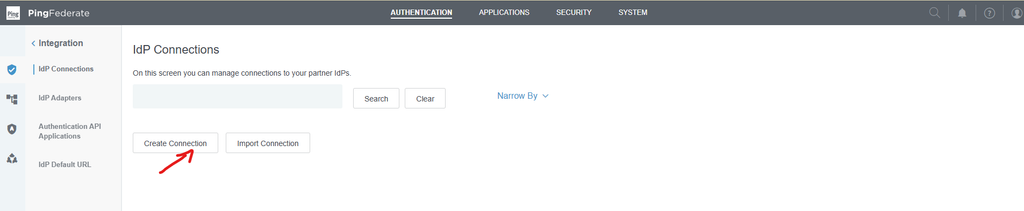
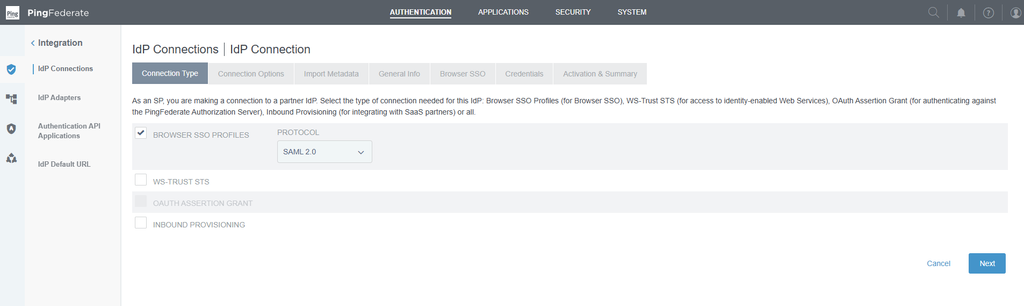
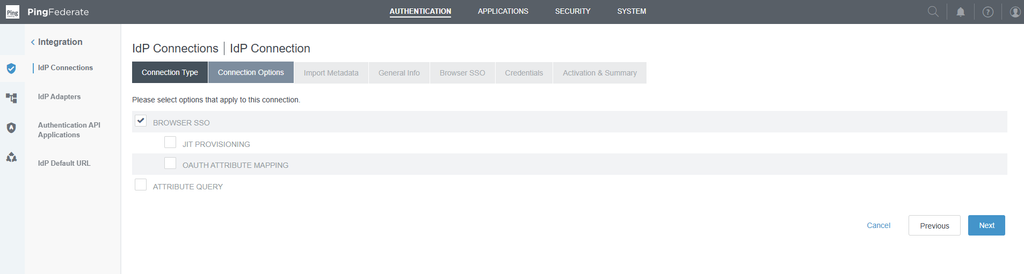
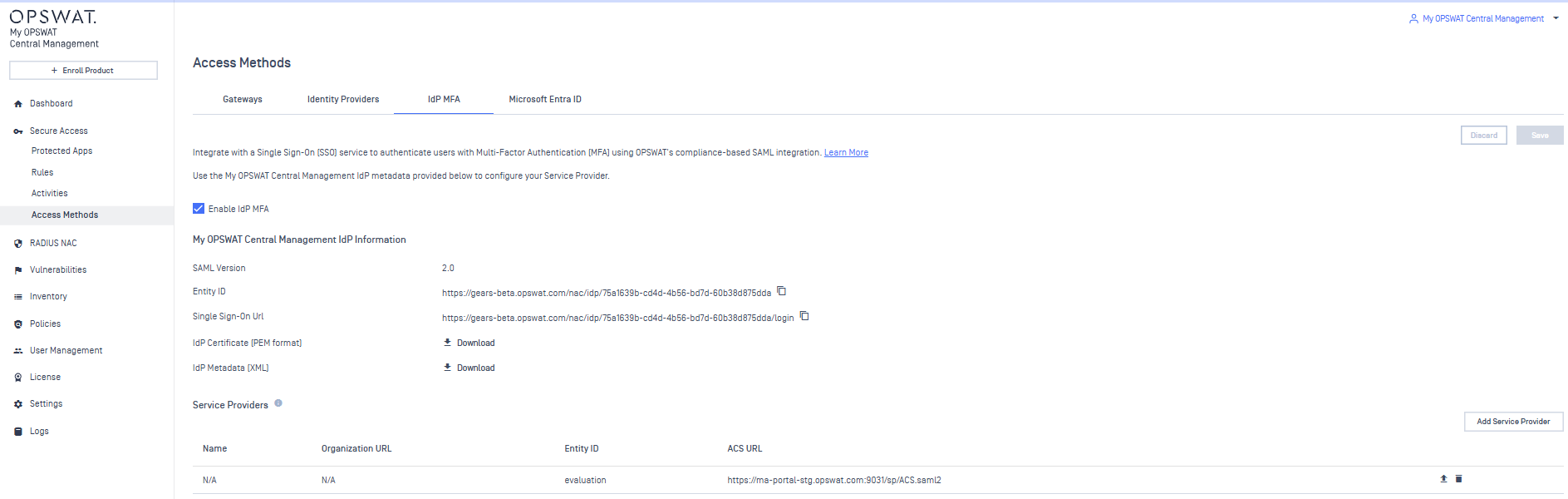
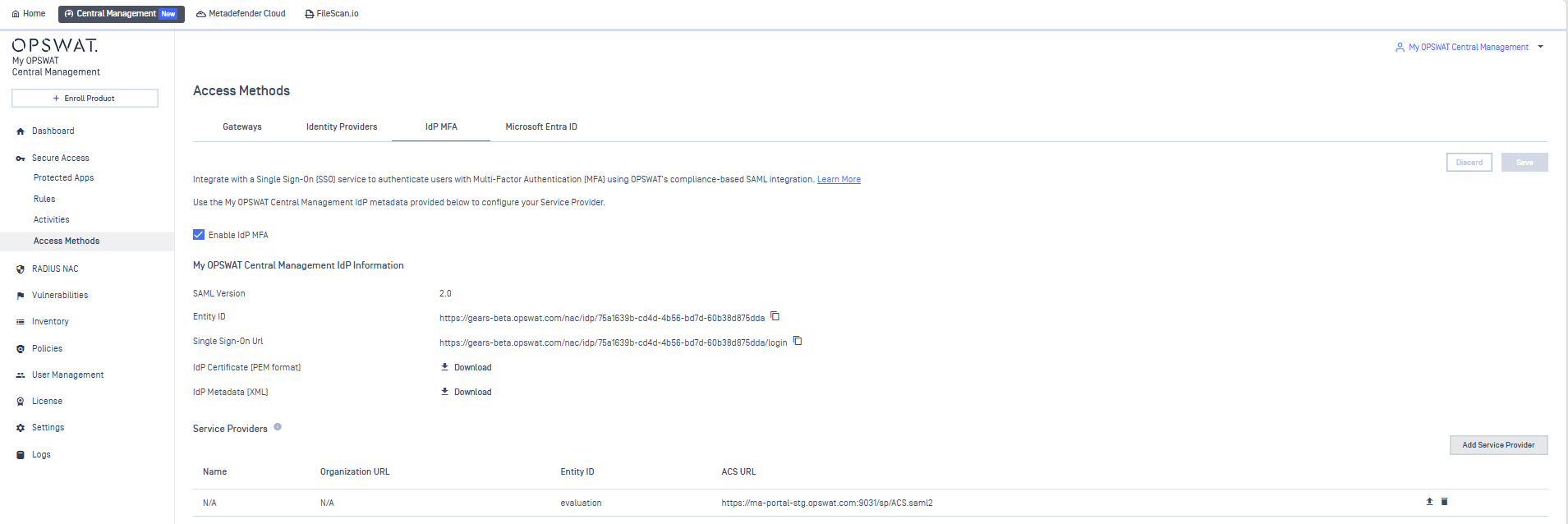
Go to Secure access console on My OPSWAT Central Management to copy Entity Id
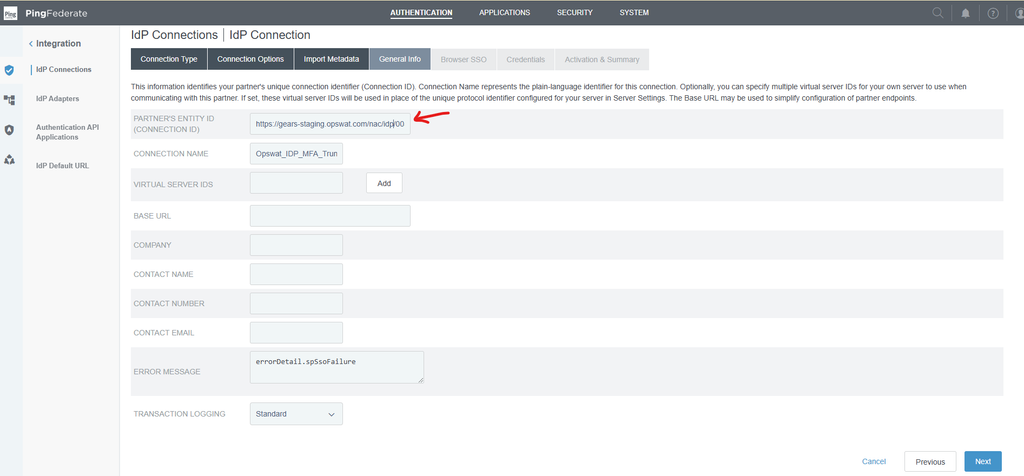
And paste in PARTNER’s ENTITY ID
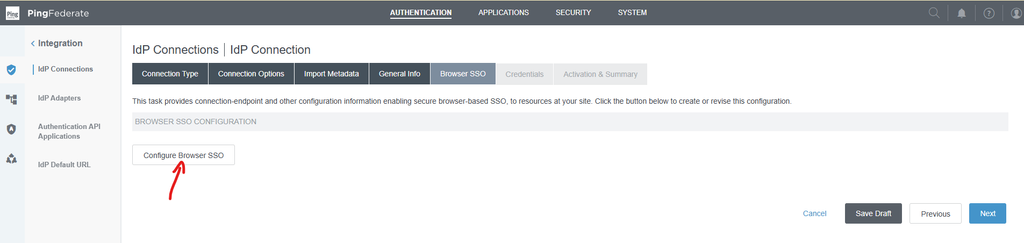
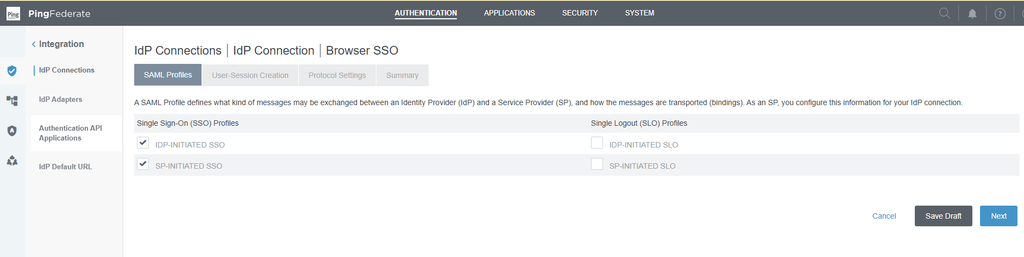
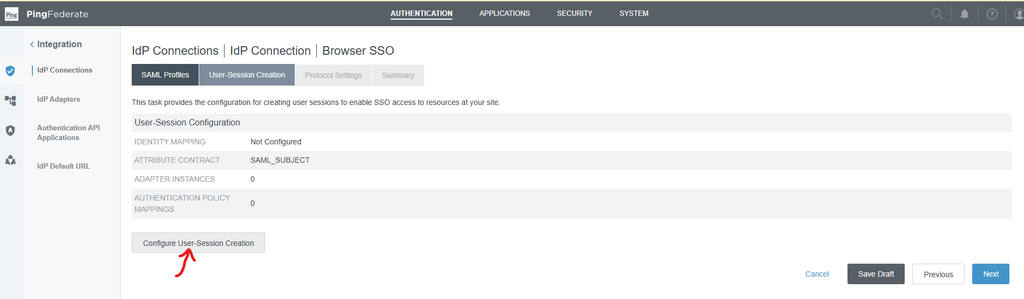
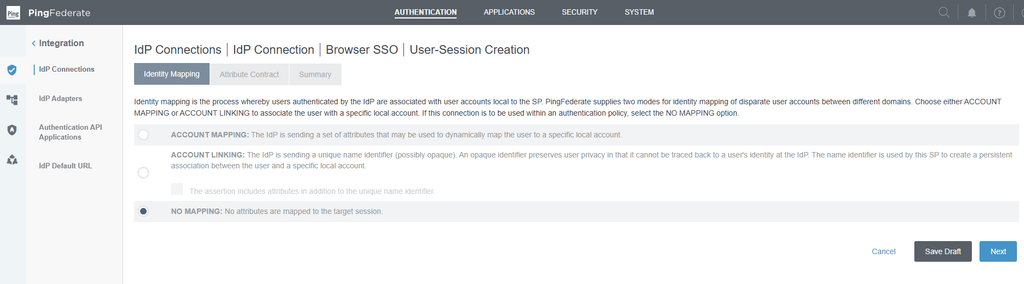
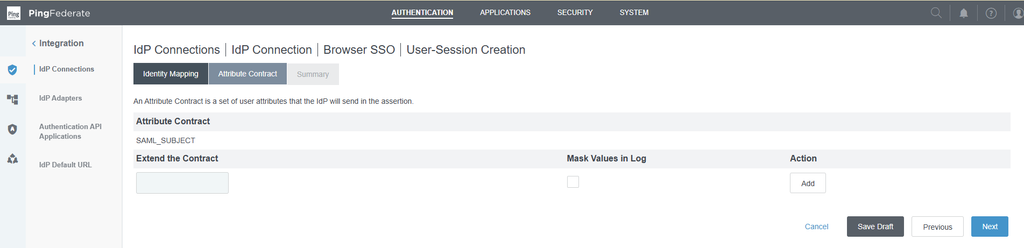
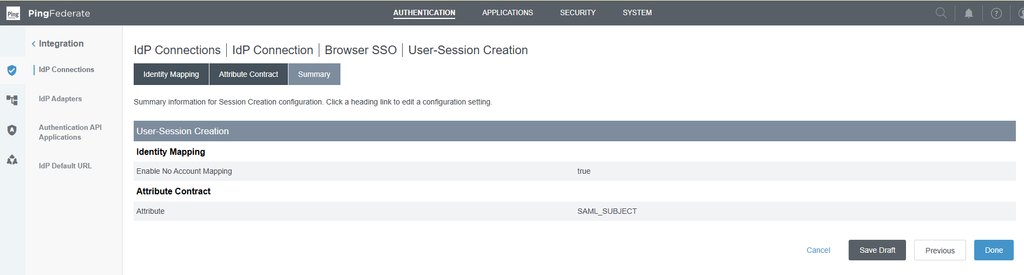
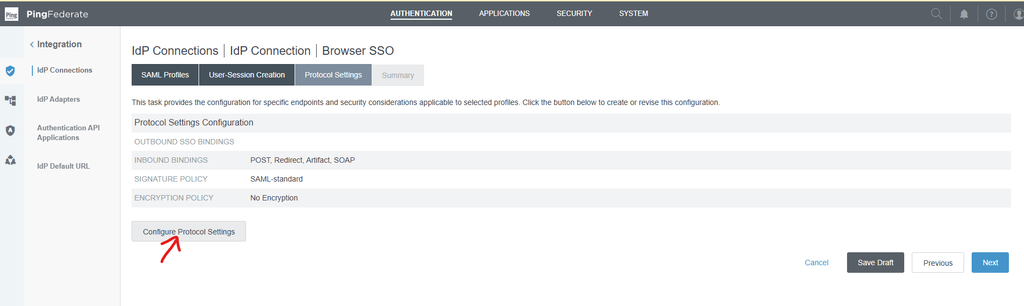
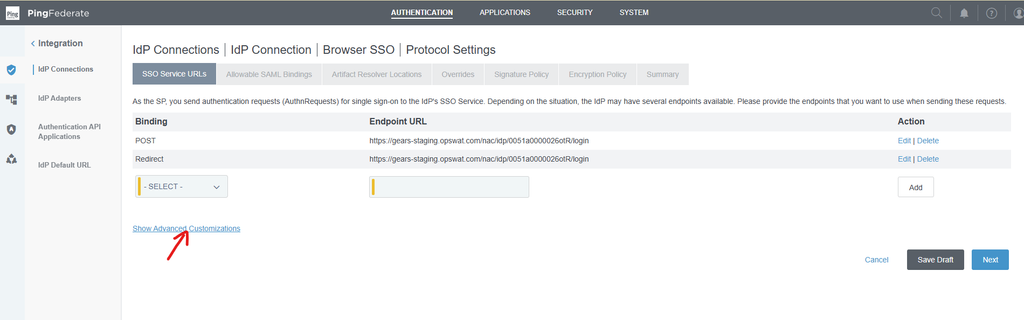
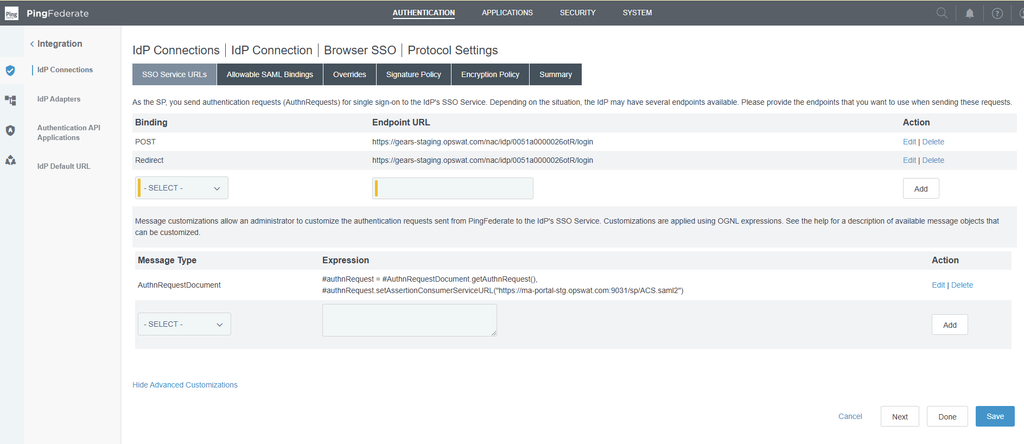
OGNL Expression:
1. #authnRequest = #AuthnRequestDocument.getAuthnRequest(),
2. #authnRequest.setAssertionConsumerServiceURL("https://ma-portal-stg.opswat.com:9031/sp/ACS.saml2")
The endpoint URL is copied from Secure access page
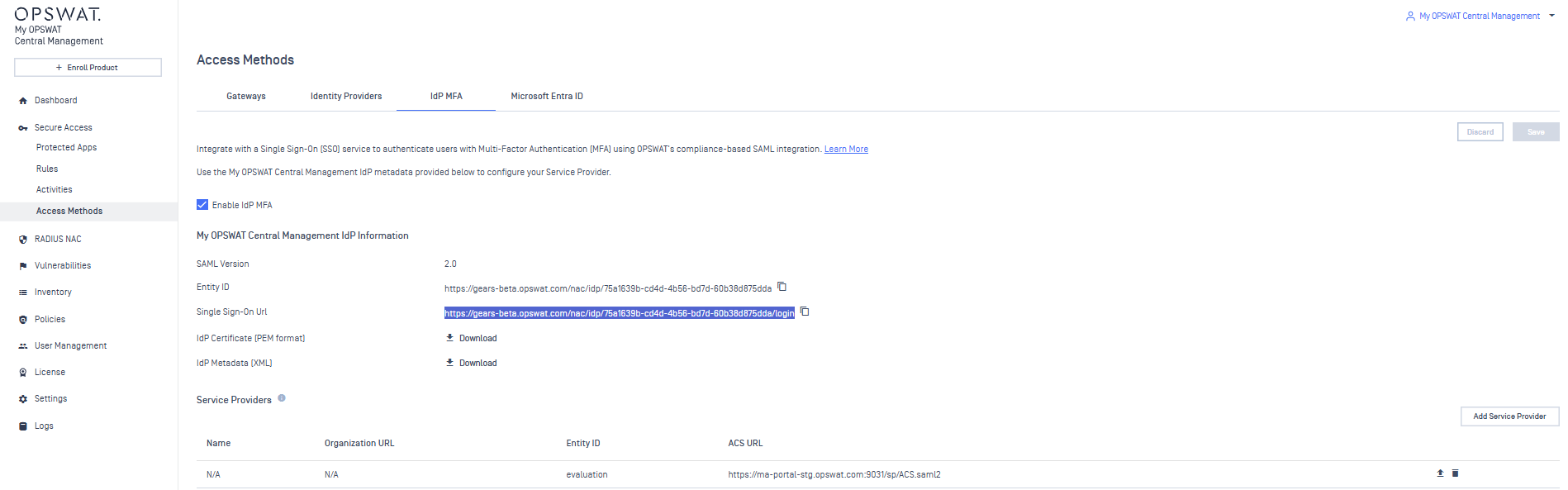
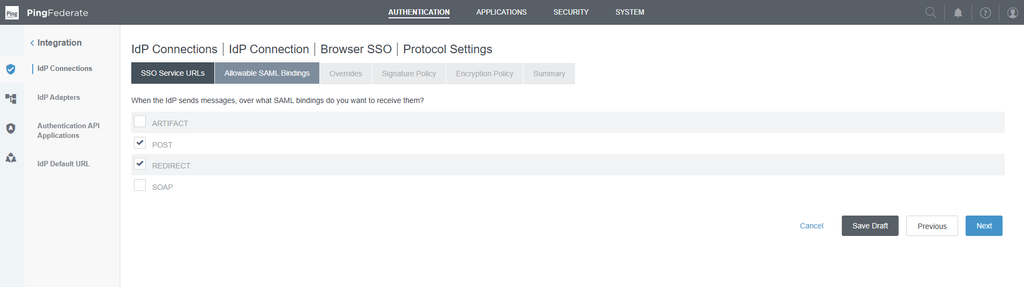
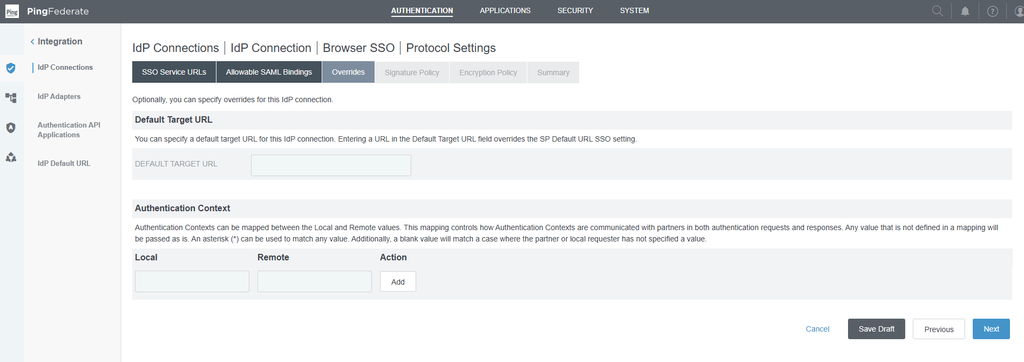
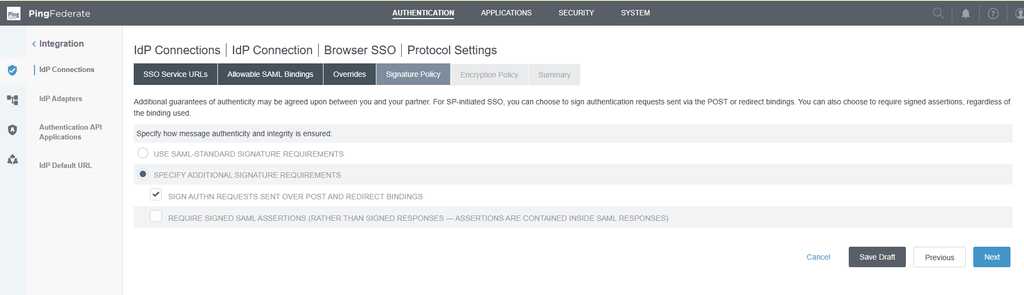
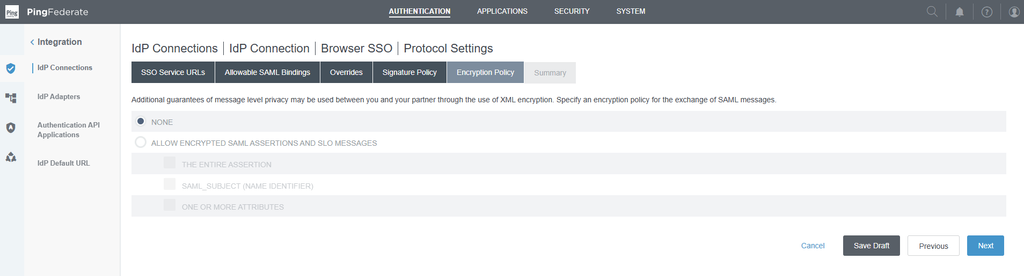
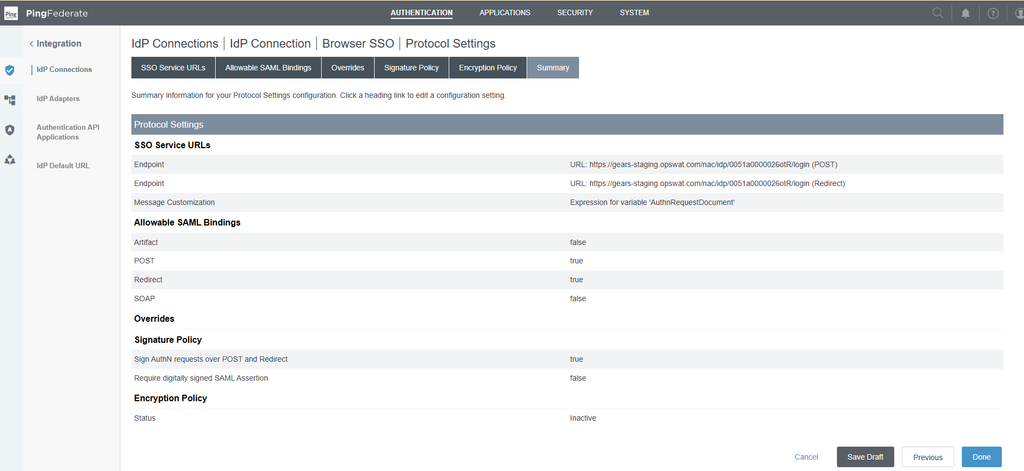
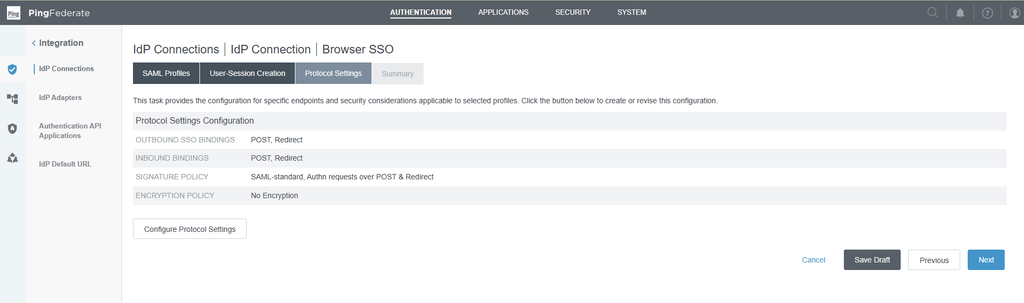
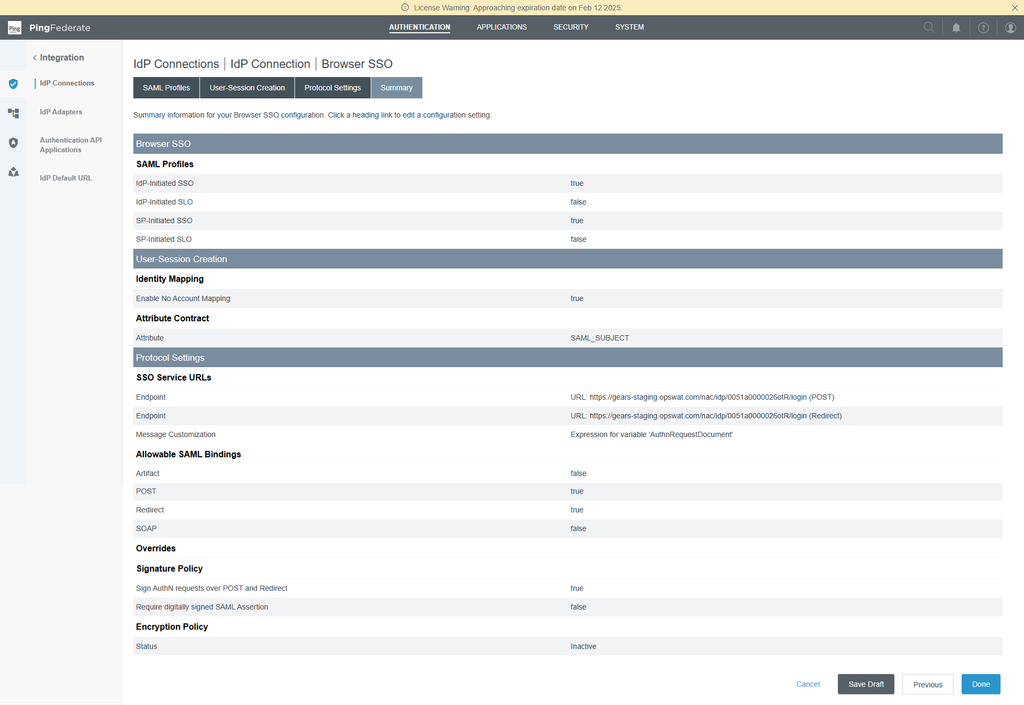
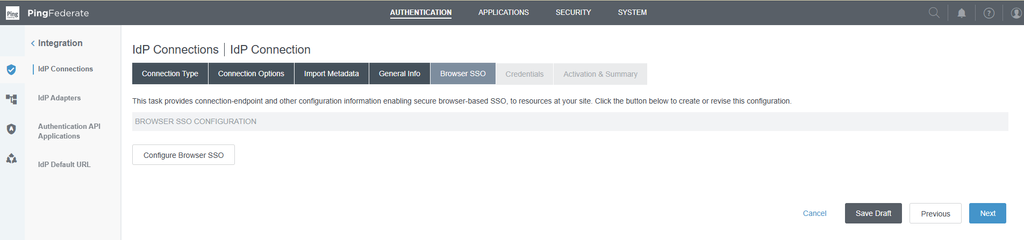
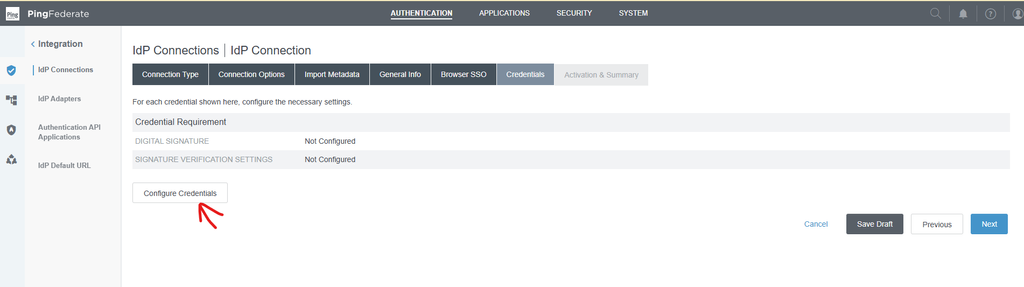
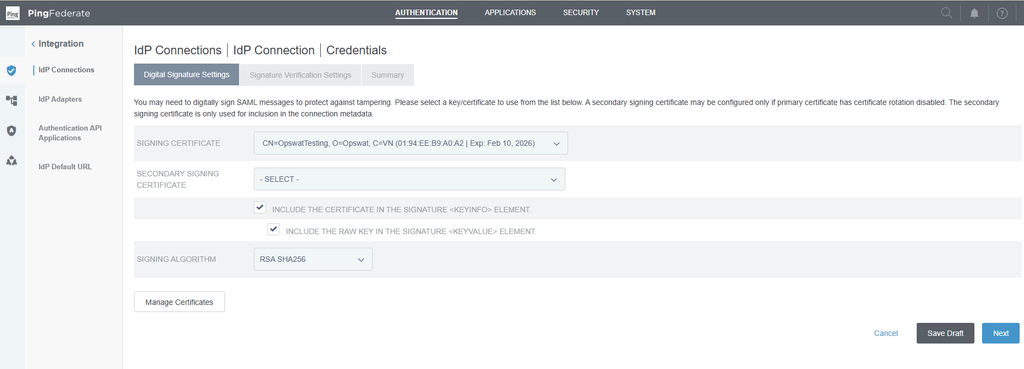
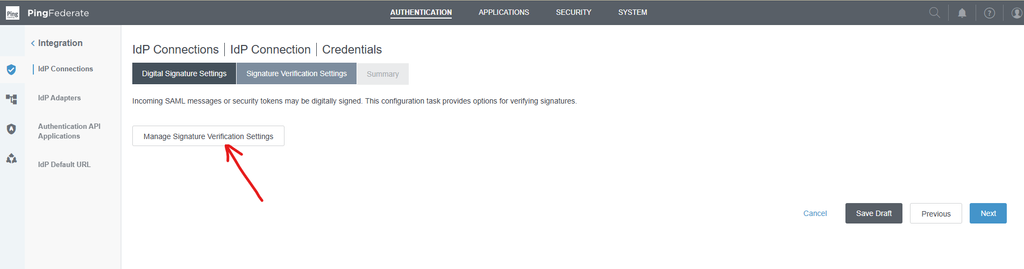
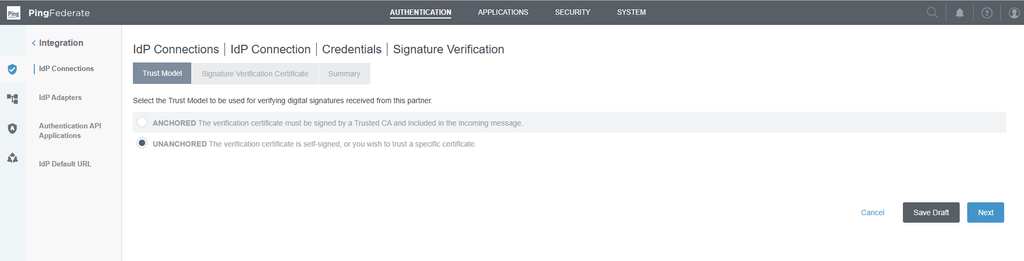
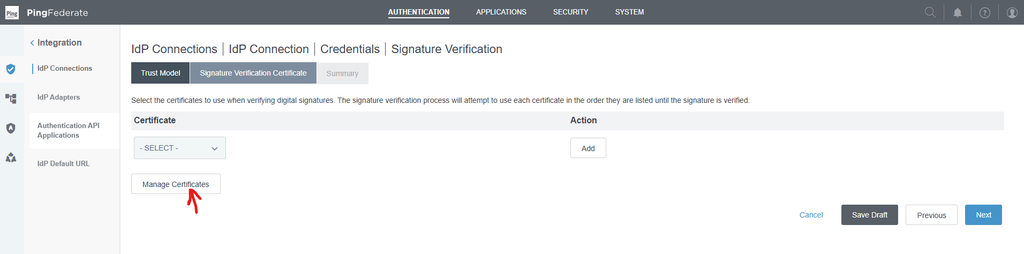
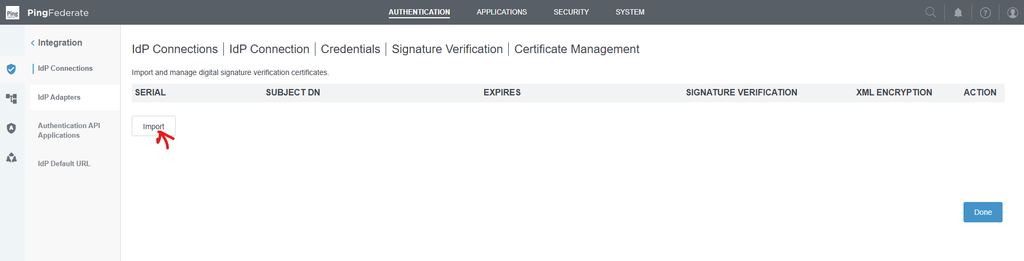
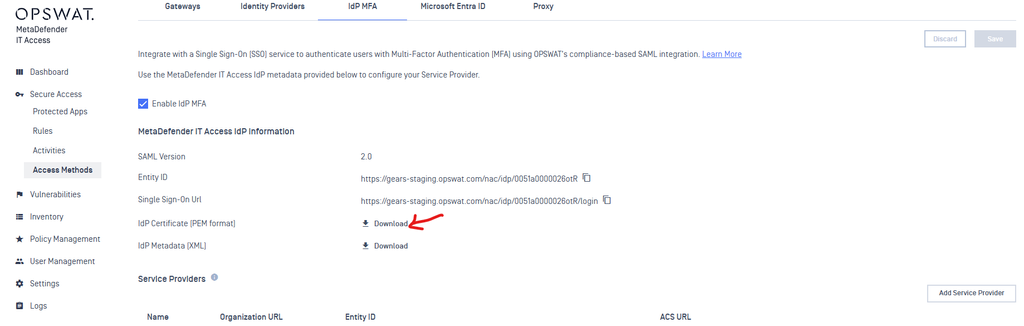
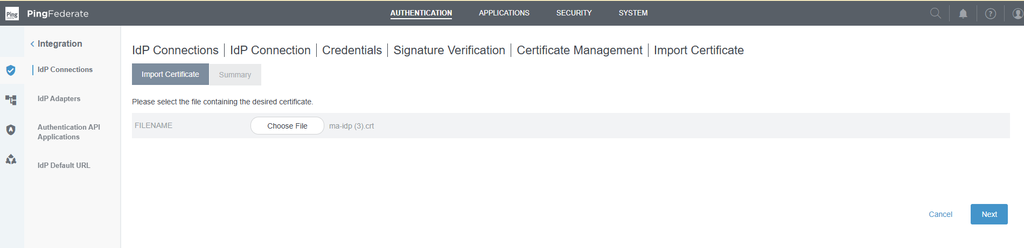
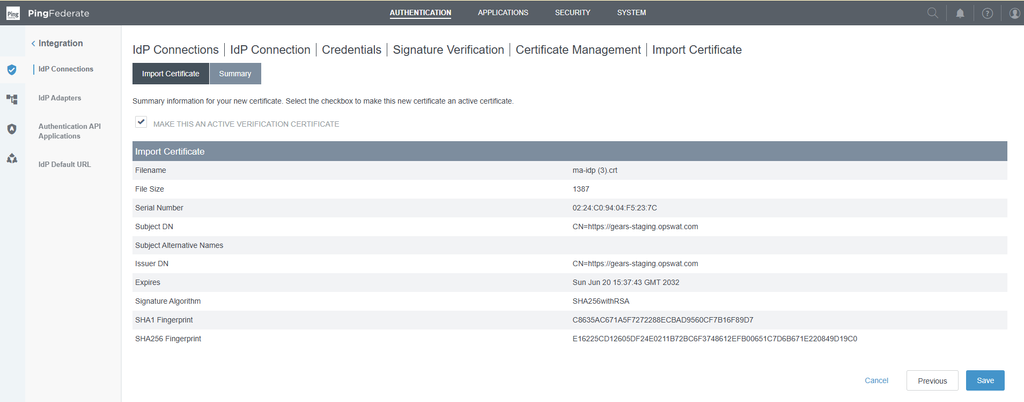
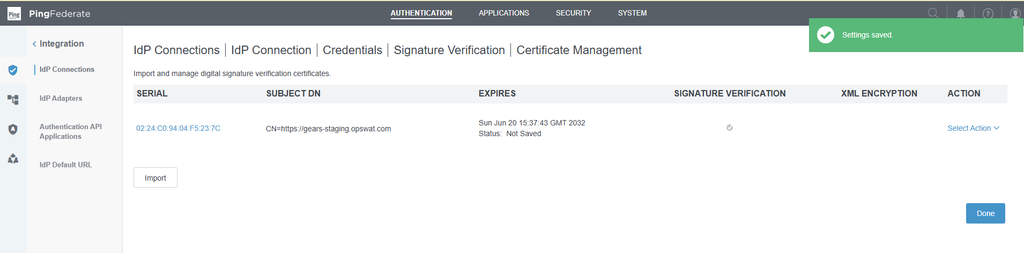
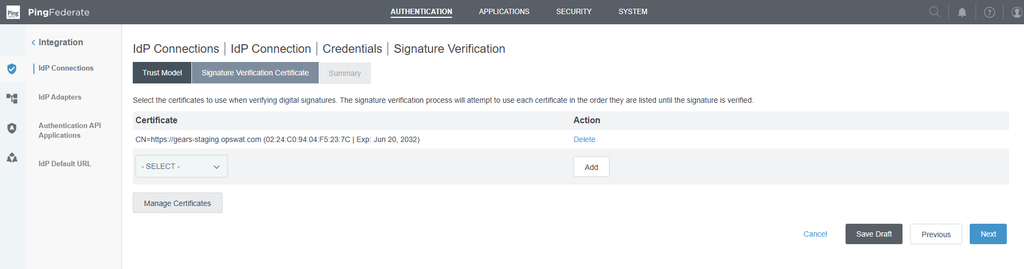
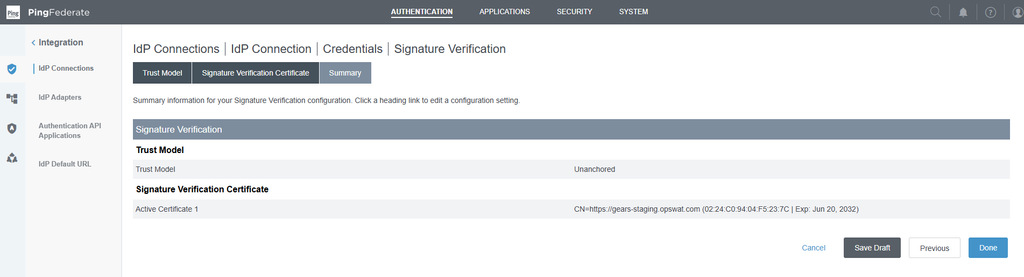
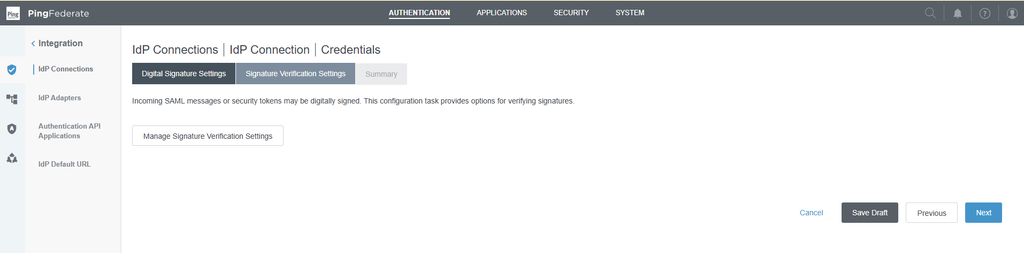
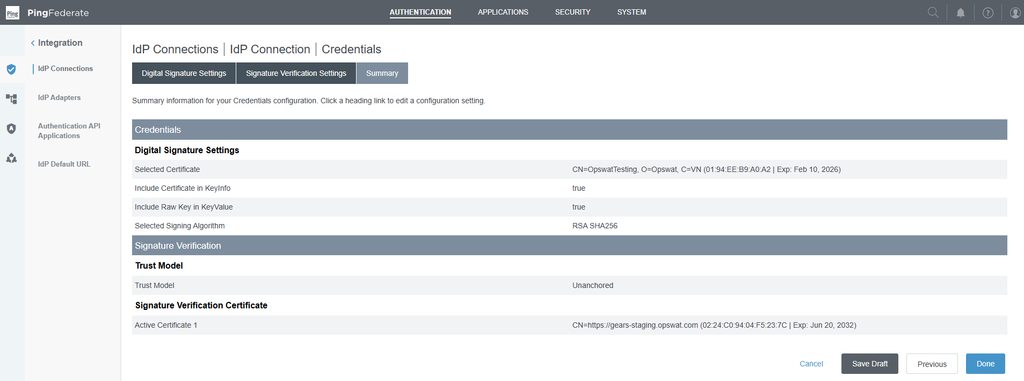
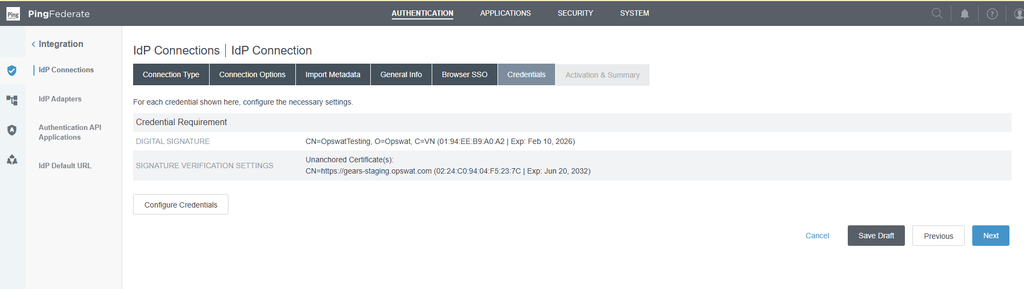
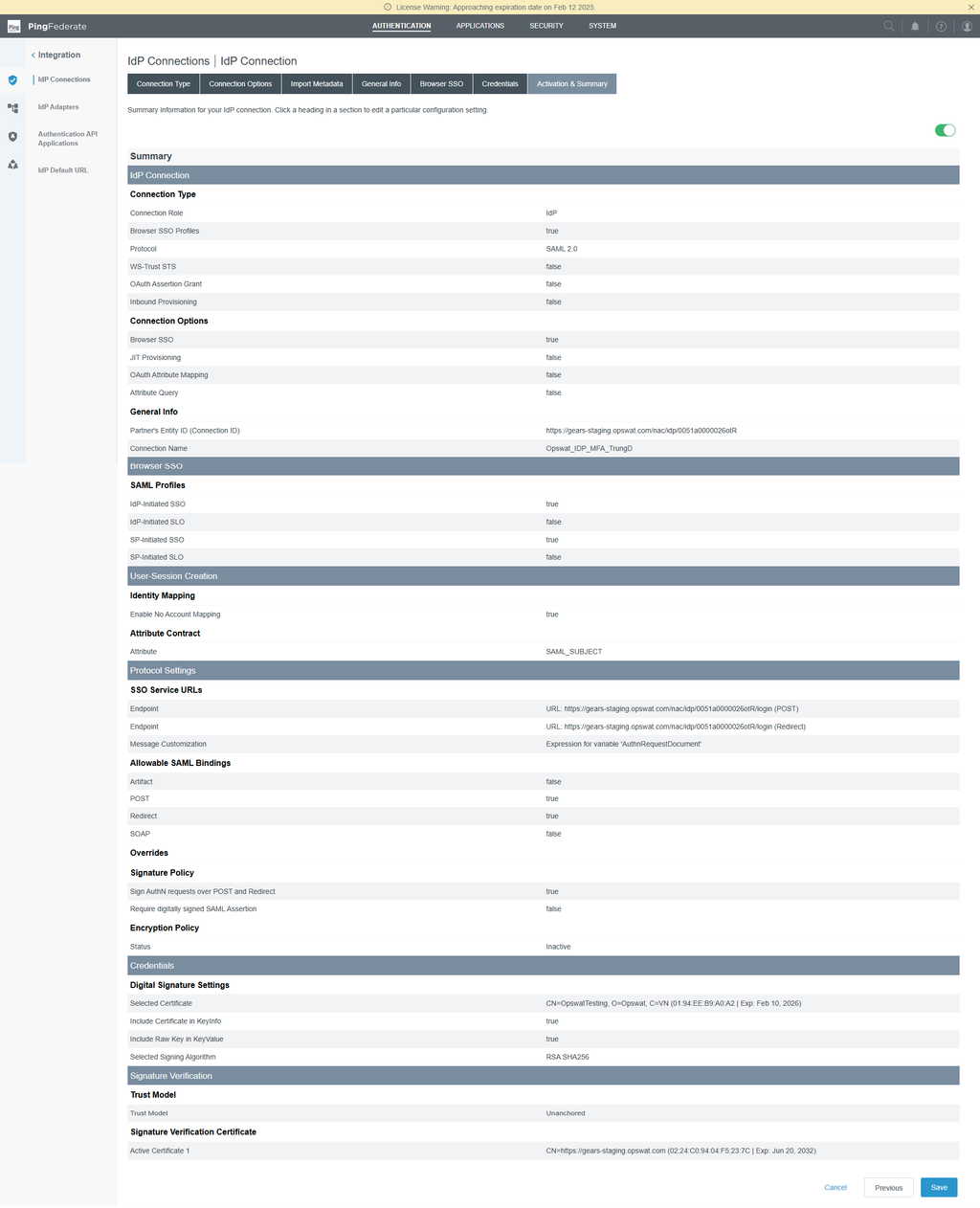
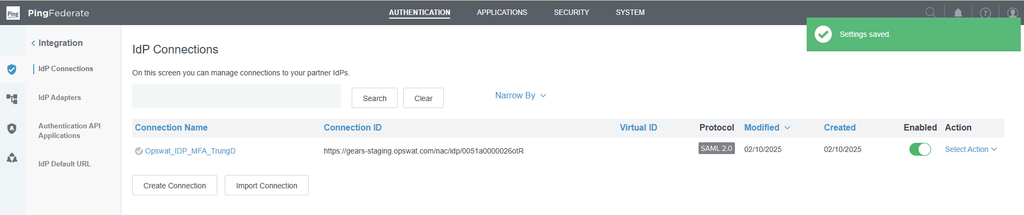
Import IdP connection to IT Access IDP MFA
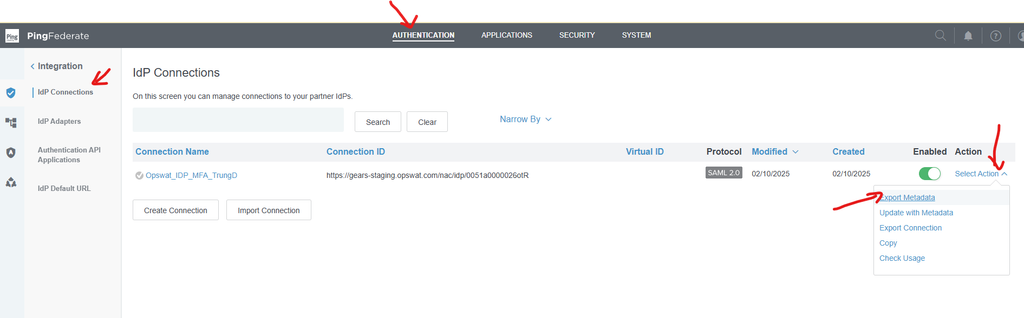
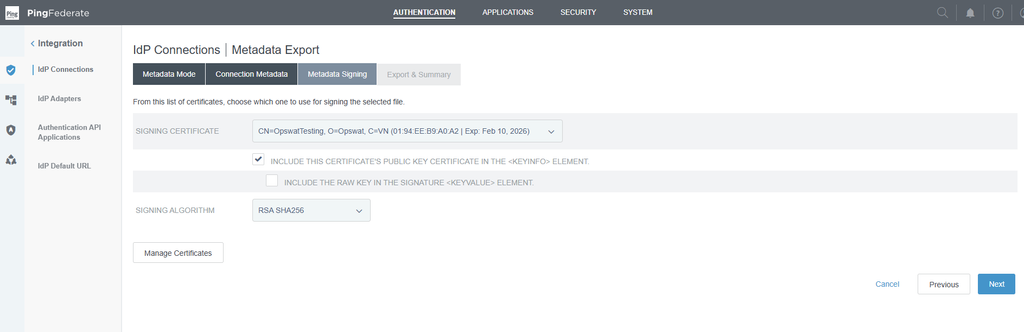
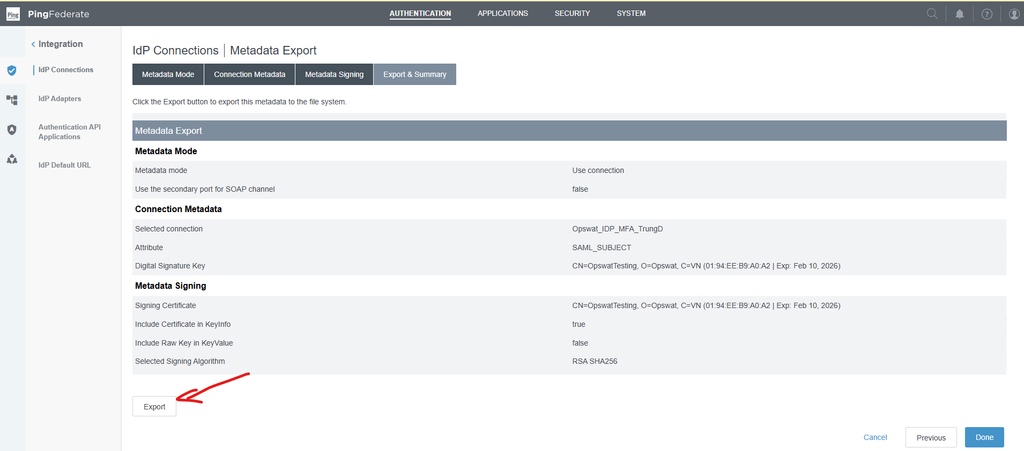
Upload to Secure Access IDP MFA page:
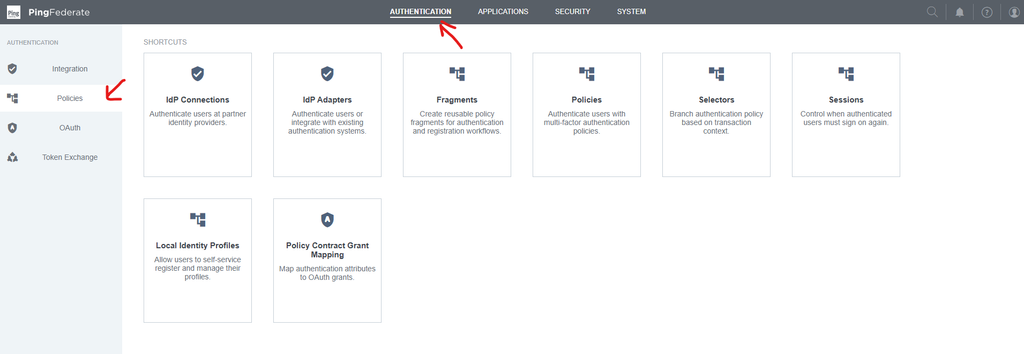
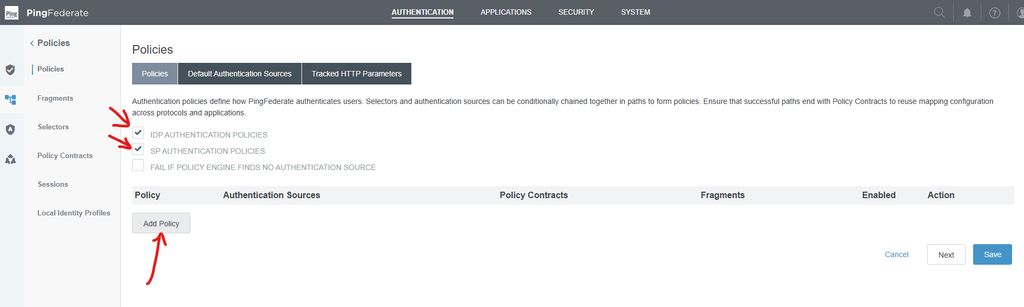
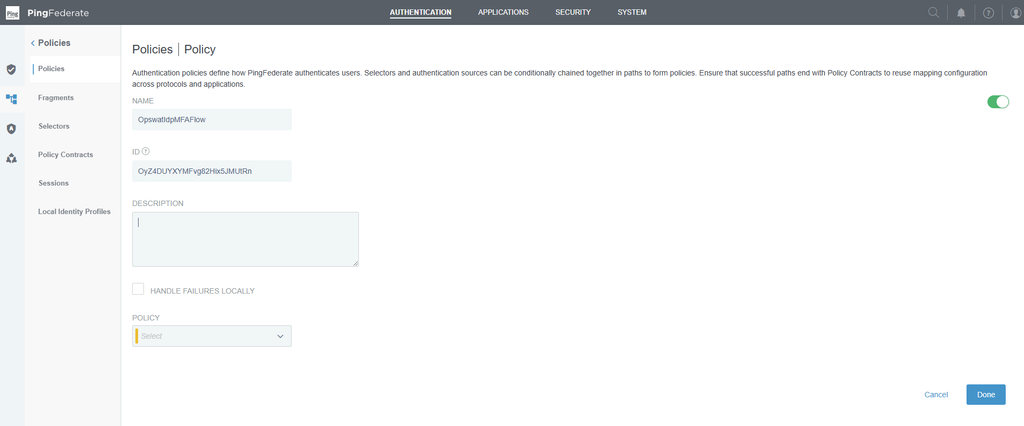
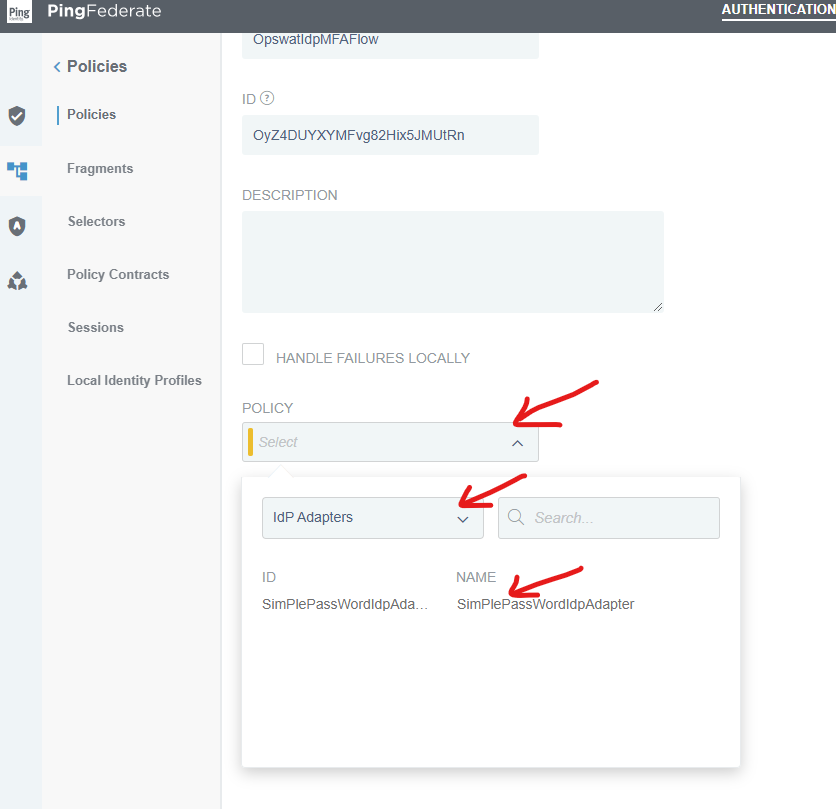
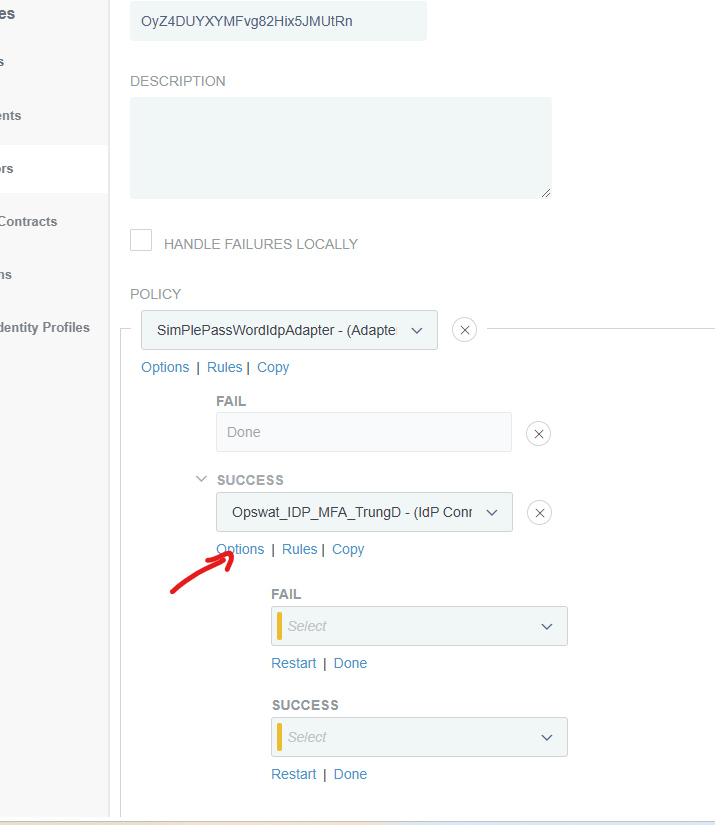
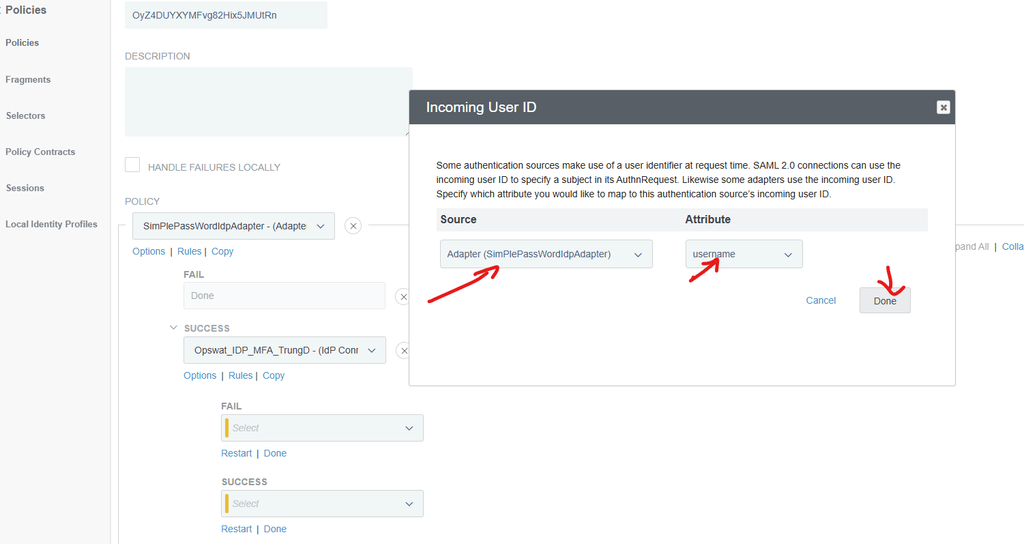
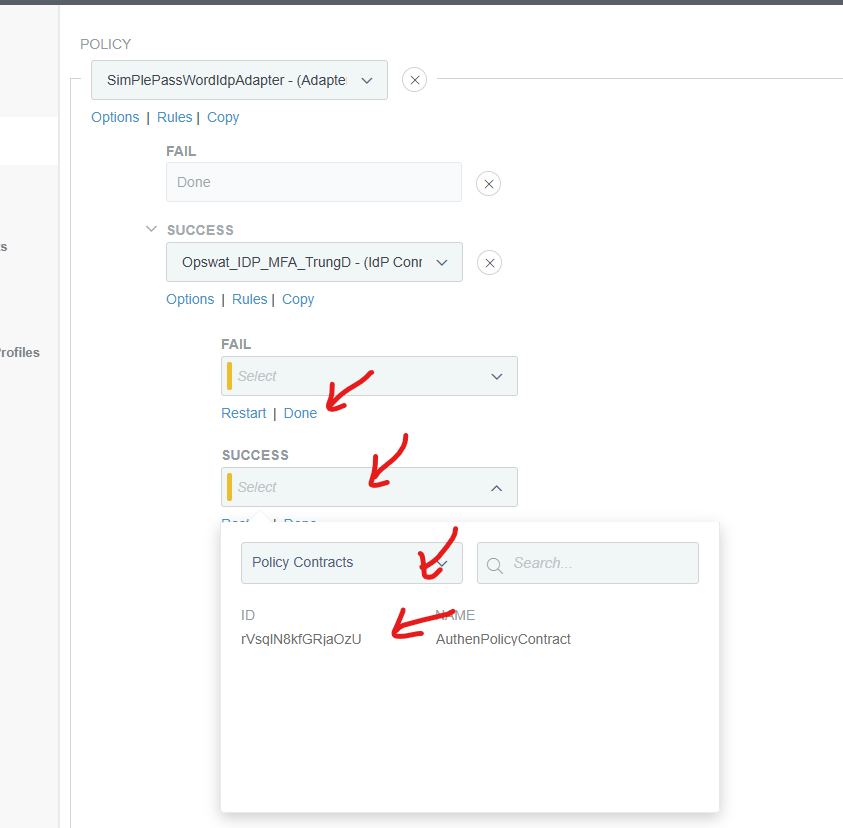
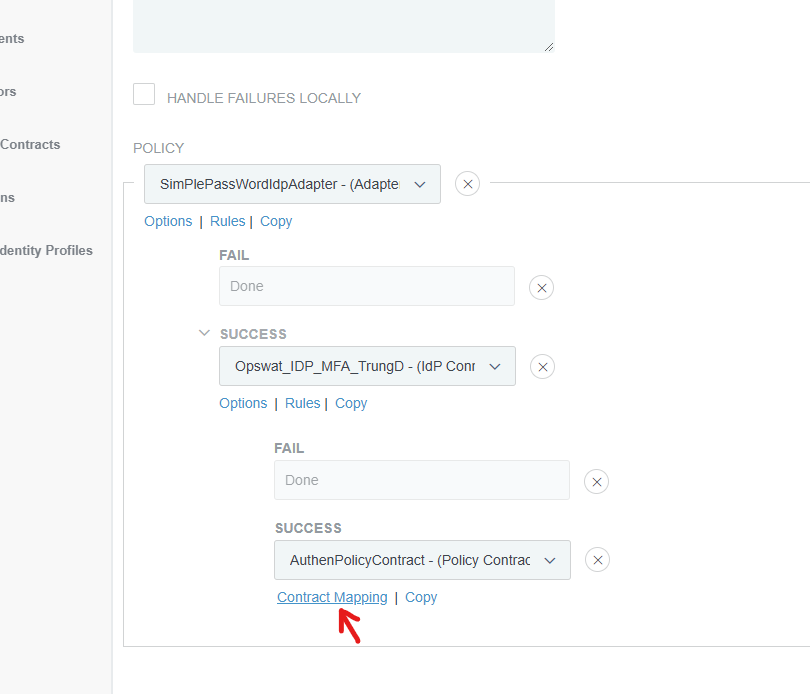
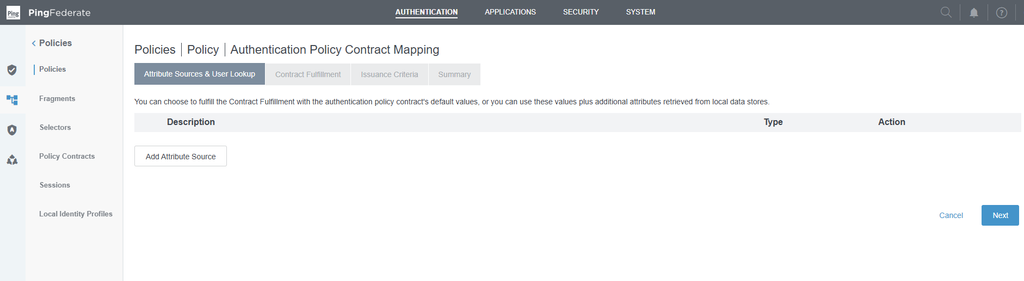
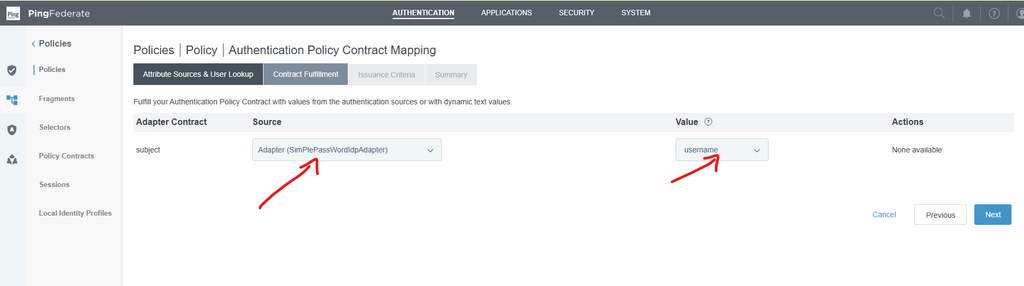
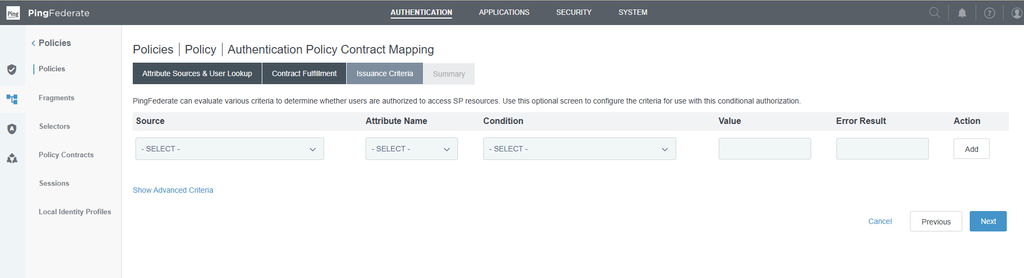
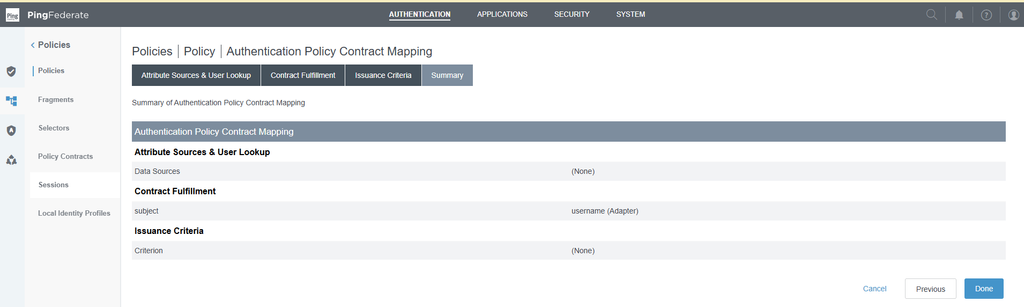
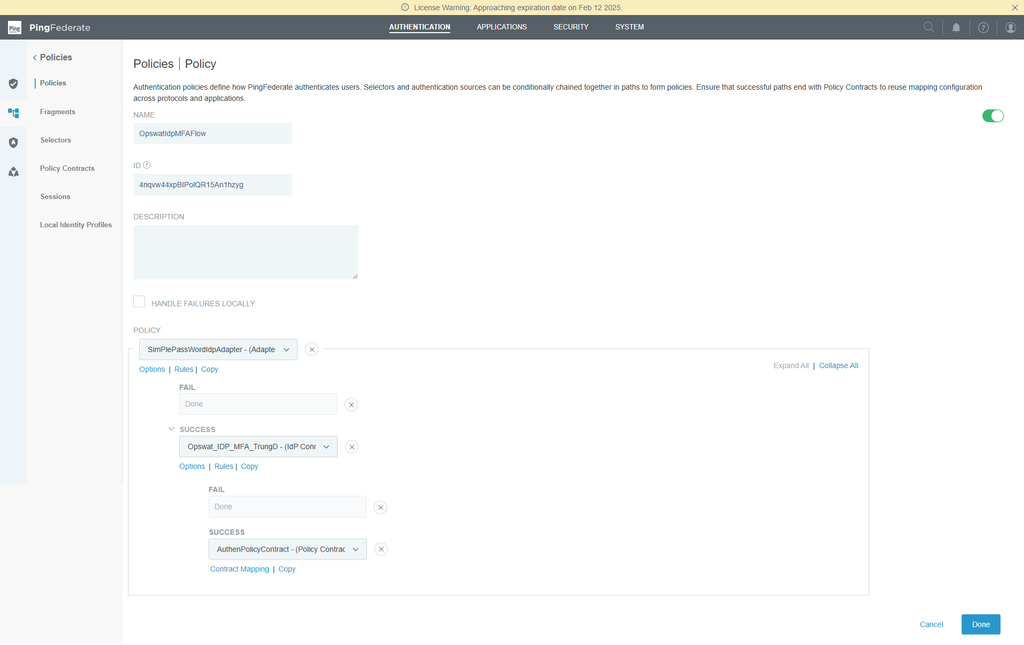
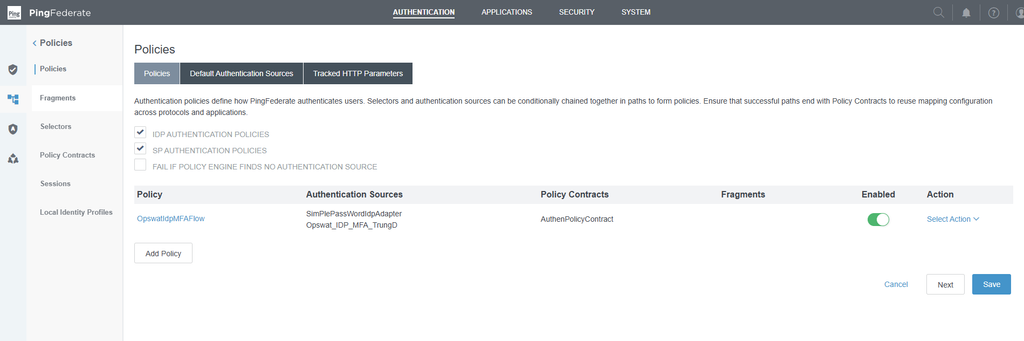
Setup Ping Federation Policy ( flow)
How to test"
Install OPSWAT Endpoint staging
Go to SP connection:
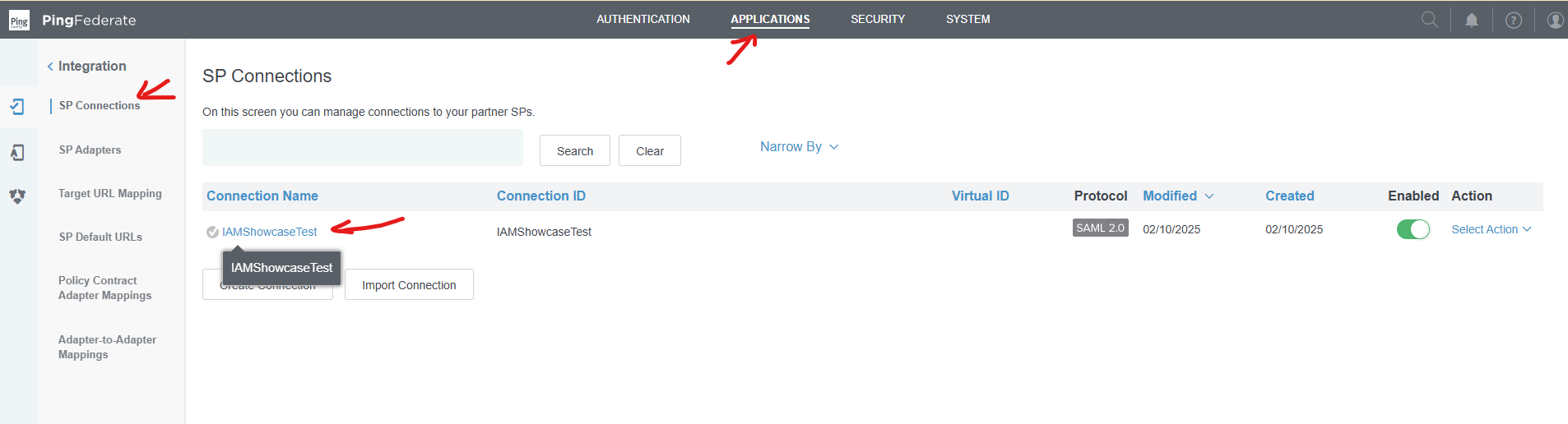
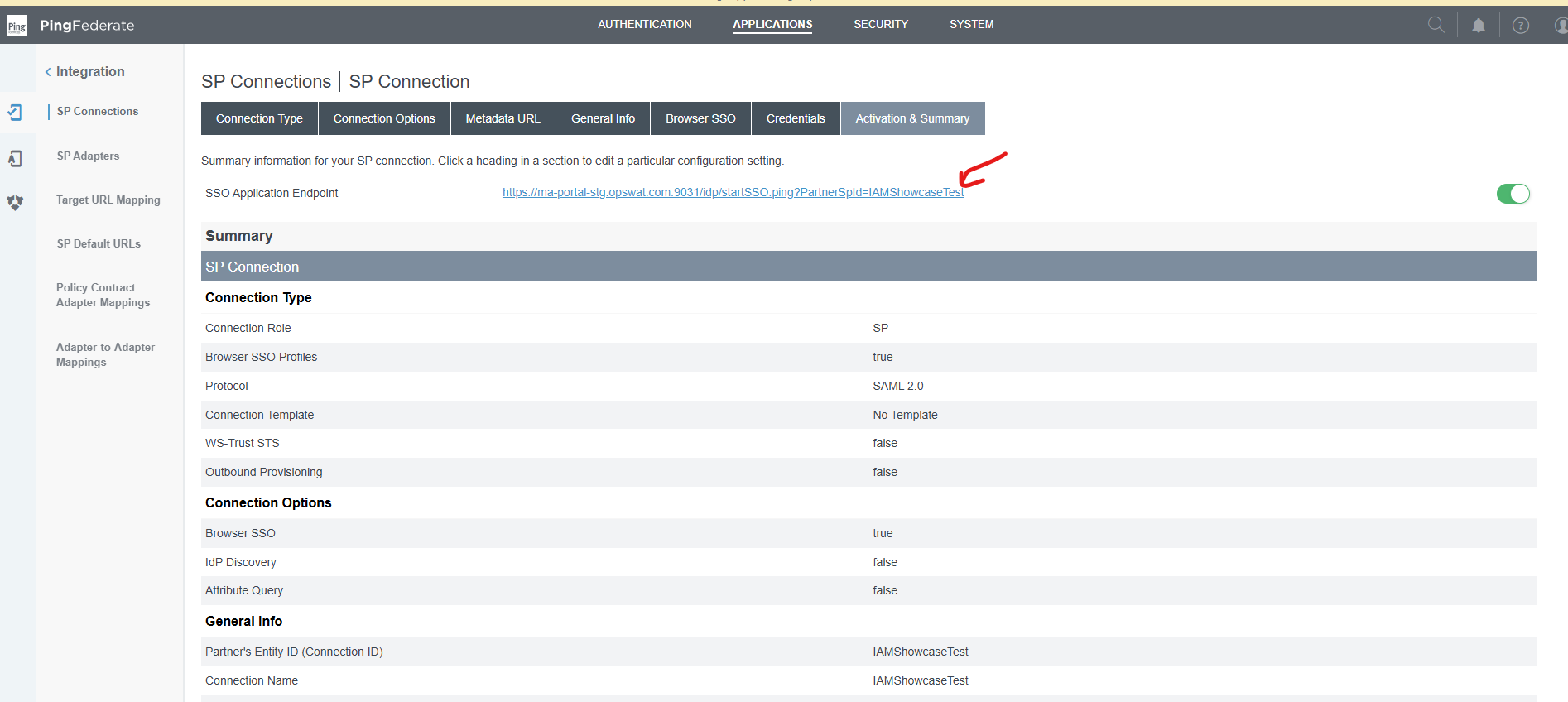
Access the link:
https://ma-portal-stg.opswat.com:9031/idp/startSSO.ping?PartnerSpId=IAMShowcaseTest
Enter username & password setup in Simple Password HTML IDP adapter:
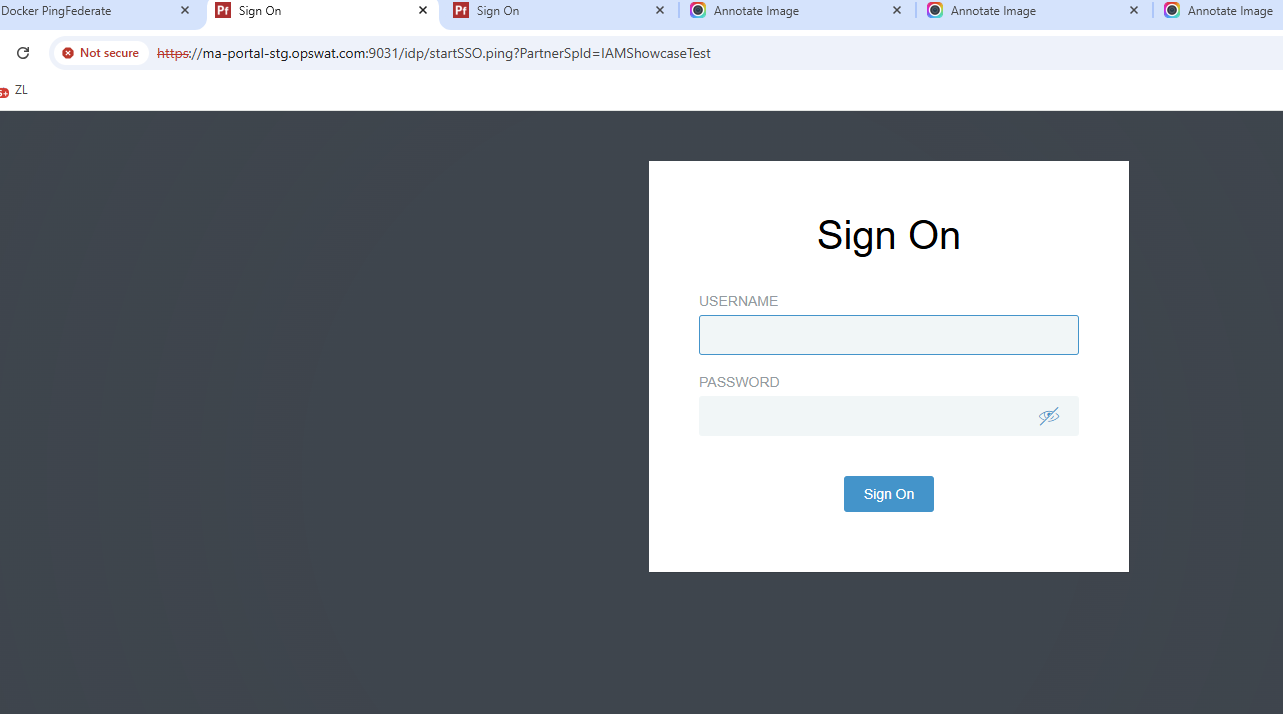
ex: trung - 123456
Non-com:
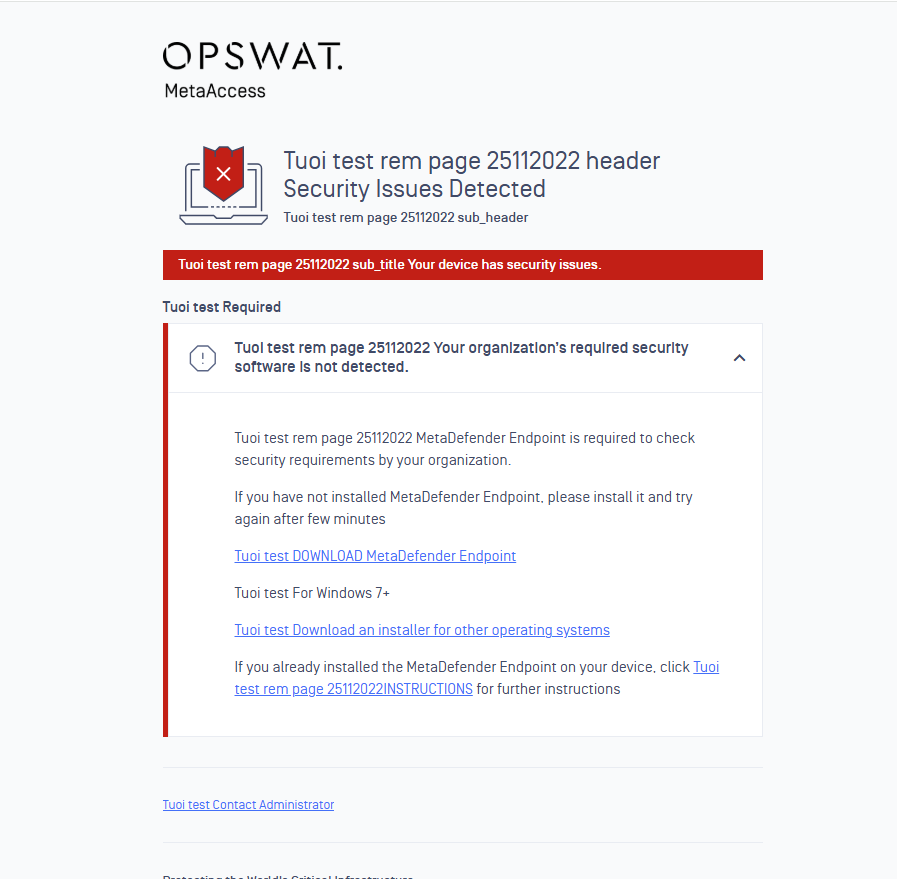
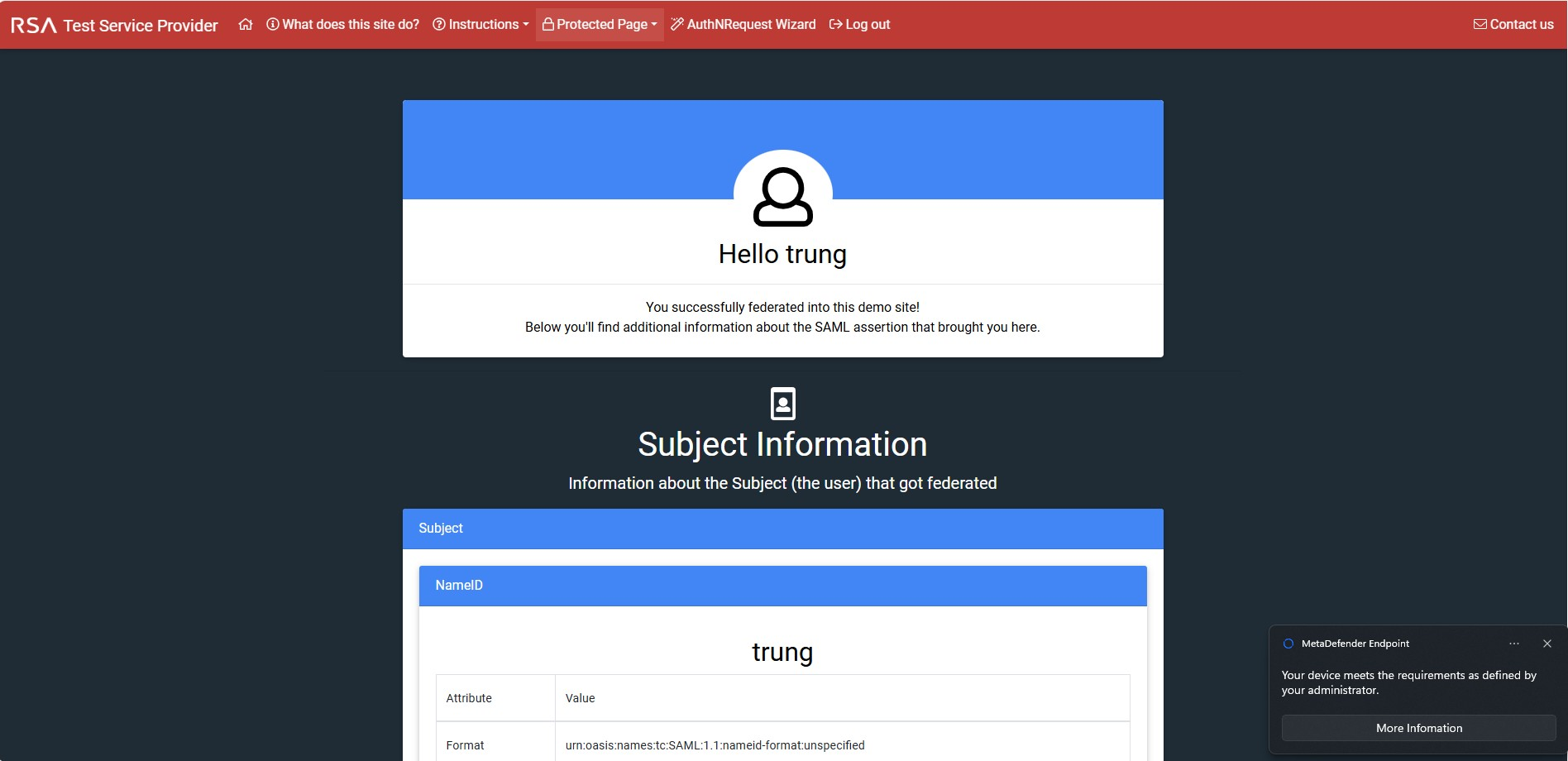
Compliance:
Meeting with Ping:
PingFed & OPSWAT Configuration-20250206_220311-Meeting Recording.mp4