Introduction
This document describes how to set up Windows Group Policy to allow domain machines to automatically perform 802.1x EAP-TTLS authentication against RADIUS NAC.
Create RADIUS Clients
Log into the MY OPSWAT Central Management console as an administrator
Navigate to RADIUS NAC
Click on Edge Type
Click on RADIUS Clients tab
Click Add RADIUS Clients button
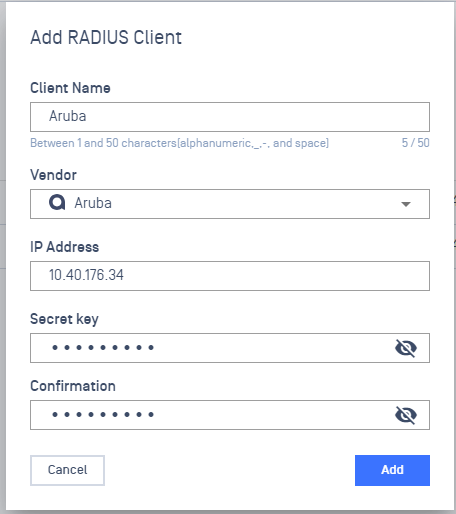
Provide a name for the Radius Client
Select a specific Vendor
Enter a Secret key
Click on Add
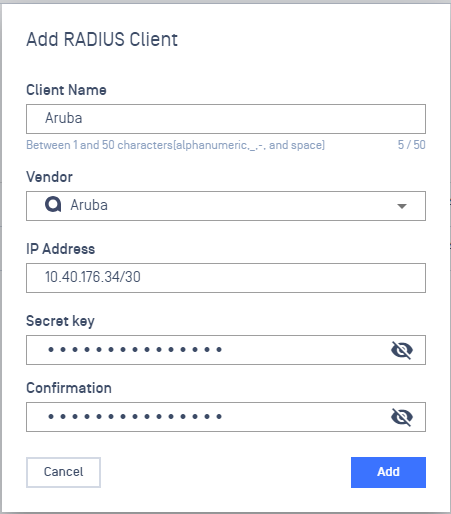
CIDR Ranges could also be input as:
Integrate with AD/LDAP
To configure an Authentication Source, refer to Authentication Sources Setup.
Enable EAP-TTLS Authentication
Log into the MY OPSWAT Central Management console as an administrator
Navigate to RADIUS NAC
Click on the item with Edge type
Click on Authentication Methods tab
Click on Enable Authentication Methods toggle button

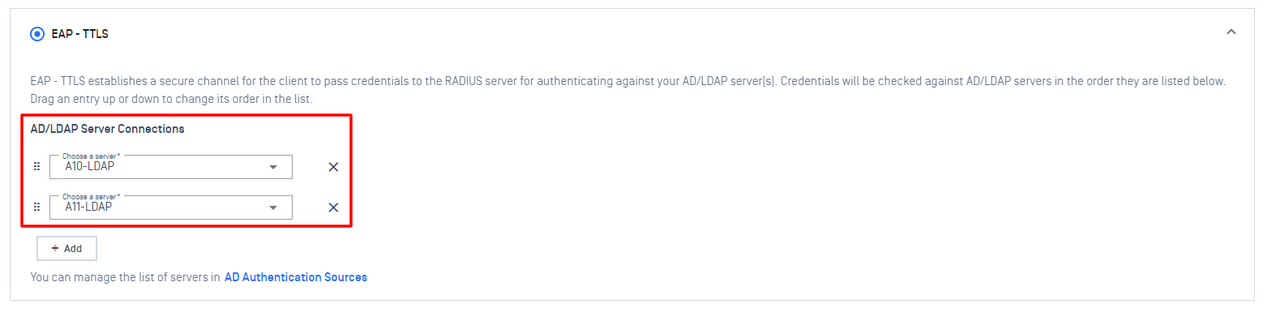
Select EAP-TTLS
Click on Add button and select an LDAP connection

One or multiple connection can be selected
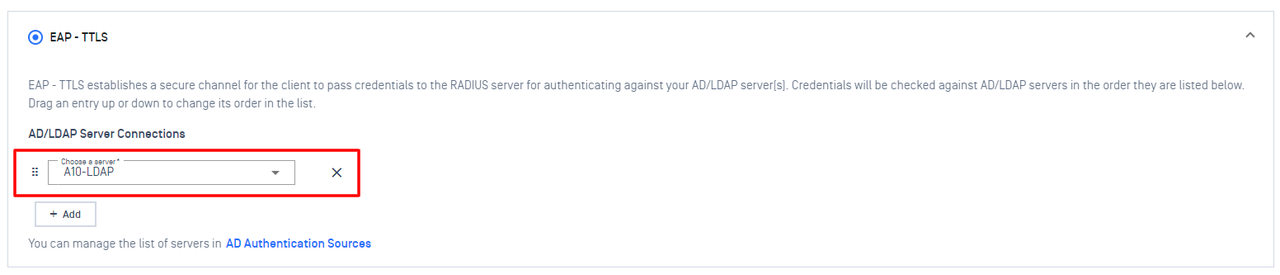
Click on Save button
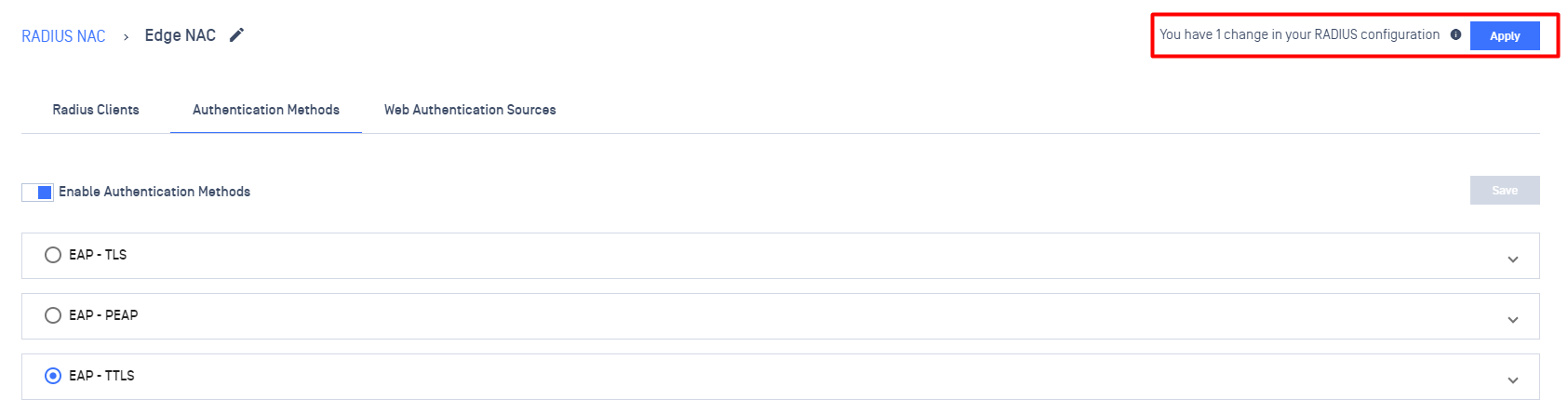
Appy the configuration
Click on Apply button to publish the configuration