
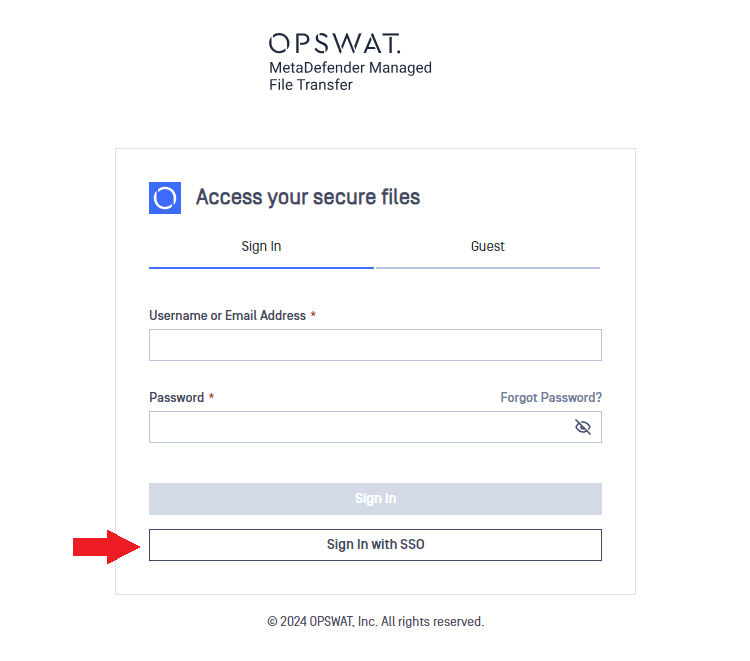
If MD MFT is set up for Single Sign-On (SSO), you can effortlessly log in without entering credentials on the MD MFT sign-in page. Simply click Sign In with SSO button on the login page. In case you haven't already, this might redirect you to your SSO provider's login page to enter your AD credentials.
Was this page helpful?
End-User Guide