
End-User Guide
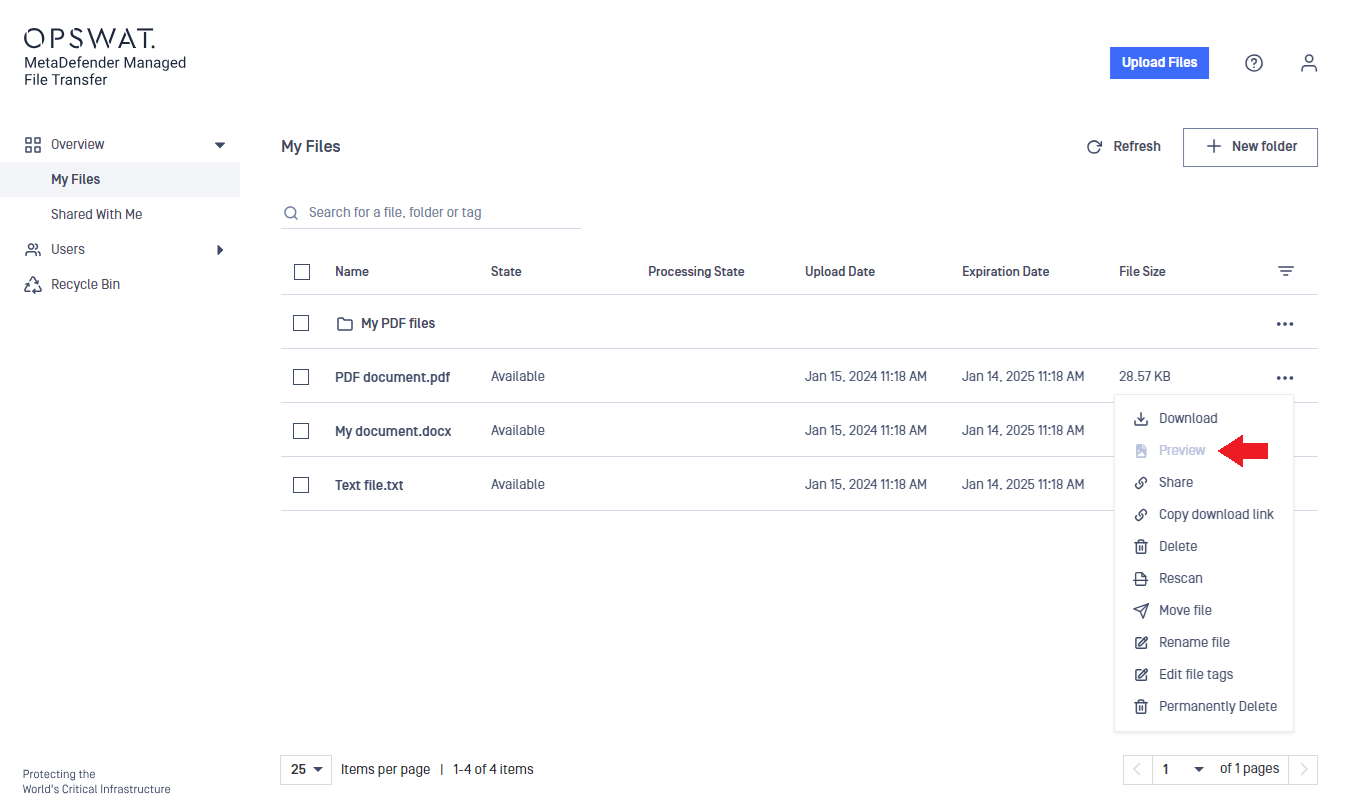
The file preview feature allows you to preview a file without downloading it.
The preview may not be available
The Preview option is available for sanitized downloadable files only, otherwise the Preview option will be inactive (grayed-out).
Accepted file types for preview: pdf, xls, xlsx, pptx, sldx, ppsx, potx, docx, txt, jpeg, jpg, png, json, odp, otp, ods, ots, odt.
The file must be less than 50 MB in size.
Some complex file structures cannot be previewed.
Some types of browsers might not support the preview feature.
The Preview window also allows you to navigate through the file pages, search for words, and zoom in and out.

Was this page helpful?