
Always use strong passwords!
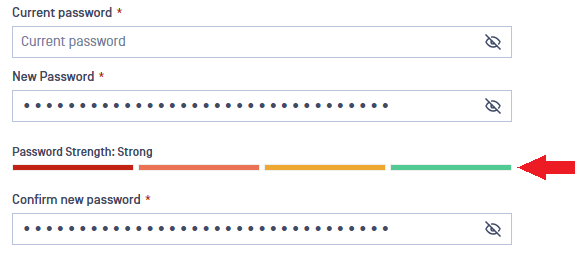
When you change your password, the password strength is shown by the colored horizontal bars. Aim for the green (strong) level! To do this, consider the following:
The password must be at least 12 characters long.
Avoid repeating words and characters.
Use uncommon words.
Use special characters and numbers.
Was this page helpful?
End-User Guide