
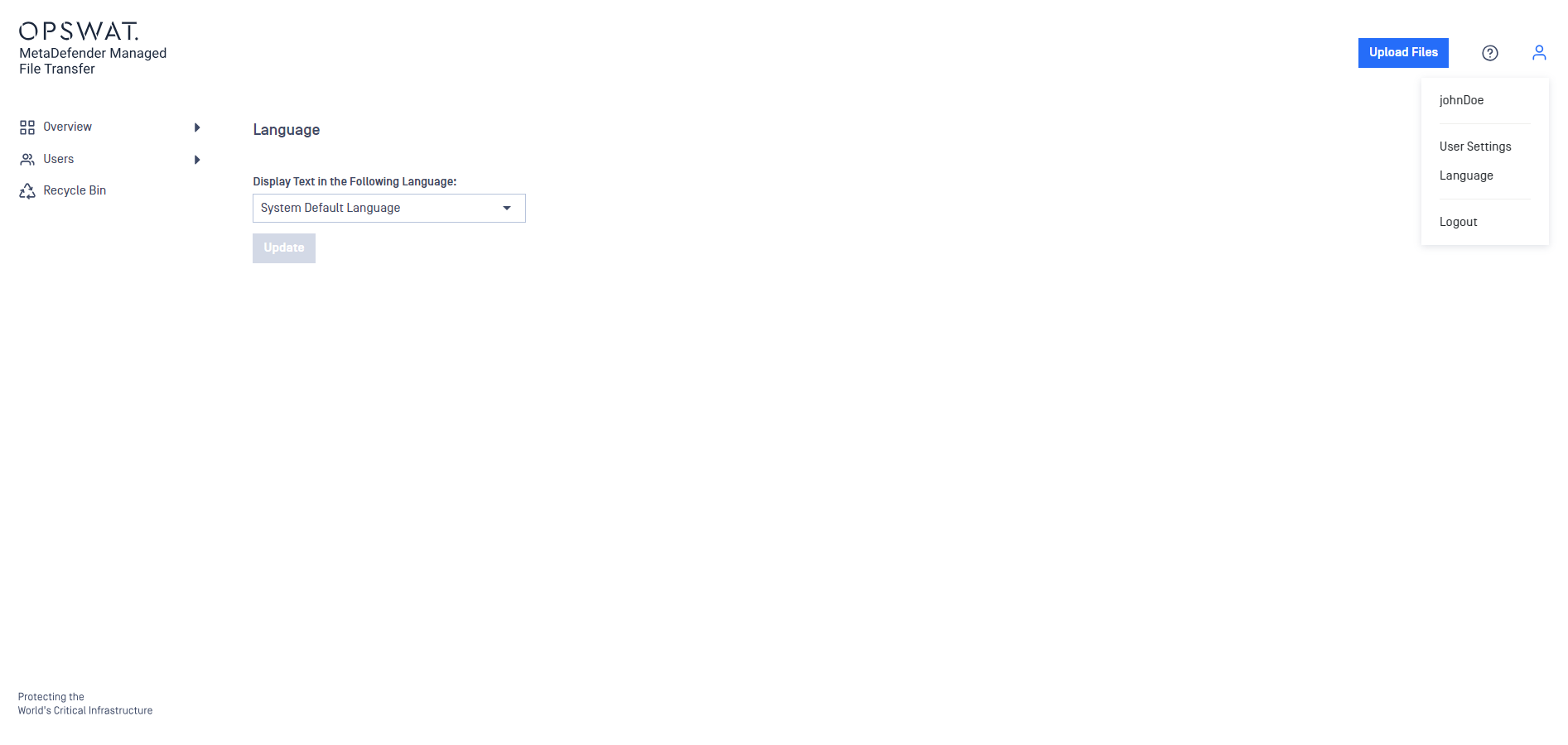
MD MFT utilizes the system default language established by the administrator. However, individual users have the option to personalize their UI language.
Simply click on the user symbol in the top-right corner of the application, select Language from the menu, choose your preferred language from the dropdown, and then press Update.
Info
Selecting a language only affects your own language preference and doesn't alter the language settings for other users.
Was this page helpful?
End-User Guide