Activating the Approval Process
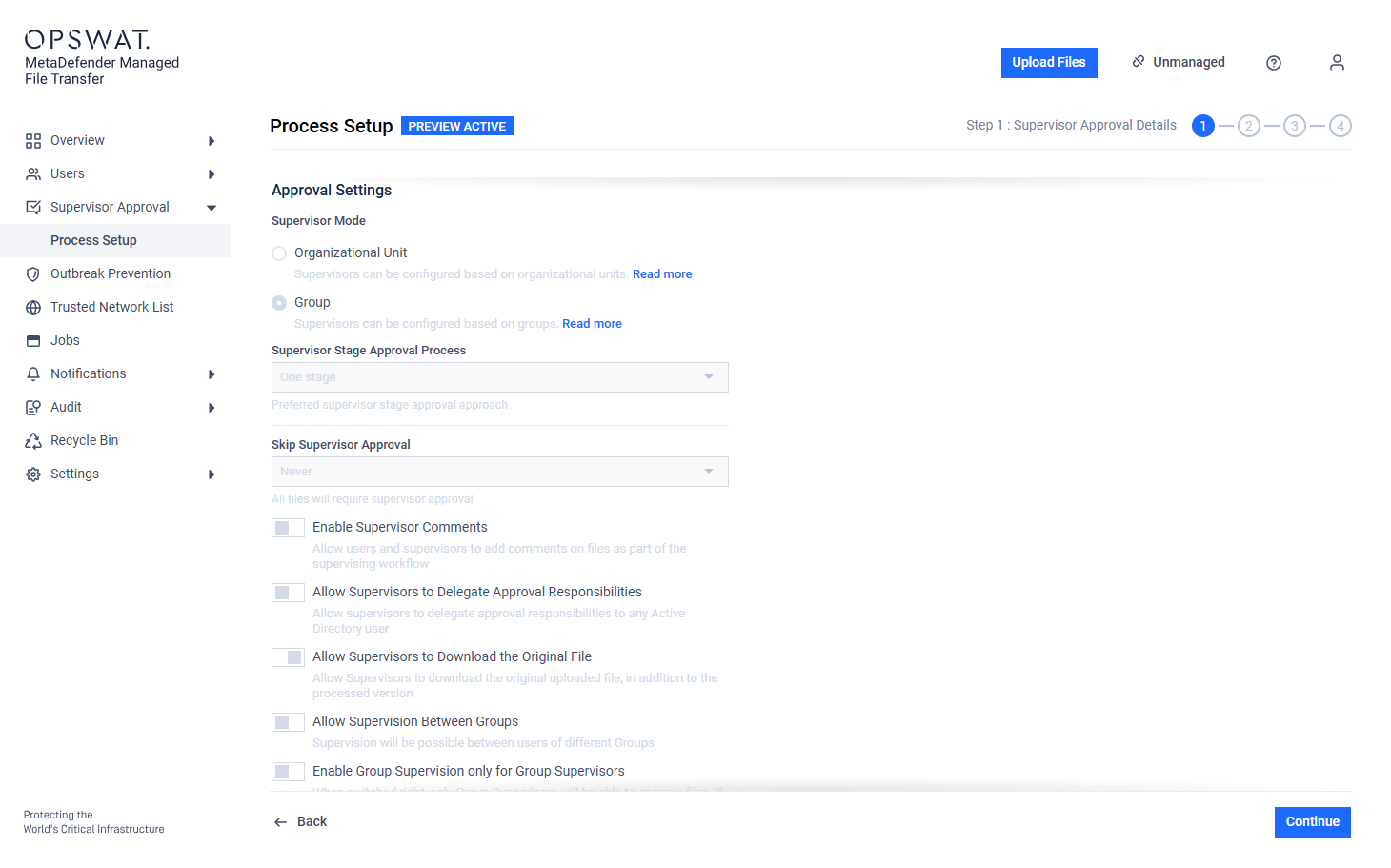
Go to "Supervisor Approval" → "Process Setup."
Create a Draft process configuration. If previously activated, the existing draft can be edited
Modify the process configuration according to the "Supervisor Approval Settings", "Supervisor Setup", and the "Active Directory Supervisors Setup" pages.
Activate the draft.
The approval process is only active if there is an active configuration. Without an active configuration or with only a draft, the approval process is disabled.

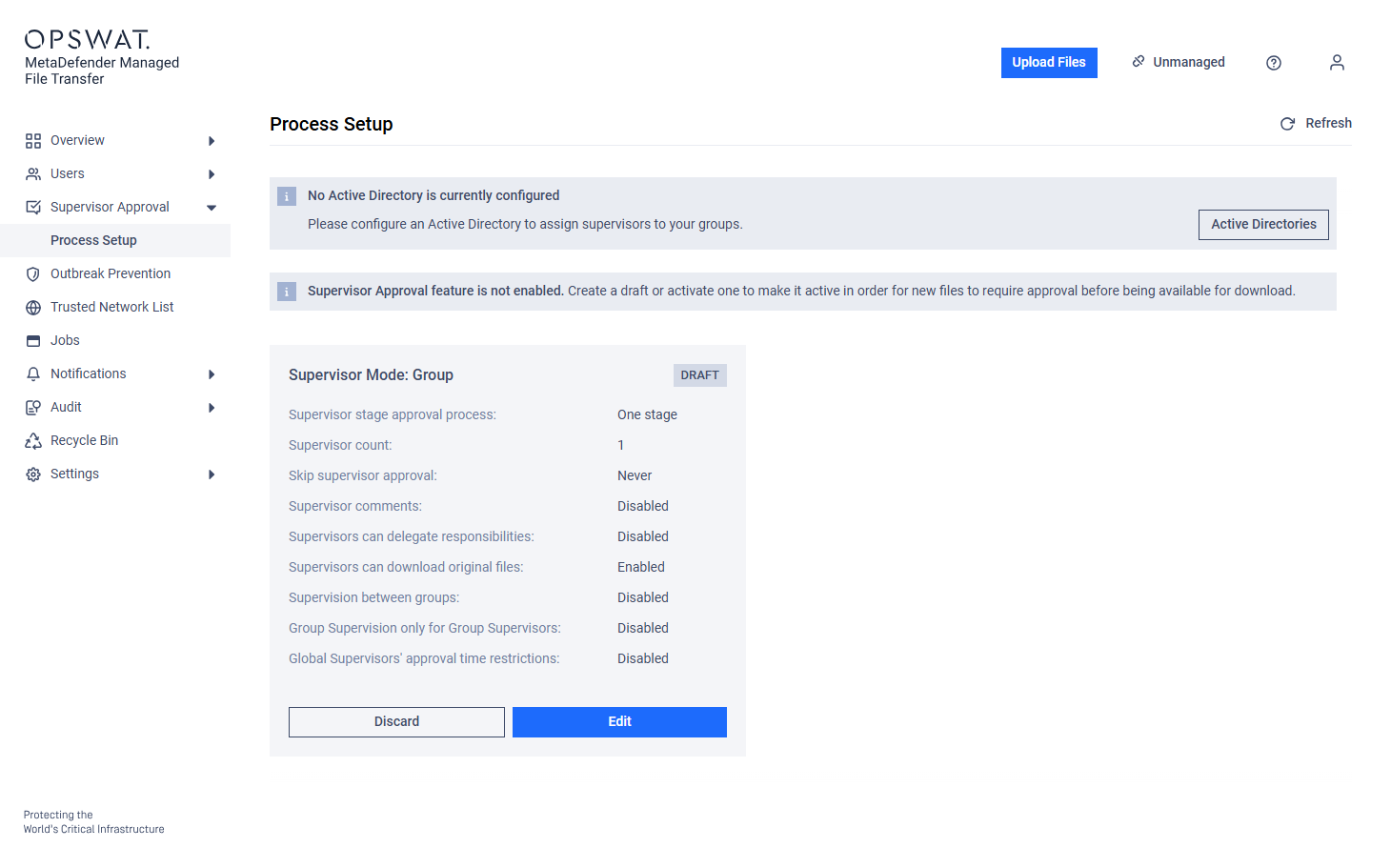

Drafts are automatically saved during setup.
Editing an Existing Approval Process Configuration
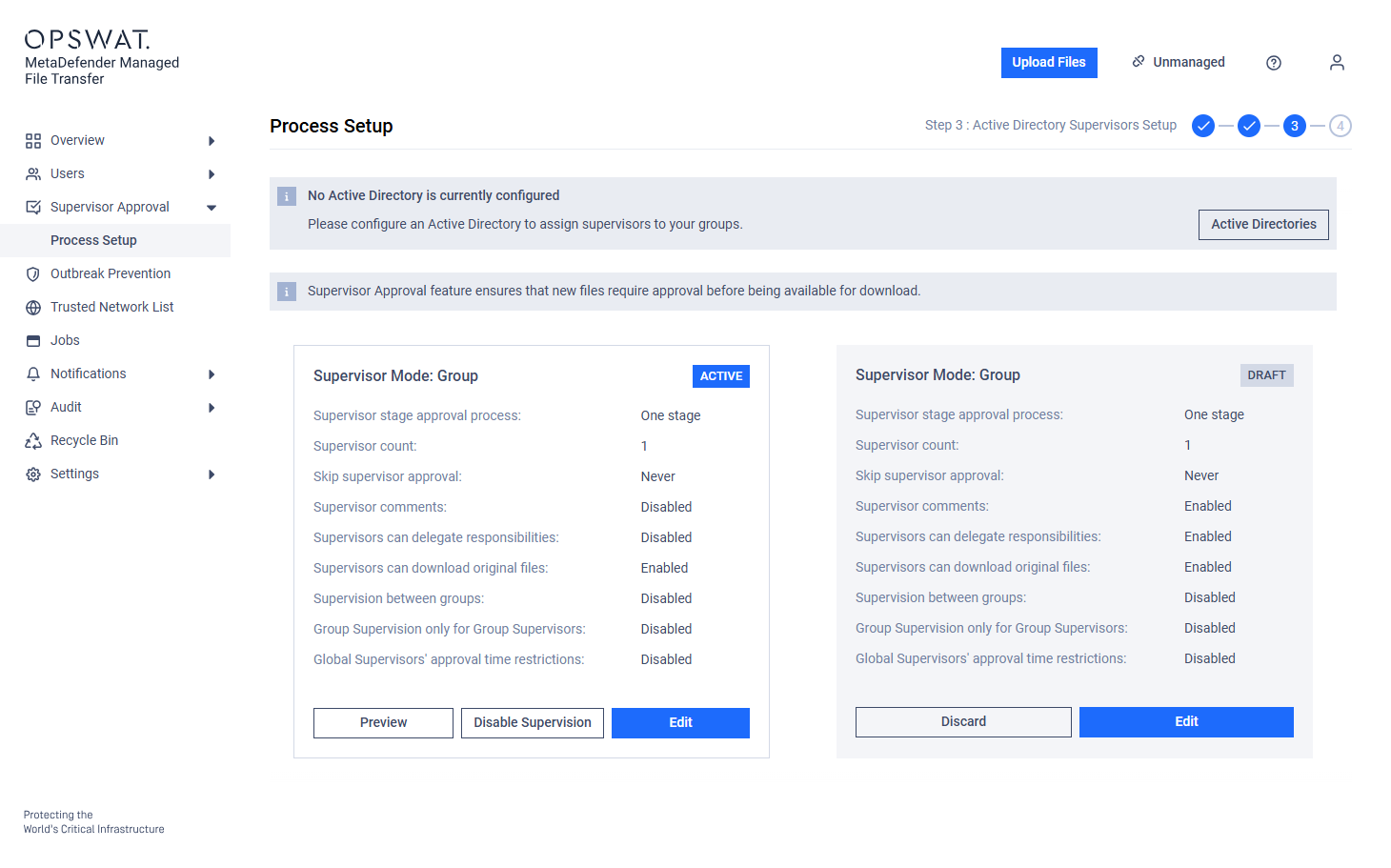
Changes can be made to the draft while the current configuration remains active.
When the draft is activated, it replaces the active configuration. The previous configuration is not saved and cannot be restored.
Disabling the Approval Process
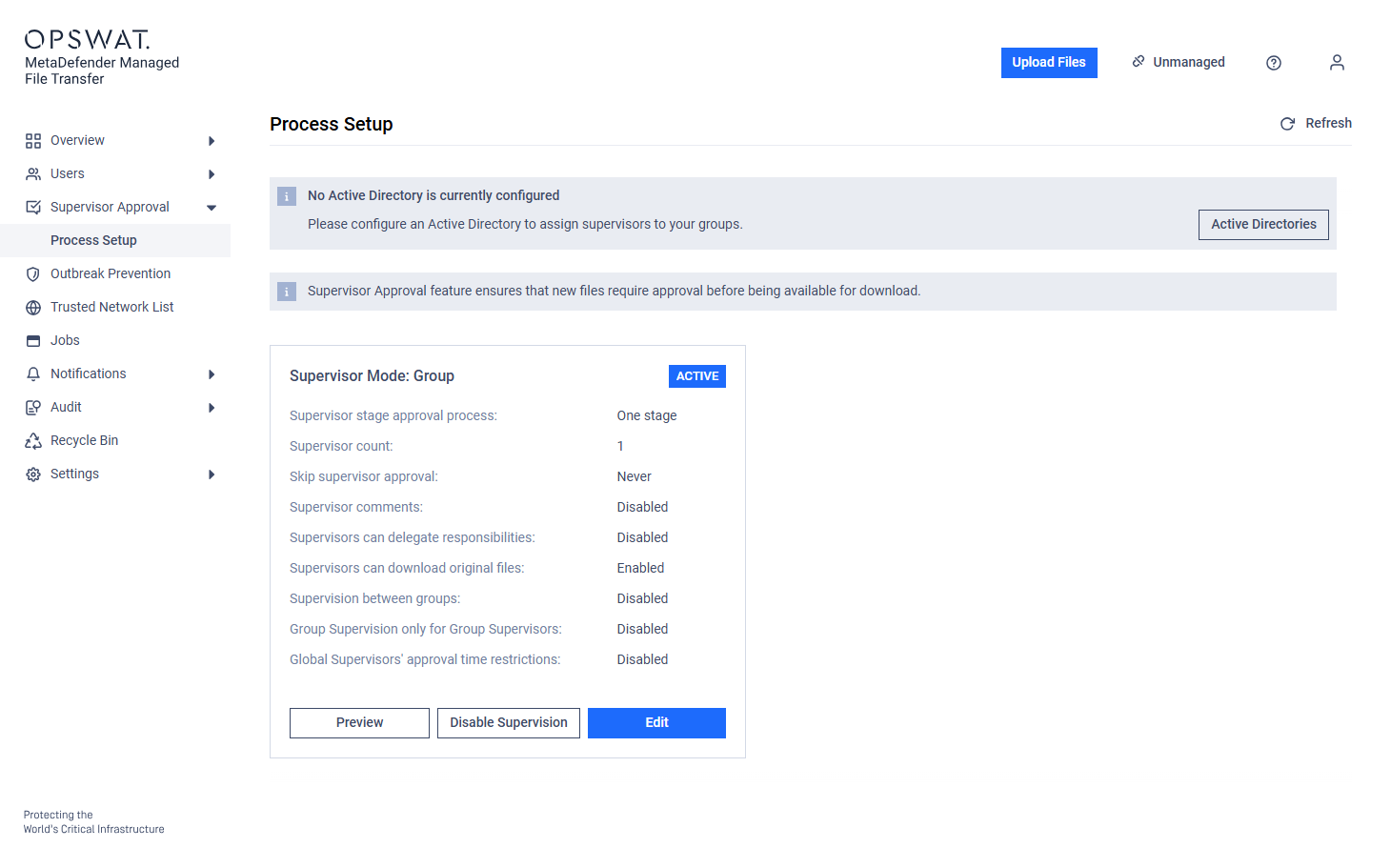
Disabling the Active process configuration also disables the approval process.
The disabled configuration is saved as a draft for potential reactivation.
If a draft already exists, it will be discarded to preserve the deactivated configuration.
Previewing the Active Approval Process
The active configuration can be viewed in read-only mode.
Preview access is available even when another user is editing the draft.
Simultaneous Multiple Users Configuration
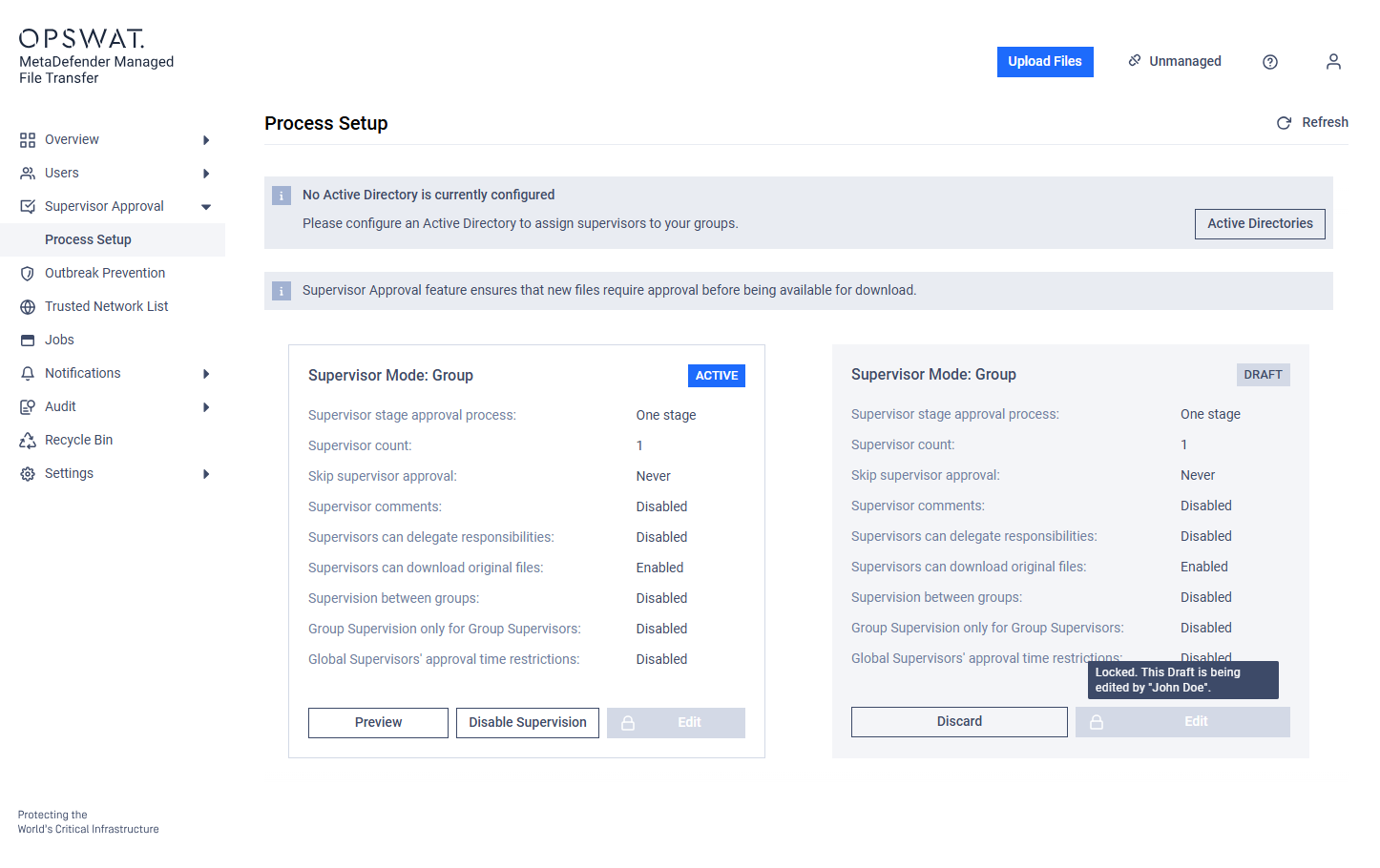
When a user begins editing the configuration, it is locked to prevent simultaneous changes. The lock is released after 30 minutes of inactivity.
The draft can also be manually discarded to allow another user to begin editing.
Draft editing and Active Directory synchronization are mutually exclusive. Only one can run at a time; the other must wait until the current task is complete.