
Under "Settings" → "Events", administrators can configure which event-based notifications MetaDefender Managed File Transfer generates. Each option is a toggle that is turned off by default; enable an option to activate the corresponding notification.
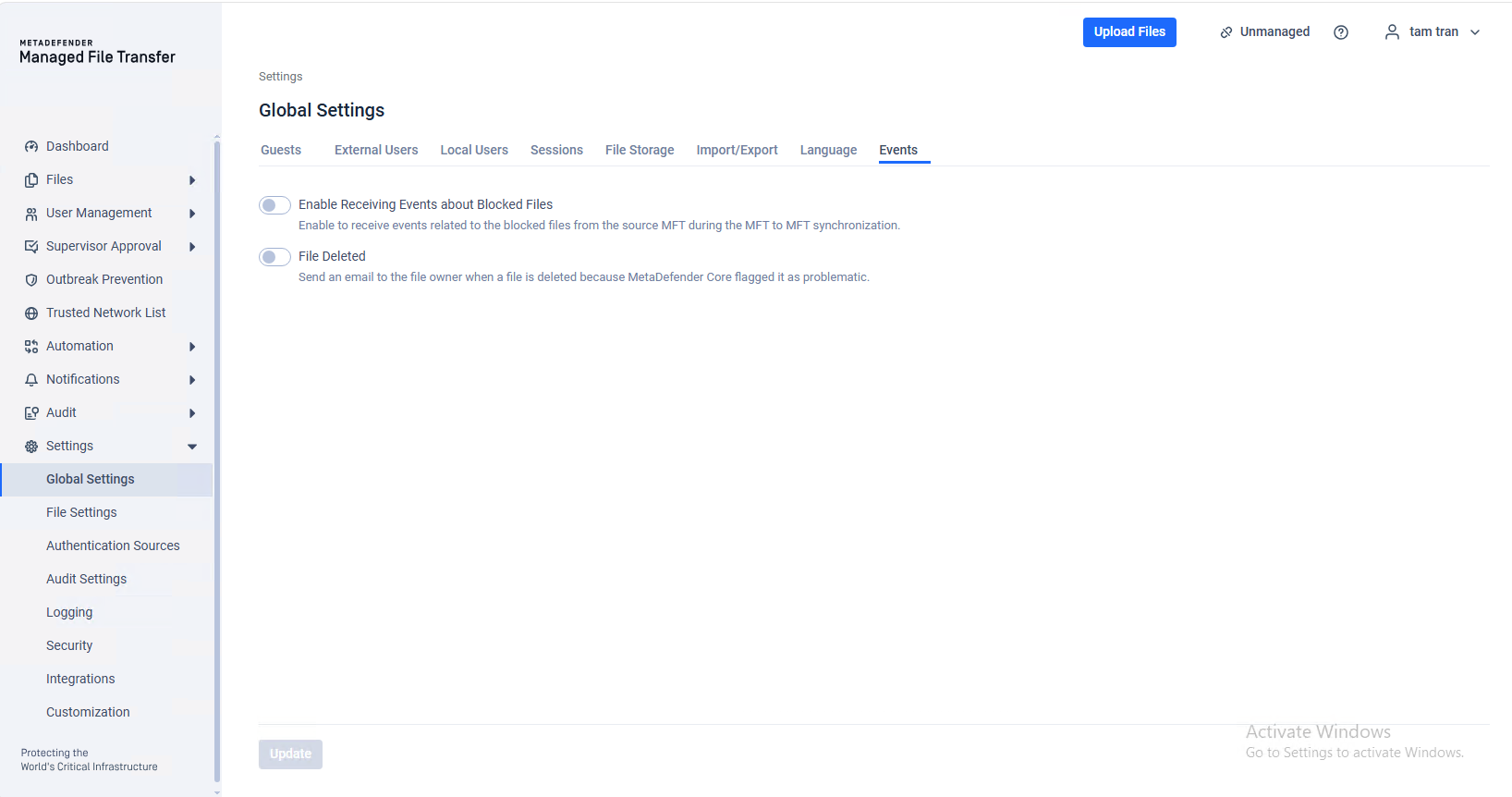
Enable Receiving Events about Blocked Files
Enable this option to receive events related to blocked files from the source MFT during MFT to MFT synchronization.
When enabled, MetaDefender Managed File Transfer records events whenever a file is blocked on the source instance while it is being synchronized to the destination instance. This helps administrators track files that were prevented from being transferred during the synchronization process.
File Deleted
Enable this option to send an email to the file owner when a file is deleted because MetaDefender Core flagged it as problematic.
When enabled, the file owner is notified by email each time one of their files is automatically deleted after MetaDefender Core identifies it as a threat or otherwise problematic. This keeps users informed about the status of their files even when they are removed by an automated security action.