
In order to integrate GitLab with MetaDefender Software Supply Chain, please follow these steps:
From the left side menu, navigate to Inventory and choose GitLab.
Give your connection a name so you can easily identify it later.
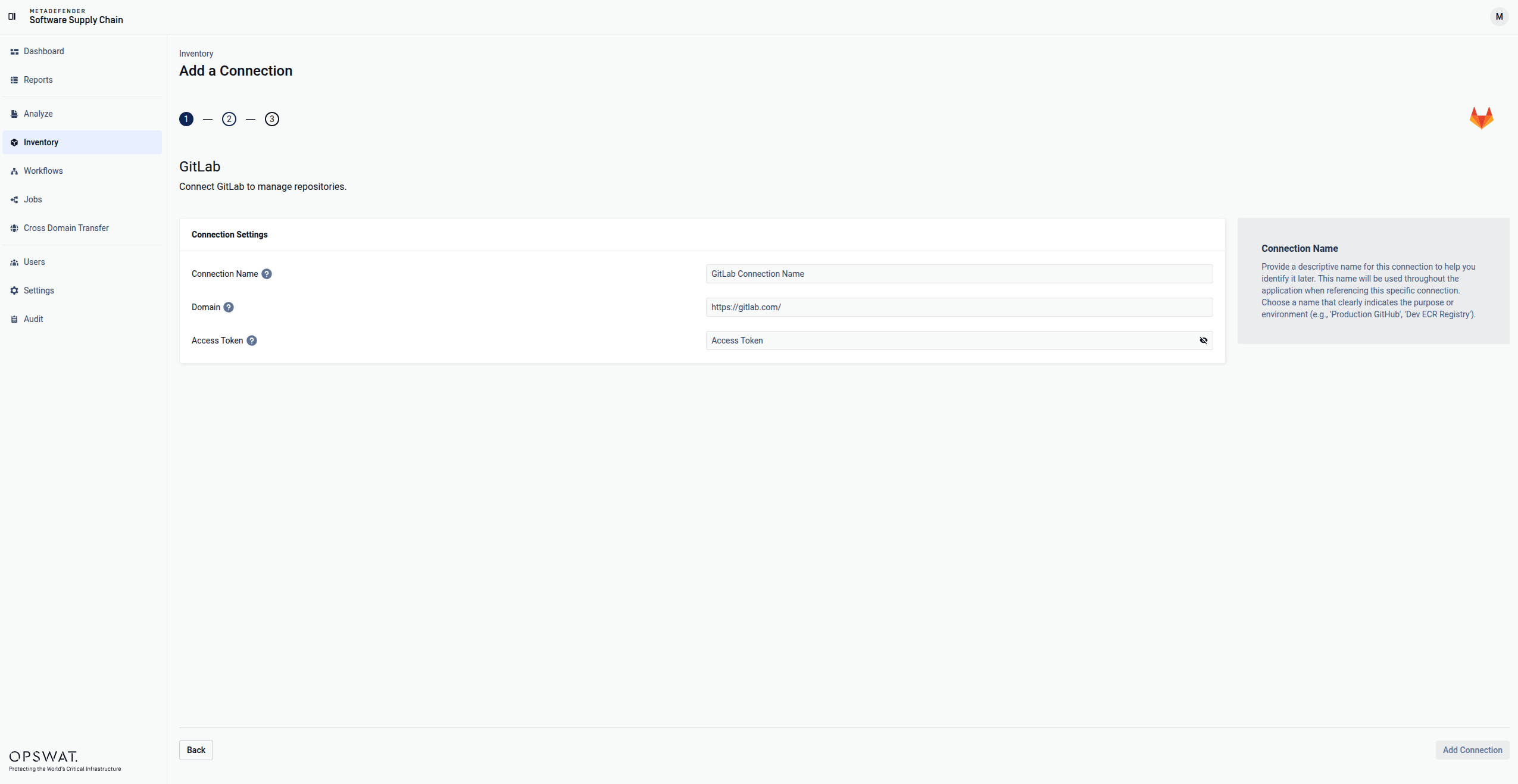
Enter your GitLab domain. The default one is: https://gitlab.com/
Enter your GitLab Access Token. Scroll to the end of this page for more details.
Select Add Connection in order to finish the process.
Where I can find the Access Token?
Log in to your GitLab instance.
Click on your profile picture (top-right corner).
Select Edit Profile.
From the left sidebar, click Access Tokens.
Enter a name so you can easily identify it later and a expiration date (optional but recommended)
Set the mandatory scopes:
api: Required if you want to enable soft-delete remediation actions
read_api: Required for read-only access
read_repository: Required for read-only access and scanning actions.
write_repository: Required if you want to enable soft-delete remediation actions.
Click on Create personal access token.
Store the token somewhere safe because you will not be able to view it again.