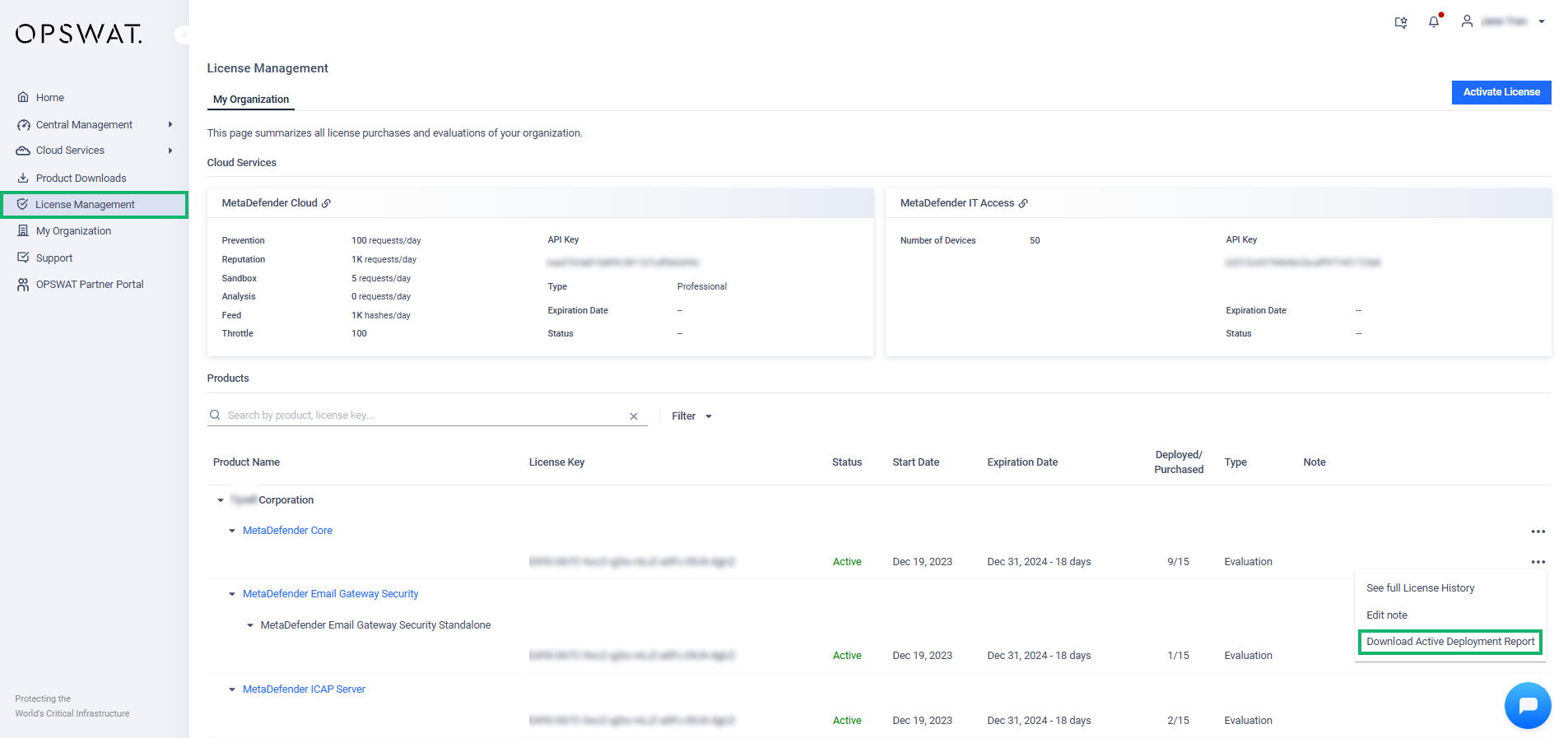
To view the active Deployment IDs associated with your organization's License Key, navigate to License Management from the left-hand menu.
In this section, you will see a list of all licensed products, the license key for each, the status of the license, number of active deployments and so on.
Under the Product category, locate the license key you want to review
On the right-hand side, click the three-dot menu (
...).Select Download Active Deployment Report to generate a detailed report of all active deployments.
Please note
Download Activate Deployment Report function is not applicable for Expired licenses
This function requires Full Access on License Management role (Refer to Roles for details)
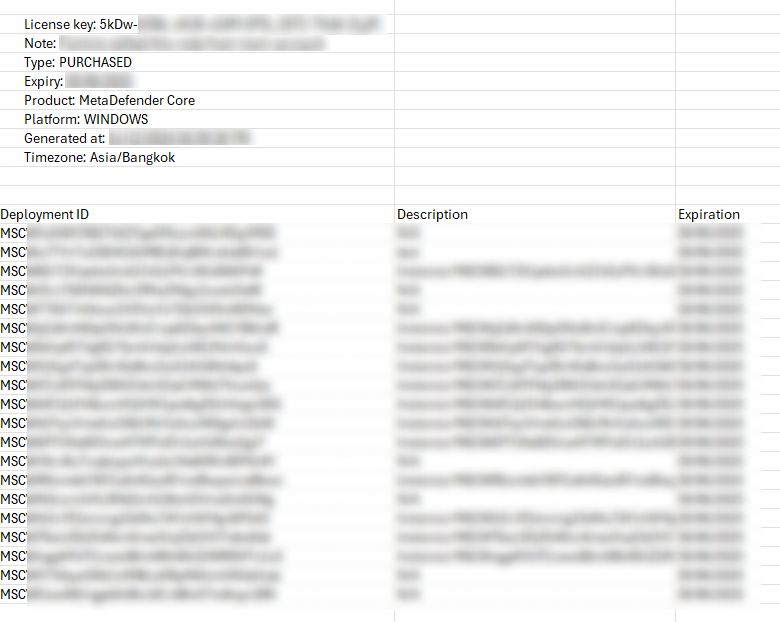
This will generate an Excel File containing all the License Key information and the list of active Deployments