
Patch workflow at a glance
Workflow to manage, deploy, and monitor patch status across your environment using My OPSWAT Central Management
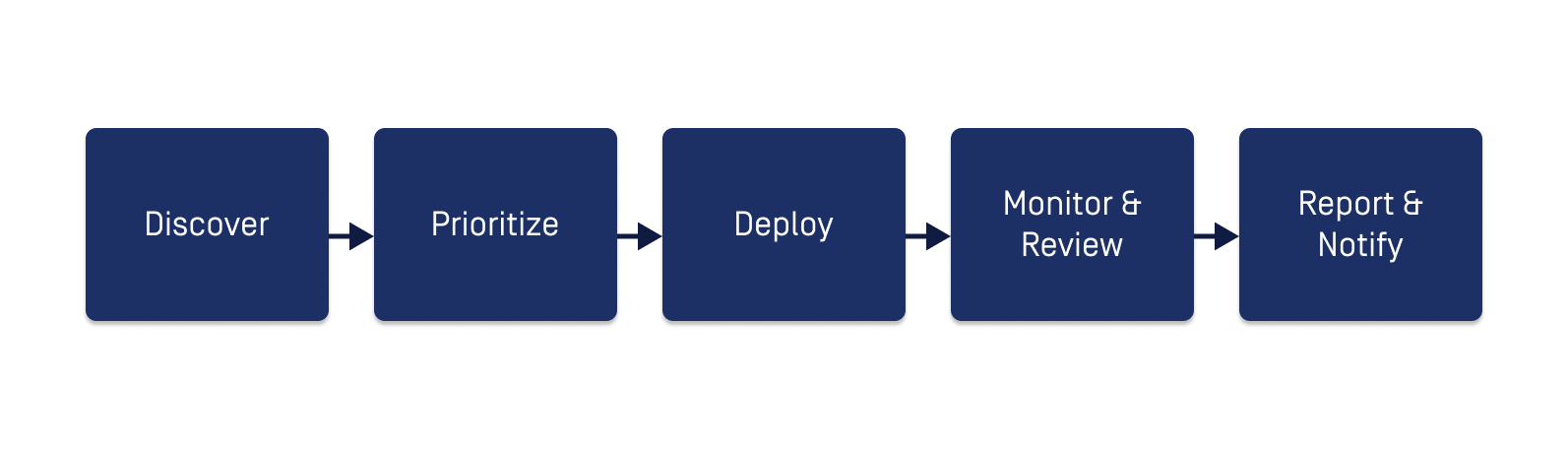
Steps | Details |
|---|---|
Step 1. Discover | Use Patch Dashboard to identify security gaps and prioritize remediation efforts across your environment |
Step 2. Prioritize | Open Patches list to review missing OS patches and outdated third-party applications. Use filters to focus on critical or high-priority items as needed |
Step 3. Deploy | Choose the patch deployment method:
|
Step 4. Monitor & Review | Use Jobs to monitor active deployments and review results |
Step 5. Report & Notify |
|
Resource Directory
Features | What you'll get |
|---|---|
Get a single-pane view of your environment's patch posture | |
Find and act on missing patches and outdated application across your environment | |
Roll out patches and application updates | |
Track a specific deployment | |
Configure point-in-time patch reports | |
Set real-time alerts for key patch events | |
Define SLA timeframes to maintain compliance visibility |