
This article applies to the Metadefender Drive toolkit deployed in Windows systems
When activating Metadefender Drive from the Toolkit, the following message can be experienced:
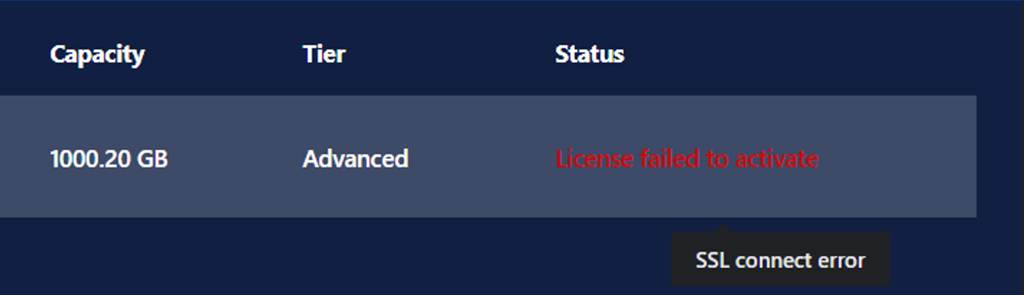
This messase means that there is a communication issue between the host where Metadefender Toolkit is installed and the following addresses:
https://activation.dl.opswat.com/ for activation of the products.
uppdate.dl.opswat.com/ For downloading the licensed engines.
To validate that this issue is actually occurring.
From the toolkit log located in :
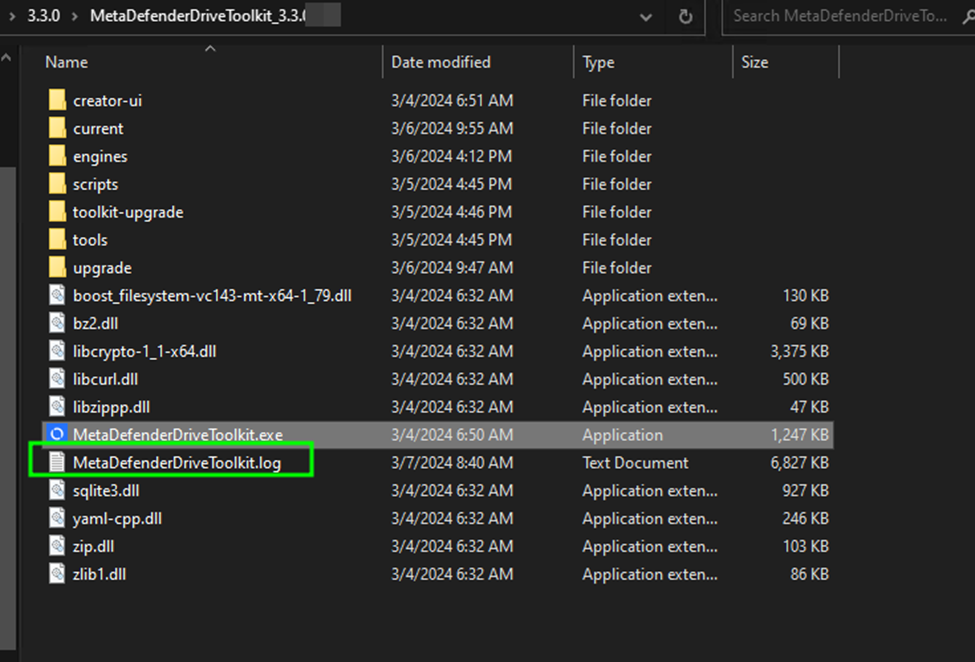
This is the default installation directory of Metadefender Toolkit
There will be entries like the following:
It is required to verify the following on the host:
If there is a proxy in place that needs to be configured to allow network traffic to these addresses.
Is the host able to complete a TLS handshake with the https://activation.dl.opswat.com/ address with the following:
Should return the details about the SSL handshake process for further investigation.
Support
If Further Assistance is required, please proceed to create a support case or chat with our support engineer.