
Overview:
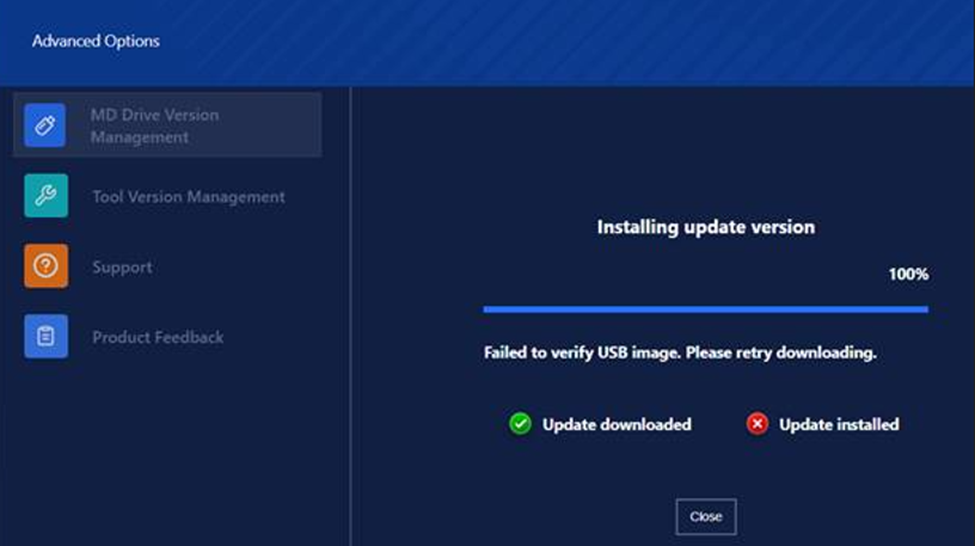
This error typically occurs when there is an issue downloading the MetaDefender Drive version. The image may become corrupted due to network-related problems, causing the download to fail or complete improperly.

Cause:
The most common cause of this error is a corrupted image file, often resulting from network disruptions or instability during the download process.
Solution:
Retry Downloading the MetaDefender Drive Image:
Attempt to download the MetaDefender Drive image again. Make sure your network connection is stable throughout the download process.
Use a Different Network:
If the issue persists, try downloading the image using a different network—such as switching from Wi-Fi to Ethernet or using another Wi-Fi source.
A more stable network connection may help prevent image corruption due to intermittent connectivity issues.
If Further Assistance is required, please proceed to log a support case or chatting with our support engineer. Our support team will provide the necessary guidance to help resolve the issue.