
Vulnerability Settings enable MetaDefender Drive administrators to adjust the settings of the vulnerability assessment performed during scans. Starting with MetaDefender Drive v3.7, file-based vulnerability assessment settings can be adjusted from Settings → Preferences → Vulnerability Settings.
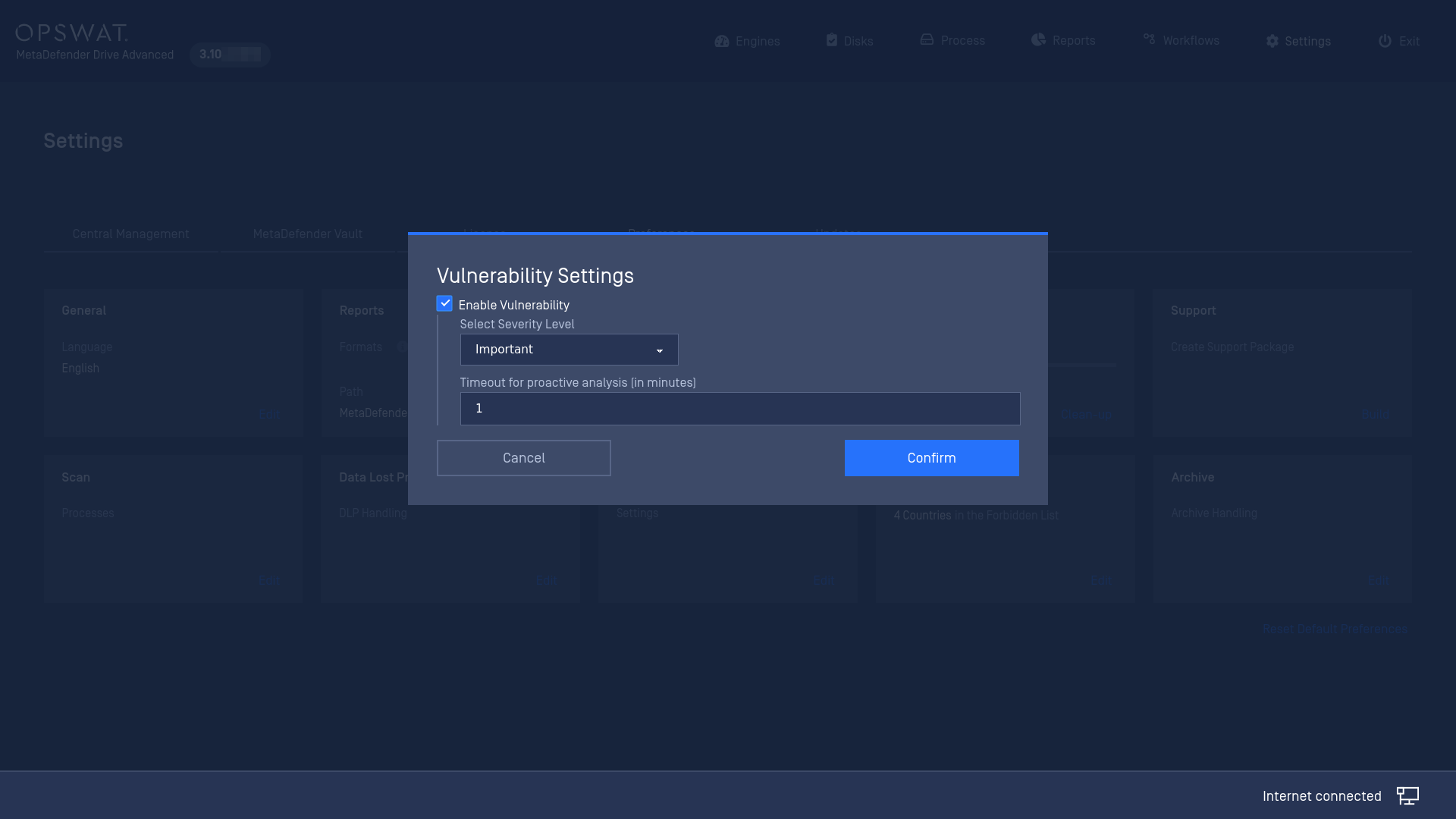
The vulnerability settings available are:
Enable Vulnerability: to perform or to skip the Vulnerability assessment.
Severity Level: Explicit threshold as a minimum assessment verdict returned by Vulnerability engine to conclude “Potentially Vulnerable File” final verdict on file processing on MetaDefender Drive.
Timeout for proactive analysis [in minutes]: a timeout for the vulnerability assessment process when the timeout is hit, MetaDefender Drive will stop the ongoing vulnerability assessment task and mark it as “Timeout” result.