
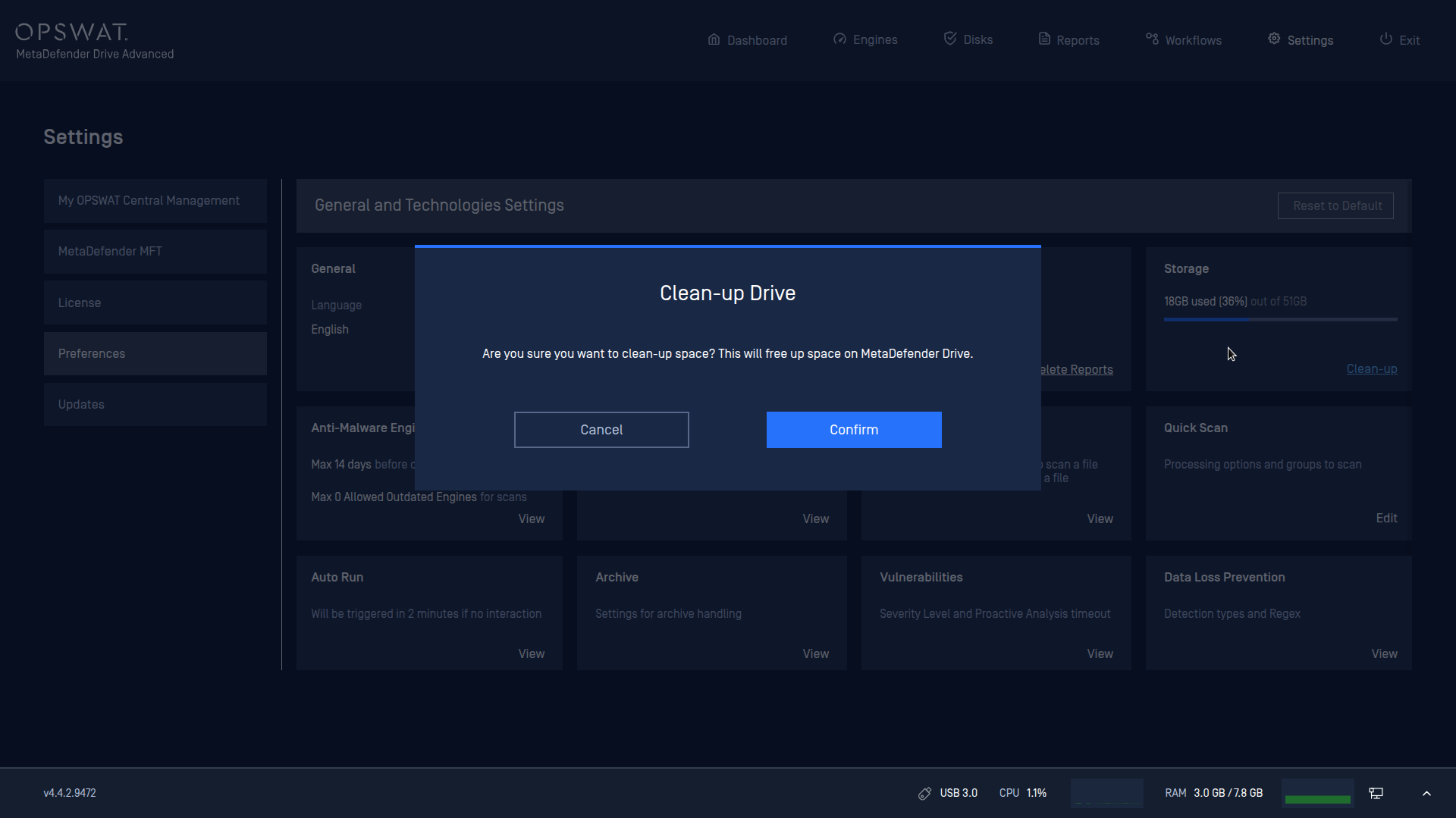
For optimized performance and smoother operations, the Storage preference settings show the available space on MetaDefender Drive and enable users to clean up logs and unused data to free up space.
To access this feature, go to Preferences → Storage, click Clean-up, then Confirm.
Info
Temporary files are now automatically deleted after a scan completes, without needing to clean them up from the Storage preference.
Was this page helpful?
Configuration