
Under what circumstances does the scan result not show the username?
This article applies to all MetaDefender Core V4 and V5 releases deployed on Windows or Linux systems.
When MetaDefender Core scans the files from each session, each session represents the information on the user that scans the files.
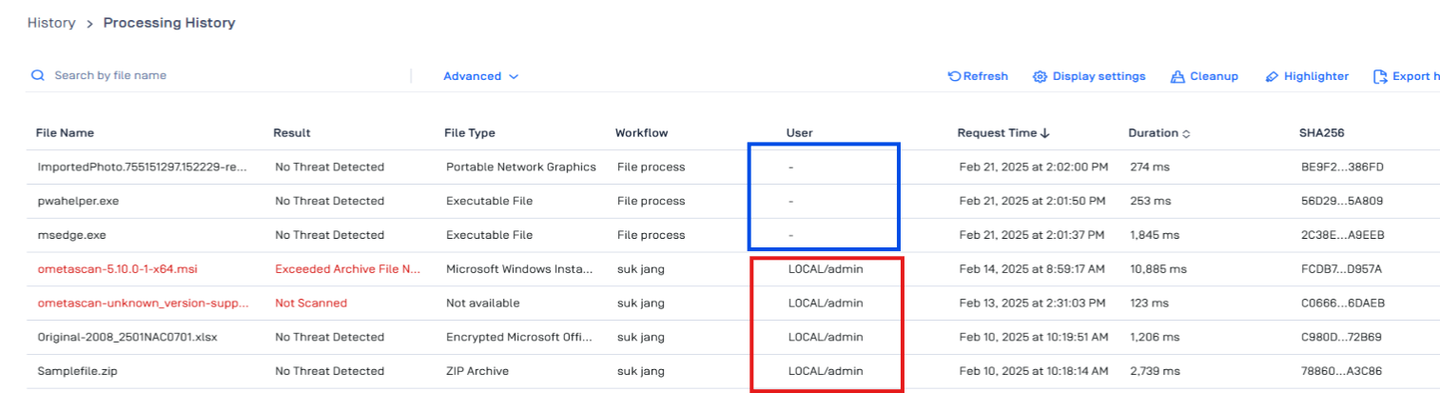

There are 2 ways to scan without username
1. Scanning Without Logging In
As shown in the image above, MetaDefender Core allows file scanning without requiring user authentication. When a file is scanned without logging in:
No username or user-specific details are stored in the scan record.
The file can still be processed and analyzed, but there is no user identification in the logs.
This applies to scans initiated via the public web interface where authentication is not required.
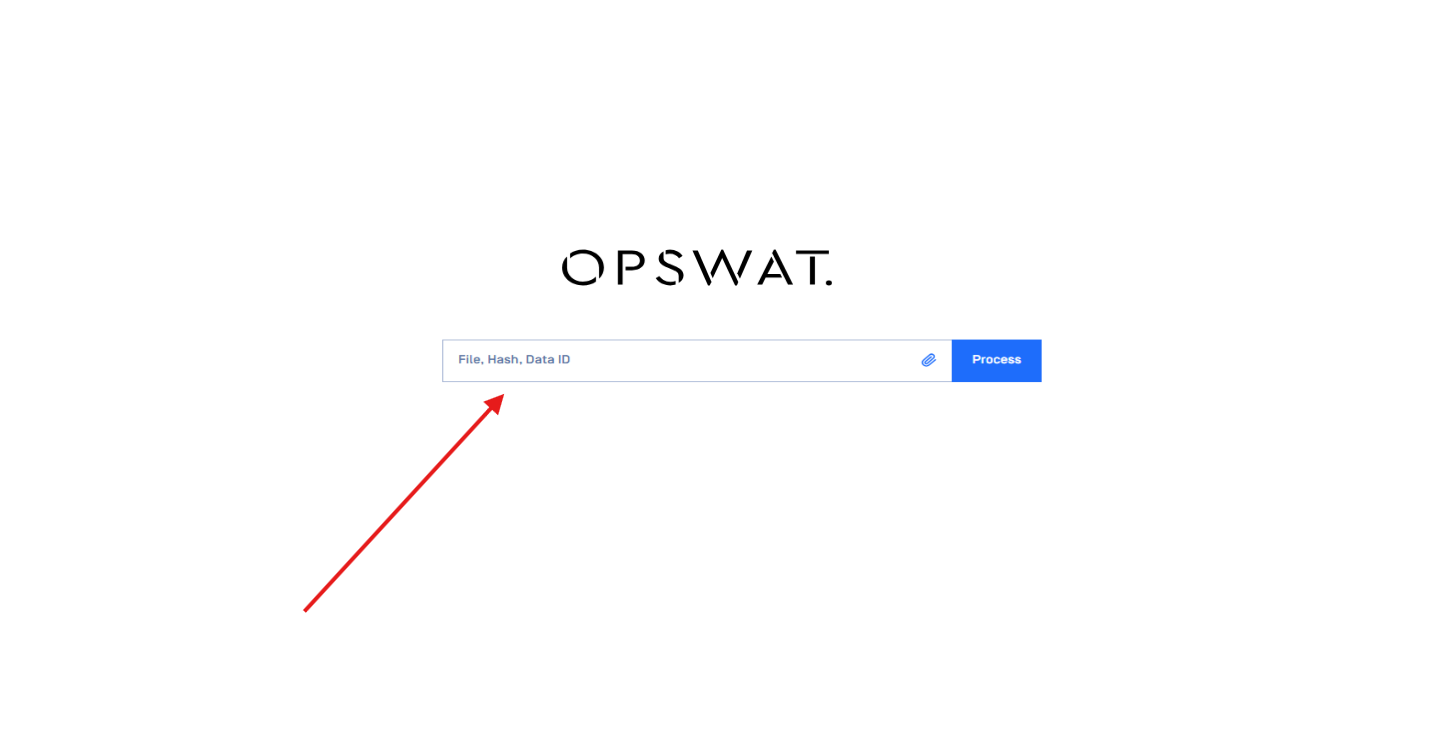
2. Scanning Files Through the REST API
When scanning files through the MetaDefender Core REST API, the behavior differs:
The scan session is tracked by the API authentication token or session key.
If an authenticated API request is used, the scan can be tied to the system or user executing the request.
If performed anonymously (without authentication), the scan will not contain identifiable user details, similar to the public web interface.
If Further Assistance is required, please proceed to create a support case or chat with our support engineer.