
How do I activate my offline deployment of MetaDefender Core?
This article applies to all MetaDefender Core V5 releases deployed on offline Windows or Linux systems.
The steps for activating MetaDefender Core in an offline environment are as follows:
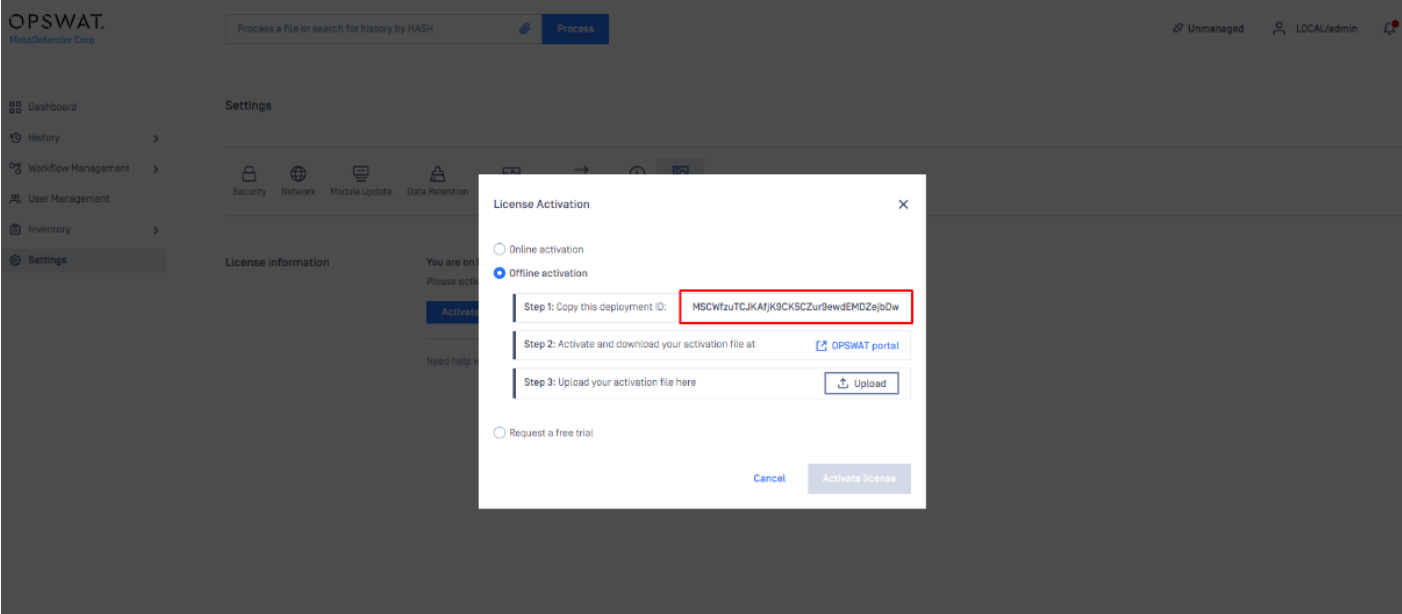
Go to your MetaDefender Core Management Console>Settings>License tab.
Select the Offline Activation option.
Copy your unique Deployment ID, as highlighted in the screenshot below.
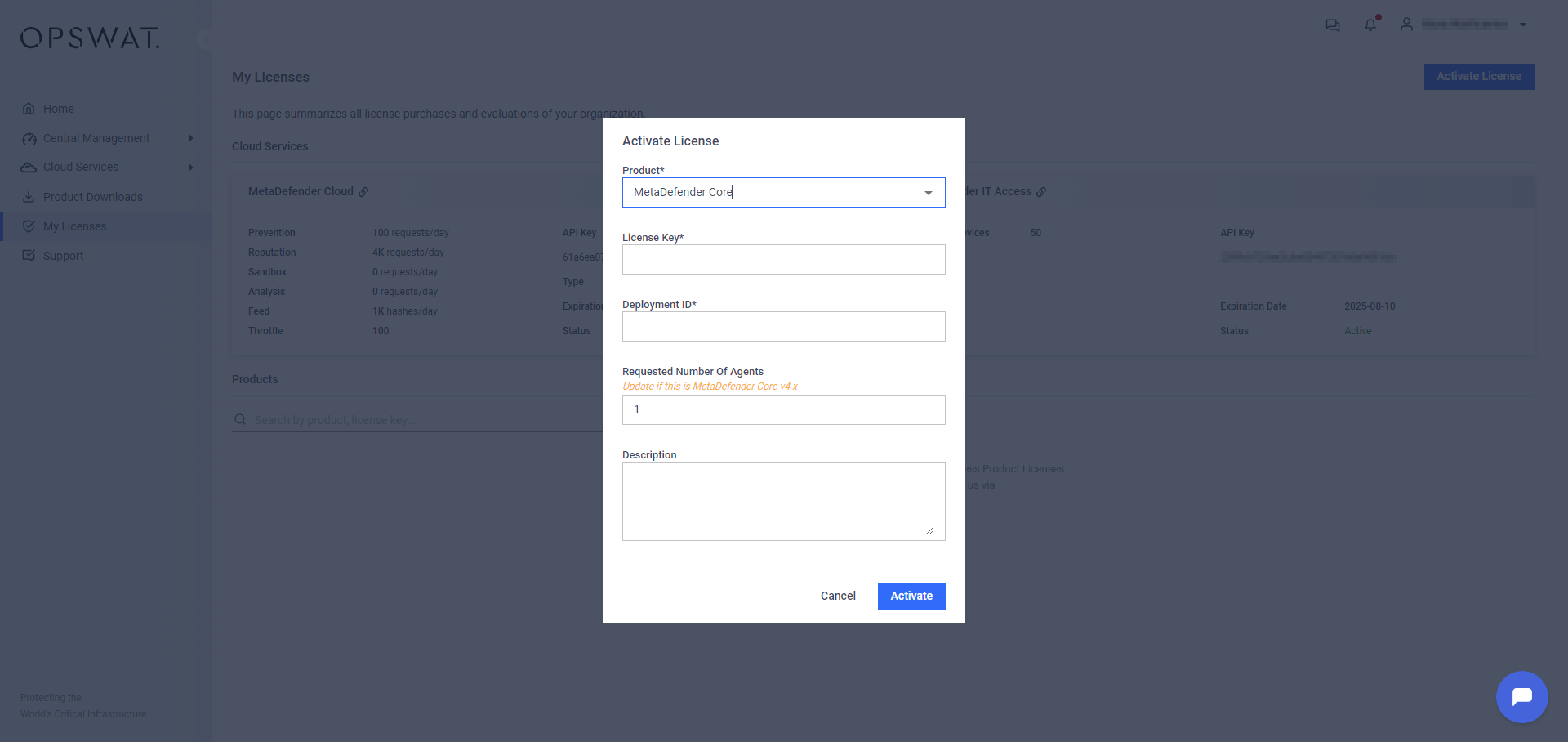
Navigate to MyOPSWAT here and click Activate License on the left side panel.
Fill out all necessary information, including your Activation Key, Deployment ID and selection of the Package you require.
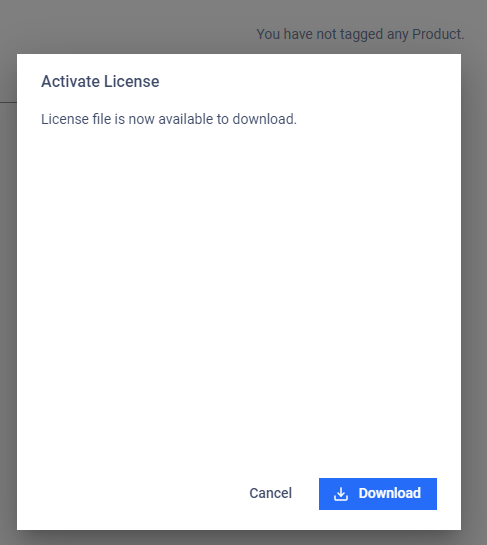
Click Activate, then download it to a secure location.
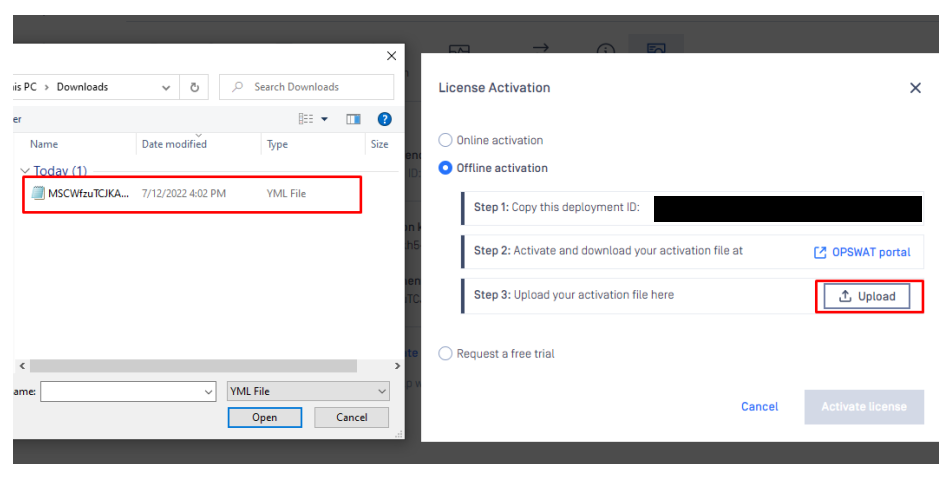
Return to the MetaDefender Core Management Console>License Activation tab to upload your activation file (.yml file).
Finally, click Activate License to activate your offline deployment of MetaDefender Core.
Once you have completed the steps above, your offline core deployment will be activated.
If you have any difficulty Activating MetaDefender Core In an Offline Windows or Linux Environment, please follow these instructions on How to Create Support Package With Bundle Tools?, before creating a support case or chatting with our support engineer.