
Steps to enable firewall on your device:
Turn on your firewall on at least one of your firewall products: follow any guidance from your organization or Firewall vendor to turn your firewall on. Below are some references:
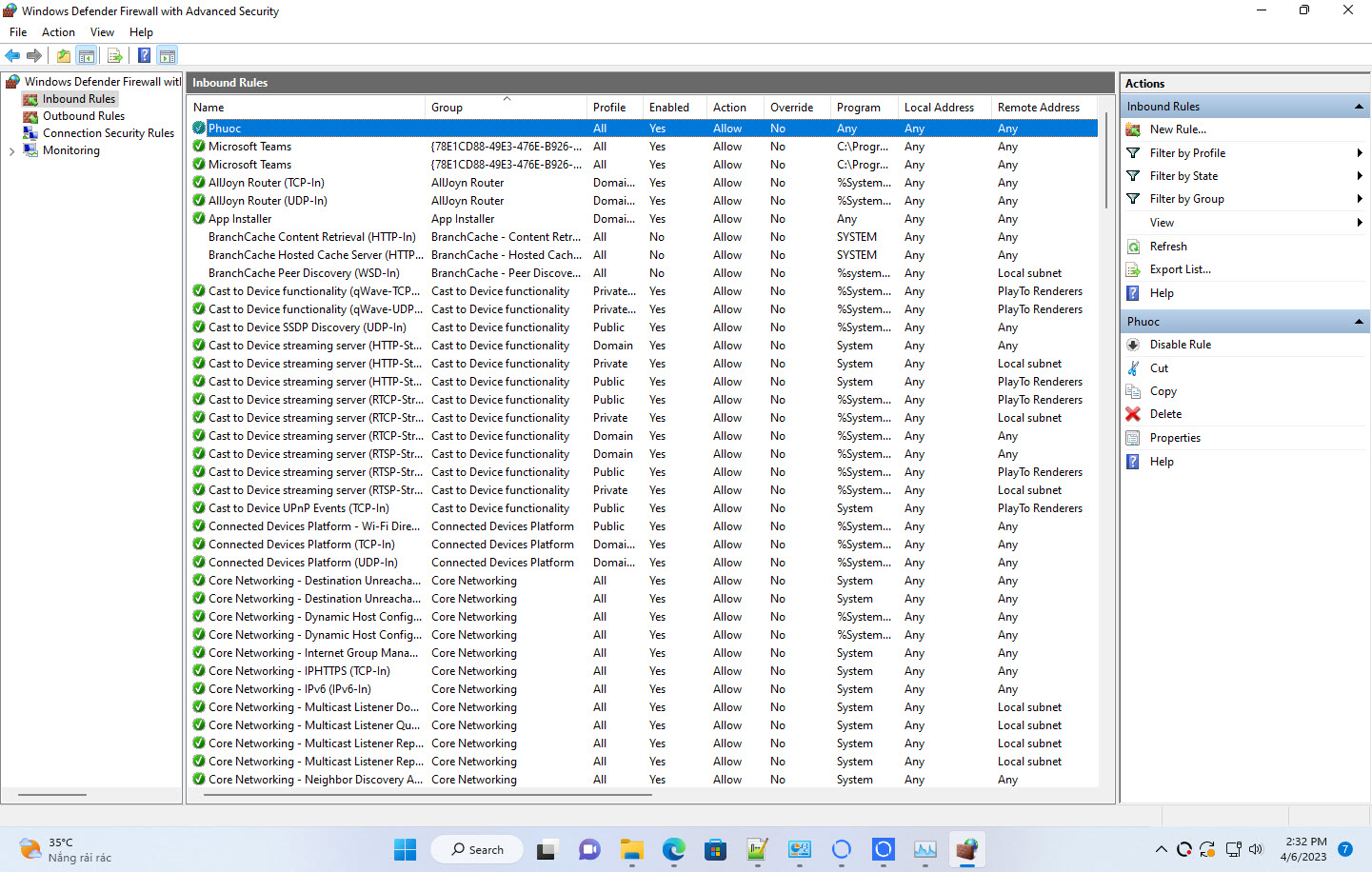
If the Windows Firewall has still been detected as disabled, please make sure to disable inbound/outbound rules that allow all connections.
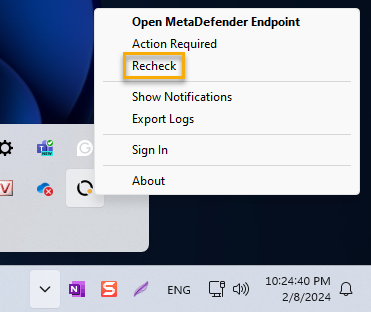
Click on MetaDefender Endpoint tray icon, select "Recheck" or "Check applications security" depends on the agent version you are running. Wait few minutes and check again.
For Linux devices, to run a check, please navigate to My OPSWAT Central Management, Inventory > Devices, and select your device and run the action, Compliance Check.
If you already enabled the Firewall but the issue still occurs, please log into OPSWAT Portal and open a support ticket with us. Please attach screenshots which proves that Firewall status is ON and version of the product installed to the ticket.